How we make this list: we compare pricing pages, product documentation and public user reviews. Rankite is independent; if a vendor ever pays for a featured spot, that listing is clearly labeled Partner.
Key takeaways
- SmartDeploy ($1,020 for 50 machines) is the gold standard for hardware-independent Windows imaging with 1,500+ driver packs.
- ManageEngine OS Deployer ($6/year per workstation) is the best value for centralized enterprise OS deployment.
- Clonezilla and FOG Project are completely free and proven at scale, but expect command lines and setup work.
- Acronis ($49.99/yr), Macrium and EaseUS suit smaller shops that need imaging plus backup in one tool.
- Paragon ($79.95 one-time) and AOMEI (free Standard edition) cover disk-level imaging and cloning on a budget.
Quick comparison
Is your product missing or out of date?
We review this list regularly. Vendors can request a listing, send updated pricing or ask about featured placement.
The best image deployment software
A bad imaging choice costs an IT team its weekends. Manually setting up fifty machines, or pushing an image that bricks on new hardware, turns a rollout into a firefight. Image deployment software captures a master OS image and deploys it across machines fast, ideally to any hardware. The nine tools below range from free open-source workhorses to enterprise deployment platforms.
Starting price$1,020 for 50 machines
Free planFree trial
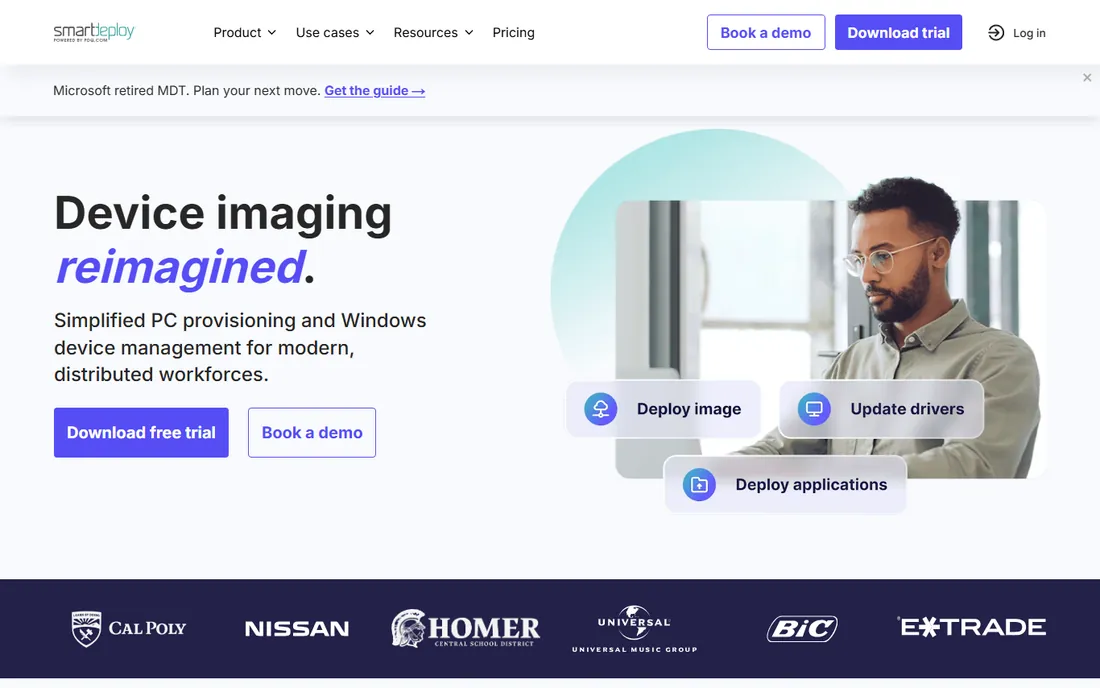
SmartDeploy solves the hardest imaging problem: hardware diversity. Build one golden Windows image, then layer on prebuilt driver packages (Platform Packs) for each hardware model, so the same image deploys to any endpoint. Sysprep runs automatically during deployment, and you can push images over USB, the local network or the cloud.
Pricing is quote-based, around $1,020 for 50 machines per third-party listings. It is Windows-focused, so Mac-heavy shops should look elsewhere. For IT teams imaging mixed hardware fleets, the one-image approach saves staggering amounts of maintenance time.
What we like- One golden image deploys to any hardware via 1,500+ driver packs
- No Sysprep needed
- Deploy over USB, network or cloud
Watch out for- Quote-based enterprise pricing
- Windows-focused
- Smaller shops may find it heavyweight
Starting price$6 per year per workstation
Free planFree trial
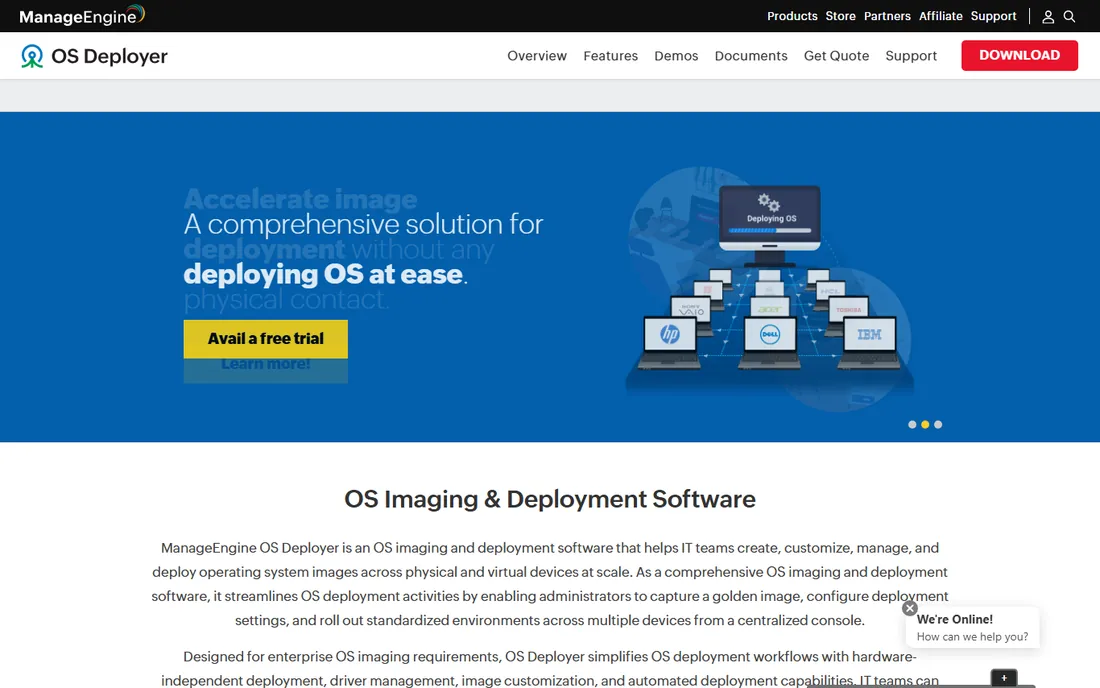
ManageEngine OS Deployer is the value enterprise pick: capture images of different OS versions, store them on a network share, build role-based deployment templates, and push them across the network from a central console. It supports live imaging of running machines and hardware-independent deployment. Pricing starts around $6 per year per workstation.
The interface is not its strong suit, and deployment templates take study to master. But for the price, nothing else gives IT teams this much centralized imaging control. It pairs naturally with ManageEngine's other endpoint tools.
What we like- Centralized capture and deployment from one console
- Live imaging of running machines
- Extremely affordable per-workstation pricing
Watch out for- Windows-centric
- Interface feels dated
- Learning curve for deployment templates
Starting priceFree
Free planYes
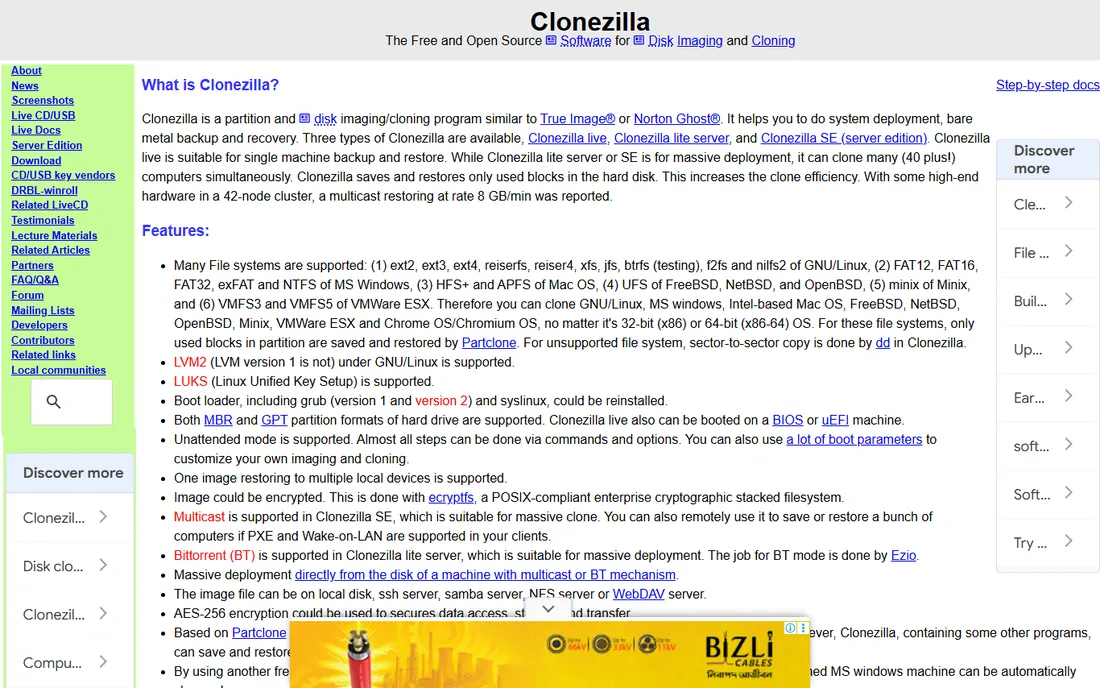
Clonezilla is the free workhorse of disk imaging. Clonezilla Live handles single machines from a USB stick; Clonezilla Server with DRBL multicasts images to dozens of machines simultaneously. It is completely free, open source, and proven in schools, labs and IT departments worldwide.
There is no GUI to speak of, and no central console: you work through menus and scripts. For a skilled technician, it is fast and reliable. For a team that needs push-button simplicity or centralized reporting, the commercial tools above earn their price.
What we like- Completely free and open source
- Multicast cloning to 40+ machines at once
- Runs from USB with no installation
Watch out for- Text-based interface intimidates beginners
- No central management console
- Documentation assumes technical skill
Starting priceFree
Free planYes
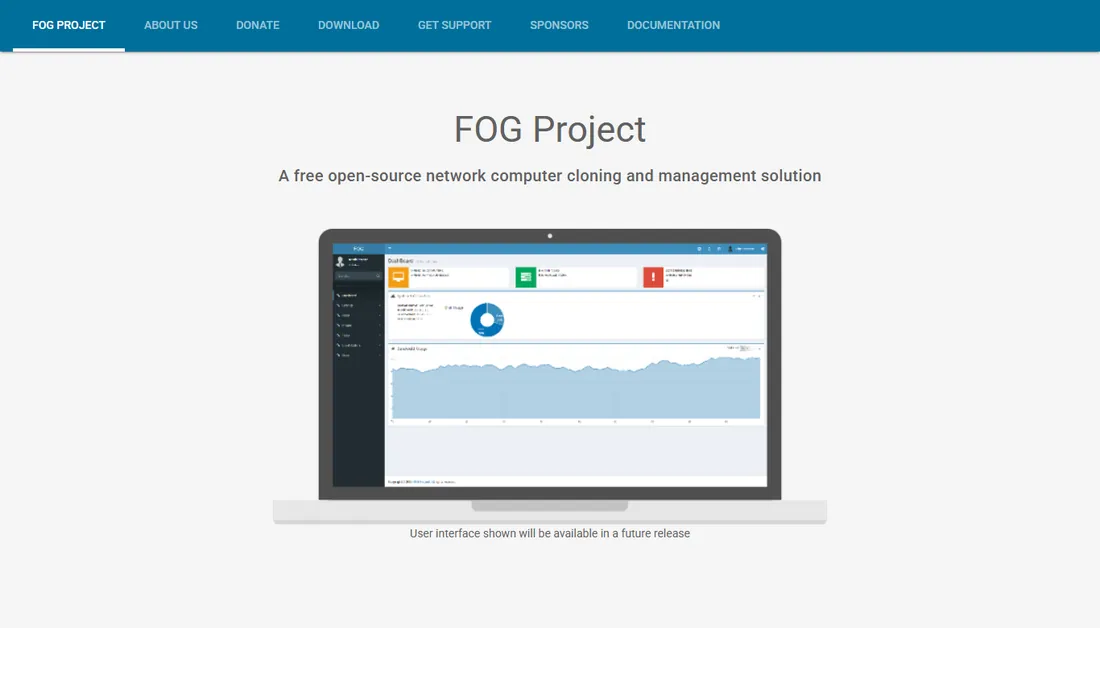
FOG Project is the free network imaging platform: a Linux server that PXE-boots machines, captures and deploys images over the network with multicast, and manages everything through a web GUI. Snapins let you push software and scripts alongside images, making it a genuine deployment solution, not just a cloner.
Setup is the price of admission. You need a Linux server, DHCP/PXE configuration, and comfort with the command line. Once running, it images entire labs and fleets for free. Schools and universities with tight budgets and technical staff are its natural home.
What we like- Completely free with web-based management
- PXE network booting with multicast
- Snapins deploy software alongside images
Watch out for- Linux server required
- Setup is a real project
- Community support only

#5
Acronis Cyber Protect Home Office
Best for: small business backup plus imaging
Visit acronis.com
Starting price$49.99 per year
Free planFree trial
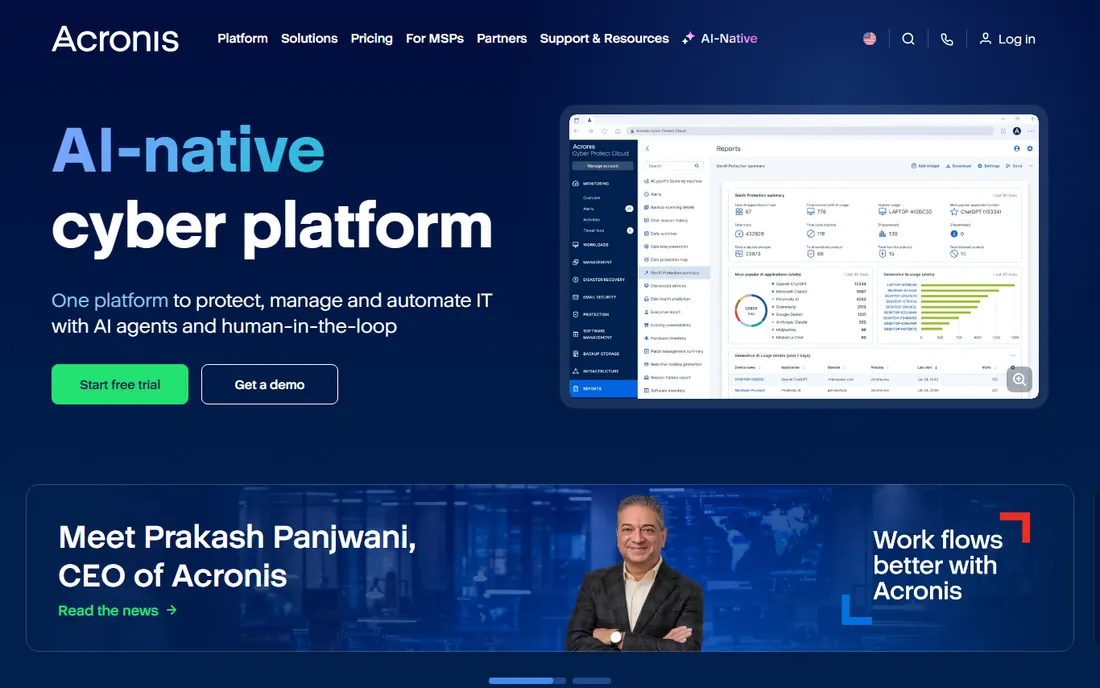
Acronis Cyber Protect Home Office (formerly True Image) is the imaging tool for shops that also need backup: full-disk images, file backup, cloud storage and anti-malware in one $49.99-a-year subscription. The interface is friendly enough for non-technical staff, and universal restore handles dissimilar hardware.
It is backup software with imaging, not an enterprise deployment platform: there is no multicast fleet deployment. Small businesses that want one tool covering imaging, backup and security will find it good value. Pure imaging shops should look at SmartDeploy or OS Deployer.
What we like- Full-disk imaging plus cloud backup in one subscription
- Anti-malware and ransomware protection bundled
- Easy for non-technical users
Watch out for- Subscription only
- Overkill if you only need imaging
- Cloud features need bandwidth
Starting priceFrom $6.95 per user/month
Free planFree trial
Macrium Reflect has a devoted following among IT professionals for one reason: its images restore when it matters. The imaging engine is fast and dependable, rapid delta cloning speeds repeated deployments, and the rescue media handles unbootable machines well.
It is Windows-only and priced per endpoint, so fleet costs add up. There is no free edition anymore, just a trial. For shops that value reliability over features, Macrium's reputation is earned through thousands of successful restores.
What we like- Famously reliable imaging engine
- Rapid delta cloning
- Bootable rescue media that actually works
Watch out for- Windows only
- Paid tiers add up across fleets
- Interface is functional rather than friendly
Starting priceFrom $39.95 per year
Free planFree trial
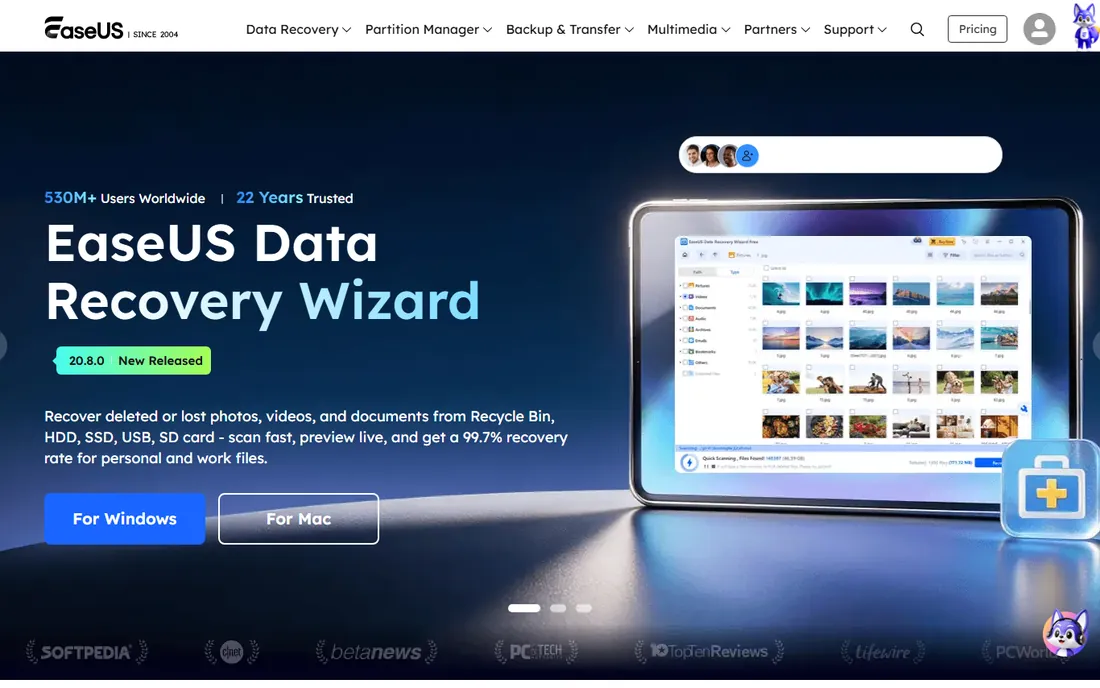
EaseUS Todo Backup is the approachable pick: wizards walk you through system backup, disk clone and OS migration with minimal jargon. Home edition starts around $39.95 a year, and the free trial lets you test the core imaging before paying.
It is not an enterprise deployment tool: no multicast, no central fleet console. Aggressive upsell prompts annoy some users. For small offices and technicians doing one-off migrations and clones, it is fast and easy to use.
What we like- Very approachable interface
- System clone and disk clone wizards
- Free trial covers core features
Watch out for- Upsells are aggressive
- Business imaging features are limited
- Support quality varies
Starting price$79.95 one-time
Free planFree trial
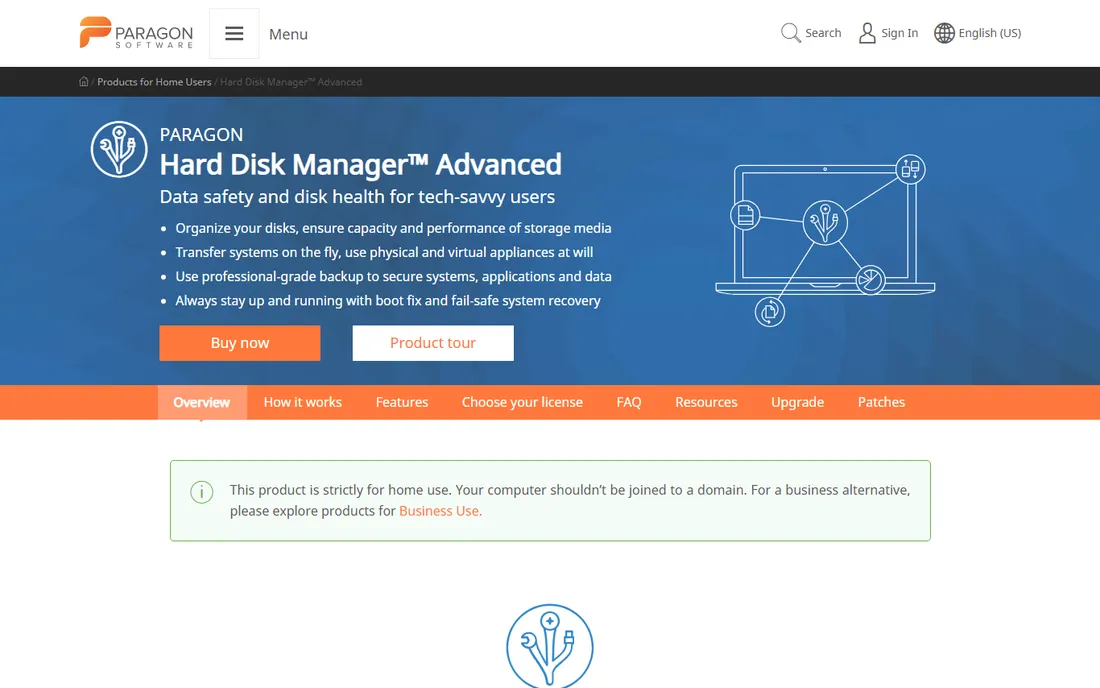
Paragon Hard Disk Manager bundles disk imaging with partitioning, OS migration to SSD, backup and secure wiping in a single $79.95 one-time purchase. For technicians who do imaging alongside partition work and migrations, having everything in one toolbox is convenient.
It is a Swiss-army suite rather than a focused deployment platform: imaging is competent but not its standout. The interface feels dated next to modern tools. Buyers who want imaging plus full disk management without a subscription get solid value.
What we like- Imaging plus partitioning, migration and wiping in one suite
- One-time license, no subscription
- Long track record since 1994
Watch out for- Interface shows its age
- Imaging is one feature among many
- Windows focus
Starting priceFree
Free planYes
AOMEI Backupper's free Standard edition covers system backup, disk imaging and cloning at no cost, which makes it the easiest free starting point for Windows shops. Paid editions add system clone, universal restore to different hardware, and PXE boot tools for network deployment.
The free edition has limits on scheduling and advanced features, and it is Windows-only. For straightforward imaging and cloning without spending anything, it is the most accessible free option on this list.
What we like- Genuinely free Standard edition with imaging and cloning
- System clone and universal restore in paid tiers
- Simple interface
Watch out for- Advanced features locked behind paid editions
- Windows only
- Free edition lacks some scheduling options
How we chose
We evaluated deployment capability (multicast, hardware independence, network boot), management features (central console, templates, reporting), reliability reputation, and pricing model. Prices reflect 2026 published or third-party listed figures: SmartDeploy around $1,020 per 50 machines, OS Deployer $6/year per workstation, Acronis $49.99/year, Paragon $79.95 one-time, AOMEI free. Free tools were judged on capability and community track record. We did not deploy test images; this reflects documented capabilities and IT community consensus.
Golden image vs. thick image: pick your approach
Two philosophies dominate imaging. The golden image approach (SmartDeploy's model) keeps one lean OS image and layers drivers, apps and settings at deploy time. It is more work to set up and far less work to maintain: one image to patch, endless hardware combinations supported.
The thick image approach captures a fully loaded machine exactly as it is. It is faster to create and simpler to understand, but every hardware change or app update means recapturing. For fleets under twenty machines that rarely change, thick images are fine. For growing fleets with mixed hardware, the golden image pays for itself within the first hardware refresh cycle.
Plan for drivers before you image
Imaging projects fail on drivers more than on any other cause. An image that deploys perfectly to last year's laptops bluescreens on this year's models. Before choosing software, inventory your hardware: how many models, how different, how often they change.
If your fleet is diverse or changes yearly, prioritize tools with driver management (SmartDeploy's Platform Packs, OS Deployer's driver distribution). If every machine is identical, any tool on this list works, and the free ones are hard to argue against. And always test-restore to real hardware before rollout day: a verified image is the only kind that counts.
Frequently asked questions
What is the best image deployment software?
For most IT teams, SmartDeploy is the best: one hardware-independent golden image, 1,500+ driver packs, and deployment over USB, network or cloud. ManageEngine OS Deployer is the best value enterprise alternative, and Clonezilla is the best free option.
Is there free image deployment software?
Yes. Clonezilla and FOG Project are both completely free and proven at scale: Clonezilla for multicast cloning from boot media, FOG for PXE network imaging with a web management console. AOMEI Backupper's free edition covers basic imaging and cloning on Windows.
What is the difference between disk imaging and disk cloning?
Imaging creates a compressed file of a disk that you store and restore later, ideal for backups and mass deployment. Cloning copies one disk directly to another disk, ideal for one-off drive upgrades. Most tools on this list do both.
Can I deploy one image to different hardware?
Yes, with the right tool. SmartDeploy and ManageEngine OS Deployer inject the correct drivers during deployment, so one image works across hardware models. Simple sector-by-sector cloners cannot do this reliably; they may fail to boot on different hardware.
How many machines can Clonezilla image at once?
Clonezilla Server with DRBL supports multicast cloning to 40 or more machines simultaneously over the network. Clonezilla Live is for one machine at a time from USB boot media.
What happened to Norton Ghost?
Norton Ghost was discontinued as a consumer product years ago. Its enterprise successor, Symantec Ghost Solution Suite, is now sold by Broadcom. Modern alternatives include SmartDeploy, ManageEngine OS Deployer, Clonezilla and FOG Project.
Sources we checked (11)
- https://www.smartdeploy.com
- https://www.manageengine.com/products/os-deployer/
- https://clonezilla.org
- https://fogproject.org
- https://www.acronis.com
- https://www.macrium.com
- https://www.easeus.com
- https://www.paragon-software.com/us/home/hdm-windows/
- https://www.aomeitech.com
- https://www.techolac.com/disk-imaging-software/
- https://gitnux.org/best/os-imaging-software/
Is your product missing or out of date?
We review this list regularly. Vendors can request a listing, send updated pricing or ask about featured placement.

Shihab Mia · Founder, Rankite
Shihab has spent more than a decade helping SaaS and e-commerce brands grow through search. He writes Rankite's software buying guides from pricing pages, documentation and public user reviews. More about Shihab.
 SmartDeploy
 ManageEngine OS Deployer
 Clonezilla
 FOG Project
 Macrium Reflect
 EaseUS Todo Backup
 Paragon Hard Disk Manager
 AOMEI Backupper