How we make this list: we compare pricing pages, product documentation and public user reviews. Rankite is independent; if a vendor ever pays for a featured spot, that listing is clearly labeled Partner.
Key takeaways
- JumpCloud and Duo are the two genuinely small-business-friendly picks: both offer a free tier and per-user pricing you can understand in five minutes.
- Already paying for Microsoft 365 or Google Workspace? You likely own more identity than you think, and buying a third-party IAM tool on top may double-pay for the same logins.
- Okta is the strongest vendor-neutral option, but its $1,500 annual minimum and per-module pricing make it a stretch for teams under 25 people.
- Price IAM by total cost, not the headline number: directory, MFA, SSO and lifecycle automation are often sold as separate modules that stack up fast.
- If you still run servers on Active Directory, ManageEngine AD360 covers the gap between legacy AD and cloud apps better than any cloud-native directory.
Quick comparison
| Tool | Best for | Starting price | Free plan |
|---|
 JumpCloud JumpCloud | small teams running a mix of Windows, Mac and Linux | See website | Yes |
 Okta Okta | companies with a long list of SaaS apps | $6 per user/month (Starter, billed annually) | Free trial |
 Microsoft Entra ID Microsoft Entra ID | teams already standardized on Microsoft 365 | See website | Yes |
 Duo Security Duo Security | teams that mainly need strong MFA | $3 per user/month (Essentials) | Yes |
 OneLogin OneLogin | budget-friendly SSO with room to grow | $3 per user/month (Basic) | Free trial (30 days) |
 Ping Identity Ping Identity | complex, regulated or multi-brand environments | See website | Free trial |
 ManageEngine AD360 ManageEngine AD360 | companies still running Active Directory | $595 per year (component-based) | Free trial (30 days) |
 LastPass LastPass | password hygiene plus basic SSO and MFA | See website | Free trial (14 days for business plans) |
 Rippling Rippling | teams that want identity driven by HR data | See website | No |
Is your product missing or out of date?
We review this list regularly. Vendors can request a listing, send updated pricing or ask about featured placement.
The best IAM software for small businesses
Starting priceSee website
Free planYes
JumpCloud built its name on one idea: small companies should not need three separate products to manage people, their logins and their laptops. The platform combines a cloud directory with SSO, multi-factor authentication and cross-platform device management, so the same console that provisions a new hire's Google Workspace account can also push a password policy to their MacBook.
The practical draw is consolidation. A 30-person agency with designers on Macs, accountants on Windows PCs and a couple of Linux servers gets one console instead of a directory from one vendor, an SSO tool from another and an MDM from a third. A free tier and a 30-day full trial make it easy to test with real users first. The catch is that JumpCloud sells its products a la carte, so the headline price and your invoice can look like different documents. Map which modules you actually need before you budget.
What we like- Directory, SSO, MFA and device management in one console
- Works across Windows, macOS, Linux, iOS and Android
- Free tier for very small teams
Watch out for- Pick-and-mix pricing makes the real monthly total hard to predict
- The admin console covers a lot of ground for a one-person IT team
- Mobile device controls are lighter than a dedicated MDM
#2
Okta
Best for: companies with a long list of SaaS apps
Visit okta.com
Starting price$6 per user/month (Starter, billed annually)
Free planFree trial
Okta is the reference point the rest of the IAM market is measured against, and the app catalog is the reason. When your team signs up for its twentieth SaaS tool, there is usually a maintained Okta integration waiting, which turns a two-day IT ticket into a ten-minute toggle.
Small businesses hit two walls. The first is the $1,500 annual minimum, which means a 10-person team pays an effective $12.50 per user per month, not $6. The second is modular pricing: the Starter price is a starting point, and the bill grows as you add adaptive MFA, lifecycle management and governance. Okta earns its keep once you run enough apps that automated onboarding and offboarding save real admin hours. Below about 25 employees with a simple stack, you are paying for power you will not use.
What we like- One of the largest catalogs of pre-built app integrations
- Adaptive MFA and lifecycle automation on higher tiers
- Vendor-neutral, so it plays fair across Microsoft, Google and everything else
Watch out for- $1,500 annual contract minimum prices out the smallest teams
- Each module (MFA, directory, lifecycle) carries its own per-user charge
- Connecting and configuring apps takes real project time
Starting priceSee website
Free planYes
If your company already pays for Microsoft 365 Business Premium or E3, you already own Entra ID P1, and many small businesses never realize it. The free tier handles unlimited SSO and basic MFA, while P1 adds Conditional Access, dynamic groups and self-service password reset with writeback to on-premises AD.
The value argument is bundled economics: identity rides along with the productivity suite you bought for email. The limitation is symmetrical. Coverage is deepest for Microsoft-native apps and the gallery of pre-built SSO integrations, thinner for the long tail of SaaS tools a growing company accumulates. Governance features such as access reviews and lifecycle workflows live in paid add-ons, so audit-heavy buyers should price those before choosing.
What we like- The free tier covers SSO and basic MFA and ships with Microsoft cloud subscriptions
- Conditional Access and identity protection are genuinely strong
- P1 is bundled into Microsoft 365 Business Premium and E3
Watch out for- Strengths concentrate inside the Microsoft ecosystem
- Governance and access reviews cost extra on top of P1
- Paid tiers are annual-commitment only
#4
Duo Security
Best for: teams that mainly need strong MFA
Visit duo.com
Starting price$3 per user/month (Essentials)
Free planYes
Duo is the rare security product people describe as pleasant. Teams usually arrive because they need multi-factor authentication to satisfy cyber insurance or a client questionnaire, and Duo answers with a free plan for up to 10 users and $3 per user per month beyond that. The Essentials tier adds SSO, phishing-resistant MFA and passwordless options, while the higher tiers bring in risk-based authentication and session theft protection.
But buyers should be clear-eyed about what they are getting at each tier. If you only need to stop password-based attacks, Duo Free or Essentials is one of the best deals in security software. If you need automated onboarding, offboarding and governance across dozens of apps, you will climb to Advantage or Premier pricing, at which point a full directory platform may do the job better for the money.
What we like- Free for up to 10 users
- Phishing-resistant MFA and complete passwordless on paid tiers
- Setup takes minutes, not a migration project
Watch out for- Full IAM and directory features require the Advantage or Premier tiers
- Device trust checks are lighter than a dedicated MDM
- Beyond authentication the directory is basic
Starting price$3 per user/month (Basic)
Free planFree trial (30 days)
OneLogin occupies the space Okta left behind: straightforward SSO and MFA for the mid-market at published prices. The $3 Basic tier covers SSO and MFA, $6 Essentials adds unlimited lifecycle management and an advanced directory, and $10 Business brings desktop MFA, RADIUS and custom connectors. A 30-day trial with unlimited test users lets an admin connect real apps before spending anything.
The 8,000-plus connector catalog covers the mainstream apps a small business actually uses. Where it falls short is breadth: unusual or brand-new SaaS tools may need custom SAML work, and the community of templates and how-to content is thinner. For a 15-to-100-person company that wants SSO plus sane pricing, it is a solid middle path.
What we like- Transparent published pricing at $3, $6 and $10 per user per month
- 8,000-plus pre-built app connectors
- Identity lifecycle management on the mid and upper tiers
Watch out for- Smaller ecosystem and community than Okta or Entra ID
- The cheapest tier caps lifecycle management at five apps
- Roadmap attention is split with parent company One Identity's enterprise lines
Starting priceSee website
Free planFree trial
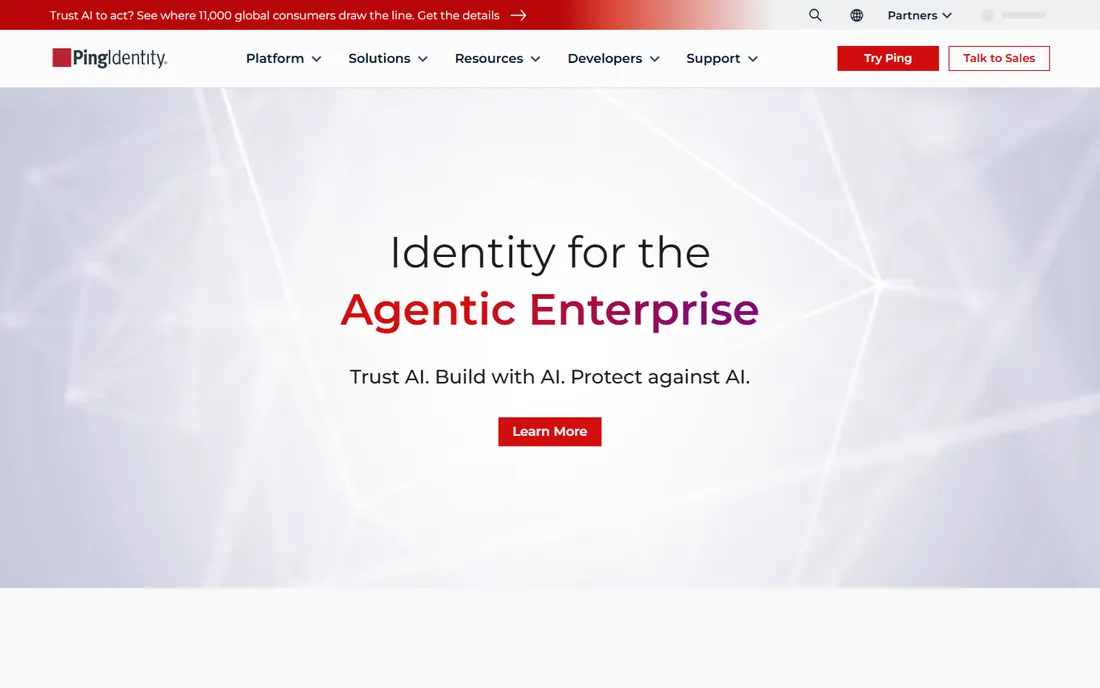
Ping is the heavyweight on this list. After absorbing ForgeRock, the Ping Identity Platform covers workforce IAM, customer identity, orchestration and fraud prevention in one architecture, with a drag-and-drop designer for building login journeys. Government agencies, banks and healthcare systems trust it with millions of identities.
Ping does not publish small-business pricing, and its sales motion is enterprise-shaped: discovery calls, scoping, professional services. A 25-person company buying Ping is like buying a commercial espresso machine for a studio apartment. The exception is a small company in a regulated industry, or one building a customer-facing login product where Ping's CIAM depth matters. For everyone else, this is the tool to graduate to, not start with.
What we like- Deep identity orchestration with no-code journey design
- Workforce, customer and partner identity on one platform
- Proven in government, finance and healthcare
Watch out for- Quote-only pricing shaped for enterprise budgets
- More platform than a small team can absorb
- Rollouts usually need project time, not just a trial
Starting price$595 per year (component-based)
Free planFree trial (30 days)
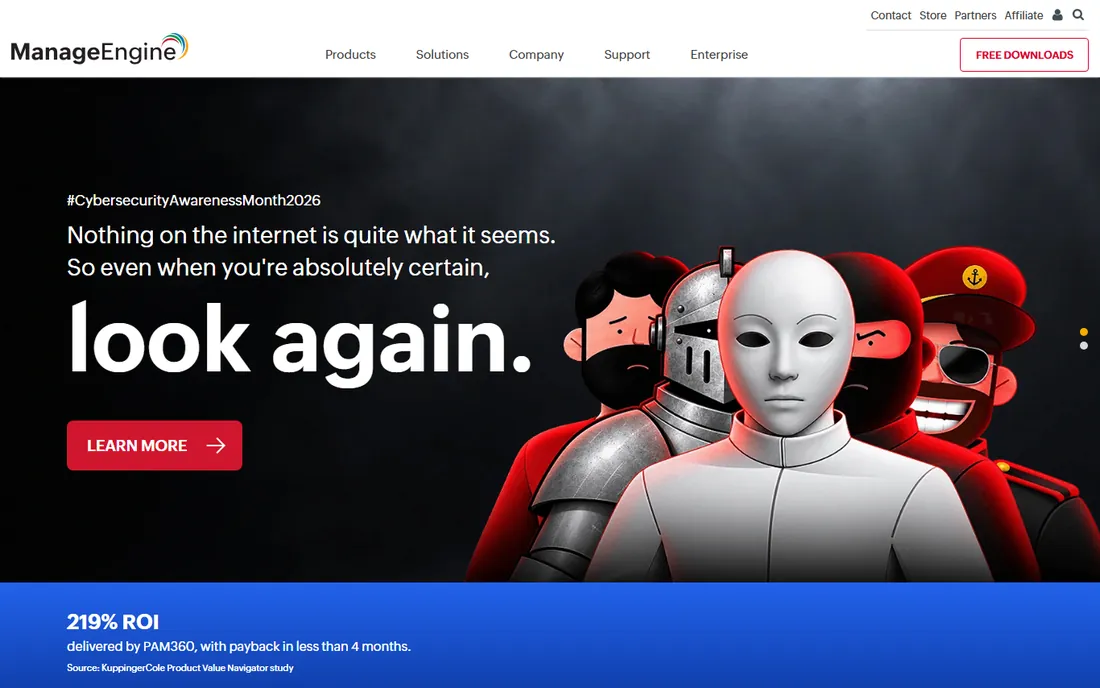
Plenty of small businesses still run a Windows server with Active Directory in a closet, and ManageEngine AD360 is built for exactly that reality. It wraps AD user management, change auditing, self-service password reset, MFA and SSO for cloud apps into one console, bridging the gap between the legacy directory and the SaaS tools employees use.
Pricing starts around $595 per year for a component, and you choose the modules that match your pain: auditing, password management, provisioning, SSO. The interface feels like traditional enterprise software rather than a modern SaaS product, but for an IT admin living in Active Directory, AD360 speaks their language fluently.
What we like- Bundles AD management, auditing, MFA and SSO in one suite
- Component pricing lets you buy only the modules you need
- Perpetual licensing option avoids endless subscription creep
Watch out for- On-premises heritage shows in the interface and workflows
- Cloud-native directories get less attention than AD
- Modules priced separately can stack up to real money
Starting priceSee website
Free planFree trial (14 days for business plans)
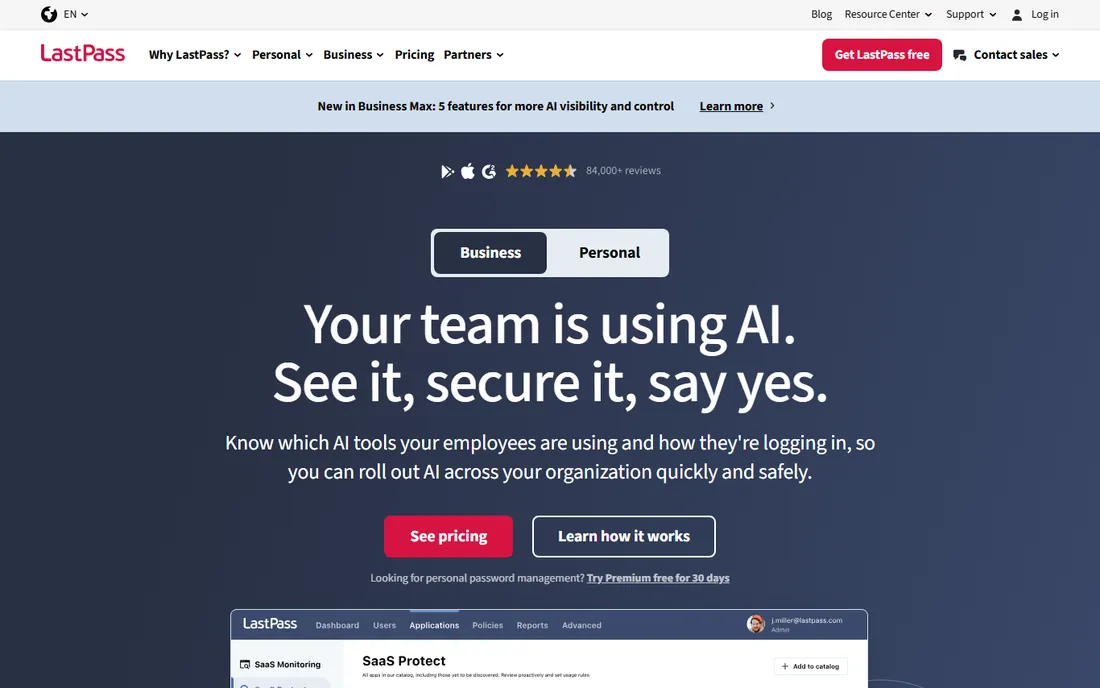
LastPass earns its place on an IAM list because most small-business identity problems are really password problems. Employees reuse credentials across dozens of sites, share logins over chat and never rotate anything. A business password manager with SSO and MFA attacks the actual attack surface, and users adopt it without training because the personal version is already familiar.
The Business Max tier adds the identity features that matter here: unlimited SSO apps and advanced MFA including passwordless options, with a 14-day business trial to test them. The honest catch is history: the 2022 breach means security-conscious buyers will ask hard questions, and LastPass has published extensive documentation of its response. If your team needs governance, lifecycle automation and deep directory features, look at JumpCloud or Okta instead. If you need to fix password chaos this quarter, LastPass is the fastest route.
What we like- Vault, SSO and advanced MFA in the Business Max tier
- Employees already know how password managers work, so rollout is painless
- Includes personal family accounts for employees on business plans
Watch out for- The 2022 security incident still surfaces in procurement reviews
- Unlimited SSO requires the top business tier
- Admin controls are thinner than a dedicated IAM platform
Starting priceSee website
Free planNo
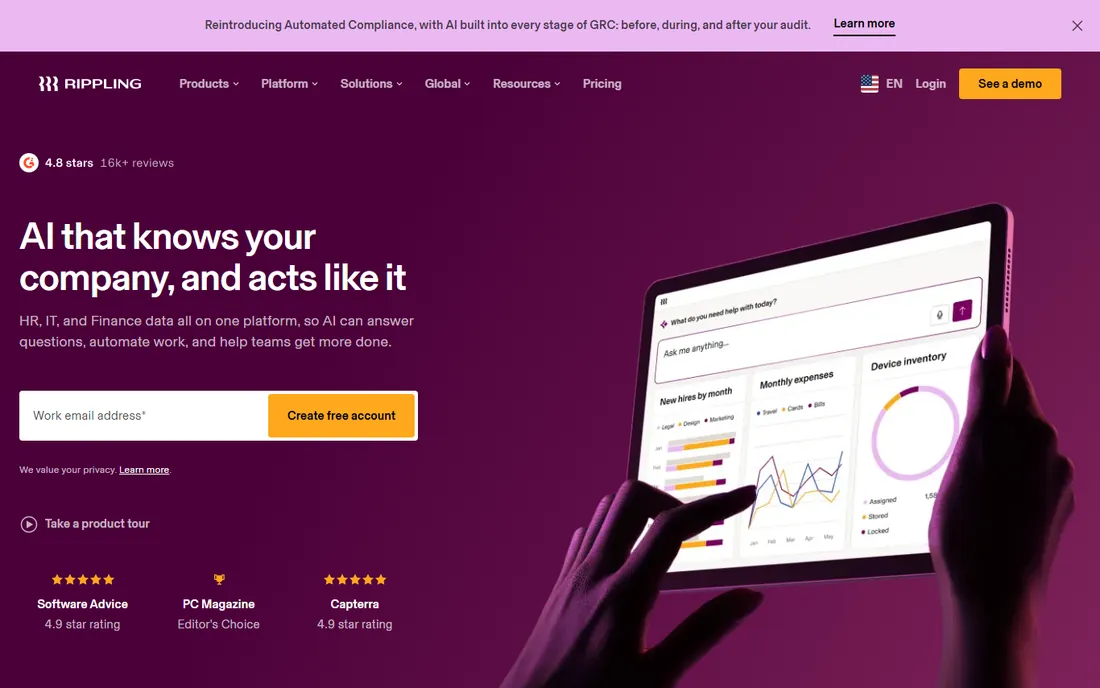
Rippling approaches identity from the opposite direction of everyone else on this list. Instead of starting with a directory and bolting on apps, it starts with the employee record: when HR marks someone hired, Rippling provisions their accounts, assigns their laptop and enrolls them in SSO. When someone leaves, access dies with the termination record. No separate offboarding checklist, no orphaned accounts.
That model is genuinely compelling for companies already running Rippling for HR, payroll or IT. The identity module inherits the employee data you already maintain, and role-based permissions flow across every connected app. The trade-off is bundling: pricing is quote-based, sold per module, and only makes sense if you want the platform, not just the directory. A company with no Rippling footprint that buys it purely for SSO is overbuying. But if HR-driven access appeals to you, shortlist Rippling alongside the dedicated IAM tools and compare total platform cost.
What we like- Access follows HR events, so joiners, movers and leavers are handled automatically
- SSO and device management run off the same employee record
- Strong fit for companies already using Rippling for HR or payroll
Watch out for- Pricing is quote-based and sold as modules
- Identity is one piece of a much larger platform
- Poor value if you only need IAM and nothing else
How we chose
We scored candidates the way a small-business buyer actually shops: published pricing and plan limits from each vendor's own pricing page, documentation for SSO, MFA, directory and lifecycle coverage, and public reviews on G2, Capterra and Reddit for setup effort and support quality. We weighted total cost of ownership over headline price, because IAM vendors often sell the directory, the MFA and the lifecycle automation as separate modules. We favored tools with a free tier or trial a small team can test without a sales call.
What to check before you sign
Start by counting what you already own. Microsoft 365 Business Premium includes Entra ID P1, Google Workspace includes SSO and MFA basics, and many payroll or HR tools bundle single sign-on for a handful of apps. Buying a third-party IAM tool without auditing those inclusions is the most common way small businesses pay twice for the same login.
Match the tool to your device mix and your app list, not to a feature matrix. A team on Macs and Linux with forty SaaS apps has a different answer than a Windows-first office with five. Ask each vendor three questions: what happens on day one of a new hire, what happens on day one after a termination, and who does that work when the IT person is on vacation.
Plan the contract like a skeptic. Confirm whether pricing is per user per month with a minimum headcount, whether MFA and lifecycle are separate modules, and whether you can drop back to a cheaper tier mid-year. Ask about data export: if you leave, can you take your user directory, policies and logs with you, and in what format.
Pricing, explained in plain terms
IAM pricing comes in three shapes. Per-user-per-month is the standard: Duo and OneLogin start at $3, Okta at $6, each billed annually. Component or modular pricing, used by JumpCloud and ManageEngine, lets you buy only what you need but makes the invoice harder to forecast. Quote-only pricing, used by Ping and Rippling, means the number depends on headcount, modules and negotiation, so budget a discovery call.
Watch for the four cost multipliers. Minimums: Okta's $1,500 annual floor doubles the effective price for tiny teams. Modules: MFA, directory and lifecycle are frequently separate line items. Tiers: the cheap plan often caps the app count or drops lifecycle automation. And billing terms: annual-only billing is common, which turns a $3-per-user sticker into a $1,800 upfront commitment for 50 users.
Frequently asked questions
Do small businesses really need IAM software?
Once you pass roughly ten employees or a dozen cloud apps, yes. The alternative is manual account creation, shared passwords and forgotten access for people who left months ago. A basic SSO plus MFA tool removes the biggest credential risks for a few dollars per user per month.
Is MFA alone enough, or do we need full IAM?
MFA stops the most common attacks, which are stolen or phished passwords. Full IAM adds the lifecycle piece: automatic provisioning when someone joins, instant deprovisioning when they leave, and visibility into who can access what. If employee turnover or auditor questions are part of your life, you need the lifecycle half too.
Can we just use the identity tools inside Microsoft 365 or Google Workspace?
Often, yes, and you should start there. Entra ID covers SSO and MFA for Microsoft-centric teams, and Google Workspace covers the basics for Google shops. Buy a third-party tool when you outgrow those: mixed ecosystems, advanced lifecycle automation, or compliance needs they do not meet.
How long does it take to roll out IAM for a small team?
A password manager with SSO can be live in days. A directory with SSO across 30 apps typically takes two to six weeks, most of it spent connecting apps and testing login flows, not installing software. The directory migration, if you have on-premises AD, is the part that stretches timelines.
What is the difference between SSO, MFA and IAM?
SSO lets users sign in once to reach many apps. MFA adds a second proof of identity, like a phone prompt or passkey. IAM is the whole discipline: identities, authentication, authorization and the lifecycle of access. SSO and MFA are components; IAM is the system.
Sources we checked (10)
- https://jumpcloud.com/pricing
- https://www.okta.com/pricing/
- https://www.microsoft.com/entra
- https://duo.com/editions-and-pricing
- https://www.onelogin.com
- https://pingidentity.com/
- https://manageengine.com/
- https://www.lastpass.com/pricing
- https://www.rippling.com
- https://learn.g2.com/best-identity-and-access-management-software
Is your product missing or out of date?
We review this list regularly. Vendors can request a listing, send updated pricing or ask about featured placement.

Shihab Mia · Founder, Rankite
Shihab has spent more than a decade helping SaaS and e-commerce brands grow through search. He writes Rankite's software buying guides from pricing pages, documentation and public user reviews. More about Shihab.