How we make this list: we compare pricing pages, product documentation and public user reviews. Ratings come from G2, Capterra or Trustpilot, with the date we checked them.
Key takeaways
- ServiceTitan suits larger HVAC firms that need deep reporting and marketing tools, while Housecall Pro and Jobber suit smaller firms that want fast setup.
- FieldEdge and Service Fusion suit firms that need strong dispatch and job costing, while Workiz and Kickserv suit budget-conscious small teams.
- Simpro suits larger trade firms with complex job and inventory needs, but it takes longer to implement than simpler tools.
- HVAC software pricing is often quote-based, so compare total cost including onboarding, users and add-ons, not just the headline monthly figure.
Quick comparison
| Tool | Best for | Starting price | Free plan |
|---|
 ServiceTitan ServiceTitan | Larger HVAC firms | See website | No |
 Housecall Pro Housecall Pro | Small firms fast setup | See website | Free trial |
 Jobber Jobber | Small service firms | See website | Free trial |
 FieldEdge FieldEdge | Dispatch and costing | See website | No |
 Service Fusion Service Fusion | Job management | See website | Free trial |
 Workiz Workiz | Budget small teams | See website | Free trial |
 Kickserv Kickserv | Simple job tracking | See website | Free trial |
 Simpro Simpro | Complex trade operations | See website | No |
Is your product missing or out of date?
We review this list regularly. Vendors can request a listing, send updated pricing or ask about featured placement.
The best HVAC software
Starting priceSee website
Free planNo
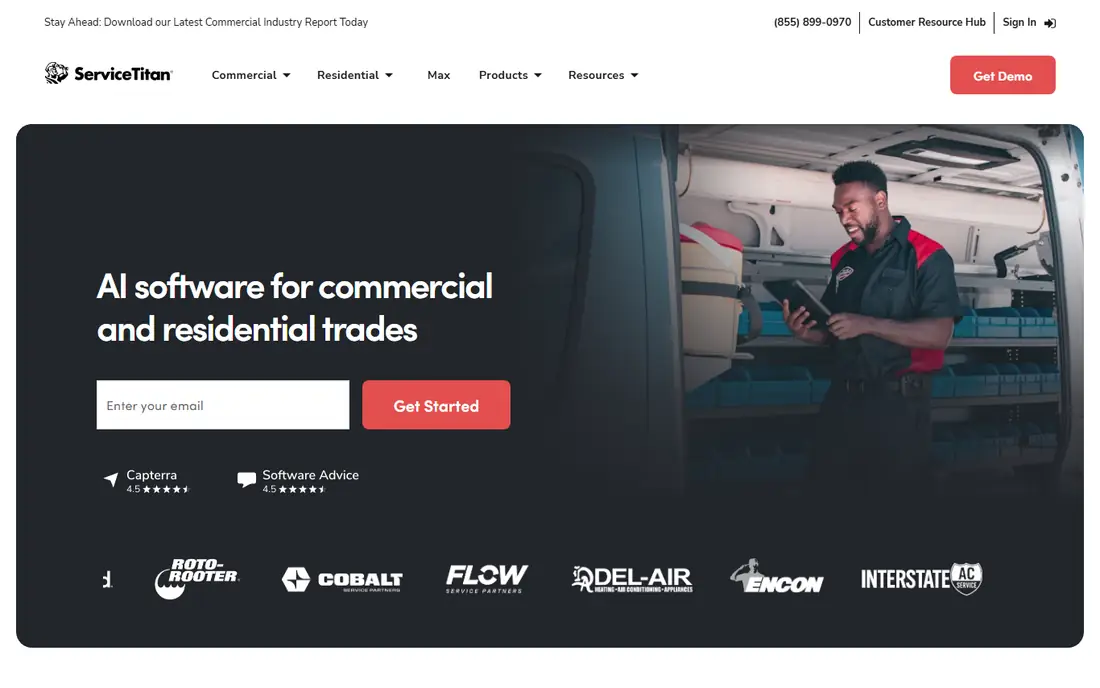
ServiceTitan is the most complete platform for a larger HVAC firm. Scheduling, dispatch, invoicing, pricebook management, marketing campaigns and reporting sit in one system, which helps a firm with many technicians and office staff keep jobs, revenue and customer history aligned. The pricebook is a standout, letting technicians present good, better and best options on site with clear pricing. For a firm that wants to grow from ten trucks to fifty, ServiceTitan scales well.
Cost and setup are the barriers. Pricing is quote-based and aimed at larger firms, and implementation needs training for office staff and technicians alike. A two-truck shop may find it heavy and costly. For a larger HVAC firm that wants one system for operations and growth, ServiceTitan is the industry leader.
What we like- Deep reporting, marketing and pricebook tools
- Strong dispatch and scheduling
- Integrations with accounting tools
Watch out for- Pricing is quote-based and suits larger firms
- Implementation takes time and training
Starting priceSee website
Free planFree trial
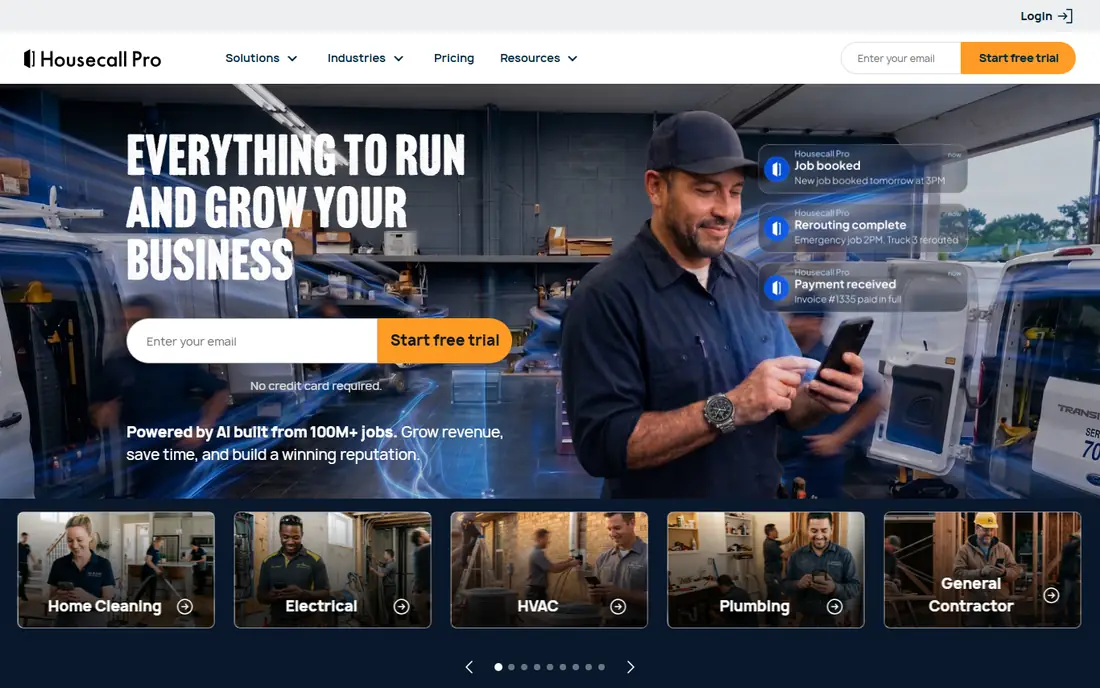
Housecall Pro suits a small HVAC firm that wants to get organized quickly. Online booking lets customers schedule jobs without a phone call, dispatch assigns technicians from a calendar view, and invoicing plus card payments close the job loop in the same app. Setup is faster than ServiceTitan, and the interface is friendly for office staff who are new to field service software. For a firm moving off paper and spreadsheets, Housecall Pro is a natural first system.
Reporting and marketing depth trail ServiceTitan, and a larger firm may need more advanced pricebook or campaign tools over time. Pricing also varies by plan and user count, so check the full quote. For a small firm that wants fast, practical organization, Housecall Pro is an excellent pick.
What we like- Fast setup for small firms
- Online booking and dispatch
- Invoicing and payment tools
Watch out for- Reporting depth trails ServiceTitan
- Larger firms may outgrow some features
Starting priceSee website
Free planFree trial
Jobber fits a small service firm that serves homes and wants a clean, easy system. Scheduling, quoting, invoicing and payments work together, and a client hub lets customers approve quotes, view job details and pay online. That self-service layer cuts office phone time, which matters for a small team. Jobber also covers lawn care, cleaning and other home services, so a firm with mixed trades can use one system.
HVAC-specific depth, such as equipment tracking and advanced job costing, is thinner than on FieldEdge or ServiceTitan. Larger firms may also need higher tiers for full features. For a small HVAC firm that values simplicity and client self-service, Jobber is a strong choice.
What we like- Clean scheduling and quoting
- Client hub for approvals
- Invoicing and payments included
Watch out for- HVAC-specific features are thinner than FieldEdge
- Larger firms need higher tiers
Starting priceSee website
Free planNo
FieldEdge suits an HVAC firm that needs tight dispatch and job costing. The dispatch board shows technicians, jobs and status at a glance, while job costing tracks parts, labor and profitability per job. Equipment history helps technicians see what was installed and serviced at a property before they arrive, which improves first-visit fix rates. QuickBooks integration keeps accounting aligned with field work.
The interface feels dated in some areas compared with Housecall Pro, and pricing is quote-based, so comparison takes a sales conversation. A firm that prioritizes dispatch control and costing over modern design will find FieldEdge practical and proven. For dispatch-led HVAC operations, it remains a strong pick.
What we like- Strong dispatch board and job costing
- Equipment and customer history tracking
- QuickBooks integration
Watch out for- Interface feels dated in places
- Pricing is quote-based
Starting priceSee website
Free planFree trial
Service Fusion covers the core HVAC job loop well: schedule, dispatch, track, invoice and get paid. A customer portal lets clients view job status and pay online, while GPS tracking shows technician locations for better dispatch decisions. The system suits a mid-size firm that wants solid operations without the price and complexity of ServiceTitan. Setup is straightforward, and the interface is practical for office staff.
Marketing and reporting depth trail ServiceTitan, and some advanced features sit on higher tiers. A firm that wants campaign tracking and deep analytics should compare carefully. For core job management at a moderate price, Service Fusion offers strong value.
What we like- Job scheduling, dispatch and invoicing in one system
- Customer portal
- GPS tracking for technicians
Watch out for- Marketing tools are thinner than ServiceTitan
- Some features need higher tiers
#6Workiz
Best for: Budget small teams4.5/5 on
G2 (247 reviews, checked Oct 2026)
Visit workiz.com
Starting priceSee website
Free planFree trial
Workiz suits a budget-conscious small HVAC team that needs the basics done well. Scheduling, dispatch, invoicing and online booking cover the daily workflow, and an optional phone system can tie calls to jobs. Pricing is friendlier than larger platforms, which helps a new firm or a solo technician getting organized. The interface is clean, and setup does not demand a long onboarding project.
Feature depth is smaller than ServiceTitan or FieldEdge, especially for equipment tracking and advanced costing. A growing firm may need to move later. For a small team that wants affordable, practical field service software, Workiz is a smart starting point.
What we like- Affordable plans for small teams
- Scheduling, invoicing and online booking
- Phone system integration option
Watch out for- Smaller feature set than ServiceTitan
- HVAC-specific depth is limited
#7Kickserv
Best for: Simple job tracking4.5/5 on
G2 (181 reviews, checked Oct 2026)
Visit kickserv.com
Starting priceSee website
Free planFree trial
Kickserv suits a small HVAC firm that wants simple job tracking without a complex platform. Jobs, customers, schedules and invoices sit in a clean interface that office staff learn quickly. That simplicity helps a firm moving from spreadsheets, since there is little training overhead. Pricing is affordable, and the system covers the daily workflow for a small team.
The feature set is narrower than ServiceTitan, FieldEdge or Housecall Pro, with limited marketing, reporting and equipment tools. A firm that grows quickly may outgrow Kickserv. For a small firm that wants the simplest possible step up from paper, Kickserv is a practical choice.
What we like- Simple job, customer and invoice tracking
- Easy to learn
- Affordable for small firms
Watch out for- Feature set is narrower than larger platforms
- Limited marketing and reporting tools
Starting priceSee website
Free planNo
Simpro suits a larger trade firm with complex jobs, projects and inventory. Quoting, job costing, asset tracking and inventory control go deeper than most small-business tools, which helps a firm handling commercial projects alongside residential work. The platform also covers plumbing, electrical and other trades, so a multi-trade firm can run one system. For operational depth, Simpro is among the strongest in this list.
Implementation takes longer than Housecall Pro or Jobber, and pricing suits larger firms better than a solo technician. A small firm may find it heavy. For a larger HVAC or multi-trade firm with complex operations, Simpro offers the depth to match.
What we like- Deep job, project and inventory management
- Strong for larger trade firms
- Quoting and asset tracking
Watch out for- Implementation takes longer
- Pricing suits larger firms better than solo operators
How we chose
We compared vendor pricing pages, feature lists and public reviews for field service software used by HVAC firms in the US. We looked for scheduling, dispatch, quoting, invoicing, equipment tracking, reporting and honest pricing. We did not claim hands-on testing, and we used "See website" where pricing is quote-based, since HVAC software pricing depends on users, features and firm size.
How to pick the right HVAC software
Start with firm size and workflow pain. A solo technician or two-truck firm should pick Housecall Pro, Jobber, Workiz or Kickserv for fast setup and low cost. A mid-size firm that needs dispatch control and costing should compare FieldEdge and Service Fusion. A larger firm planning growth should evaluate ServiceTitan and Simpro, despite higher cost and longer setup.
Next, run a trial with real jobs. Schedule, dispatch, invoice and collect payment for a week of actual work, and ask technicians whether the mobile app helps or slows them down. Check QuickBooks or accounting integration early, since a broken accounting link creates office work. Finally, confirm onboarding cost and training time in writing, since implementation often costs more than the first monthly bill suggests.
Plan data migration before you switch. Customer records, equipment history and open invoices must move cleanly from the old system, or technicians will arrive on site without the history they need. Ask the vendor who handles migration, what format it needs, and how long past job history stays available. A firm that loses equipment history during a switch often pays for it in repeat visits and missed upsell work. Test the system during a busy week, not a quiet one, since dispatch pressure reveals weaknesses fast.
Frequently asked questions
What is HVAC software?
HVAC software manages heating, ventilation and air conditioning businesses, covering scheduling, dispatch, quoting, invoicing, customer records and often equipment history. It replaces paper job sheets and spreadsheets with a shared system for office staff and technicians.
How much does HVAC software cost?
It varies widely. Small-business tools publish monthly tiers, while larger platforms such as ServiceTitan and Simpro price by quote based on users and features. Add onboarding, training and add-on costs to the monthly figure for a true comparison.
Do technicians need a mobile app?
Yes, in practice. A mobile app lets technicians see jobs, customer history, equipment notes and invoices on site, and it lets them collect payment and signatures without returning to the office. Check app quality before buying, since technicians use it all day.
Can HVAC software integrate with QuickBooks?
Most platforms in this list integrate with QuickBooks or similar accounting tools, either directly or through an integration. Confirm the exact sync behavior, such as invoices, payments and customer records, before committing.
Should a small HVAC firm start with a simple tool?
Yes, in most cases. A simple tool that staff actually use beats a powerful platform that sits unused. Start with Housecall Pro, Jobber, Workiz or Kickserv, and move to a larger platform only when reporting, costing or growth demands it.
Sources we checked (8)
- https://www.servicetitan.com
- https://www.housecallpro.com
- https://getjobber.com
- https://fieldedge.com
- https://www.servicefusion.com
- https://workiz.com
- https://www.kickserv.com
- https://www.simprogroup.com
Is your product missing or out of date?
We review this list regularly. Vendors can request a listing, send updated pricing or ask about featured placement.

Shihab Mia · Founder, Rankite
Shihab has 5+ years in B2B and SaaS SEO. He writes Rankite's software buying guides from pricing pages, documentation and public user reviews. More about Shihab.