How we make this list: we compare pricing pages, product documentation and public user reviews. Ratings come from G2, Capterra or Trustpilot, with the date we checked them.
Key takeaways
- Jobber and Housecall Pro are the most practical starting points for small HVAC crews, with scheduling, quoting, invoicing, and payments in one place.
- ServiceTitan suits larger shops with dispatchers and office staff, but its quote-based pricing and onboarding make it heavy for a two-truck crew.
- Workiz offers a free Lite plan for up to two users, which is the lowest-cost way to move off paper and spreadsheets.
- Service Fusion uses flat plan pricing with unlimited users, which helps crews where per-seat fees add up fast.
- Check QuickBooks sync, pricebook support, GPS, and mobile offline use before choosing, since those features decide daily value.
Quick comparison
| Tool | Best for | Starting price | Free plan |
|---|
 Housecall Pro Housecall Pro | Small shops with marketing needs | See website | Free trial (14 days) |
 Jobber Jobber | Budget-conscious small crews | $49 per month | Free trial (14 days) |
 ServiceTitan ServiceTitan | Large multi-crew shops | See website | No |
 FieldEdge FieldEdge | Shops with inventory depth | See website | No |
 Service Fusion Service Fusion | Flat pricing for growing teams | See website | No |
 Workiz Workiz | Two-person operations starting free | Free | Yes |
 JobProgress JobProgress | Job tracking and sales workflow | See website | Free trial |
 FieldPulse FieldPulse | Simple, fast scheduling | See website | Free trial |
Is your product missing or out of date?
We review this list regularly. Vendors can request a listing, send updated pricing or ask about featured placement.
The best hvac software for small business
#1Housecall Pro
Best for: Small shops with marketing needs4.3/5 on
G2 (205 reviews, checked Oct 2026)
Visit housecallpro.com
Starting priceSee website
Free planFree trial (14 days)
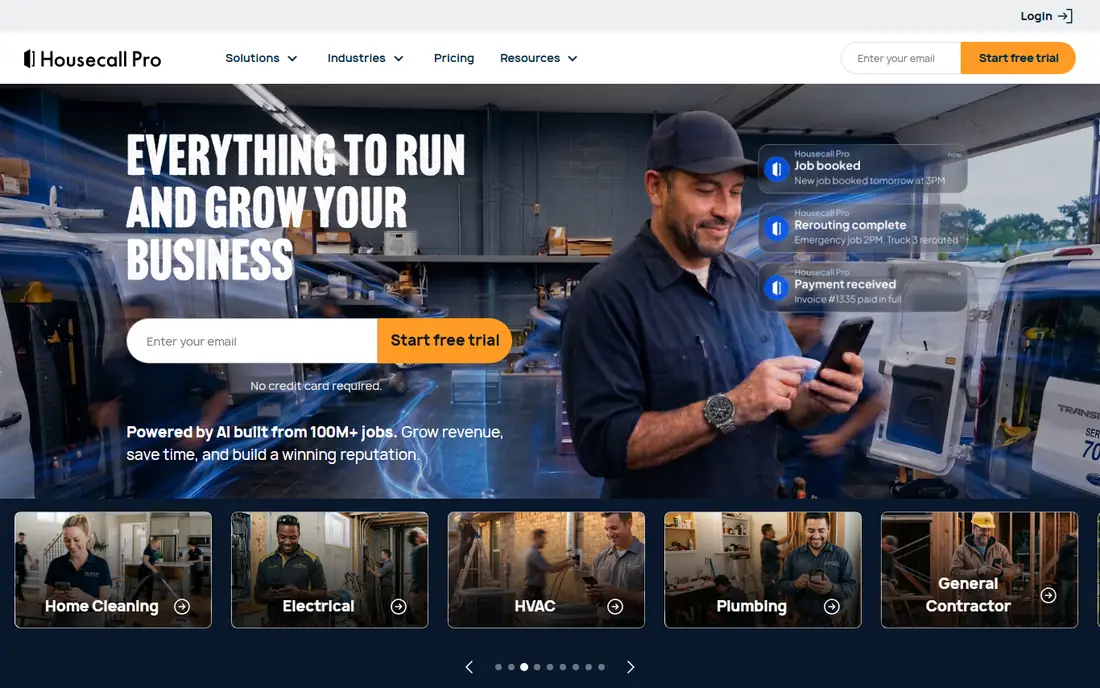
Housecall Pro suits small HVAC businesses that want operations plus customer follow-up in one system. Scheduling and dispatch sit beside estimates, invoices, online booking, and payment processing, so a job moves from first call to paid invoice without retyping details in several places. Built-in review requests, website tools, and follow-up messages help small shops win repeat work, which matters when referrals drive much of the business. GPS tracking and a mobile app for techs round out the field side.
Pricing depends on plan, user count, and add-ons, so this guide lists it as See website rather than locking in a figure that varies by billing term. A 14-day trial lets a small crew run real jobs through it before paying. Housecall Pro is a strong pick for owner-operators who want marketing help alongside dispatch, provided the plan chosen includes the users and features the crew actually uses each week.
What we like- Scheduling, dispatch, invoicing, and payments together
- Review and marketing tools
- GPS tracking
Watch out for- Price rises with users and add-ons
- Some marketing features sit on higher plans
- Setup takes time for larger teams
#2Jobber
Best for: Budget-conscious small crews4.6/5 on
G2 (530 reviews, checked Oct 2026)
Visit getjobber.com
Starting price$49 per month
Free planFree trial (14 days)
Jobber is the simplest strong choice for a small HVAC crew moving off paper. It covers scheduling, quoting, invoicing, client management, and online payments in a clean interface that most owners learn in a day or two. The Core plan starts at $49 per month month-to-month, with a lower annual rate, which makes it one of the cheapest paid starting points here. QuickBooks Online and Xero sync keep bookkeeping tidy, and the client hub lets customers approve quotes and pay online without phone tag.
The limits show up as a crew grows. Marketing tools are basic compared with Housecall Pro, reporting on lower plans is lighter, and dispatching for many simultaneous crews is less deep than ServiceTitan. For one to fifteen users, those limits rarely matter, and the low price and fast setup outweigh them. Jobber is the best first paid system for small HVAC businesses that want core job management without a long onboarding project.
What we like- Clean scheduling and invoicing
- Low entry price
- QuickBooks and Xero sync
Watch out for- Marketing tools are basic
- Reporting is lighter on lower plans
- Dispatch depth is limited for large teams
Starting priceSee website
Free planNo
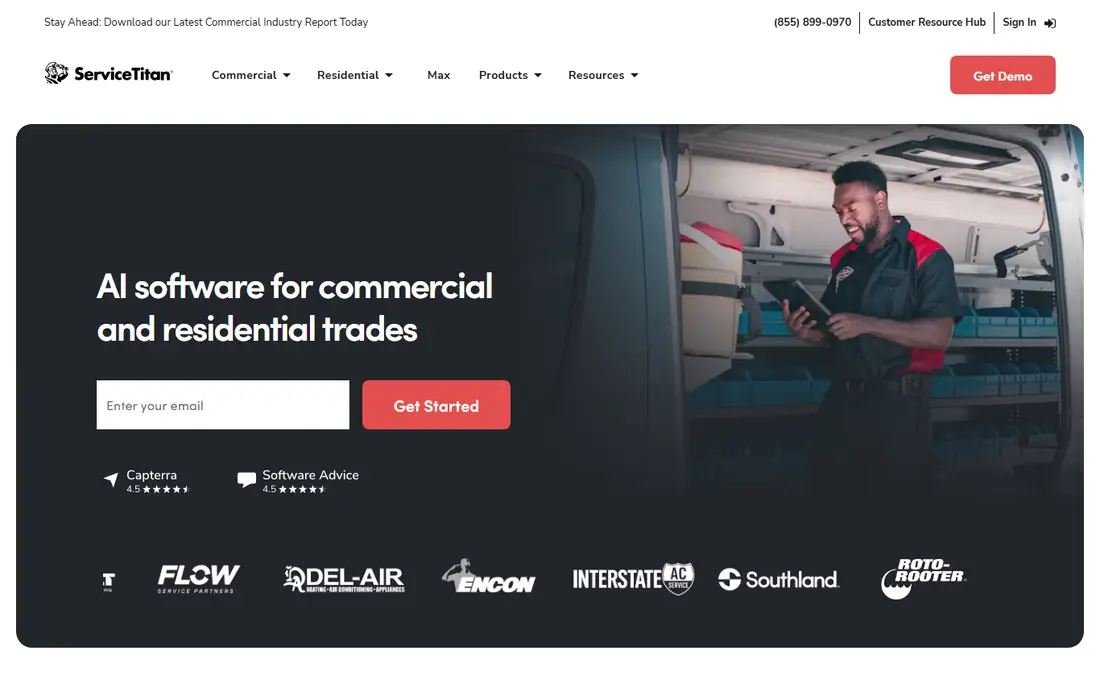
ServiceTitan is built for larger HVAC, plumbing, and electrical operations with dispatchers, office staff, and many technicians. Its dispatch board, capacity planning, flat-rate pricebook, technician performance reporting, and Marketing Pro tools give managers control that small systems cannot match. Call tracking, online booking, financing, and QuickBooks integration add to the picture, making it a full operating system rather than a scheduling app. Shops with ten or more techs often find that depth worth the cost.
For a small business, the same depth is a drawback. Pricing is quote-based, with contractor-reported rates often in the hundreds of dollars per technician per month plus implementation fees, and onboarding can take weeks or months. A two-truck shop will pay for features it rarely uses and spend more time managing the system than running jobs. ServiceTitan belongs on the shortlist only when a shop has the staff and volume to use it fully; smaller crews should start with Jobber or Housecall Pro and revisit ServiceTitan later.
What we like- Deep dispatch, pricebook, and reporting
- Marketing and call tracking
- Strong integrations
Watch out for- Quote-based pricing, often costly per tech
- Longer onboarding
- Overkill for very small crews
#4FieldEdge
Best for: Shops with inventory depth4.0/5 on
G2 (87 reviews, checked Oct 2026)
Visit fieldedge.com
Starting priceSee website
Free planNo
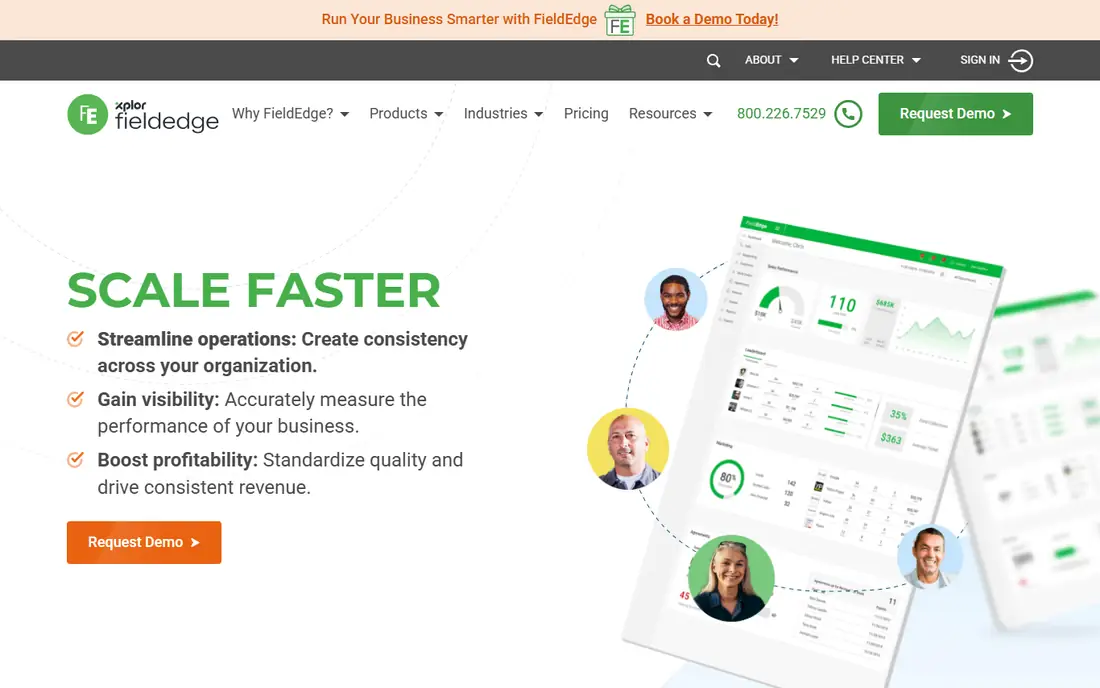
FieldEdge serves mid-size field service businesses that need more inventory and job control than a simple scheduler offers. Dispatch, scheduling, quoting, invoicing, and customer management sit alongside pricebook and inventory tools that help HVAC shops track parts, equipment, and job costs. That inventory depth matters when techs carry common parts, order specialty items, and need to know what a job really cost after labor and materials. QuickBooks integration keeps accounting in step with field work.
Pricing is quote-based, so this guide lists it as See website, and setup takes more effort than Jobber or Workiz. FieldEdge fits best when a shop has outgrown simple scheduling and needs tighter control over parts and job profitability, but is not ready for ServiceTitan scale and cost. Small solo operators may find it heavy, while growing crews with a parts room and several techs will use its strengths daily.
What we like- Strong dispatch and job management
- Inventory and pricebook support
- QuickBooks integration
Watch out for- Quote-based pricing
- Setup can take longer than simpler tools
- Best value for mid-size shops
Starting priceSee website
Free planNo
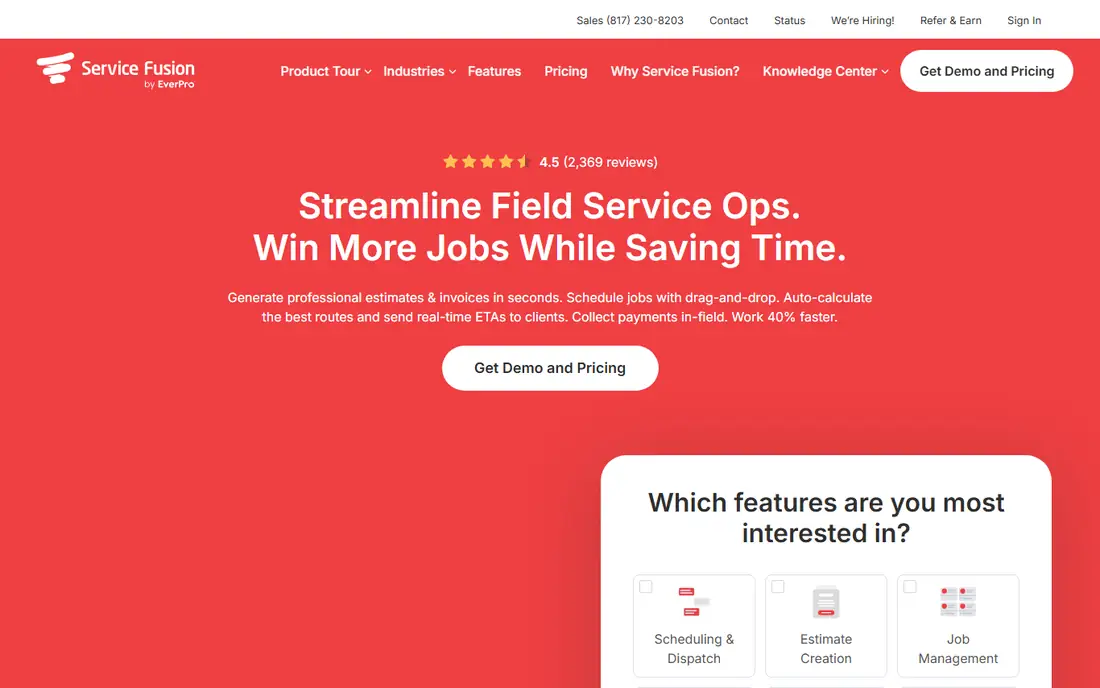
Service Fusion appeals to crews that dislike per-seat pricing. Its plans use flat pricing with unlimited users at each tier, which means adding a tech, dispatcher, or office helper does not automatically raise the monthly bill. Scheduling, dispatch, estimates, invoicing, payments, and GPS tracking cover the core HVAC workflow, and the system scales from small shops to larger teams without re-pricing every hire. That model is especially helpful for seasonal hiring, when headcount rises and falls through the year.
Pricing is not published as a single starting figure, so check the current plan page and get a quote for your crew size and features. Some advanced tools sit on higher plans, and the interface can feel dense at first compared with Jobber. Service Fusion is a smart choice for growing HVAC businesses that want predictable plan pricing and room to add users without a per-seat penalty.
What we like- Flat plan pricing with unlimited users
- Scheduling, dispatch, and invoicing
- GPS and payments
Watch out for- Quote-based pricing
- Some advanced features need higher plans
- Interface can feel dense
#6Workiz
Best for: Two-person operations starting free4.5/5 on
G2 (247 reviews, checked Oct 2026)
Visit workiz.com
Starting priceFree
Free planYes

Workiz stands out because its Lite plan is genuinely free for up to two users, which makes it the cheapest way for a husband-and-wife or two-person HVAC operation to run scheduling, invoicing, and payments without a monthly fee. Setup is quick, the mobile app covers field work, and paid plans add more users, automation, and features as the business grows. For a new shop still proving its workflow, starting free removes the risk of paying for a system that does not fit.
Free limits are real: Lite covers core work but not every automation, reporting, or integration that paid plans offer. Larger crews will need a paid tier, and some features are add-ons rather than included. Workiz still earns its place here because it lets the smallest HVAC businesses digitize now and upgrade later, rather than waiting until they can afford a full paid system. Try Lite for a month of real jobs before deciding whether paid features are worth it.
What we like- Free Lite plan for up to two users
- Scheduling, invoicing, and payments
- Easy setup
Watch out for- Free plan limits features
- Larger teams need paid plans
- Some advanced tools are paid add-ons
Starting priceSee website
Free planFree trial
JobProgress, also known in the market as JobProgress, focuses on tracking jobs from lead through sale, production, and payment, with estimates, invoicing, and field tools alongside. That pipeline view helps HVAC shops that sell larger replacement jobs, not just service calls, since it keeps estimates, follow-ups, and job stages visible in one place. Mobile access lets techs and sales staff update jobs from the field, and integrations support accounting and payments.
Pricing varies by plan and is listed here as See website, with a trial to test the workflow. HVAC-specific depth, such as pricebooks and dispatch boards, is lighter than ServiceTitan, so shops with complex dispatch needs should compare carefully. JobProgress suits small HVAC businesses that sell a mix of service and replacement work and want a clear sales-to-job pipeline without enterprise cost.
What we like- Job and sales pipeline tracking
- Estimates and invoicing
- Mobile field access
Watch out for- Pricing varies by plan
- HVAC-specific depth is lighter than ServiceTitan
- Setup needs care for larger teams
#8FieldPulse
Best for: Simple, fast scheduling4.7/5 on
G2 (375 reviews, checked Oct 2026)
Visit fieldpulse.com
Starting priceSee website
Free planFree trial
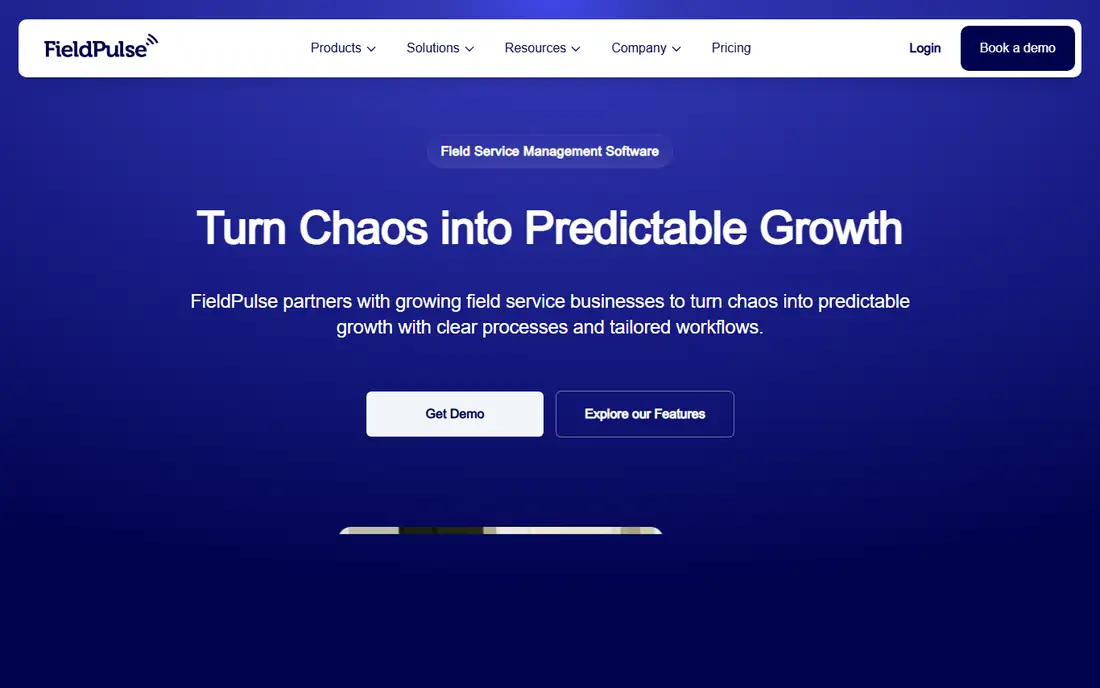
FieldPulse is built for shops that want to go live quickly with scheduling, estimates, invoicing, and customer records, without a long setup project. The interface is straightforward, which helps owners and techs who have limited patience for complex software. For a small HVAC crew that mainly needs to book jobs, send estimates, invoice, and track customers, FieldPulse covers the essentials and gets out of the way.
Advanced dispatch, pricebook depth, and reporting are lighter than ServiceTitan or FieldEdge, so larger shops may outgrow it as they add crews and inventory needs. Pricing varies by plan, so confirm the current tiers and trial terms before committing. FieldPulse is a good fit for small HVAC businesses that value speed and simplicity, and who prefer a system the whole team will actually use every day.
What we like- Fast setup
- Scheduling, estimates, and invoicing
- Customer management
Watch out for- Fewer advanced dispatch features
- Pricing varies
- Larger shops may outgrow it
How we chose
We reviewed pricing pages, product documentation, and public reviews on G2, Capterra, and Reddit, and we compared plan structures, user limits, QuickBooks sync, pricebook support, GPS, and mobile use. We favored tools that exist today and fit small HVAC crews, not just large enterprises, and we noted where pricing is quote-based rather than inventing a figure. Prices change often, so confirm the current plan page and get a written quote for your crew size before subscribing.
What a small HVAC shop should check in a trial
Run a full week of real jobs in the trial, not just a demo with sample data. Book jobs, dispatch a tech, send an estimate, collect a payment, and sync to QuickBooks if you use it, since those steps reveal friction that a feature list hides. Check mobile use in the field, including how the app behaves with weak signal, how photos and notes attach to a job, and how quickly a tech can close a job and invoice from a phone. Also test customer communication: booking confirmations, reminders, and review requests should work without manual effort.
Next, check the money side. Confirm per-user versus flat pricing, what happens when you add a seasonal tech, and which features are add-ons rather than included. Ask about contract length, cancellation terms, data export, and support hours, since a system that traps your customer history is costly to leave. Finally, involve the dispatcher and at least one tech in the trial decision. A system the office loves but techs avoid will fail, no matter how strong its feature list looks.
Frequently asked questions
What is the best HVAC software for a small business?
Jobber and Housecall Pro are the best starting points for most small HVAC crews, with Jobber winning on low price and simplicity and Housecall Pro winning on marketing and review tools. Workiz is best if you want to start free with two users. ServiceTitan suits larger shops, not small crews starting out.
How much does HVAC software cost?
It varies by plan, users, and billing term. Jobber starts at $49 per month month-to-month, Workiz offers a free Lite plan, and ServiceTitan, FieldEdge, and Service Fusion use quote-based pricing that depends on crew size and features. Always get a written quote for your exact user count before budgeting.
Does HVAC software integrate with QuickBooks?
Most tools here do, including Jobber, Housecall Pro, ServiceTitan, FieldEdge, and others, though sync depth varies. Check whether invoices, payments, and customer records sync both ways, and test the sync in a trial with real jobs. A broken sync creates double entry work that defeats the purpose of the software.
Do I need a pricebook in HVAC software?
A pricebook helps when you sell flat-rate repairs and replacements, since it standardizes pricing, speeds estimates, and reduces errors. ServiceTitan and FieldEdge offer strong pricebook tools, while simpler systems may handle pricing through estimates alone. Small service-only shops can start without one, then add it as replacement sales grow.
Can HVAC software work offline in the field?
Mobile apps vary in offline support, so test this in a trial in areas with weak signal. At minimum, techs should be able to view job details, add notes and photos, and complete work without a perfect connection. Ask the vendor exactly what syncs later versus what requires live access.
How long does it take to set up HVAC software?
Simple tools such as Jobber, Workiz, and FieldPulse can go live in days for a small crew, while mid-size tools take longer and ServiceTitan onboarding can take weeks or months. Import customer lists, set up services and pricing, and train techs before the first live week to avoid a messy transition.
Sources we checked (8)
- https://www.housecallpro.com
- https://getjobber.com
- https://www.servicetitan.com
- https://fieldedge.com
- https://www.servicefusion.com
- https://workiz.com
- https://www.jobprogress.com
- https://www.fieldpulse.com
Is your product missing or out of date?
We review this list regularly. Vendors can request a listing, send updated pricing or ask about featured placement.

Shihab Mia · Founder, Rankite
Shihab has 5+ years in B2B and SaaS SEO. He writes Rankite's software buying guides from pricing pages, documentation and public user reviews. More about Shihab.