How we make this list: we compare pricing pages, product documentation and public user reviews. Ratings come from G2, Capterra or Trustpilot, with the date we checked them.
Key takeaways
- Proxmox VE is the best free virtualization base for a homelab, running virtual machines and containers on one host.
- Unraid suits beginners who want storage, Docker apps, and VMs in one friendly operating system.
- TrueNAS leads on storage integrity, with self-healing OpenZFS protection against bit rot and silent errors.
- Docker and Portainer cover container apps, while Home Assistant, Nextcloud, and Plex cover automation, files, and media.
- Start with one host and one purpose, then expand. A homelab that grows gradually stays reliable.
Quick comparison
Is your product missing or out of date?
We review this list regularly. Vendors can request a listing, send updated pricing or ask about featured placement.

#1Proxmox VE
Best for: Virtualization base4.6/5 on
G2 (37 reviews, checked Oct 2026)
Visit proxmox.com
Starting priceFree
Free planYes
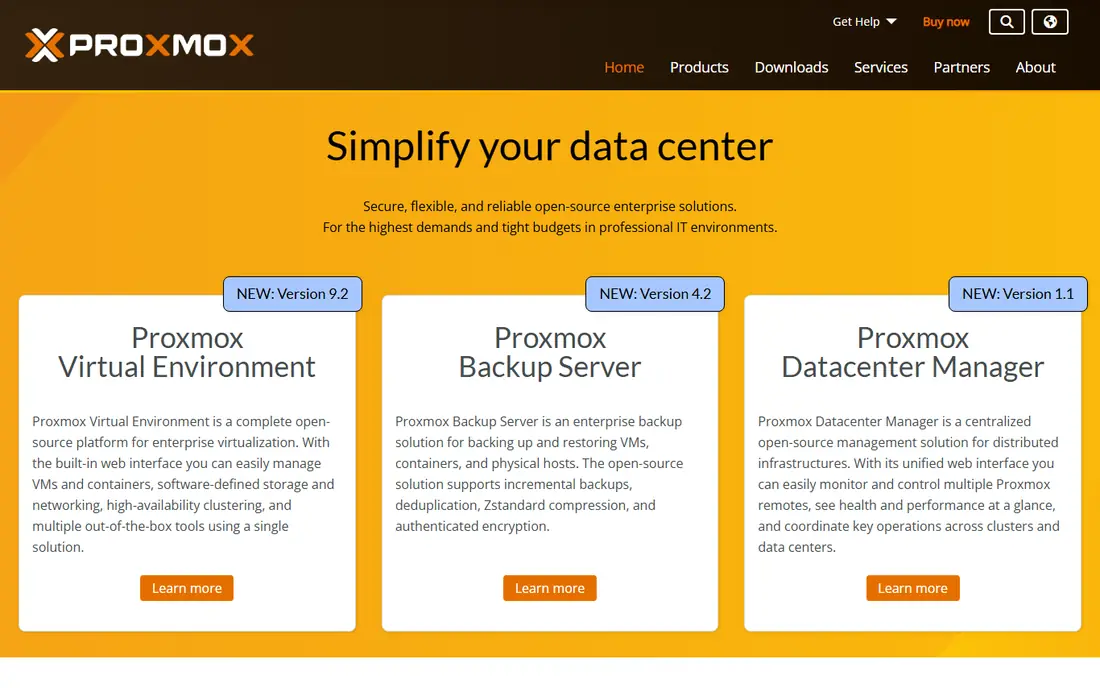
Proxmox VE is the open-source virtualization platform most homelab builders start with. It runs virtual machines and LXC containers on one host, with a web interface for managing storage, networking, backups, and clustering. The company behind it offers enterprise support, training, and implementation services, and tens of thousands of customers use Proxmox solutions. Its community forum and documentation are extensive, so most setup questions already have answers from other builders.
The learning curve is steeper than Unraid, and there is no built-in app store for one-click installs. For builders who want a free, powerful base that scales from one old PC to a multi-node cluster, Proxmox VE is the standard choice.
What we like- Open source
- VMs and containers on one host
- Enterprise support available
Watch out for- Learning curve for beginners
- No built-in app store like Unraid
Starting priceFree
Free planYes
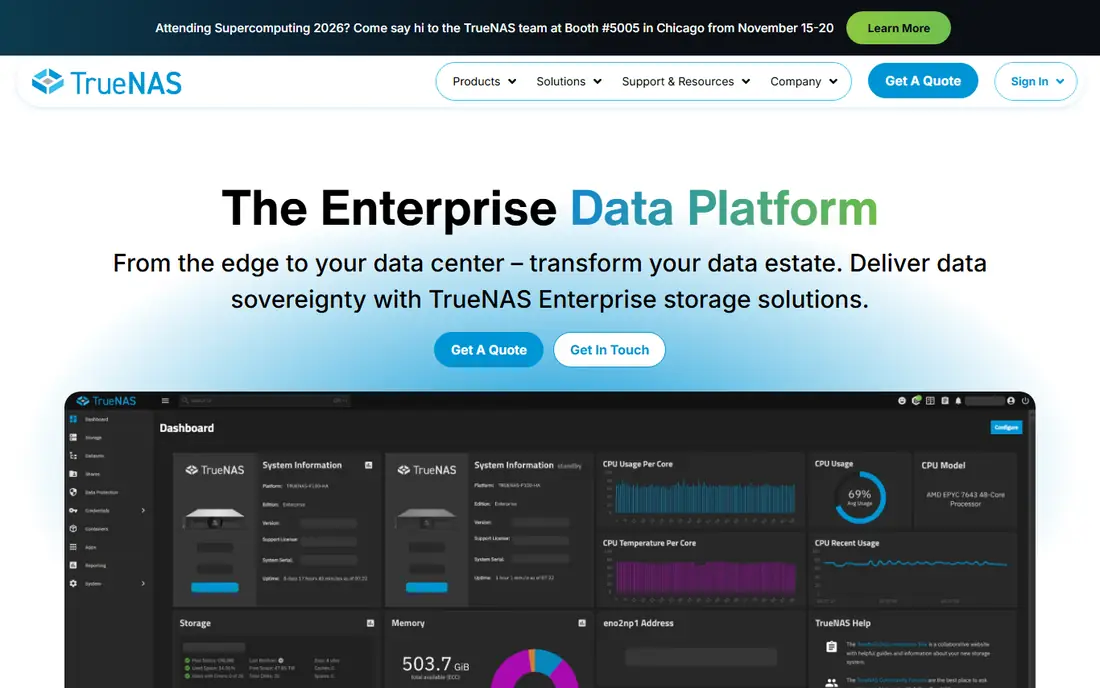
TrueNAS is a high-performance data platform for managing any type of data, built on OpenZFS. Its self-healing design uses data checksums, automatic corruption detection, and repair to protect against bit rot, silent errors, and hardware failures. One platform delivers file, block, and object services, scaling from 20 terabytes to 40 petabytes and beyond, with an open core model whose critical code is visible and vetted by a large community. Its unified interface keeps management simple across edge and data center deployments.
Hardware needs are higher than Unraid, since ZFS benefits from ample memory, and turnkey appliances cost extra. For builders whose priority is data integrity above all else, TrueNAS is the leading storage platform.
What we like- Self-healing OpenZFS storage
- File, block, and object services
- Open core model
Watch out for- Hardware needs are higher
- Enterprise appliances cost extra
Starting price$49
Free planNo
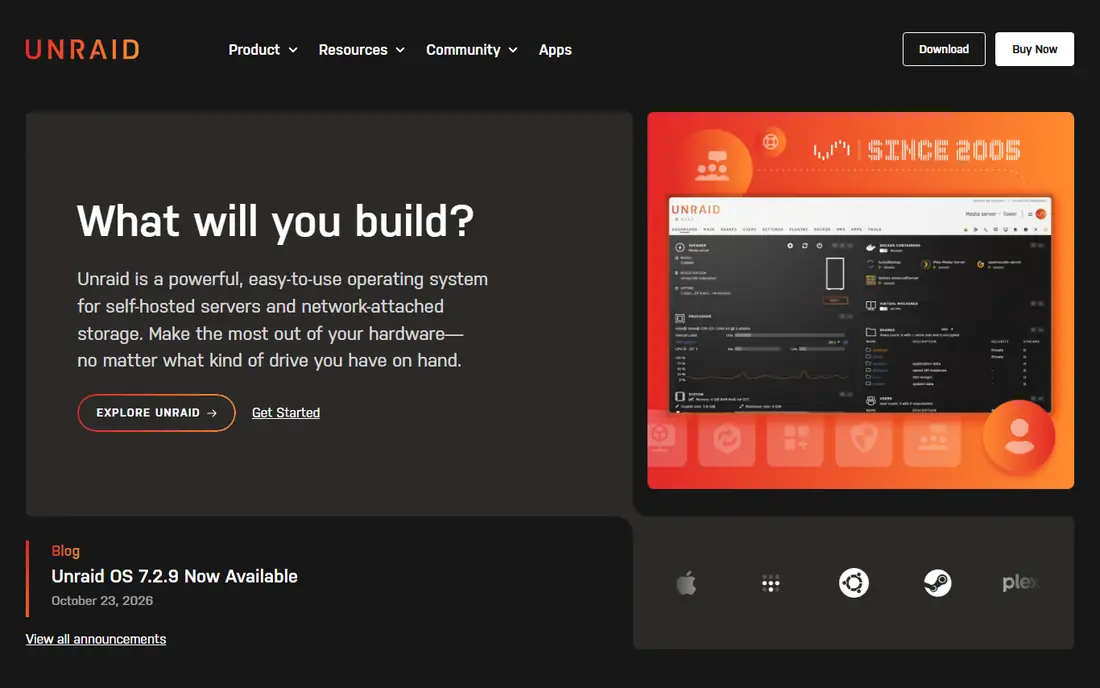
Unraid is an operating system for self-hosted servers and network-attached storage, built around mixed drives of any size. It runs storage, Docker containers, and virtual machines in one friendly system, with Community Apps that install popular tools like AdGuard, Pi-hole, Home Assistant, and Plex in a few clicks. Licenses start at $49, with a 30-day free trial and no credit card required. Its community is large and active, with guides and video tutorials in many languages.
The parity drive design limits write speed compared with striped arrays, and a paid license is required after the trial. For beginners who want one OS that just works, Unraid is the easiest homelab platform to start with.
What we like- Mix drives of any size
- Community Apps for one-click installs
- 30-day free trial
Watch out for- Paid license required
- Parity drive limits write speed
Starting priceFree
Free planYes
Home Assistant is the open-source home automation platform that keeps your smart home data local. It integrates with over a thousand brands and services, scans your network for known devices, and offers a powerful automation engine, customizable dashboards, a voice assistant called Assist, and energy management. Add-on apps extend it further, running tools like AdGuard and Node-RED alongside it. Its energy dashboard helps track solar production and plan usage, which can save money over time.
Setup takes time, and some devices need extra configuration before they work well. For builders who want privacy-first automation without a cloud subscription, Home Assistant is unmatched.
What we like- Integrates with over 1000 brands
- Local data processing
- Powerful automations
Watch out for- Setup takes time
- Some devices need extra configuration
#5Docker
Best for: Container runtime4.6/5 on
G2 (304 reviews, checked Oct 2026)
Visit docker.com
Starting priceFree
Free planYes
Docker is the container platform that underpins most modern homelabs. It packages apps with their dependencies into portable containers, runs them consistently on any host, and offers Docker Hub with billions of monthly image pulls. More than 20 million developers build with Docker every day, and 91 percent of the Fortune 100 run on it. Its compose files let builders define a whole stack in one text file, making setups easy to back up and recreate.
Docker is command-line focused, so beginners often pair it with Portainer for a visual interface. For running self-hosted apps reliably and reproducibly, Docker is the foundation nearly every homelab uses.
What we like- Industry standard containers
- 20 million plus developers
- Huge image library
Watch out for- Command-line focus
- Management needs a tool like Portainer

#6Portainer
Best for: Container management4.8/5 on
G2 (297 reviews, checked Oct 2026)
Visit portainer.io
Starting priceFree
Free planYes
Portainer is a centralized management platform for containers and Kubernetes, covering Docker, Docker Swarm, Podman, and Kubernetes from one console. It replaces a dozen separate tools with one product, offering fleet management, GitOps deployment workflows, self-service templates with quotas and role-based access, and centralized identity with SSO and audit logging. Three nodes are free.
Enterprise features require a paid edition, and Kubernetes depth trails dedicated platform tools. For homelab builders who want a visual way to manage Docker without the command line, Portainer is the natural companion to Docker.
What we like- Visual container management
- Docker, Swarm, Podman, and Kubernetes
- 3 nodes free
Watch out for- Enterprise features require a paid edition
- Kubernetes depth trails dedicated tools
Starting priceFree
Free planYes
Nextcloud is the most popular open-source content collaboration platform, with over 400,000 deployments from a Raspberry Pi with 2 users to installations with tens of millions of users. Its Hub combines Files, Talk, Groupware, Office, Assistant, and Flow into one platform, with self-hosted file sync, chat and video calls, calendar and mail, and a LibreOffice-based online office. Data stays on servers you own, with nothing leaking to third parties. Its mobile and desktop apps keep files in sync across devices, much like commercial cloud services.
It needs regular updates, and performance depends on host hardware and database tuning. For builders who want to replace Dropbox, Google Drive, and Microsoft 365 with their own cloud, Nextcloud is the leading choice.
What we like- Open source
- Files, chat, office, and calendar in one hub
- 400,000 plus deployments
Watch out for- Needs regular updates
- Performance depends on host hardware
Starting priceFree
Free planYes
Plex turns a homelab into a personal streaming service, organizing movies, TV shows, and music into a beautiful library that streams to any device. The free tier covers media server streaming, plus free movies and TV from Plex itself, live channels, and discovery across streaming services. The homepage shows free titles, live TV, and trending content across services. Its apps run on phones, TVs, and streaming boxes, so the library follows you anywhere.
Some features, like mobile sync and hardware transcoding extras, require a paid Plex Pass, and remote access needs router configuration. For builders who want their own Netflix from their own media collection, Plex is the classic homelab app.
What we like- Beautiful media library
- Streams anywhere
- Free movies and TV included
Watch out for- Some features require Plex Pass
- Remote access needs network setup
How we chose
We compared homelab platforms on ease of setup, hardware requirements, storage integrity, container support, automation depth, community strength, and cost, using vendor homepages opened for this review. Prices are quoted only where the vendor publishes them; open-source platforms offered free are listed as Free. Unraid is the only tool on this list that requires a paid license after its trial.
What to check before you build
Start with hardware you already own. An old PC, a mini PC, or a Raspberry Pi runs Proxmox, Unraid, or Docker well enough to learn on, and you can add a dedicated storage box later. Check power use too, since a server that runs 24 hours a day adds to your electricity bill. A low-power host often beats a retired gaming PC for always-on duty. Measure idle power draw before committing, since a host that idles at 100 watts costs far more over a year than one that idles at 15 watts.
Next, protect your data before you expand. Set up backups for anything you cannot replace, and test a restore before you trust the backup. TrueNAS self-healing storage helps, but it is not a backup: a deleted file or a ransomware attack still needs a separate copy, ideally offline or off-site. The 3-2-1 rule still applies: three copies, two media types, one off-site. Automate backups so they happen without manual effort, and check backup logs weekly so a failed job does not go unnoticed for months.
Finally, secure remote access from day one. Use a VPN or a private tunnel rather than exposing services directly to the internet, keep software updated, and use strong unique passwords with two-factor authentication where available. A homelab that holds your files, photos, and home automation deserves the same care as any production system. Grow slowly, document what you run, and enjoy the process. Keep a simple document listing each service, its purpose, and its backup status, so troubleshooting months later does not start from zero.
Frequently asked questions
What is the best homelab platform for beginners?
Unraid is the easiest all-in-one choice, with mixed-drive storage, Docker apps, and VMs in one friendly system. Proxmox VE suits beginners who want to learn virtualization for free, while Docker plus Portainer suits those who want containers only.
Is Proxmox VE free?
Yes. Proxmox VE is open source and free to use, with paid enterprise support available for businesses that want it. The free version is fully functional for homelab use.
How much does Unraid cost?
Unraid licenses start at $49, with a 30-day free trial and no credit card required. Higher tiers cover more attached storage devices, so check the pricing page for the tier that fits your drive count.
Can I run Plex on Unraid?
Yes. Plex is available as a Community App on Unraid, installing in a few clicks alongside other apps like Home Assistant, Pi-hole, and AdGuard. It also runs well in Docker on Proxmox or any Linux host.
Is TrueNAS better than Unraid for storage?
TrueNAS leads on data integrity, with self-healing OpenZFS protection against bit rot and silent errors. Unraid leads on flexibility, letting you mix drives of any size and add capacity one drive at a time. Choose TrueNAS for integrity and Unraid for flexibility.
Do I need a powerful server for a homelab?
No. Start with hardware you already own, such as an old PC or a mini PC, and expand as your needs grow. Low-power hosts suit always-on services, while a stronger host helps with media transcoding and virtual machines.
Sources we checked (8)
- https://proxmox.com
- https://www.truenas.com
- https://unraid.net
- https://www.home-assistant.io
- https://www.docker.com
- https://www.portainer.io
- https://nextcloud.com
- https://www.plex.tv
Is your product missing or out of date?
We review this list regularly. Vendors can request a listing, send updated pricing or ask about featured placement.

Shihab Mia · Founder, Rankite
Shihab has 5+ years in B2B and SaaS SEO. He writes Rankite's software buying guides from pricing pages, documentation and public user reviews. More about Shihab.
 TrueNAS
 Unraid
 Home Assistant
 Nextcloud
 Plex
Plex