How we make this list: we compare pricing pages, product documentation and public user reviews. Rankite is independent; if a vendor ever pays for a featured spot, that listing is clearly labeled Partner.
Key takeaways
- Microsoft Clarity is the best free heatmap tool, with unlimited heatmaps and session recordings from Microsoft.
- Hotjar, now part of Contentsquare, remains the most popular all-rounder for heatmaps, recordings and surveys.
- Crazy Egg, Lucky Orange, Mouseflow and Inspectlet offer affordable behavior analytics for small to mid-size sites.
- FullStory and Smartlook serve product teams needing deep session analysis at scale.
- heatmap.com brings AI-driven behavioral insights aimed at ecommerce.
Heatmap software shows where visitors click, scroll and hesitate, turning analytics numbers into visual insight. Most tools pair heatmaps with session recordings and sometimes surveys or A/B testing. These nine cover the spectrum from free to enterprise.
Quick comparison
| Tool | Best for | Starting price | Free plan |
|---|
 Hotjar Hotjar | Most popular all-rounder | See website | Yes |
 Microsoft Clarity Microsoft Clarity | Best free heatmaps | Free | Yes |
 Crazy Egg Crazy Egg | Affordable optimization suite | See website | Free trial |
 Lucky Orange Lucky Orange | SMB behavior analytics | See website | Free trial |
 Mouseflow Mouseflow | UX-focused behavior analytics | See website | Yes |
 FullStory FullStory | Deep product analytics | See website | Free trial |
 Smartlook Smartlook | Mobile and web session replay | See website | Yes |
 heatmap.com heatmap.com | AI ecommerce insights | See website | Free trial |
 Inspectlet Inspectlet | Recordings plus A/B testing | See website | Yes |
Is your product missing or out of date?
We review this list regularly. Vendors can request a listing, send updated pricing or ask about featured placement.
The best heat map software
Starting priceSee website
Free planYes
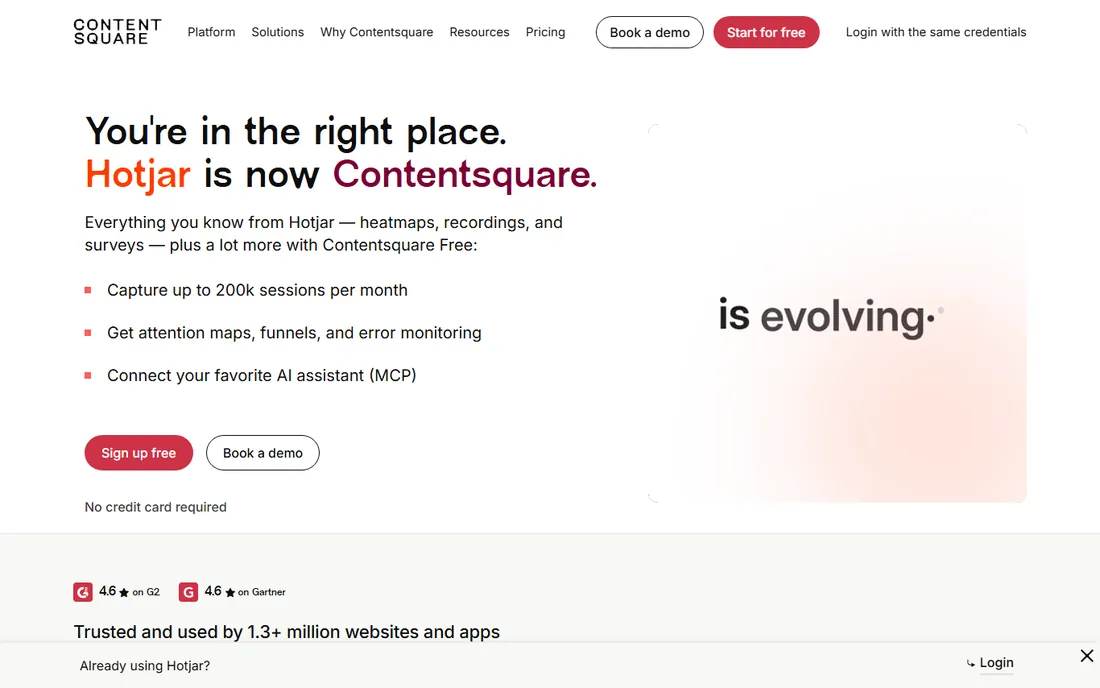
Hotjar defined website behavior analytics for a generation: heatmaps, session recordings, surveys and feedback widgets in one approachable package. Following its acquisition by Contentsquare, the product continues under the Contentsquare umbrella.
The free plan covers basic needs; serious analysis needs paid tiers with higher sampling. For teams starting behavior analytics, it remains the default.
Hotjar users should install the tracking code via tag manager for clean deployment. Start with heatmaps on your highest-traffic landing pages; the patterns appear within days. Combine a heatmap finding with a survey question to learn the why behind the what.
What we like- Heatmaps, recordings, surveys and feedback in one
- Huge user base
- Free plan available
Watch out for- Acquired by Contentsquare, so expect platform changes
- Sampling limits on lower tiers
Starting priceFree
Free planYes
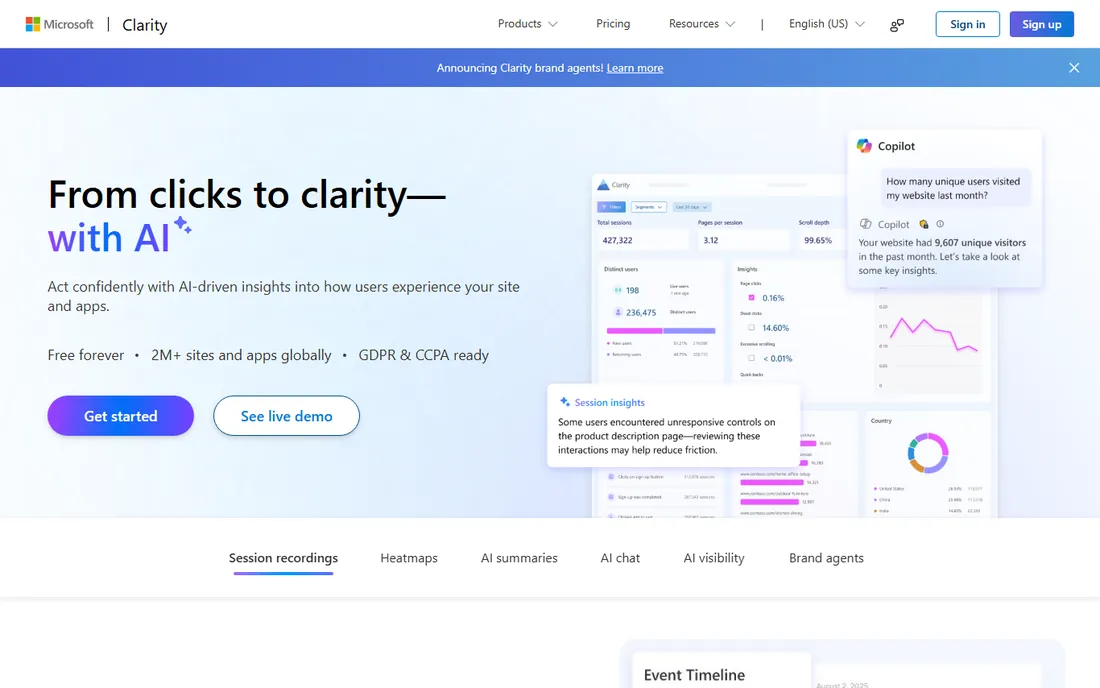
Microsoft Clarity gives away what others charge for: unlimited heatmaps and session recordings free, with no traffic caps that matter to most sites. Setup is a single script tag.
Advanced analysis trails paid tools. For free, no-strings behavior analytics, nothing else competes.
Clarity users should enable it alongside their existing analytics; the tools complement rather than replace each other. The recordings are unlimited, so review a sample weekly rather than trying to watch everything. It is the rare free tool with no meaningful catch.
What we like- Completely free with generous limits
- Heatmaps plus recordings
- No sampling games
Watch out for- Fewer advanced features
- Microsoft ecosystem upsells
Starting priceSee website
Free planFree trial
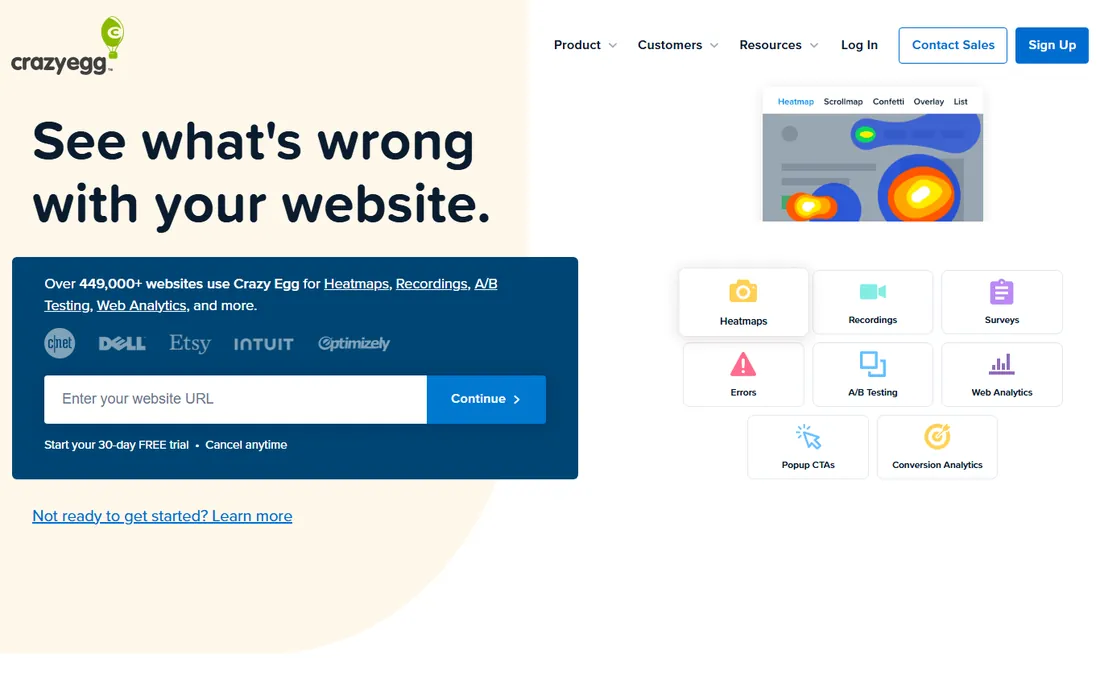
Crazy Egg pairs heatmaps and scrollmaps with recordings, A/B testing and surveys, making it a compact optimization suite. Small businesses get the core CRO toolkit affordably.
The product feels older than Hotjar or Clarity. For heatmaps plus testing in one subscription, it is a solid value.
Crazy Egg users should run the A/B testing on changes suggested by heatmaps; the combination closes the optimization loop. The scrollmaps reveal where long pages lose people. Small businesses get a complete CRO toolkit in one subscription.
What we like- Heatmaps plus A/B testing and surveys
- Long track record
- Approachable pricing
Watch out for- Interface dated
- Trial rather than free plan
Starting priceSee website
Free planFree trial
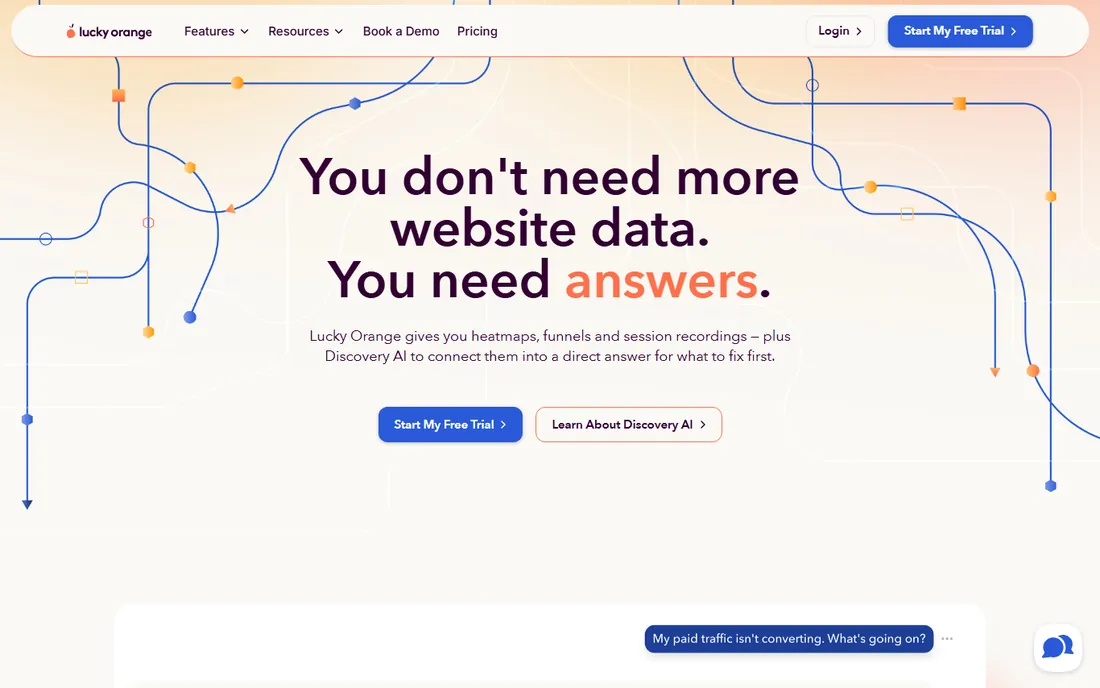
Lucky Orange bundles heatmaps and recordings with live chat, polls and announcements, aimed squarely at small businesses. The live view of visitors on site is genuinely useful.
Pricing scales with pageviews, so high-traffic sites pay more. SMBs wanting behavior analytics plus chat in one tool get good value.
Lucky Orange users should try the live visitor view during campaigns; watching real sessions teaches fast. The chat feature adds a conversion channel beyond analytics. Monitor the pageview usage against plan limits as traffic grows.
What we like- Heatmaps, recordings, chat and surveys
- Good value
- Live visitor view
Watch out for- Pageview-based pricing
- Advanced analytics thinner
Starting priceSee website
Free planYes
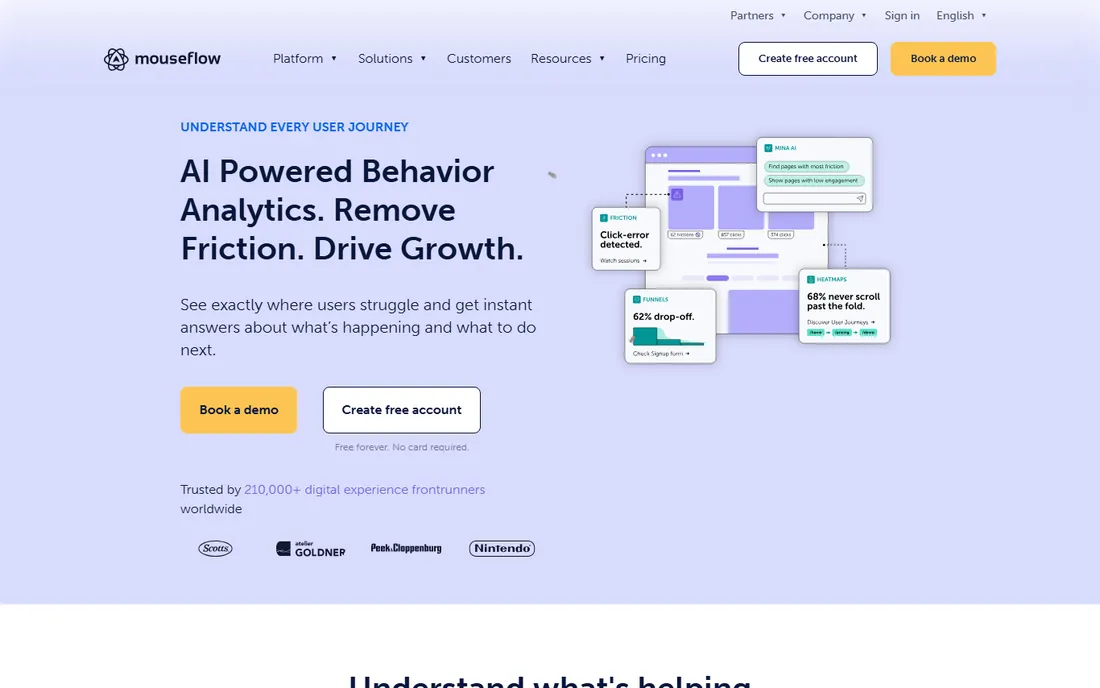
Mouseflow approaches behavior analytics as UX research: friction scores, form analytics and journey mapping alongside heatmaps and recordings. UX teams like the analysis depth.
The ecosystem is smaller than the leaders'. For UX-focused teams that want insight over dashboards, it punches above its profile.
Mouseflow users doing UX research should use the friction scores to prioritize the backlog objectively. Form analytics reveal exactly which fields cause abandonment. The journey mapping suits teams optimizing multi-step flows.
What we like- Friction scoring and form analytics
- UX-research orientation
- Free plan available
Watch out for- Smaller brand
- Feature breadth less than Hotjar
Starting priceSee website
Free planFree trial
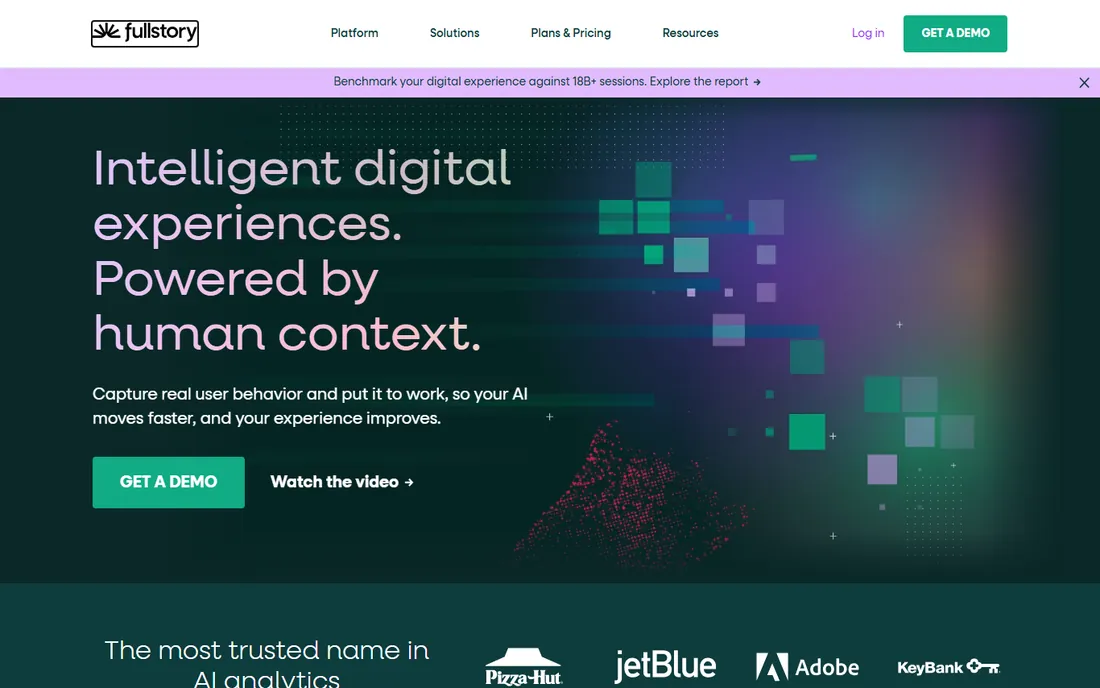
FullStory goes deeper than heatmaps: every session indexed and searchable, with frustration signals like rage clicks surfaced automatically. Product teams debug and optimize at scale.
The pricing and complexity are enterprise-grade. Teams that need session replay as analytics infrastructure choose FullStory.
FullStory teams should define the frustration events that matter before drowning in session data. The search across sessions is the power feature; learn its query syntax. Product managers get the most from the retroactive analysis.
What we like- Deepest session analysis
- Frustration signals
- Enterprise scale
Watch out for- Enterprise pricing
- Overkill for simple heatmaps
Starting priceSee website
Free planYes

Smartlook covers web and mobile apps with session recordings, heatmaps and event analytics. Mobile product teams get crash-free insight into user behavior.
The product has been evolving under new ownership. For mobile-first behavior analytics with a free tier, it remains worth trying.
Smartlook mobile teams should test the SDK impact on app performance during the trial. The cross-platform view helps teams shipping on web and mobile together. Keep an eye on the product roadmap given the ownership changes.
What we like- Strong mobile app analytics
- Heatmaps and recordings
- Free tier available
Watch out for- Product direction evolving
- Web features thinner than specialists
Starting priceSee website
Free planFree trial
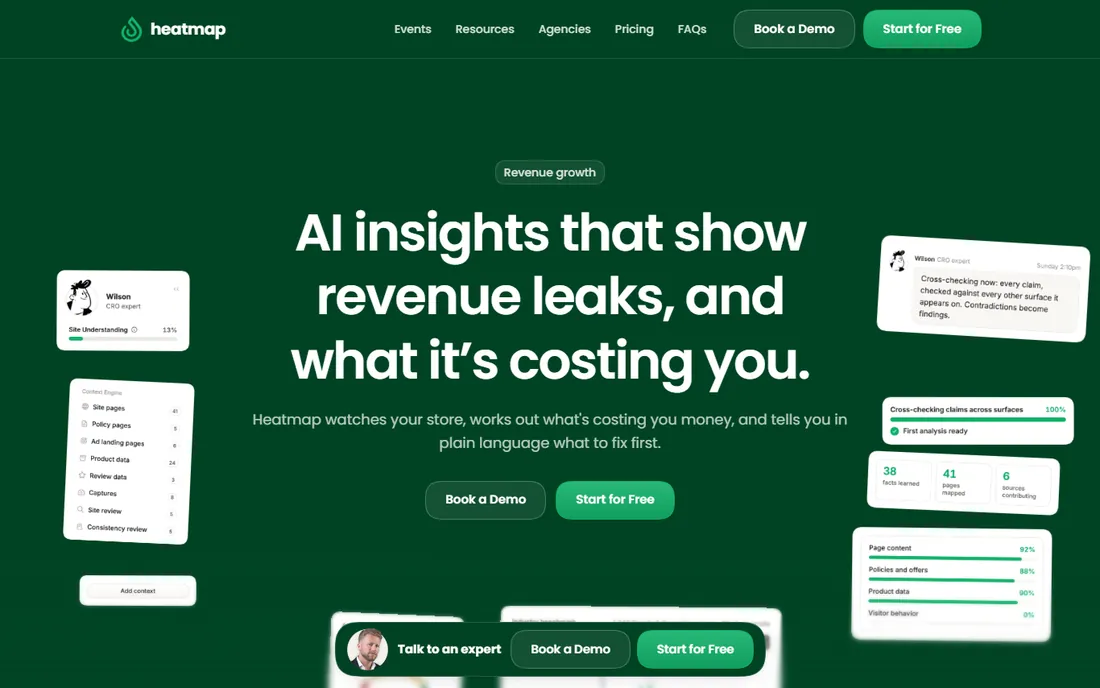
heatmap.com applies AI to behavioral analytics with an ecommerce focus: revenue-attributed heatmaps and insights aimed at conversion. Stores get answers, not just pictures.
As a newer vendor, the track record is shorter. Ecommerce teams wanting AI-interpreted behavior data should evaluate it.
heatmap.com users should validate the AI insights against their own analytics before acting; AI confidence varies. Ecommerce teams get the most from revenue-attributed heatmaps. Treat it as an experiment alongside a proven tool initially.
What we like- AI-driven behavioral insights
- Ecommerce focus
- Real-time analytics
Watch out for- Newer vendor
- Narrower use case than general tools
Starting priceSee website
Free planYes
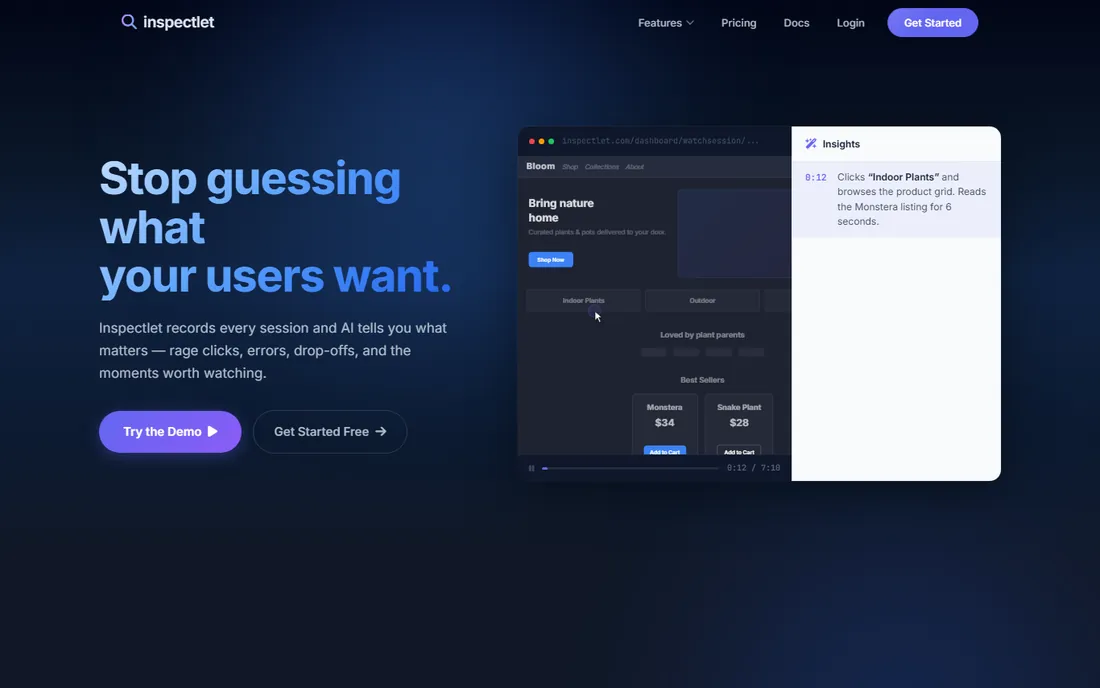
Inspectlet combines session recordings, eye-tracking-style heatmaps, form analytics and A/B testing with a free tier. Small sites get a full optimization toolkit free.
Development pace is modest. For free recordings plus testing, it is an underrated option.
Inspectlet users should use the free tier to learn session analysis fundamentals before paying anywhere. The eye-tracking heatmaps offer a different lens than click maps. Small sites get surprising value free.
What we like- Session replay with eye-tracking heatmaps
- A/B testing included
- Free tier
Watch out for- Smaller vendor
- Interface dated
How we chose
We verified each vendor's homepage and current status, noting Hotjar's acquisition by Contentsquare with its site now under contentsquare.com. We kept tools with genuine heatmap capability and excluded pure analytics without visual behavior data. Free plan status comes from vendor sites.
What to get right before you buy
Start free. Microsoft Clarity or Hotjar's free tier answers most early questions; pay only when you hit real limits.
Watch sampling. Lower tiers sample sessions; confirm the sampling rate covers your key pages before trusting the pictures.
Pair heatmaps with why. Heatmaps show what happens; surveys and recordings explain why. The best value comes from tools that combine them.
Frequently asked questions
What is heatmap software?
Software that visualizes where website visitors click, move and scroll, plus usually session recordings showing individual visits.
Is Microsoft Clarity really free?
Yes. Clarity offers heatmaps and session recordings free with generous limits, funded by Microsoft's broader ecosystem strategy.
What happened to Hotjar?
Hotjar was acquired by Contentsquare; the product continues under Contentsquare with its site now at contentsquare.com/hotjar/.
How many sessions do I need for reliable heatmaps?
A few hundred sessions per page variation gives directional insight; thousands give statistical confidence. Check your tool's sampling.
Do heatmaps slow down my site?
Minimally if implemented well. Async script loading keeps impact small; test page speed after installing.
Heatmaps vs session recordings: which matters more?
Heatmaps show aggregate patterns fast; recordings explain individual behavior. Use heatmaps to find problems and recordings to understand them.
From heatmap to hypothesis: doing CRO properly
Heatmaps show what visitors do, but the value comes from turning observations into tested improvements. Start with a specific question rather than browsing heatmaps aimlessly: why does the pricing page lose half its visitors, or why does nobody scroll past the hero? Focused questions produce actionable answers.
Next, form a hypothesis before changing anything. A heatmap showing ignored CTAs suggests the hypothesis that visitors do not see the value proposition; the test might be clearer benefit copy above the button. Write the hypothesis down with the expected outcome. This discipline separates optimization from random redesign.
Then, change one thing at a time. Redesigning the whole page after one heatmap teaches nothing about what worked. A/B testing tools, several on this list include them, isolate the variable. Run tests to statistical significance, which takes longer than most teams expect on lower-traffic pages.
Also, segment before concluding. Mobile and desktop heatmaps tell different stories; new versus returning visitors behave differently. Aggregate heatmaps hide these differences. The tools that segment well earn their keep here.
Finally, build an optimization backlog ranked by evidence and effort. Heatmap insights, survey responses and analytics anomalies all feed it. Work the highest-impact, lowest-effort items first and document results. Over quarters, this compounds into conversion gains that justify the entire analytics investment.
Privacy and consent for session recording
Session recordings capture real user behavior, which makes privacy compliance essential. Start with the legal basics: GDPR, CCPA and similar regulations treat recordings as personal data. You need a lawful basis, a retention policy, and a way to honor deletion requests.
Configure the masking before collecting a single session. Most tools can suppress keystrokes, mask form fields and exclude sensitive pages. Enable all of it by default; collecting passwords or payment details accidentally creates liability. Test the masking with a real session before going live.
Update the privacy policy and cookie consent to disclose recording explicitly. Vague analytics language does not cover session replay in most jurisdictions. Users should understand what is captured and why. The consent banner needs a clear opt-in where required.
Limit who can watch recordings internally. Session replay reveals passwords typed before masking, personal messages and browsing habits. Restrict access to the smallest team that needs it, log viewing where possible, and train viewers on confidentiality.
Finally, set short retention periods. Recordings older than a few months rarely inform current decisions but remain a breach risk. Auto-delete on schedule. Privacy-conscious setup does not reduce the insights; it just removes the liability.
Sources we checked (9)
- https://www.contentsquare.com/hotjar/
- https://clarity.microsoft.com/
- https://www.crazyegg.com/
- https://www.luckyorange.com/
- https://mouseflow.com/
- https://www.fullstory.com/
- https://www.smartlook.com/
- https://heatmap.com/
- https://www.inspectlet.com/
Is your product missing or out of date?
We review this list regularly. Vendors can request a listing, send updated pricing or ask about featured placement.

Shihab Mia · Founder, Rankite
Shihab has spent more than a decade helping SaaS and e-commerce brands grow through search. He writes Rankite's software buying guides from pricing pages, documentation and public user reviews. More about Shihab.