How we make this list: we compare pricing pages, product documentation and public user reviews. Ratings come from G2, Capterra or Trustpilot, with the date we checked them.
Key takeaways
- Physician scheduling and patient appointment scheduling are different problems, so buy the tool built for your main problem.
- Rules for credentials, specialties, rotations, and time off matter more than a pretty calendar view.
- Mobile access and swap approvals determine whether staff actually use the system day to day.
- Check HIPAA-related security features, access controls, and audit logs before signing, and confirm details with the vendor.
- Quote-only pricing is common for hospital tools, so small clinics should shortlist tools with published prices first.
Quick comparison
| Tool | Best for | Starting price | Free plan |
|---|
 QGenda QGenda | Enterprise physician scheduling | See website | No |
 Amion Amion | Simple on-call schedules | See website | Free trial |
 Connecteam Connecteam | Staff scheduling plus communication | $29 per month | Yes |
 NurseGrid NurseGrid | Nurse shift swaps on mobile | $5 per user/month | Free trial |
 Shiftboard Shiftboard | Complex shift-based staffing | See website | No |
 symplr symplr | Health system workforce scheduling | See website | No |
 OnShift OnShift | Senior care staffing and labor costs | See website | No |
 Doctolib Doctolib | Patient appointment booking | See website | No |
Is your product missing or out of date?
We review this list regularly. Vendors can request a listing, send updated pricing or ask about featured placement.
The best healthcare scheduling software
#1QGenda
Best for: Enterprise physician scheduling4.6/5 on
G2 (164 reviews, checked Oct 2026)
Visit qgenda.com
Starting priceSee website
Free planNo
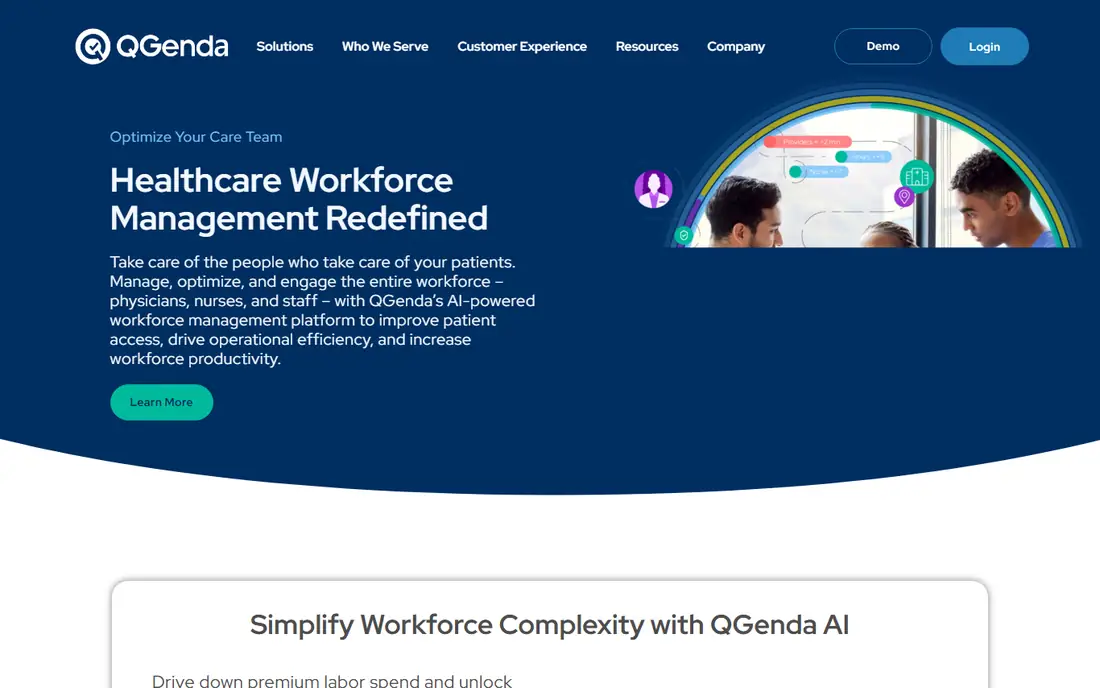
QGenda is the default choice for hospitals and large practices that schedule physicians across specialties, sites, and complex rotations. Automated generation respects provider preferences, credentials, and scheduling rules, while time-off requests and swaps flow through approval workflows. Integrations connect schedules to payroll, credentialing, and clinical communication tools, which reduces manual work for schedulers who otherwise juggle spreadsheets. For a large organization, that automation can save many staff hours each month.
The cost and setup are enterprise-level. Pricing is quoted, implementation involves rule setup and data migration, and small groups will find the price hard to justify. QGenda fits organizations where scheduling errors create compliance risk or staffing gaps, and where a dedicated scheduling team already exists. Small clinics should look at simpler tools first, and only consider QGenda when complexity clearly demands it.
What we like- Automated schedule generation
- Rules for credentials and preferences
- Payroll and credentialing integrations
Watch out for- Enterprise pricing
- Implementation takes time and staff effort
Starting priceSee website
Free planFree trial
Amion solves the most common scheduling problem in a direct way: who is on call right now, and who is next. A scheduler builds the rotation, publishes it, and staff handle swaps through a clear process. Residents and small groups adopt it without training sessions or IT projects, which explains its loyal following among physicians. The Doximity connection also keeps Amion close to physician workflows.
Amion will not auto-generate complex enterprise schedules or integrate deeply with hospital systems in the way QGenda does. For a hospital with many specialties and strict rules, that limit matters. For a small group, a residency program, or a single department, Amion covers the real need at a lower cost and with far less setup. Choose Amion when simplicity and adoption matter more than automation depth.
What we like- Very simple on-call setup
- Fast to adopt
- Physicians know and use it widely
Watch out for- Less automation for complex schedules
- Limited enterprise integrations
#3Connecteam
Best for: Staff scheduling plus communication4.6/5 on
G2 (3,506 reviews, checked Oct 2026)
Visit connecteam.com
Starting price$29 per month
Free planYes
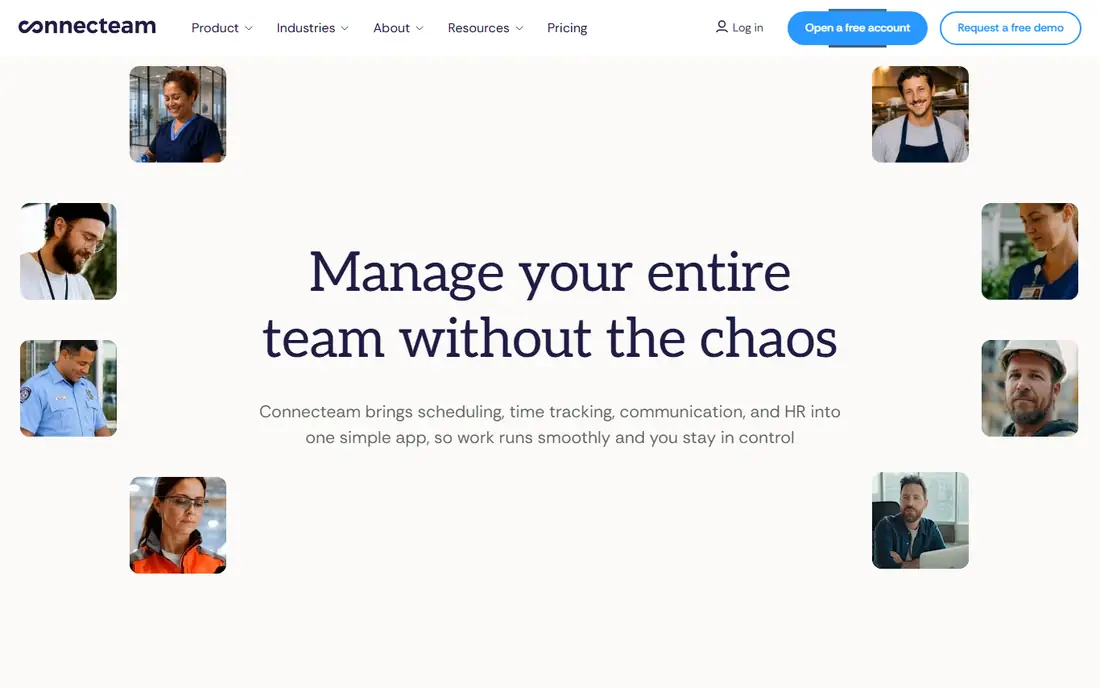
Connecteam fits healthcare teams that need staff scheduling, communication, and time tracking in one low-cost tool. Managers can build shifts, let staff claim open shifts, send announcements, and track hours without separate apps. The entry price for the first 30 users makes it accessible for clinics, home care agencies, and small care teams that cannot justify enterprise pricing. Mobile access is central, which suits deskless staff who do not sit at a computer.
The limit is clinical complexity. Connecteam does not handle physician credential rules, complex rotations, or specialty-specific scheduling in the way QGenda or symplr do. It is a staff operations tool, not a physician scheduling engine. Use Connecteam for support staff, nursing assistants, home care workers, and clinic teams where shift coverage and communication are the main needs.
What we like- Low entry price for up to 30 users
- Shift scheduling plus messaging
- Time tracking included
Watch out for- Not built for complex physician rotations
- Healthcare-specific rules are limited
Starting price$5 per user/month
Free planFree trial

NurseGrid is built around how nurses actually manage shifts: on a phone, with quick swaps and clear visibility of who is working. Nurses can view schedules, request swaps, and coordinate with colleagues without calling the staffing office for every change. That mobile focus drives adoption, which is often the hardest part of a scheduling rollout. Managers get a clearer view of coverage gaps before a shift starts.
The scope is narrower than a full workforce platform. NurseGrid does not replace payroll, time and attendance, or enterprise credential tracking on its own. Large health systems may need it alongside a broader platform, while smaller nursing teams can use it as their main scheduling tool. NurseGrid fits nursing units that want fast, mobile shift coordination without a heavy enterprise system.
What we like- Mobile-first shift management
- Easy swaps
- Nurse coordination across units
Watch out for- Narrower scope than full workforce platforms
- Limited admin reporting for large systems
Starting priceSee website
Free planNo
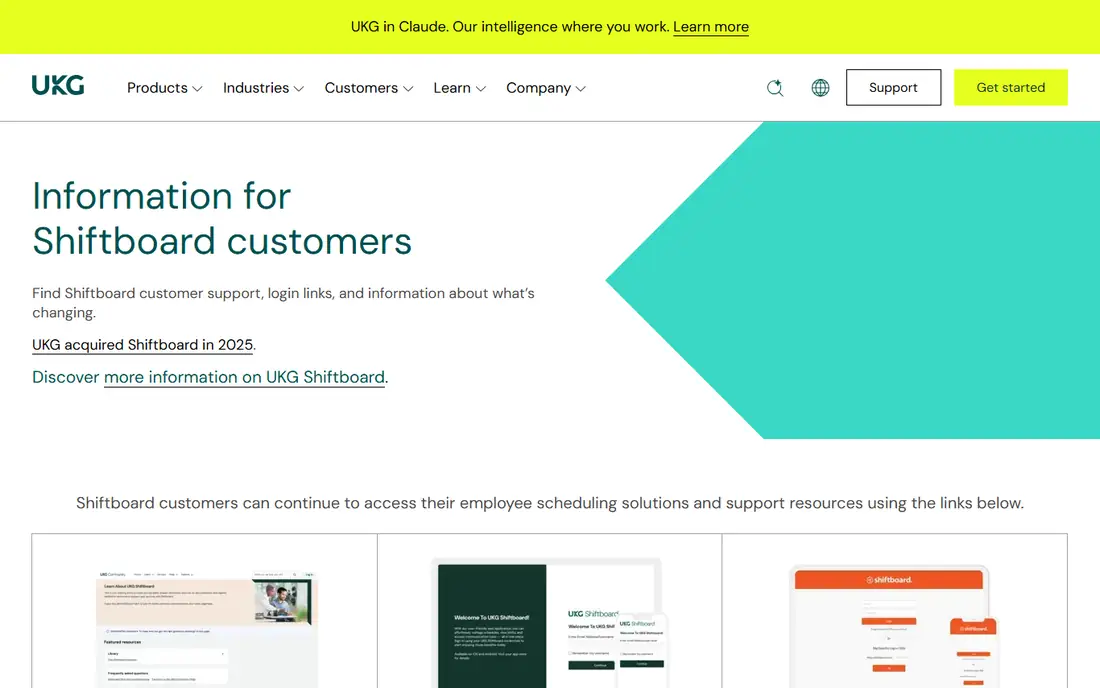
Shiftboard serves healthcare organizations with complex, shift-based staffing needs, where rules, qualifications, and coverage requirements must be checked for every shift. Managers can set rules for skills, availability, and labor constraints, then fill open shifts from a qualified pool. Staff can view schedules, claim open shifts, and manage swaps through the app. That rules-based approach helps large teams avoid gaps and overtime surprises.
Pricing is quoted, and implementation involves rule configuration and staff training, so small clinics may find it heavy. The platform is best for organizations with many shift workers across sites, where manual scheduling in spreadsheets has become unreliable. Shiftboard fits hospitals, large clinics, and care organizations that need control over complex shift patterns.
What we like- Rules-based scheduling
- Open shift coverage
- Strong for large shift workforces
Watch out for- Quote-only pricing
- Setup and training take time
Starting priceSee website
Free planNo
symplr, through its workforce products, helps health systems manage scheduling alongside time and attendance in one system. That combination matters for labor cost control, because managers can see scheduled hours, actual hours, and overtime in the same view. Secure communication tools help staff coordinate without using personal messaging apps for work. The platform is designed for large organizations with many departments and complex labor rules.
The trade-off is scale and cost. symplr is an enterprise purchase with quoted pricing and a longer implementation, which puts it out of reach for small clinics. It also requires dedicated administration to keep rules, pay codes, and integrations accurate. Choose symplr when a health system needs scheduling, time tracking, and labor control together, not when a single clinic only needs an appointment calendar.
What we like- Scheduling plus time and attendance
- Overtime control
- Secure communication features
Watch out for- Enterprise pricing
- Implementation is a major project
#7OnShift
Best for: Senior care staffing and labor costs4.5/5 on
G2 (40 reviews, checked Oct 2026)
Visit onshift.com
Starting priceSee website
Free planNo
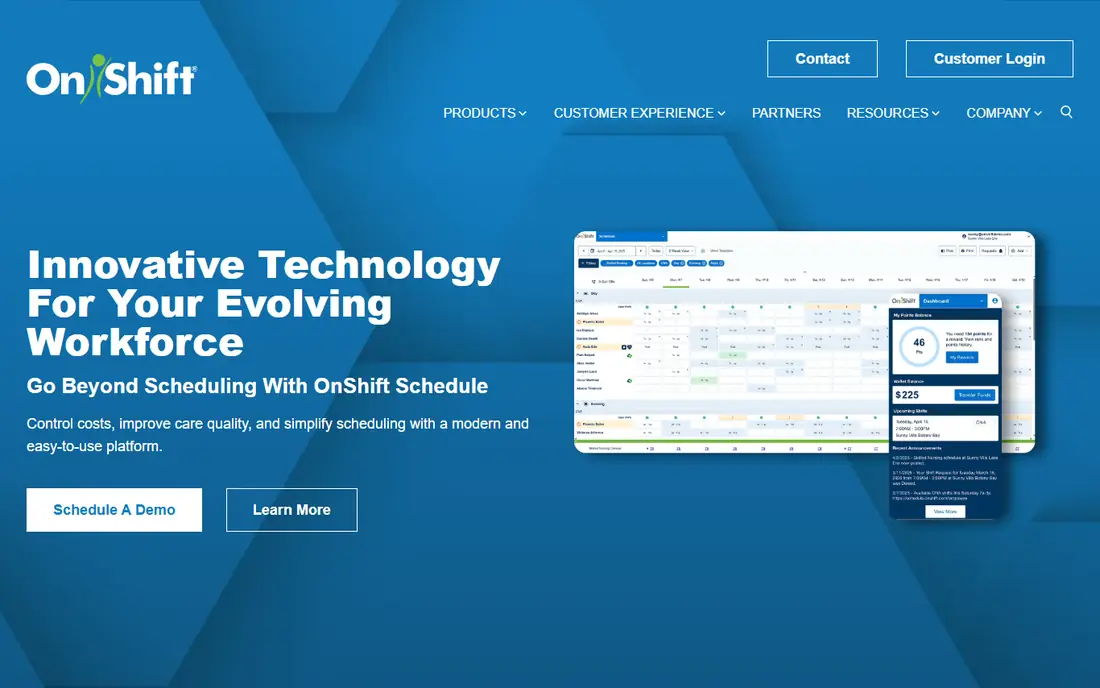
OnShift is built for senior care providers, including skilled nursing, assisted living, and home care, where staffing and labor costs drive daily operations. Shift matching helps fill open shifts with qualified staff, while labor controls help managers track hours and costs against budgets. Biometric clock-in options and mobile access support care staff who work across shifts and sites. That senior care focus gives it workflows that general scheduling tools lack.
Outside senior care, the fit is weaker. A general clinic or hospital may find the senior care features irrelevant and the broader physician scheduling tools missing. Pricing is quoted, so buyers need a sales conversation for a real number. OnShift fits senior care operators that need staffing, labor control, and mobile shift management in one system built for their setting.
What we like- Strong senior care focus
- AI-assisted shift matching
- Labor cost controls
Watch out for- Narrower fit outside senior care
- Quote-only pricing
Starting priceSee website
Free planNo
Doctolib focuses on the patient side of scheduling: letting patients book, reschedule, and manage appointments online without calling the office. Automated reminders reduce no-shows, and staff spend less time on phone booking. The interface is designed for patients and front-desk staff, which helps adoption in busy practices. Doctolib is widely used in several European markets and has expanded its presence for practices that need patient booking at scale.
The fit depends on market and system integration. Pricing is custom, and integration with local health records and practice systems varies. Doctolib is not a physician rotation tool like QGenda, so a hospital that needs both patient booking and provider scheduling may need two systems. Choose Doctolib when patient booking, reminders, and reduced phone load are the main goals.
What we like- Patient-friendly online booking
- Automated reminders
- Reduced phone booking load
Watch out for- Pricing is custom by market
- Integration depth varies by health system
What to check before you buy
Separate your two scheduling problems before shortlisting. Provider scheduling needs rules for credentials, rotations, and time off. Patient booking needs online access, reminders, and calendar sync. Staff shift scheduling needs coverage, swaps, and time tracking. A tool that does one well may do the others poorly, so score vendors against your main problem first, then check secondary needs.
Security, access, and audit checks
Ask about access controls, audit logs, data encryption, and how the vendor supports HIPAA-related requirements for your organization. Confirm who can view schedules, who can approve swaps, and how changes are recorded. Get security details in writing from the vendor, and involve your compliance or IT team before signing. This guide is not medical or legal advice, and it does not replace a compliance review for your organization.
Pilot with one unit first
Pilot with one department or unit for a full scheduling cycle, including time-off requests, swaps, and a holiday period. Measure scheduler time saved, shift gaps, and staff satisfaction with the mobile app. If staff still use spreadsheets or group chats to manage swaps, the system has not been adopted, no matter how good the demo looked. Fix training and rules during the pilot, before rolling out to other units.
How we chose
We compared pricing pages, product documentation, and public reviews on G2, Capterra, and Reddit, focusing on scheduling rules, mobile use, swap workflows, integrations, and fit for different healthcare settings. We favored tools with a clear healthcare focus and a track record in hospitals, clinics, or care settings. We included both provider scheduling and patient booking tools, because buyers often confuse the two, and we used See website where pricing is quoted rather than published.
Frequently asked questions
What is the difference between physician scheduling and patient scheduling?
Physician scheduling assigns providers to shifts, rotations, and on-call duties under credential and availability rules. Patient scheduling lets patients book appointments with a provider or clinic at available times. Some platforms handle both, but most specialize in one, so buyers should choose based on their main problem.
How does healthcare scheduling software help reduce no-shows?
Automated reminders by text, email, or app notification remind patients of appointments and let them confirm or reschedule easily. Online booking also reduces errors from phone messages. Reminder timing and message wording affect results, so test different reminder schedules during a pilot.
Is this software HIPAA compliant?
Vendors describe security features and compliance support differently, so buyers must confirm the details that apply to their organization. Ask for security documentation, access controls, audit logs, and the vendor agreement terms. Involve compliance and IT teams before signing, and do not rely on a marketing claim alone.
Can staff swap shifts without manager approval?
Some tools allow staff swaps with manager approval, while others allow direct swaps within set rules. Approval workflows help maintain coverage and qualification checks, but they can slow down simple swaps. Choose a workflow that matches your staffing risk, and test it with real swap requests during a pilot.
How long does implementation take?
Simple staff scheduling tools can launch in days or weeks, while enterprise physician scheduling can take months for rule setup and data migration. Time depends on the number of providers, sites, and integrations. A pilot with one unit gives a more realistic timeline than a vendor estimate alone.
Should a small clinic buy an enterprise scheduling tool?
Usually no, unless the clinic has complex rotations or strict credential rules that simpler tools cannot handle. Small clinics often get better value from a low-cost staff or patient booking tool with a clear mobile workflow. Upgrade only when scheduling complexity or volume clearly exceeds what the simpler tool can manage.
Sources we checked (8)
- https://www.qgenda.com
- https://www.amion.com
- https://www.connecteam.com
- https://www.nursegrid.com
- https://www.shiftboard.com
- https://www.symplr.com
- https://www.onshift.com
- https://www.doctolib.com
Is your product missing or out of date?
We review this list regularly. Vendors can request a listing, send updated pricing or ask about featured placement.

Shihab Mia · Founder, Rankite
Shihab has 5+ years in B2B and SaaS SEO. He writes Rankite's software buying guides from pricing pages, documentation and public user reviews. More about Shihab.