How we make this list: we compare pricing pages, product documentation and public user reviews. Rankite is independent; if a vendor ever pays for a featured spot, that listing is clearly labeled Partner.
Key takeaways
- BitLocker (Windows Pro) and FileVault (Mac) are free, built in, and good enough for many small businesses that manage their own devices.
- VeraCrypt is the free, cross-platform option for mixed fleets and for encrypting individual volumes without a management console.
- ESET, Check Point, Symantec, and Sophos add central management, recovery key escrow, and compliance reporting for larger teams.
- Most enterprise tools manage BitLocker and FileVault centrally rather than replacing them, which is the simplest compliance path.
- If you handle regulated data, FIPS 140-2 validation (as in ESET) and centralized recovery keys matter more than extra features.
Quick comparison
Is your product missing or out of date?
We review this list regularly. Vendors can request a listing, send updated pricing or ask about featured placement.
The best hard drive encryption software
Starting priceIncluded with Windows Pro
Free planYes
BitLocker is the encryption most Windows businesses are already licensed for and simply have not turned on. It encrypts entire volumes with AES-256, ties keys to the device's TPM chip, and can be deployed silently across a fleet through Intune or Group Policy. Recovery keys escrow automatically to Active Directory or Entra ID, which solves the biggest operational headache: locked-out users.
The main limitation is edition: Windows Home gets only the simpler Device Encryption, not full BitLocker management. Plan your recovery-key escrow before rollout, because an encrypted drive without an accessible key is a paperweight. For Windows shops, there is no reason to buy third-party encryption before trying BitLocker properly.
What we like- Built into Windows Pro, Enterprise, and Education
- TPM-backed encryption with AES-256
- Integrates with Intune and Active Directory for management
Watch out for- Not available on Windows Home
- Recovery key management needs planning
- BitLocker To Go adds steps for removable drives
Starting priceIncluded with macOS
Free planYes
FileVault is Apple's answer to BitLocker and it comes with every Mac. One click in System Settings encrypts the entire startup disk, and on Apple Silicon Macs the data is encrypted by the hardware by default. IT teams can enforce it through MDM and escrow personal or institutional recovery keys so no machine becomes unrecoverable.
The catch is familiar: encryption of an already-full drive takes time, so enable it at provisioning. Multi-user Macs behave slightly differently once FileVault is on, since only enabled users can open up the disk at boot. For companies running on Macs, FileVault plus MDM enforcement is the simplest path to an encryption policy.
What we like- Built into every Mac at no cost
- XTS-AES-128 encryption with no setup fees
- Institutional recovery keys for IT-managed fleets
Watch out for- Mac only
- Turning it on later encrypts slowly on large drives
- Multi-user login behavior changes
Starting priceFree
Free planYes
VeraCrypt is the open-source successor to TrueCrypt and the best free option that works across all three desktop platforms. It encrypts whole partitions or creates encrypted file containers, supports hidden volumes for plausible deniability, and offers cascaded ciphers like AES-Twofish-Serpent for the paranoid.
There is no management server, no recovery key escrow, and no compliance dashboard, which rules it out for regulated fleets. Pre-boot authentication means users type a password before Windows loads, an extra step some will resent. But for mixed-OS environments on a zero budget, or for encrypting specific volumes rather than whole fleets, VeraCrypt is unmatched value.
What we like- Free and open source
- Runs on Windows, Mac, and Linux
- Hidden volumes and cascading ciphers for advanced users
Watch out for- No central management console
- Pre-boot authentication adds friction
- Interface feels dated

#4
ESET Full Disk Encryption
Best for: SMBs wanting managed encryption
Visit eset.com
Starting priceSee website
Free planFree trial
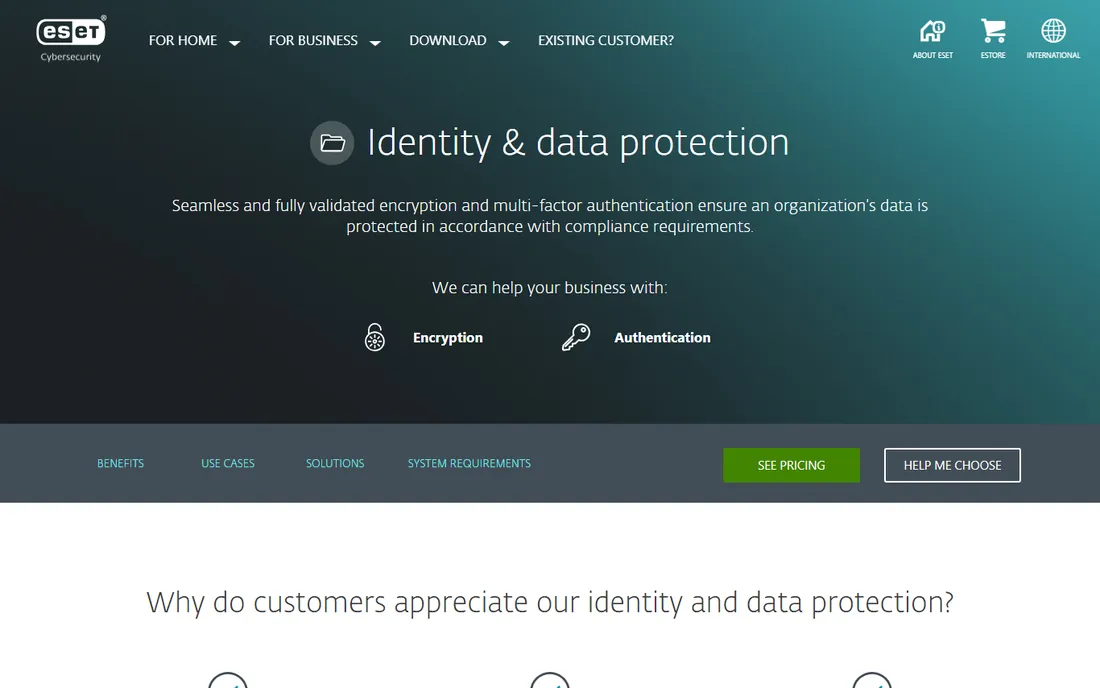
ESET Full Disk Encryption is an add-on to ESET's business security platform, and its strength is integration: the same ESET PROTECT console that manages antivirus also deploys, activates, and manages encryption in one action. The encryption itself is FIPS 140-2 validated with 256-bit AES, which checks the compliance box for regulated industries.
On Macs it manages native FileVault rather than replacing it, which keeps things simple. The trade-offs are that you need to be an ESET business customer first, and pricing is quote-based through resellers. For small and mid-size companies already standardized on ESET, this is the lowest-friction way to get managed encryption with compliance credentials.
What we like- FIPS 140-2 validated AES-256
- Managed from the same ESET PROTECT console
- Covers Windows natively and macOS via FileVault
Watch out for- Requires an existing ESET business license
- Quote-based pricing
- Recovery workflows take training
Starting priceSee website
Free planNo
Check Point's Full Disk Encryption module is built for enterprises running mixed fleets. One policy engine covers fixed drives, removable media, and port management across Windows, Mac, and Linux, with pre-boot authentication and centralized recovery so IT never loses access. The cryptography is multi-certified to satisfy state and federal privacy requirements.
Independent reviews note the overhead: this is a serious deployment project, not a checkbox. Pricing starts around $60 per seat for the endpoint base with encryption blades added, dropping with volume. It makes the most sense inside the Harmony Endpoint suite where encryption rides along with threat prevention. Standalone buyers should weigh the administration cost against simpler options like managed BitLocker.
What we like- Covers Windows, Mac, and Linux from one policy
- Pre-boot authentication with centralized recovery
- Deep compliance reporting
Watch out for- Significant deployment and configuration overhead
- Best value only within the Harmony Endpoint suite
- Quote-based pricing

#6
Symantec Endpoint Encryption
Best for: Broadcom customers needing endpoint encryption
Visit broadcom.com
Starting priceSee website
Free planNo
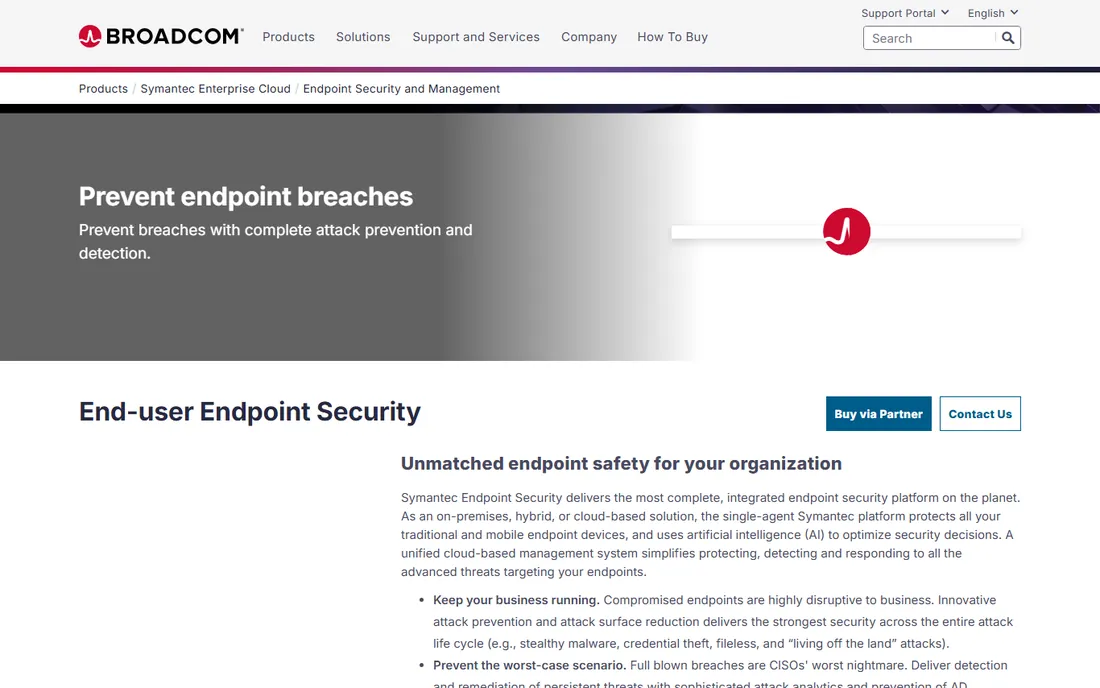
Symantec Endpoint Encryption, now part of Broadcom, bundles full-disk encryption with file-level and removable-media encryption under one centrally managed policy. Organizations safeguarding data across computers, tablets, hard drives, and cloud apps get encryption key management and compliance enforcement in a single console.
This is enterprise software with an enterprise buying process: no public pricing, no trial, and a product that assumes you are already invested in Broadcom's endpoint portfolio. Small companies will find it heavyweight. But for large organizations standardizing on Broadcom, it closes the encryption gap without adding another vendor.
What we like- Full-disk, file, and removable-media encryption in one product
- Strong central policy enforcement
- Deep integration with the Broadcom security stack
Watch out for- Enterprise sales process with no public pricing
- Heavyweight for small teams
- Requires Broadcom ecosystem commitment

#7
Sophos Central Device Encryption
Best for: Sophos shops managing device encryption
Visit sophos.com
Starting priceSee website
Free planFree trial
Sophos takes the pragmatic route: rather than a proprietary encryption engine, Central Device Encryption manages the native BitLocker and FileVault already on your devices, adding policy enforcement, compliance status, and recovery key escrow through the Sophos Central cloud console. That means no new encryption engine to validate and minimal performance impact.
Licensing is a per-user subscription with volume tiers, sold through resellers with trial availability. The catch is ecosystem lock: it makes sense if you already run Sophos Central for endpoint protection. For Sophos shops, it turns the free OS encryption into a managed, auditable compliance solution with very little new infrastructure.
What we like- Managed entirely from Sophos Central cloud console
- Uses native BitLocker and FileVault engines
- Straightforward per-user subscription licensing
Watch out for- Depends on the Sophos Central ecosystem
- Pricing varies by volume tier
- Advanced features need higher bundles
Why managed encryption beats just turning on BitLocker
Turning on BitLocker or FileVault protects one machine. Managing encryption protects the company. A management layer gives you three things the OS alone does not: proof that every device is actually encrypted, escrowed recovery keys so a forgotten password does not brick a laptop, and reports that satisfy auditors and cyber-insurance questionnaires. That is why the enterprise tools here manage BitLocker and FileVault rather than replacing them. The native engines are excellent; the management wrapper is what you pay for.
How to choose hard drive encryption software
Start with what you already own. If your fleet is Windows Pro or Mac, enable BitLocker and FileVault through Intune or your MDM and escrow the recovery keys. That costs nothing and covers most small businesses. Add a management product when you need compliance proof, centralized recovery, or mixed-OS coverage: ESET and Sophos are the friendlier mid-market options, while Check Point and Symantec suit enterprises with dedicated security teams.
Regulated industries should insist on FIPS 140-2 validated encryption and documented key management, which narrows the field to the enterprise tools. Before rollout, decide your recovery-key escrow policy and test recovery on a spare machine. Encryption done wrong is worse than no encryption, because the data loss is self-inflicted.
How we chose
We compared hard drive encryption tools using vendor documentation and pricing pages, official security guides, and public reviews on G2, Capterra, Slashdot, and Reddit. We weighed encryption strength, platform coverage, central management, compliance features, and pricing transparency for small and mid-size businesses. We did not perform hands-on testing.
Frequently asked questions
Is BitLocker enough for a small business?
Usually yes, if managed properly. BitLocker provides strong AES-256 encryption at no extra cost on Windows Pro and above. The missing piece is management: use Intune or Active Directory to enforce encryption and escrow recovery keys, so you can prove compliance and recover locked machines.
Does full-disk encryption slow down my computer?
On modern hardware with AES-NI instruction support, the performance impact is negligible for everyday work. Older machines without hardware AES acceleration may see slower disk-heavy operations. SSDs and recent CPUs make this a non-issue for most business laptops.
What happens if I lose my BitLocker recovery key?
Without the recovery key, a BitLocker-encrypted drive is effectively unreadable. This is why key escrow matters: Active Directory, Entra ID, or a management console stores keys centrally. Individual users should also save their key to a safe location separate from the device.
Can I encrypt a drive that is already in use?
Yes. BitLocker, FileVault, and VeraCrypt all encrypt in-place without reinstalling the operating system. The process takes time proportional to the data on the drive, and you should back up first. Plan the initial encryption during off-hours for large drives.
Is VeraCrypt safe for business use?
VeraCrypt is a legitimate open-source encryption tool with strong ciphers, and it is fine for individual or technical use. It lacks central management, key escrow, and compliance reporting, which most businesses need for a defensible encryption policy. Regulated companies should choose a managed product.
Do I need third-party encryption if I use Intune?
Not necessarily. Intune can enforce BitLocker on Windows and FileVault on Macs and escrow recovery keys, which covers the core requirements. Third-party tools add compliance dashboards, FIPS validation documentation, and unified multi-OS policies that larger or regulated organizations may require.
Sources we checked (7)
- https://learn.microsoft.com/en-us/windows/security/operating-system-security/data-protection/bitlocker/
- https://support.apple.com/guide/mac-help/how-does-filevault-encryption-work-flvlt001/10.13/mac/10.13
- https://www.veracrypt.fr
- https://www.eset.com/mm/localization/category-pages/identity-and-data-protection/
- https://www.scworld.com/product-test/check-point-full-disk-encryption-ve80-20
- https://www.broadcom.com/products/cybersecurity/endpoint/end-user
- https://www.sophos.com
Is your product missing or out of date?
We review this list regularly. Vendors can request a listing, send updated pricing or ask about featured placement.

Shihab Mia · Founder, Rankite
Shihab has spent more than a decade helping SaaS and e-commerce brands grow through search. He writes Rankite's software buying guides from pricing pages, documentation and public user reviews. More about Shihab.
 BitLocker
 FileVault
 VeraCrypt
 Check Point Full Disk Encryption