How we make this list: we compare pricing pages, product documentation and public user reviews. Ratings come from G2, Capterra or Trustpilot, with the date we checked them.
Key takeaways
- Desmos and GeoGebra remain the strongest free starting points for most students, with fast graphing and no install friction in a browser.
- Students who must match a TI-84 classroom workflow should pick a TI-84 style app, not a modern graphing interface, to avoid confusion during lessons.
- WolframAlpha and Symbolab add step-by-step work and symbolic math that pure graphers do not cover well.
- Paid TI-84 style apps cost far less than a handheld calculator, but check exam rules first, since many tests still require a physical device.
- The best choice depends on the course level, the device you own, and whether you need 3D graphs, statistics, or calculus tools.
Quick comparison
| Tool | Best for | Starting price | Free plan |
|---|
 Desmos Desmos | Free classroom graphing | Free | Yes |
 GeoGebra GeoGebra | Free 3D and geometry graphing | Free | Yes |
 WolframAlpha WolframAlpha | Symbolic math and step-by-step solutions | See website | Free trial |
 Symbolab Symbolab | Homework help with steps | See website | Yes |
 Mathlab Graphing Calculator Mathlab Graphing Calculator | Android graphing on a phone | See website | Yes |
 Taculator 84 Taculator 84 | TI-84 style graphing on iPhone and Android | See website | Yes |
 Photomath Photomath | Scanning problems and learning steps | See website | Yes |
 Maple Calculator Maple Calculator | University calculus and symbolic work | See website | Yes |
Is your product missing or out of date?
We review this list regularly. Vendors can request a listing, send updated pricing or ask about featured placement.
The best graphic calculator app
#1Desmos
Best for: Free classroom graphing4.4/5 on
G2 (25 reviews, checked Oct 2026)
Visit desmos.com
Starting priceFree
Free planYes
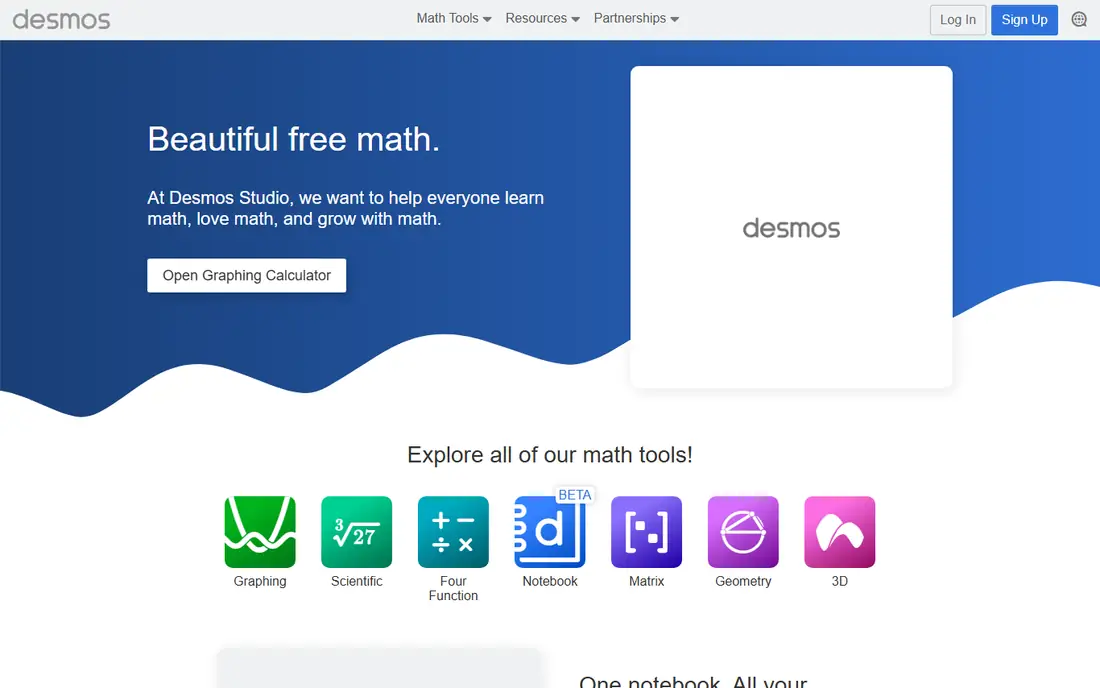
Desmos is the first app most students should try, because it removes the usual barriers to graphing. You open it in a browser, type an equation, and see the graph at once. Sliders make it easy to see how a change in a coefficient moves a curve, which helps in algebra and precalculus more than a static picture ever could.
The trade-off is familiarity. If your teacher demonstrates every step on a TI-84, Desmos will look different, and you may need to translate keystrokes into Desmos commands. It also does not replace a full computer algebra system for advanced symbolic work. For everyday graphing, tables, inequalities, and classroom exploration, however, it is hard to beat at no cost.
What we like- Fast and clean graphing
- Works in a browser and on mobile
- Strong for sliders, tables, and classroom activities
Watch out for- No TI-84 key layout
- Limited symbolic algebra compared with a computer algebra system
#2GeoGebra
Best for: Free 3D and geometry graphing4.5/5 on
G2 (30 reviews, checked Oct 2026)
Visit geogebra.org
Starting priceFree
Free planYes
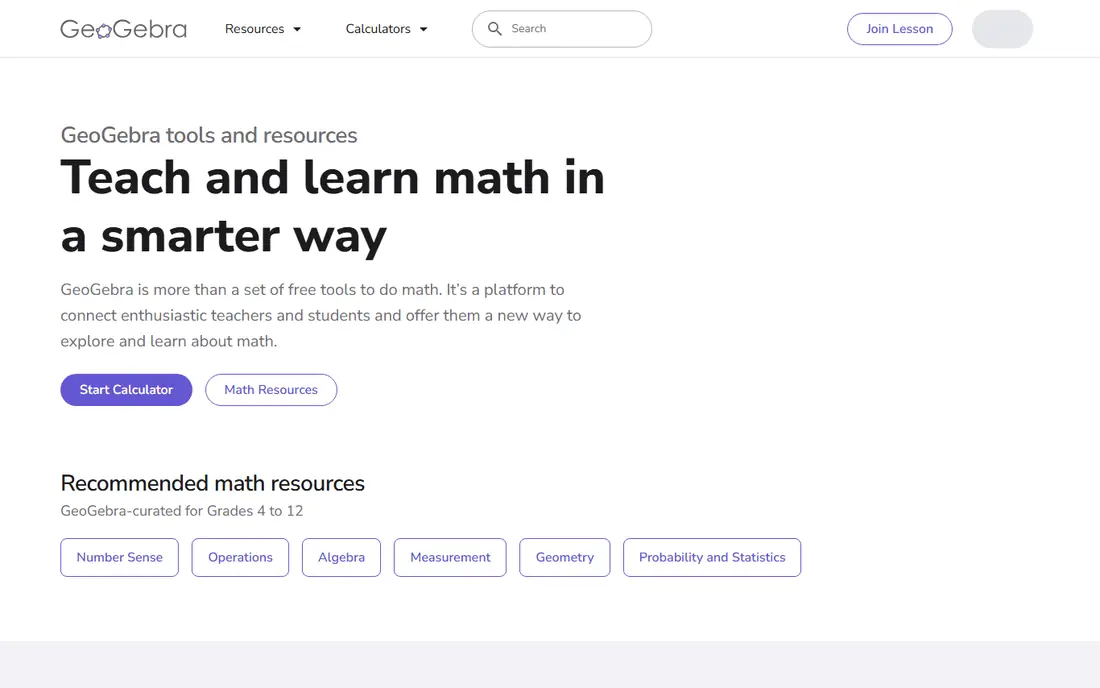
GeoGebra suits students who need more than a two-dimensional graph. Geometry tools sit beside algebra and graphing tools, so a triangle, a circle, and an equation can live in the same view. The 3D calculator adds surfaces and vectors for later courses, which makes GeoGebra useful well beyond a single school year.
New users sometimes feel lost in the menus, because GeoGebra packs several calculators into one product family. Start with the Graphing Calculator app rather than the full Classic version if you only need graphs. Once you are comfortable, the extra tools become a benefit, not a distraction.
What we like- Combines graphing, geometry, 3D, and statistics
- Large library of shared classroom materials
- Works across devices
Watch out for- Interface can feel busy for beginners
- Some advanced features take time to find
Starting priceSee website
Free planFree trial
WolframAlpha works best as a problem-solving companion, not as a daily grapher. You can enter an integral, a derivative, a system of equations, or a data set, and get a structured answer with plots and related results. That breadth makes it useful for checking homework and exploring topics that go beyond a single graph.
The catch is cost and workflow. The free version answers many queries, but detailed steps and extended computation time sit behind a paid plan. Students who mainly need to plot functions will prefer Desmos or GeoGebra, and use WolframAlpha when they need to understand how an answer was reached.
What we like- Handles calculus, algebra, and statistics queries in plain language
- Shows steps on many problem types
- Huge knowledge base
Watch out for- Graphing interface is less fluid than Desmos
- Full step-by-step access requires a paid plan
Starting priceSee website
Free planYes
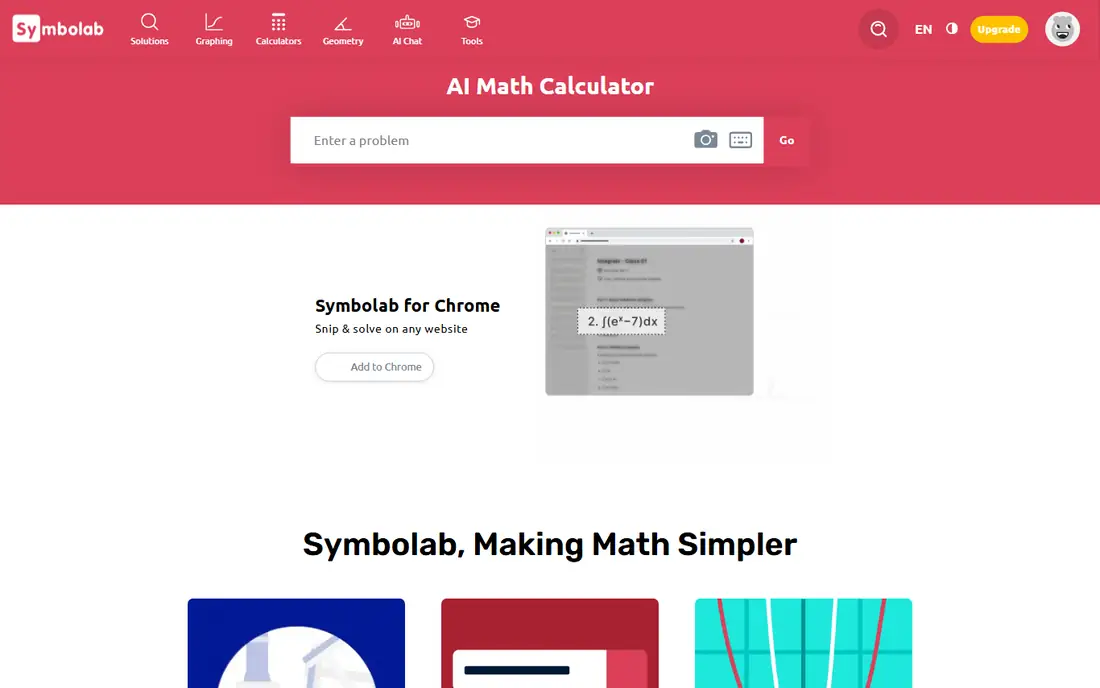
Symbolab focuses on the working, not just the final answer. Enter an equation or a calculus problem and it breaks the solution into steps that a student can follow line by line. That structure helps when a textbook answer gives no explanation and a teacher is not available.
Free use is genuinely useful, but the most detailed steps and some practice features require payment. The graphing tool is solid for standard functions, though it does not match Desmos for speed or classroom activities. Symbolab is a strong second app for students who struggle with method as much as with answers.
What we like- Clear step-by-step solutions for algebra and calculus
- Graphing calculator included
- Practice problems by topic
Watch out for- Some steps require a paid plan
- Ads and upsells can interrupt free use
#5
Mathlab Graphing Calculator
Best for: Android graphing on a phone
Visit mathlab.app
Starting priceSee website
Free planYes
Mathlab has long been a practical choice for Android users who want a graphing calculator in their pocket. It plots multiple functions, finds roots and intersections, and shows a table of values without forcing you through a desktop site. For students with an Android phone and no tablet or laptop nearby, that portability matters.
The design is functional rather than polished, and iPhone users should look elsewhere. Mathlab also lacks the classroom activity library that Desmos provides. If you need a dependable Android grapher for daily homework, it still earns its place.
What we like- Strong Android graphing with tables and roots
- Works well on smaller screens
- Useful for algebra and calculus
Watch out for- IOS availability is limited
- Interface looks dated compared with Desmos
Starting priceSee website
Free planYes
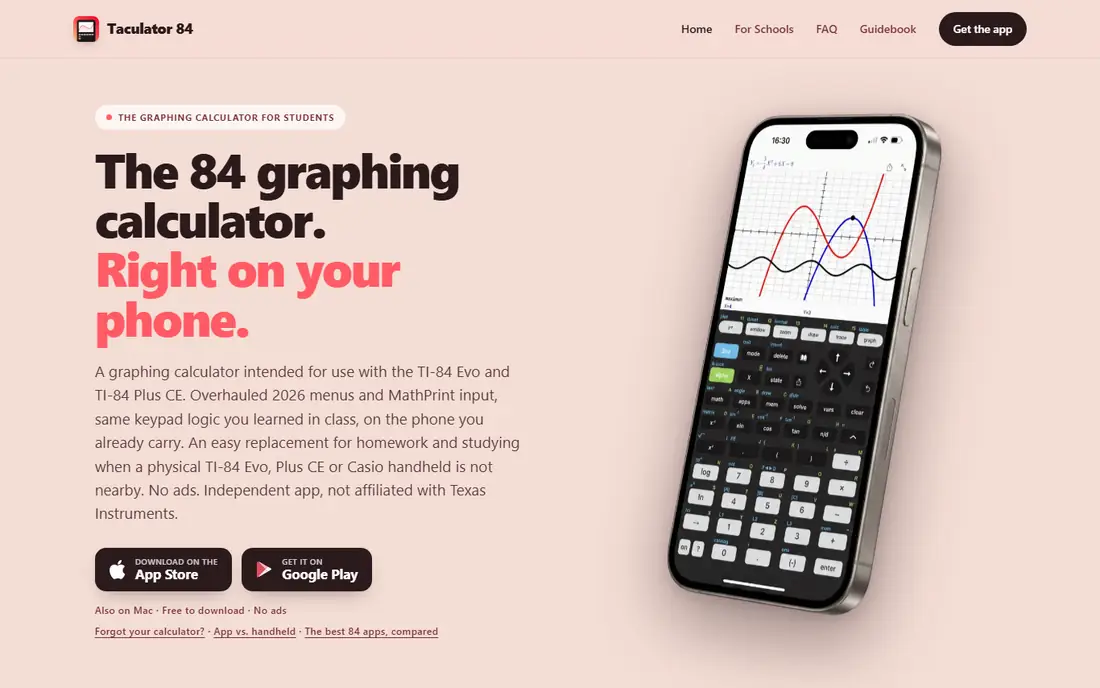
Taculator 84 is built for the student whose class runs on TI-84 instructions. The keypad, menus, and MathPrint input mirror the handheld experience, so you can follow along without translating each step. Free graphing covers many basic needs, and schools can use it without a per-student fee in many cases.
Advanced features sit behind a paid upgrade, which is fair given the low cost compared with a handheld. The main limit is exam policy, not the app itself. Many standardized tests still require a physical calculator, so confirm the rules for your test before you plan around any phone app.
What we like- TI-84 style keypad and menus
- Free graphing for basic use
- Available on iOS, Android, and Mac
Watch out for- Full features require a paid upgrade
- Not a substitute for an approved exam device
#7Photomath
Best for: Scanning problems and learning steps4.5/5 on
G2 (2 reviews, checked Oct 2026)
Visit photomath.com
Starting priceSee website
Free planYes
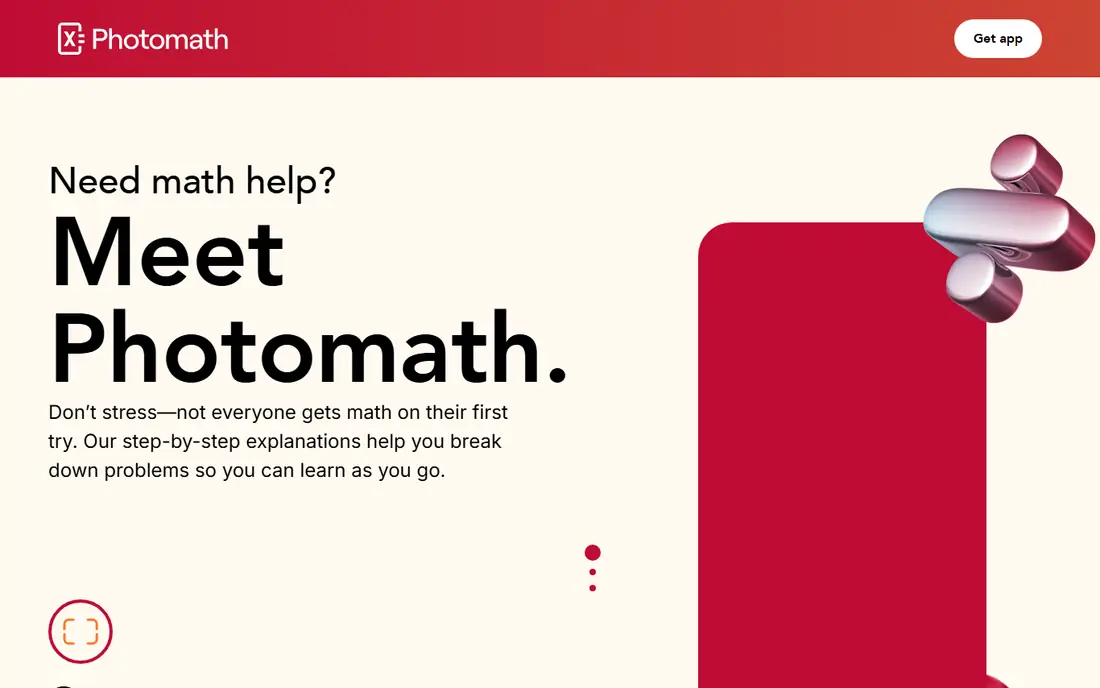
Photomath serves a different moment in homework: the point where you have a printed problem and want to see how it is solved. Point the camera at the problem, and the app reads it and shows steps. That workflow helps students who get stuck at the first step, rather than students who need to explore a family of graphs.
As a graphing calculator, Photomath is limited. It can show graphs for equations, but it does not offer the sliders, tables, and exploration tools that Desmos provides. Use it beside a grapher, not instead of one, and treat the steps as a learning aid rather than a way to skip practice.
What we like- Camera scanning for printed problems
- Step explanations for many topics
- Useful for checking written work
Watch out for- Graphing is secondary to problem solving
- Handwriting recognition can fail on messy writing
Starting priceSee website
Free planYes
Maple Calculator brings university-level math to a phone app. It handles symbolic derivatives, integrals, and matrix work with more depth than most free graphers, and its plots cover both 2D and 3D cases. Students moving from high school calculus into university math will notice the extra headroom.
That power comes with complexity. Younger students may find the interface and notation more than they need, and the free app does not include every feature of desktop Maple. For advanced courses, however, Maple Calculator is a credible bridge between a school grapher and a full computer algebra system.
What we like- Strong symbolic math from Maple
- 2D and 3D plotting
- Useful for university-level calculus and linear algebra
Watch out for- Overkill for middle school algebra
- Some advanced features require a Maple subscription
How we chose
We compared pricing pages, product documentation, and public reviews on G2, Capterra, and Reddit, and checked each product against the needs of different learners. We looked for free access, TI-84 compatibility, graphing quality, symbolic math, and fit for middle school, high school, and university courses. We did not claim hands-on testing, and we excluded products that were discontinued, hardware only, or not available as an app or web tool in the US.
What to check before you pay
Price is only one part of the decision. Exam rules, device support, and course requirements often matter more, and a cheap app that is not allowed on your test is not a bargain.
Match the app to your class
If your teacher uses a TI-84, pick a TI-84 style app for daily classwork, even if you also keep Desmos for exploration. If your class uses Desmos activities or GeoGebra materials, follow that lead, since shared files and instructions will match.
Check exam approval early
Standardized tests and many school exams have strict calculator rules. A phone app may be fine for homework and class practice but not allowed in the exam room. Ask your teacher or check the test publisher rules before you buy anything.
Think about the device you actually carry
A browser tool works well on a school Chromebook, while a phone app helps on the bus or at home without a laptop. The best grapher is the one you will open, so pick the platform that fits your routine, then check that it covers your current course topics.
Frequently asked questions
What is the best free graphic calculator app?
Desmos is the best free starting point for most students, with GeoGebra close behind when you need geometry or 3D graphs. Both work in a browser at no cost, and both cover algebra through precalculus well. Choose Desmos for speed and simplicity, and GeoGebra for a wider set of math tools.
Can a phone app replace a TI-84 calculator?
For homework and class practice, a TI-84 style app can replace a handheld in many cases, and it costs much less. For exams, it often cannot, because many tests require an approved physical calculator and ban phones. Check your course and test rules before you depend on an app alone.
Which app is best for calculus?
Desmos and GeoGebra cover much of introductory calculus, including derivatives and integrals shown as graphs. WolframAlpha, Symbolab, and Maple Calculator add symbolic steps and deeper calculus support. Students in university calculus often benefit from pairing a fast grapher with one symbolic tool.
Is Desmos allowed on the SAT?
Desmos is built into the digital SAT testing app, which is different from using the public Desmos site on your own device. The testing app includes an approved graphing calculator for use during the test. Always follow the current College Board instructions for your test date, since rules can change.
What is the cheapest TI-84 style app?
Taculator 84 is the TI-84 style pick here, with free basic graphing and a paid upgrade for full features. Prices change, so check the App Store or Google Play listing before you buy. It still costs far less than a new handheld TI-84.
Do I need a paid app for high school math?
Most high school students do not need a paid app, because Desmos and GeoGebra cover graphing, tables, and statistics at no cost. Paid apps make sense when you need TI-84 keystrokes, detailed steps, or symbolic math beyond basic graphing. Start free, then pay only for a gap you can name.
Sources we checked (8)
- https://www.desmos.com
- https://www.geogebra.org
- https://www.wolframalpha.com
- https://www.symbolab.com
- https://www.mathlab.app
- https://www.taculator.com
- https://www.photomath.com
- https://www.maplesoft.com
Is your product missing or out of date?
We review this list regularly. Vendors can request a listing, send updated pricing or ask about featured placement.

Shihab Mia · Founder, Rankite
Shihab has 5+ years in B2B and SaaS SEO. He writes Rankite's software buying guides from pricing pages, documentation and public user reviews. More about Shihab.