How we make this list: we compare pricing pages, product documentation and public user reviews. Ratings come from G2, Capterra or Trustpilot, with the date we checked them.
Key takeaways
- Gamma leads on AI-native creation, with an agent that outlines, designs, and edits decks, documents, and websites for 100 million plus users.
- SlidesAI leads for working inside existing tools, generating native Google Slides and PowerPoint files from text, docs, and prompts.
- Plus AI leads for professionals who refuse to leave PowerPoint or Google Slides, building native files with their own Open XML renderer.
- Presentations.ai leads at scale, with data-connected refresh, API generation, and 1,000 plus templates for high-stakes business decks.
- Pitch leads for sales teams, with multiplayer creation, brand guardrails, deal rooms, and viewer analytics.
Quick comparison
| Tool | Best for | Starting price | Free plan |
|---|
 Gamma Gamma | AI-native creation | See website | Free plan |
 Pitch Pitch | Sales teams | See website | Free plan |
 SlidesAI SlidesAI | Google Slides and PowerPoint | $10 per month | Basic free |
 Plus AI Plus AI | Inside PowerPoint and Slides | See website | 7-day trial |
 Presentations.ai Presentations.ai | Scale and refresh | $20 per month | Starter free |
 Beautiful.ai Beautiful.ai | Smart templates | See website | 14-day trial |
 Canva Canva | General design | See website | Free plan |
 Google Slides Google Slides | Free collaboration | Free | Free |
Is your product missing or out of date?
We review this list regularly. Vendors can request a listing, send updated pricing or ask about featured placement.
#1Gamma
Best for: AI-native creation3.9/5 on
G2 (39 reviews, checked Oct 2026)
Visit gamma.app
Starting priceSee website
Free planFree plan
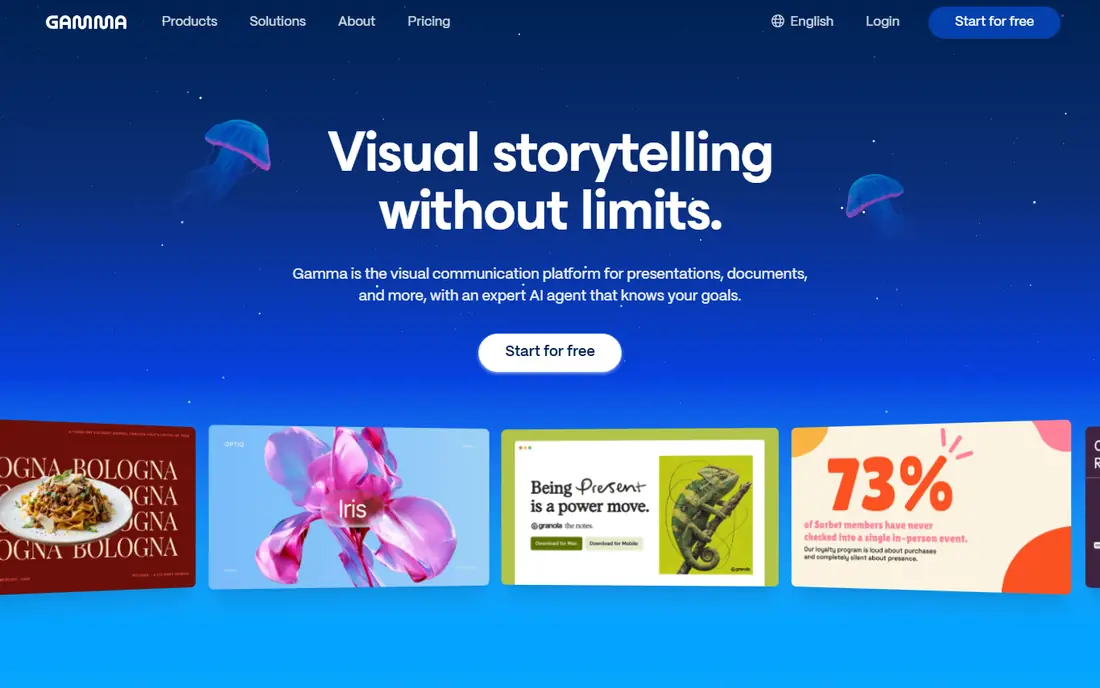
Gamma is a visual communication platform for presentations, documents, and more, with an expert AI agent that knows the user's goals. The agent starts with a conversation, outlines first so the story can be shaped, then iterates in chat beside the deck, while design controls match style to content, audience, and brand. Freeform editing lets users move anything anywhere or drop in smart layouts, and imports from PowerPoint and PDF arrive with formatting intact. Gamma suits creators who want AI-native decks that can also become websites and documents.
What we like- AI agent that brainstorms, outlines, designs, and edits
- Presentations, documents, websites, and social content in one platform
- PowerPoint and PDF import with formatting intact
- 25 plus connectors to Slack, Notion, Dropbox, and more
- Export to PowerPoint and PDF
- Free plan with AI credits
- 100 million plus users
Watch out for- Homepage shows no pricing table
- Web-first output may need reformatting for strict PowerPoint templates
- Individual plan content may train AI features by default unless opted out
#2Pitch
Best for: Sales teams4.4/5 on
G2 (67 reviews, checked Oct 2026)
Visit pitch.com
Starting priceSee website
Free planFree plan
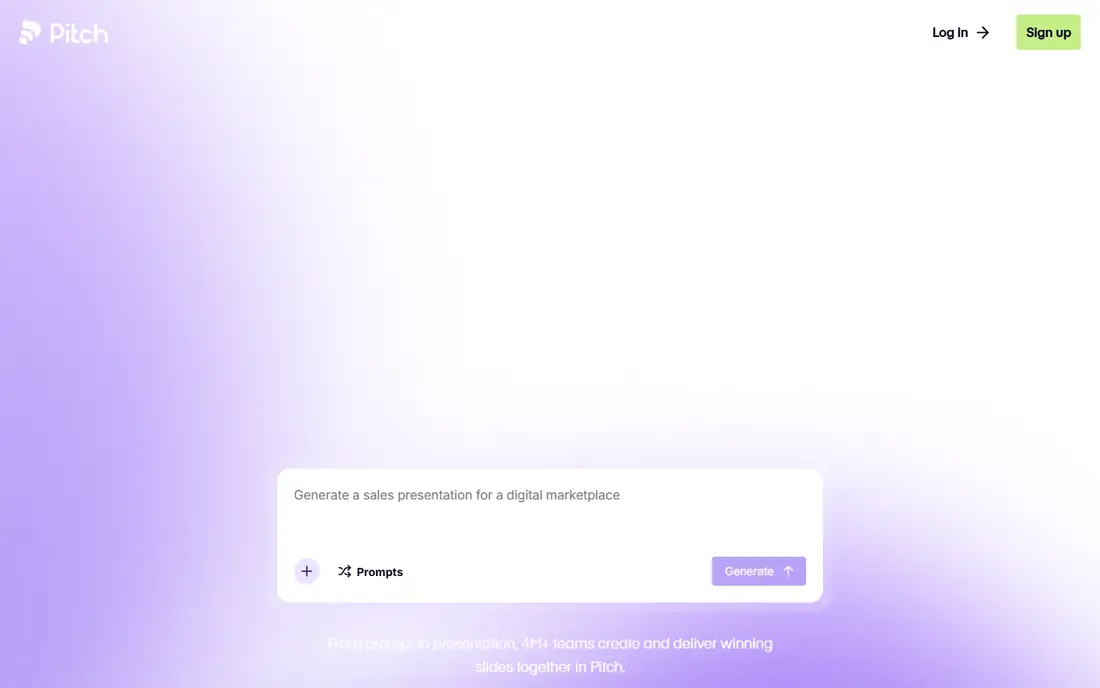
Pitch is the AI presentation workspace where teams collaborate on slides that matter, rather than prompting AI individually. Pitch Agent generates on-brand slides, personalizes messaging, and enhances visuals, while the slide editor gives complete control over design and placement. Brand guardrails, custom fonts, and a shared media library keep every deck consistent, and MCP and API connections automate workflows like generating QBR decks from call transcripts. Viewer analytics show who opens decks, and deal rooms curate sales assets for clients. Pitch suits sales and go-to-market teams who live in decks.
What we like- Free plan with unlimited presentations forever
- Pitch Agent generates on-brand slides
- Fully editable AI slides with pixel-level control
- Brand library with custom fonts and media
- MCP and API for agentic workflows
- Viewer analytics and deal rooms
- 150 plus templates
- 4 million plus teams
Watch out for- Homepage shows no paid pricing
- Team and business features need higher plans
- Sales focus may outweigh classroom or academic needs
Starting price$10 per month
Free planBasic free
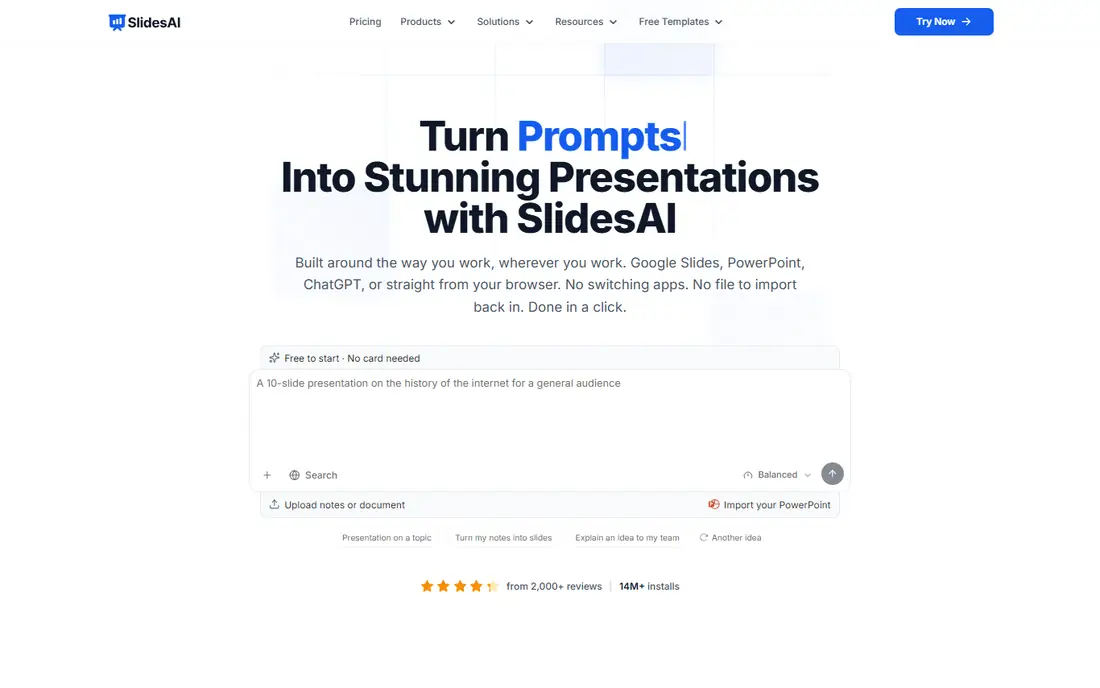
SlidesAI turns text, docs, and prompts into presentations in seconds, working wherever users already build slides: Google Slides, PowerPoint, ChatGPT, or the web app. Users type a topic, paste notes, or attach a document, confirm slide count, audience, tone, and language, then shape the outline line by line before SlidesAI writes the text and designs every slide. Brand Kit imports a branded PPTX template so every deck arrives in the user's colors, fonts, logo, and layouts with no restyling. SlidesAI suits students, teachers, and professionals who want native files they can keep editing.
What we like- Works in Google Slides, PowerPoint, ChatGPT, and the web
- Turns topics, notes, scripts, documents, and PDFs into decks
- Editable AI diagrams, flowcharts, and timelines
- Brand Kit applies colors, fonts, logo, and 64 layouts
- Asks clarifying questions instead of guessing
- Outline editing before generation
- 3.7 million plus presentations created
- Basic plan free with 200 AI credits per month
- Pro at 10 dollars per month billed annually
Watch out for- Monthly Pro billing costs more than the annual rate
- Advanced models need Premium at 20.83 dollars per month billed annually
- Comparison pricing from July 2026 may have changed
#4Plus AI
Best for: Inside PowerPoint and Slides3.2/5 on
G2 (5 reviews, checked Oct 2026)
Visit plusdocs.com
Starting priceSee website
Free plan7-day trial
Plus AI is an AI assistant for PowerPoint and Slides that helps users create usable, results-oriented presentations without leaving the app they already use. Start from a prompt or preset, upload a PDF, Word document, PowerPoint, or text file, then refine with one-click rewrite and remix, add images, icons, and charts, and save custom instructions and presets for recurring decks. Because Plus builds native PPTX files with its own Open XML renderer, output stays fully compatible with existing slide templates and workflows. Plus AI suits consultants, analysts, and professionals whose decks must live in PowerPoint or Google Slides.
What we like- Native add-on for PowerPoint and Google Slides, so no new app to learn
- Builds native PPTX files with its own Open XML renderer
- Start from a prompt, file, or preset
- Insert, Rewrite, Remix, and custom instructions
- Preset library for recurring decks
- Reads, writes, and translates nearly any language
- SOC 2 Type II compliance
- 7-day free trial
Watch out for- No permanent free plan beyond the trial
- Homepage shows no pricing table
- Output quality depends on the user's existing template
Starting price$20 per month
Free planStarter free
Presentations.ai is an AI presentation platform that turns ideas, documents, and URLs into professional slide decks in minutes, automatically applying brand and exporting directly to PowerPoint. The suite covers an end-to-end AI Presentation Maker, a slide-by-slide AI Slide Creator, a pitch-focused generator with problem, solution, market, traction, and ask order, a ChatGPT bridge, and 1,000 plus templates. Refresh swaps in new data, prospects, or context while the original design stays locked, and the API generates hundreds of personalized decks from one source of truth. Presentations.ai suits business teams creating high-stakes decks repeatedly.
What we like- Turns prompts, documents, and URLs into decks in minutes
- 1,000 plus full-deck templates and single-slide layouts
- AI Slide Creator for one slide at a time
- AI Pitch Deck Generator with investor narrative order
- Refresh swaps in new data while design stays locked
- API generation at scale
- Exports native PowerPoint
- SOC 2 Type II and GDPR compliant
- Starter plan free with 200 credits
- Pro at 20 dollars per month billed annually
- Trusted by over 12 million customers
Watch out for- Pro plan is annual billing only
- Gold plan costs 100 dollars per month billed annually
- Refresh and API features target business teams more than casual users
#6Beautiful.ai
Best for: Smart templates4.6/5 on
G2 (196 reviews, checked Oct 2026)
Visit beautiful.ai
Starting priceSee website
Free plan14-day trial
Beautiful.ai builds presentations around Smart Slides, templates that adapt layout automatically as content changes, so decks stay clean without manual formatting. The 14-day free trial gives unlimited access to test the system before committing. Beautiful.ai suits users who want polished decks fast and accept template structure in exchange for design consistency.
What we like- 300 plus Smart Slides that adapt layout automatically
- 14-day free trial with unlimited access
- Homepage pricing not shown on the checked page, so confirm current plans before buying
- Design stays clean without manual formatting
Watch out for- Smart Slide system limits freeform design control
- Pricing not shown on the homepage extract
#7Canva
Best for: General design4.7/5 on
G2 (7,678 reviews, checked Oct 2026)
Visit canva.com
Starting priceSee website
Free planFree plan
Canva is a general design platform with AI presentation generation inside a familiar editor, a huge template library, and a free plan for basic use. Its strength is breadth: one account covers presentations, social graphics, documents, and video, with team collaboration and brand kits on paid plans. Canva suits users who want one design tool for everything rather than a presentation-only specialist.
What we like- Huge template library across presentations and all design types
- AI presentation generation inside a familiar editor
- Free plan for basic use
- Massive media library
- Team collaboration and brand kits on paid plans
Watch out for- Homepage extract showed only an unsupported-browser notice, so details rest on published descriptions
- General design tool rather than a presentation specialist
- AI deck quality varies by template
Starting priceFree
Free planFree
Google Slides remains the free collaboration baseline: real-time co-editing, revision history, and PowerPoint conversion at no cost with a Google Account. It lacks native generative deck creation comparable to the dedicated tools here, though SlidesAI and Plus AI both generate directly inside it. Google Slides suits teams that need free, reliable collaboration and generate content with an add-on.
What we like- Free with a Google Account
- Real-time co-editing and revision history
- PowerPoint conversion
- Homepage extract was dominated by newsletter forms, so plan details rest on published descriptions
- Integrates with Gmail, Drive, and Meet
Watch out for- No native generative deck creation comparable to Gamma or SlidesAI
- AI features depend on Gemini add-ons
- Template range is narrower than Canva
How we chose
We opened each homepage and compared generation approach, output format, brand control, collaboration, and pricing transparency. Beautiful.ai, Canva, and Google Slides were verified earlier in this batch, while Gamma, Pitch, SlidesAI, Plus AI, and Presentations.ai were verified fresh. Where homepages showed no pricing, we recorded "See website" rather than inventing figures.
Start with where the deck must live. If the final file must be a native PowerPoint or Google Slides deck, SlidesAI and Plus AI are the safest picks, since both generate inside those apps. If the deck can live on the web, Gamma offers the most AI-native creation, while Presentations.ai adds refresh and API scale for repeated business decks.
Then check brand control and fact-checking. Pitch and Presentations.ai offer the strongest brand systems for teams, while Gamma and SlidesAI suit individuals. Whatever the tool, always verify AI-generated facts, numbers, and quotes before presenting, since generative tools can invent plausible-sounding details. Treat the first draft as a starting point, edit the story for the audience, and keep one human in charge of accuracy. AI saves hours of formatting, but the message still belongs to the presenter.
Frequently asked questions
What is the best generative presentation tool?
Gamma leads on AI-native creation, SlidesAI and Plus AI on native PowerPoint and Google Slides output, Presentations.ai on scale, and Pitch on sales teamwork. The best choice depends on where the deck must live.
Can AI create a full presentation from a prompt?
Yes. Gamma, SlidesAI, Plus AI, and Presentations.ai all generate full decks from a prompt, document, or URL, with outlines editable before generation in SlidesAI.
Which AI presentation tool is free?
Gamma offers a free plan with AI credits, Pitch offers unlimited presentations on its free plan, SlidesAI offers a free Basic plan, Presentations.ai offers a free Starter plan, and Google Slides is free outright.
Does AI presentation output need fact-checking?
Yes, always. Generative tools can invent plausible numbers, quotes, and citations. Verify every fact, figure, and quote before presenting.
Can I export AI decks to PowerPoint?
Yes. Gamma, SlidesAI, Plus AI, and Presentations.ai all export to PowerPoint, and SlidesAI and Plus AI generate natively inside PowerPoint and Google Slides.
Which tool is best for sales teams?
Pitch, with multiplayer creation, brand guardrails, deal rooms, viewer analytics, and MCP and API workflows for go-to-market automation.
Sources we checked (8)
- https://gamma.app/
- https://pitch.com/
- https://www.slidesai.io/
- https://www.plusdocs.com/
- https://www.presentations.ai/
- https://www.beautiful.ai/
- https://www.canva.com/
- https://slides.google.com/
Is your product missing or out of date?
We review this list regularly. Vendors can request a listing, send updated pricing or ask about featured placement.

Shihab Mia · Founder, Rankite
Shihab has 5+ years in B2B and SaaS SEO. He writes Rankite's software buying guides from pricing pages, documentation and public user reviews. More about Shihab.