How we make this list: we compare pricing pages, product documentation and public user reviews. Rankite is independent; if a vendor ever pays for a featured spot, that listing is clearly labeled Partner.
Key takeaways
- Figma is still the safest default for design collaboration, but its per-seat pricing rewards teams that assign the cheaper Dev and Collab seats instead of putting everyone on a Full seat.
- When the website itself is the deliverable, Framer and Webflow merge design and publishing into one tool. Framer costs less to start, while Webflow scales further for content-heavy sites.
- Penpot is the only serious open-source option here, free for small teams on its cloud plan and free forever if you self-host.
- For code-level teamwork, StackBlitz and CodeSandbox hand every teammate an instant browser environment, while Vercel and Netlify make deploy previews the center of the review workflow.
Quick comparison
| Tool | Best for | Starting price | Free plan |
|---|
 Figma Figma | product teams designing interfaces together | $16 per seat/month (Professional Full seat, billed annually) | Yes (Starter plan) |
 Framer Framer | designers who publish real websites | $10 per site/month (Basic, billed annually) | Yes |
 Webflow Webflow | marketing teams that own their website | $15 per month (Basic site plan, billed annually) | Yes (Starter) |
 Penpot Penpot | teams that want open source and self-hosting | $0 (Professional cloud plan is free) | Yes |
 StackBlitz StackBlitz | frontend developers who want instant environments | $18 per month (Pro, billed annually) | Yes (Personal) |
 CodeSandbox CodeSandbox | teams sharing runnable code | See website | Yes |
 Vercel Vercel | Next.js teams that deploy constantly | $20 per member/month (Pro) | Yes (Hobby) |
 Netlify Netlify | teams that want simple, fast deploys | $20 per month (Pro, unlimited members) | Yes |
Is your product missing or out of date?
We review this list regularly. Vendors can request a listing, send updated pricing or ask about featured placement.
The best frontend collaboration software in the cloud
#1
Figma
Best for: product teams designing interfaces together
Visit figma.com
Starting price$16 per seat/month (Professional Full seat, billed annually)
Free planYes (Starter plan)
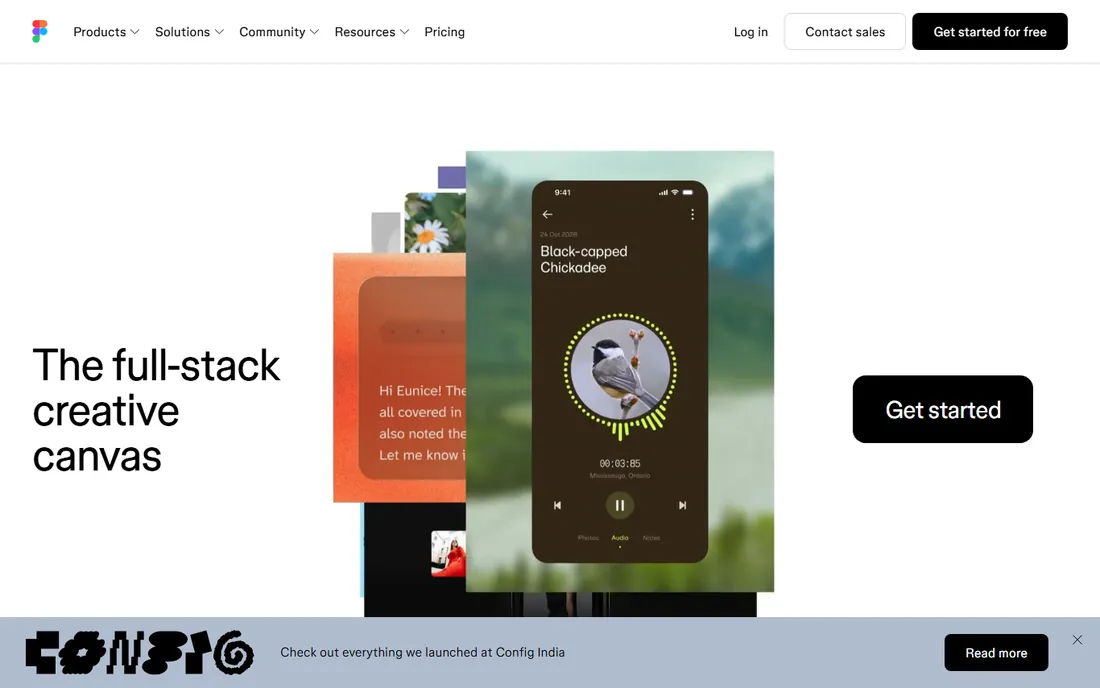
Figma is the default answer for a reason: it put the whole product team in the same browser tab years before anyone else did. Designers, developers, copywriters and stakeholders open one URL, see live cursors, leave comments pinned to the exact element, and never wonder which version is current. The 2026 lineup stretches beyond interface design into slides, whiteboarding, sites and AI-assisted generation, all under one seat model.
The honest catch is the seat math. Figma now sells Full, Dev and Collab seats at very different prices, and most teams overpay by putting everyone on a Full seat. Engineers who only inspect and hand off code belong on the cheaper Dev seat, and stakeholders who comment belong on free view access or a Collab seat. Get the mix right and Figma is fairly priced. Get it wrong and a twenty-person team pays several times what it should.
What we like- True multiplayer editing in the browser
- Dev Mode gives engineers specs and code without design seats
- Enormous plugin and template ecosystem
Watch out for- Per-seat costs climb fast on bigger teams
- Free Starter caps you at 3 collaborative files
- Serious governance features sit on the pricey Organization and Enterprise tiers
Starting price$10 per site/month (Basic, billed annually)
Free planYes
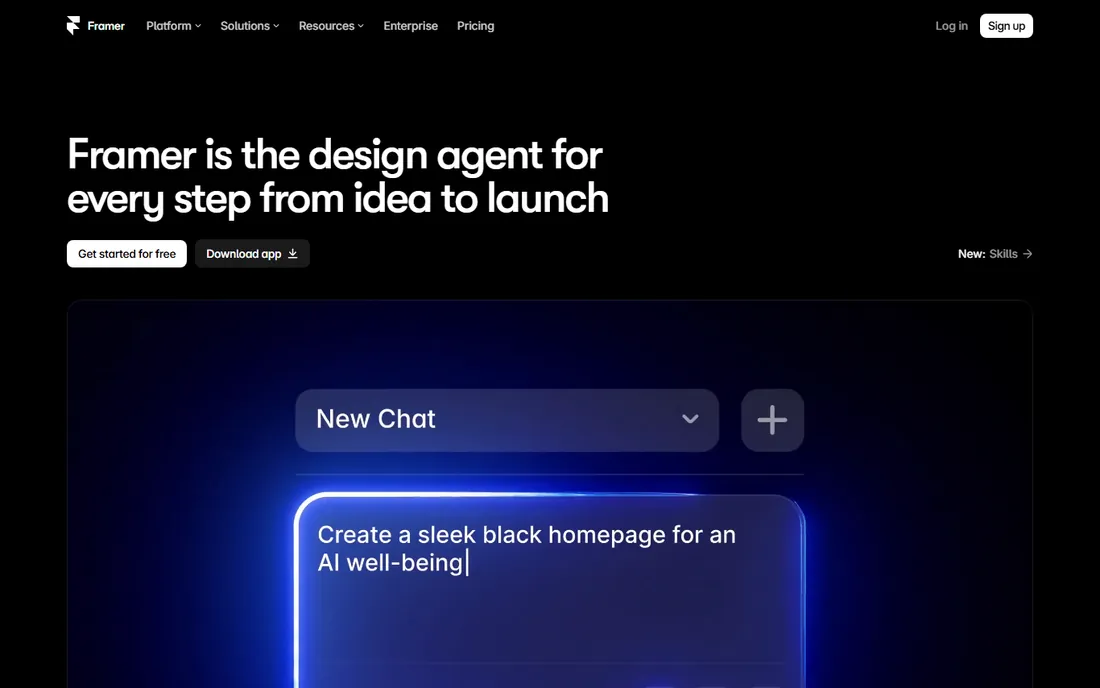
Framer started as a prototyping tool for designers and grew into a place where the design canvas and the live website are the same thing. You lay out pages visually, connect a CMS, hit publish, and the site is live on Framer's hosting with solid Core Web Vitals. For landing pages, portfolios and marketing sites, it removes the entire designer-to-developer translation step, because there is no translation.
Collaboration here looks different from Figma. Teammates comment on the live site, editors work in branches with previews, and content editors can update CMS entries without touching the design. Watch the total bill, though. The site plan is per site, and each additional full editor costs extra per month, so a five-person team running three sites pays far more than the headline $10 suggests. Solo designers and small studios get the best value.
What we like- Design and the published site live in one tool
- Built-in CMS, localization and analytics
- Strong performance scores out of the box
Watch out for- Per-site pricing stacks up when you run many sites
- Extra editors are billed separately per seat
- No native ecommerce, so stores need third-party tools
Starting price$15 per month (Basic site plan, billed annually)
Free planYes (Starter)
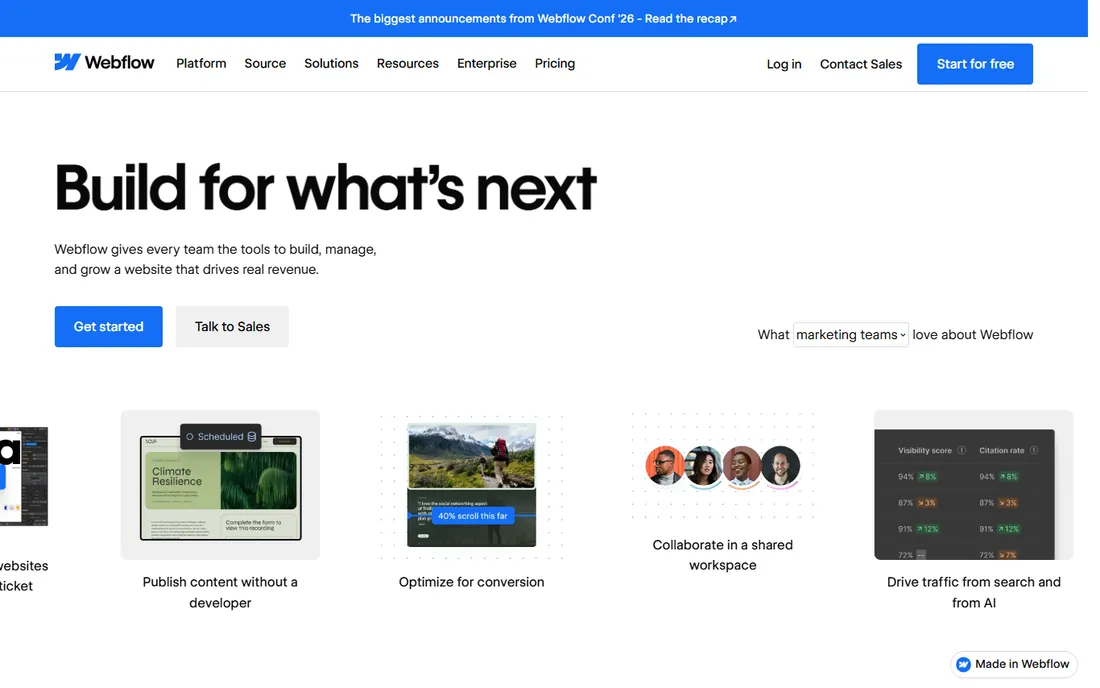
Webflow hands marketing teams the keys to the website without taking design control away from people who care about craft. Designers build visually with real CSS logic under the hood, marketers publish CMS content without filing tickets, and developers can extend things with code components or export the code outright. Page branching gives teams a safe space to redesign without touching the live site.
The pricing has two layers that surprise first-time buyers. The site plan covers hosting for one website, starting at $15 a month for a basic site and $25 for the CMS-powered Premium tier. The workspace plan covers who can build, and extra full seats run $39 a month each. A small marketing team should budget the full stack, not just the site plan, before deciding. For content-heavy sites that need to scale, it earns the money.
What we like- Pixel-level design control that outputs clean HTML and CSS
- Powerful CMS for content-driven sites
- Huge template and app marketplace
Watch out for- Site plan plus workspace plan plus per-seat charges add up
- Steeper learning curve than Framer
- A/B testing is a separate add-on starting at $299 per month
#4
Penpot
Best for: teams that want open source and self-hosting
Visit penpot.app
Starting price$0 (Professional cloud plan is free)
Free planYes
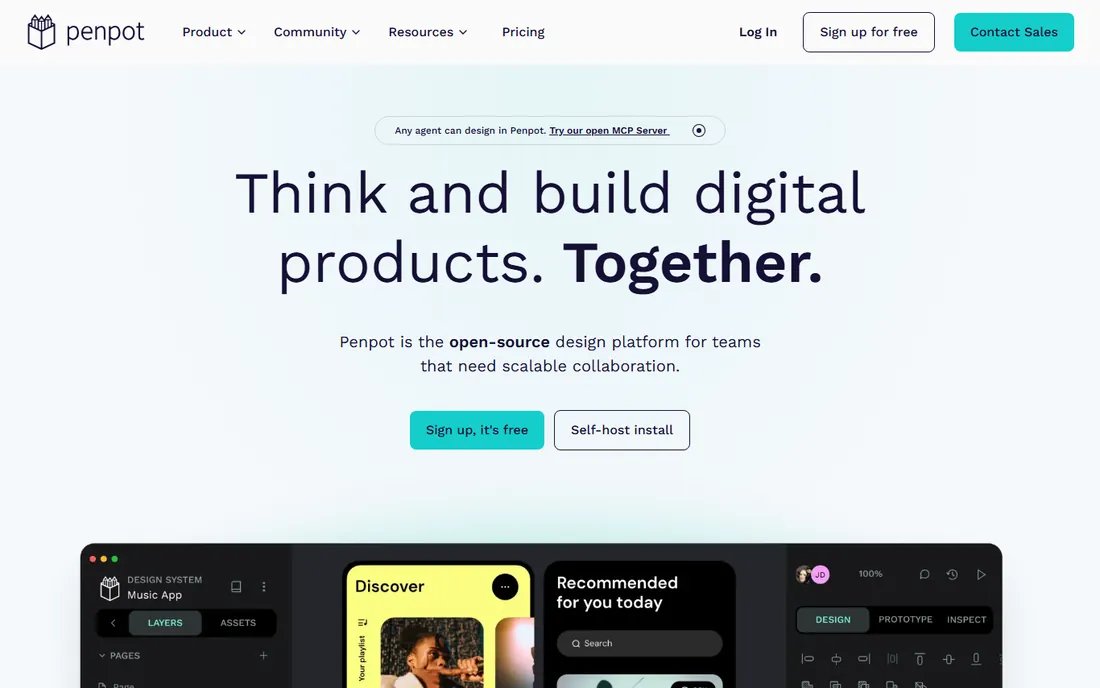
Penpot is the one pick on this list you can run on your own server, and for some teams that settles the decision by itself. It is an open-source, browser-based interface design tool with real-time collaboration, components, and native design tokens aligned with web standards. Developers get inspect panels with real CSS, flex and grid values, which makes handoff genuinely pleasant.
The cloud pricing is unusually generous: the Professional plan costs nothing for teams up to 8 people with 10 GB of storage, and the paid Unlimited tier is $7 per editor per month with the total bill capped at $175 no matter how large the team gets. The tradeoff is ecosystem maturity. If your workflow depends on specific Figma plugins or you do heavy mobile-app prototyping, you will feel the gap. If you mostly need a shared canvas with honest developer handoff, Penpot covers it for free.
What we like- Cloud Professional plan is free for up to 8 members
- Self-hosting is free with no seat limits
- Open file formats mean no vendor lock-in
Watch out for- Plugin and template library is much smaller than Figma's
- Figma imports rely on a community plugin
- Prototyping is solid but less mature
Starting price$18 per month (Pro, billed annually)
Free planYes (Personal)
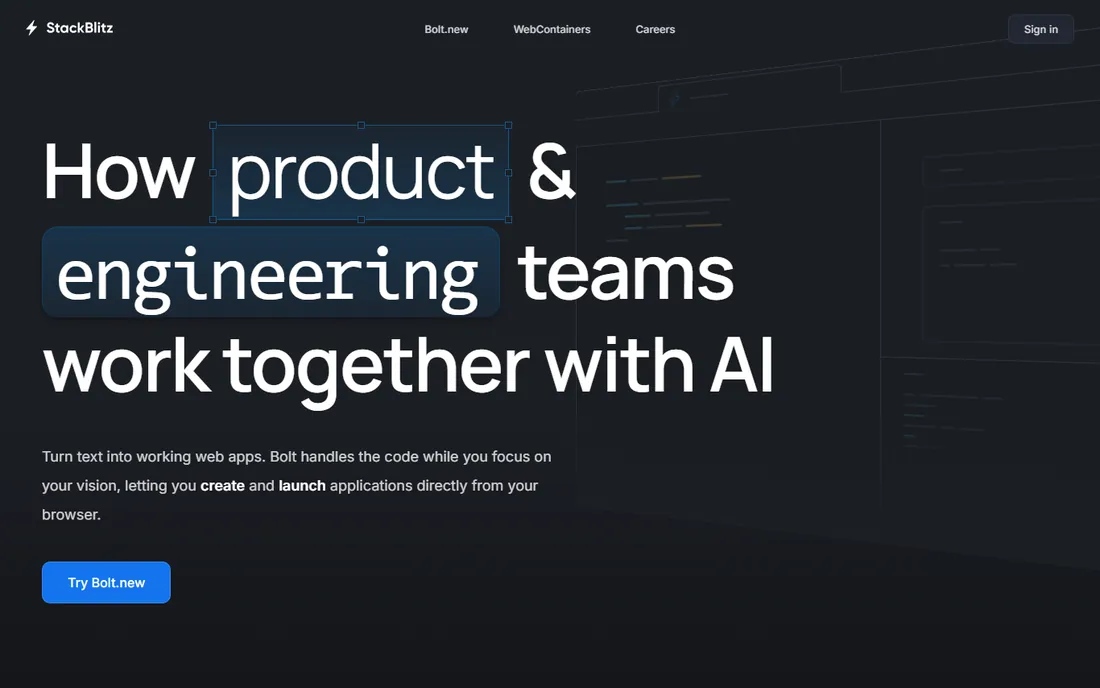
StackBlitz removes the worst part of frontend collaboration, which is getting everyone onto the same working environment. Its WebContainers technology runs a real Node.js environment inside the browser tab, so a teammate opens a shared URL and is coding in seconds with zero local setup. For pair programming, code reviews and onboarding new developers, that immediacy is hard to beat.
The free Personal plan covers unlimited public projects, which is plenty for open source and learning. Professional work needs Pro at $18 a month billed annually, and teams sharing private repositories need the Teams plan at $55 per member per month. That per-member jump is the thing to model before committing. Small teams that live in the browser will find the speed worth it.
What we like- Environments boot in milliseconds inside the browser tab
- Real-time collaboration on shared projects
- Runs Node locally via WebContainers with no server round-trips
Watch out for- Private team collaboration requires paid plans
- You need a GitHub account to save work and collaborate
- Teams pricing is per member and adds up quickly
Starting priceSee website
Free planYes
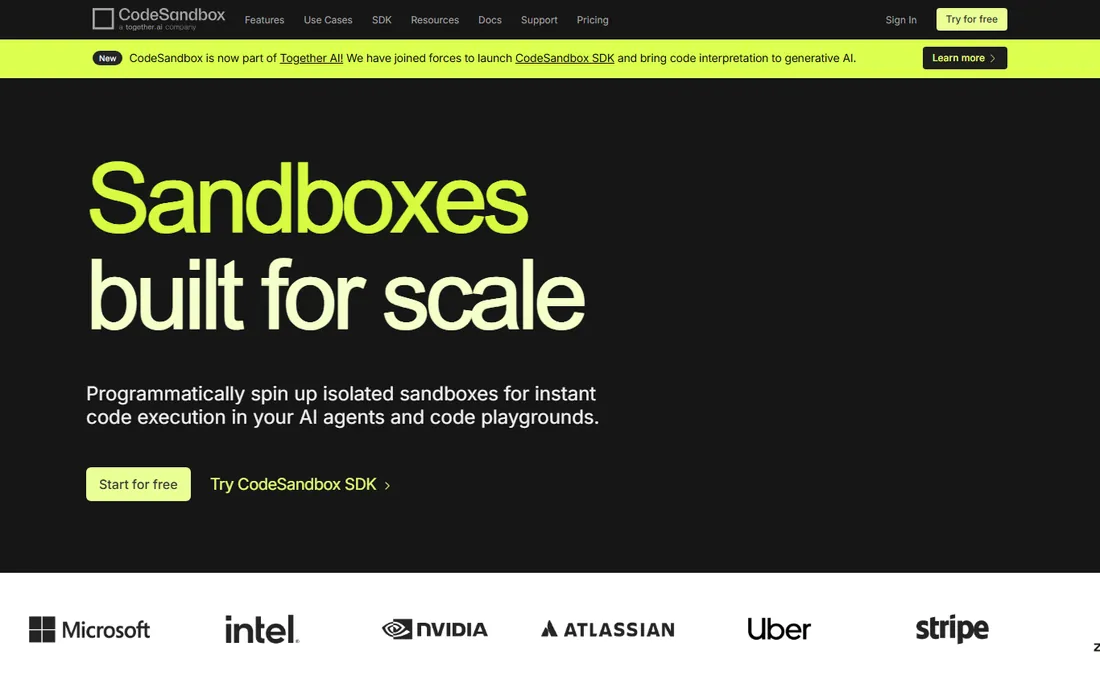
CodeSandbox built its name on a simple idea: every code snippet deserves a URL that runs. You pick a template, write code in a VS Code-like editor in the browser, and share the link. Teammates see the running app, not a screenshot, and can fork it or leave it as a review artifact. GitHub integration keeps sandboxes tied to real repositories.
The honest caveat is that CodeSandbox has repositioned itself around sandboxes-as-infrastructure for AI agents, with VM-credit billing layered on per-workspace plans. That is powerful if you are building agent tooling, but it makes the classic "how much for five developers" question harder to answer than it used to be. Start on the free tier, watch actual usage for a month, and only then decide whether the paid plans fit your pattern.
What we like- Every sandbox gets a shareable URL that runs instantly
- Templates for all major frameworks
- Syncs with GitHub repositories
Watch out for- Current pricing is usage and credit based, so costs are harder to predict
- The product has pivoted toward AI-agent infrastructure, which may confuse buyers
- The pricing page blocked automated access during our check
Starting price$20 per member/month (Pro)
Free planYes (Hobby)
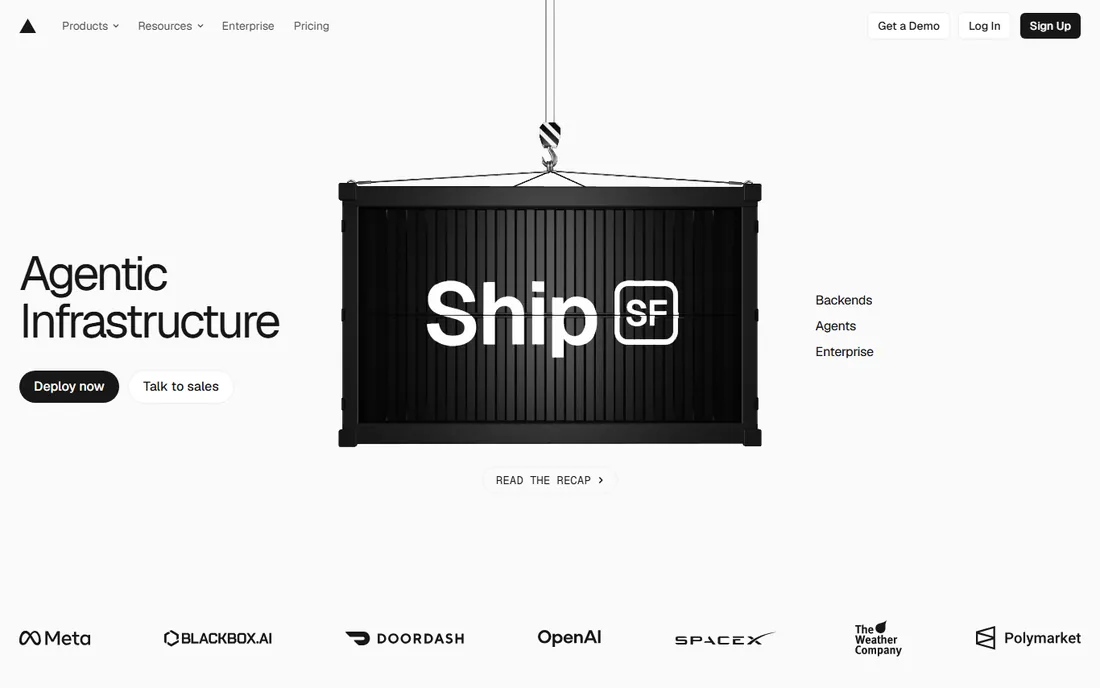
Vercel turns every pull request into a live preview link, which quietly changes how frontend teams review each other's work. Designers and PMs click the link from the PR, leave comments through the Vercel toolbar, and approve with confidence instead of squinting at screenshots. For teams building with Next.js, the integration is as tight as it gets, since the same company maintains the framework.
The pricing is straightforward but worth modeling. Hobby is free and genuinely useful, but the terms restrict it to non-commercial use, so any business project needs Pro at $20 per member per month. Pro includes a $20 usage credit, and the new flat-rate CDN option gives teams with spiky traffic a predictable bill. Five developers cost $100 a month before usage, which is fair for what you get, but it is not the cheapest way to host a static site.
What we like- Every pull request gets a live preview deployment with comments
- First-class Next.js support from the team that builds it
- Fast global edge network
Watch out for- The free Hobby plan is for non-commercial use only
- Per-member pricing means team growth directly raises the bill
- Bandwidth and function overages can surprise
Starting price$20 per month (Pro, unlimited members)
Free planYes
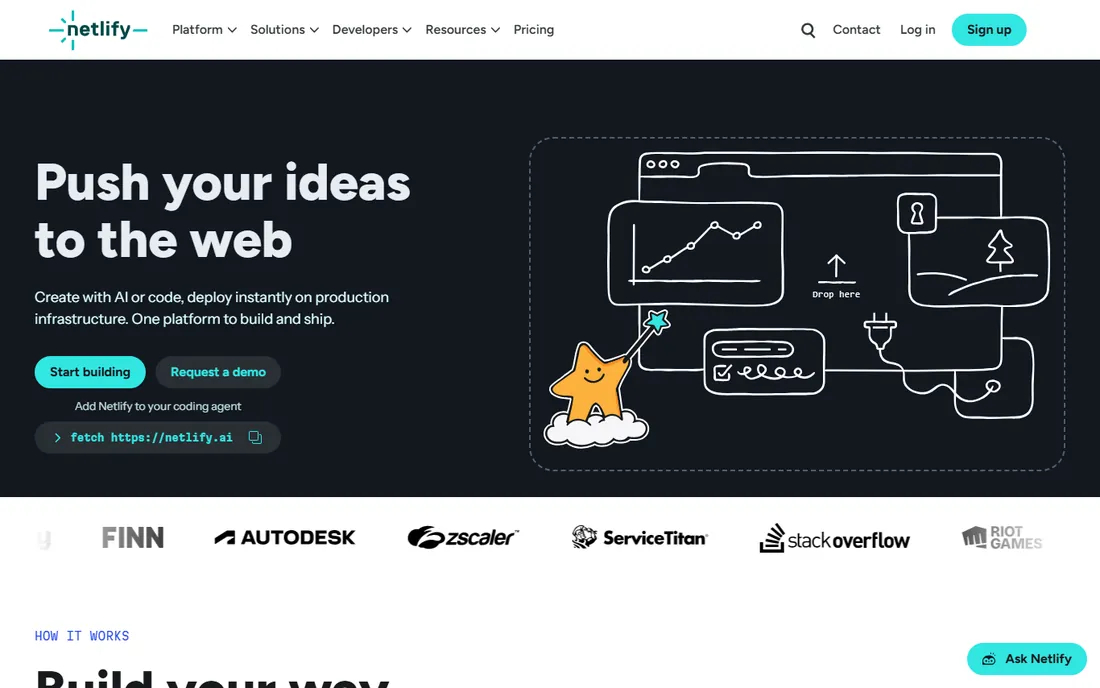
Netlify has spent a decade making deployment boring in the best sense, and its collaboration features ride on top of that foundation. Connect a repo, and every push deploys while every pull request gets a preview URL where reviewers leave visual feedback. Built-in forms and identity remove two integrations that small teams otherwise have to wire up themselves.
Netlify rebuilt its pricing around credits in 2026. The free tier includes 300 credits a month, Personal is $9, and Pro starts at $20 a month with unlimited team members and 3,000 monthly credits. That unlimited-members detail matters: a ten-person team pays the same base as a two-person team, which undercuts per-seat competitors at Pro level. Just keep an eye on the credit meter, since bandwidth, builds and function runs all draw from the same pool.
What we like- Deploy previews on every branch with collaborative feedback
- Forms, identity and analytics built in
- Pro includes unlimited members, which beats per-seat rivals for larger teams
Watch out for- The credit-based usage model takes some learning
- Password protection and advanced controls need Pro
- Heavy bandwidth users must watch credit burn
How we chose
We did not run lab tests or time anyone with a stopwatch. For each tool we read the current pricing page, the documentation on collaboration features such as comments, branching, preview links, roles and permissions, and public reviews on G2, Capterra and Reddit. We checked which plans actually include the collaboration features a real team needs instead of trusting the headline price, and we weighted fit for small and mid-size US companies: setup time, contract flexibility, per-seat versus flat pricing, and how painful it is to leave. Tools that were shut down or folded into something else were left out.
What to check before you sign up
Count who actually needs a paid seat
The sticker price is rarely the real price. Figma, StackBlitz and Vercel charge per seat or per member, so audit who truly needs one. Engineers who only inspect designs can take cheaper seats, stakeholders can often comment for free, and contractors can be removed between projects. A ten-minute seat audit before you buy usually saves more than any discount negotiation.
Decide where the collaboration happens
Design collaboration and code collaboration are different jobs. If your bottleneck is designers, PMs and stakeholders agreeing on screens, pick from Figma, Penpot, Framer or Webflow. If the bottleneck is developers reviewing each other's running code, pick from StackBlitz, CodeSandbox, Vercel or Netlify. Many teams end up with one from each column, which is fine as long as it is deliberate.
Read the pricing model, not just the price
Per-seat pricing punishes growing teams, per-site pricing punishes anyone running many small sites, and credit-based pricing punishes unpredictable traffic. Map the model to your shape. A freelancer with one site loves Framer's per-site plan. A ten-person agency loves Netlify's unlimited members. A team with spiky traffic should test Vercel's flat-rate CDN or Netlify's credit tiers before committing.
How the pricing really works
Four models cover this whole list. Per-seat is the most common: Figma from $16, StackBlitz Pro at $18, Vercel Pro at $20 per member. Per-site belongs to the website builders: Framer from $10 per site and Webflow from $15 per site, each billed annually, with workspace seats as a second bill on Webflow. Credit-based is the new wave: Netlify bundles usage into monthly credits starting at $20 for Pro, and CodeSandbox meters sandbox compute in credits too. Then there is Penpot, which is simply free for small teams and capped at $175 a month no matter how big you get. None of these models is a trap, but each rewards a different team shape, so match the model before you compare the numbers.
Frequently asked questions
What counts as frontend collaboration software?
Any cloud tool where more than one person works on the frontend together: shared design canvases with comments, browser-based code environments, or deployment platforms that generate reviewable preview links. The common thread is that feedback happens on the real artifact, not on screenshots in a chat thread.
Do we need both a design tool and a deployment platform?
Most product teams do. A design tool like Figma or Penpot settles what gets built, while a platform like Vercel or Netlify settles whether what was built is correct. Website builders like Framer and Webflow are the exception, since design and publishing live in one place.
Is Penpot really a viable Figma alternative?
For core UI design with developer handoff, yes, and it is free for small teams. You give up Figma's enormous plugin library, some advanced prototyping, and one-click Figma imports. Teams with strict data-control requirements or tight budgets usually find the tradeoff easy.
Which tool is cheapest for a team of five?
Penpot at $0 is the cheapest by far if it fits your workflow. Among paid options, Netlify Pro at $20 a month covers unlimited members, while Figma and Vercel cost per seat, so five people run roughly $80 to $100 a month before any usage. Always model your actual seat mix instead of multiplying the headline price.
Can clients and non-technical stakeholders leave feedback directly?
Yes on all eight. Figma, Framer, Webflow and Penpot support pinned comments for free or cheap seats, StackBlitz and CodeSandbox let anyone open a shared URL, and Vercel and Netlify put commenting directly on preview deployments. That is the whole point of the category.
Sources we checked (11)
- https://www.figma.com/pricing
- https://www.framer.com/pricing
- https://webflow.com/pricing
- https://penpot.app/pricing
- https://stackblitz.com/pricing
- https://codesandbox.io
- https://vercel.com/pricing
- https://netlify.com/pricing
- https://www.eesel.ai/blog/stackblitz-pricing
- https://temps.sh/blog/vercel-pricing-complete-guide-2026
- https://saascrmreview.com/framer-pricing/
Is your product missing or out of date?
We review this list regularly. Vendors can request a listing, send updated pricing or ask about featured placement.

Shihab Mia · Founder, Rankite
Shihab has spent more than a decade helping SaaS and e-commerce brands grow through search. He writes Rankite's software buying guides from pricing pages, documentation and public user reviews. More about Shihab.