How we make this list: we compare pricing pages, product documentation and public user reviews. Ratings come from G2, Capterra or Trustpilot, with the date we checked them.
Key takeaways
- The user limit matters more than the feature list. Free plans here range from 2 users (HubSpot, Capsule, Bitrix24) to 10 (Agile CRM), 15 (EngageBay) and unlimited (Odoo, self-hosted SuiteCRM).
- Contact caps are the second trap: Capsule and EngageBay stop at 250 contacts, Agile CRM and HubSpot at 1,000, while Attio allows 50,000 records.
- Zoho CRM's free edition covers 3 users and includes basic workflow automation, which is rare at $0.
- Odoo gives one app free for unlimited users, so a team can run its CRM free as long as it does not install a second Odoo app.
- Plan the upgrade before you commit. Attio's first paid plan is $35 per user per month billed annually, while Odoo Standard is $8.95 per user per month.
Quick comparison
| Tool | Best for | Starting price | Free plan |
|---|
 HubSpot Free CRM HubSpot Free CRM | Two-person teams that will add marketing later | $0 (up to 2 users); Starter is $15 per seat/month billed annually | Yes |
 Zoho CRM Zoho CRM | Teams of three that want automation at no cost | $0 (up to 3 users) | Yes |
 Attio Attio | Startups that need flexible data and room for records | $0 (up to 3 seats); Plus is $35 per user/month billed annually | Yes |
 Agile CRM Agile CRM | Teams of up to 10 that need everyone on the CRM | $0 (up to 10 users) | Yes |
 EngageBay EngageBay | Teams wanting CRM, email marketing and helpdesk together | $0 (up to 15 members); Basic is $14.99 per user/month billed monthly | Yes |
 Odoo CRM Odoo CRM | Teams of any size that only need the CRM app | $0 (One App Free, unlimited users); Standard is $8.95 per user/month | Yes |
 Capsule Capsule | Two-person service businesses with a short client list | $0 (up to 2 users) | Yes |
 Bitrix24 Bitrix24 | Pairs who want CRM plus chat and tasks | $0 (1 to 2 users); Basic is $49 per month billed annually for 5 users | Yes |
 SuiteCRM SuiteCRM | Teams with technical skills who want to self-host | $0 (open source, self-hosted) | Yes |
Is your product missing or out of date?
We review this list regularly. Vendors can request a listing, send updated pricing or ask about featured placement.
The best free CRM software for small teams
Every vendor on this list advertises a free CRM, but the word free hides very different limits. Some cap users at two, some cap contacts at 250, and some remove pipelines or automation until you pay. A free CRM is only useful if the whole team can log in and the database will not fill up in six months.
We sorted the tools roughly by how much a typical three to ten person sales team gets before paying. All limits and prices are taken from the vendors' own pricing pages as of October 2026.
#1
HubSpot Free CRM
Best for: Two-person teams that will add marketing later
Visit hubspot.com
Starting price$0 (up to 2 users); Starter is $15 per seat/month billed annually
Free planYes
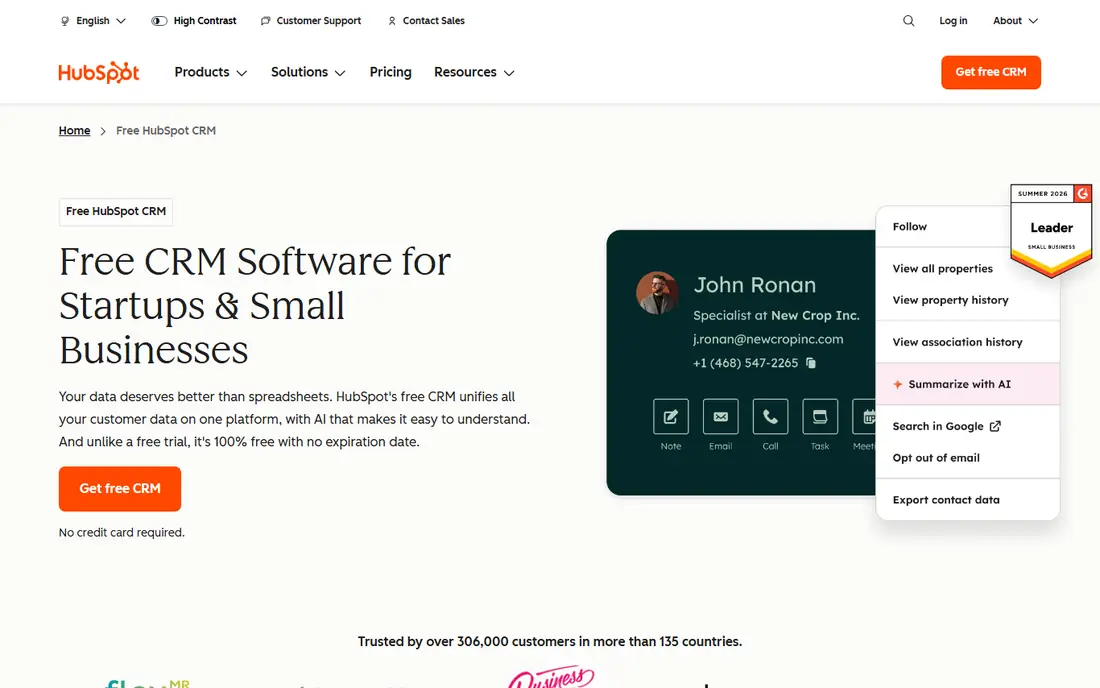
HubSpot is the free CRM most people try first, and for good reason. Contact records, deals, tasks and email tracking are all easy to set up without training. The free tools plan also includes basic email marketing, forms and live chat, which is useful for a small business that does its own marketing.
The limits are tighter than many buyers expect. The free plan allows up to 2 users and 1,000 contacts, and other standard records share a combined 1,000 cap. Marketing emails are capped at 2,000 per month and carry HubSpot branding.
That makes HubSpot a good fit for a founder and one salesperson, not a team of six. When you outgrow it, the Starter Customer Platform lists at $15 per seat per month with an annual commitment or $20 month to month, and HubSpot frequently runs promotions on top of that.
What we like- Polished interface and mobile app
- 2,000 marketing emails a month on the free tier
- Easy path into HubSpot's marketing, service and sales tools
Watch out for- Free tier allows only 2 users and 1,000 contacts
- HubSpot branding on emails, forms and chat
#2Zoho CRM
Best for: Teams of three that want automation at no cost4.1/5 on
G2 (2,952 reviews, checked Oct 2026)
Visit zoho.com
Starting price$0 (up to 3 users)
Free planYes
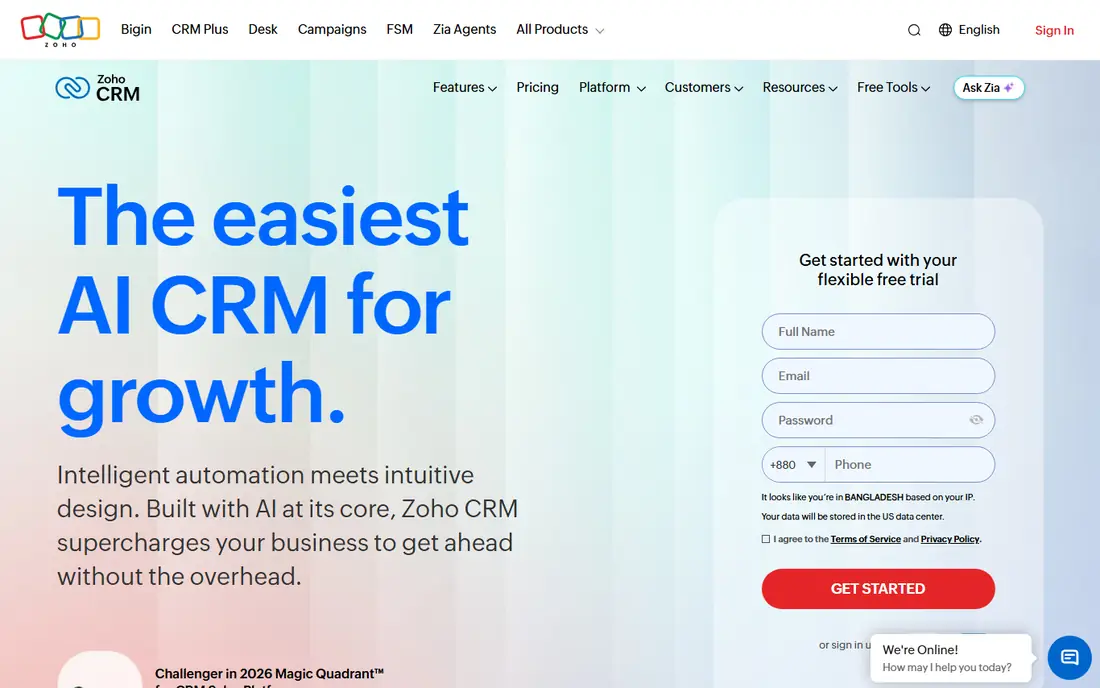
Zoho CRM's free edition is generous on the features that small sales teams actually use. Three users get contact and deal management, workflow automation, standard reports, up to 10 custom email templates and mobile apps, with no time limit.
Automation is the stand-out. Most free CRMs reserve rules such as "assign new web leads to Sam and create a follow-up task" for paid plans, and Zoho includes basic workflows at $0. The free edition also allows 5,000 API calls a day, enough for light integrations.
The honest catch is complexity. Zoho has hundreds of settings, and new users often need a few days to find their way around. Data export is limited to 10 times on the free edition, so plan your backups. Paid editions are priced through Zoho's pricing calculator, and the jump is worth checking before your team grows past three.
What we like- Free forever for 3 users
- Workflow automation and standard reports included
- Part of a large suite of Zoho business apps
Watch out for- Data export limited to 10 times on the free edition
- Settings menus take time to learn
#3Attio
Best for: Startups that need flexible data and room for records4.3/5 on
G2 (597 reviews, checked Oct 2026)
Visit attio.com
Starting price$0 (up to 3 seats); Plus is $35 per user/month billed annually
Free planYes
Attio is a newer CRM that feels closer to a flexible database than a traditional sales tool. It syncs contacts from your email and calendar, enriches company records automatically and lets you build lists and views that fit how your team actually works.
The free plan is unusually roomy for data. Three seats share up to 50,000 records, three objects and three reports, with 50 GB of file storage. For a startup tracking investors, partners and early customers, that is far more space than HubSpot's 1,000 contacts.
Where it falls short is automation. Workflows, sequences, custom objects and API access are not available until you pay, and email sending is limited to 200 per month. Plus costs $35 per user per month billed annually or $44 monthly, which is a meaningful step up from Zoho or Odoo.
What we like- 50,000 records on the free plan
- Automatic contact syncing and data enrichment
- 50 GB of file storage
Watch out for- No workflows, sequences, custom objects or API access on the free tier
- Only 200 emails a month
#4Agile CRM
Best for: Teams of up to 10 that need everyone on the CRM4.0/5 on
G2 (368 reviews, checked Oct 2026)
Visit agilecrm.com
Starting price$0 (up to 10 users)
Free planYes
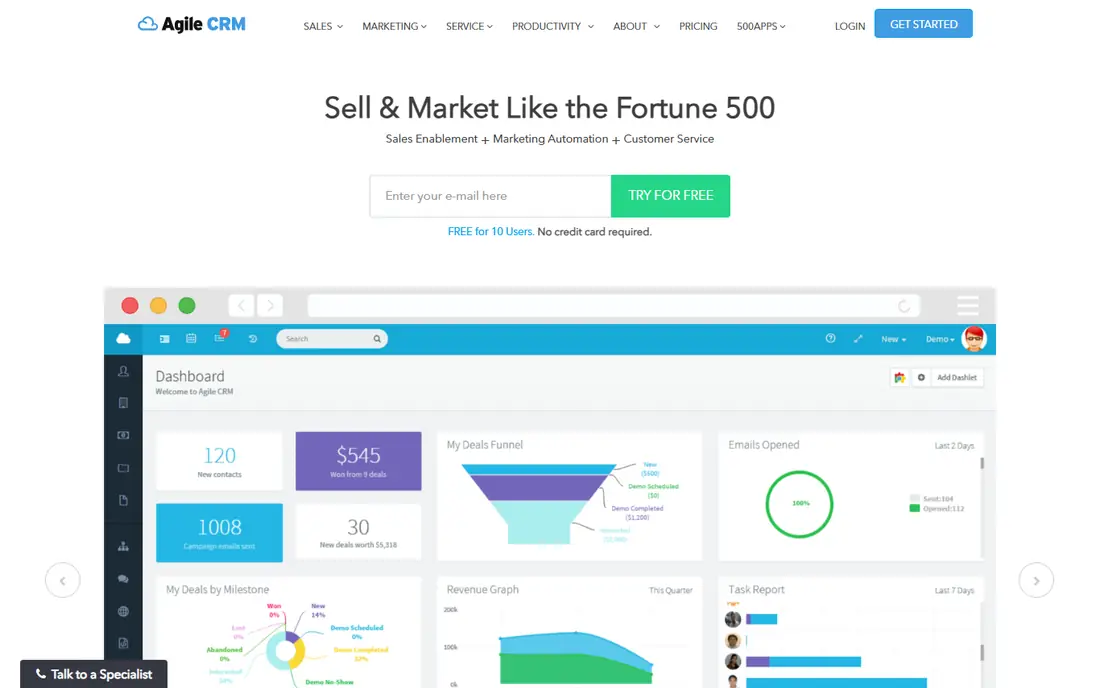
Agile CRM stands out because its free plan covers up to 10 users. For a small team where sales, support and the owner all need access, that removes the "who gets a seat" debate entirely.
The free plan includes 1,000 contacts and companies, deal tracking, tasks, and a taste of its marketing tools with one campaign workflow and one plugin. No credit card is required to sign up.
The weakness is depth and polish. The interface feels older than HubSpot or Attio, reporting on the free plan is basic, and the 1,000 contact cap will bind quickly for any team doing outbound prospecting. Check the current paid plan prices on Agile's site before you scale up.
What we like- Free for 10 users, the highest seat count among hosted free plans here
- Includes contacts, deals, tasks and basic marketing
- No credit card required
Watch out for- 1,000 contacts and companies on the free plan
- Only one plugin and one campaign workflow
#5EngageBay
Best for: Teams wanting CRM, email marketing and helpdesk together4.6/5 on
G2 (759 reviews, checked Oct 2026)
Visit engagebay.com
Starting price$0 (up to 15 members); Basic is $14.99 per user/month billed monthly
Free planYes
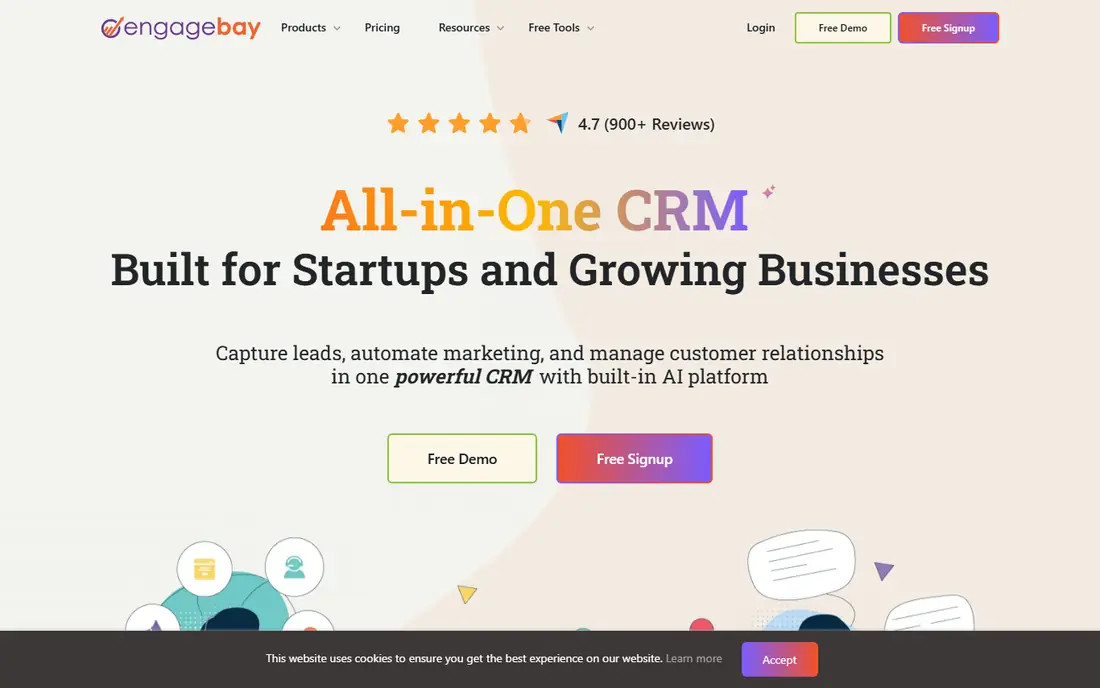
EngageBay positions itself as a cheaper all-in-one alternative to HubSpot. The free plan bundles CRM, email broadcasts, autoresponders, sequences, landing pages, a helpdesk and live chat, and it allows teams of up to 15 members.
That seat count is excellent, but the contact limit is not. Free accounts store only 250 contacts and get 1,000 branded emails, 2 lists, 10 web forms and 1 landing page. It works for a team handling a small number of high-value accounts, not for one running lead generation.
Upgrades are affordable. The Basic plan is $14.99 per user per month on monthly billing, $13.79 yearly or $12.74 on a two-year term, so a growing team can stay on EngageBay without a large jump in cost.
What we like- Free for teams of up to 15
- CRM, email marketing, helpdesk and live chat in one account
- Low-cost paid plans
Watch out for- Only 250 contacts on the free plan
- Tight limits on lists, forms and landing pages
#6
Odoo CRM
Best for: Teams of any size that only need the CRM app
Visit odoo.com
Starting price$0 (One App Free, unlimited users); Standard is $8.95 per user/month
Free planYes
Odoo is a full business suite, but its One App Free plan lets you run a single app, such as CRM, at no cost for unlimited users on Odoo Online. For a team of eight or twelve, that is the most generous seat policy of any hosted option here.
The CRM itself is solid. Opportunities sit in a Kanban pipeline with expected revenue per stage, incoming emails land in the pipeline, activities can be scheduled from a sales script and an AI model scores leads. Storage is unmetered up to 100 GB.
The catch is the rest of the suite. The moment you install a second app, such as Invoicing or Sales quotations, the account moves to Standard at $8.95 per user per month (a 12-month discount from $11.20). Decide early whether you can live with CRM alone.
What we like- One app free for unlimited users, forever
- Visual pipeline, AI lead scoring and email integration
- Hosting on Odoo Online included up to 100 GB
Watch out for- Installing a second Odoo app moves you to the paid Standard plan
- Implementation services are not included
#7Capsule
Best for: Two-person service businesses with a short client list4.7/5 on
G2 (525 reviews, checked Oct 2026)
Visit capsulecrm.com
Starting price$0 (up to 2 users)
Free planYes
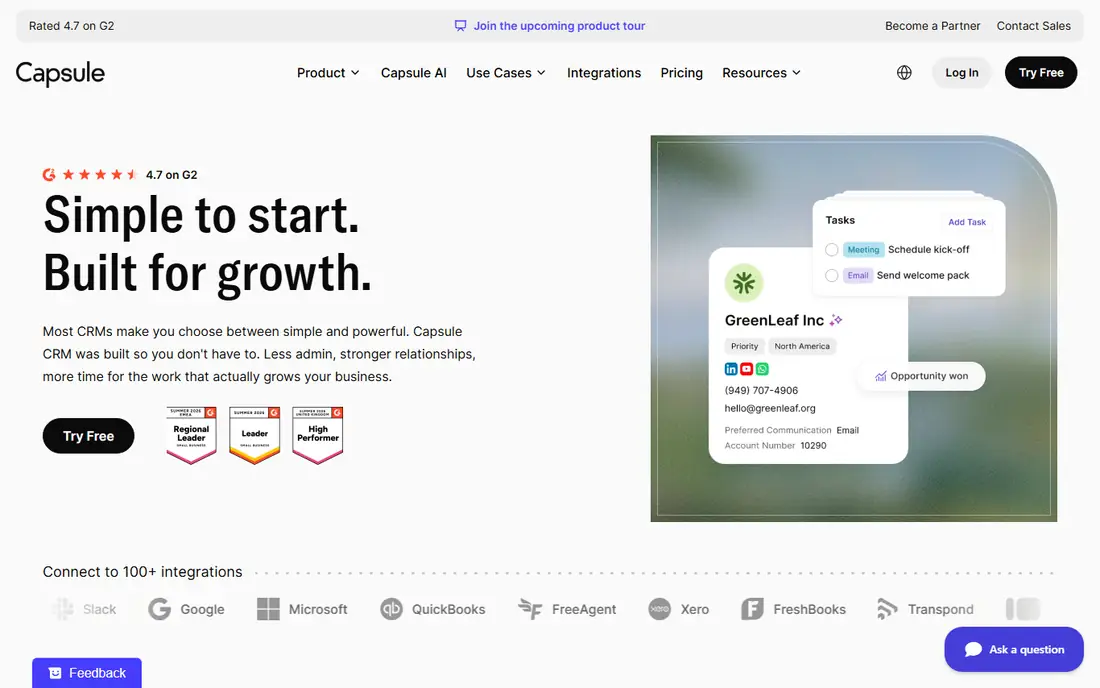
Capsule is a tidy, low-friction CRM aimed at small businesses that find HubSpot or Zoho too busy. A consultant and an assistant can set it up in an afternoon and start tracking contacts, follow-ups and opportunities.
The free plan is narrow. It allows a maximum of 2 users, 250 contacts and 1 sales pipeline. That suits an agency with a short list of retained clients but not a team building a prospect list.
Paid plans raise the contact limit to 30,000 on Starter and add multiple pipelines on Growth. Capsule offers a 14-day trial of its paid plans without a credit card, so you can test the upgrade before deciding.
What we like- Very simple to learn
- Contacts, tasks and a sales pipeline on the free plan
- 14-day trial of paid plans with no card
Watch out for- Free plan stops at 2 users and 250 contacts
- Only one sales pipeline
#8Bitrix24
Best for: Pairs who want CRM plus chat and tasks4.1/5 on
G2 (612 reviews, checked Oct 2026)
Visit bitrix24.com
Starting price$0 (1 to 2 users); Basic is $49 per month billed annually for 5 users
Free planYes
Bitrix24 combines a CRM with team chat, video calls, tasks and file storage. For a two-person business that wants one place for both customer records and internal work, it covers a lot of ground for free.
The free plan includes basic CRM with deals and contacts, one pipeline, 5 GB of storage and 10,000 marketing emails per month. The user limit is the problem for teams: the free plan is listed for 1 to 2 users.
The paid plans use flat team pricing rather than per-seat fees. Basic costs $49 per month billed annually, or $69 monthly, for 5 users. The interface is crowded with features, so expect a learning curve.
What we like- Basic CRM with deals and contacts plus chat, tasks and storage
- 10,000 marketing emails a month
- Flat pricing for 5 users on Basic
Watch out for- Free plan limited to 1 to 2 users
- Sales automation only on higher paid tiers
Starting price$0 (open source, self-hosted)
Free planYes
SuiteCRM is an open-source CRM published under the AGPLv3 license, originally forked from SugarCRM's community edition. You download it, install it on your own server and run it for as many users as you like without license fees.
That freedom is the main reason to choose it. A small team with a developer or IT contractor can customize modules, fields and workflows without hitting plan limits, and the data never leaves its own infrastructure.
Free does not mean zero cost. Someone has to handle hosting, security patches, upgrades and backups. If you would rather not, SuiteCRM's company sells hosting, support and a supported build called SuiteASSURED, at prices you request from its site.
What we like- No per-user license fees
- Full control over data and customization
- Paid hosting and support available if needed
Watch out for- You maintain the server, updates and backups yourself
- Setup takes technical skill
How we chose
We started with CRMs that small business owners recommend most often on Reddit and in review sites such as G2 and Capterra, then kept only those with a permanent free plan in October 2026. Tools that only offer a time-limited trial, or whose free tier lacks a sales pipeline, were left out. We did not test these products hands-on.
For each tool we read the vendor's pricing page and documentation, then compared user limits, contact or record caps, pipelines, automation, email allowances, data export rules and the cost of the first paid plan.
How to pick a free CRM your team will not outgrow
Count seats first
Write down everyone who needs to log in within the next year, including part-timers and the owner. If that number is above three, HubSpot, Capsule and Bitrix24 are already too small on their free plans, and Agile CRM, EngageBay, Odoo or SuiteCRM move to the top of the list.
Estimate your contact list
Add your current customers, prospects and partners, then double it for growth. A list of 400 rules out Capsule and EngageBay's free tiers. A team importing thousands of leads should look at Attio's 50,000 record allowance or a paid plan.
Check what "free" leaves out
Look for missing automation, API access, export limits and branding. Zoho includes workflows but limits exports. Attio has no workflows or API on free. HubSpot adds its branding to emails. These details decide whether the free plan is a real workspace or just a demo.
Price the first upgrade
Most teams eventually pay. Compare the cost of moving up: Odoo Standard at $8.95 per user, EngageBay Basic at $14.99, HubSpot Starter at $15 billed annually, Attio Plus at $35. A cheap upgrade path is worth more than a slightly bigger free plan.
Make sure you can leave
Before importing data, confirm you can export contacts, deals and notes to CSV. Switching CRMs is painful enough without fighting for your own records.
Frequently asked questions
What is the best free CRM for a small team?
It depends on headcount. For two people, HubSpot is the most polished. For three, Zoho CRM adds free automation. For up to 10 or 15 users, Agile CRM and EngageBay allow the most seats, and Odoo CRM is free for unlimited users if you only use that one app.
Are free CRMs really free forever?
The tools in this list describe their free plans as permanent rather than trials. Vendors can and do change free plan limits over time, so read the pricing page once a year and keep a regular export of your data in case the terms change.
Which free CRM allows the most users?
Among hosted options, Odoo allows unlimited users on its One App Free plan, EngageBay allows up to 15 and Agile CRM up to 10. Self-hosted SuiteCRM has no user limit at all, but you pay for and manage the server.
Can a free CRM send marketing emails?
Some can. HubSpot allows 2,000 branded emails a month, Bitrix24 allows 10,000, and EngageBay includes 1,000 branded emails. Attio is limited to 200 emails a month, so it is better suited to one-to-one sales email than campaigns.
When should a small team move to a paid CRM?
Upgrade when you hit a hard limit that costs you sales, such as running out of seats or contacts, or when you need automation, multiple pipelines or integrations the free plan blocks. Compare the first paid tier across two or three vendors before upgrading by default.
Sources we checked (13)
- https://www.hubspot.com/pricing/crm
- https://www.hubspot.com/products/crm/starter
- https://www.zoho.com/crm/zohocrm-pricing.html
- https://attio.com/pricing
- https://agilecrm.com/pricing
- https://www.agilecrm.com/blog/10-free-users-now-come-standard-agile-crm/
- https://www.engagebay.com/pricing
- https://www.odoo.com/pricing
- https://www.odoo.com/app/crm
- https://capsulecrm.com/pricing/
- https://www.bitrix24.com/prices/
- https://suitecrm.com/
- https://github.com/salesagility/SuiteCRM
Is your product missing or out of date?
We review this list regularly. Vendors can request a listing, send updated pricing or ask about featured placement.

Shihab Mia · Founder, Rankite
Shihab has 5+ years in B2B and SaaS SEO. He writes Rankite's software buying guides from pricing pages, documentation and public user reviews. More about Shihab.