How we make this list: we compare pricing pages, product documentation and public user reviews. Rankite is independent; if a vendor ever pays for a featured spot, that listing is clearly labeled Partner.
Key takeaways
- HubSpot CRM has the most capable free tier, but it stops at 2 users, so any team of three or more pays from day one.
- Bitrix24 is the only tool here that bundles team chat, video calls and task management into its free plan, which cuts your app stack down fast.
- EngageBay gives the biggest free team (15 users), while Zoho CRM and Freshsales cap their free editions at 3 users each.
- Streak and Folk suit teams that live in Gmail and LinkedIn respectively, but their free tiers have real limits on pipelines and seats.
- Every free CRM in this list makes money on the upgrade path, so check per-seat costs and seat minimums before your team grows into them.
Quick comparison
| Tool | Best for | Starting price | Free plan |
|---|
 HubSpot CRM HubSpot CRM | remote teams that want a free CRM to grow with | $20 per seat/month (Starter) | Yes (up to 2 users) |
 Zoho CRM Zoho CRM | budget teams already using Zoho apps | $14 per user/month (billed annually) | Yes (up to 3 users) |
 Bitrix24 Bitrix24 | teams that want chat, video and tasks in one free plan | $49/month flat (billed annually) | Yes |
 Freshsales Freshsales | sales teams that want built-in phone and AI scoring | $9 per user/month (billed annually) | Yes (up to 3 users) |
 EngageBay EngageBay | small teams wanting marketing, sales and support together | $12.74 per user/month | Yes (up to 15 users) |
 Capsule Capsule | tiny teams that want a simple shared contact hub | $18 per user/month (billed annually) | Yes (2 users, 250 contacts) |
 Streak Streak | remote teams that refuse to leave Gmail | $49 per user/month (billed annually) | Yes (email tools only, no pipelines) |
 Folk Folk | relationship-led teams, agencies and partnerships | $24 per member/month (billed annually) | Yes (limited, 1 user) |
 Attio Attio | remote GTM teams that want a flexible modern CRM | $35 per user/month (billed annually) | Yes (up to 3 seats) |
Is your product missing or out of date?
We review this list regularly. Vendors can request a listing, send updated pricing or ask about featured placement.
The best free crm software for remote teams
#1
HubSpot CRM
Best for: remote teams that want a free CRM to grow with
Visit hubspot.com
Starting price$20 per seat/month (Starter)
Free planYes (up to 2 users)
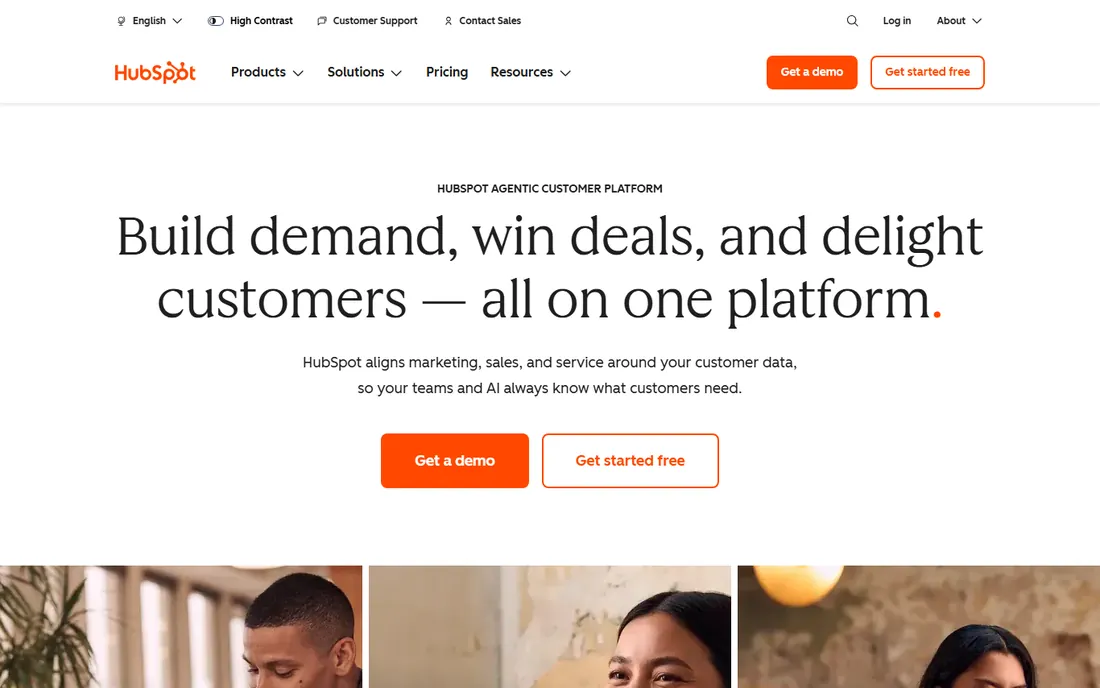
Running a remote team on spreadsheets falls apart the moment two people edit the same lead list. HubSpot CRM fixes that with a free tier that behaves like a real product, not a trial. You get contact and deal management, a shared team inbox for sales emails, meeting scheduling links, live chat for your site, and task assignment with notifications, enough for a founder plus one salesperson.
The honest catch is the 2-user ceiling. Add a third teammate and you move to Starter at $20 per seat per month, and the features remote teams actually want next, like sequences, forecasting and custom reporting, sit behind Professional at $90 per seat. HubSpot is still the smoothest path if your roadmap includes marketing automation later, since the CRM shares one data model with the other Hubs.
What we like- Genuinely useful free CRM with pipeline, meeting scheduler and live chat
- Huge integration marketplace
- Team inbox and task collaboration built in
Watch out for- Free tier capped at 2 users
- Meaningful automation and reporting need Professional at $90 per seat
#2
Zoho CRM
Best for: budget teams already using Zoho apps
Visit zoho.com
Starting price$14 per user/month (billed annually)
Free planYes (up to 3 users)
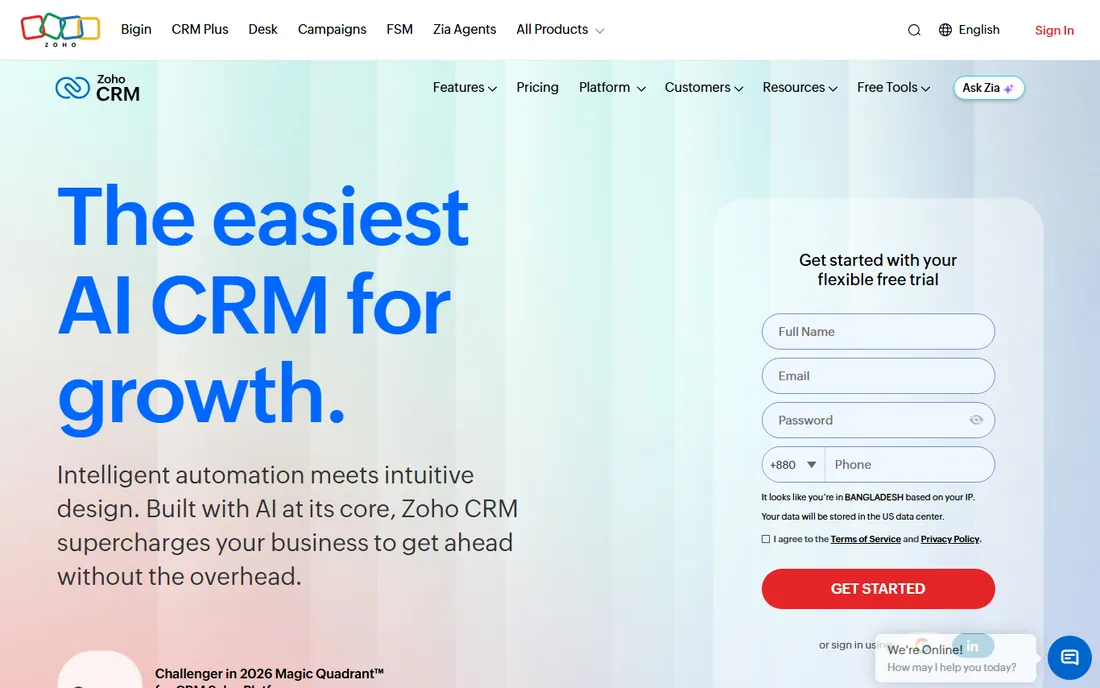
Zoho CRM is the value pick for remote teams that already live in Zoho Mail, Zoho Cliq or Zoho Projects. The free edition supports up to 3 users with leads, contacts, deals, documents and mobile apps, which is enough for a micro team to run a real pipeline. Collaboration happens through Feeds, an activity stream that shows who touched which record, plus @mentions and shared calendars.
Where it strains is automation. Blueprint process management, workflow rules and the Zia AI assistant all require paid editions, starting with Standard at $14 per user per month billed annually. Once you want automated follow-ups or lead scoring, plan on paying.
What we like- Free edition covers leads, contacts, deals and mobile apps
- Feeds activity stream keeps remote teams in the loop
- Deep integration with Zoho Cliq chat and the rest of the Zoho suite
Watch out for- Only 3 users on the free edition
- Workflow automation starts on paid plans
- The interface takes more clicks than newer rivals
#3
Bitrix24
Best for: teams that want chat, video and tasks in one free plan
Visit bitrix24.com
Starting price$49/month flat (billed annually)
Free planYes
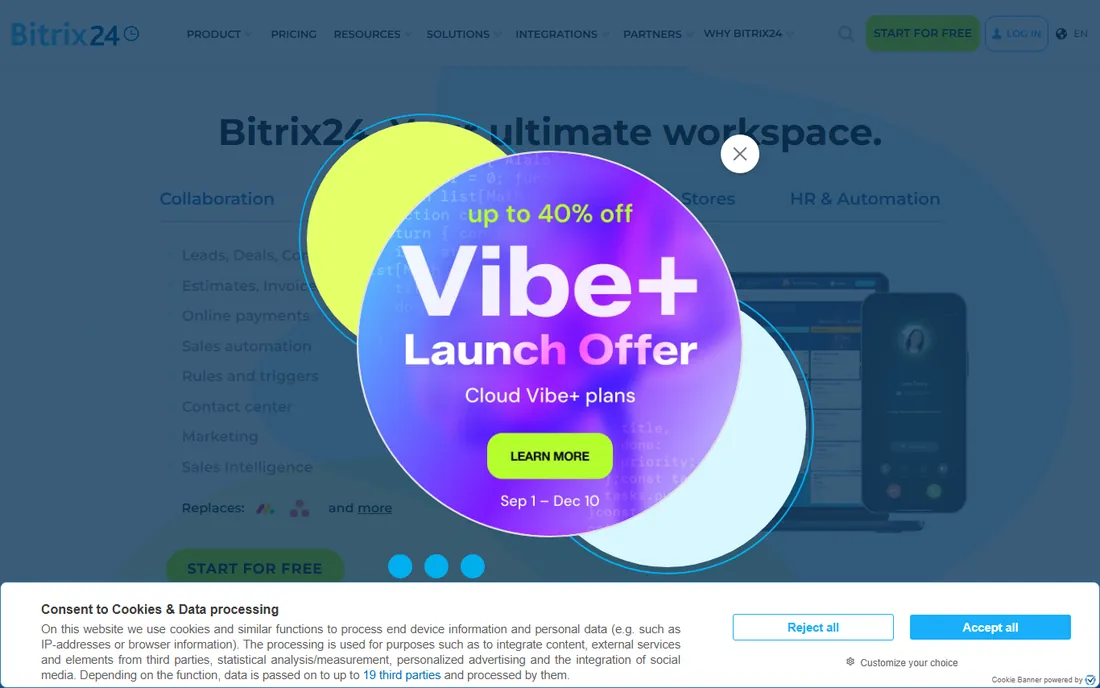
If your remote team is paying separately for a CRM, a chat app and a project tool, Bitrix24 deserves a hard look. Its free plan includes core CRM with leads and deals, Kanban and Gantt task views, team chat, video calls, shared calendars and 5 GB of storage. Deal discussions, standups and file sharing all happen in one workspace without a second subscription.
The trade-off is complexity. Bitrix24 packs in so many modules that new users often need a week or two to find their way around, and the admin settings can overwhelm a non-technical founder. Paid plans use flat monthly pricing, Basic at $49 per month billed annually for up to 5 users, which beats per-seat tools once your team passes about ten people. Growing from one tier to the next means jumping plans, since user limits are hard caps.
What we like- Free plan bundles CRM, team chat, video calls, tasks and a shared drive
- Flat monthly pricing instead of per-seat
- Strong fit for remote teams replacing several apps
Watch out for- Dense interface with a real learning curve
- Free plan excludes telephony and marketplace apps
- User caps on paid plans are hard limits
Starting price$9 per user/month (billed annually)
Free planYes (up to 3 users)
Freshsales is built for remote sales teams that spend their day on calls and email. The free plan covers up to 3 users with contact management, deal tracking, built-in phone and live chat, which is enough for a small team to validate that reps will actually log their work. Everything lands on one contact timeline, so a manager in another time zone can review calls, emails and notes without asking for a status update.
The paid tiers are where it earns its keep. Growth at $9 per user per month billed annually adds workflows and custom fields, while Pro at $39 adds Freddy AI scoring, sales sequences and multiple pipelines. Watch two costs: outbound calling runs on purchased credits, and Freddy AI add-ons are billed separately.
What we like- Built-in phone, chat and email on every plan
- Freddy AI lead scoring on paid tiers
- Clean interface that remote reps learn in hours
Watch out for- Free plan lacks custom fields and the activity dashboard
- Sales sequences and multiple pipelines need Pro at $39 per user
- Calling costs extra in credits
#5
EngageBay
Best for: small teams wanting marketing, sales and support together
Visit engagebay.com
Starting price$12.74 per user/month
Free planYes (up to 15 users)
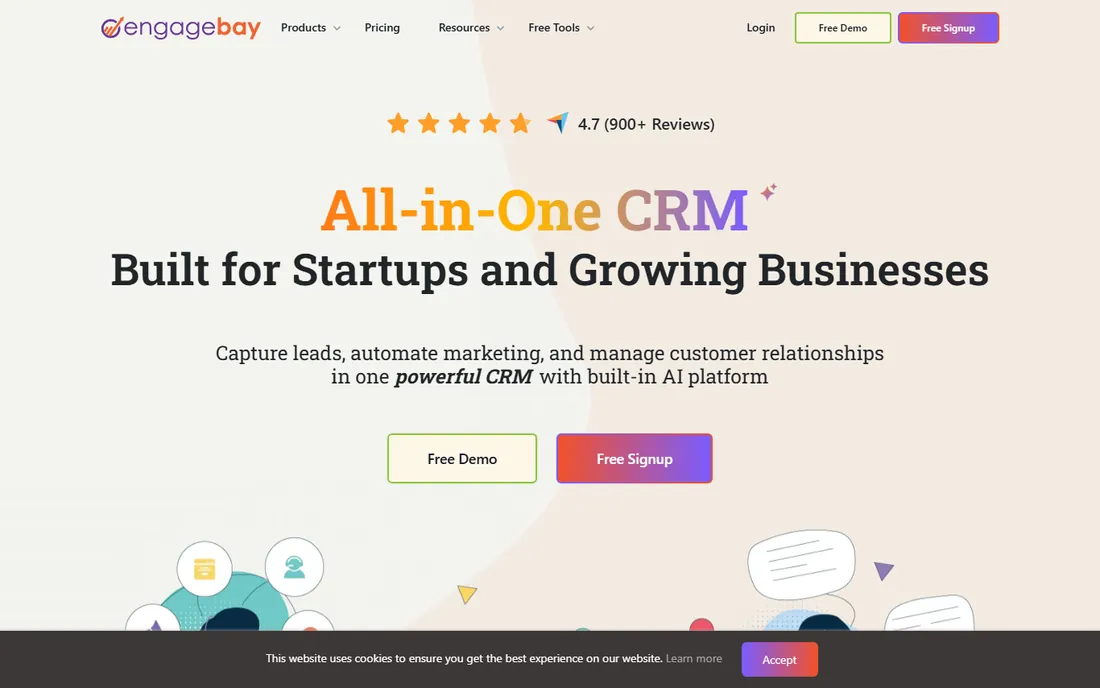
EngageBay wins on free-plan headcount. Fifteen users get CRM, email marketing, autoresponders, landing pages, live chat and a helpdesk without a credit card, which is more than enough for a remote team of marketers and salespeople to run campaigns and track deals in one place. The shared contact timeline and team calendar keep everyone aware of who last touched a lead, plus a built-in appointment scheduler.
It is not the most polished tool on this list. The interface shows its age, and power users will find the automation builder simpler than what HubSpot or ActiveCampaign offer. But for a distributed team on a tight budget, paid plans starting at $12.74 per user per month make it one of the cheapest ways to get marketing, sales and support under one roof.
What we like- Free plan supports 15 users with CRM, email marketing, live chat and helpdesk
- Team calendar and shared contact timelines aid remote coordination
- Very low entry price on paid plans
Watch out for- Interface feels dated next to newer CRMs
- Marketing automation depth trails HubSpot
- Some users report occasional bugs after updates
Starting price$18 per user/month (billed annually)
Free planYes (2 users, 250 contacts)
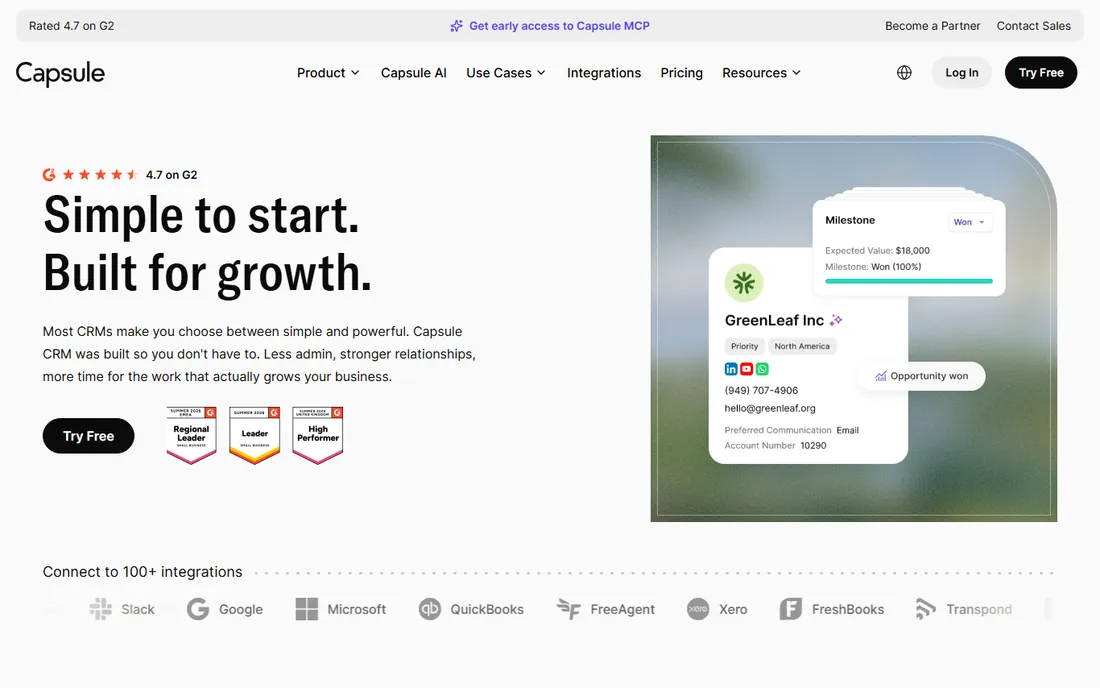
Capsule is for teams that find most CRMs bloated. The free plan gives two users a shared place for 250 contacts, one sales pipeline and basic task management, and most teams are tracking deals the same day they sign up. Remote collaboration is light but effective: a shared mailbox lets two people answer sales@ without stepping on each other, tracks link tasks and emails to each contact, and the Google Workspace and Microsoft 365 integrations sync calendars and emails automatically.
The limits arrive quickly. Two hundred fifty contacts sounds fine until your newsletter list and your pipeline share one database, and there is no marketing automation without the separate Transpond add-on. Starter at $18 per user per month billed annually raises the cap to 30,000 contacts. Capsule suits service businesses and consultants who want a tidy client record, not teams running outbound at volume.
What we like- Clean interface with same-day setup
- Shared mailbox and tasks keep a small remote team aligned
- 60+ integrations including Google Workspace and Microsoft 365
Watch out for- Free plan limited to 2 users and 250 contacts
- No built-in chat, video or marketing automation
- Advanced reporting needs the Growth plan
Starting price$49 per user/month (billed annually)
Free planYes (email tools only, no pipelines)
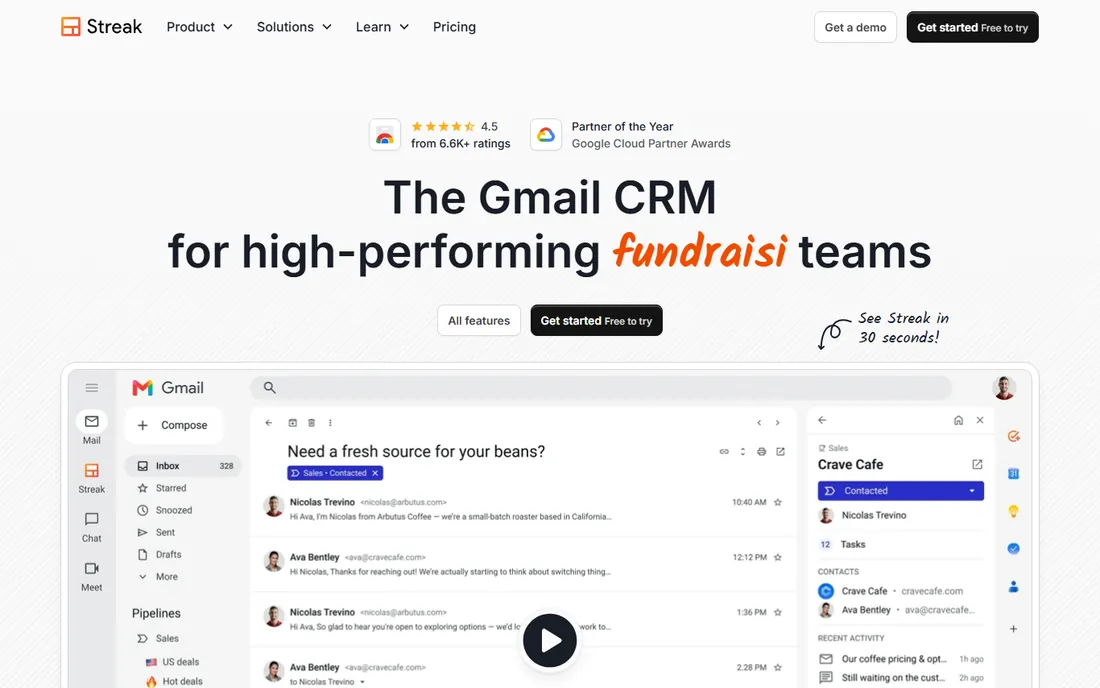
Streak solves the number one CRM problem for remote teams: nobody logs in. Because it runs as a Gmail extension, pipelines, deal tags and contact timelines appear right in the inbox, and teammates share full email context with one click. A rep and a manager in different time zones see the same thread, stage and notes without a separate login. Setup takes minutes, and the free tier includes email tracking, snippets and 50 mail merges a day.
Read the fine print, though. The free plan does not include CRM pipelines, so real deal tracking starts at Pro, $49 per user per month billed annually, with automation and advanced reports reserved for Pro+ at $69. If your team is not all-in on Gmail, stop here.
What we like- CRM lives inside Gmail, so adoption is near automatic
- Shared pipelines and email thread links keep remote teammates in context
- Mail merge and snippets included
Watch out for- The free plan has no CRM pipelines
- Gmail-only, so Outlook users are out
- Per-user pricing climbs fast for larger teams
#8
Folk
Best for: relationship-led teams, agencies and partnerships
Visit folk.app
Starting price$24 per member/month (billed annually)
Free planYes (limited, 1 user)
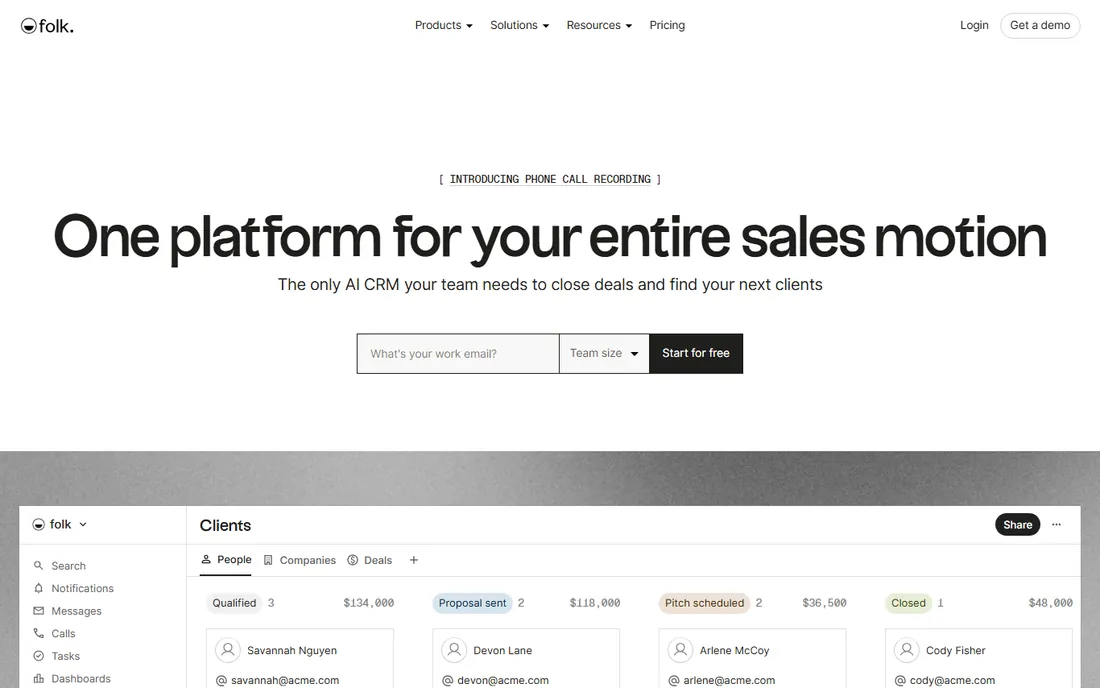
Folk is the CRM for teams that sell through relationships rather than cold volume: agencies, partnerships, investor relations and professional services. Its strength is capturing context automatically. The folkX Chrome extension pulls contact details from LinkedIn and the web, AI assistants draft follow-ups from the relationship history, and integrations with WhatsApp, email and calendar keep every touchpoint on the record. Shared pipelines with comments and reminders mean a remote team can hand off a warm introduction without losing the backstory.
Pricing is per member, starting at $24 per month billed annually on Standard. There is a 14-day trial of the full product, but no free team plan, so Folk fits teams ready to pay for a focused tool. If your pipeline is measured in relationships rather than lead counts, it earns the seat cost.
What we like- Sharp interface built for relationship selling
- FolkX Chrome extension captures contacts from LinkedIn in one click
- Shared pipelines, comments and reminders support remote teamwork
Watch out for- No meaningful free tier for teams
- Reporting is basic next to sales-focused CRMs
- Email sequences need the Premium plan at $48 per member
#9
Attio
Best for: remote GTM teams that want a flexible modern CRM
Visit attio.com
Starting price$35 per user/month (billed annually)
Free planYes (up to 3 seats)
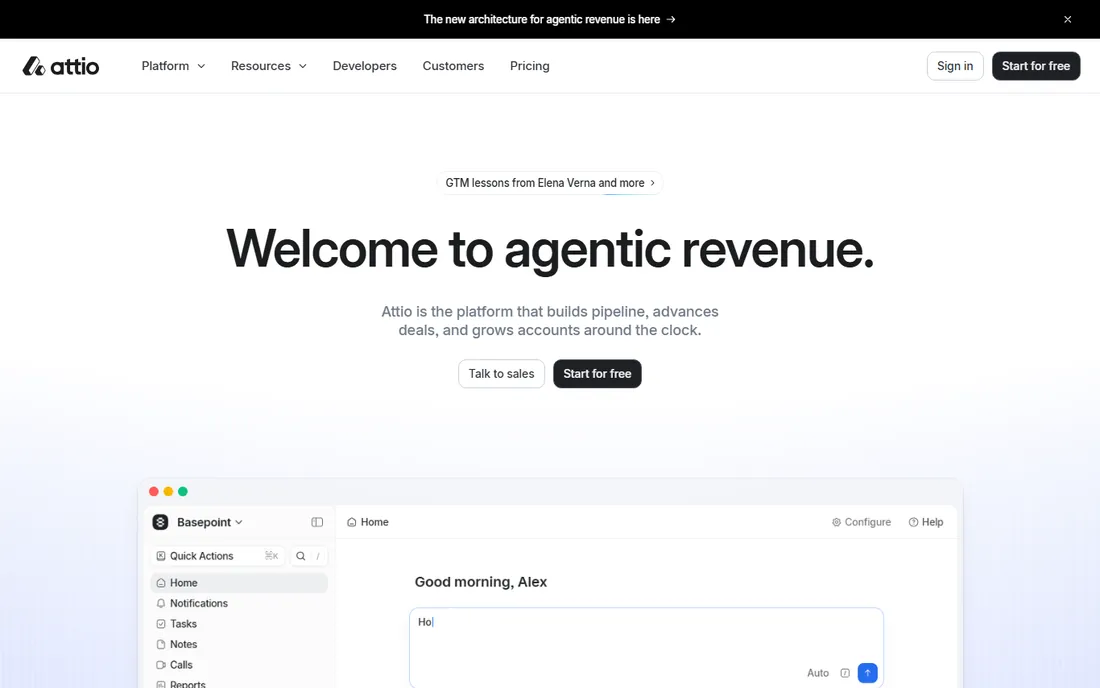
Attio is what you pick when off-the-shelf CRM fields do not match how your team actually sells. Instead of fixed contact and deal objects, you build lists, attributes and relationships around your process, and the whole workspace updates in real time as teammates edit. Email and calendar sync runs automatically, so a remote rep's calls and meetings land on the right records without manual logging.
The free plan covers up to 3 seats with 50,000 records, enough for a small founding team. Plus at $35 per user per month billed annually caps at 10 seats and raises sending limits to 1,000 emails per user per month, while Pro at $79 removes the sending cap and adds sequences and call intelligence. For remote teams that outgrow rigid CRMs, the flexibility is worth the learning curve.
What we like- Flexible data model you shape to your process
- Real-time multiplayer collaboration with comments and shared views
- Automatic email and calendar sync keeps records current
Watch out for- Email sending caps are tight on Free and Plus
- Costs rise quickly as seats grow
- No phone support, only email and in-app chat
How we chose
We started from each vendor's own pricing pages and homepages, checking free tier user limits, contact caps and collaboration features as published in 2026. We compared those claims against public reviews on G2, Capterra and Reddit to see where free plans frustrate remote teams. Tools made the list only if they are real, available products with a genuine free tier or free trial and features a distributed team can use on day one. Confirm pricing on the vendor's page before you buy, since terms and promotions change.
What to check before you commit to a free CRM
Free CRM pricing pages bury the details that matter most to remote teams. Start with the user cap, since that decides when you start paying: HubSpot stops at 2 users, Zoho and Freshsales at 3, EngageBay runs to 15, and Bitrix24's free tier covers a whole small company. Next, check what collaboration is actually included. A shared inbox, @mentions on records, task assignment and a mobile app matter more to a distributed team than a longer feature list.
Then price the plan you would need in twelve months, including seat minimums. HubSpot's jump from Starter to Professional is more than 4x per seat, and Streak's pipelines only exist on paid plans. Confirm data export and API access before you invest weeks of data entry, and check support hours against your time zones.
When the free plan stops being free
Every vendor on this list makes money when you grow, and the moment is predictable: the fourth user, the 251st contact, or the first workflow you want automated. Map those triggers now. Capsule's free tier ends at 2 users and 250 contacts, Zoho's at 3 users, Streak's free plan never had pipelines at all. Bitrix24 and EngageBay give you the longest runway.
The other trigger is features, not seats. Marketing automation, sales sequences, multiple pipelines and AI scoring almost always require a paid plan. If you expect to need automation within six months, price the paid tier today. And keep an exit plan: export your data quarterly, so a price change never holds your customer list hostage.
Frequently asked questions
Is HubSpot CRM really free?
Yes, HubSpot offers a permanent free CRM, not a time-limited trial. The free tier includes contact management, deal pipelines, meeting scheduling, live chat and a shared team inbox, but it is limited to 2 users. Paid plans start with Starter at $20 per seat per month, and features like sequences and forecasting require higher tiers.
Can a free CRM handle a remote sales team?
It can, up to a point. Free tiers from HubSpot, Zoho, Bitrix24 and EngageBay all include the basics a distributed team needs: shared records, task assignment, activity timelines and mobile apps. The friction starts with user caps and missing automation. A team of five or more usually needs at least one paid seat, or a tool like Bitrix24 or EngageBay with generous free user limits.
What is the catch with free CRM plans?
The catch is the upgrade path. Vendors limit users, contacts, storage or key features, and the paid plan you eventually need often costs more than the headline price suggests. Check per-seat pricing, seat minimums, add-on costs like calling credits, and whether annual billing is required for the advertised rate.
Do any free CRMs include team chat or video calls?
Bitrix24 is the standout: its free plan includes team chat, video calls, task management and a shared drive alongside the CRM. Most other free CRMs rely on integrations instead. HubSpot, Zoho, Freshsales and EngageBay all connect with Slack, Zoom or Google Meet, and several include built-in calling or live chat.
How do I migrate from spreadsheets to a free CRM?
Start by cleaning your spreadsheet: one row per contact, consistent column names, no duplicate emails. Every tool on this list imports CSV files, and several offer free import help or guided onboarding. Import in stages, contacts first, then deals, and assign one person to own data quality for the first month.
Sources we checked (19)
- https://hubspot.com/
- https://hubspot.com/pricing/sales
- https://www.zoho.com/crm/
- https://www.zoho.com/crm/zohocrm-pricing.html
- https://www.bitrix24.com/
- https://freshworks.com/freshsales-crm/
- https://www.engagebay.com/
- https://capsulecrm.com/
- https://capsulecrm.com/pricing/
- https://www.streak.com/
- https://start.streak.com/pricing
- https://www.folk.app/
- https://www.folk.app/pricing
- https://attio.com/
- https://attio.com/pricing
- https://syncgtm.com/blog/hubspot-vs-pipedrive
- https://findstack.com/products/freshsales/reviews?page=8
- https://www.softwareglimpse.com/software/folk/
- https://saascrmreview.com/attio-review/
Is your product missing or out of date?
We review this list regularly. Vendors can request a listing, send updated pricing or ask about featured placement.

Shihab Mia · Founder, Rankite
Shihab has spent more than a decade helping SaaS and e-commerce brands grow through search. He writes Rankite's software buying guides from pricing pages, documentation and public user reviews. More about Shihab.