How we make this list: we compare pricing pages, product documentation and public user reviews. Ratings come from G2, Capterra or Trustpilot, with the date we checked them.
Key takeaways
- Instagram Insights and Meta Business Suite are free, official and enough for most creators and small businesses.
- Later and Metricool offer the best free plans among third-party tools, with scheduling plus analytics.
- Buffer's free plan covers basic publishing and analytics for a small number of channels.
- Hootsuite and Iconosquare are stronger analytics tools, but their free access is limited to trials.
- The metric that matters most is not followers but saves, shares and profile visits, which show real interest.
Quick comparison
Is your product missing or out of date?
We review this list regularly. Vendors can request a listing, send updated pricing or ask about featured placement.
The best free apps for Instagram analytics
Starting priceFree
Free planYes
Instagram Insights is the analytics tool already on your phone, and for many users it is all they need. Switch to a business or creator account, free, and Insights shows reach, impressions, engagement, follower growth, audience demographics and performance per post, Reel and Story. Data is presented clearly, with breakdowns by age, gender and location.
The limits are real: history is limited, exports are basic, and there is no competitor benchmarking or cross-platform view. Insights also only covers your own account, so agencies and multi-account managers need another tool.
Still, start here. Insights tells you which posts drive saves, shares and profile visits, which is the information that should shape your content. If you later need scheduling or deeper reports, add a third-party tool rather than replacing Insights entirely.
What we like- Free and built into the app
- Reach, engagement and follower data
- No setup needed
Watch out for- Only for business and creator accounts
- Limited history and export
- No competitor data
Starting priceFree
Free planYes
Meta Business Suite is Meta's free desktop hub for managing Facebook Pages and Instagram business accounts together. It includes publishing and scheduling, a unified inbox for comments and messages, and Insights for both platforms, with reports you can export.
For a small business that posts to both Facebook and Instagram, Business Suite removes the need for a paid scheduler for basic work. You can plan a week of posts, reply to comments in one place, and check which content performs, all without leaving Meta's own tools.
The interface is the weak point: it can be slow, menus move around, and some features behave differently on mobile and desktop. Analytics are also shallower than dedicated tools. But as a free, official starting point, Business Suite is hard to argue against.
What we like- Free
- Manages Facebook and Instagram together
- Scheduling, inbox and insights in one place
Watch out for- Interface can be slow and confusing
- Analytics depth is basic

#3Later
Best for: Scheduling plus analytics4.5/5 on
G2 (384 reviews, checked Oct 2026)
Visit later.com
Starting priceFree
Free planYes
Later started as a visual Instagram planner and remains one of the best free options for creators. The free plan includes a visual calendar, drag-and-drop scheduling, a link-in-bio tool and basic analytics, covering the core loop of planning, posting and reviewing performance.
Analytics on the free plan show post performance, follower growth and best times to post, which is enough to spot patterns. Paid plans add hashtag suggestions, deeper audience data and more scheduled posts, but the free tier is genuinely usable, not a demo.
Later's strength is workflow: planning a grid visually, scheduling Reels and Stories, and checking results in the same app. If you post several times a week and want scheduling plus analytics in one free tool, Later is the best pick.
What we like- Visual planner with drag-and-drop calendar
- Free plan includes scheduling and basic analytics
- Good for Reels and Stories
Watch out for- Free plan limits posts and features
- Deeper analytics need paid plans

#4Metricool
Best for: Multi-platform analytics4.5/5 on
G2 (98 reviews, checked Oct 2026)
Visit metricool.com
Starting priceFree
Free planYes
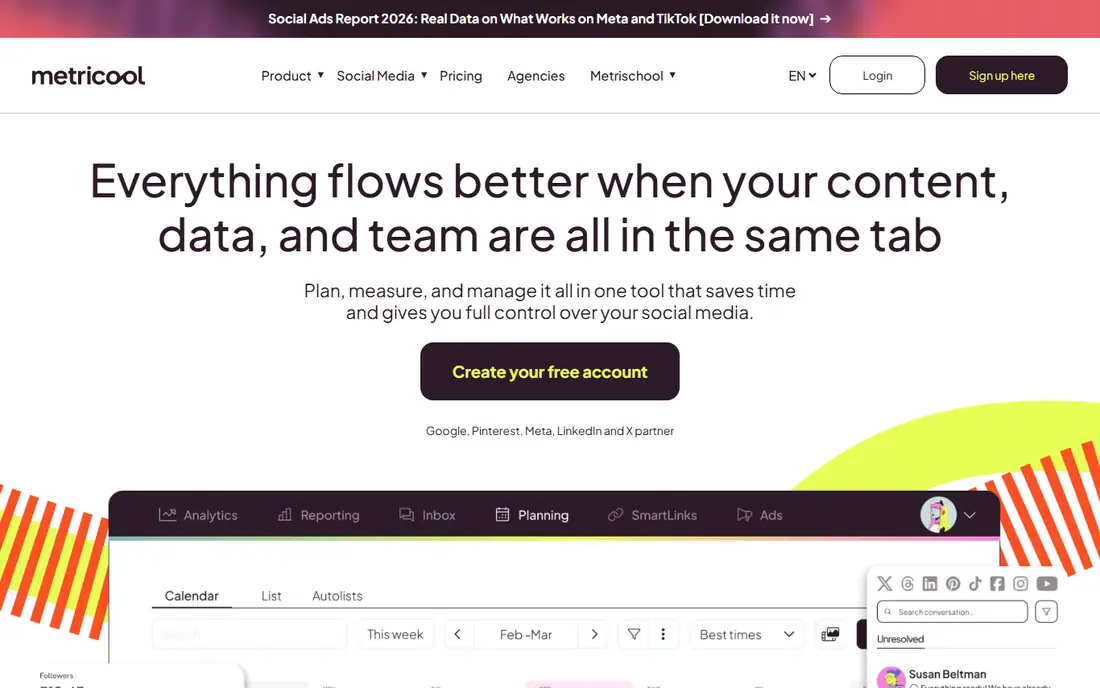
Metricool is a social media management tool with a genuinely useful free plan. It connects Instagram, Facebook, TikTok, X, LinkedIn and more, and shows analytics, follower growth, best posting times and competitor performance in one dashboard. Scheduling and a link-in-bio tool are included.
Competitor tracking is the standout free feature: you can watch rival accounts' growth and posting patterns, which most free tools do not offer. Reports are clear and exportable, which helps when you need to show results to a client or a boss.
The free plan limits the number of profiles and the history depth, so heavy users will hit the ceiling. But for a creator or small business managing two or three accounts, Metricool's free tier gives more analytical depth than most rivals.
What we like- Free plan covers several platforms
- Clear analytics and competitor tracking
- Scheduling included
Watch out for- Free plan limits profiles and history
- Interface takes learning

#5Buffer
Best for: Simple publishing and analytics4.3/5 on
G2 (1,041 reviews, checked Oct 2026)
Visit buffer.com
Starting priceFree
Free planYes
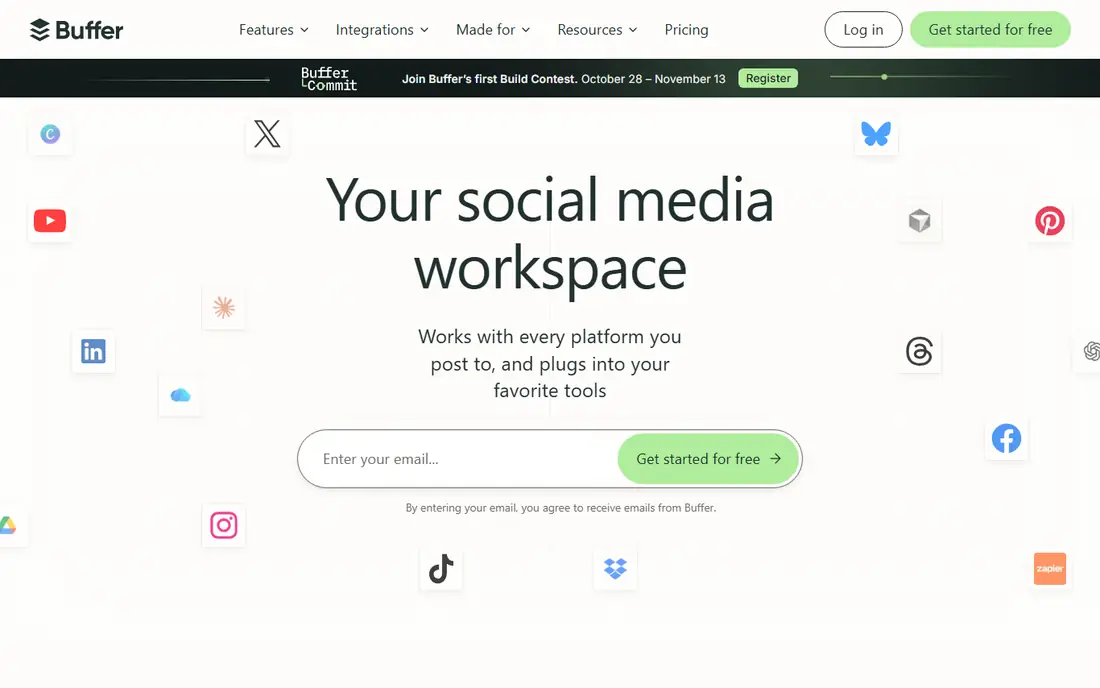
Buffer is the simplest tool in this list, and that simplicity is its appeal. Connect your Instagram account, queue posts from a clean calendar, and check basic analytics on reach, engagement and follower growth. The free plan covers a small number of channels and scheduled posts, which suits a solo creator or a small business.
Reports are clear and easy to share, and Buffer's mobile app makes posting on the go painless. The analytics will not satisfy a data-hungry marketer, but they answer the main questions: what performed, when should I post, and is the account growing?
Buffer's free plan is best for users who value ease over depth. If you need competitor data or deep audience analysis, Metricool or Iconosquare will serve you better.
What we like- Very easy to use
- Free plan includes publishing and basic analytics
- Clean reports
Watch out for- Free plan limits channels and posts
- Analytics are basic compared with Iconosquare

#6Hootsuite
Best for: Full social analytics4.3/5 on
G2 (7,433 reviews, checked Oct 2026)
Visit hootsuite.com
Starting priceSee website
Free planFree trial
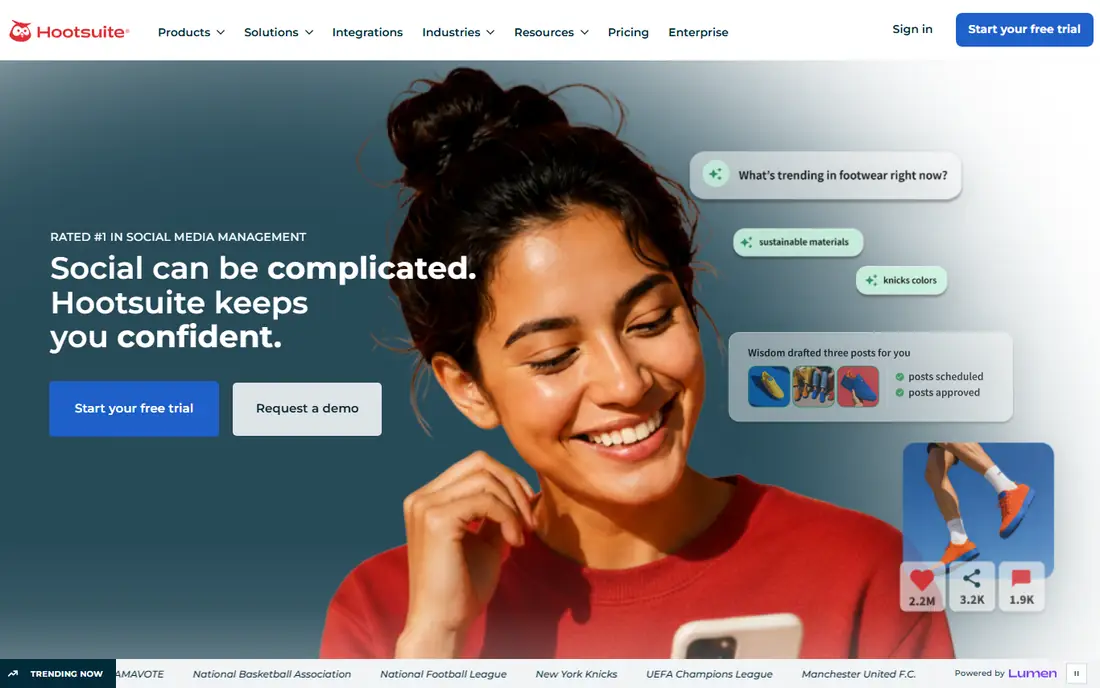
Hootsuite is the enterprise-grade option here, with deep analytics, custom reports, team approval workflows and support for many social networks. Its Instagram analytics cover reach, engagement, follower demographics, hashtag performance and competitor benchmarks, with reports you can customise and schedule.
The catch is price: Hootsuite no longer offers an ongoing free plan, so access comes through a paid plan or a free trial. That puts it out of reach for a hobby creator, but for a business or agency that needs reporting across many accounts, the depth justifies the cost.
Try Hootsuite's trial to see whether its reporting saves you real time. If your needs are basic, the free tools above will cover them. If you manage many accounts and need client-ready reports, Hootsuite is worth the investment.
What we like- Deep analytics and custom reports
- Manages many networks
- Team workflows
Watch out for- No ongoing free plan
- Pricing is high for small users
Starting priceSee website
Free planFree trial
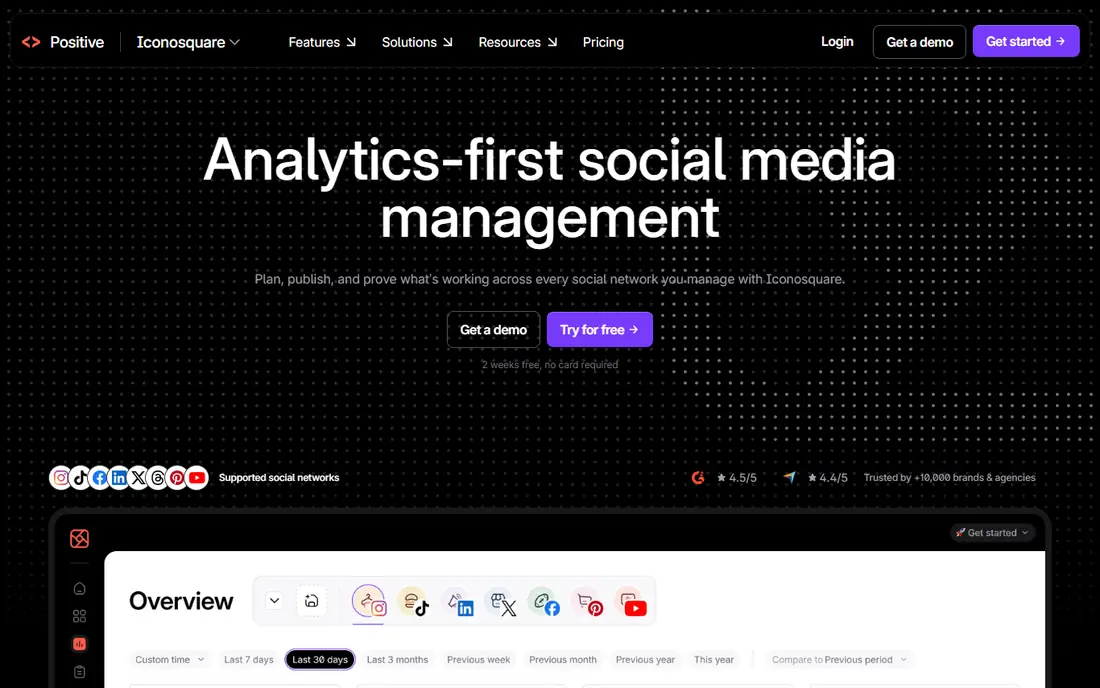
Iconosquare is the analytics specialist in this list. Built for Instagram and Facebook, it offers deeper metrics than any free tool: engagement by post type, best times to post, follower growth, hashtag performance, Story analytics and competitor benchmarking, all in polished, exportable reports.
For creators and brands whose main channel is Instagram, that depth matters. You can see which hashtags actually drive reach, which Story formats hold attention, and how your growth compares with similar accounts. Scheduling and comment management are included, making it a complete Instagram tool.
There is no ongoing free plan, so use the free trial to test it properly. If Instagram is your main business channel, Iconosquare's depth can pay for itself. If you only check stats occasionally, the free tools are enough.
What we like- Best-in-class Instagram analytics
- Competitor and hashtag tracking
- Beautiful reports
Watch out for- No ongoing free plan
- Focused mainly on Instagram and Facebook
Starting priceSee website
Free planYes
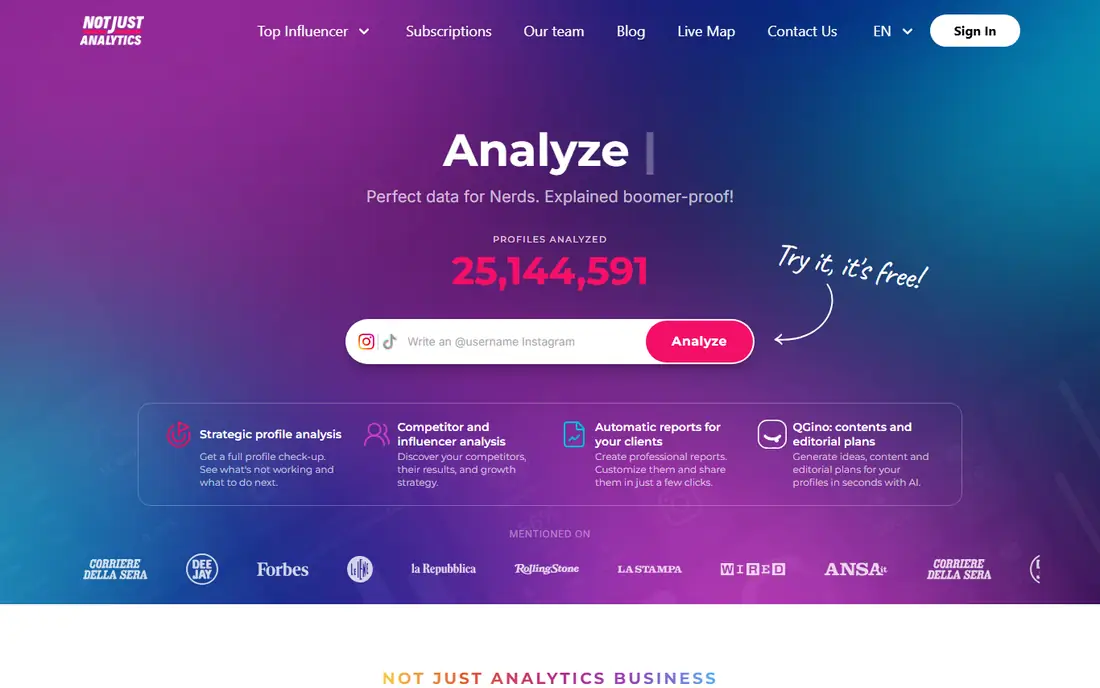
NotJustAnalytics is a lightweight analytics tool built for creators rather than agencies. It tracks follower growth, engagement rate, average likes and comments, and post performance in a simple dashboard that is easy to read at a glance. A free tier covers the basics, with paid plans adding deeper history and features.
The appeal is focus: instead of a sprawling management suite, you get the numbers a creator actually checks, growth, engagement and best posts, without clutter. That makes it a good companion to Instagram Insights, adding a clearer view of growth trends over time.
Scheduling and multi-platform management are limited, so pair it with Later or Meta Business Suite for publishing. But for a creator who wants a clean, free analytics dashboard, NotJustAnalytics is a pleasant surprise.
What we like- Creator-friendly metrics including growth rate and engagement rate
- Simple dashboard
- Free tier available
Watch out for- Smaller feature set than Metricool
- Limited scheduling
How we chose
We compared tools on free plan value, metric depth, scheduling, competitor tracking and ease of use. Free plan details were checked against vendor sites, and where a tool offers only a trial we say so rather than calling it free. We also read public user reviews to confirm which free tiers are genuinely usable and which are too limited to rely on.
Metrics that actually matter
Follower count is the least useful number in Instagram analytics. Growth rate, engagement rate, saves and shares tell you whether content resonates, while profile visits and link clicks show whether attention turns into action. For Reels, watch time and shares matter more than likes. Check these numbers weekly, look for patterns in your best posts, and make more of what works rather than chasing a single viral post.
Set a simple weekly routine
Pick one day a week to review analytics for ten minutes: note your best and worst posts, your follower change, and your best posting times. Adjust next week's content based on what you learn, then repeat. That habit beats any dashboard, because consistent small improvements compound faster than occasional deep dives.
Frequently asked questions
What is the best completely free Instagram analytics app?
Instagram Insights is completely free and built into the app for business and creator accounts. Meta Business Suite is also free and adds scheduling and Facebook management. Among third-party tools, Later and Metricool have the best free plans.
Do I need a business account for Instagram analytics?
Yes, for Instagram Insights you need a business or creator account, both free to switch to. Personal accounts do not get Insights. Third-party tools also generally require a business or creator account to access analytics data.
Can free tools show competitor analytics?
Metricool's free plan includes basic competitor tracking, which is unusual. Iconosquare and Hootsuite offer deeper competitor benchmarks but require paid plans. Instagram Insights itself shows no competitor data.
How accurate are third-party Instagram analytics?
They use Instagram's official API, so the core numbers match Insights. Differences usually come from how metrics are calculated or displayed, such as engagement rate formulas. For official figures, cross-check with Insights.
What is a good engagement rate on Instagram?
It varies by account size and niche, but rates around 1 to 3 percent are typical for larger accounts, while smaller, focused accounts often see 3 to 6 percent or more. Compare your rate with your own past performance rather than a universal benchmark.
Can I schedule Instagram posts for free?
Yes. Meta Business Suite schedules posts for free, and Later and Metricool include scheduling on their free plans, with limits on the number of posts. Buffer's free plan also includes basic scheduling.
Sources we checked (8)
- https://www.instagram.com
- https://business.facebook.com
- https://later.com
- https://metricool.com
- https://buffer.com
- https://www.hootsuite.com
- https://www.iconosquare.com
- https://notjustanalytics.com
Is your product missing or out of date?
We review this list regularly. Vendors can request a listing, send updated pricing or ask about featured placement.

Shihab Mia · Founder, Rankite
Shihab has 5+ years in B2B and SaaS SEO. He writes Rankite's software buying guides from pricing pages, documentation and public user reviews. More about Shihab.
 Instagram Insights
 Meta Business Suite
 Iconosquare
 NotJustAnalytics