How we make this list: we compare pricing pages, product documentation and public user reviews. Ratings come from G2, Capterra or Trustpilot, with the date we checked them.
Key takeaways
- ChatGPT and DeepSeek give the most room for everyday free text chat, while Claude gives the strongest free writing quality in smaller daily amounts.
- Perplexity is the best free choice when an answer needs sources you can check, and Copilot is the best free choice for current events inside Windows and Edge.
- No free tier matches a paid plan on every front, so pick by the task you repeat most, not by the longest feature list.
- Free limits change often, so check the vendor pricing page before you rely on a limit for work or study.
- If privacy matters for a specific task, keep sensitive material out of any free chatbot and use a local or paid business plan instead.
Quick comparison
| Tool | Best for | Starting price | Free plan |
|---|
 ChatGPT ChatGPT | Everyday writing, brainstorming and general questions | See website | Yes |
 Claude Claude | Careful writing and long documents | $20 per month | Yes |
 Google Gemini Google Gemini | Google users and live web answers | See website | Yes |
 Microsoft Copilot Microsoft Copilot | Windows users and current events | See website | Yes |
 Perplexity Perplexity | Research with cited sources | See website | Yes |
 DeepSeek DeepSeek | High volume text and reasoning | $0 | Yes |
 Mistral Le Chat Mistral Le Chat | A European alternative with a simple chat | See website | Yes |
Is your product missing or out of date?
We review this list regularly. Vendors can request a listing, send updated pricing or ask about featured placement.
The best free alternatives to Grok AI
#1ChatGPT
Best for: Everyday writing, brainstorming and general questions4.6/5 on
G2 (3,089 reviews, checked Oct 2026)
Visit chatgpt.com
Starting priceSee website
Free planYes
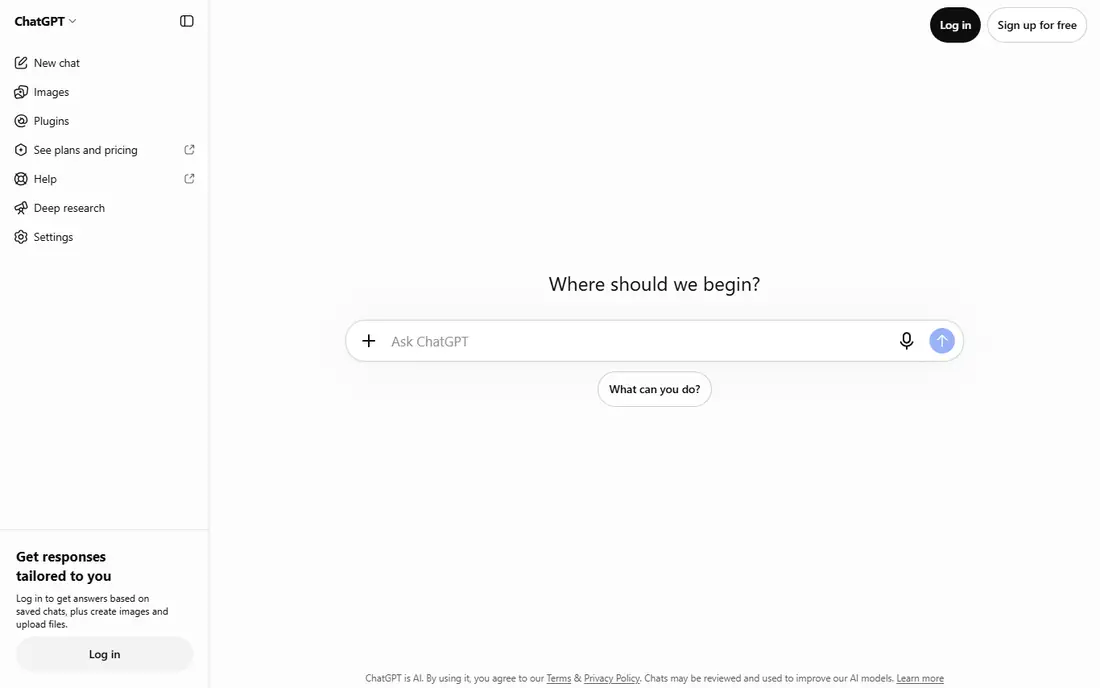
ChatGPT is the easiest first replacement for Grok for most people, because it handles such a wide range of ordinary tasks without a special setup. It drafts emails, explains a topic in plain language, rewrites a paragraph, helps plan a trip, and works through a maths problem step by step. The web, desktop and mobile apps share the same account, so a conversation started on a phone can continue on a computer without copying text across.
The catch is the tiering. The free tier covers everyday text chat well, but the most capable models, larger file handling, deeper research modes and higher image limits are paid features. That matters less if you mainly ask questions and draft short pieces, and more if you work with long reports or need repeated heavy use through the day. Treat its answers as a draft, especially for facts, dates and prices, and check anything that will be published or sent to a client.
What we like- Broad general ability
- Unlimited basic text chat on the free tier in recent reports
- Image generation and voice on supported plans
Watch out for- Advanced models and higher limits sit behind paid plans
- Free answers can be confident even when they are wrong
#2Claude
Best for: Careful writing and long documents4.6/5 on
G2 (488 reviews, checked Oct 2026)
Visit claude.ai
Starting price$20 per month
Free planYes
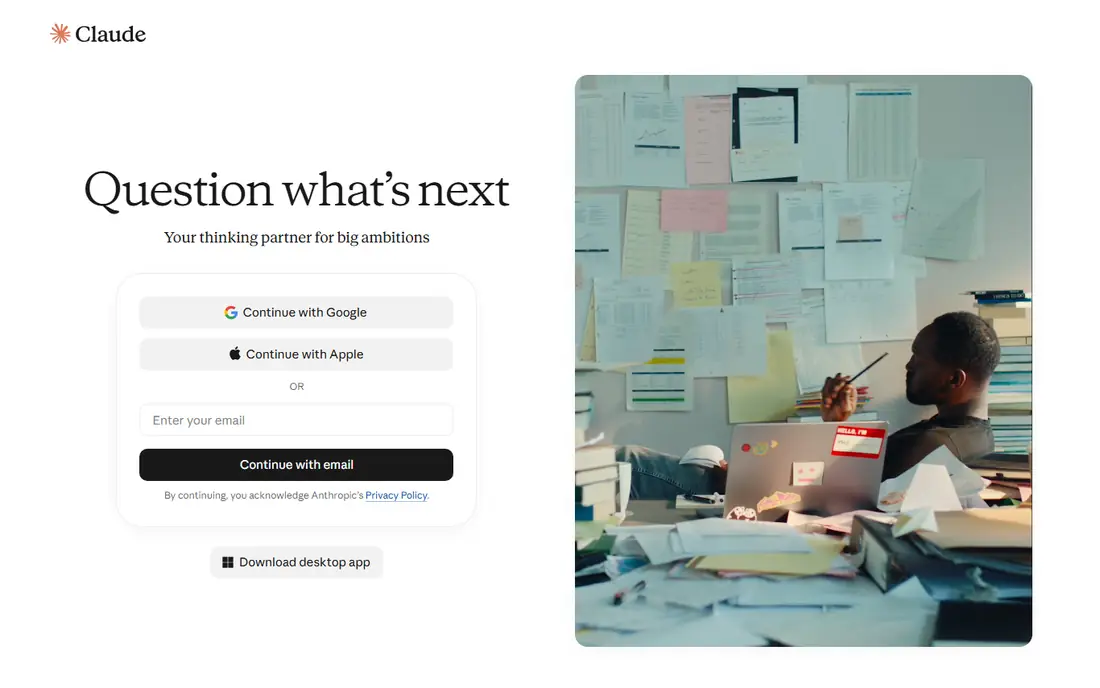
Claude stands out when the quality of the prose matters more than the number of messages you can send. It tends to organise long answers well, keep a consistent tone, and explain a complex idea without padding it out. For editing a cover letter, summarising a long article, or working through a difficult email, that restraint is a real advantage over a chatbot that rushes to a short answer.
The free tier is the limiting factor. You get a daily allowance rather than open-ended use, so Claude suits people who use a chatbot a few times a day rather than all day. It also works best as a writing and reasoning partner, not as a live news tool, so pair it with a search-first tool when you need current prices, scores or breaking news. The paid Pro plan, listed at $20 per month when billed monthly, raises those limits and adds projects and more models.
What we like- Strong writing quality and structure
- Long document handling
- Clear, measured tone
Watch out for- Daily free message limits
- No full web browsing on the free tier in the same way as search-first tools
#3Google Gemini
Best for: Google users and live web answers4.4/5 on
G2 (635 reviews, checked Oct 2026)
Visit gemini.google.com
Starting priceSee website
Free planYes
Gemini makes the most sense if you already live in Google products. It can pull in current web information, and on paid plans it works more closely with Gmail, Docs and Drive. For a student or office worker who already uses those apps, that fit saves the small friction of copying text between tools, and it makes Gemini a natural second tool for fact checking a draft written elsewhere.
For pure writing, Gemini is competent rather than distinctive. It answers quickly and clearly, but its free tier does not always match Claude for nuance in long-form writing, and it does not match DeepSeek for open-ended free volume. The main reason to choose it is the combination of live search and Google integration. If you rarely use Google apps, another tool on this list will feel just as good, and you should compare the paid plan price in your region before upgrading.
What we like- Live web search built in
- Close fit with Gmail, Docs and Drive
- Fast answers for everyday questions
Watch out for- Free model limits can change
- Paid tiers vary by region and plan
Starting priceSee website
Free planYes
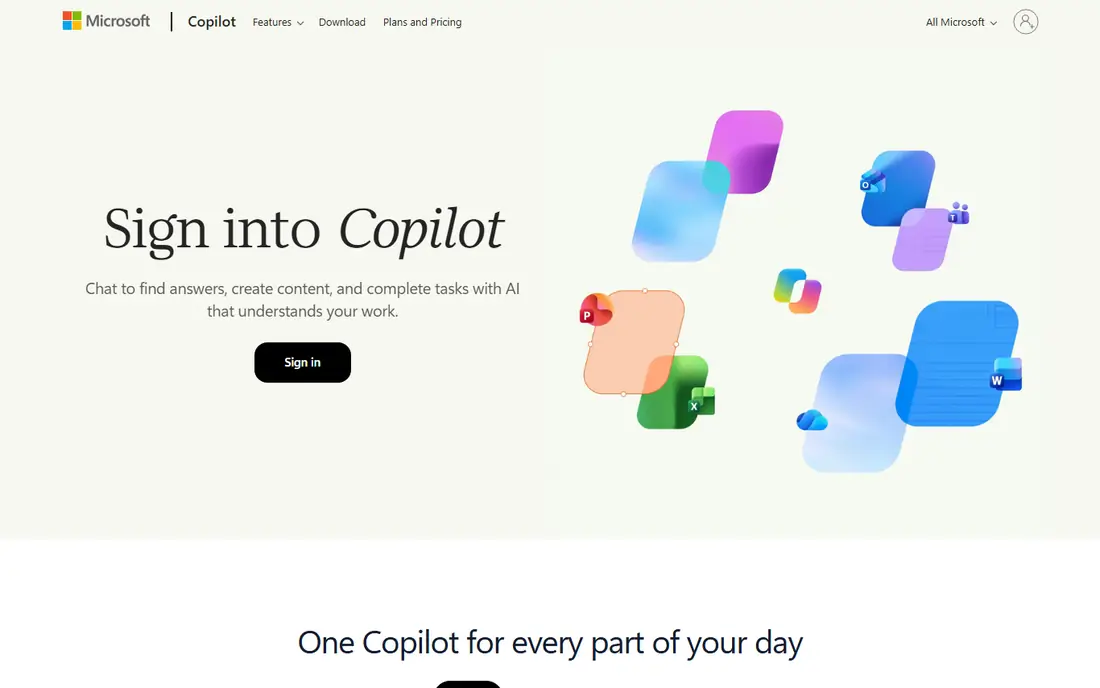
Copilot is the low-friction choice on a Windows computer, because it is already present in Windows, Edge and the mobile apps for many users. You do not need to learn a new interface to ask a question, and its Bing search gives it a clear edge over Grok alternatives that rely only on training data. For questions about recent events, sports results or a product that changed price this week, that live search matters.
The trade-off is ecosystem fit. Copilot feels most complete when you also use Microsoft 365, Outlook or Edge, and some of its deeper work features require a paid Microsoft 365 plan. The free chat tier is still useful on its own for research, drafting and image ideas, but image generation is limited to a set number of boosts per day. If you use a Mac or Chromebook and do not use Microsoft apps, the advantage narrows, and a web-first tool may suit you better.
What we like- Built into Windows and Edge
- Bing web search for current events
- Free image generation in limited amounts
Watch out for- Best features sit inside the Microsoft ecosystem
- Free image boosts are capped each day
#5Perplexity
Best for: Research with cited sources4.4/5 on
G2 (361 reviews, checked Oct 2026)
Visit perplexity.ai
Starting priceSee website
Free planYes
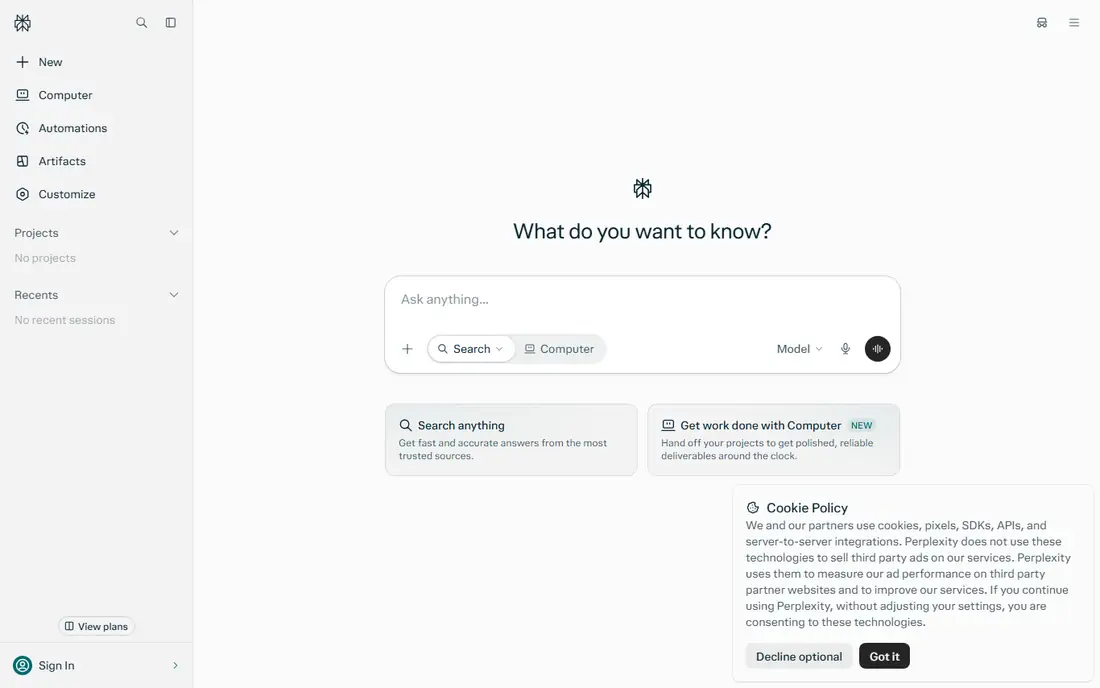
Perplexity answers a different question from the other tools on this list. Instead of only giving you an answer, it shows where the answer came from, so you can open the source and judge it for yourself. That makes it the best free Grok alternative for research, homework, journalism checks and any task where a wrong fact has a cost. When Grok gives a fast take on a trending story, Perplexity gives a slower, checkable version of the same story.
The free tier covers basic search well, but the deeper Pro searches that pull together more sources are capped each day. For long creative work, such as a short story or a brand voice exercise, Perplexity feels more like a search engine with a chat window than a writing partner. Use it as your verification tool, even if you draft elsewhere, and keep the paid plan in mind only if you run many deep research searches each week.
What we like- Answers include sources you can open and check
- Strong for fact checking
- Unlimited basic search on the free tier in recent reports
Watch out for- Pro searches are limited on the free tier
- Less suited to long creative writing than Claude or ChatGPT
Starting price$0
Free planYes
DeepSeek is the closest thing on this list to a truly free chatbot, because its chat app does not push you toward a monthly subscription for ordinary text use. It handles reasoning, coding and maths problems well, and it shows its working for complex questions, which helps you spot a wrong step instead of only seeing a final answer. For students, developers and heavy text users, that combination is hard to beat at no cost.
The limits are practical. The basic chat does not offer the same image, voice and browsing mix as ChatGPT, Gemini or Copilot, so it is a weaker choice for current events or media tasks. There is also a data question to weigh: DeepSeek is hosted by a company based in China, so avoid pasting sensitive work, personal documents or client material into it. For general learning, coding help and drafting, it is a strong free option, and for private work, use a tool with a data policy you have read and accepted.
What we like- Free chat with no paid chat plan in the usual sense
- Shows reasoning steps for complex problems
- Open model weights for self hosting
Watch out for- No image, voice or web browsing in the basic chat in the same way as rivals
- Data is hosted by a company based in China
Starting priceSee website
Free planYes

Mistral Le Chat, known as Le Chat, is a good choice if you want a capable chatbot from a European company rather than one of the largest US vendors. It covers the core tasks well: drafting, summarising, coding help and answering questions with web access on supported plans. The interface stays simple, which suits people who found other chatbots crowded with extra modes, agents and media tools.
The downside is scale. Le Chat does not have the same app integrations, plugin range or media depth as ChatGPT or Gemini, so power users who want image generation, video tools and deep app connections will feel the gap. For everyday chat, though, that simplicity is a strength, and the free tier gives you a fair way to judge its writing style before paying. If privacy rules or vendor location matter to your organisation, check Mistral's current data and business terms before adopting it for team use.
What we like- Fast, simple chat interface
- A European vendor for buyers who prefer one
- Useful for writing, coding and web questions
Watch out for- Smaller ecosystem than ChatGPT, Gemini or Copilot
- Some advanced features and higher limits require a paid plan
How we chose
We compared pricing pages, product documentation and public reviews on G2, Capterra and Reddit, and we checked each vendor homepage to confirm the product still exists and the link belongs to that product. We favoured tools with a genuinely usable free tier, not a short trial dressed up as free, and we looked at the specific task each tool serves: writing, research, current events, coding and everyday chat. We also weighed limits that matter in daily use, such as daily message caps, image limits and whether web search is included, because a free tool that stops at midday is a different product from one you can use all day.
What to check before you switch from Grok
A free chatbot is only free within its limits, so read the limit that applies to your heaviest use before you commit. Start with message caps. Claude and Perplexity give you a daily allowance, while ChatGPT and DeepSeek give more room for basic text chat. If you hit a cap every afternoon, the tool is not free for your workload, and you will either need a second tool or a paid plan.
Match the tool to the job
Use Perplexity or Copilot for current events, because both search the web. Use Claude for a long, careful draft, and use ChatGPT or DeepSeek for volume, brainstorming and coding help. Grok's particular strength was live conversation around X posts, and none of these tools copies that social feed directly. If that live social angle was the main reason you used Grok, Copilot and Perplexity come closest for news, while ChatGPT and Gemini cover the general chat side.
Check privacy, export and account rules
Free plans often keep your chats to improve the service, and the exact policy differs by vendor and by plan. Read the privacy page for the tool you choose, and do not paste passwords, medical details, client files or unpublished work into a free chat account. Also check whether you can export or delete chats, whether a work account separates personal chats, and whether sign-in requires a phone number. These small details matter more than a slightly better answer on one prompt.
Plan for the paid step
Work out what would make you pay, and what that upgrade would cost, before you need it. For most people, the triggers are higher daily limits, access to a stronger model, larger file uploads, or deeper research modes. Claude lists Pro at $20 per month when billed monthly, and other vendors list their paid tiers on their pricing pages, so compare the monthly cost against how often you hit the free cap. If you hit it once a month, a second free tool is cheaper than a subscription. If you hit it daily, a paid plan may save more time than it costs.
Frequently asked questions
Is there a completely free alternative to Grok AI?
DeepSeek comes closest, because its chat app has no standard monthly chat subscription for ordinary text use. ChatGPT, Gemini, Copilot, Perplexity, Claude and Mistral Le Chat also offer free tiers, but each limits advanced models, daily use or specific features. For everyday questions, the free tiers are enough for many people, and for heavy daily work, a paid plan or a mix of two free tools works better.
Which free Grok alternative is best for writing?
Claude is the strongest free choice for careful, well structured writing, especially for longer pieces that need editing. ChatGPT is a close second for general drafting and brainstorming, because it handles more tasks and gives more free room. Try the same paragraph in both tools, then keep the one whose tone needs less editing.
Which free alternative is best for current news?
Perplexity and Microsoft Copilot are the best free choices for current news, because both search the web and show recent information. Gemini also uses live web search, which helps for recent events. Avoid relying on a chatbot that only uses training data for breaking news, and open the source article before you repeat a claim.
Do free AI chatbots keep my chats private?
Policies differ by vendor, plan and region, and free plans may use chats to improve the service unless you change a setting or use a business plan. Read the privacy page for the tool you choose, and avoid entering sensitive personal, medical or client information into any free chatbot. For private work, use a paid business plan with clearer data controls or a tool you host yourself.
Can I use these tools without an X account?
Yes. None of the tools on this list requires an X account, which is one of the main reasons people look for a Grok alternative. You will need an account with the vendor itself, such as an OpenAI, Google, Microsoft, Anthropic, Perplexity, DeepSeek or Mistral account, and some vendors ask for a phone number or email verification during sign-up.
Should I pay for a chatbot if the free tier works?
Pay only when a free limit blocks work you do often. Common reasons are daily message caps, a need for a stronger model, larger documents, or deeper research. If you hit a cap rarely, add a second free tool for those days instead. If you hit it daily, compare the paid prices on the vendor pricing pages and choose the plan that removes the specific limit you hit.
Sources we checked (7)
- https://chatgpt.com
- https://claude.ai
- https://gemini.google.com
- https://copilot.microsoft.com
- https://www.perplexity.ai
- https://deepseek.com
- https://chat.mistral.ai
Is your product missing or out of date?
We review this list regularly. Vendors can request a listing, send updated pricing or ask about featured placement.

Shihab Mia · Founder, Rankite
Shihab has 5+ years in B2B and SaaS SEO. He writes Rankite's software buying guides from pricing pages, documentation and public user reviews. More about Shihab.