How we make this list: we compare pricing pages, product documentation and public user reviews. Ratings come from G2, Capterra or Trustpilot, with the date we checked them.
Key takeaways
- YouCam Makeup is the strongest all-round free starting point, with live camera previews and more than 60 hairstyle options on your own face.
- FaceApp gives the most realistic single-photo edits, but many of its best styles sit behind the Pro subscription.
- Fotor and AI Ease are the best browser options when you do not want to install an app, though both limit free credits and clean exports.
- Almost every free tier adds a watermark, caps daily tries, or limits resolution, so check the export before you pay for anything.
- No preview replaces a stylist. Take two or three shortlisted styles to your appointment and ask what will work with your hair texture and growth pattern.
Quick comparison
| Tool | Best for | Starting price | Free plan |
|---|
 YouCam Makeup YouCam Makeup | Live try-ons and hair color | See website | Yes |
 FaceApp FaceApp | Realistic one-tap edits | $4.99 per month | Yes |
 Fotor Fotor | Browser edits plus photo tools | $3.33 per month (billed annually) | Yes |
 Perfect365 Perfect365 | Quick all-in-one makeovers | $6.99 per month | Yes |
 AI Ease AI Ease | No-install web try-ons | $4.99 per month (billed annually) | Yes |
 Photo AI Studio Photo AI Studio | Free web hair changer | See website | Yes |
 AiDitor AiDitor | Weekly free credits | $9.99 per month | Yes |
 Hairstyle AI Hairstyle AI | Many styles from one photo | $4.50 per month (billed annually) | Yes |
Is your product missing or out of date?
We review this list regularly. Vendors can request a listing, send updated pricing or ask about featured placement.
The best free AI hairstyle apps
Starting priceSee website
Free planYes
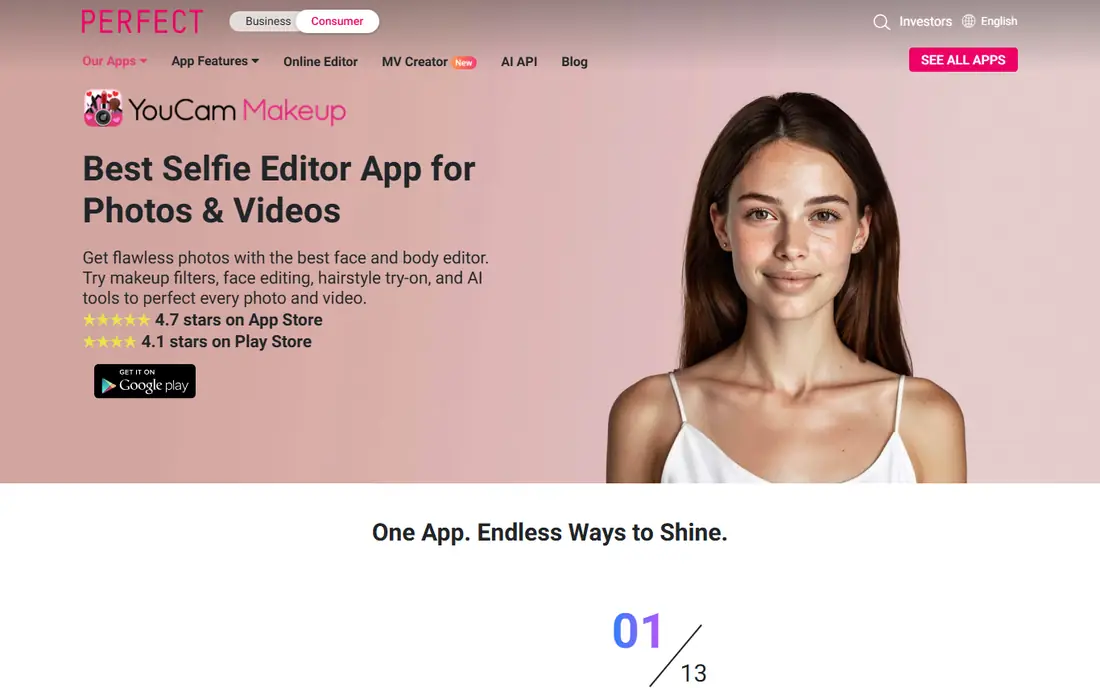
Open the app, point the camera at yourself, and the style moves with you. That live view is YouCam Makeup's main advantage over tools that only work on a still photo. You can turn your head, check a fringe from the side, and compare a color in different light before you save anything.
The hairstyle library covers short cuts, bangs, long layers, and wavy styles, and the color tool handles both natural shades and bolder choices. Makeup tools sit in the same app, which helps if you want to see a whole look rather than hair alone. The honest limit is the export: free saves can include a watermark, and the widest set of styles needs Premium. Use the free tier to shortlist, then decide whether a clean export is worth paying for.
What we like- Live camera previews
- More than 60 hairstyle options
- Hair color changer with natural and bold shades
Watch out for- Saved free photos can carry a watermark
- Full access needs Premium
- Pricing varies by region
Starting price$4.99 per month
Free planYes
FaceApp is the app most people already know, and for hairstyles that familiarity is earned. Its edits tend to blend at the hairline better than simpler overlay apps, so a bob or a color change looks less pasted on. You upload a photo, pick a style or color, and the result arrives in seconds.
For a free user, the trade is clear. The basic set is usable for a quick check, but the styles you are most likely to want are often locked behind Pro, and ads interrupt the free flow. FaceApp fits someone who wants one believable preview fast and does not mind paying if the first result looks promising. It is less useful if you want to test twenty styles for free in one sitting.
What we like- Very natural-looking blends
- Simple one-tap workflow
- Hair color and style in one editor
Watch out for- Many top styles are Pro only
- Free version shows ads
- Subscription prices vary by store and region
#3Fotor
Best for: Browser edits plus photo tools4.2/5 on
G2 (342 reviews, checked Oct 2026)
Visit fotor.com
Starting price$3.33 per month (billed annually)
Free planYes
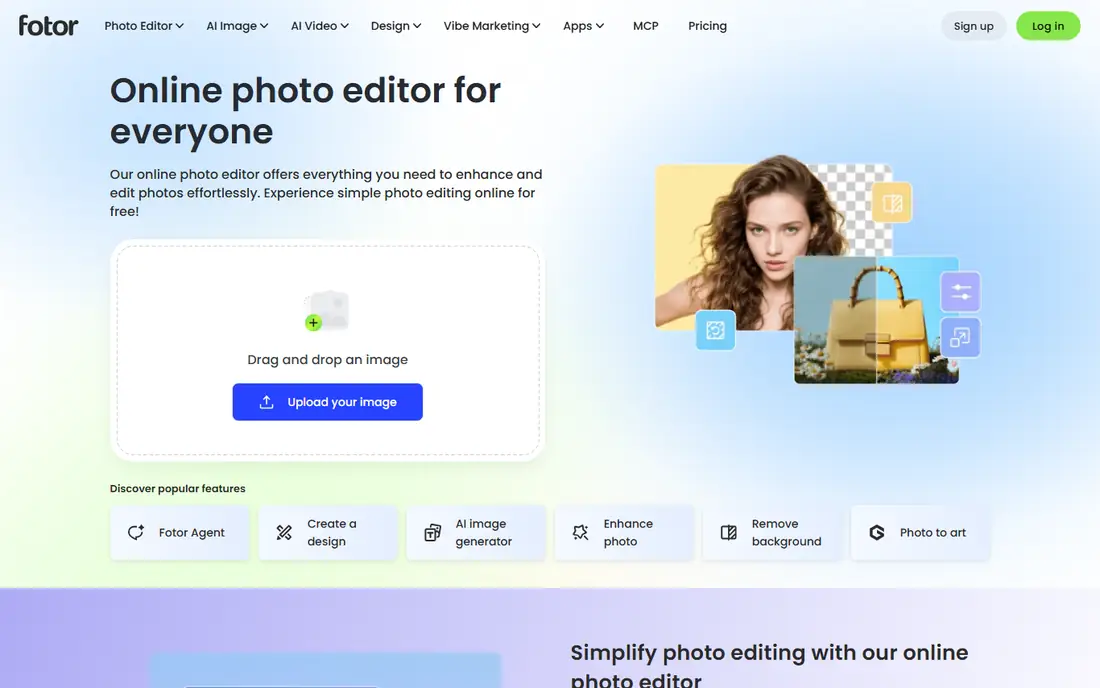
Fotor suits the person who wants to try a hairstyle on a laptop, not a phone. Upload a portrait, choose a preset or describe a style, and Fotor returns a changed version you can then refine with its wider editor. That editor is a real advantage: you can adjust light, crop, and color in the same place instead of moving the image between apps.
The free tier works on credits, with extra credits available through daily check-ins, so it rewards a slow approach rather than a long browsing session. A poor photo, with harsh shadows or a turned face, gives a weaker result here than in a live camera app. Treat Fotor as a good second opinion tool, especially when you already use it for other photo edits.
What we like- Works in a browser with no install
- Free credits for new users
- Full photo editor alongside the hairstyle tool
Watch out for- Free credits run out quickly
- Best exports need Pro
- Results vary with photo quality
Starting price$6.99 per month
Free planYes
Perfect365 has been around long enough that its face mapping feels settled. Styles anchor to your hairline and face shape rather than floating over the photo, which matters most for short cuts and fringes. You can work from a live camera view or a saved photo, and the whole makeover, makeup included, takes under a minute.
Where it falls short is depth. If you want a very specific cut, a specialist hair app will probably list it while Perfect365 offers a near neighbor instead. The free tier is still enough to answer the basic question, which is whether a shorter length or a new color suits you at all. Pay only if you want the wider packs and clean HD exports.
What we like- Long-running app with mature face detection
- Fast try-ons from camera or gallery
- Makeup and hair in one place
Watch out for- Hairstyle library is smaller than specialist apps
- Many desirable packs need payment
- HD saves without watermarks need Plus
Starting price$4.99 per month (billed annually)
Free planYes

AI Ease is a good pick when you do not want another app on your phone. Its hairstyle changer runs in the browser, accepts a selfie, and lets you pick a preset or write your own description of the cut you have in mind. That prompt option helps when the style you want is not in the preset list.
The free experience is genuinely usable for a first test, but it is not unlimited in practice. Credits cap how many looks you can generate, and watermarked exports make the free results better for private comparison than for sharing with a stylist. AI Ease fits a quick, private check before a salon visit, and the paid tier only makes sense if you plan to generate looks often.
What we like- Browser tool with no app install
- Preset styles plus custom prompts
- Quick results from one upload
Watch out for- Free exports can carry a watermark
- Free credits are limited
- Paid plan is needed for 1,000 credits a month
Starting priceSee website
Free planYes
Photo AI Studio takes a different route from the app-first tools on this list. Its AI hair changer is a web tool, so you open it in a browser, upload a photo, and try a style without creating an account for the basic flow in many cases. That low friction is the point: it answers one question fast.
The trade is scope. Because it is a web tool rather than a full beauty app, you will not find the same makeup, retouching, and video features that YouCam or FaceApp bundle in. Other advanced features on the site carry premium options, so read what is included before you assume every tool on the site is free. For a single free hair preview, though, it is one of the least complicated options here.
What we like- Hair changer tool is free to use
- Works in a mobile browser
- Quick previews for men and women
Watch out for- No dedicated mobile app
- Other site features have premium options
- Style range is narrower than big apps
Starting price$9.99 per month
Free planYes
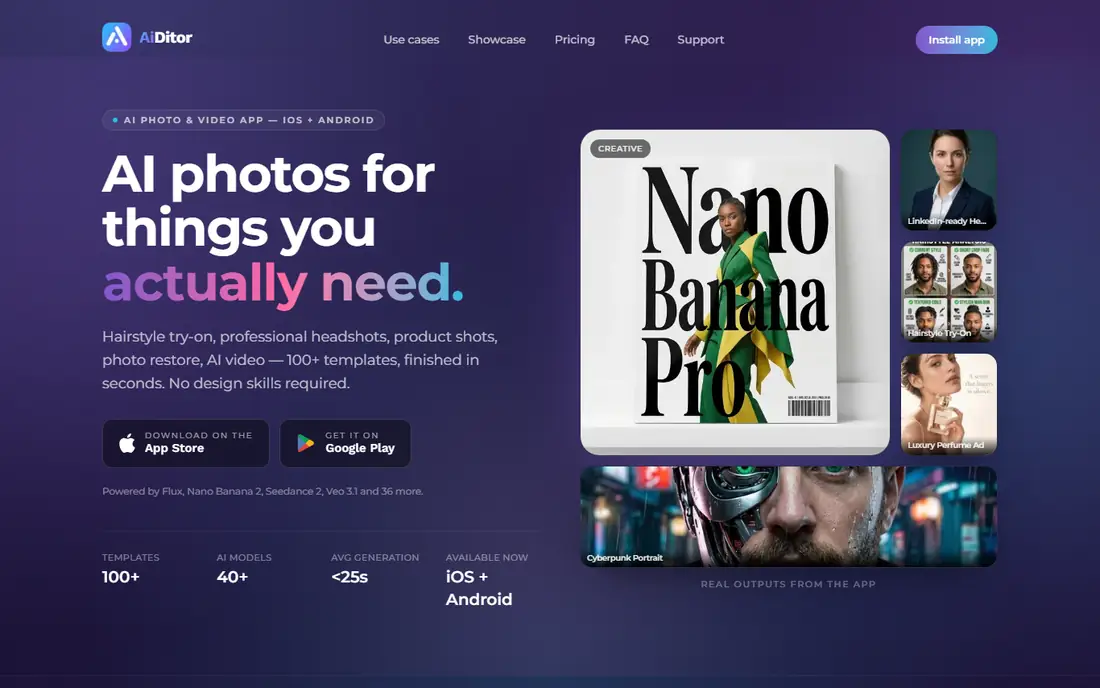
AiDitor frames its free tier in credits, and the numbers are unusually clear. You get 30 credits a week on the free plan, plus a 100-credit welcome bonus, and every template is open to try. That makes it easy to compare several styles from the same photo without hitting a hard style lock on day one.
The catch is the watermark on free outputs and the step up in price if you stay. At $9.99 a month for the Starter plan, AiDitor costs more than Fotor or AI Ease, though it removes the watermark and adds 1,500 credits a month. Choose AiDitor if you like testing often across a week and want transparent credit limits, not if you only need one preview.
What we like- 30 free credits per week plus a welcome bonus
- Every template open on the free tier
- No card needed to start
Watch out for- Free outputs carry a watermark
- Paid tier costs more than most rivals
- Credit math takes a moment to learn
#8
Hairstyle AI
Best for: Many styles from one photo
Visit iuu.ai
Starting price$4.50 per month (billed annually)
Free planYes
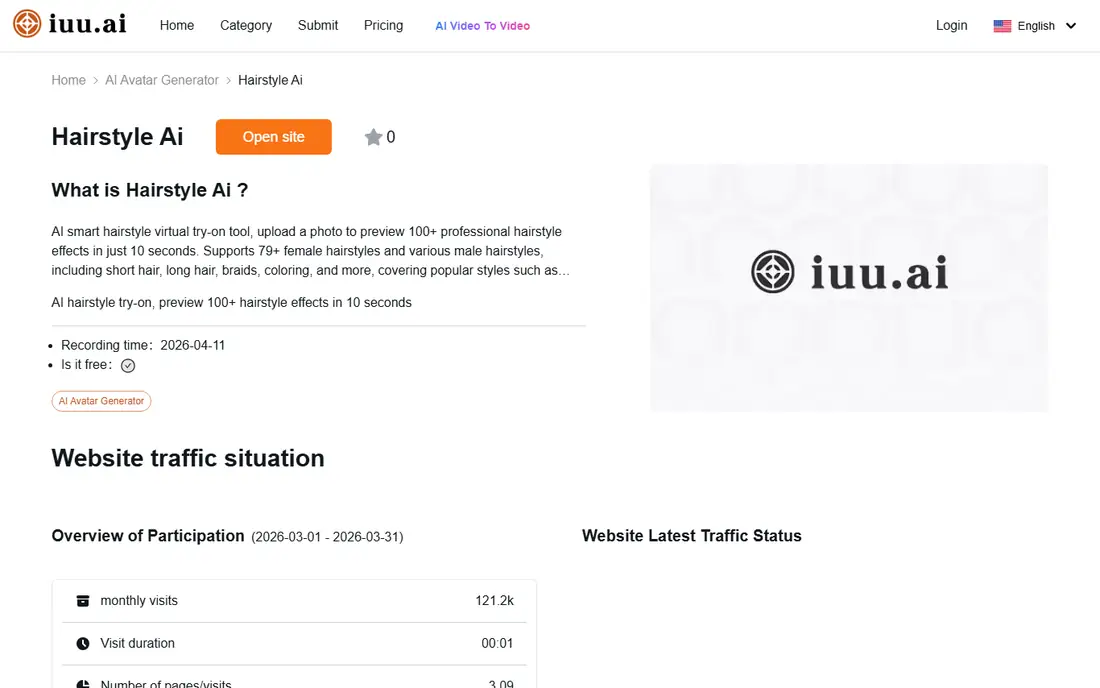
Hairstyle AI leans on breadth. Its library covers classic cuts, trendy styles, short pixies, long waves, fades, and braids, and you can try many of them against the same base photo to compare. That side-by-side comparison is useful when you are torn between two lengths rather than searching for one exact cut.
Free access starts with trial credits on registration, plus extra credits for logging in, so a careful user can test several looks before paying. The Lite plan, at $4.50 a month on annual billing, covers only 10 generations, which can disappear fast if you browse freely. Use the free credits on your best photos, in good daylight, with your face fully visible.
What we like- Hundreds of male and female styles
- New users get free trial credits
- Works on phones, tablets, and computers
Watch out for- Free credits are limited
- Lite plan covers only 10 generations a month
- Results depend heavily on photo quality
How we chose
We compared vendor pricing pages, app store listings, and public reviews on sites including G2, Capterra, and Reddit, and we checked each tool's features, platform, and free limits. A tool made this list only if it is live now, accepts your own photo, and offers a real free tier for hairstyle previews, not just a paid trial behind a card. We did not claim hands-on testing, and we treated third-party roundups as leads to check, not as facts to repeat.
Pricing in this category moves often and varies by store and region, so where listings disagreed we used "See website" or the most recent store figure and said so. Free limits mattered as much as features: an app with a large library but only one usable free preview ranks below a smaller tool that lets you compare several styles for free.
What to check before you trust a preview
A preview is a guide, not a promise. Hair texture, density, growth direction, and how your hair falls when dry all change the result, and no app can feel those things. The steps below help you get a preview worth showing a stylist.
Start with a good photo
Use a front-facing photo in daylight, with your hair pulled back from your face and no beauty filter turned on. Add a side view if the app supports it, since a cut that looks good from the front can sit very differently at the back. Avoid hats, sunglasses, and heavy shadows across the hairline.
Test color and cut separately
Change one thing at a time. If you change length and color together, you will not know which change you liked. Settle the cut first, then test two or three colors on the winning length, and save the original photo next to each edit for comparison.
Read the free limit before you browse
Check how many free generations you get, whether exports carry a watermark, and whether the paid plan bills monthly or annually. A tool that looks free can still charge for the clean, high-resolution image you actually want to take to the salon. If you only need a private shortlist, the free tier is usually enough.
Take the shortlist to a stylist
Show two or three previews, not twenty, and describe what you liked in plain words, such as softer layers around the face or a shorter back. Ask whether your hair type supports the cut, how often it needs trimming, and what it will look like as it grows out. That conversation catches the problems a preview cannot see.
Frequently asked questions
Is there a truly free AI hairstyle app?
Yes, several apps on this list let you preview styles without paying, including YouCam Makeup, FaceApp, Fotor, and AI Ease. The free tier usually limits the number of styles, adds a watermark, or limits export quality. For private comparison, that is often enough, but a clean shareable image usually needs a paid plan.
Which free app has no watermark?
Most free tiers add a watermark or limit clean exports, and the exact rule can change with the plan and region. Photo AI Studio's hair changer is presented as free on the web, while YouCam, FaceApp, and AI Ease keep watermark-free HD saves behind paid tiers. Check the export screen before you generate a look you plan to share.
How accurate are AI hairstyle previews?
Previews are best for length, general shape, and color direction, and weakest for exact texture, volume, and how hair falls over days. A front photo in good light gives a better result than a dark or angled shot. Treat the preview as a shortlist tool, then confirm the cut with a stylist who can see your hair in person.
Can I try hairstyles without downloading an app?
Yes. Fotor, AI Ease, Photo AI Studio, AiDitor, and Hairstyle AI all run in a browser, so you can upload a photo from a phone or computer. Browser tools are convenient for a quick test, though live camera previews in apps like YouCam Makeup can feel more natural for checking a style from different angles.
Do these apps work for men and women?
Yes, the tools on this list split their libraries by gender or offer styles that work across genders, though the depth of each library can differ. Some apps list far more women's styles than men's, so men should check the men's section before paying. If a style you want is missing, a prompt-based tool like AI Ease or Fotor lets you describe it instead.
Sources we checked (8)
- https://www.perfectcorp.com/consumer/apps/ymk
- https://www.faceapp.com
- https://www.fotor.com
- https://www.perfect365.com
- https://www.aiease.ai
- https://www.photoaistudio.com
- https://www.aiditor.app
- https://iuu.ai/tool/hairstyle-ai
Is your product missing or out of date?
We review this list regularly. Vendors can request a listing, send updated pricing or ask about featured placement.

Shihab Mia · Founder, Rankite
Shihab has 5+ years in B2B and SaaS SEO. He writes Rankite's software buying guides from pricing pages, documentation and public user reviews. More about Shihab.