How we make this list: we compare pricing pages, product documentation and public user reviews. Rankite is independent; if a vendor ever pays for a featured spot, that listing is clearly labeled Partner.
Key takeaways
- Jotform (Bronze from $39/month) remains the all-rounder: every plan includes every feature, and only the limits change between tiers.
- If the form has to look beautiful, Typeform ($39/month) and Paperform ($29/month) are the two design-first picks, but both meter responses tightly on cheaper plans.
- Cognito Forms (Pro from $24/month) and Zoho Forms (Basic from $12/month) deliver the most capacity per dollar, with genuinely useful free plans.
- WordPress sites should compare WPForms (Basic $49.50/year intro) and Gravity Forms (Basic $59/year): both price by the year, not the month, and both include unlimited submissions.
- Google Forms is free and unlimited, and it is the right answer whenever you do not need payments, logic or branding.
Quick comparison
| Tool | Best for | Starting price | Free plan |
|---|
 Jotform Jotform | Teams that want one form builder for everything | $39/month ($34/month billed annually, Bronze) | Yes (Starter: 5 forms, 100 submissions/month) |
 Typeform Typeform | Surveys and lead forms that must feel premium | $39/month ($28/month billed annually, Basic) | Yes (10 responses/month) |
 Google Forms Google Forms | Anyone who needs a form in the next five minutes | Free | Yes |
 Cognito Forms Cognito Forms | Serious forms on a tight budget | $24/month ($19/month billed annually, Pro) | Yes (Individual: unlimited forms, 100 entries/month) |
 Paperform Paperform | Forms that need to look like designed pages | $29/month ($24/month billed annually, Essentials) | Yes (30 submissions/month) |
 Formstack Formstack | Regulated teams with approval workflows | $99/month ($83/month billed annually, Forms) | Free trial (14 days) |
 Zoho Forms Zoho Forms | High-volume forms inside the Zoho ecosystem | $12/month ($10/month billed annually, Basic) | Yes (3 forms, 500 submissions/month) |
 Wufoo Wufoo | Basic forms that have worked for years | $22/month ($16.25/month billed annually, Starter) | Yes (5 forms, 100 entries/month) |
 WPForms WPForms | WordPress sites that want forms without code | $49.50/year (Basic, introductory; renews at $99) | Yes (WPForms Lite) |
 Gravity Forms Gravity Forms | Developers and agencies building complex WordPress forms | $59/year (Basic license) | No (interactive demo available) |
Is your product missing or out of date?
We review this list regularly. Vendors can request a listing, send updated pricing or ask about featured placement.
Your business runs on forms long before it runs on anything else: the contact form, the quote request, the intake questionnaire, the event registration, the payment form. The honest way to shop is by deciding what the form must do, because "form builder" covers everything from a free Google Form to a $299-a-month workflow platform. These ten tools cover that whole range, with the pricing catches marked.
#1
Jotform
Best for: Teams that want one form builder for everything
Visit jotform.com
Starting price$39/month ($34/month billed annually, Bronze)
Free planYes (Starter: 5 forms, 100 submissions/month)
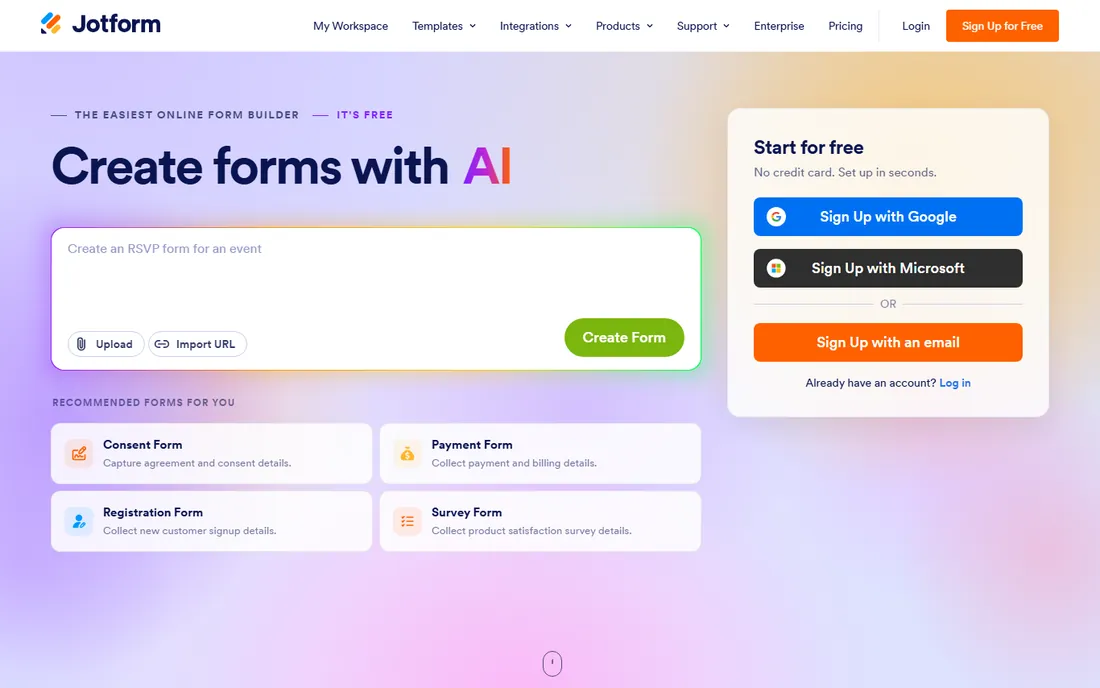
Jotform is the safe default in this category, and the reason is the pricing structure. Every feature ships on every plan, including the free one: conditional logic, payments, approvals, e-signatures, tables and workflows. The tiers differ only in limits: Bronze at $39 a month ($34 billed annually) gives 25 forms and 1,000 monthly submissions; Silver at $49 ($39 annual) gives 50 forms and 2,500 submissions; Gold at $129 ($99 annual) gives 100 forms, 10,000 submissions and HIPAA features. You never discover that the feature you need is on a higher tier, because it is not.
The free Starter plan covers 5 forms and 100 submissions a month with all features. The catches are the per-account user model (collaborators share one login) and the submission caps, which is how Jotform makes its money.
What we like- Every plan includes every feature, so tiers differ only in limits
- 150-plus native integrations and 10,000-plus templates
- HIPAA compliance available on Gold
Watch out for- One user per account on all standard plans
- The free plan's 100 monthly submissions run out fast on a busy site
Starting price$39/month ($28/month billed annually, Basic)
Free planYes (10 responses/month)
Typeform sells the experience of answering, not the act of building. Its one-question-at-a-time conversational format, with smooth transitions and full brand control, consistently lifts completion rates on surveys and lead forms. When the form is a brand touchpoint or a high-value lead capture, that polish is worth paying for, and the drop-off tracking shows exactly where respondents leave.
The price of polish is the meter. Basic at $39 a month ($28 billed annually) caps you at 100 responses a month with the Typeform logo. Plus at $79 ($56 annual) raises that to 1,000 responses and removes branding. Business at $129 ($91 annual) reaches 10,000. When the form hits its cap, it pauses until next month. For high-traffic forms, that math gets expensive fast.
What we like- The best respondent experience in the category, with one-question-at-a-time conversational forms
- Polished templates and strong analytics including drop-off tracking
Watch out for- Response caps are strict (100/month on Basic, 1,000 on Plus)
- Branding removal and custom domains require Plus or above
#3
Google Forms
Best for: Anyone who needs a form in the next five minutes
Visit google.com
Starting priceFree
Free planYes
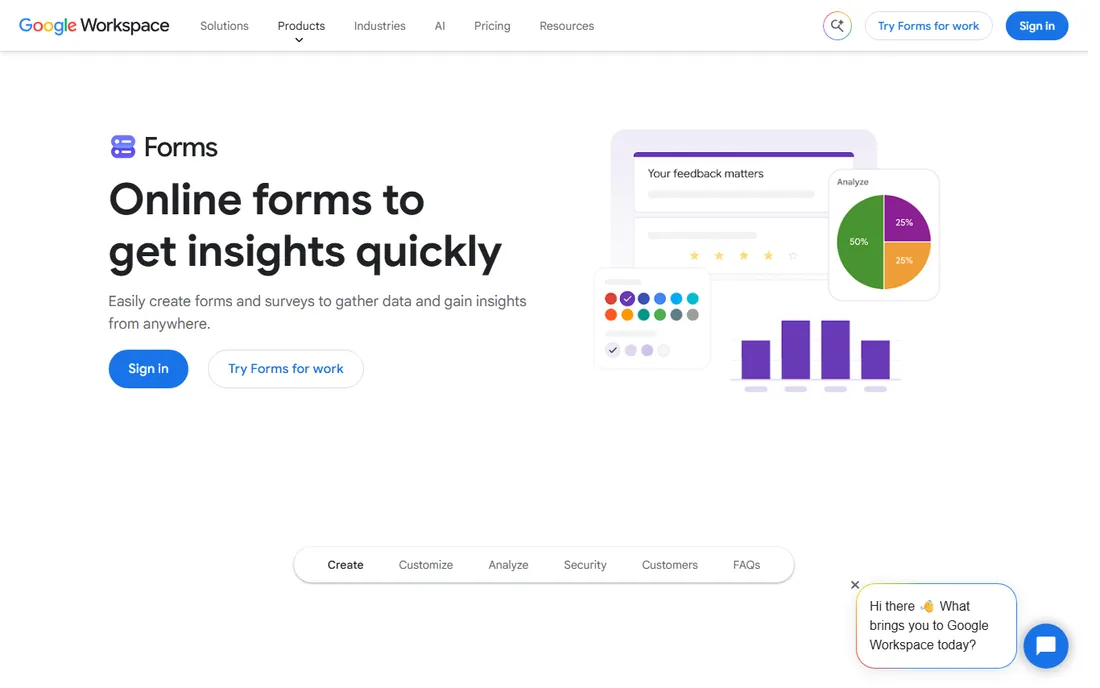
Google Forms is the right answer more often than form vendors admit. It is free, unlimited in forms and responses, and collaborative by default. For internal surveys, event signups and simple contact forms, there is no reason to pay for anything else.
The limits are narrow: no payment collection, no advanced logic, minimal branding, and file uploads require respondents to sign in to Google. If none of that applies to your form, stop shopping.
What we like- Completely free with unlimited forms, responses and collaborators
- Answers land in Google Sheets automatically
- Dead simple to build and share
Watch out for- No payment collection, no advanced logic, minimal branding
- File uploads force respondents to sign in to Google
Starting price$24/month ($19/month billed annually, Pro)
Free planYes (Individual: unlimited forms, 100 entries/month)
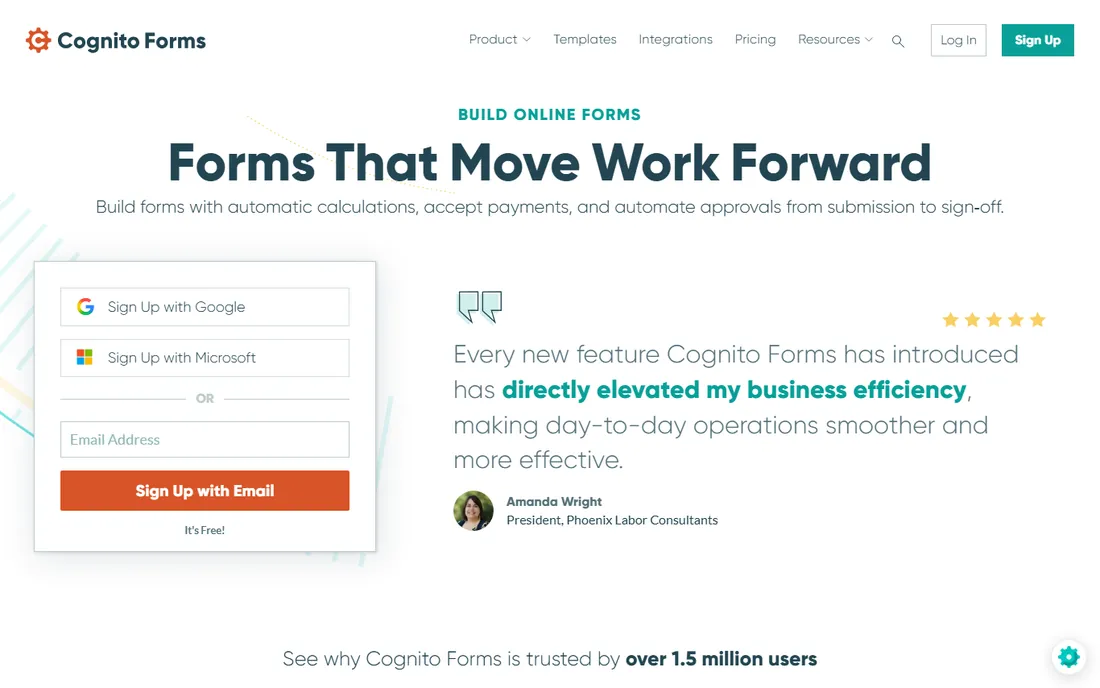
Cognito Forms is the value pick for buyers who need real form power without the enterprise price. The free Individual plan includes unlimited forms, 100 entries a month, calculations, repeating sections and payment collection through Cognito Pay, which is more capability than most competitors put on their paid tiers. Pro at $24 a month ($19 billed annually) raises the cap to 2,000 entries a month with 2 users; Team at $49 ($39 annual) reaches 10,000 entries with workflows, e-signatures and documents; Enterprise at $174 ($129 annual) is unlimited.
Two honest notes: Cognito Pay adds its own 2 percent fee on top of processing on the free plan (1 percent on Pro, gone on Team), and the forms look professional rather than stunning. For order forms, registrations and anything with calculations, Cognito is the cheapest serious entry point on this list.
What we like- Calculations, repeating sections and payment collection even on the free plan
- Transparent published pricing at every tier
- Entry management built in
Watch out for- Design options are functional rather than beautiful
- Direct payment processors (Stripe, Square, PayPal) require Team or above
Starting price$29/month ($24/month billed annually, Essentials)
Free planYes (30 submissions/month)
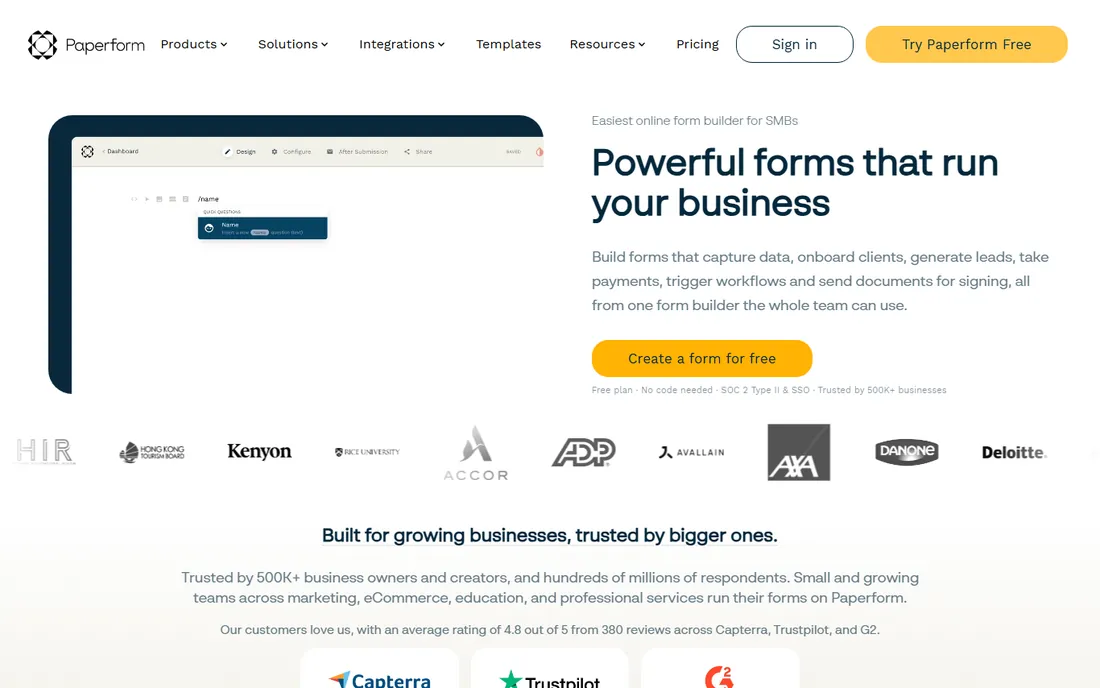
Paperform approaches forms as pages, not questionnaires. Its document-style editor lets you mix text, images, video and form fields the way a landing page mixes copy and buttons, which makes it the pick for bookings, applications and payment forms where presentation sells. Paid plans meter neither forms nor seats: Pro at $59 a month ($49 billed annually) and Business at $129 ($99 annual) give unlimited submissions and users within fair use, a pricing shape nobody else on this list offers.
Essentials at $29 a month ($24 annual) caps submissions at 100 a month; the features that justify the switch, removable branding, calculations, custom domains, live behind Pro and Business. The free plan is a trial, not a home. Regulated teams note the hard line: Paperform is not HIPAA compliant and signs no BAAs.
What we like- Document-style editor where text, media and fields blend into one designed page
- Unlimited forms and submissions within fair use on paid plans
- Payments and calculations built in
Watch out for- Key features like custom domains and high limits sit behind Pro and Business
- Not HIPAA compliant and signs no BAAs
Starting price$99/month ($83/month billed annually, Forms)
Free planFree trial (14 days)
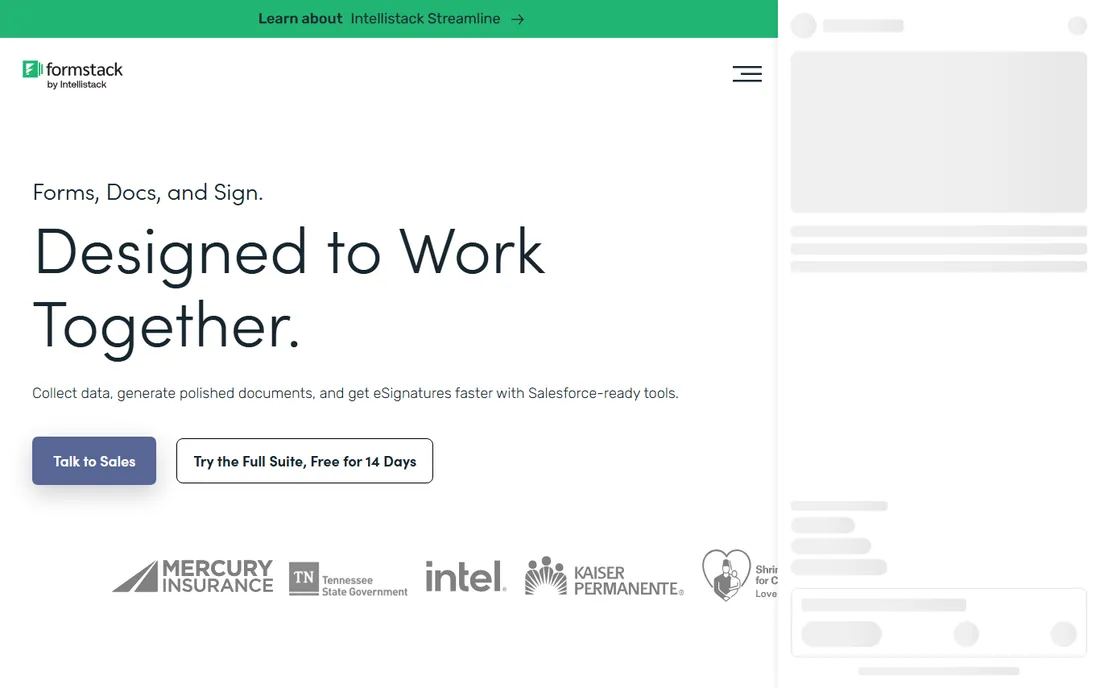
Formstack is not really a form builder; it is a workflow platform that starts with forms. The Forms plan at $99 a month ($83 billed annually) covers 25 forms with 1,000 submissions each, workflows and custom branding. Suite at $299 ($250 annual) bundles forms with document generation and e-signatures for 3 users and 100 forms. Enterprise adds SSO, HIPAA compliance and a dedicated success manager. For teams in healthcare, finance and government, where approvals and audit trails are the job, that scope is the point.
Everyone else will find it expensive. There is no free plan, only a 14-day trial. The features that make forms convert, abandonment tracking and partial-submission recovery, live in the Conversion Kit, a separate paid add-on with no public price. Buy Formstack for the compliance and the workflows. If you just need forms, every other tool on this list costs less.
What we like- Full platform beyond forms: workflows, document generation and e-signatures
- Compliance-ready with HIPAA, SOC 2 and SSO on upper tiers
- 300-plus integrations
Watch out for- The most expensive entry point on this list with no free plan
- The Conversion Kit (abandonment tracking, partial submissions) is a separate paid add-on
#7
Zoho Forms
Best for: High-volume forms inside the Zoho ecosystem
Visit zoho.com
Starting price$12/month ($10/month billed annually, Basic)
Free planYes (3 forms, 500 submissions/month)
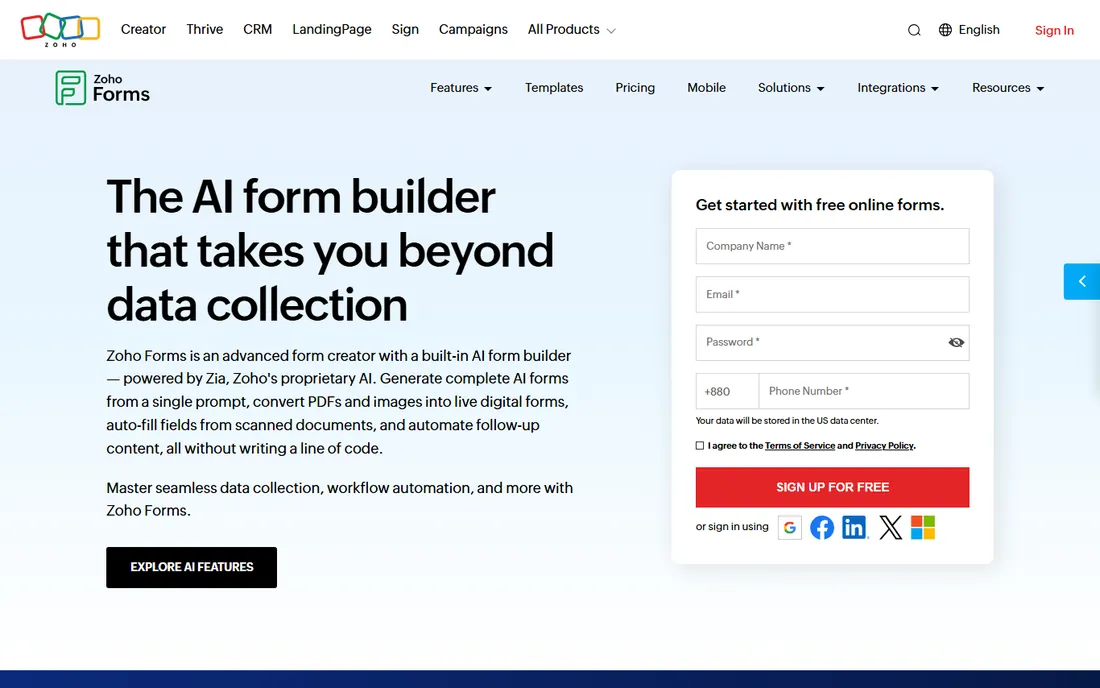
Zoho Forms is the capacity play. Basic at $12 a month ($10 billed annually) gives unlimited forms and 10,000 submissions a month, a number that costs five to ten times more elsewhere. Standard at $30 ($25 annual) adds approvals, payments and 25,000 submissions for 10 users. Professional at $60 ($50 annual) reaches 75,000 submissions with white labeling. Premium at $110 ($90 annual) tops out at 150,000 submissions with HIPAA compliance.
The catch is the ecosystem. Zoho Forms shines when responses flow into Zoho CRM, and its mobile app is genuinely good for field data collection. Outside Zoho, it is a solid but unremarkable form builder with traditional-looking forms. If you run on Zoho, this is the obvious pick and the pricing is almost unfair. If you do not, weigh the design and the lock-in before committing to the cheapest seat in the room.
What we like- Enormous submission allowances for the price (10,000/month on the $10 plan)
- Deep native integration with Zoho CRM, Desk and the rest of the suite
- Strong mobile app for field data collection
Watch out for- Design is traditional rather than modern
- Leaving the Zoho ecosystem later is painful
Starting price$22/month ($16.25/month billed annually, Starter)
Free planYes (5 forms, 100 entries/month)
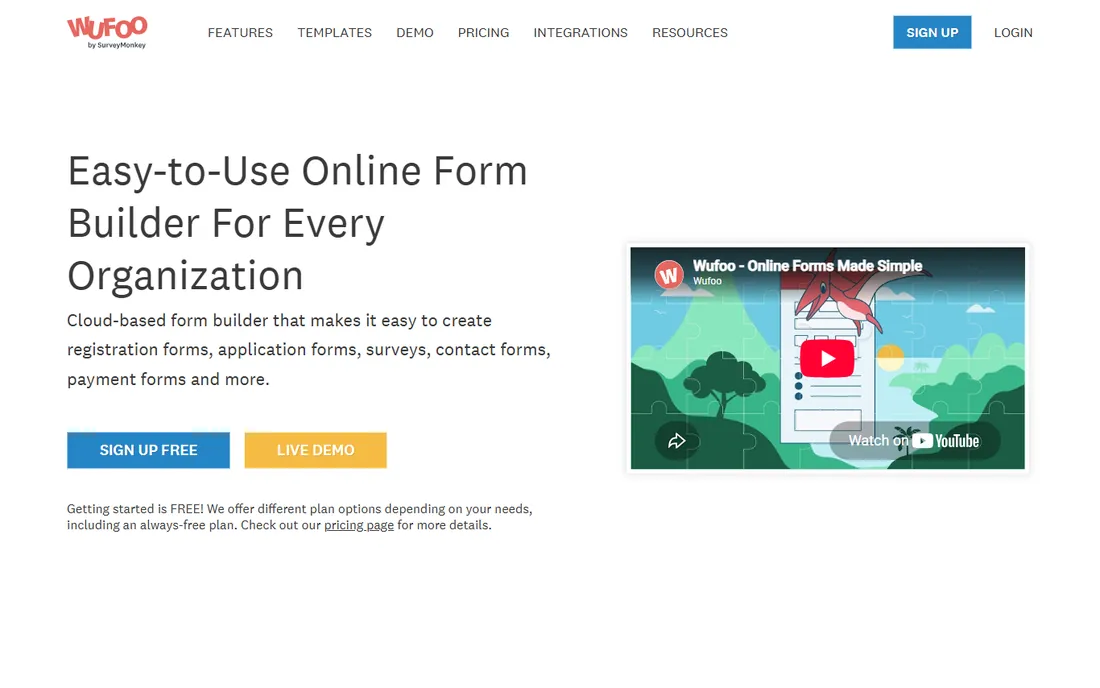
Wufoo is the legacy name on this list, and it shows. Owned by SurveyMonkey since 2011, the product has seen little development in years: no AI form generation, a dated builder, and a feature set frozen in time. What it still does is run simple forms reliably. The free plan covers 5 forms and 100 entries a month; Starter at $22 a month ($16.25 billed annually) gives 10 forms and 1,000 entries; Professional at $45 ($33.25 annual) opens unlimited forms with 5,000 entries and payments; Advanced at $113 ($83.25 annual) reaches 25,000 entries.
New buyers should think twice: reviewers describe it as maintenance mode, and modern alternatives give you more features and active development at similar prices. Anyone choosing fresh should pick Jotform, Cognito or Paperform instead.
What we like- Simple, reliable and easy to learn
- Published tier pricing
- Free plan usable for a basic contact form
Watch out for- Owned by SurveyMonkey since 2011 with minimal development since
- No AI features, dated interface, and the free plan caps fields at 10 per form
Starting price$49.50/year (Basic, introductory; renews at $99)
Free planYes (WPForms Lite)
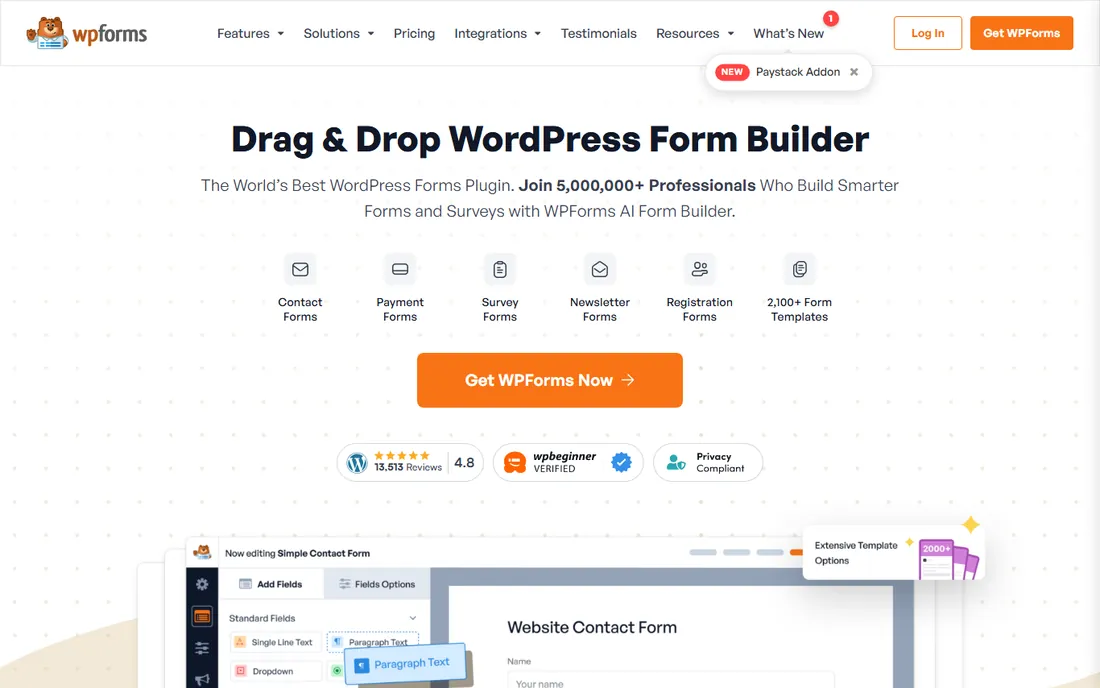
WPForms is the friendliest form builder for WordPress, and the numbers explain its popularity: 4.8 out of 5 on WordPress.org across more than 13,000 reviews. The free Lite version covers a genuine amount. Paid plans are annual: Basic at $49.50 a year (renews at $99) for one site; Plus at $99.50 (renews at $199) adds marketing integrations; Pro at $199.50 (renews at $399) adds fee-free payments, surveys and Zapier; Elite at $299.50 (renews at $599) adds CRMs and multisite.
The renewal math is the thing to budget. Year one is half price; year two doubles. Pro at $199.50 a year is still cheaper than a $34-a-month Jotform Bronze plan annualized, and it includes unlimited forms and submissions, which no SaaS plan matches. The catch is the obvious one: WPForms only works on WordPress. If your site is WordPress, shortlist it against Gravity Forms. If it is not, look at the SaaS tools above.
What we like- Deep WordPress integration with 2,100-plus templates
- Every paid plan includes unlimited forms, entries and users
- AI form generation on all plans
Watch out for- Prices are annual and the intro discount halves at renewal
- Payments without extra processing fees require Pro
Starting price$59/year (Basic license)
Free planNo (interactive demo available)
Gravity Forms is the developer's form plugin. Since 2008 it has been the tool WordPress agencies reach for when forms get complicated: calculation-driven pricing, multi-step approval workflows, user registration, front-end data display through add-ons, and a hook system that lets developers extend almost anything. Basic at $59 a year covers one site with email marketing add-ons; Pro at $159 a year covers three sites and adds Stripe, PayPal, Square and Zapier; Elite at $259 a year covers unlimited sites with Salesforce, signatures, surveys, webhooks and multisite.
There is no free version and no free trial, only an interactive demo. The builder feels dated next to WPForms, but renewals stay flat instead of doubling like WPForms' intro pricing. For agencies, Elite at $259 a year for unlimited installs is the best value in WordPress forms.
What we like- The most powerful WordPress form plugin for complex logic, calculations and payment flows
- 500-plus developer hooks and a mature third-party add-on ecosystem
- Renewal pricing stays flat year over year
Watch out for- No free version and no free trial
- The builder UI feels dated
- Advanced add-ons sit behind Pro and Elite
How we chose
We shopped the way a buyer should. We read each vendor's pricing page and plan documentation, checked public reviews on G2, Capterra and WordPress.org, and worked through comparison audits that re-verify these prices against the live pages through 2026. We excluded tools that no longer exist as independent products and several survey-first tools whose form building is an afterthought. Where sources disagreed on a price, we used the figure closest to the vendor's own current page and noted the billing period. Prices in this category move with promotions and plan renames, so confirm the live pricing page before you buy.
One, do you need payments? That single question eliminates Google Forms and pushes you toward Jotform, Cognito, Paperform or the WordPress plugins, and it forces the fee math: Cognito Pay's 2 percent on the free plan, WPForms' processing fee on Basic and Plus, Jotform's metered payment submissions. Two, how many responses a month? Under 100, the free plans work; over 1,000, the response caps on Typeform and Paperform get expensive and the unlimited-submission WordPress plugins start looking smart. Three, does the form need to impress? Marketing and research forms justify Typeform or Paperform; internal forms do not. Four, is there compliance? Health data needs HIPAA, which means Jotform Gold, Formstack Enterprise or Zoho Premium. Five, where does the data go? If the answer is a CRM, pick the tool with the native integration, because Zapier glue is a monthly tax you pay forever.
Free plans: where the ceiling hits
Every free plan here is a funnel, and the funnel has a floor you can stand on and a ceiling that pushes you up. Google Forms has no ceiling: unlimited forms, responses and collaborators, forever, because you are Google's customer another way. WPForms Lite and Cognito's Individual plan are the most generous of the rest, covering real workloads. Jotform's Starter, Zoho's free tier and Wufoo's free plan handle one or two small forms honestly.
The ceilings are the submission caps: Typeform's 10 responses a month is a demo, Paperform's 30 a month covers a quiet landing page, and Cognito's 100 a month is workable until it is not. Start free on the tool whose paid plan you would actually buy, so the upgrade is a bigger bucket, not a migration.
Frequently asked questions
What is the best free form software?
Google Forms is the best free option: unlimited forms, unlimited responses and unlimited collaborators at no cost. If you need payments, logic or branding, Cognito Forms' free plan (100 entries a month with calculations) and WPForms Lite are the most capable free tiers. Jotform's free Starter plan is also genuinely useful for a small contact form.
How much does form builder software cost?
Entry-level paid plans run $10 to $39 a month for SaaS tools (Zoho Forms Basic at $10, Cognito Pro at $19, Jotform Bronze at $39). Mid-tier plans with more responses and users run $39 to $99 a month. WordPress plugins price annually instead: WPForms Basic at $49.50 a year intro and Gravity Forms Basic at $59 a year. Enterprise and compliance tiers reach $129 to $299 a month.
Which form builder is best for WordPress?
WPForms is the easiest for non-developers, with a visual builder, 2,100-plus templates and a free Lite version; paid plans start at $49.50 a year. Gravity Forms is the pick for developers and agencies, with deeper logic, calculations and an add-on ecosystem; licenses start at $59 a year. Both include unlimited forms and submissions on every paid plan, which no SaaS tool matches.
Can I collect payments through online forms?
Yes. Jotform supports 40-plus payment gateways, Paperform supports Stripe, PayPal, Square, Braintree and Google Pay, Cognito Forms collects through Cognito Pay or Stripe, Square and PayPal on upper plans, and both WordPress plugins handle Stripe, PayPal and Square. Watch the fee structure: some tools add their own percentage on top of processor fees on lower plans.
What is the difference between Typeform and Jotform?
Typeform optimizes for the respondent experience with conversational one-question-at-a-time forms and charges by response volume (100 to 10,000 a month by plan). Jotform optimizes for the builder with traditional forms, every feature on every plan, and charges by form and submission limits. Typeform wins on design and completion rates; Jotform wins on value and flexibility.
Is Wufoo still a good choice?
Wufoo still works for basic forms, but it has seen minimal development since SurveyMonkey acquired it in 2011, and reviewers consistently describe it as stagnant. New buyers get more features, better design and active development from Jotform, Cognito Forms or Paperform at similar prices. Existing Wufoo users with working forms may reasonably stay put.
Sources we checked (27)
- https://www.growform.co/jotform-review/
- https://www.flozic.ai/blog/comparison/jotform-vs-google-forms
- https://paperform.co/form-builders/paperform-vs-jotform/
- https://softwarefinder.com/content-management-software/jotform/pricing
- https://www.jotform.com/google-forms/formstack-vs-google-forms/
- https://www.growform.co/typeform-pricing/
- https://paperform.co/form-builders/formsite-vs-typeform/
- https://survicate.com/blog/typeform-alternatives/
- https://paperform.co/form-builders/cognito-forms-vs-formstack/
- https://paperform.co/form-builders/cognito-forms-vs-typeform/
- https://fomr.io/blog/cognito-forms-vs-google-forms
- https://paperform.co/form-builders/best-form-builders-for-schools/
- https://www.zigpoll.com/content/cognito-forms-vs-jotform-vs-paperform-2026
- https://www.g2.com/products/paperform/pricing
- https://paperform.co/form-builders/formstack-vs-surveymonkey/
- https://paperform.co/form-builders/formstack-vs-jotform/
- https://paperform.co/form-builders/formstack-vs-zoho-forms/
- https://paperform.co/form-builders/airtable-forms-vs-zoho-forms/
- https://paperform.co/form-builders/formstack-vs-wufoo/
- https://paperform.co/form-builders/wufoo-vs-zoho-forms/
- https://github.com/formester/formester-site/blob/HEAD/content/blog/wufoo-review.md
- https://paperform.co/form-builders/wpforms-alternatives/
- http://formester.com/blog/wpforms-review/
- https://wpforms.com/ai-info/
- https://best-wordpress-plugins.com/gravity-forms-review/
- http://formester.com/blog/gravity-forms-review/
- https://www.g2.com/products/gravity-forms/pricing
Is your product missing or out of date?
We review this list regularly. Vendors can request a listing, send updated pricing or ask about featured placement.

Shihab Mia · Founder, Rankite
Shihab has spent more than a decade helping SaaS and e-commerce brands grow through search. He writes Rankite's software buying guides from pricing pages, documentation and public user reviews. More about Shihab.