How we make this list: we compare pricing pages, product documentation and public user reviews. Rankite is independent; if a vendor ever pays for a featured spot, that listing is clearly labeled Partner.
Every business runs on forms: contact forms, order forms, intake forms, surveys, registrations, applications. The form builder you choose decides how much of that work happens automatically and how much lands back on your desk. The ten apps below cover the real 2026 market, from free unlimited tools to enterprise workflow platforms, so you can match the builder to the forms you actually run.

#1
Typeform
Best for: Customer-facing forms where completion rate matters
Visit typeform.com
Starting priceSee website (free plan available)
Free planYes (free plan available)
Typeform made its name on forms people actually finish. The conversational format shows one question at a time, which keeps respondents moving through surveys, lead forms and quizzes instead of abandoning a long page. The platform has grown into AI-assisted form building, analytics and workflow automation, with integrations across the usual CRM, email and spreadsheet tools.
It is less ideal for dense internal data entry, where a classic multi-field layout is faster. Pricing details live on the vendor's pricing page, with a free plan to start. For any form a customer sees, where design and completion rate drive revenue, Typeform is the benchmark the others are measured against.
What we like- Conversational one-question-at-a-time format lifts completion rates
- Strong branding and design controls
- AI form building and workflow automation built in
Watch out for- Exact pricing needs the vendor's pricing page
- The conversational format suits surveys better than dense data entry

#2
Jotform
Best for: Teams that need the widest template and widget library
Visit jotform.com
Starting priceSee website (free plan available)
Free planYes (free plan available)
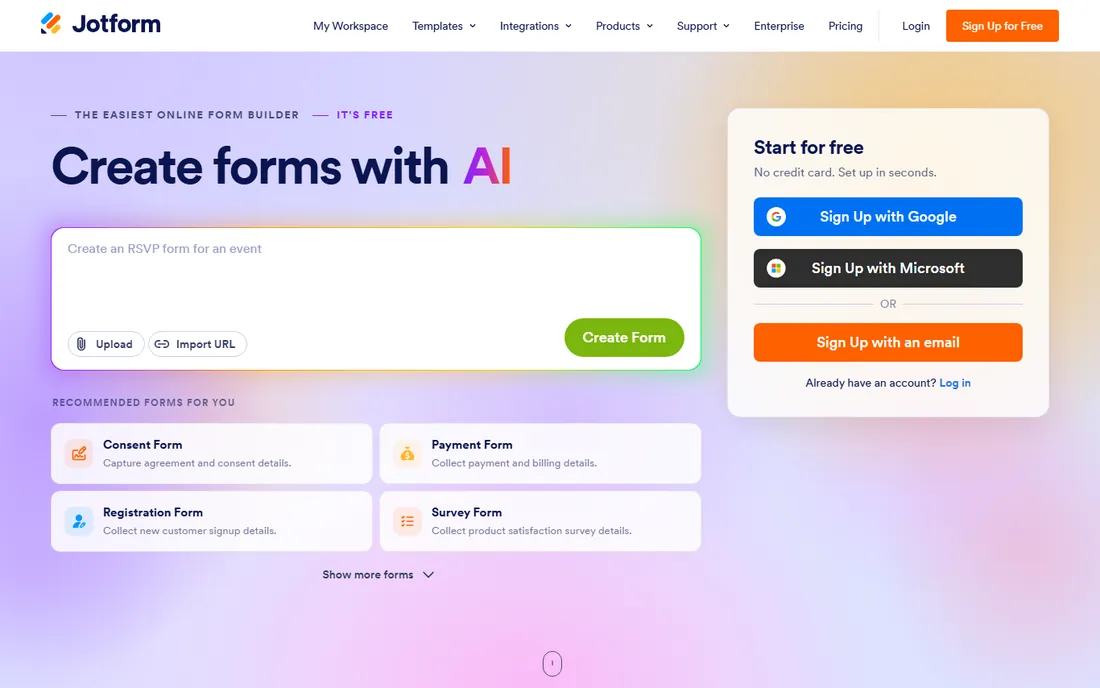
Jotform is the full-toolkit option: form builder plus payments, e-signatures, approval workflows, mobile apps and a template library that covers nearly every business form imaginable. For operations teams replacing paper processes, the combination of conditional logic, integrations and workflow tools in one account is hard to match.
The breadth is also the caveat. If you need three simple contact forms, Jotform's depth is unnecessary weight, and a lighter tool will get you live faster. Pricing is on the vendor's pricing page with a free plan available. For complex, high-volume form operations, it belongs at the top of the shortlist.
What we like- Huge template library and field widgets
- Payments, e-signatures, approvals and apps in one account
- Strong option for complex operational forms
Watch out for- Exact plan pricing needs the vendor's pricing page
- Breadth can overwhelm simple use cases

#3
Wufoo
Best for: Simple, dependable forms from a long-established builder
Visit wufoo.com
Starting priceSee website (free plan available)
Free planYes (free plan available)
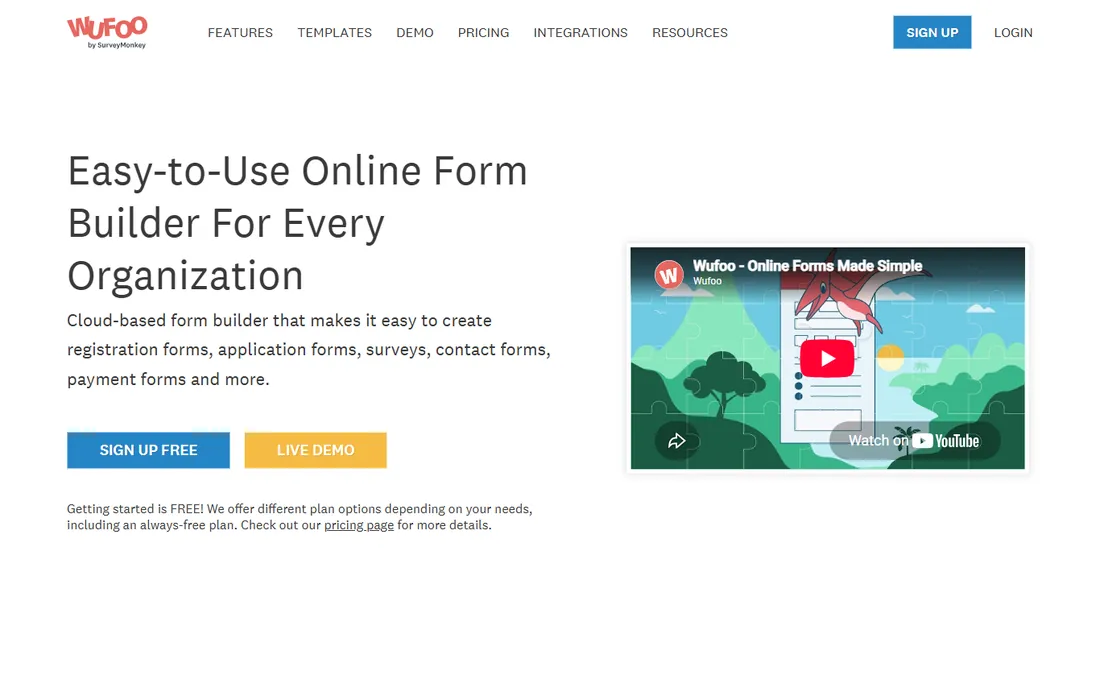
Wufoo, part of the SurveyMonkey family, is one of the oldest online form builders still running. It does the fundamentals well: build a form with drag and drop, share it, collect entries, run reports, take payments. For contact forms, registrations and simple surveys, there is little to learn and little that breaks.
It is not the tool for advanced workflows or modern design ambitions; newer builders have passed it on both. Pricing is on the vendor's pricing page with a free plan available. For teams that value stability over novelty and already know the product, Wufoo remains a dependable workhorse.
What we like- Straightforward drag-and-drop builder with templates
- Built-in reporting and payment integrations
- Long track record and stable product
Watch out for- Exact pricing needs the vendor's pricing page
- The interface feels dated next to newer builders
Starting priceFree with a Google account
Free planYes (free with a Google account)
Google Forms is the default free option, and for good reason: it costs nothing with a Google account, takes minutes to learn, and responses land in a Google Sheet ready for analysis. For internal surveys, event RSVPs, quizzes and simple data collection, it is often all a small business needs.
The limits show on customer-facing forms. Branding is basic, logic is simple, and integrations beyond the Google ecosystem are thin. There is no paid tier to grow into, so teams that outgrow it migrate to a dedicated builder. As a free starting point, though, nothing beats the price.
What we like- Completely free with a Google account
- Responses flow straight into Google Sheets
- Real-time collaboration on form building
Watch out for- Basic design customization
- Fewer integrations and advanced logic than dedicated builders

#5
Cognito Forms
Best for: Complex forms with calculations, workflows and document generation
Visit cognitoforms.com
Starting priceSee website (free plan available)
Free planYes (free plan available)
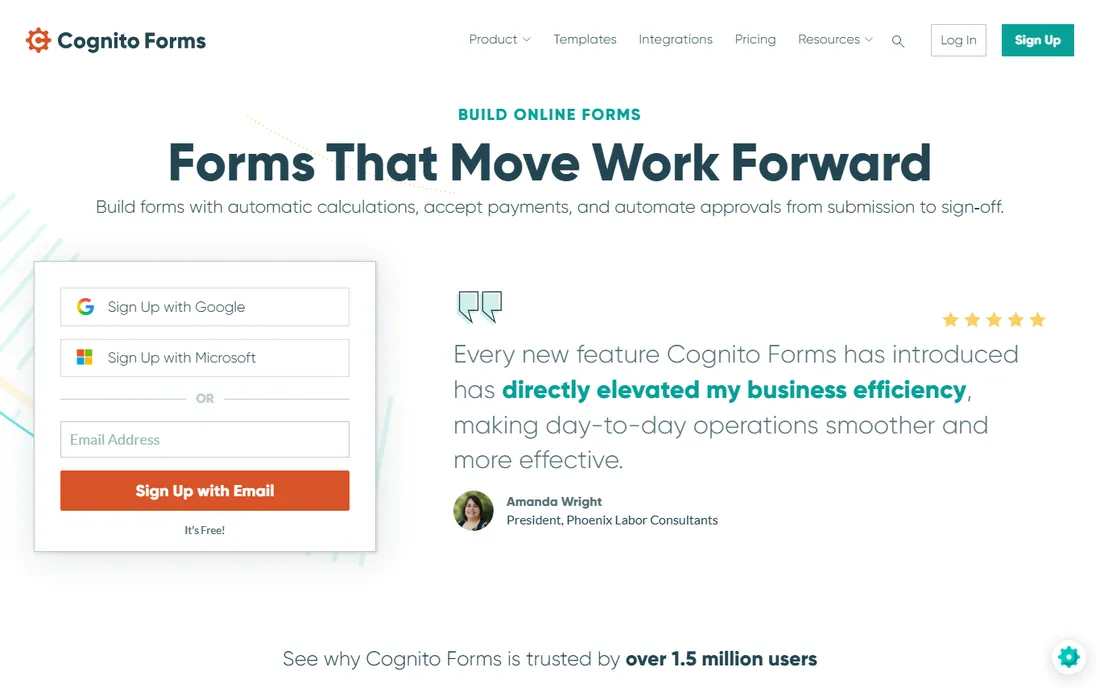
Cognito Forms is the power user's builder. Where most tools stop at showing and hiding fields, Cognito handles complex calculations, multi-step approval workflows, repeating sections and document generation from submissions, with payments through Stripe, Square and PayPal. It suits order forms with pricing logic, applications with approvals and any form where the math matters.
The learning curve is steeper than Typeform or Tally, and the design is workmanlike. Pricing is on the vendor's pricing page with a free plan to start. For forms that are really business processes in disguise, Cognito is one of the most capable options available.
What we like- Advanced conditional logic and calculations
- Workflow approvals, e-signatures and document generation built in
- Strong compliance posture with HIPAA, GDPR and CCPA support
Watch out for- Exact pricing needs the vendor's pricing page
- The interface is functional rather than beautiful
Starting priceFree with eligible Microsoft account or plan
Free planYes (included with eligible Microsoft plans and accounts)
Microsoft Forms is the Google Forms of the Microsoft world: simple surveys, quizzes and polls included with the ecosystem. It is available with Microsoft 365 business and education plans and with a Microsoft account, results export cleanly to Excel, and sharing works through links, QR codes and Teams. For internal feedback, quizzes and event planning inside a Microsoft shop, it is already paid for.
Like Google Forms, it is deliberately simple. Complex logic, payments and deep branding are outside its scope. Organizations that need more graduate to Dynamics 365 Customer Voice or a dedicated builder. If your company runs Microsoft 365, start here before buying anything.
What we like- Included with Microsoft 365 business and education plans and Microsoft accounts
- Results export to Excel
- Simple surveys, quizzes and polls
Watch out for- Basic builder compared with dedicated tools
- Advanced branding and logic need Dynamics 365 Customer Voice

#7
Zoho Forms
Best for: Businesses already using Zoho apps
Visit zoho.com
Starting priceSee website (free plan available)
Free planYes (free plan available)
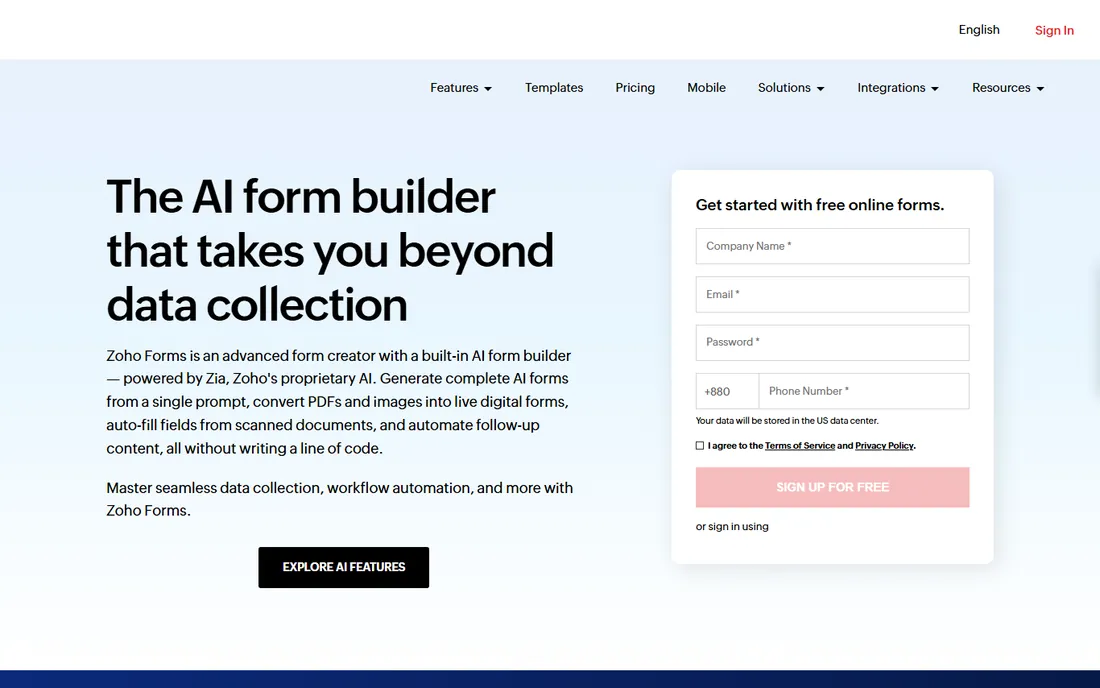
Zoho Forms is the natural form builder for the Zoho ecosystem, with native connections to Zoho CRM and the rest of the suite. Standalone, it is still a strong builder: drag-and-drop fields, conditional logic, approval workflows, payments, offline mobile collection and newer AI features like generating forms from a prompt or converting a PDF into a live form.
Outside Zoho the integration advantage disappears, though 150+ third-party integrations keep it connected. Pricing is on the vendor's pricing page with a free plan available. For Zoho shops, it is the obvious pick; for everyone else, evaluate it on the builder's own merits against Jotform and Cognito.
What we like- Deep integration with Zoho CRM and the Zoho suite
- AI form generation, PDF-to-form conversion and offline mobile forms
- Approval workflows and 150+ integrations
Watch out for- Exact pricing needs the vendor's pricing page
- The Zoho advantage fades outside the Zoho ecosystem

#8
Formstack
Best for: Regulated industries needing secure forms, documents and e-signatures
Visit formstack.com
Starting priceSee website
Free planNo (demo available)
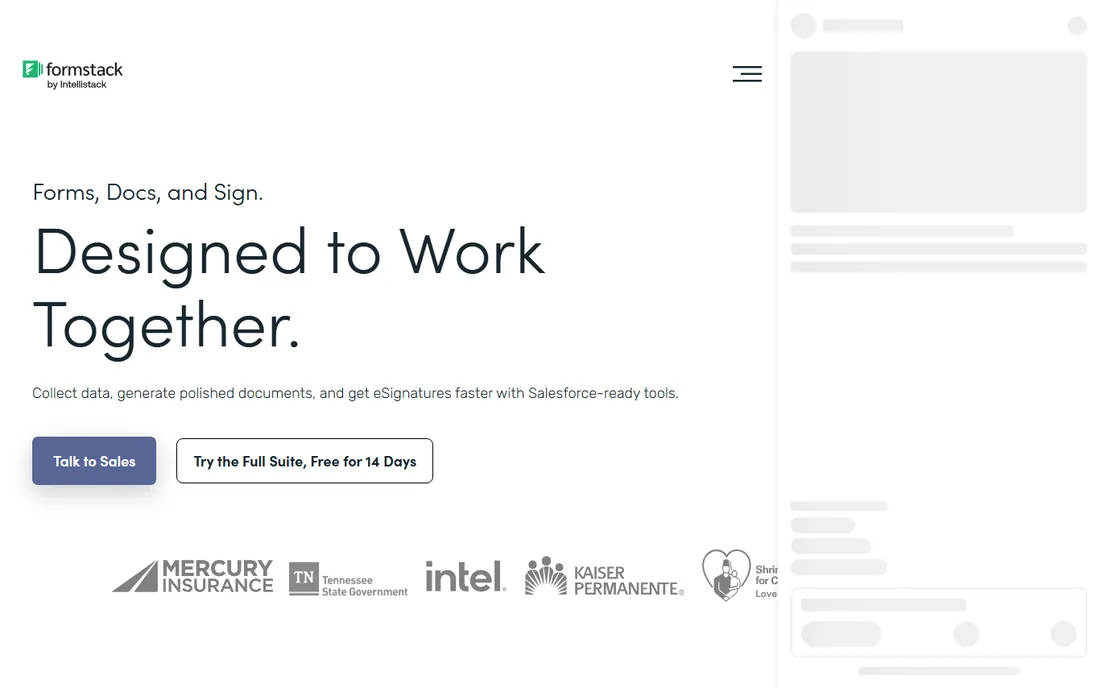
Formstack positions above the simple builders: a workplace productivity platform combining online forms, document generation and e-signatures with workflow automation. It targets healthcare, finance, education and government, where HIPAA compliance, security controls and audit trails matter more than template counts. The native Salesforce forms product keeps data inside the Salesforce org.
There is no free plan, and pricing is quote-based, which puts it in a different buying motion from the rest of this list. For regulated organizations that need forms, documents and signatures under one compliance umbrella, Formstack is built for exactly that job.
What we like- Forms plus documents and e-signatures in one platform
- Strong compliance story for healthcare, finance and government
- Native Salesforce form option
Watch out for- No free plan
- Pricing requires talking to sales

#9
Paperform
Best for: Branded, landing-page-style forms with payments and bookings
Visit paperform.co
Starting priceSee website (free plan available)
Free planYes (free plan available)
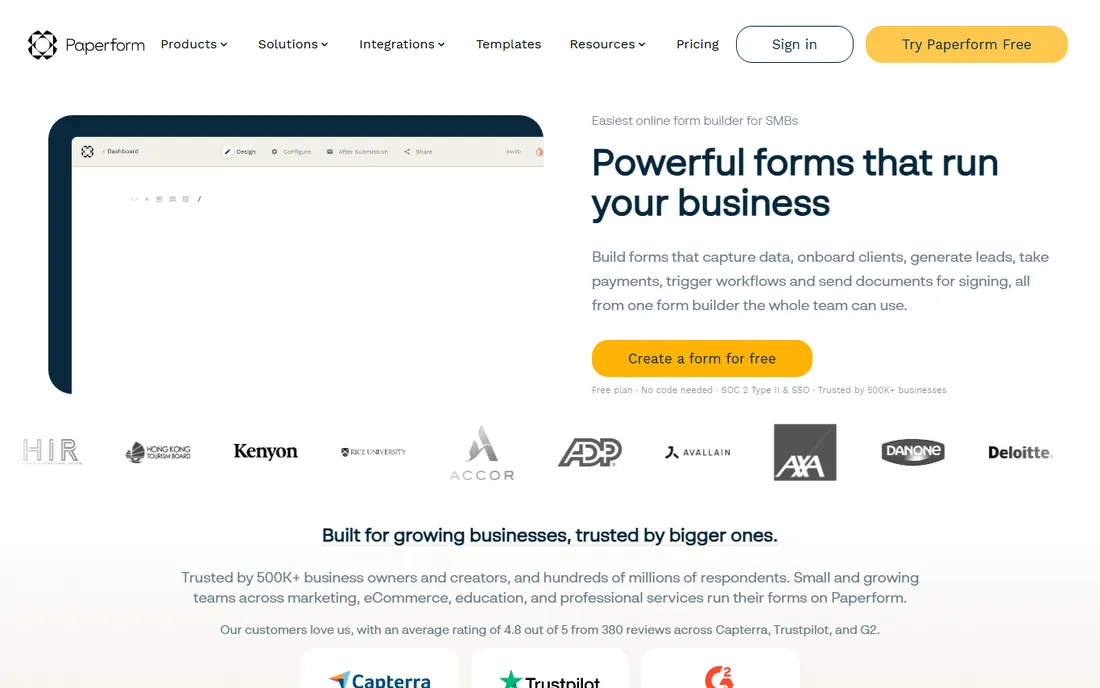
Paperform treats forms as designed pages, not database inputs. The editor works like a document: type anywhere, drop fields where you want them, style everything to match your brand, and publish a page that looks like part of your site. Underneath are serious commerce features: product fields, subscriptions, coupons, tax rules, appointment booking and multiple payment gateways.
For plain internal data collection, the design power is unnecessary. For anything customer-facing where the form is the storefront, like bookings, orders and lead capture, Paperform's combination of beauty and commerce depth is distinctive. A free plan gets you started, with paid tiers on the vendor's pricing page.
What we like- Document-style editor for highly designed, on-brand forms
- Built-in payments, bookings, calculations and e-signatures
- Free plan to start
Watch out for- Exact pricing needs the vendor's pricing page
- The design-first approach is overkill for plain internal forms

#10
Tally
Best for: Anyone who wants unlimited free forms and submissions
Visit tally.so
Starting priceSee website (free plan: unlimited forms and submissions)
Free planYes (unlimited forms and submissions, within fair usage)
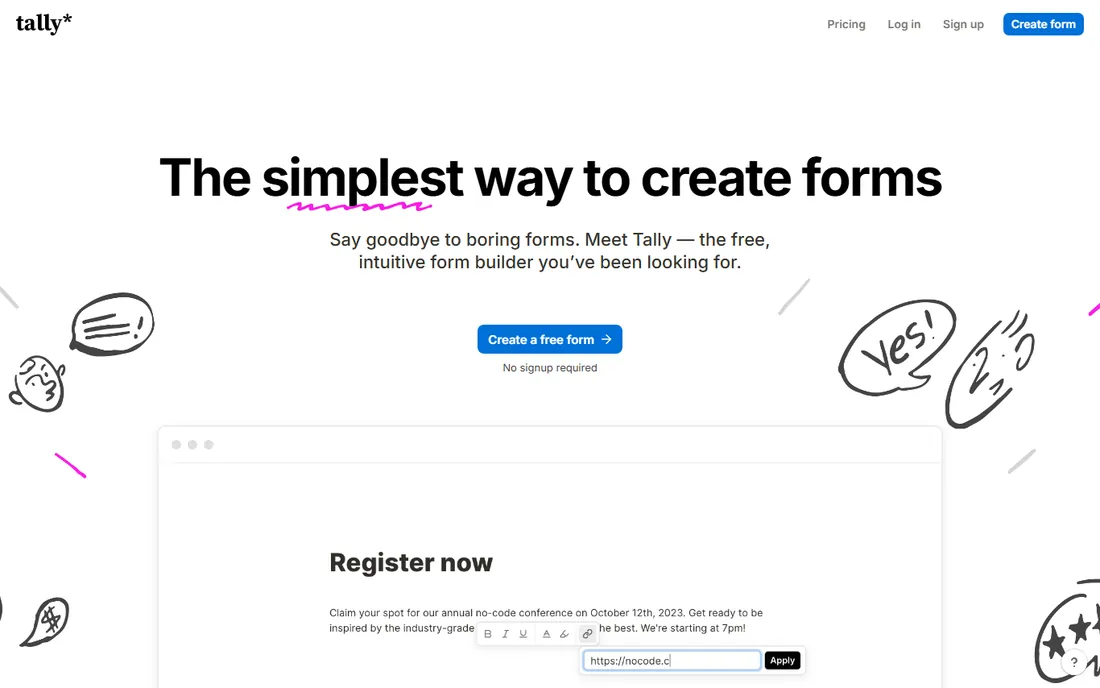
Tally's pitch is disarmingly simple: unlimited forms and unlimited submissions, free, within fair usage guidelines. Conditional logic, file uploads, signatures and payments are all included on the free tier, which undercuts nearly every competitor's free plan. The editor works like a document, with slash commands familiar to Notion users, and you can start building without even signing up.
Paid Pro and Business plans add branding removal, custom domains, collaboration and admin controls, with prices on the vendor's pricing page. Integrations lean on Zapier, Make and webhooks rather than a huge native catalog. For startups, creators and small teams watching every dollar, Tally is the lowest-risk place to start.
What we like- Free plan includes unlimited forms and submissions with conditional logic, file uploads and payments
- Notion-like editor is fast to learn
- No signup needed to try
Watch out for- Exact Pro and Business pricing on the vendor's pricing page
- Fewer native integrations than the biggest builders
Key takeaways
- Tally has the most generous free plan in the category: unlimited forms and submissions within fair usage. Google Forms and Microsoft Forms are free inside their ecosystems.
- Typeform is the pick when completion rate matters; Jotform when you need templates, widgets and workflows; Cognito Forms when the form involves real calculations and approvals.
- Paperform wins on branded, commerce-ready forms; Formstack on regulated industries needing forms, documents and e-signatures under one roof; Wufoo on simple dependability.
- Most paid plans are tiered by submissions, users or features, so estimate your monthly response volume before comparing prices.
Quick comparison
| Tool | Best for | Starting price | Free plan |
|---|
| Typeform | Customer-facing forms where completion rate matters | See website (free plan available) | Yes (free plan available) |
| Jotform | Teams that need the widest template and widget library | See website (free plan available) | Yes (free plan available) |
| Wufoo | Simple, dependable forms from a long-established builder | See website (free plan available) | Yes (free plan available) |
 Google Forms Google Forms | Free, simple forms inside the Google ecosystem | Free with a Google account | Yes (free with a Google account) |
| Cognito Forms | Complex forms with calculations, workflows and document generation | See website (free plan available) | Yes (free plan available) |
 Microsoft Forms Microsoft Forms | Organizations already on Microsoft 365 | Free with eligible Microsoft account or plan | Yes (included with eligible Microsoft plans and accounts) |
| Zoho Forms | Businesses already using Zoho apps | See website (free plan available) | Yes (free plan available) |
| Formstack | Regulated industries needing secure forms, documents and e-signatures | See website | No (demo available) |
| Paperform | Branded, landing-page-style forms with payments and bookings | See website (free plan available) | Yes (free plan available) |
| Tally | Anyone who wants unlimited free forms and submissions | See website (free plan: unlimited forms and submissions) | Yes (unlimited forms and submissions, within fair usage) |
Is your product missing or out of date?
We review this list regularly. Vendors can request a listing, send updated pricing or ask about featured placement.
Free plans: where the limits hit
Free plans are generous in this category, but each has a tripwire. Tally's unlimited free tier is bounded by fair usage and keeps Tally branding until you pay. Google Forms and Microsoft Forms are free but basic: no advanced logic, payments or deep branding, and no paid tier to grow into. Typeform, Jotform, Wufoo, Cognito, Zoho and Paperform all offer free plans with caps on submissions, forms or features.
The practical move is to estimate monthly submissions before you commit. A contact form getting 50 responses a month lives happily on any free plan. A lead-gen campaign or event registration that spikes to thousands will blow through free caps fast, sometimes mid-campaign. Check what happens at the limit: some tools stop accepting responses, others just prompt an upgrade. Know which before you launch.
Start with the job. Customer-facing lead and survey forms reward Typeform's completion rates or Paperform's branded pages. Operational forms with approvals and calculations need Jotform or Cognito Forms. Internal polls and RSVPs are free on Google Forms or Microsoft Forms. Regulated paperwork points to Formstack.
Then check three things. First, logic: conditional branching, calculations and multi-page flows vary widely, so test your actual form, not the template gallery. Second, payments and signatures: not every builder collects money or e-signatures natively, and the ones that do differ on gateways. Third, where responses go: native CRM and spreadsheet integrations save hours over CSV exports, so confirm your stack is covered.
Finally, mind the ecosystem. Zoho Forms with Zoho CRM, Microsoft Forms with Microsoft 365, Google Forms with Google Workspace and Formstack's native Salesforce option each gain value inside their home platform. Outside it, judge the builder on its own features and integrations.
How we chose
We started with the categories buyers search: form builder app, online form builder and free form builder. For each candidate we opened the vendor's own homepage, confirmed the product is current and actively sold, and recorded pricing only where the vendor publishes it on its own pages. Where a price could not be verified we wrote "See website" rather than guessing.
Frequently asked questions
What is the best form builder app?
For customer-facing forms, Typeform. For the deepest toolkit, Jotform. For complex logic and approvals, Cognito Forms. For free unlimited use, Tally. For branded commerce forms, Paperform. For regulated industries, Formstack. Match the builder to the job rather than hunting for one winner.
Is there a truly free form builder?
Tally offers unlimited forms and submissions free within fair usage. Google Forms is free with a Google account and Microsoft Forms is included with eligible Microsoft plans. Typeform, Jotform, Wufoo, Cognito Forms, Zoho Forms and Paperform all have free plans with varying caps.
How much does a form builder cost?
It depends on submissions and features. Most paid plans are tiered by monthly responses, users or feature access. Tally, Google Forms and Microsoft Forms keep simple needs at zero. Mid-range paid plans across the category typically run from tens of dollars per month; check each vendor's pricing page against your expected volume.
Can form builders accept payments?
Yes, on most dedicated builders. Jotform, Cognito Forms, Zoho Forms, Paperform and Tally all support payment collection through gateways like Stripe and PayPal. Google Forms and Microsoft Forms do not natively process payments.
Which form builder integrates best with my CRM?
Zoho Forms with Zoho CRM, Formstack with Salesforce (including a native option), and Typeform, Jotform and Tally with HubSpot, Salesforce and others via native integrations or Zapier. Confirm your specific CRM on the vendor's integrations page before committing.
Do I need a paid plan for conditional logic?
Usually not. Tally, Cognito Forms, Jotform, Zoho Forms and Paperform all include conditional logic on their free plans. Paid tiers tend to gate advanced features like branding removal, higher submission limits, approvals, collaboration and analytics rather than basic logic.
Sources we checked (10)
- https://typeform.com
- https://jotform.com
- https://wufoo.com
- https://forms.google.com
- https://cognitoforms.com
- https://forms.office.com
- https://www.zoho.com/forms/
- https://formstack.com
- https://paperform.co
- https://tally.so
Is your product missing or out of date?
We review this list regularly. Vendors can request a listing, send updated pricing or ask about featured placement.

Shihab Mia · Founder, Rankite
Shihab has spent more than a decade helping SaaS and e-commerce brands grow through search. He writes Rankite's software buying guides from pricing pages, documentation and public user reviews. More about Shihab.