How we make this list: we compare pricing pages, product documentation and public user reviews. Ratings come from G2, Capterra or Trustpilot, with the date we checked them.
What should appliance repair companies look for in field service software?
Appliance repair work starts with a diagnostic visit, so the software should make it easy to quote a diagnostic fee, record what the technician finds, and convert that visit into a repair job without retyping the details. Look for a system that stores service history by appliance, not only by customer, so a technician arriving at a repeat call can see the model, serial number, past parts fitted and warranty status before touching the machine.
Dispatch matters because appliance calls vary by skill. A refrigerator sealed-system repair is not the same job as a dishwasher pump replacement, so the dispatch board should let the office assign by technician skill, parts availability and location, and let the technician see the job, the customer notes and the parts needed from a mobile app. Parts ordering and manufacturer parts catalogs also matter. The best tools let you build a pricebook with flat-rate repair prices, track parts used per job, and reorder common parts before stock runs out. Warranty tracking is another must-have, since a part or a repair may still be under manufacturer or shop warranty, and billing a customer twice for a covered repair damages trust. Online booking, customer texting, invoicing and card payment on site round out the list.
How much does field service management software cost for appliance repair companies?
Monthly prices in this list run from $29 to $275 per month on entry plans, and two of the eight tools do not publish prices at all. Small shops usually pay less by starting on an entry plan and adding users only as the crew grows, while per-user pricing means the monthly bill rises with every hire. Flat-rate plans with unlimited users can work out cheaper for growing companies, even when the headline price looks higher. Always confirm the price on the vendor pricing page or in a written quote before signing, and check whether onboarding, phone lines or fleet tracking cost extra.
| Tool |
Best for |
Starting price |
Free plan |
| Jobber |
Small to mid-size appliance repair companies |
Core $29 per month billed annually ($49 month-to-month) |
No free plan; free trial available |
| Housecall Pro |
Residential appliance repair companies |
Basic $59 per month billed annually |
No free plan; free trial available |
| ServiceTitan |
Larger appliance repair companies |
Quote only |
No free plan and no free trial; demo only |
| FieldEdge |
Dispatch plus QuickBooks integration |
Quote only |
No free plan; demo only |
| Workiz |
Phone, scheduling and invoicing together |
Standard $275 per month |
No free plan; free trial available |
| Service Fusion |
Growing companies wanting unlimited users |
Starter $220 per month billed annually ($259 month-to-month), unlimited users |
No free plan and no free trial; demo only |
| Kickserv |
Small companies wanting simple scheduling |
Start $60 per month |
No free plan; free trial available |
| mHelpDesk |
Job tracking with equipment history |
$169 per month |
No free plan; free trial available |
Quick comparison
| Tool | Best for | Starting price | Free plan |
|---|
 Jobber | Small to mid-size appliance repair companies who want quoting, scheduling, invoicing and payments in one place | Core $29 per month billed annually ($49 month-to-month) | No free plan; free trial available |
 Housecall Pro | Residential appliance repair companies focused on dispatch, estimates and getting paid on site | Basic $59 per month billed annually | No free plan; free trial available |
 ServiceTitan | Larger appliance repair companies who need deep job costing, pricebook control and call booking | Quote only | No free plan and no free trial; demo only |
 FieldEdge | Appliance repair companies who want dispatch plus QuickBooks integration and flat-rate pricing | Quote only | No free plan; demo only |
 Workiz | Appliance repair companies who want phone, scheduling and invoicing tied together | Standard $275 per month (third-party vendor-verified; the vendor pricing page did not render prices when checked 23 Nov 2026) | No free plan; free trial available |
 Service Fusion | Growing appliance repair companies who want unlimited users at a flat monthly rate | Starter $220 per month billed annually ($259 month-to-month), unlimited users | No free plan and no free trial; demo only |
 Kickserv | Small appliance repair companies who want simple scheduling, invoicing and customer history | Start $60 per month (billing basis conflict found in sources, flagged for publication spot check) | No free plan; free trial available |
 mHelpDesk | Appliance repair companies who want job tracking with equipment and service history records | $169 per month (third-party figure only; the vendor pricing page returns 404, flagged for publication spot check) | No free plan; free trial available |
Is your product missing or out of date?
We review this list regularly. Vendors can request a listing, send updated pricing or ask about featured placement.
The 8 Best Field Service Management Software for Appliance Repair Companies
#1Jobber
Best for: Small to mid-size appliance repair companies who want quoting, scheduling, invoicing and payments in one place4.6/5 on
G2 (530 reviews, checked Oct 2026)
Visit getjobber.com
Starting priceCore $29 per month billed annually ($49 month-to-month)
Free planNo free plan; free trial available
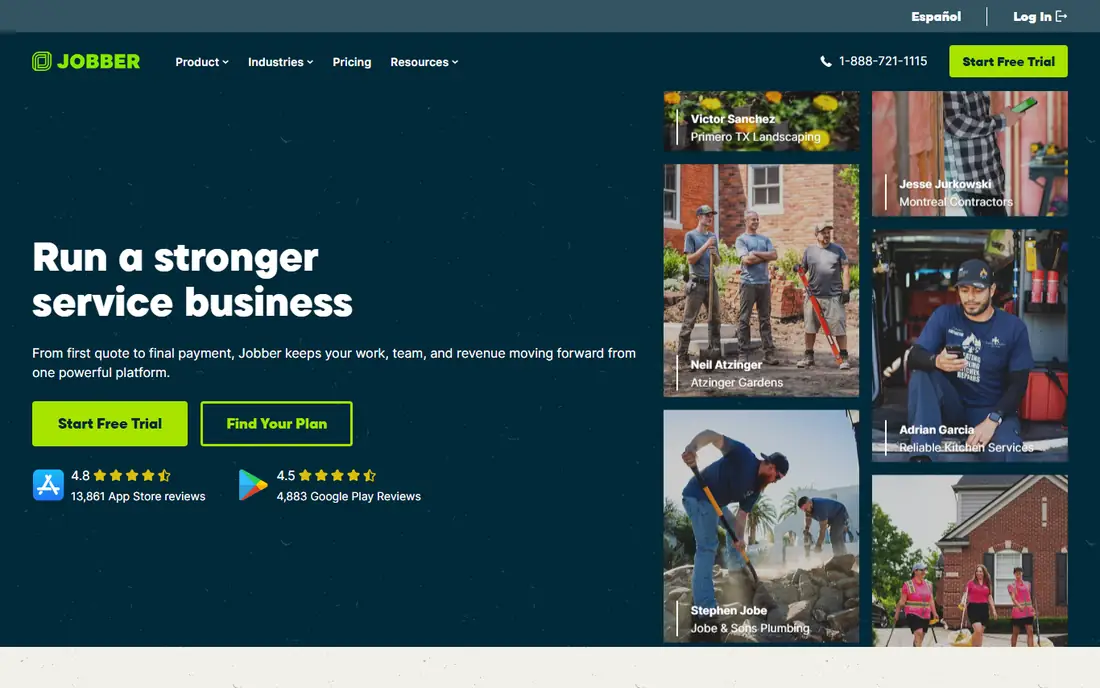
Jobber works well for appliance repair because the job usually starts with a diagnostic visit and ends with a repair quote, and Jobber handles both steps in the same flow. The office can send a quote for the diagnostic call, the technician can record findings on site, and the customer can approve the repair price before work starts. Online booking suits residential customers who want to pick a time slot without calling, and the mobile app keeps job details available even where signal is weak. Quoting covers common appliance jobs, from a washer drain pump to an oven igniter, and invoicing with card payment means the technician can close the job at the door. The main drawback is cost growth: per-user pricing means each new technician raises the monthly bill. For a closer look at how Jobber fits smaller operations, see our guide to the best field service management software for small business.
What we like- Strong quoting for diagnostic visits and repairs
- Online booking
- Mobile app with offline access
- Jobber AI on all plans
Watch out for- Per-user pricing on lower tiers gets expensive as the crew grows
- Advanced reporting sits on higher plans
#2Housecall Pro
Best for: Residential appliance repair companies focused on dispatch, estimates and getting paid on site4.3/5 on
G2 (205 reviews, checked Oct 2026)
Visit housecallpro.com
Starting priceBasic $59 per month billed annually
Free planNo free plan; free trial available
Housecall Pro suits residential appliance repair companies that live or die by the daily dispatch board. The office can see open jobs, drag them onto technicians, and send the customer a text when the technician is on the way, which cuts down on missed appointments and no-access calls. Estimates can be built on site and sent to the customer for approval, and card payment at the door means the job is paid before the technician leaves. Review-request automation helps a local repair shop build the reputation that drives repeat calls and referrals. The trade-off is depth. Reporting on the entry plan is basic, so a company that wants detailed job costing will need a higher tier, and add-ons for marketing and payroll push the monthly bill above the headline price.
What we like- Easy dispatch board and customer texting
- On-site card payments
- Good review-request automation
Watch out for- Reporting is basic on the entry plan
- Add-ons for marketing and payroll raise the monthly bill
#3ServiceTitan
Best for: Larger appliance repair companies who need deep job costing, pricebook control and call booking4.4/5 on
G2 (375 reviews, checked Oct 2026)
Visit servicetitan.com
Starting priceQuote only
Free planNo free plan and no free trial; demo only
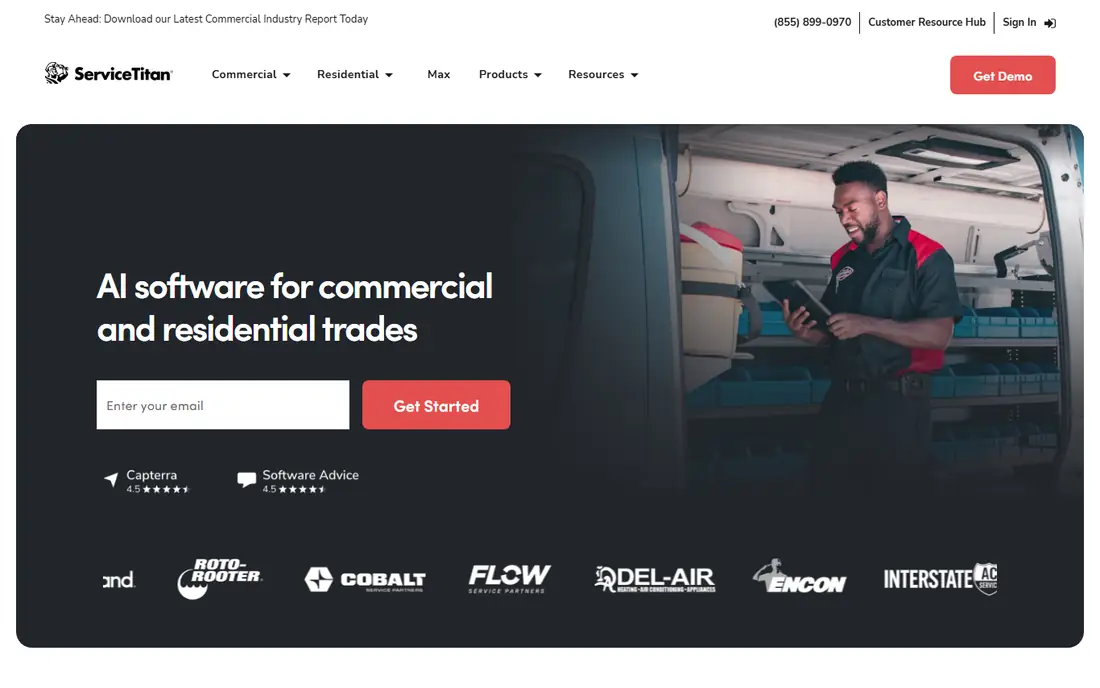
ServiceTitan is built for appliance repair companies that have grown past the one-truck stage and need control over pricing and job profitability. Its pricebook lets the office set flat-rate prices for common repairs, control which prices technicians can change, and track the true cost of each job, including parts and labour. Call booking is strong, with scripts and booking workflows that help the office convert calls into booked diagnostic visits, and dispatch handles multiple crews across a wide service area. The drawback is the buying process and the scale. Pricing is quote only, so the real cost stays hidden until a sales call, onboarding is long and sales-led, and the system is overkill for a one-truck shop. Companies weighing it against other options should read our ServiceTitan alternatives guide first.
What we like- Best-in-class pricebook and job costing
- Strong call booking and dispatch
- Built for multi-crew operations
Watch out for- Quote-only pricing and a long sales-led onboarding
- Overkill and costly for a one-truck shop
#4FieldEdge
Best for: Appliance repair companies who want dispatch plus QuickBooks integration and flat-rate pricing4.0/5 on
G2 (87 reviews, checked Oct 2026)
Visit fieldedge.com
Starting priceQuote only
Free planNo free plan; demo only
FieldEdge fits appliance repair companies that already run their books in QuickBooks and want dispatch and pricing to feed straight into accounting. The flat-rate pricebook suits repair work well, because most appliance jobs have a known scope once the fault is diagnosed, and a set price for a pump, a board or a heating element avoids haggling on site. The dispatch board shows where technicians are and which jobs are open, and the QuickBooks sync for both Online and Desktop reduces double entry at the end of the week. The main weakness is transparency. Pricing is quote only, so a company cannot compare the real monthly cost against Jobber or Housecall Pro without a sales conversation, and the interface feels dated next to newer tools.
What we like- Flat-rate pricebook built in
- QuickBooks Online and Desktop sync
- Dispatch board with technician tracking
Watch out for- Quote-only pricing hides the real cost
- Interface feels dated next to newer tools
#5Workiz
Best for: Appliance repair companies who want phone, scheduling and invoicing tied together4.5/5 on
G2 (247 reviews, checked Oct 2026)
Visit workiz.com
Starting priceStandard $275 per month (third-party vendor-verified; the vendor pricing page did not render prices when checked 23 Nov 2026)
Free planNo free plan; free trial available
Workiz stands out because the phone is part of the system, not a separate tool. Appliance repair companies get most of their jobs by phone, so call tracking, call recording and lead management tied to scheduling means the office can see which calls turned into booked visits and which ones were lost. Scheduling and dispatch are strong, with job details, customer history and invoicing in the same flow, so a technician can move from a booked call to a completed repair without switching apps. The drawback is the entry price. At $275 per month on the Standard plan, it is a big step up from Jobber or Housecall Pro, and a small shop with one or two vans may struggle to justify it.
What we like- Built-in phone system with call tracking
- Strong scheduling and dispatch
- Lead management included
Watch out for- Entry pricing is high for small shops
- Some features need higher tiers
#6Service Fusion
Best for: Growing appliance repair companies who want unlimited users at a flat monthly rate4.1/5 on
G2 (124 reviews, checked Oct 2026)
Visit servicefusion.com
Starting priceStarter $220 per month billed annually ($259 month-to-month), unlimited users
Free planNo free plan and no free trial; demo only
Service Fusion suits a growing appliance repair company because the flat rate covers unlimited users, so adding a technician, a dispatcher or an office admin does not raise the monthly bill. Estimates, jobs and dispatch run in one flow, which suits a shop where the office books the diagnostic visit, the technician quotes the repair, and the office invoices once the job is done. QuickBooks integration keeps the accounts in step without manual re-entry. The flat rate also makes budgeting simple, because the software cost stays fixed while the crew grows. The main limitation is evaluation. There is no free trial, so a company has to judge the product through a demo, and GPS fleet tracking and some other features are paid add-ons rather than included.
What we like- Flat rate with unlimited users, so hiring does not raise the bill
- QuickBooks integration
- Estimates, jobs and dispatch in one flow
Watch out for- No free trial, so evaluation runs through a demo
- GPS fleet tracking and other features are paid add-ons
#7Kickserv
Best for: Small appliance repair companies who want simple scheduling, invoicing and customer history4.5/5 on
G2 (181 reviews, checked Oct 2026)
Visit kickserv.com
Starting priceStart $60 per month (billing basis conflict found in sources, flagged for publication spot check)
Free planNo free plan; free trial available
Kickserv is a good fit for a small appliance repair company that wants to get organised without a long setup or a steep learning curve. Scheduling is simple, invoicing is straightforward, and customer and job history sit in one place, so the office can see what was fixed last time a customer called and which parts were used. Technicians pick it up quickly, which matters when the crew is small and nobody has time for lengthy training. The entry price is affordable for a one- or two-van shop. The trade-off is depth. Kickserv has fewer advanced features than ServiceTitan or FieldEdge, and reporting is limited, so a company that wants detailed job costing or fleet tracking will outgrow it. A mobile-first option is also worth comparing in our guide to the best mobile field service app.
What we like- Simple to set up and easy for technicians to learn
- Customer and job history in one place
- Affordable entry point
Watch out for- Fewer advanced features than ServiceTitan or FieldEdge
- Limited reporting depth
#8mHelpDesk
Best for: Appliance repair companies who want job tracking with equipment and service history records4.0/5 on
G2 (146 reviews, checked Oct 2026)
Visit mhelpdesk.com
Starting price$169 per month (third-party figure only; the vendor pricing page returns 404, flagged for publication spot check)
Free planNo free plan; free trial available
mHelpDesk fits appliance repair companies that see the same machines again and again, because its equipment and service history records keep track of what was fixed, when, and with which parts. That history helps a technician spot a recurring fault, check whether a repair is still under warranty, and quote the next visit with more confidence. Scheduling and invoicing are included, so the office can book the job, send the technician out with the history attached, and invoice once the work is done. The main problem is pricing transparency. The vendor pricing page returns 404, so the $169 per month figure comes from a third-party source only and is unverified, which means a buyer should ask for a written quote before deciding.
What we like- Equipment and service history tracking fits repeat appliance repairs
- Scheduling and invoicing included
Watch out for- Pricing is not published on the vendor site, so the $169 figure is unverified
- Product updates have been slow
Start by counting your crew and your daily job volume, because that decides whether per-user pricing or a flat rate works out cheaper. A one- or two-van shop usually does best on an entry plan from Jobber, Housecall Pro or Kickserv, while a growing company with several vans should compare Service Fusion flat-rate pricing against ServiceTitan and FieldEdge. Next, list the features you cannot work without: flat-rate pricebook, warranty tracking, parts ordering, QuickBooks sync, a built-in phone system, or equipment history. Shortlist only the tools that cover that list, and drop any tool that misses a must-have. Then book a demo with your two finalists and run a real job through each one, from the first customer call to the diagnostic visit, the repair quote, the parts used and the final invoice. Ask for the total monthly cost in writing, including users, add-ons and onboarding, and check whether the price is per user or flat. Finally, check that the mobile app works offline or in weak signal areas, because technicians spend their day in basements, kitchens and laundry rooms where coverage is poor.
Frequently asked questions
Sources we checked (10)
- https://www.getjobber.com
- https://www.getjobber.com/pricing/
- https://www.housecallpro.com
- https://www.servicetitan.com
- https://www.fieldedge.com
- https://www.workiz.com
- https://www.servicefusion.com
- https://www.servicefusion.com/pricing
- https://www.kickserv.com
- https://www.mhelpdesk.com
Is your product missing or out of date?
We review this list regularly. Vendors can request a listing, send updated pricing or ask about featured placement.

Shihab Mia · Founder, Rankite
Shihab has 5+ years in B2B and SaaS SEO. He writes Rankite's software buying guides from pricing pages, documentation and public user reviews. More about Shihab.