How we make this list: we compare pricing pages, product documentation and public user reviews. Ratings come from G2, Capterra or Trustpilot, with the date we checked them.
What is the best field service management software for small business in 2026?
The best field service management software for small business in 2026 is Jobber for most small firms, because Core covers quotes, scheduling, invoicing and payments from $29 a month billed annually for one user. Small crews that want flat pricing by team size should look at Kickserv first, and firms that need a quote-only enterprise platform should look at ServiceTitan.
This guide is written for small field service businesses, such as plumbing, HVAC, electrical, cleaning, landscaping and appliance repair firms with one to twenty field staff. A platform built for fifty technicians will charge for depth a small firm never uses, and a tool priced per technician punishes every hire. Every price below comes from the vendor's own pricing page, checked on 11 November 2026. Four of the eight tools here publish no price at all, and those are listed as quote only.
Key points before the detailed list:
- Published prices run from $29 a month (Jobber Core, 1 user) to $208 a month (Service Fusion Starter, unlimited users), while ServiceTitan, FieldEdge, Workiz and FieldPulse publish no price and require a sales quote.
- Flat pricing beats per-user pricing for a growing crew. Kickserv charges $60 a month billed annually for 5 users and Service Fusion charges one flat fee for unlimited users, while Jobber charges $29 a month per extra user on Core.
- No tool here has a permanent free plan. Trials run from 7 to 30 days, and ServiceTitan, FieldEdge and FieldPulse offer a demo instead of a trial.
- QuickBooks sync is not universal. It is included on Jobber only from Connect, on Housecall Pro from Essentials, and on FieldEdge and Service Fusion, but it is a paid extra on Kickserv for Desktop sync.
How should a small business choose field service management software?
Start with team size, because the pricing models split on it. A one-person firm can run on Jobber Core at $29 a month billed annually, a five-person crew is cheaper on Kickserv at $60 a month billed annually for 5 users than on any per-user tool, and a firm with more than 15 technicians should look at Service Fusion's unlimited-user pricing or accept a quote-only platform. Count the people who will actually log in, including office staff, before comparing headline prices.
Next, check which features sit on the tier you can afford, and check the mobile app, because your technicians will live in it. Jobber Core has no QuickBooks Online sync and no job costing, Housecall Pro Basic has no routes or GPS tracking, and Workiz locks service plans and inventory to its custom-priced Ultimate tier. Kickserv's app is rated well below the category standard with no offline mode, so run the trial with the people who will use it in the field.
| Tool | Best for | Starting price (checked 11 Nov 2026) | Free plan |
| --- | --- | --- | --- |
| Jobber | Most small field service firms | $29/month billed annually (Core, 1 user) | No, 14-day trial |
| Kickserv | Small crews wanting flat pricing | $60/month billed annually (Start, 5 users) | No, 30-day trial |
| Housecall Pro | Firms wanting online booking | $59/month billed annually (Basic, 1 user) | No, 14-day trial |
| Service Fusion | Growing crews, unlimited users | $208/month billed annually (Starter) | No, demo only |
| ServiceTitan | Larger firms needing depth | Quote only | No, demo only |
| FieldEdge | HVAC, plumbing and electrical crews | Quote only | No, demo only |
| Workiz | High-call-volume trades | Quote only | No, 7-day trial |
| FieldPulse | Growing trade businesses | Quote only | No, demo only |
What does field service software cost for a 5-person crew?
Take a small firm with one office user and four technicians, so five people who need the software, at the annual rate where published. Kickserv Start at $60 a month covers 5 users, so the crew costs $60 a month. Jobber Core at $29 a month covers one user, so the crew costs $145 a month. Housecall Pro Basic covers one user, so the crew must move to Essentials at $149 a month for 5 users. Service Fusion Starter at $208 a month covers unlimited users, so the crew costs $208 a month, charged as one $2,496 payment at signup.
Quick comparison
| Tool | Best for | Starting price | Free plan |
|---|
 Jobber | Most small field service firms that want quotes, scheduling, invoicing and payments in one system | Core $29 per month billed annually for 1 user ($49 per month with no commitment); Connect from $99 per month; Grow from $149 per month (getjobber.com/pricing, checked 11 Nov 2026) | No; 14-day free trial, no credit card required |
 Kickserv | Small crews that want flat pricing by team size instead of per-user billing | Start $60 per month billed annually for 5 users ($75 per month month-to-month); Run $119 per month billed annually for 10 users; Scale $199 per month billed annually for 20 users (kickserv.com/pricing, checked 11 Nov 2026) | No; 30-day free trial on each tier |
 Housecall Pro | Small firms that want online booking, a price book and review management from the start | Basic $59 per month billed annually for 1 user ($79 per month month-to-month); Essentials $149 per month for 5 users; MAX $299 per month for 8 users (housecallpro.com/pricing, checked 11 Nov 2026) | No; 14-day free trial of the MAX plan, no credit card required |
 Service Fusion | Growing small crews that want unlimited users for one flat fee | Starter $208 per month billed annually for unlimited users, charged as one $2,496 payment at signup; Plus $325 per month; Pro $533 per month (servicefusion.com/pricing, checked 11 Nov 2026) | No free plan listed; no trial length stated on the pricing page. The homepage offers a free demo instead. |
 ServiceTitan | Larger field service firms that need the deepest dispatch, reporting and marketing tools and can fund implementation | Quote only. The vendor publishes no price (servicetitan.com/pricing, checked 11 Nov 2026). Third-party reports put it at roughly $245 to $500 per technician per month; those figures are not vendor-published. | No; no free trial. A demo is offered instead. |
 FieldEdge | HVAC, plumbing and electrical crews that want a flat-rate pricebook and deep QuickBooks sync | Quote only. Three plans, Select, Premier and Elite, all show Request Pricing (fieldedge.com/pricing, checked 11 Nov 2026). Third-party estimates of roughly $100 to $150 per user a month are unconfirmed by the vendor. | No; no free trial stated on the vendor pricing page. The vendor offers a demo and guided walkthrough instead. |
 Workiz | High-call-volume trades such as locksmith, junk removal, HVAC and appliance repair | Quote only. Standard, Pro and Ultimate all read Request pricing, and only extra-user rates are published in the vendor FAQ (Standard $46 to $55 a month, Pro $54 to $65 a month) (workiz.com/pricing-plans, checked 11 Nov 2026). | No on the current pricing page; the old free Lite plan no longer appears. 7-day free trial, no credit card required. |
 FieldPulse | Growing trade businesses that want custom workflows and cheaper field-only seats for technicians | Quote only. Seat-based pricing customised to team size and seat type (fieldpulse.com/pricing, checked 11 Nov 2026). Third-party estimates are explicitly disclaimed by FieldPulse on its own pricing page. | No; no free trial either. The vendor pricing-page FAQ states this plainly and offers a personalised demo built around the trade and team size instead. |
Is your product missing or out of date?
We review this list regularly. Vendors can request a listing, send updated pricing or ask about featured placement.
#1Jobber
Best for: Most small field service firms that want quotes, scheduling, invoicing and payments in one system4.6/5 on
G2 (530 reviews, checked Oct 2026)
Visit getjobber.com
Starting priceCore $29 per month billed annually for 1 user ($49 per month with no commitment); Connect from $99 per month; Grow from $149 per month (getjobber.com/pricing, checked 11 Nov 2026)
Free planNo; 14-day free trial, no credit card required
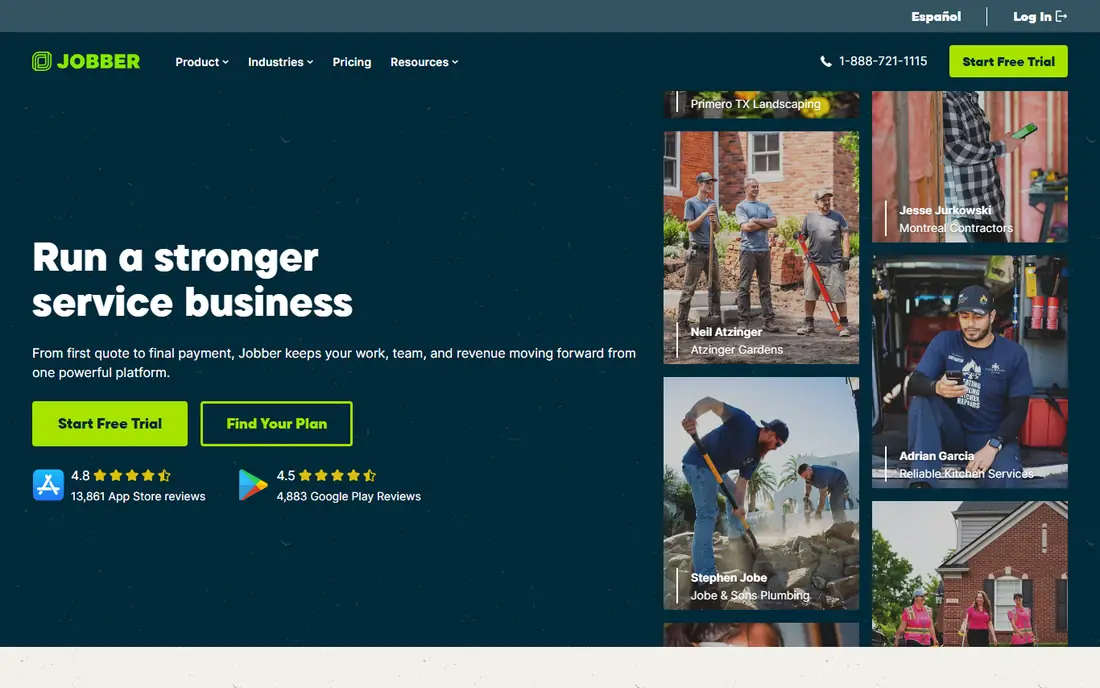
Jobber is the safest default for a small field service business because it covers the whole job, from the first quote to the final payment, without add-ons at the working tiers. Quotes use templates with follow-ups, the schedule is drag-and-drop with route optimisation, invoices go out from the job card, and customers can approve quotes and pay through the client hub.
What we like- Full job lifecycle in one place, with quote templates, drag-and-drop scheduling with route optimisation, invoicing and on-site card payments, a client hub, and mobile apps with time tracking and GPS timers
Watch out for- Core covers only 1 user and each extra user costs $29 a month, so a small crew quickly outgrows the headline price, QuickBooks Online sync is not on Core, and job costing only appears on Grow
#2Kickserv
Best for: Small crews that want flat pricing by team size instead of per-user billing4.5/5 on
G2 (181 reviews, checked Oct 2026)
Visit kickserv.com
Starting priceStart $60 per month billed annually for 5 users ($75 per month month-to-month); Run $119 per month billed annually for 10 users; Scale $199 per month billed annually for 20 users (kickserv.com/pricing, checked 11 Nov 2026)
Free planNo; 30-day free trial on each tier
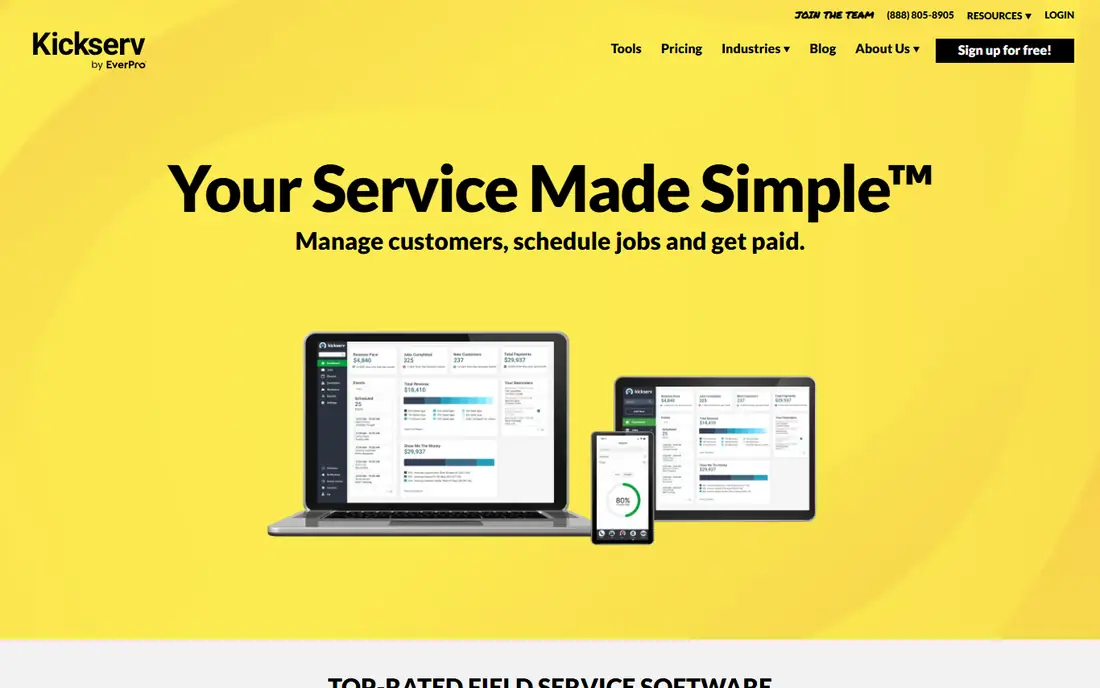
Kickserv wins on price for a small crew because it charges by team size, not by person. Start at $60 a month billed annually covers 5 users with scheduling, estimates, invoicing, automated email and text reminders, time and expense tracking, and QuickBooks Online sync, which is more than Jobber Core gives at a similar price. Dispatch mapping and GPS check-ins arrive on Run, and the customer portal lets clients see job status without phoning the office.
What we like- Cheapest published full-featured option here for a small crew, with flat pricing by team size, scheduling, estimates, invoicing, automated reminders, time and expense tracking, and QuickBooks Online sync on Start
Watch out for- The mobile app is rated well below the category standard, reported at 2.8 out of 5 on Google Play and 3.2 out of 5 on iOS, with no offline mode, and there is no two-way SMS texting
#3Housecall Pro
Best for: Small firms that want online booking, a price book and review management from the start4.3/5 on
G2 (205 reviews, checked Oct 2026)
Visit housecallpro.com
Starting priceBasic $59 per month billed annually for 1 user ($79 per month month-to-month); Essentials $149 per month for 5 users; MAX $299 per month for 8 users (housecallpro.com/pricing, checked 11 Nov 2026)
Free planNo; 14-day free trial of the MAX plan, no credit card required
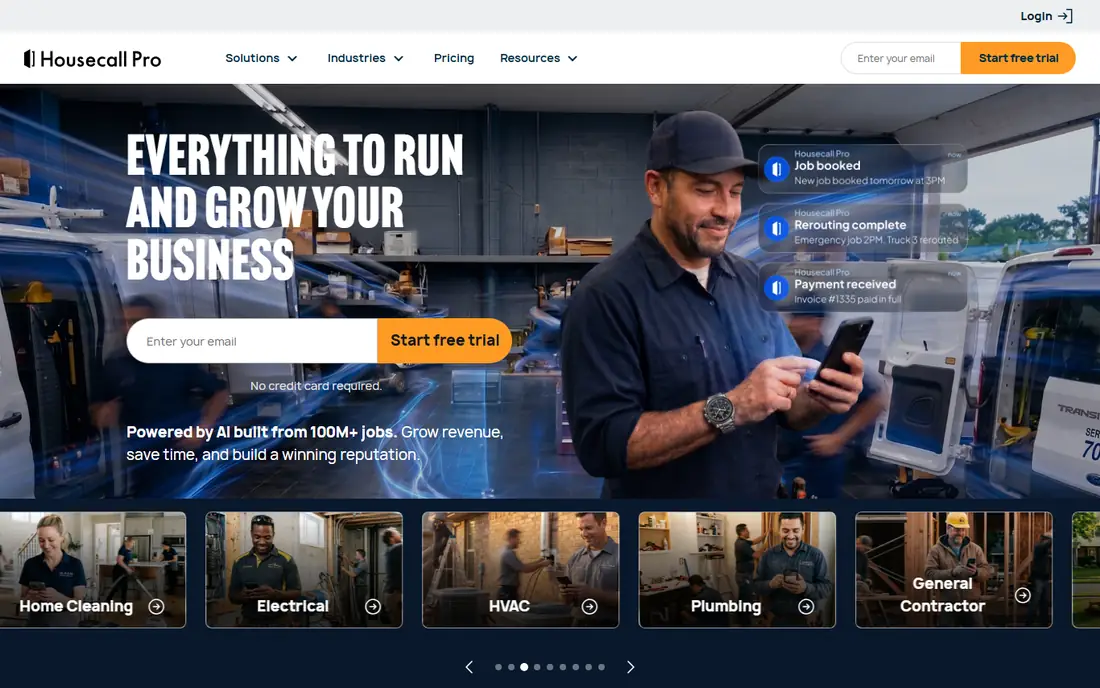
Housecall Pro suits a small firm that takes bookings online and wants the job priced before the technician arrives. Basic includes a price book and job costing, which Jobber reserves for a higher tier, plus online booking, estimates, invoicing, payments and review management, so a new customer can find the firm, book, and leave a review without the office touching the job.
What we like- Online booking, scheduling and dispatch, estimates and invoicing with a built-in price book and job costing even on Basic, integrated payments and consumer financing, review management, and a mobile app with offline viewing
Watch out for- QuickBooks Online sync, routes and GPS tracking need Essentials or above, and CSR AI, payroll, VoIP, campaigns and vehicle GPS are add-ons, most with no published price
#4Service Fusion
Best for: Growing small crews that want unlimited users for one flat fee4.1/5 on
G2 (124 reviews, checked Oct 2026)
Visit servicefusion.com
Starting priceStarter $208 per month billed annually for unlimited users, charged as one $2,496 payment at signup; Plus $325 per month; Pro $533 per month (servicefusion.com/pricing, checked 11 Nov 2026)
Free planNo free plan listed; no trial length stated on the pricing page. The homepage offers a free demo instead.
Service Fusion is the only tool here that charges per company rather than per person, which changes the maths for a growing crew. Starter at $208 a month billed annually covers unlimited users, so a firm that hires its sixth, seventh and eighth technician pays nothing extra, while a per-user tool would add $29 or more per hire. Scheduling, dispatching, estimates, invoicing, payments and QuickBooks sync are all in the base plan.
What we like- Flat per-company pricing means adding technicians costs nothing extra, which suits a growing small crew, with scheduling and dispatching, estimates and jobs, invoicing with integrated payments, QuickBooks Online and Desktop sync, and a technician mobile app
Watch out for- Starter omits the practical tools a growing firm needs, with job photos, inventory, job costing, eSign, customer portal and progress billing on Plus or Pro, and annual billing demands the full year upfront
#5ServiceTitan
Best for: Larger field service firms that need the deepest dispatch, reporting and marketing tools and can fund implementation4.4/5 on
G2 (375 reviews, checked Oct 2026)
Visit servicetitan.com
Starting priceQuote only. The vendor publishes no price (servicetitan.com/pricing, checked 11 Nov 2026). Third-party reports put it at roughly $245 to $500 per technician per month; those figures are not vendor-published.
Free planNo; no free trial. A demo is offered instead.
ServiceTitan is the most complete platform in this list and the worst fit for a genuinely small business, which is why it sits at number five despite its depth. The dispatch board, mobile estimates, call recording and marketing attribution are the best here, and the reporting answers questions a small firm does not yet ask, such as which marketing channel produced which booked job.
What we like- Strong on dispatch with a drag-and-drop board, mobile estimates, call recording, marketing attribution, automated checklists and in-depth reporting, with the depth that larger operations need
Watch out for- It is built for larger operations, not small ones, and ServiceTitan itself has said it is not optimised for businesses with three or fewer technicians, while per-technician pricing plus implementation and an annual contract make it a heavy commitment
#6FieldEdge
Best for: HVAC, plumbing and electrical crews that want a flat-rate pricebook and deep QuickBooks sync4.0/5 on
G2 (87 reviews, checked Oct 2026)
Visit fieldedge.com
Starting priceQuote only. Three plans, Select, Premier and Elite, all show Request Pricing (fieldedge.com/pricing, checked 11 Nov 2026). Third-party estimates of roughly $100 to $150 per user a month are unconfirmed by the vendor.
Free planNo; no free trial stated on the vendor pricing page. The vendor offers a demo and guided walkthrough instead.
FieldEdge is a long-running trade platform with its strongest feature in the office, not the field: a two-way QuickBooks sync that keeps invoices, payments and customer records aligned without re-entry, and a flat-rate pricebook that lets a technician quote a job on site with confidence. Dispatching, multi-option quotes and service agreements cover the daily work of an HVAC or plumbing crew, and mobile app licences are included at 2 on Select, 4 on Premier and 6 on Elite.
What we like- Built for HVAC, plumbing and electrical crews, with dispatching, single- and multi-option quotes, a regularly updated flat-rate pricebook, service agreements, integrated payments and invoicing, and a two-way QuickBooks sync widely cited as its strongest feature
Watch out for- Pricing is per person, so the bill grows with every hire, and there is no native GPS tracking or review management, while third-party reporting flags a 12-month auto-renewing contract with 60 days' notice to cancel
#7Workiz
Best for: High-call-volume trades such as locksmith, junk removal, HVAC and appliance repair4.5/5 on
G2 (247 reviews, checked Oct 2026)
Visit workiz.com
Starting priceQuote only. Standard, Pro and Ultimate all read Request pricing, and only extra-user rates are published in the vendor FAQ (Standard $46 to $55 a month, Pro $54 to $65 a month) (workiz.com/pricing-plans, checked 11 Nov 2026).
Free planNo on the current pricing page; the old free Lite plan no longer appears. 7-day free trial, no credit card required.
Workiz is built for the trades where the phone never stops: locksmiths, junk removal, HVAC and appliance repair. The built-in phone with call tracking and recording ties every inbound call to a job, Genius AI triages leads and schedules without a dispatcher, and drag-and-drop dispatch keeps the day moving. That inbound focus is its edge over the rest of this list.
What we like- Strong on inbound work for urgent-call trades, with drag-and-drop scheduling and dispatch, estimates and invoicing, online payments, a built-in phone with call tracking and recording, Genius AI lead and scheduling tools on Pro, and a mobile app for technicians
Watch out for- You cannot budget from the website at all, because the base price only comes from a demo or quote, and service plans, inventory and the open API are locked to the Ultimate tier at custom pricing
#8FieldPulse
Best for: Growing trade businesses that want custom workflows and cheaper field-only seats for technicians4.7/5 on
G2 (375 reviews, checked Oct 2026)
Visit fieldpulse.com
Starting priceQuote only. Seat-based pricing customised to team size and seat type (fieldpulse.com/pricing, checked 11 Nov 2026). Third-party estimates are explicitly disclaimed by FieldPulse on its own pricing page.
Free planNo; no free trial either. The vendor pricing-page FAQ states this plainly and offers a personalised demo built around the trade and team size instead.
FieldPulse is the most flexible tool here in how it is sold, and the hardest to price. The seat model splits office seats from cheaper field-only seats, so a firm with two office staff and eight technicians pays less than a flat per-user rate, and custom workflows let a trade shape the system around its own process rather than the other way round.
What we like- Built for growing trade businesses, with scheduling, work orders, estimates and invoicing, job costing, inventory and custom workflows, a mobile app for field technicians, and US-based support
Watch out for- You cannot compare it on price without a sales call, and add-ons such as Operator AI, Engage VoIP and fleet tracking cost extra, so the quoted seat price is only part of the bill
Frequently asked questions
How much does field service management software cost for a small business?
Expect $29 to $208 a month on published prices, or a sales quote. Jobber Core costs $29 a month billed annually for one user, Kickserv Start costs $60 a month billed annually for 5 users, Housecall Pro Basic costs $59 a month billed annually for one user, and Service Fusion Starter costs $208 a month billed annually for unlimited users. ServiceTitan, FieldEdge, Workiz and FieldPulse publish no price, so a small firm cannot budget them from the website.
Which field service software has a free plan?
None of the eight tools here has a permanent free plan. Jobber, Housecall Pro and Workiz offer free trials of 7 to 14 days, Kickserv offers 30 days, and ServiceTitan, FieldEdge and FieldPulse offer a demo instead of a trial. Service Fusion lists no trial length on its pricing page and offers a demo.
What is the difference between Jobber and Housecall Pro?
Both cover quotes, scheduling, invoicing and payments for small field service firms, but they price differently and include different features at the entry tier. Jobber Core at $29 a month billed annually is cheaper and includes the client hub, but it has no QuickBooks sync and no job costing. Housecall Pro Basic at $59 a month billed annually includes a price book and job costing, plus online booking and review management, but it has no routes or GPS tracking.
Do these tools work with QuickBooks?
Most do, but the tier matters. FieldEdge and Service Fusion include QuickBooks Online and Desktop sync, and FieldEdge's two-way sync is widely cited as its strongest feature. Jobber adds QuickBooks Online sync from Connect, Housecall Pro adds it from Essentials, and Kickserv includes QuickBooks Online sync on Start but charges an extra $50 a month for Desktop sync on Run and above.
Can a one-person business use field service management software?
Yes, and Jobber Core at $29 a month billed annually is built for exactly that, with one user, quotes, scheduling, invoicing and payments. Kickserv Start at $60 a month billed annually covers 5 users, so it is over-provisioned for a solo operator but cheap if a second person joins. The quote-only platforms, ServiceTitan, FieldEdge, Workiz and FieldPulse, are poor fits for a solo operator, because their pricing and implementation assume a team.
Sources we checked (8)
- https://www.getjobber.com/pricing/
- https://www.kickserv.com/pricing
- https://www.housecallpro.com/pricing/
- https://www.servicefusion.com/pricing
- https://www.servicetitan.com/pricing
- https://www.fieldedge.com/pricing
- https://www.workiz.com/pricing-plans
- https://www.fieldpulse.com/pricing
Is your product missing or out of date?
We review this list regularly. Vendors can request a listing, send updated pricing or ask about featured placement.

Shihab Mia · Founder, Rankite
Shihab has 5+ years in B2B and SaaS SEO. He writes Rankite's software buying guides from pricing pages, documentation and public user reviews. More about Shihab.