How we make this list: we compare pricing pages, product documentation and public user reviews. Ratings come from G2, Capterra or Trustpilot, with the date we checked them.
Key takeaways
- The best practice that matters most is dispatch discipline: the right tech, with the right parts, on the right job, first time.
- Jobber and Housecall Pro give small crews the scheduling, quoting, and invoicing core at a clear monthly price.
- ServiceTitan suits large operations that can absorb per-technician pricing and a long implementation.
- Mobile apps that work offline, on-site payment, and review capture separate tools that grow a business from tools that merely schedule it.
Quick comparison
| Tool | Best for | Starting price | Free plan |
|---|
 Jobber Jobber | Small crews needing the core | $29 per month (billed annually) | Free trial |
 Housecall Pro Housecall Pro | Easy onboarding for small teams | $59 per month (billed annually) | Free trial |
 ServiceTitan ServiceTitan | Large multi-crew operations | See website | No |
 Service Fusion Service Fusion | Flat pricing with unlimited users | $208 per month (billed annually) | No |
 Workiz Workiz | Phone-heavy residential shops | See website | Free trial |
 FieldPulse FieldPulse | Mobile-first growing teams | See website | Free trial |
 ServiceM8 ServiceM8 | High-volume dispatch on a budget | Free | Yes |
 Kickserv Kickserv | Budget starters with simple needs | $60 per month (billed annually) | Free trial |
Is your product missing or out of date?
We review this list regularly. Vendors can request a listing, send updated pricing or ask about featured placement.
#1Jobber
Best for: Small crews needing the core4.6/5 on
G2 (530 reviews, checked Oct 2026)
Visit getjobber.com
Starting price$29 per month (billed annually)
Free planFree trial
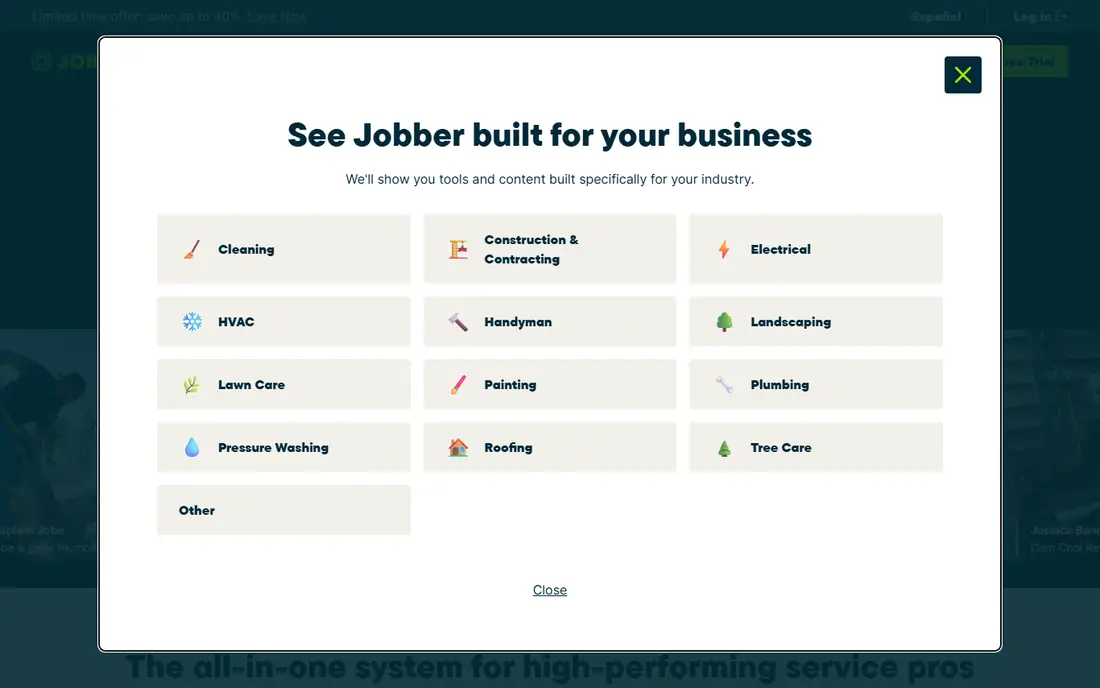
Jobber is the most balanced starting point for small field service teams, covering quoting, scheduling, dispatch, invoicing, and payments in one system. Its online booking form is polished, which helps turn website visitors into booked jobs without phone tag, and its pricing is published, so a solo operator can budget from $29 a month on annual billing. Most teams get operational within a day.
Trade-specific depth is thinner than ServiceTitan's: HVAC, plumbing, and electrical workflows exist, but the deepest industry features sit elsewhere. Per-user pricing also grows with crew size. Jobber fits solo operators and small crews that want the core done well, at a price they can see before signing.
What we like- Clear published pricing
- Polished online booking
- Fast to get running
Watch out for- Thin on trade-specific depth
- Per-user costs grow with crew size
#2Housecall Pro
Best for: Easy onboarding for small teams4.3/5 on
G2 (205 reviews, checked Oct 2026)
Visit housecallpro.com
Starting price$59 per month (billed annually)
Free planFree trial
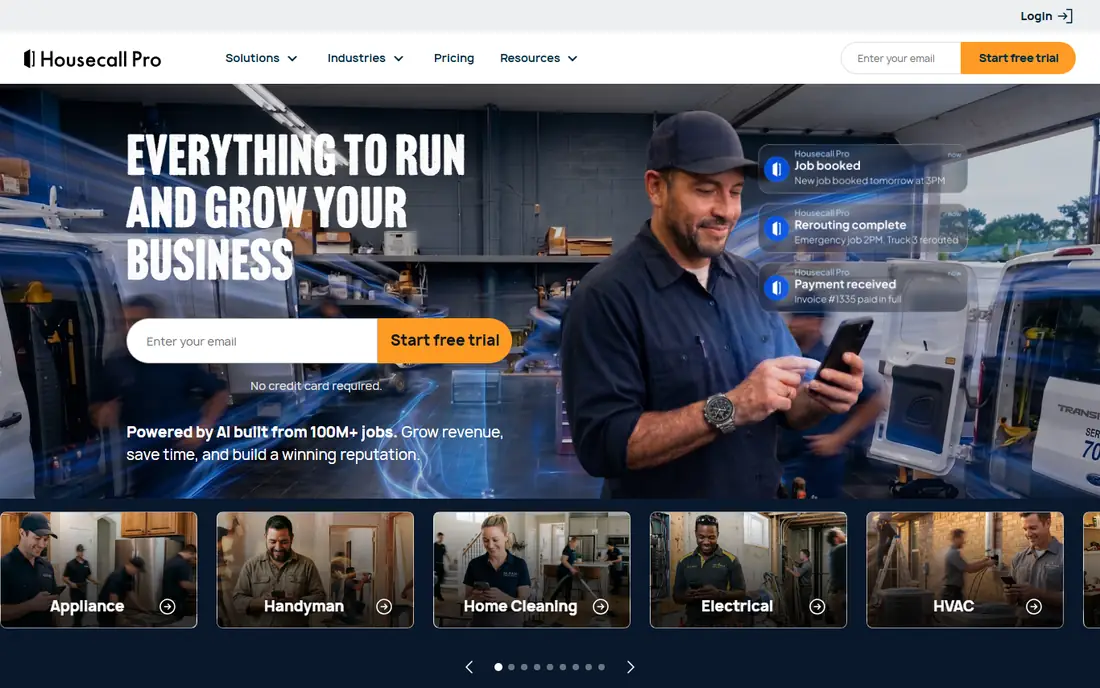
Housecall Pro is the easiest platform here for a crew that is new to software, with a guided setup that gets booking, dispatch, and invoicing running fast. Review generation, automated reminders, and on-my-way texts help small shops look professional and win repeat work, and the mobile app keeps techs on schedule in the field. Entry pricing starts at $59 a month on annual billing.
Costs rise with team size: extra users run $35 to $100 a month beyond plan caps, so a ten-person team pays materially more than the entry price suggests. Housecall Pro fits residential shops of one to eight users that value ease and customer-facing polish over enterprise depth.
What we like- Easiest onboarding here
- Strong review generation
- On-my-way texts
Watch out for- Extra users cost $35 to $100 a month
- Upper tiers add up past eight users
Starting priceSee website
Free planNo
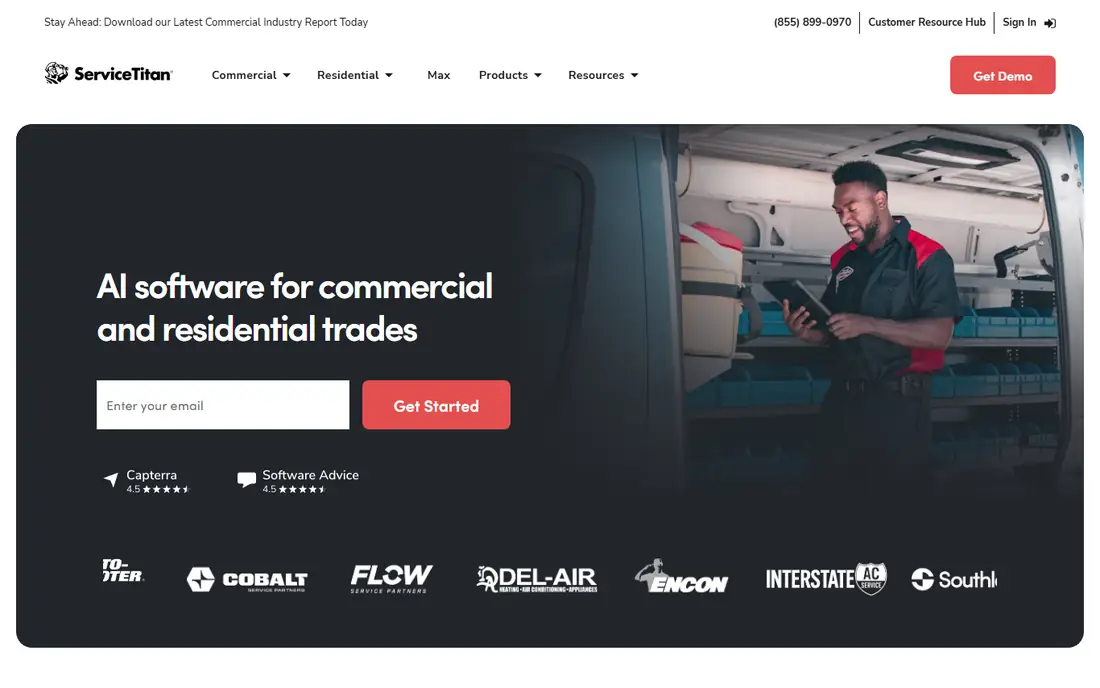
ServiceTitan is the enterprise benchmark for large residential trades operations, with deep tools for dispatch, marketing, call tracking, pricebook management, and reporting. Its call booking and marketing attribution help large shops trace revenue to campaigns, and its mobile app covers complex job workflows. Teams above twenty technicians often find its depth worth the cost.
That cost is steep: reported pricing runs roughly $250 to $500 per technician a month, with implementation fees that can reach five figures. Smaller teams pay enterprise prices for features they may never use. ServiceTitan fits large operations with dedicated admin staff and the volume to absorb per-technician pricing.
What we like- Deepest residential trade tooling
- Marketing and call tracking
- Strong reporting
Watch out for- Quote-only pricing around $250 to $500 per technician a month
- Long implementation
#4Service Fusion
Best for: Flat pricing with unlimited users4.1/5 on
G2 (124 reviews, checked Oct 2026)
Visit servicefusion.com
Starting price$208 per month (billed annually)
Free planNo
Service Fusion prices flat with unlimited users at every tier, starting at $208 a month on annual billing. That model wins as crews grow: a fifteen-person team pays the same platform fee as a five-person team, where per-user rivals charge for every seat. Dispatch, scheduling, invoicing, and customer management cover the core well.
There is no free trial, so evaluation runs through a demo rather than hands-on use, and the entry price exceeds Jobber and Housecall Pro for solo operators. Service Fusion fits growing teams that hate per-user fees and want predictable costs as headcount rises.
What we like- Unlimited users at every tier
- Flat pricing
- Strong dispatch and invoicing
Watch out for- No free trial
- Higher entry price than Jobber or Housecall Pro
#5Workiz
Best for: Phone-heavy residential shops4.5/5 on
G2 (247 reviews, checked Oct 2026)
Visit workiz.com
Starting priceSee website
Free planFree trial
Workiz is built for shops where the phone still drives the business, with a built-in phone system, call tracking, and an AI answering add-on that captures after-hours leads. Jobs, dispatch, invoicing, and payments sit alongside, so a phone-first shop runs its whole workflow in one place. Lead tracking connects calls to booked jobs.
Phone and AI features are add-ons rather than included, so the total price depends on which pieces a shop enables. Workiz fits residential shops with high call volume that lose jobs to missed calls, and that want answering and dispatch in one system.
What we like- Built-in phone system
- AI call answering add-on
- Lead tracking
Watch out for- Phone and AI features are paid add-ons
- Quote-based upper tiers
#6FieldPulse
Best for: Mobile-first growing teams4.7/5 on
G2 (375 reviews, checked Oct 2026)
Visit fieldpulse.com
Starting priceSee website
Free planFree trial
FieldPulse targets mid-size teams that live on mobile, with an app built for techs in the field: estimates, invoices, signatures, and payments happen on site, and offline capability keeps work moving where signal is weak. That mobile strength matters for HVAC and electrical teams working in basements, rooftops, and plant rooms.
Pricing is quote-based, and add-ons raise the total, so budgeting needs a sales conversation. FieldPulse fits growing teams that prioritize mobile performance and offline reliability over the lowest entry price.
What we like- Strong mobile app
- Offline capability
- Estimates and invoicing on site
Watch out for- Quote-based pricing
- Add-ons raise the total price
#7ServiceM8
Best for: High-volume dispatch on a budget3.8/5 on
G2 (15 reviews, checked Oct 2026)
Visit servicem8.com
Starting priceFree
Free planYes
ServiceM8 offers a free tier and per-job pricing, with unlimited users, which suits high-volume dispatch operations that want costs tied to completed work rather than seats. Job cards, dispatch, invoicing, and client communication cover the core, and the app is well regarded for field use. Small shops can start free and scale spending with volume.
Add-on costs accumulate as features are enabled, and marketing depth trails Housecall Pro. ServiceM8 fits high-volume shops and budget starters that want dispatch-first software with flexible, usage-linked pricing.
What we like- Free tier
- Per-job pricing option
- Unlimited users
Watch out for- Add-on costs accumulate
- Less marketing depth than Housecall Pro
#8Kickserv
Best for: Budget starters with simple needs4.5/5 on
G2 (181 reviews, checked Oct 2026)
Visit kickserv.com
Starting price$60 per month (billed annually)
Free planFree trial
Kickserv keeps things simple: scheduling, dispatch, invoicing, and customer records at $60 a month on annual billing, with a 30-day trial. Its long track record and straightforward design suit owners who want software that stays out of the way. Setup is quick, and the learning curve is gentle for crews adopting software for the first time.
Advanced features such as deep marketing automation and complex pricebooks are thinner than at ServiceTitan or Housecall Pro. Kickserv fits budget-conscious starters and small crews whose needs are scheduling, invoicing, and reliable job records, not enterprise tooling.
What we like- Simple pricing
- Long track record
- Easy scheduling and invoicing
Watch out for- Fewer advanced features
- Smaller ecosystem than larger rivals
How we chose
We compared pricing pages, product documentation, and public user reviews for field service tools that are actively sold in 2026. We favored tools with real dispatch, mobile, quoting, and invoicing coverage, plus published or confirmable pricing. We framed each tool against the practices that actually grow a field service business, rather than feature counts alone, and we left out tools that no longer sell a current product.
The practices that make the software pay
Software alone does not fix a field service business; habits do. The highest-return practices are consistent: confirm every job the day before, dispatch by skill and location rather than availability alone, capture payment on site, and ask for a review before leaving. Tools support those habits, but they cannot replace them, and a team that skips them will struggle on any platform.
Dispatch by skill, parts, and location
The costliest field service mistake is sending the wrong tech, or the right tech without parts, to a job. Build dispatch around three checks: does the tech have the skill, does the van carry the parts, and is the route sensible. Software with skill tags, inventory visibility, and map-based dispatch makes those checks fast, and first-time fix rates rise as a result.
Quote, invoice, and collect on site
Cash flow in field service lives or dies on payment speed. Quote on site with a clear pricebook, convert the approved quote to an invoice without re-entry, and take payment before leaving. Every day between job completion and payment is an interest-free loan to the customer, and every manual re-entry is a chance for error.
Make reviews and repeat bookings automatic
Reviews drive new work, and reminders drive repeat work, yet both are easy to forget after a long day. Automate review requests to go out after job completion, and automate maintenance reminders for recurring services. The best tools do both without staff remembering, which is why they compound over time.
Measure the numbers that predict profit
Track first-time fix rate, average ticket, rework rate, and technician utilization weekly. Those four numbers reveal more than revenue alone: a rising ticket with a falling fix rate means callbacks are eating margin, while low utilization means dispatch, not demand, is the problem. Review them in a short weekly meeting, and change one thing at a time.
Frequently asked questions
What is the single most important field service best practice?
Dispatch discipline: sending the right technician, with the right parts, to the right job, first time. It cuts callbacks, raises first-time fix rates, and protects both margin and reputation more than any other single habit.
Should a solo operator buy field service software?
Yes, usually. Even a solo operator benefits from online booking, professional quotes, and on-site payment, and entry prices start at $29 a month. The time saved on admin and the jobs won through online booking typically cover the subscription quickly.
How do I choose between Jobber and Housecall Pro?
Jobber wins on entry price and booking polish for solo operators, while Housecall Pro wins on ease and review generation for small residential teams. Compare total cost at your actual user count, since Housecall Pro's extra-user fees change the math past eight users.
When does ServiceTitan make sense?
ServiceTitan makes sense for larger operations, roughly twenty technicians and up, with dedicated admin staff and the volume to absorb per-technician pricing. Smaller teams usually get better value from Jobber, Housecall Pro, or Service Fusion.
How long does implementation take?
Small teams on Jobber or Housecall Pro can be operational within a day, while ServiceTitan implementations run weeks to months with data migration and training. Budget implementation time honestly, and run the old and new systems in parallel for at least one week.
Sources we checked (8)
- https://getjobber.com
- https://www.housecallpro.com
- https://www.servicetitan.com
- https://www.servicefusion.com
- https://workiz.com
- https://www.fieldpulse.com
- https://www.servicem8.com
- https://www.kickserv.com
Is your product missing or out of date?
We review this list regularly. Vendors can request a listing, send updated pricing or ask about featured placement.

Shihab Mia · Founder, Rankite
Shihab has 5+ years in B2B and SaaS SEO. He writes Rankite's software buying guides from pricing pages, documentation and public user reviews. More about Shihab.