How we make this list: we compare pricing pages, product documentation and public user reviews. Ratings come from G2, Capterra or Trustpilot, with the date we checked them.

Key takeaways
- GitHub Copilot is the default platform for engineering teams on GitHub, at 10 dollars per user per month for individuals and 19 dollars a seat for business.
- Cursor and Devin Desktop suit developers who want an AI native editor with multi file agents, while Claude Code and OpenAI Codex lead the terminal and cloud agent style.
- Augment Code targets large codebases, and Google Antigravity is the notable free entry point with weekly agent quotas.
- Every platform here produces drafts, not verified engineering: output needs review, tests, and security scanning, and vendor productivity claims should be measured on your own team.
Quick comparison
| Tool | Best for | Starting price | Free plan |
|---|
 GitHub Copilot GitHub Copilot | Teams standardised on GitHub | $10 per user per month | Yes |
 Cursor Cursor | AI native editing with multi model agents | $20 per user per month | Yes |
 Claude Code Claude Code | Terminal first agent development | $20 per month | No |
 Devin Desktop Devin Desktop | Editor plus cloud agent sessions | $20 per month | Yes |
 OpenAI Codex OpenAI Codex | Cloud agents inside ChatGPT plans | $20 per month | No |
 Google Antigravity Google Antigravity | Free agent first development platform | Free | Yes |
 Augment Code Augment Code | Large codebase engineering organisations | $20 per month | No |
 Amazon Kiro Amazon Kiro | Spec driven development on AWS | $20 per month | Yes |
Is your product missing or out of date?
We review this list regularly. Vendors can request a listing, send updated pricing or ask about featured placement.
#1GitHub Copilot
Best for: Teams standardised on GitHub4.4/5 on
G2 (397 reviews, checked Oct 2026)
Visit github.com
Starting price$10 per user per month
Free planYes
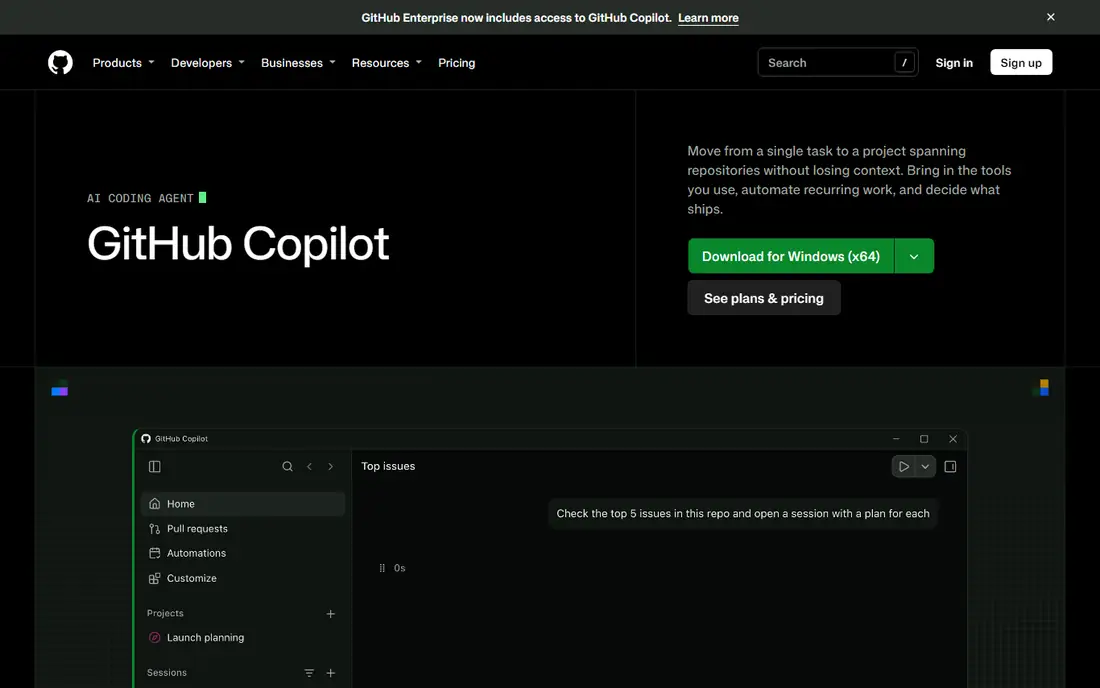
What we like- Copilot is the incumbent: completions, chat, agent mode, and code review inside VS Code, JetBrains, and other editors, plus a coding agent on GitHub itself that takes issues and returns pull requests. Pro costs 10 dollars per user per month, Business 19 dollars per seat, and the free tier allows 2,000 completions a month, so almost any developer can evaluate it. Paid plans include AI credits for premium model usage, and enterprise controls cover policy, audit, and content exclusion for sensitive repositories.
Watch out for- Premium model usage beyond the included credits bills overages, so heavy agent users can push costs well past the seat price. Copilot's agent abilities trail Cursor and Claude Code for some multi file work in independent comparisons. Teams outside the GitHub ecosystem lose the issue to pull request flow that makes the platform version distinctive.
#2Cursor
Best for: AI native editing with multi model agents4.6/5 on
G2 (326 reviews, checked Oct 2026)
Visit cursor.com
Starting price$20 per user per month
Free planYes
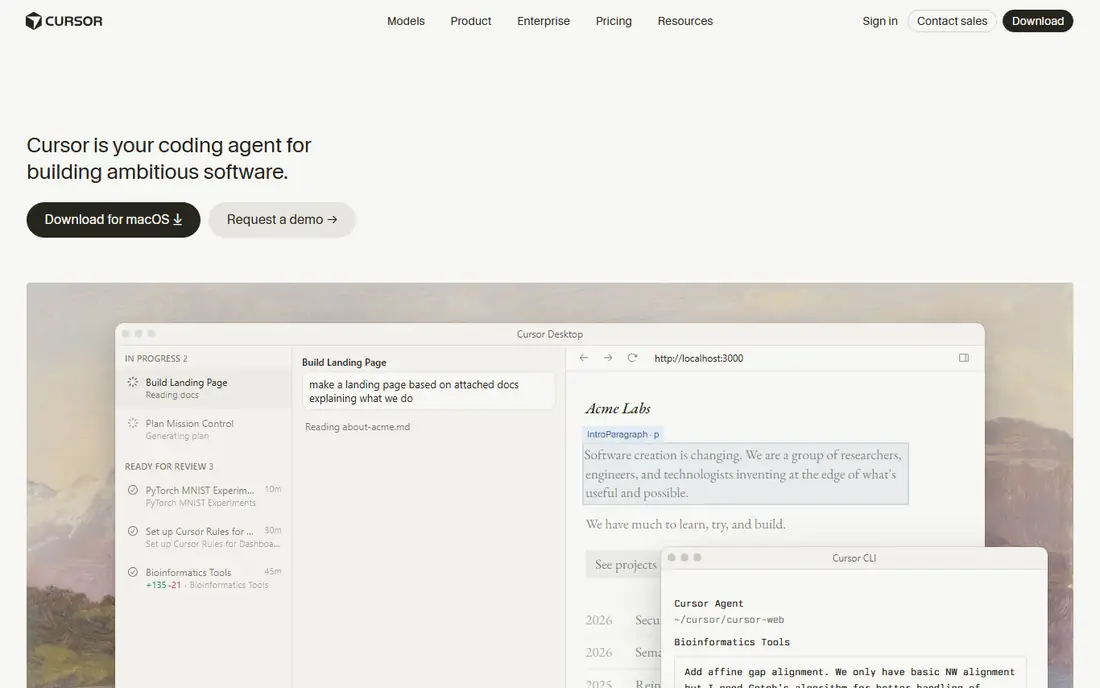
What we like- Cursor is a VS Code fork built around AI: strong tab prediction, a composer agent that edits across files with visible diffs, codebase wide context, and a choice of frontier models from several providers. Individual plans have centred on 20 dollars a month with a usage pool, team plans add central billing and privacy controls, and cloud agents can work tasks in parallel. For developers who live in the editor, it remains the benchmark experience.
Watch out for- Cursor's pricing changed repeatedly through 2025 and 2026, moving between request counts, dollar pools, and new tier names, so confirm the current plan structure before budgeting a rollout. Usage beyond the included pool bills at API rates, which heavy agent users feel. Being a separate editor, it asks teams to standardise on it rather than meeting them in JetBrains or other IDEs.
#3Claude Code
Best for: Terminal first agent development4.7/5 on
G2 (125 reviews, checked Oct 2026)
Visit claude.com
Starting price$20 per month
Free planNo
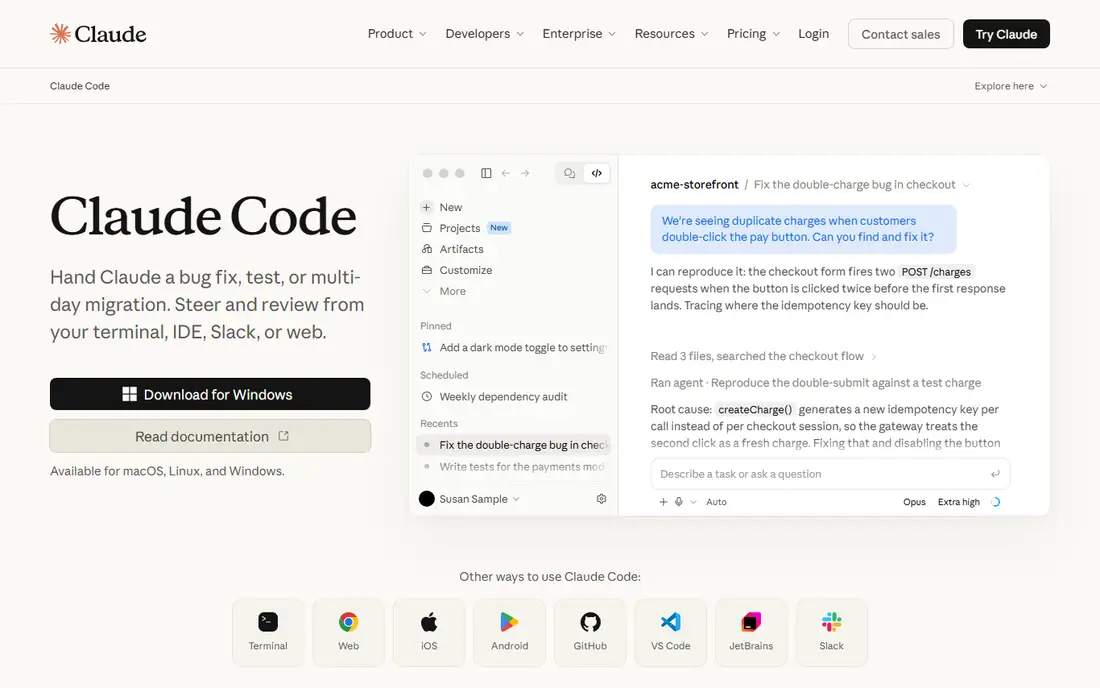
What we like- Claude Code is Anthropic's terminal agent: it explores a codebase, plans changes, edits files, runs tests, and works through a task in the shell where build tools already live, which suits engineers who distrust editor magic. Access comes through Claude plans, with Pro at 20 dollars a month and higher Max tiers and team seats above that. Its large context handling and careful multi step work earn it a strong following for refactoring and debugging.
Watch out for- There is no free tier, and usage limits on the lower plans interrupt long agent sessions, pushing serious users to Max tiers at 100 dollars or more. A terminal first tool excludes developers who want visual diffing inside an IDE, though editor extensions soften that. As with every agent here, it can run commands and edit broadly, so permission settings need deliberate configuration on real repositories.
#4
Devin Desktop
Best for: Editor plus cloud agent sessions
Visit devin.ai
Starting price$20 per month
Free planYes
What we like- Devin Desktop is the editor formerly known as Windsurf, now under Cognition, combining unlimited tab autocomplete, the Cascade style agent with daily and weekly quotas instead of pure credit burn, and access to Devin's cloud sessions that work tasks autonomously and return pull requests. Pro is 20 dollars a month and a free tier carries a light agent quota. The quota model appeals to teams burned by unpredictable per token invoices from rivals.
Watch out for- The product's identity has shifted through acquisition and merger, and buyers should confirm the current plan names and roadmap at purchase. Cloud agent quality varies by task: well specified tickets complete cleanly while vague ones wander, and review effort is real either way. Enterprise features and pricing for the combined editor and cloud product are newer and less field tested than Copilot's.
#5OpenAI Codex
Best for: Cloud agents inside ChatGPT plans4.7/5 on
G2 (19 reviews, checked Oct 2026)
Visit openai.com
Starting price$20 per month
Free planNo
What we like- Codex is OpenAI's coding agent, sold inside ChatGPT plans rather than separately: it runs tasks in sandboxed cloud environments with your repository, executes tests, and opens pull requests, and it also works locally through its app, CLI, and IDE extension. Plus at 20 dollars a month is the usual entry, with higher Pro tiers adding capacity. For teams already paying for ChatGPT, the bundled route is the cheapest path to cloud agents.
Watch out for- Because Codex rides on ChatGPT plans, per developer admin, budgeting, and usage limits follow consumer style tiers that engineering managers find awkward at scale. Rate limits bind during heavy parallel work. Organisations wanting a standalone, procurement friendly engineering platform with its own admin console may find the bundling a poor fit.
Starting priceFree
Free planYes
What we like- Antigravity is Google's agent first development platform, generally available since 2025, where agents work across editor, terminal, and browser under a manager style interface. The individual plan is free with weekly rate limits, and Google AI Pro at 19.99 dollars a month raises them, making it the lowest cost way to evaluate agent centred development seriously. Organisations can route it through Google Cloud and Gemini Enterprise.
Watch out for- Free and Pro quotas reset weekly and can stall a developer mid task during heavy weeks. The platform is younger than the editor incumbents, with a smaller extension and workflow ecosystem. Model behaviour and limits have shifted quickly since launch, so teams should recheck terms at adoption rather than rely on launch reviews.
Starting price$20 per month
Free planNo
What we like- Augment Code aims at big, messy enterprise codebases, with a context engine that indexes large multi repository estates and agents built to work within them. Its Standard plan has been priced at 20 dollars per month for small teams including a usage allowance, with higher tiers for larger organisations. Security posture, including not training on customer code, is a headline part of its enterprise pitch.
Watch out for- There is no free individual plan, which narrows casual evaluation. Usage based pricing above the allowance applies, and current tier structures should be confirmed on its pricing page since the company has adjusted plans during 2026. Outside large codebases, its advantages over Copilot or Cursor narrow while its admin overhead stays.
Starting price$20 per month
Free planYes
What we like- Kiro is AWS's AI development environment built around specs: requirements and design documents are generated and kept in step with the code the agent writes, which targets the failure mode where agents build the wrong thing quickly. The free tier includes 50 credits a month and Pro costs 20 dollars a month with 1,000 credits, with add on credits purchasable. For regulated or design heavy teams, the spec trail doubles as documentation.
Watch out for- Kiro is young, and its ecosystem and hiring familiarity trail the incumbents. Teams deep in the older Amazon Q Developer tooling face a migration, since AWS has signalled Q's IDE plugins lose support in April 2027, so plan around Kiro rather than Q. Spec driven flow adds ceremony that slows small, exploratory work where a plain agent is faster.
How we chose
We covered the platforms an engineering organisation would realistically shortlist in late 2026: the incumbent assistant, the AI native editors, the terminal and cloud agents, the free agent platform, the large codebase specialist, and the spec driven entrant. Prices are the published entry points, with the usage model noted because credits and quotas decide the real bill. We dropped Tabnine, whose product presence has folded toward its parent company, and Amazon Q Developer as a standalone pick because AWS is steering users to Kiro. Benchmarks were treated cautiously, since published scores come from differing scaffolds and model versions.
Pilot on your own repositories with your own review bar. Pick two finalists, give each to a team for a month, and measure merged pull requests, review comments on AI written code, escaped defects, and the actual invoice including credits. A platform that wins on demo tasks but produces code your seniors rewrite is the expensive option whatever the seat price says.
Then settle the governance questions before rollout: whether your code may train models (the enterprise tiers here say no), which models may process which repositories, how agent permissions and command execution are fenced, and what audit records exist. Roll out with rules, not just licences: AI output gets the same review and tests as human output, secrets never go into prompts, and engineers stay accountable for what merges. Productivity claims in this market are contested, with credible studies showing everything from large gains to slowdowns for experienced developers on familiar code, so your own pilot data is the only number to budget on. Prices and plan structures are October 2026 published figures and have changed often in this category.
Frequently asked questions
What is the difference between an AI coding assistant and an engineering AI platform?
An assistant suggests and completes code while you type. A platform adds agents that plan and execute multi step tasks, cloud sessions that return pull requests, team administration, usage controls, and integrations with your repositories and issue trackers. In 2026 the leading products are all platforms in that sense; the buying question is where the agent runs and how it is governed and billed.
How much do these platforms really cost per developer?
Seat prices cluster at 10 to 20 dollars a month, but agent usage is metered on top through credits, quotas, or dollar pools at every vendor here. A heavy agent user can multiply the seat price several times over, while a completions only user stays near it. Model your pilot's actual usage before signing an annual team deal, and prefer quota models if finance needs predictability.
Is AI generated code safe to ship?
Only after the same scrutiny as human code, plus some. AI output can contain security flaws, invented dependencies, and licence encumbered snippets, delivered in confident style. Mature teams run it through review, tests, and scanning, keep agents away from secrets and production credentials, and hold the merging engineer accountable. Skipping review because the code looks clean is how AI defects reach production.
Which platform suits a large, old codebase?
Augment Code is built for that case, with context indexing across large multi repository estates, and Claude Code and Cursor also handle big repositories well through their context tools. The real test is your own pilot: give each finalist a genuine task in the oldest part of your system and judge the diff. Generic benchmarks use small, clean repositories and say little about your estate.
Do these tools train on our private code?
The business and enterprise tiers of the platforms here commit to not training models on customer code, and several offer content exclusion and regional processing options. Consumer and free tiers vary, so read the data terms for the exact plan you buy and configure exclusions for sensitive repositories. If your industry is regulated, get the commitment in the contract rather than the FAQ page.
Sources we checked (0)
Is your product missing or out of date?
We review this list regularly. Vendors can request a listing, send updated pricing or ask about featured placement.

Shihab Mia · Founder, Rankite
Shihab has 5+ years in B2B and SaaS SEO. He writes Rankite's software buying guides from pricing pages, documentation and public user reviews. More about Shihab.