How we make this list: we compare pricing pages, product documentation and public user reviews. Ratings come from G2, Capterra or Trustpilot, with the date we checked them.
Key takeaways
- Gmail suits most general users with strong spam filtering and Google integration, while Outlook suits Microsoft households.
- Proton Mail and Tuta Mail lead for privacy, with end-to-end encryption and no ads on their free tiers.
- Fastmail is the best paid inbox for power users who want speed and alias control without ecosystem lock-in.
- iCloud Mail suits Apple owners, Yahoo Mail suits legacy users, and Zoho Mail suits small teams on a budget.
Quick comparison
| Tool | Best for | Starting price | Free plan |
|---|
 Gmail Gmail | General use and Google Workspace | See website | Yes |
 Outlook.com Outlook.com | Microsoft users and Office integration | See website | Yes |
 Proton Mail Proton Mail | Privacy-first email | See website | Yes |
 Fastmail Fastmail | Fast, private email for power users | See website | Free trial |
 iCloud Mail iCloud Mail | Apple device owners | See website | Yes |
 Yahoo Mail Yahoo Mail | Large free storage and legacy users | See website | Yes |
 Zoho Mail Zoho Mail | Small business email on a budget | See website | Yes |
 Tuta Mail Tuta Mail | Encrypted email at a low price | See website | Yes |
Is your product missing or out of date?
We review this list regularly. Vendors can request a listing, send updated pricing or ask about featured placement.
The best email services
Starting priceSee website
Free planYes
Gmail remains the default email service for most people, and for good reason. Spam filtering is strong, search is fast, and storage, calendar, and Drive sit in one account. For personal use and for small teams on Google Workspace, Gmail is the safe, familiar pick.
The free tier shows ads, and Google's business model relies on data in ways privacy-minded users may dislike. Account lockouts can also be hard to resolve. If privacy is your top need, Proton Mail or Fastmail will feel better, even if they cost more.
What we like- Strong spam filtering
- 15 GB free storage shared with Drive
- Deep Google app integration
Watch out for- Ads on the free tier
- Privacy trade-offs for free users
- Account recovery can be slow
Starting priceSee website
Free planYes
Outlook.com suits anyone who lives in Microsoft tools. Mail, calendar, and OneDrive work together, and Focused Inbox sorts important mail from newsletters. The free tier covers personal use well, while Microsoft 365 adds desktop Office apps and more storage.
Free users see ads, and the fullest experience needs a paid Microsoft 365 plan. The interface also packs many controls into each view, which can feel busy at first. For Microsoft households, the integration still outweighs those limits.
What we like- Clean inbox with Focused Inbox
- Office and OneDrive integration
- Strong calendar
Watch out for- Ads on the free tier
- Some features need Microsoft 365
- Interface can feel busy
Starting priceSee website
Free planYes
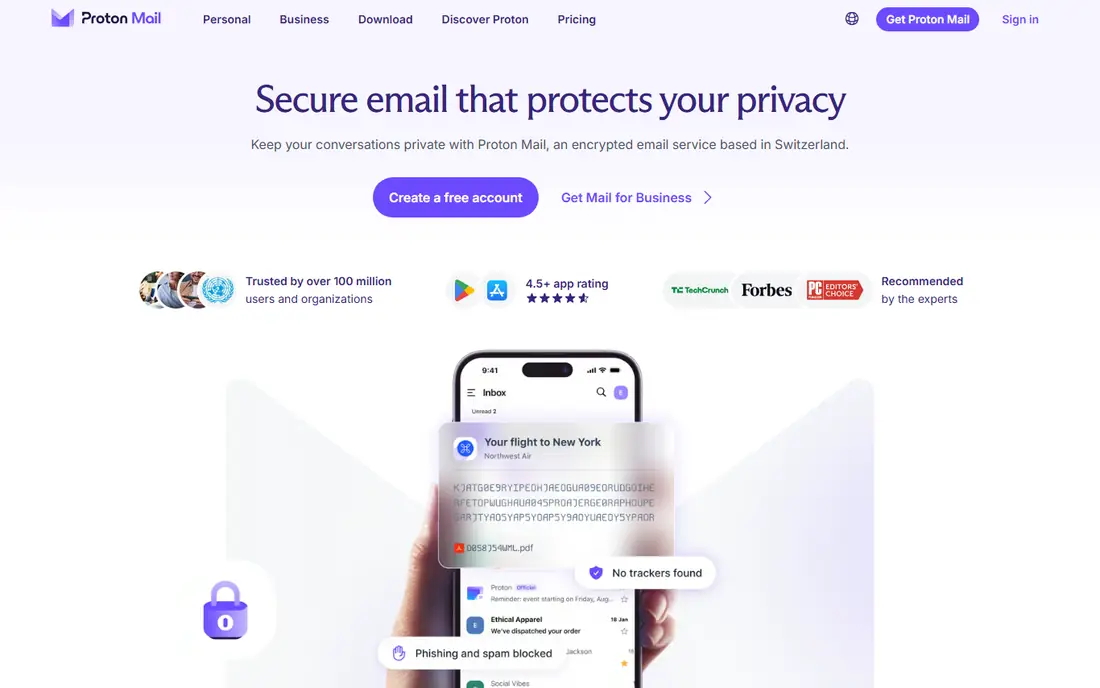
Proton Mail is the pick for readers who put privacy first. Mail between Proton users is end-to-end encrypted, the free tier has no ads, and the company is based in Switzerland with a clear privacy stance. Paid plans add storage, custom domains, and a VPN bundle.
Privacy has practical costs. Free storage is limited, and using Proton Mail in a desktop app like Outlook needs a bridge tool on paid plans. Integrations are fewer than Gmail or Outlook by design. If privacy outranks ecosystem breadth, Proton Mail wins.
What we like- End-to-end encryption for Proton users
- No ads
- Swiss jurisdiction and strong privacy stance
Watch out for- Free storage is small
- Full IMAP needs a bridge app
- Fewer third-party integrations
Starting priceSee website
Free planFree trial
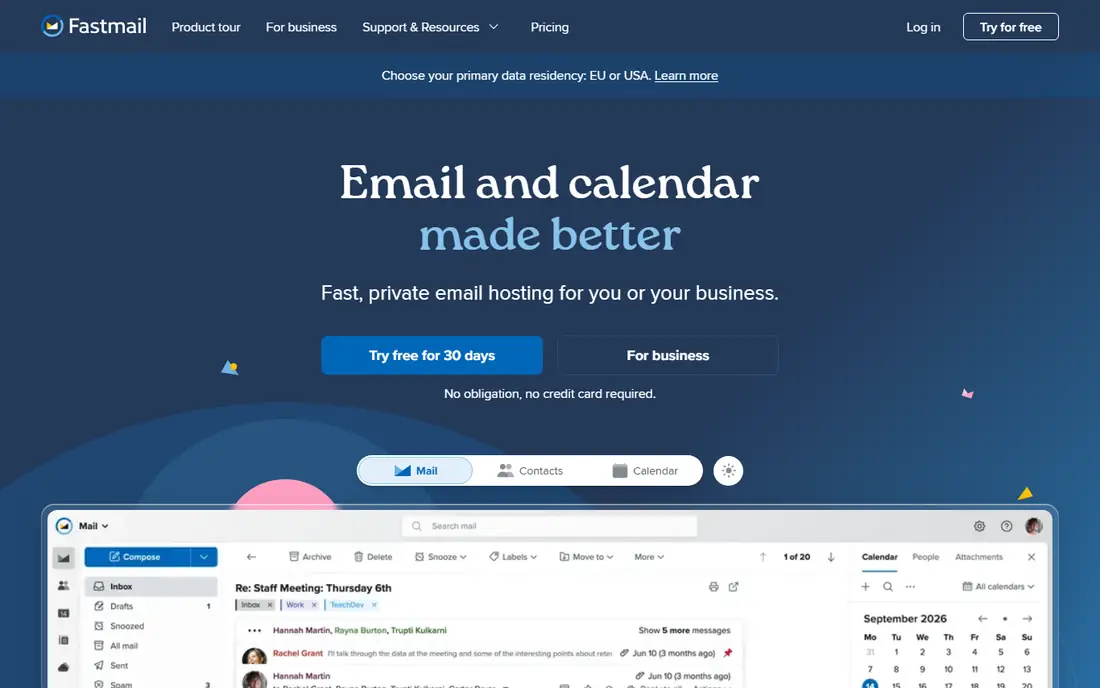
Fastmail is built for people who love email itself. Search is fast, the interface is clean, and alias and custom domain support is among the best in this list. There are no ads, and support is known for helpful replies from real staff.
There is no free tier, so you pay from day one, even if a trial covers the first weeks. Fastmail also does not offer end-to-end encryption by default in the way Proton Mail does. For a paid, polished inbox without ecosystem lock-in, it is excellent.
What we like- Fast search and clean interface
- Strong alias and domain support
- No ads
Watch out for- No free tier
- No end-to-end encryption by default
- Smaller ecosystem than Google or Microsoft
Starting priceSee website
Free planYes
iCloud Mail is the natural inbox for iPhone, iPad, and Mac owners. Mail syncs through Apple devices, and iCloud Plus adds Hide My Email aliases for sign-ups. The free tier includes 5 GB of shared iCloud storage, which covers light mail use.
Windows and Android users get a thinner experience, and web mail is simpler than Gmail or Outlook. Storage is shared with photos and backups, so heavy users may need a paid iCloud plan. Inside Apple hardware, it is calm and reliable.
What we like- No ads
- Clean Apple integration
- Hide My Email aliases with iCloud Plus
Watch out for- Best on Apple devices
- Web mail is simpler than rivals
- Storage shared with iCloud
Starting priceSee website
Free planYes

Yahoo Mail still serves many United States users, especially those with long-standing addresses. Free storage is generous, sign-up is simple, and the app covers mail, calendar, and news in one place. For a second inbox or a legacy address, it works fine.
The free tier shows ads, and Yahoo lacks some modern Gmail and Outlook features, such as deep app integration. Its privacy history also gives some users pause. As a main inbox for new users, Gmail or Outlook is usually stronger.
What we like- Large free storage
- Simple sign-up
- Decent spam tools and news integration
Watch out for- Ads on the free tier
- Fewer modern features than Gmail
- Privacy record is weaker
Starting priceSee website
Free planYes
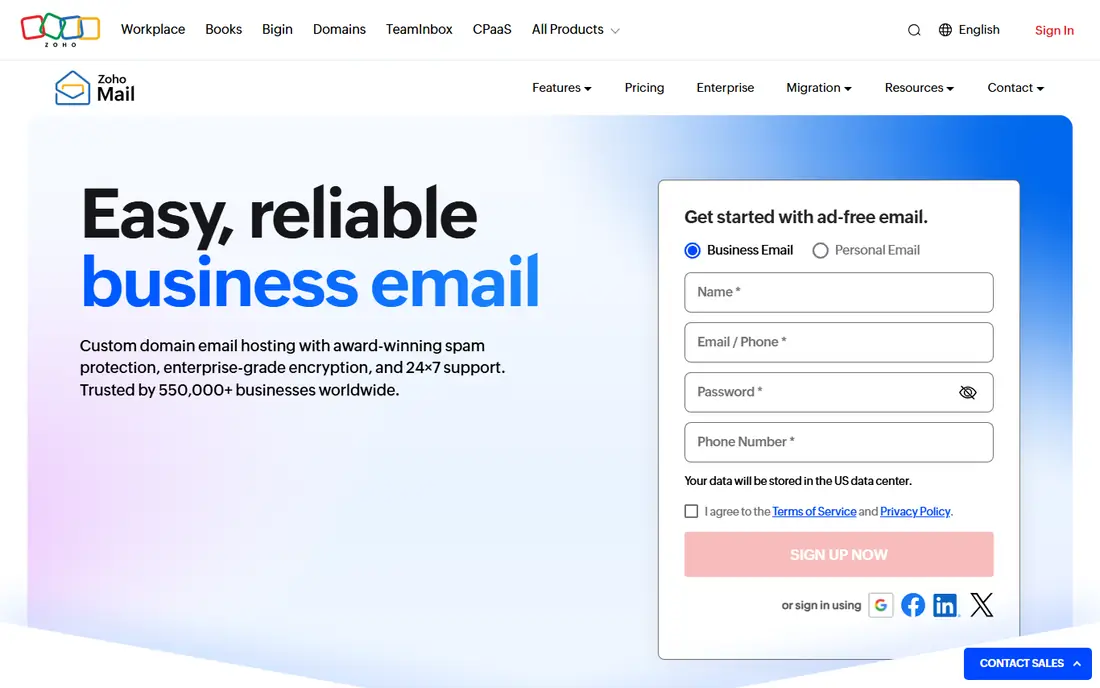
Zoho Mail gives small teams professional email with a custom domain at a low cost. Admin controls cover users, aliases, and groups, and the interface is clean for daily mail. The free tier suits very small teams with basic needs.
Free users face limits on IMAP and some advanced features, and integrations shine most inside Zoho's own apps. Teams already on Google or Microsoft may find switching costs high. For a new small business on a budget, Zoho Mail is strong value.
What we like- Affordable business plans
- Custom domains
- Clean admin controls for small teams
Watch out for- Free tier limits IMAP and some features
- Ecosystem is strongest inside Zoho apps
Starting priceSee website
Free planYes
Tuta Mail, formerly Tutanota, offers encrypted mail and calendar at a lower price than many privacy rivals. The free tier has no ads, and paid plans add storage, aliases, and custom domains. For privacy on a budget, Tuta is a serious option.
Encryption limits some features. Search across encrypted mail is more limited than Gmail search, and third-party integrations are few. Free storage is also small. If you accept those limits for privacy and low cost, Tuta fits well.
What we like- End-to-end encrypted mail and calendar
- No ads
- Low-cost paid plans
Watch out for- Free storage is small
- Fewer integrations
- Search is limited by encryption design
How we chose
We compared pricing pages, help documentation, and public reviews on G2, Capterra, and Reddit, and we checked each service for spam filtering, storage, IMAP support, custom domains, aliases, and two-factor login options. We favored services with clear free limits, reliable delivery, and a recovery path if you lose access. We did not rank on storage alone, since privacy and ecosystem fit matter as much.
We also weighed business fit. A personal inbox and a team inbox need different admin controls, even if the mail app looks similar. Each pick below names its best audience first, so you can skip services built for a different use.
Choosing email for personal use, work, or a custom domain
For personal use, pick the ecosystem you already use. Gmail pairs with Android and Google apps, Outlook pairs with Windows and Office, and iCloud Mail pairs with Apple devices. That match saves daily friction, even if another service has a slightly better inbox.
For a custom domain, check alias limits, admin controls, and IMAP support before you pay. Fastmail and Zoho Mail handle domains well, and Proton Mail adds domains on paid plans. Move mail in stages, and keep the old inbox active until forwarding and replies work cleanly.
Privacy settings worth turning on
Turn on two-factor login, review app passwords, and check recovery email and phone details. For sensitive mail, use a service with encryption and a clear data policy, and avoid reusing the email password elsewhere. These steps matter more than the brand name alone.
Switching without losing mail
Export old mail, set forwarding, and update key accounts first, such as banking and password recovery. Tell frequent contacts about a new address only after the new inbox sends and receives cleanly. Keep the old account for a few months as a safety net.
A short routine for a calmer inbox
Check mail in batches, such as morning, midday, and late afternoon, rather than all day. Batching cuts interruption, and most mail does not need an instant reply. Turn off push alerts for newsletters and promotions, and keep alerts only for key senders.
Use folders or labels for action, waiting, and archive, and clear the action folder daily. Unsubscribe from lists you delete without reading for two weeks, since each removal lowers future volume. A smaller inbox is easier to search and easier to trust.
Finally, review security settings once each quarter. Check recovery email and phone details, remove old app passwords, and confirm two-factor login is on. Those checks take minutes and protect the account that guards your other accounts.
Frequently asked questions
What is the best email service overall?
Gmail is the best overall pick for most people, thanks to spam filtering, search, and Google integration. Outlook is close behind for Microsoft users, while Proton Mail leads for privacy.
What is the best free email service?
Gmail and Outlook offer the most complete free tiers for general use. Proton Mail and Tuta Mail offer smaller free tiers with stronger privacy and no ads.
Is Proton Mail better than Gmail for privacy?
Yes, for privacy alone. Proton Mail encrypts mail between Proton users and shows no ads, while Gmail relies on a data-driven business model. Gmail still wins on integrations and search breadth.
Can I use my own domain with these services?
Yes, on paid plans for most services in this list. Fastmail, Zoho Mail, and Proton Mail all support custom domains, with alias limits that vary by plan. Check the pricing page for your exact plan before you buy.
Should I keep an old Yahoo or AOL address?
Keep it if contacts and accounts still use it, but set up forwarding to your main inbox. An old address is fine as a backup, as long as you keep its recovery details current.
Sources we checked (8)
- https://mail.google.com/
- https://outlook.live.com/
- https://proton.me/mail
- https://www.fastmail.com/
- https://www.icloud.com/mail
- https://mail.yahoo.com/
- https://www.zoho.com/mail/
- https://tuta.com/
Is your product missing or out of date?
We review this list regularly. Vendors can request a listing, send updated pricing or ask about featured placement.

Shihab Mia · Founder, Rankite
Shihab has 5+ years in B2B and SaaS SEO. He writes Rankite's software buying guides from pricing pages, documentation and public user reviews. More about Shihab.