How we make this list: we compare pricing pages, product documentation and public user reviews. Ratings come from G2, Capterra or Trustpilot, with the date we checked them.
Direct answer
Start with NeverBounce if you clean lists often and want clear credit pricing at $8 per 1,000 credits. Pick Kickbox if you want a simple pack price, such as $275 for 50,000 verifications. Choose ZeroBounce if inbox tests and blacklist monitoring matter more than the lowest pack price.
Key takeaways
- Small teams cleaning a first list should test NeverBounce, because pay as you go starts at $8 per 1,000 credits.
- Senders with 50,000 addresses should compare Bouncer at $250 and Kickbox at $275 before they buy credits.
- Marketers who need inbox tests should look at ZeroBounce, because Freemium includes 100 validation credits and 1 inbox test.
- Teams that hate expiring credits should check Emailable, because it lists 250 free credits and credits that never expire.
- Outreach teams that also find addresses should consider Hunter, because verification uses 0.5 credit per verified email.
Quick comparison
| Tool | Best for | Starting price | Free plan |
|---|
 NeverBounce | Frequent list cleaning | $8 per 1,000 credits | Free first list check, no credit card required |
 ZeroBounce | Inbox and blacklist checks | $39 for 2,000 validations | Freemium with 100 validation credits |
 Kickbox | Simple pack pricing | $5 for 500 verifications | 100 free verifications |
 Emailable | Credits that do not expire | $38 for 5,000 credits | 250 free credits |
 Bouncer | Large list cleaning | $8 for 1,000 credits | 100 free credits |
 Clearout | Subscription or one time cleaning | See website | 100 free credits |
 MillionVerifier | Very large bulk lists | See website | 100 free credits |
 DeBounce | Low per check cost | From $0.00045 per check | None found on vendor page |
 BriteVerify | Validity data quality buyers | See website | None found on vendor page |
 Hunter | Finding plus verification | $34 per month billed yearly for Starter | Free plan with 50 credits per month |
Is your product missing or out of date?
We review this list regularly. Vendors can request a listing, send updated pricing or ask about featured placement.
The best email list cleaning service
A list cleaning service checks addresses before you send, so you can remove hard bounces, role accounts, disposable addresses, and risky records before they hurt a campaign. The right choice depends on list size, credit expiry, unknown result rules, and whether you need bulk files, an API, or both. We ranked these tools by vendor price clarity, free test size, credit rules, and fit for common list sizes. Prices below come from vendor pricing pages checked on 2026-11-28. If a vendor page did not show a usable price in the text we could open, the entry says See website.
Starting price$8 per 1,000 credits
Free planFree first list check, no credit card required
NeverBounce fits teams that clean lists on a regular schedule and want a simple credit price before they upload a file. The vendor pricing page lists pay as you go at $8 per 1,000 credits and Growth at $49 per month. It also lists real time verification, typo fixes, company name lookup from an email address, and integrations with Zapier, n8n, HubSpot, and Mailchimp. The page says you can clean up to 10 lists at once. That matters for agencies and lifecycle teams that manage several brands or regions in one account.
The catch is credit expiry. The pricing page says pay as you go credits expire 12 months after purchase, so a large pack can lose value if you send only twice a year. Pick NeverBounce if you clean lists every month and want known unit pricing. Look elsewhere if you need credits that never expire or if you want the free test size stated before signup.
What we like- Clear pay as you go price
- Real time verification is listed
- Integrations include HubSpot and Mailchimp
Watch out for- Pay as you go credits expire after 12 months
- Free test credit amount is not stated on the pricing page
Starting price$39 for 2,000 validations
Free planFreemium with 100 validation credits
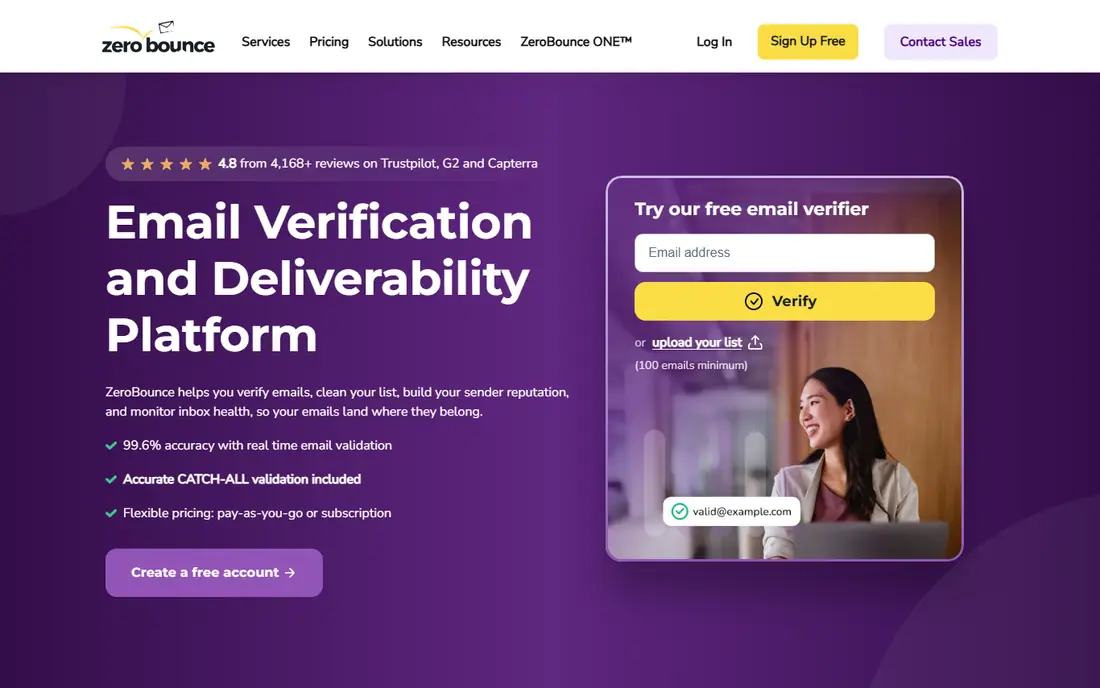
ZeroBounce suits senders who care about more than a valid or invalid label. Its pricing page lists pay as you go from $39 for validating 2,000 email addresses and ZeroBounce ONE at $99 per month. The Freemium plan includes 100 validation credits, 1 inbox test, 1 email server test, 1 blacklist monitor, and 10 Email Finder uses. That mix helps a sender check list quality and placement signals in one place. The page also says unknown results and duplicates are not charged. A sample from the real file will show the unknown rate before the full run.
The catch is the entry point and the free plan conditions. A buyer who only needs 500 checks still faces the 2,000 validation minimum on pay as you go. Free monthly verifications also require a business or premium domain. Pick ZeroBounce if deliverability checks sit beside list cleaning in your workflow. Look elsewhere if you want the lowest small pack price or a free plan with no domain condition.
What we like- Freemium includes inbox and server tests
- Unknown results are not charged
- Duplicates are not charged
Watch out for- Minimum pay as you go purchase is 2,000 validations
- Free monthly verifications need a business or premium domain
Starting price$5 for 500 verifications
Free plan100 free verifications
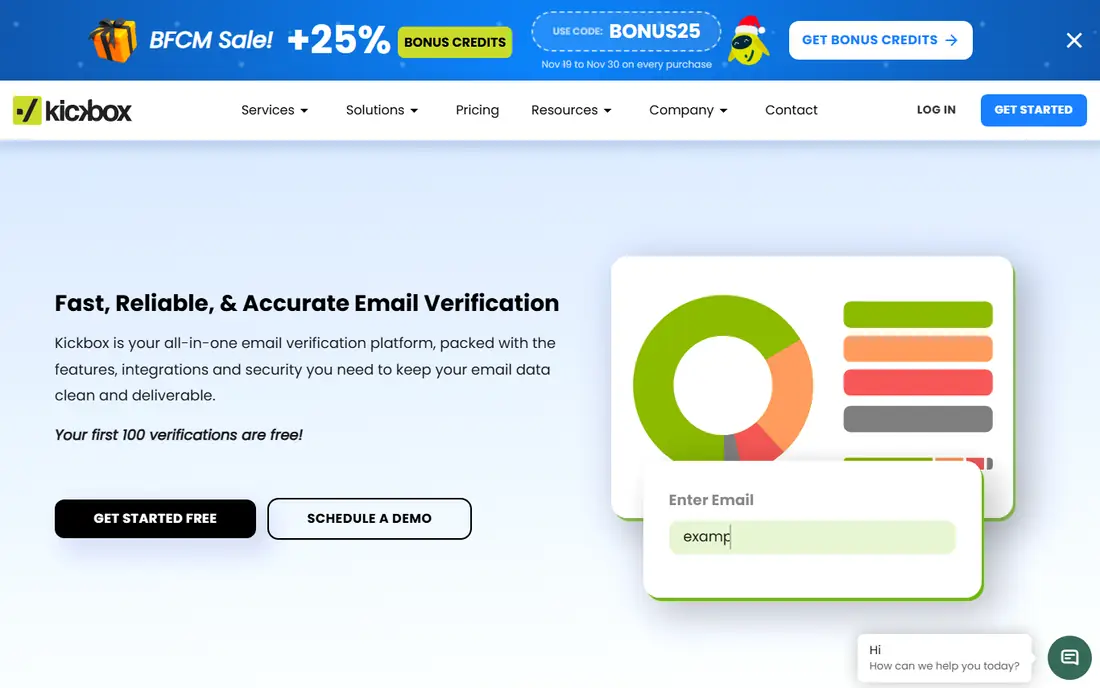
Kickbox is a direct choice for buyers who want pack prices without a sales call. The vendor page lists 100 free verifications, then $5 for 500, $10 for 1,000, $40 for 5,000, $70 for 10,000, $150 for 25,000, and $275 for 50,000. That makes budget approval simple for a one time cleanup before a major send. The page also says unknown results are refunded. For a list with many catch all domains, that refund rule can change the real cost after the run. A sample from the real file will show the unknown rate before the full run.
The catch is that fixed packs may not match your exact list size. If you have 12,000 addresses, you may need to buy a larger pack or split the work across purchases. Pick Kickbox if you want a clear price ladder and a small free test. Look elsewhere if you need subscription credits, inbox placement tests, or a stated never expire rule before you buy.
What we like- Pack prices are easy to compare
- Unknown results are refunded
- 50,000 verifications cost $275
Watch out for- Credits are sold in fixed packs
- The page does not state a credit expiry rule in the text we opened
Starting price$38 for 5,000 credits
Free plan250 free credits
Emailable fits teams that clean lists in bursts and do not want credits to lapse between campaigns. The pricing page lists 5,000 credits at $38 for pay as you go and $32.30 in the monthly subscription example. It states a cost of $0.0076 per credit, a minimum purchase of 5,000 credits, and 250 free credits for every new account. It also says credits never expire and that unknown results and duplicates are returned. Those rules suit seasonal senders and agencies that clean client lists at uneven times. A sample from the real file will show the unknown rate before the full run.
The catch is the 5,000 credit minimum. A founder with a 900 address list pays for far more checks than the first job needs, even though the credits stay available later. Pick Emailable if expiry is your main concern and your list is at least a few thousand records. Look elsewhere if you need a 500 or 1,000 credit starter pack.
What we like- Credits never expire
- 250 free credits for new accounts
- Unknown results and duplicates are returned
Watch out for- Minimum purchase is 5,000 credits
- Subscription saving is 15 percent, so pay as you go costs more per credit
Starting price$8 for 1,000 credits
Free plan100 free credits
Bouncer is built for buyers who compare cost at 10,000, 50,000, and 100,000 addresses. Its pricing page lists a minimum purchase of 1,000 credits, with 1,000 at $8, 5,000 at $35, 10,000 at $60, 50,000 at $250, and 100,000 at $400. It also lists 100 free credits for a start and says credits never expire. The page says duplicates and unknown results are not charged. That combination helps when a CRM export has repeated contacts or many catch all domains. A sample from the real file will show the unknown rate before the full run.
The catch is the small free test. One hundred credits can show the interface and result format, but it cannot prove accuracy on a messy 80,000 record file. Pick Bouncer if you clean large lists and want no expiry pressure. Look elsewhere if you need a larger free trial, a subscription bundle with inbox tests, or a vendor that publishes more detail about result categories before purchase.
What we like- 50,000 credits cost $250
- Credits never expire
- Duplicates and unknown results are not charged
Watch out for- Minimum purchase is 1,000 credits
- The free start is only 100 credits
Starting priceSee website
Free plan100 free credits
Clearout suits teams that want one time cleaning now and a subscription later. The pricing page we opened supports a free account with 100 credits, credits that never expire, subscription credits that roll over, and annual, monthly, and one time routes. It also lists GDPR and ISO and SOC 2 Type II claims. For a procurement review, those compliance statements and rollover rules are useful starting points. The free credits let a team test file handling before it commits to a plan. A sample from the real file will show the unknown rate before the full run.
The catch is price visibility in the text we could open. The pricing page loaded, but the price numerals did not appear in the fetched text, so this guide does not copy a number for Clearout. Pick Clearout if rollover credits and compliance claims matter and you will confirm the current price on the vendor page. Look elsewhere if you need a public pack price in this comparison.
What we like- Free account includes 100 credits
- Credits never expire
- Subscription credits roll over
Watch out for- Price numerals did not appear in the pricing text we opened
- Buyers must confirm plan cost on the vendor page
Starting priceSee website
Free plan100 free credits
MillionVerifier is aimed at buyers with very large files who care about bulk throughput and credit expiry. The vendor homepage we opened lists 100 free credits, no credit card required, and credits that never expire. It also states 1 million verifications for $449. That figure helps a high volume sender frame the top end of the market, but it does not replace an entry pack price for a 5,000 or 10,000 address job. The free credits are enough to check upload flow and result fields. A sample from the real file will show the unknown rate before the full run.
The catch is the missing starter price in the opened text. A small team cannot tell from this guide whether a 2,000 credit purchase is cheap or costly. Pick MillionVerifier if your list is large and you will confirm the current pack price on the vendor site. Look elsewhere if you need a published small pack price before you create an account.
What we like- 100 free credits with no credit card required
- Credits never expire
- Vendor page states 1 million verifications for $449
Watch out for- Entry pack price was not shown in the text we opened
- Small list buyers cannot compare a starter price here
Starting priceFrom $0.00045 per check
Free planNone found on vendor page
DeBounce fits technical buyers who want unit costs for validation and add on checks. The pricing page states from $0.00045 per check and says credits never expire. It also gives credit use for related work: email validation uses 1 credit, catch all validation uses 10 credits, data enrichment uses 20 credits, and list monitoring uses 2 times the list size per month. That detail helps a data team model cost before it turns on extra checks for a large file. A sample from the real file will show the unknown rate before the full run.
The catch is that the lowest per check figure is not the full cost for every record type. Catch all validation and enrichment consume far more credits than a basic validation. Pick DeBounce if you can separate basic checks from paid add ons in your workflow. Look elsewhere if you need a free credit amount stated on the pricing page or a simple pack table for nontechnical buyers.
What we like- Published from price per check
- Credits never expire
- Catch all and enrichment credit costs are stated
Watch out for- Catch all validation uses 10 credits
- Enrichment uses 20 credits, so add ons raise the real cost
Starting priceSee website
Free planNone found on vendor page
BriteVerify is the sales led option in this list for buyers who already use or review Validity data quality tools. The official site we opened loads BriteVerify content under a Contact Data Quality heading. That confirms the product path is live, but the opened text did not publish a price or a free plan limit. For an enterprise data team, the value is the vendor relationship and the wider data quality review, not a self serve pack table. A buyer should ask for current packaging before it compares cost. A sample from the real file will show the unknown rate before the full run.
The catch is low public price transparency. Without a vendor price in the opened text, this guide cannot rank BriteVerify on cost per 1,000 checks. Pick BriteVerify if your company wants a Validity led review and can work through sales. Look elsewhere if you need to buy credits today, compare pack prices in public, or start with a stated free credit amount.
What we like- Official site loads under Validity data quality content
- Fits buyers already reviewing Validity tools
- Public price is not copied from third parties
Watch out for- Public pricing was not shown
- Free plan limits were not stated on the page we opened
Starting price$34 per month billed yearly for Starter
Free planFree plan with 50 credits per month
Hunter suits outreach teams that find addresses and verify them in the same workflow. The pricing page lists a Free plan at $0 with 50 credits per month and Starter at $34 per month billed yearly with 2,000 credits per month. It states that verification uses 0.5 credit per verified email, failed verification uses no credit, and disposable addresses are skipped with no verification credit. That credit model can work well when a team checks smaller prospect lists often. A sample from the real file will show the unknown rate before the full run.
The catch is monthly credit reset. The pricing comparison says credits reset monthly and do not roll over, so a one time 50,000 address cleanup is a poor fit. Pick Hunter if prospecting and verification happen together every week. Look elsewhere if you need bulk file cleaning, credits that never expire, or a pack price for a single large list.
What we like- Free plan includes 50 credits per month
- Verification uses 0.5 credit
- Failed verification uses no credit
Watch out for- Credits reset monthly and do not roll over
- It is a finder and outreach platform, not only a bulk cleaner
How much should you pay to clean a 50,000 email list?
For a 50,000 address list, start with published pack prices and credit rules, not with a per check slogan. Kickbox lists 50,000 verifications at $275. Bouncer lists 50,000 credits at $250. The gap is $25 before you consider unknown results, duplicates, and expiry. Bouncer says duplicates and unknown results are not charged and credits never expire. Kickbox says unknown results are refunded. NeverBounce pay as you go starts at $8 per 1,000 credits, but this guide does not assume that the same unit price holds at 50,000 credits. Emailable requires a 5,000 credit minimum and says credits never expire, which helps if the 50,000 list will be cleaned in stages. A practical test is to run 500 to 1,000 records from the real file, count unknown and risky results, then price the full job with the vendor rule for those results. If unknowns are high, refund and no charge rules matter more than a small pack price gap.
Should you clean your list before every campaign?
Clean before every campaign only when the list changes often or the send is high value. A stable house list with recent engagement may need a lighter check for hard bounces and role accounts. A purchased, partner, or old CRM list should be cleaned before the first send. Cleaning does not make a weak permission record safe. It only reduces address risk. If subscribers have not heard from you in a year, use a reactivation plan and suppress nonresponders.
What is the difference between unknown and risky results?
Unknown means the verifier could not confirm the mailbox with confidence. Risky means the address may accept mail but carries a higher chance of a bounce, complaint, or trap. The cost rule matters here. ZeroBounce and Bouncer state that unknown results are not charged. Kickbox states that unknown results are refunded. Treat risky results by segment. Suppress them for a first send, then test a small group only if the source and permission record are strong.
Can list cleaning fix a bad sender reputation?
List cleaning can remove bad addresses, but it cannot repair poor permission, weak authentication, or repeated complaints. If bounces fall after cleaning, reputation may improve over time. If complaints stay high, the problem is audience fit or consent. Check SPF, DKIM, and DMARC, then review signup sources and unsubscribe handling. A cleaner list helps most when the sending domain already has sound authentication and a clear opt in record.
Frequently asked questions
How many free credits do you need to test a list cleaner?
Use at least 100 credits to check file upload, result labels, and export format. Use 500 to 1,000 records if you want a better read on unknown and risky rates. Emailable gives 250 free credits. Kickbox, Bouncer, Clearout, and MillionVerifier list 100 free credits or verifications in the vendor text we opened.
Is pay as you go cheaper than a subscription?
Pay as you go is cheaper when you clean once or twice a year. A subscription can be cheaper when you clean every week and use the credits before they reset. Emailable shows $38 for 5,000 pay as you go credits and $32.30 in a monthly subscription example. Compare expiry and rollover rules before you decide.
Should you remove catch all addresses?
Do not remove every catch all address by default. Catch all domains accept mail for many local parts, so the mailbox may exist or may bounce later. Send to engaged catch all contacts first. Suppress catch all records from old or weak sources. DeBounce charges 10 credits for catch all validation, which shows why this group needs separate handling.
What list size makes Bouncer or Kickbox a better buy?
At 50,000 addresses, Bouncer lists $250 and Kickbox lists $275. At 10,000, Bouncer lists $60 and Kickbox lists $70. At 1,000, Kickbox lists $10 and Bouncer lists $8 for 1,000 credits. The better buy depends on unknown results, duplicates, and whether credits expire before your next clean.
Can a list cleaner guarantee inbox placement?
No. A cleaner can reduce invalid and risky addresses, but inbox placement also depends on authentication, engagement, complaints, content, and sending history. ZeroBounce includes inbox and blacklist tools in Freemium, which can add signals. Still, no vendor page in this guide proves placement for your domain. Test with your own seed list and campaign data.
What to look for before you buy
First, price the exact list size with the vendor pack or credit rule. Second, check whether unknown results and duplicates are charged, refunded, or returned. Third, confirm credit expiry, because a cheap pack can lose value if credits lapse. Fourth, test the export fields against your CRM or email platform. Fifth, run a small sample from the real file and count valid, risky, unknown, disposable, and role based results before you buy the full pack.
How we chose
We compared vendor pricing pages and official product pages checked on 2026-11-28. We favored tools with clear pack or credit prices, stated free tests, and explicit rules for unknown results, duplicates, and credit expiry. We did not claim hands on testing. Where a vendor page loaded but price numerals did not appear in the opened text, we wrote See website instead of copying a third party figure.
Sources we checked (10)
- https://neverbounce.com/pricing
- https://zerobounce.net/pricing
- https://kickbox.com/pricing
- https://emailable.com/pricing
- https://www.usebouncer.com/pricing
- https://clearout.io/pricing
- https://millionverifier.com
- https://debounce.com/pricing
- https://briteverify.com
- https://hunter.io/pricing
Is your product missing or out of date?
We review this list regularly. Vendors can request a listing, send updated pricing or ask about featured placement.

Shihab Mia · Founder, Rankite
Shihab has 5+ years in B2B and SaaS SEO. He writes Rankite's software buying guides from pricing pages, documentation and public user reviews. More about Shihab.