How we make this list: we compare pricing pages, product documentation and public user reviews. Ratings come from G2, Capterra or Trustpilot, with the date we checked them.
Key takeaways
- Celigo leads NetSuite-centric ecommerce integration with prebuilt Shopify and Amazon flows; Boomi and MuleSoft serve larger multi-system estates.
- Workato and Tray.io offer low-code automation that business teams can own, with AI-assisted workflow building.
- Alumio and SnapLogic bring strong data-mapping and API-orchestration capabilities for complex catalog and order flows.
- Pricing across this category is quote-based; integration complexity, not license cost, usually decides the budget.
Quick comparison
| Tool | Best for | Starting price | Free plan |
|---|
 Celigo Celigo | NetSuite and Shopify sync | See website | No |
 Jitterbit Jitterbit | Mid-market integration | See website | No |
 Boomi Boomi | Enterprise hybrid integration | See website | No |
 MuleSoft MuleSoft | API-led enterprise integration | See website | No |
 Workato Workato | Low-code business automation | See website | No |
 Tray.io Tray.io | Embedded and internal integrations | See website | No |
 Alumio Alumio | API orchestration for commerce | See website | No |
 SnapLogic SnapLogic | AI-driven data integration | See website | No |
Is your product missing or out of date?
We review this list regularly. Vendors can request a listing, send updated pricing or ask about featured placement.
The best ecommerce integration software
Ecommerce integration software connects storefronts with ERP, CRM, WMS, marketplaces and fulfillment so orders, inventory and customer data stay in sync. The market centers on iPaaS platforms, some ecommerce-specialized, some general enterprise. Eight platforms.
Starting priceSee website
Free planNo
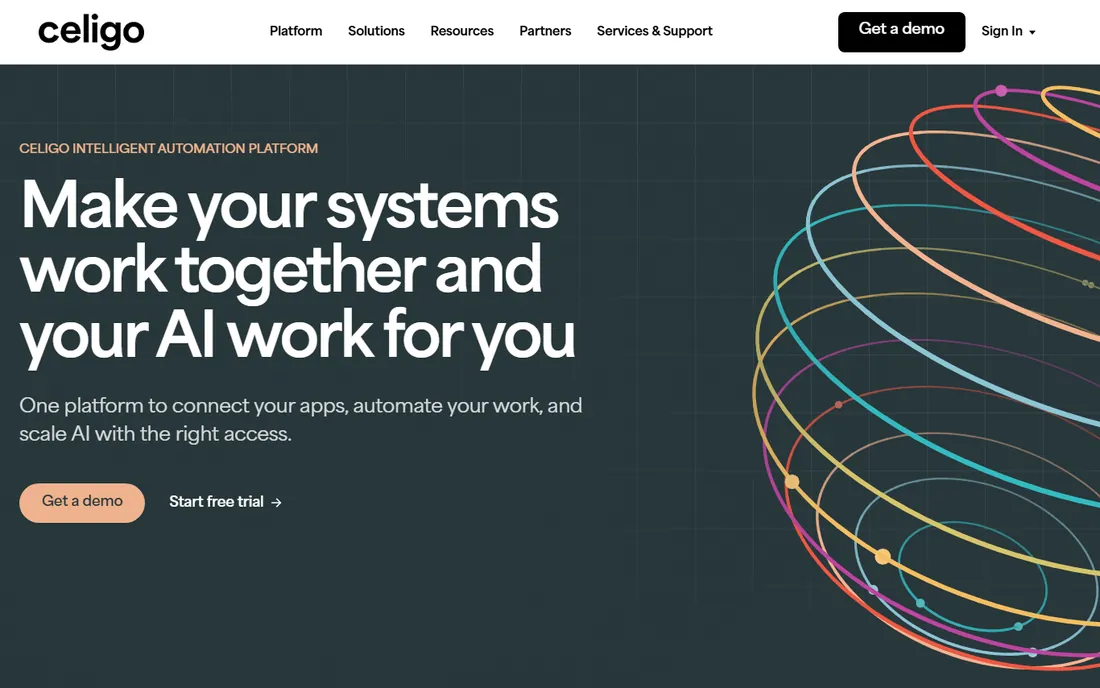
Celigo's integrator.io specializes in commerce flows: orders, inventory and fulfillment syncing between Shopify, Amazon, marketplaces and NetSuite or other ERPs, with prebuilt templates that shorten implementation.
Non-NetSuite shops should evaluate fit carefully. Celigo fits ecommerce brands, especially NetSuite users, that want proven storefront-to-ERP automation.
What we like- Prebuilt ecommerce to ERP templates
- Founded by former NetSuite developers
- Strong Shopify, Amazon and marketplace connectors
Watch out for- NetSuite-centricity is a plus or minus depending on your stack
- Some users note higher costs at scale
Starting priceSee website
Free planNo
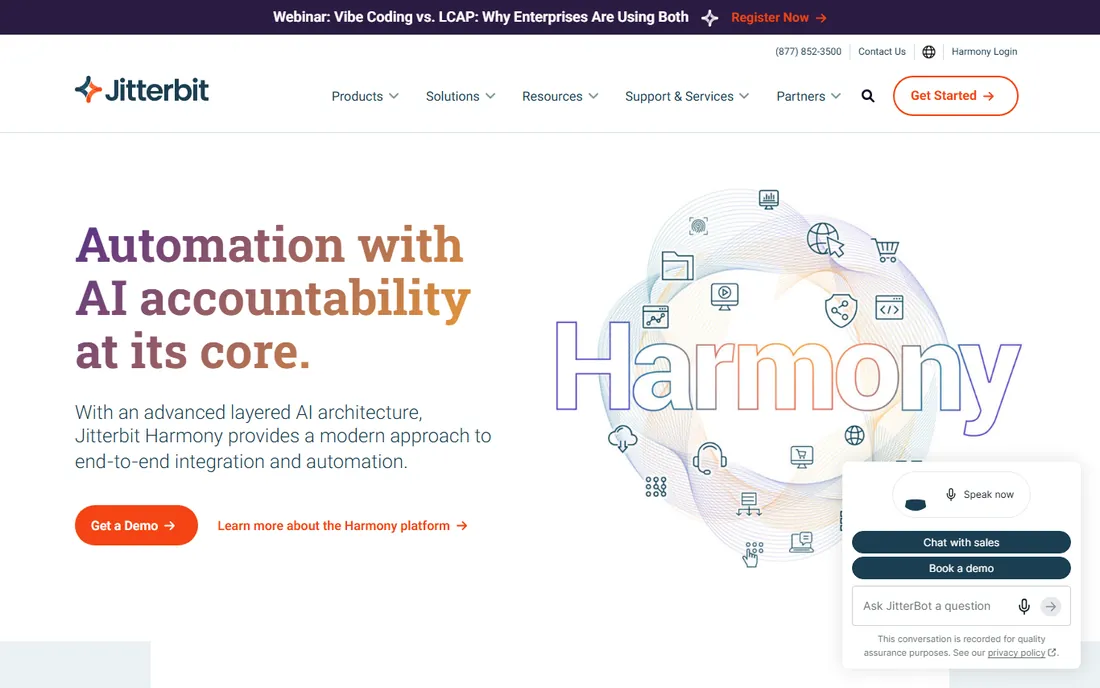
Jitterbit serves mid-market integration needs: connecting ecommerce platforms with ERP, finance and HCM systems through approachable mapping tools and API management.
Enterprise buyers may want broader platforms. Jitterbit fits mid-size retailers and brands needing reliable integration without enterprise overhead.
What we like- Easy data mapping
- API creation
- Moderate pricing for the category
- Solid POS-to-ERP and HCM integrations
Watch out for- Smaller ecosystem than Boomi or MuleSoft
- The interface shows its age
Starting priceSee website
Free planNo
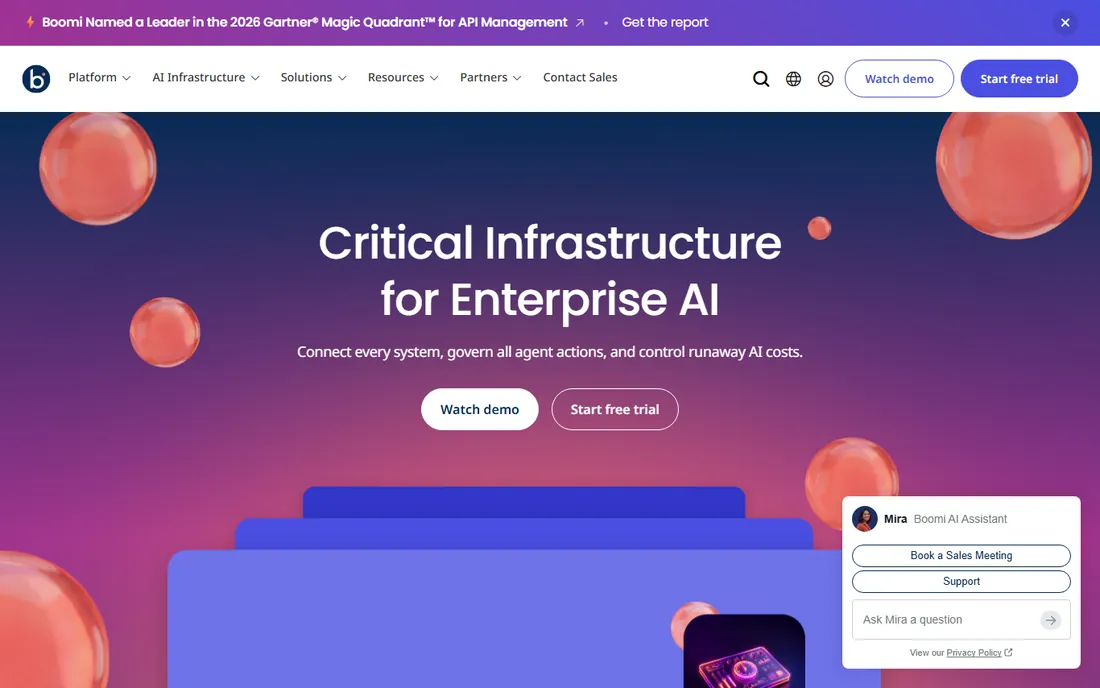
Boomi handles complex omnichannel integration: high-volume EDI, API flows and multichannel order and inventory sync across hybrid environments. The connector library and B2B toolkit are deep.
Expect enterprise sales cycles and budgets. Boomi fits large retailers and manufacturers running ecommerce alongside EDI trading partners.
What we like- Mature enterprise platform
- Hybrid cloud support
- Extensive connectors
- Strong EDI and B2B capabilities
Watch out for- Enterprise pricing
- Complexity suits IT-led teams rather than business users
Starting priceSee website
Free planNo
MuleSoft's Anypoint Platform takes an API-led approach: design, manage and secure APIs connecting commerce systems with CRM, ERP and legacy platforms. Salesforce ownership deepens the CRM integration story.
Cost and skill requirements are significant. MuleSoft fits enterprises standardizing on API-led connectivity, especially Salesforce-centric ones.
What we like- Full API lifecycle management
- Strong security and governance
- Salesforce synergy
- Proven at massive scale
Watch out for- Among the priciest options
- Developer-driven, requiring real integration expertise
Starting priceSee website
Free planNo
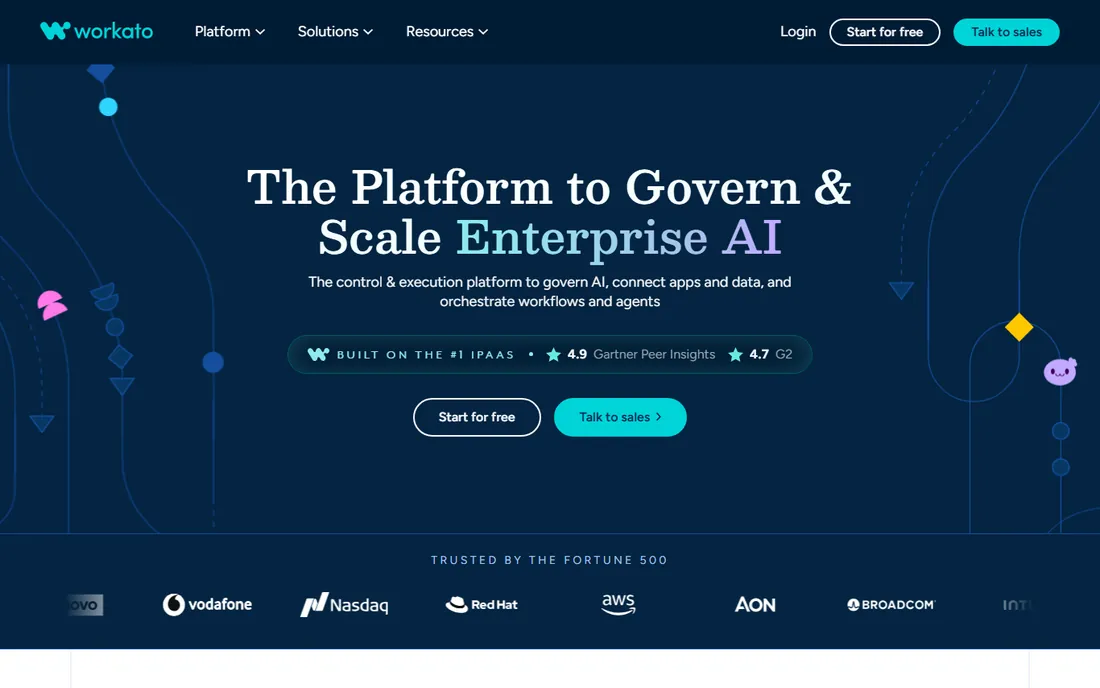
Workato emphasizes speed: business teams build "recipes" automating ecommerce workflows, from order routing to customer data sync, with AI support. The connector catalog is among the widest.
Pricing scales with usage, so governance matters. Workato fits mid-market companies wanting fast automation owned partly by business teams.
What we like- No-code recipes business users can build
- AI-assisted automation
- 1,000-plus connectors
- Good mid-market ROI
Watch out for- Usage-based pricing needs monitoring
- Complex scenarios still need technical help
#6
Tray.io
Best for: Embedded and internal integrations
Visit tray.io
Starting priceSee website
Free planNo
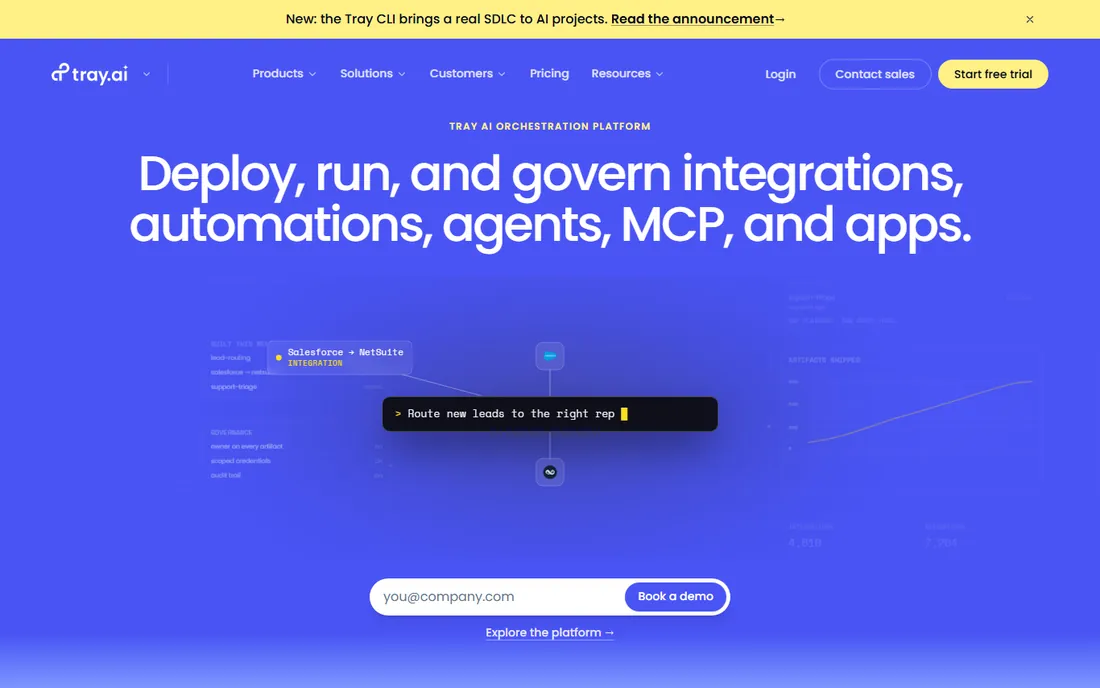
Tray.io serves two audiences: internal teams automating processes, and SaaS companies embedding integrations into their products. The visual builder handles complex logic without full code.
Ecommerce-specific templates are thinner. Tray.io fits tech-forward teams building custom commerce integrations or embedded connectivity.
What we like- Visual workflow builder
- Strong embedded integration story for SaaS products
- Good for technical and semi-technical builders
Watch out for- Less ecommerce-template depth than Celigo
- Pricing is quote-based
Starting priceSee website
Free planNo
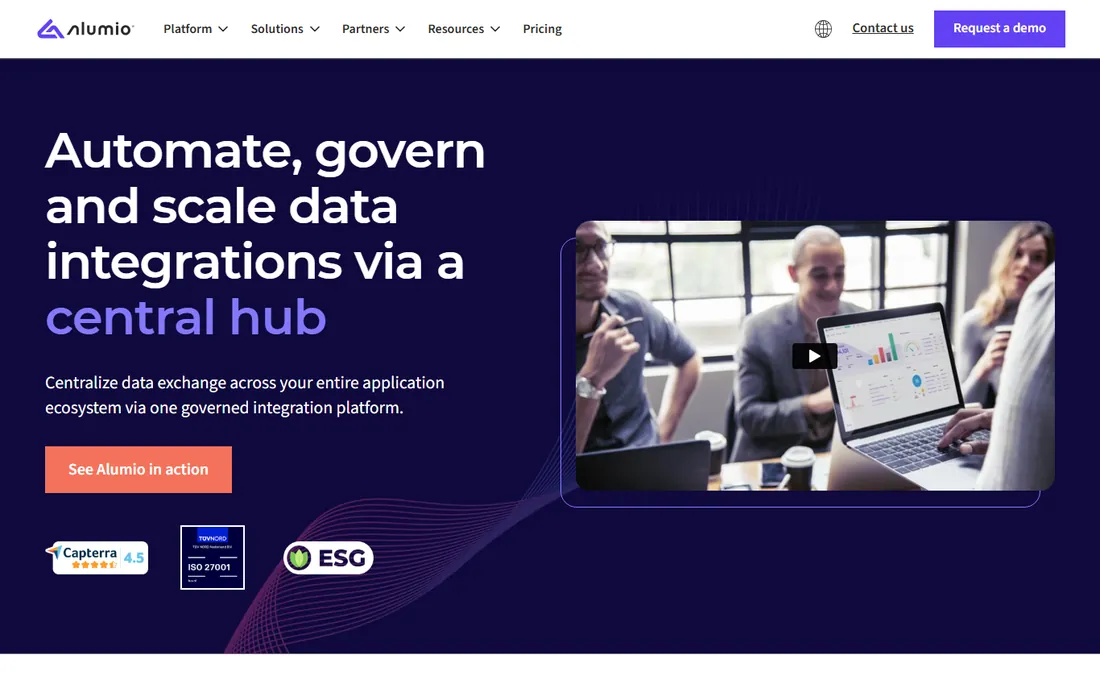
Alumio focuses on digital commerce integration: orchestrating APIs and data between storefronts, ERPs, PIMs and marketplaces with a platform designed around commerce data models.
Awareness is lower in the US market. Alumio fits European and mid-market ecommerce companies needing serious API orchestration.
What we like- Purpose-built for connecting commerce systems
- Strong API and data orchestration
- European vendor with good mid-market fit
Watch out for- Smaller vendor with less brand recognition outside Europe
- Fewer prebuilt templates than Celigo
Starting priceSee website
Free planNo

SnapLogic brings AI to integration: intelligent pipeline suggestions accelerate building data flows for retail analytics, inventory sync and order data. Real-time capabilities suit demanding volumes.
It is more data-platform than commerce-app. SnapLogic fits enterprises treating ecommerce integration as part of broader data architecture.
What we like- AI-assisted pipeline building
- Real-time sync
- Strong data integration and ETL heritage
- Enterprise scale
Watch out for- Data-pipeline heritage means less ecommerce-app focus
- Enterprise pricing
What to check before you buy
Map your actual flows first. Order-to-cash, inventory sync, marketplace listings and returns each stress different capabilities; a platform strong on ERP sync may be weak on marketplace connectors.
Verify prebuilt connectors for your specific systems and versions. Check error handling and monitoring: integrations fail, and the platform's retry, alerting and replay tools decide your 3 AM experience. Evaluate who builds and maintains flows: business-user tools shift cost from IT to licenses. Finally, model total cost including implementation services, which often exceed first-year licenses.
Mapping your integration backlog before you buy
Integration platforms get bought on features and judged on coverage. The gap between those two is your actual backlog: the specific connections, transformations and sync frequencies your business needs. Map it before you sign.
List every system that holds data someone else needs. The usual suspects: storefront, ERP, CRM, warehouse management, 3PL, accounting, email marketing, customer service desk, returns platform, POS. For each pair that should talk, write down what flows which direction, how often, and what happens when it breaks. An order flowing to the warehouse in real time is a different requirement from a nightly customer sync to the email tool.
Grade each flow by pain. Which integrations currently run on manual CSV exports, copy-paste or prayer? Those are your phase one. The flows that already work through native connectors or simple webhooks can wait. Buyers who automate the most painful five flows first see ROI in weeks; buyers who try to boil the ocean see a project.
Define your transformation needs honestly. Simple field mapping is table stakes. The questions that separate platforms: do you need complex business logic (tax rules, multi-warehouse allocation, bundle decomposition), data cleansing, or master data management? Heavy transformation needs push you toward more powerful platforms or a paired data tool.
Document your exception handling requirements. Integrations fail: APIs go down, schemas change, credentials expire. Who gets alerted, how are failures retried, and can a non-engineer replay a failed sync? The platform's error handling matters more in production than its connector count did in the demo.
Finally, count the long tail. Every business has three to five weird systems (the legacy EDI setup, the custom-built configurator, the industry-specific tool) that no connector list covers. Verify each one specifically: API quality, webhook support, or at minimum a workable file-based pattern. The long tail is where integration projects go to die.
How we chose
We selected integration platforms with real ecommerce customer bases and live products, spanning commerce-specialized and general iPaaS, using vendor sites, documentation and public reviews. Pricing is quote-based across the category, so all prices are See website. We did not build integrations.
Build vs buy vs iPaaS: an honest comparison
Every growing ecommerce business faces the same three options for integrations. Each is right for someone, and wrong for most.
Native connectors and apps are the default starting point. Shopify, BigCommerce and the major ERPs all have app stores full of prebuilt integrations. They are cheap, fast to deploy and maintained by someone else. Their limits appear as you scale: fixed field mappings, no cross-system logic, and one more dashboard to monitor per app. Use them for standard flows (email marketing sync, reviews, basic accounting) and outgrow them deliberately.
Custom builds make sense for exactly one scenario: a truly unique integration that is core to your competitive advantage, built by a team you will keep. A custom configurator-to-ERP flow for a made-to-order business might qualify. Everything else is a trap: the developer who built it leaves, the API changes, documentation is a Slack thread, and the "simple script" becomes load-bearing infrastructure nobody dares touch. Price a custom integration over three years of maintenance, not three weeks of building.
Point-to-point middleware (Zapier-style tools, custom APIs per pair) works until about ten integrations, then collapses under its own weight. Every system change ripples through N connections, monitoring is scattered, and nobody can draw the data flow on one page. It is fine for startups; it is technical debt for everyone else.
iPaaS platforms earn their keep in the middle: enough integrations to need central management, enough complexity to need transformation and error handling, but not enough scale to justify a dedicated integration team. The honest test is the total cost of ownership over three years, including the platform fee, implementation, and the headcount you did not have to hire. If that number beats the alternatives, buy the platform.
Frequently asked questions
What is ecommerce integration software?
Software that connects an online store with ERP, CRM, warehouse, marketplace and fulfillment systems, automating the flow of orders, inventory, customers and financial data.
What is an iPaaS?
Integration Platform as a Service: a cloud platform for building, deploying and managing integrations between applications, typically with prebuilt connectors and visual workflow tools.
Do I need iPaaS or will native integrations suffice?
Native integrations work for simple one-to-one connections. iPaaS earns its keep with many systems, complex transformations, EDI requirements or high transaction volumes.
How much does ecommerce integration cost?
Licenses range from hundreds to thousands monthly depending on connections and volume, but implementation services often cost more than the first year of software. Budget for both.
How long does implementation take?
Template-based flows can go live in weeks; complex multi-system integrations with custom logic take months. Data quality issues are the usual delay.
What is the difference between Celigo and Boomi?
Celigo specializes in ecommerce and NetSuite-centric flows with prebuilt templates. Boomi is a broader enterprise platform covering EDI, hybrid cloud and complex multi-system estates.
How long does an iPaaS implementation take?
A first integration (typically orders to the warehouse or ERP) goes live in two to six weeks on most platforms. Full rollout across a dozen systems takes three to six months, depending on data quality and how many custom transformations are needed. The long pole is rarely the platform; it is cleaning up inconsistent product data and agreeing on business rules between teams.
What happens when a connected API changes?
This is the constant reality of integrations. Good platforms detect schema changes, alert the owner, and either adapt automatically or pause the flow safely rather than corrupting data. Ask vendors specifically about their change-detection and error-handling behavior, because every SaaS API you connect to will change without asking your permission first.
Sources we checked (8)
- https://www.celigo.com
- https://www.jitterbit.com
- https://www.boomi.com
- https://www.mulesoft.com
- https://www.workato.com
- https://tray.io
- https://www.alumio.com
- https://www.snaplogic.com
Is your product missing or out of date?
We review this list regularly. Vendors can request a listing, send updated pricing or ask about featured placement.

Shihab Mia · Founder, Rankite
Shihab has 5+ years in B2B and SaaS SEO. He writes Rankite's software buying guides from pricing pages, documentation and public user reviews. More about Shihab.