How we make this list: we compare pricing pages, product documentation and public user reviews. Ratings come from G2, Capterra or Trustpilot, with the date we checked them.
Key takeaways
- If you buy from Amazon, the Kindle app is the natural pick, since it syncs across phones, tablets, computers, and Kindle e-readers.
- Libby is the best free route to new books, because it borrows ebooks and audiobooks from your local public library with a library card.
- Readers with their own EPUB files should look at Moon+ Reader, PocketBook Reader, or FBReader instead of a store app, since those handle local files better.
- Apple Books and Google Play Books are the simplest choices if you already live in one phone ecosystem and buy books one at a time.
Quick comparison
Is your product missing or out of date?
We review this list regularly. Vendors can request a listing, send updated pricing or ask about featured placement.
The best ebook reader apps
Starting price$0
Free planYes
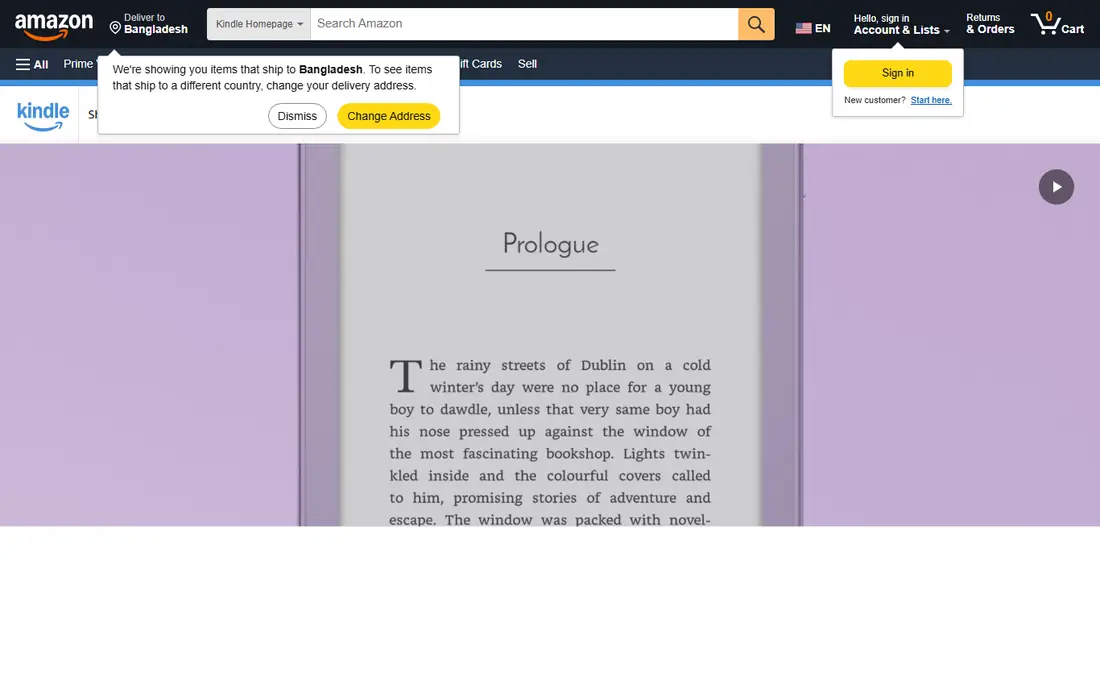
Kindle is the default for a reason. If you buy ebooks from Amazon, the app puts them on your phone, tablet, and computer, and on a Kindle e-reader if you own one, with your place, bookmarks, and notes following you. Features such as the built-in dictionary, X-Ray for characters and terms, and switching to the matching Audible audiobook make it more than a simple page viewer.
The downside is lock-in. Kindle books stay inside Amazon's system, so moving your library to another app later takes work. Readers with a large EPUB collection from other sources will find the Kindle app awkward, since those files need to be sent through Amazon or converted first. If Amazon is already where you buy books, none of that matters much, and Kindle is the easy pick.
What we like- Largest ebook store in this list
- Syncs position, notes, and highlights across devices
- Built-in dictionary, X-Ray, and Audible switching
Watch out for- Locks purchased books to Amazon apps and devices
- EPUB files need conversion or sending through Amazon
- Store-first design pushes buying over organizing
Starting price$0
Free planYes
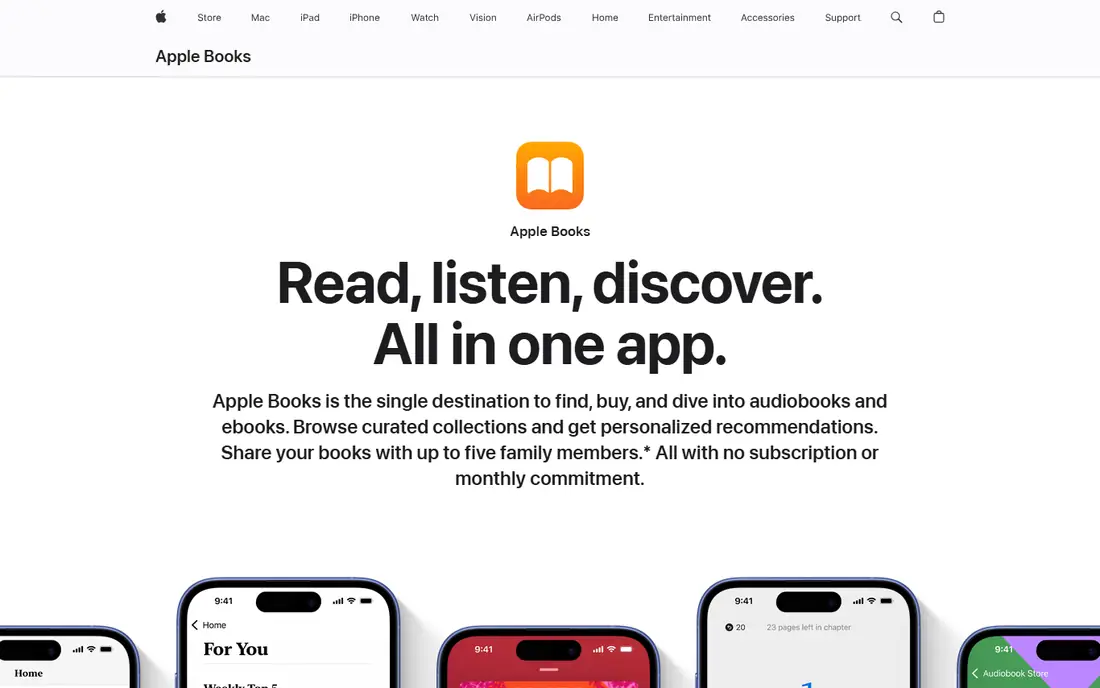
Apple Books is already on your Apple devices, which is half its appeal. There is nothing to install on an iPhone, iPad, or Mac, and the store, audiobooks, and your own EPUB and PDF files sit in one library. Reading goals, adjustable themes, and sync across Apple devices make it pleasant for daily reading, and Family Sharing lets eligible purchases reach other family members.
The limit is the ecosystem wall. Apple Books does not run on Android or Windows, so a household with mixed devices will struggle to share one library. The store is also smaller than Amazon's in some categories, and readers who manage thousands of local files will want stronger organization tools. For a reader who stays inside Apple hardware, though, Apple Books is simple and hard to fault.
What we like- Built into iPhone, iPad, and Mac
- Clean reading view with goals and themes
- Family Sharing covers up to five other family members
Watch out for- No Android or Windows version
- Store catalog varies by country
- Fewer file-management tools than file-first readers
Starting price$0
Free planYes
Google Play Books is the most flexible store-backed reader here. The app is free, books are bought one at a time with no subscription, and you can upload your own EPUB and PDF files to read alongside store purchases. That mix suits readers who buy some books and keep a personal collection of files, since both live in the same library and sync across Android, iOS, and the web.
It is not the best tool for heavy research. Highlight and note export is more limited than in some file-first apps, and the store, while large, does not match Amazon in every category. There is also no Google e-reader device, so long reading sessions happen on a phone or tablet screen. For an Android reader who wants one app for store books and personal files, Google Play Books is a strong, low-friction choice.
What we like- Free app with no subscription needed
- Lets you upload your own EPUB and PDF files
- Works on Android, iOS, and the web
Watch out for- Store prices and selection vary by country
- Highlight export is limited for research use
- No dedicated e-reader hardware of its own

#4
Kobo Books
Best for: Kobo store buyers and Kobo e-readers
Visit kobo.com
Starting price$0
Free planYes
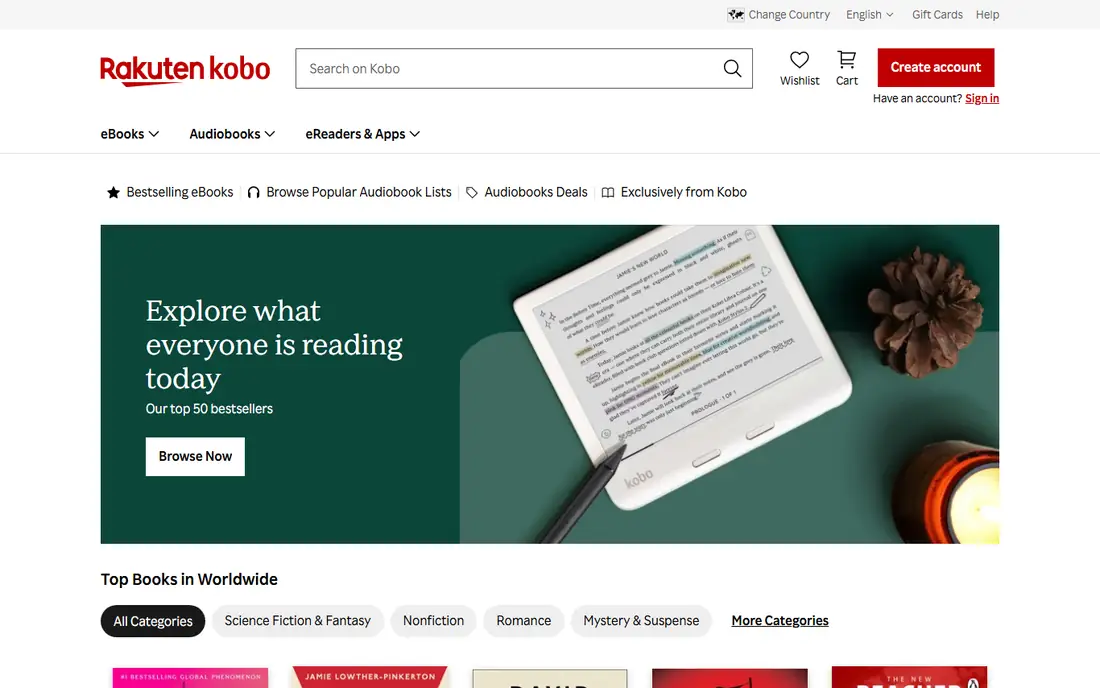
Kobo Books pairs with Kobo e-readers in the same way Kindle pairs with Amazon devices. Buy a book in the app, and it appears on a Kobo e-reader with your reading position intact. The store sells ebooks and audiobooks one at a time, and Kobo Plus, at $7.99 per month for reading or $9.99 per month for reading and listening combined, opens a large subscription catalog for readers who finish several books a month.
The trade is catalog depth. Kobo's store is solid, but in the US it does not match Amazon for breadth, and Kobo Plus leans toward backlist titles rather than the newest releases. The app itself is functional rather than beautiful, with a plainer library view than its rivals. Readers who already own a Kobo device, or who prefer EPUB-based books, will still find it a natural home.
What we like- App is free and syncs with Kobo e-readers
- Kobo Plus subscription adds a large catalog for $7.99 per month
- Supports EPUB, which makes file handling easier
Watch out for- Store is smaller than Amazon in the US
- Kobo Plus catalog has fewer new releases
- App interface feels less polished than Kindle or Apple Books
Starting price$0
Free planYes
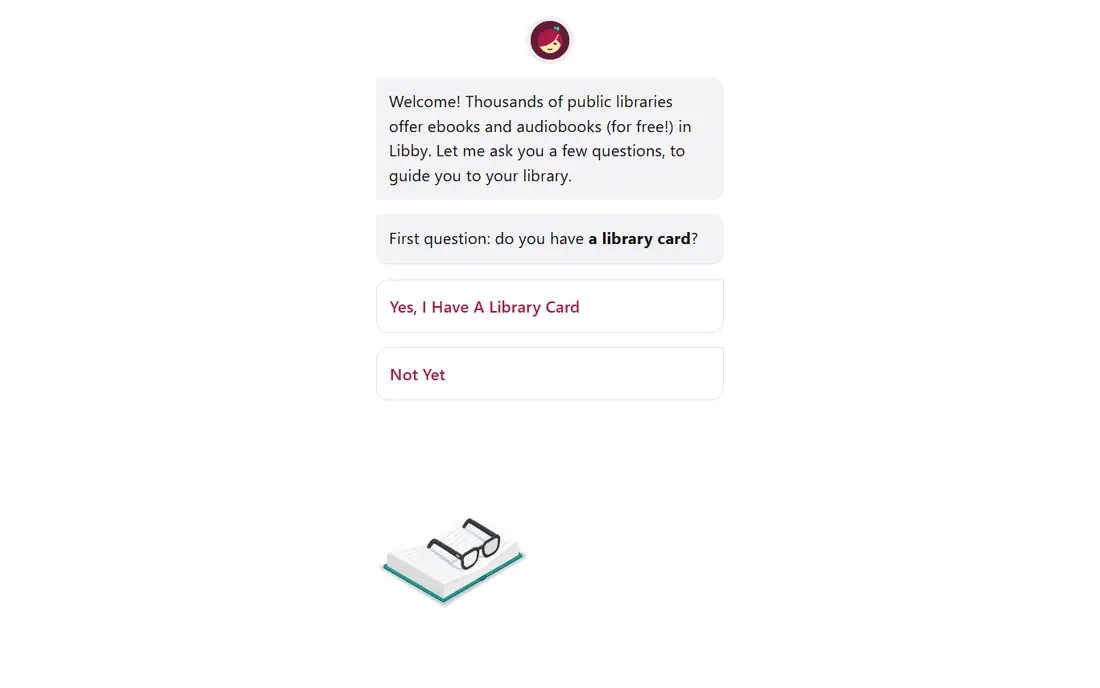
Libby, from OverDrive, is the only app here where new books cost nothing beyond the taxes that fund your library. With a valid public library card, you can borrow ebooks, audiobooks, and magazines, read or listen offline, and return titles automatically at the end of the loan. In the US, many borrowed ebooks can also be sent to a Kindle e-reader or the Kindle app.
The limits come from library lending itself. A popular new release may have a wait list, your library sets how many titles you can borrow at once, and loan periods are usually one to three weeks. That makes Libby a poor fit if you need a specific book today and cannot wait. As a companion to a store app, though, it is excellent, since it turns a library card into a steady supply of free reading.
What we like- Borrows ebooks, audiobooks, and magazines free with a library card
- No late fees, since loans expire automatically
- Sends some ebooks to Kindle in the US
Watch out for- Popular titles often have wait lists
- Loan limits and loan periods are set by your library
- Requires a participating public library card
Starting price$0
Free planYes
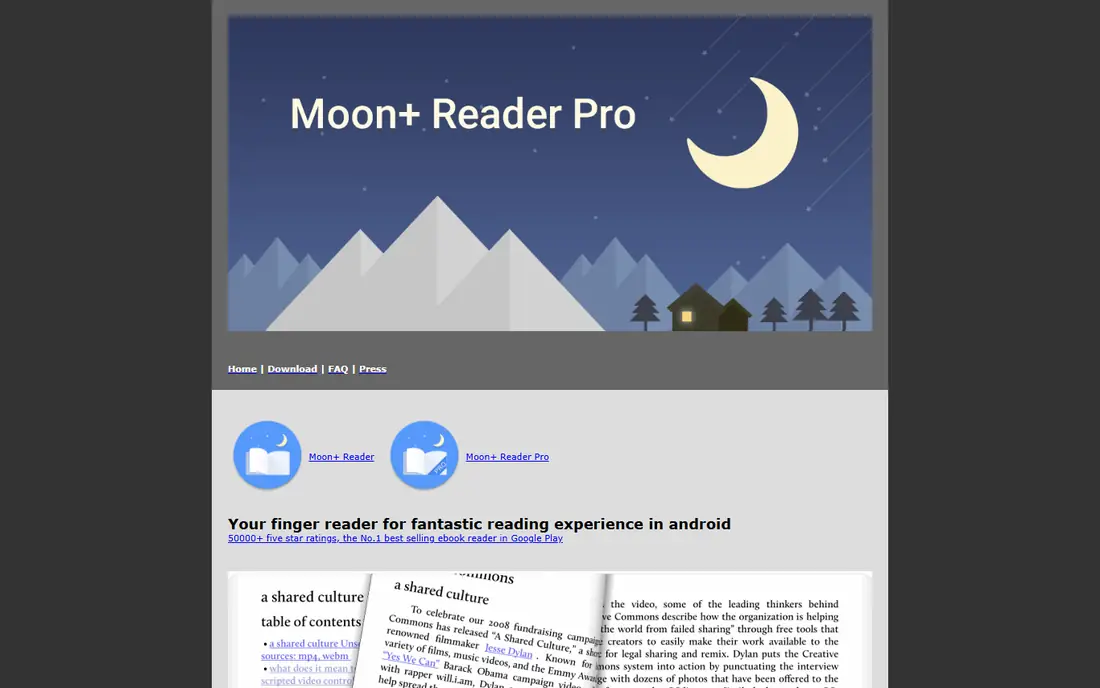
Moon+ Reader is built for people who keep their own ebook files. It opens EPUB, PDF, MOBI, and several other formats, pulls books from local folders and cloud storage, and lets you tune almost every part of the page, from fonts and line spacing to tap zones and auto-scroll. A speed-reading mode flashes words one at a time for readers who want to practice faster reading, and the Pro version, at $11.99 as a one-time purchase, removes ads and adds extras such as text-to-speech and PDF annotation.
The main limits are platform and complexity. Moon+ Reader is Android only, so iPhone readers need another app, and the sheer number of settings can confuse someone who just wants to open a book. It also has no store of its own, so you supply the files. For an Android reader with a personal library who cares about how the page looks, it is the most configurable option here.
What we like- Very wide format support, including EPUB, PDF, MOBI, and comics
- Deep control over fonts, spacing, themes, and gestures
- Pro version is a one-time purchase at $11.99
Watch out for- Android only, with no iOS version
- Settings can overwhelm a new reader
- Free version shows ads
Starting price$0
Free planYes
PocketBook Reader is a free app for reading almost anything you throw at it. It supports EPUB, FB2, MOBI, PDF, DJVU, and comic formats, handles Adobe DRM titles, and can reflow PDF text for phone screens. A free cloud service syncs books, positions, notes, and bookmarks across devices, and owners of PocketBook e-readers can sync by scanning a QR code.
The app is less store-driven than Kindle or Kobo, which is a strength for file readers and a weakness for impulse buyers. Its built-in store exists, but most readers will use PocketBook Reader for files they already own. The interface has many options, so the first day takes some exploring. Once set up, it is one of the most capable free readers available, especially for readers with mixed formats.
What we like- Free app with no ads in the core reading view
- Supports 26 book and audio formats
- Free cloud sync across devices and with PocketBook e-readers
Watch out for- Store is less prominent than Amazon or Kobo
- Some advanced features are easier on a PocketBook device
- Interface takes a little learning
Starting price$0
Free planYes
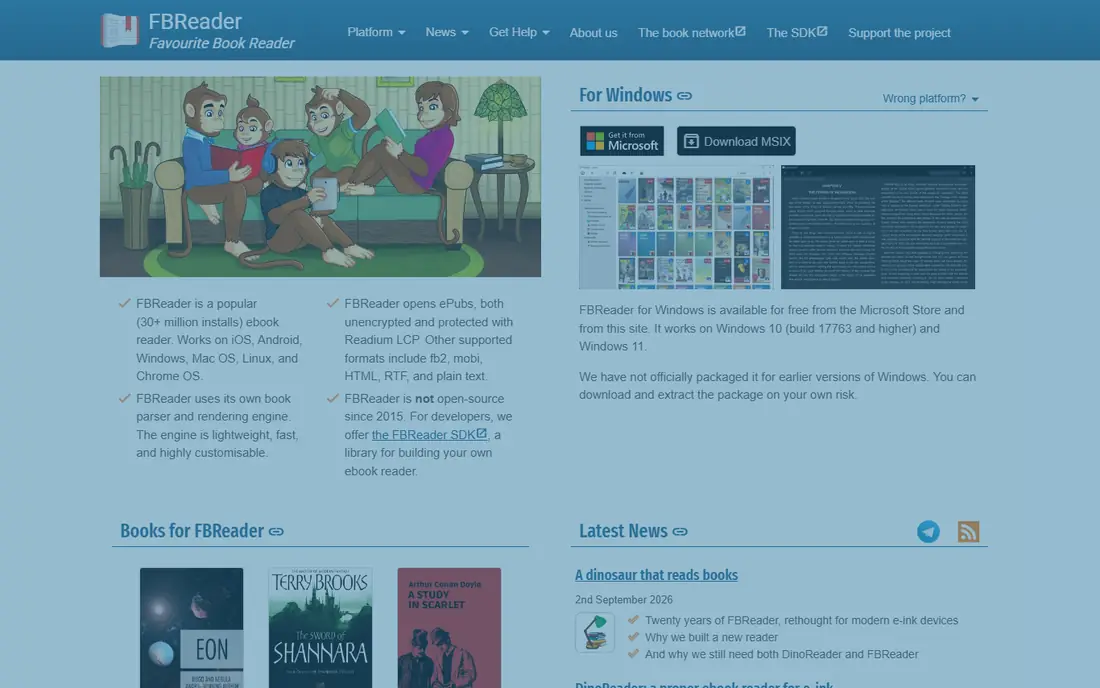
FBReader has been around since the early days of mobile reading, and it still does one job well: opening your own books quickly. It handles EPUB, including EPUB3 features, Kindle AZW3, FB2, RTF, and plain text, and it lets you use custom fonts, backgrounds, and day and night color schemes. Sync is off by default and runs through a Google Drive based book network when you turn it on.
The dated look is the first thing new users notice, and PDF and comic support requires an extra plugin in the free version or the Premium edition, which is a one-time purchase rather than a subscription. FBReader also has no store, so it suits readers who already have files. If you want a light, fast reader that stays out of the way, FBReader remains a solid choice, particularly on older Android phones.
What we like- Fast and light on older phones
- Strong EPUB and FB2 support with custom fonts
- Syncs library and position through a Google Drive based service
Watch out for- PDF and comics need a plugin or the Premium version
- Interface looks dated next to newer apps
- Premium price varies by store, so check before buying
How we chose
We compared store listings, vendor pages, documentation, and public reviews on app stores, G2, Capterra, and Reddit, and we weighed store size, format support, sync, offline reading, and fit for different devices. Apps made the list only if they exist today, are available in the US, and genuinely serve as a daily reading app rather than a single-purpose storefront. We did not claim hands-on testing, and we left out apps whose current status or pricing could not be checked.
Picking the right reader for your library
Start from where your books live, not from a feature list. A reader that cannot open your books is useless, no matter how polished it looks. List your main sources, such as Amazon purchases, a library card, a folder of EPUB files, or a Kobo device, and shortlist only the apps that cover those sources.
If you buy books
Store readers win here. Kindle suits Amazon buyers, Apple Books suits Apple device owners, Google Play Books suits Android owners who also keep personal files, and Kobo Books suits Kobo device owners. Buying one book at a time keeps costs predictable, while a subscription such as Kobo Plus only pays off if you read several included titles each month.
If you borrow or own files
Libby should be your first install if you have a library card, since it costs nothing and covers new releases over time. For personal files, Moon+ Reader on Android, PocketBook Reader, and FBReader all handle more formats than store apps. Try one with a real book from your collection, check fonts and night mode, and see whether sync matters to you across a phone and a tablet.
Check the screen you read on
Phone reading favors apps with good night mode, adjustable margins, and one-handed controls. Tablet reading favors apps with two-page views and comic support. E-reader owners should match the app to the device, since Kindle books go to Kindle devices and Kobo books go to Kobo devices, while Libby can bridge to both in some cases.
Frequently asked questions
What is the best free ebook reader app?
There is no single winner, since the best free app depends on your books. Libby is best for free new books from a library, Google Play Books is best for a mix of store purchases and personal EPUB files, and PocketBook Reader is best for a large personal collection in many formats. All three are free to download, and you can run more than one at once.
Can I read EPUB files on the Kindle app?
Kindle does not open EPUB files directly in the same way a file-first reader does. You can send EPUB files through Amazon's Send to Kindle service, which converts them for Kindle apps and devices. Readers with a large EPUB library who do not want that extra step will be happier with Google Play Books, Moon+ Reader, PocketBook Reader, or FBReader.
Do I need to pay a subscription to read ebooks?
No. Every app in this guide is free to download, and most let you buy books one at a time. Subscriptions such as Kobo Plus are optional and only make sense if you read enough included titles each month to beat the cost of buying those books outright. Libby needs no subscription at all, just a library card.
Which ebook reader app works on both iPhone and Android?
Kindle, Google Play Books, Kobo Books, Libby, PocketBook Reader, and FBReader all run on both iPhone and Android, though features can differ slightly between versions. Apple Books is Apple only, and Moon+ Reader is Android only, so households with mixed phones should pick a cross-platform app for a shared library.
Can I read offline with these apps?
Yes, with a download step. Store apps let you download purchased books, Libby lets you download borrowed titles for the loan period, and file readers work fully offline once the files are on the device. Download before a flight or a trip, since a book that only exists in the cloud will not open without a connection.
Sources we checked (8)
- https://www.amazon.com/kindle
- https://www.apple.com/apple-books/
- https://play.google.com/store/books
- https://www.kobo.com
- https://libbyapp.com
- https://www.moondownload.com
- https://pocketbook-int.com
- https://fbreader.org
Is your product missing or out of date?
We review this list regularly. Vendors can request a listing, send updated pricing or ask about featured placement.

Shihab Mia · Founder, Rankite
Shihab has 5+ years in B2B and SaaS SEO. He writes Rankite's software buying guides from pricing pages, documentation and public user reviews. More about Shihab.
 Kindle
 Apple Books
 Google Play Books
 Libby
Libby Moon+ Reader
 PocketBook Reader
 FBReader