How we make this list: we compare pricing pages, product documentation and public user reviews. Ratings come from G2, Capterra or Trustpilot, with the date we checked them.
Key takeaways
- dotloop and Lone Wolf Transactions are built for real estate workflows: forms libraries, transaction checklists and compliance review, not just signatures.
- DocuSign remains the most recognized e-signature brand and the safest choice when clients or brokerages mandate a specific platform.
- SkySlope pairs its DigiSign e-signature with transaction management, which suits brokerages that want signing inside the file review workflow.
- General tools like PandaDoc, Dropbox Sign and SignNow work for simple signings but lack real estate forms and transaction structure.
Quick comparison
| Tool | Best for | Starting price | Free plan |
|---|
 DocuSign DocuSign | Universal recognition and trust | See website | No |
 dotloop dotloop | Real estate transaction workflows | See website | No |
 Dropbox Sign Dropbox Sign | Simple signing in the Dropbox ecosystem | See website | No |
 PandaDoc PandaDoc | Proposals plus e-signature | See website | Yes |
 SignNow SignNow | Affordable volume signing | See website | No |
 SkySlope SkySlope | Signing inside transaction management | See website | No |
 Lone Wolf Transactions Lone Wolf Transactions | Forms library plus e-signature | See website | No |
 SignWell SignWell | Clean, simple e-signature | See website | Yes |
Is your product missing or out of date?
We review this list regularly. Vendors can request a listing, send updated pricing or ask about featured placement.
The best e-signature software for real estate
Real estate runs on signatures: listings, offers, counteroffers, disclosures, amendments, closings. But agents do not just need a signature box; they need the right forms, audit trails that satisfy brokers and compliance reviewers, and signing that works on a phone at a kitchen table. Eight tools that cover both.
Starting priceSee website
Free planNo
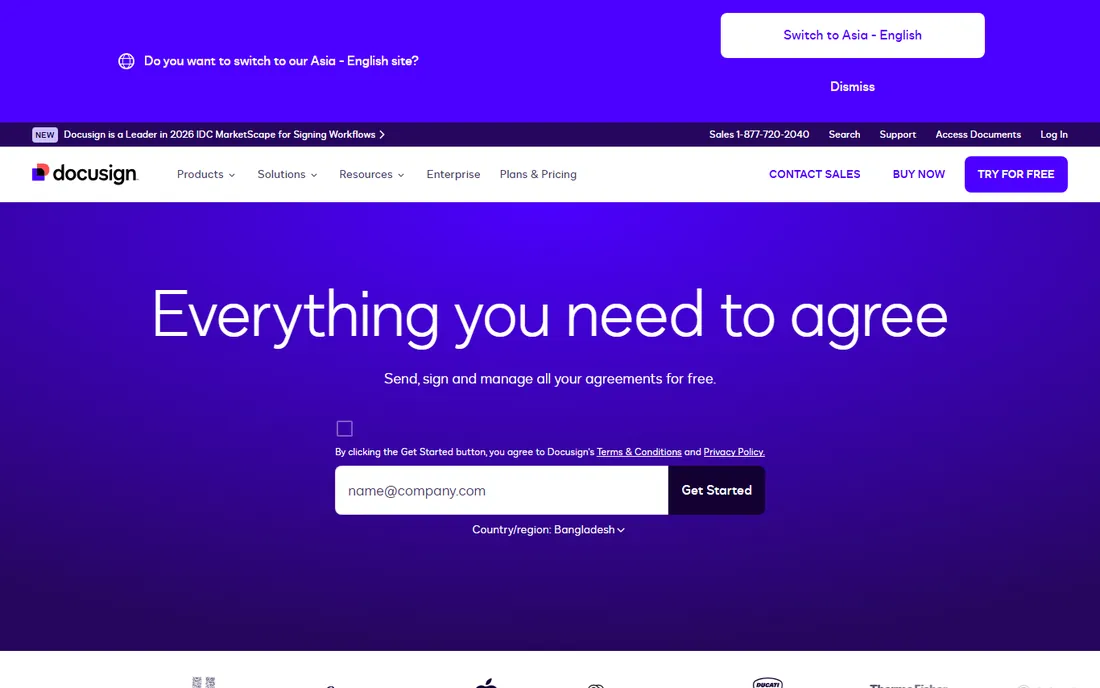
DocuSign is the default e-signature in real estate because everyone has signed a DocuSign document before. That familiarity matters at the kitchen table: no explaining the tool, no trust friction. DocuSign Rooms adds transaction structure for real estate teams, and the audit trails satisfy broker compliance.
The cost model needs attention: per-user pricing plus envelope limits means high-volume teams should model the annual total. DocuSign fits brokerages and agents who want the industry-standard signature with the least client education.
What we like- The most recognized e-signature brand
- Clients rarely question it
- Deep integrations and strong audit trails
- Real estate-specific rooms and templates
Watch out for- Pricing climbs with envelopes and users
- The interface carries enterprise complexity
Starting priceSee website
Free planNo

dotloop thinks in transactions, not documents. Each deal gets a "loop" containing every form, disclosure and signed document, with e-signature built into the workflow rather than bolted on. Auto-population across forms saves retyping client data, and broker review tools handle compliance.
It does one industry deeply instead of many shallowly. Agents who also need general e-signature for non-real-estate work will need a second tool. dotloop fits agents and teams who want the transaction managed, not just the signature captured.
What we like- Built for real estate from the ground up
- Transaction loops organize every document per deal
- Forms, e-sign and compliance in one flow
- Backed by Zillow Group
Watch out for- Real estate only, no use outside the industry
- Pricing is quote-based for teams and brokerages
Starting priceSee website
Free planNo
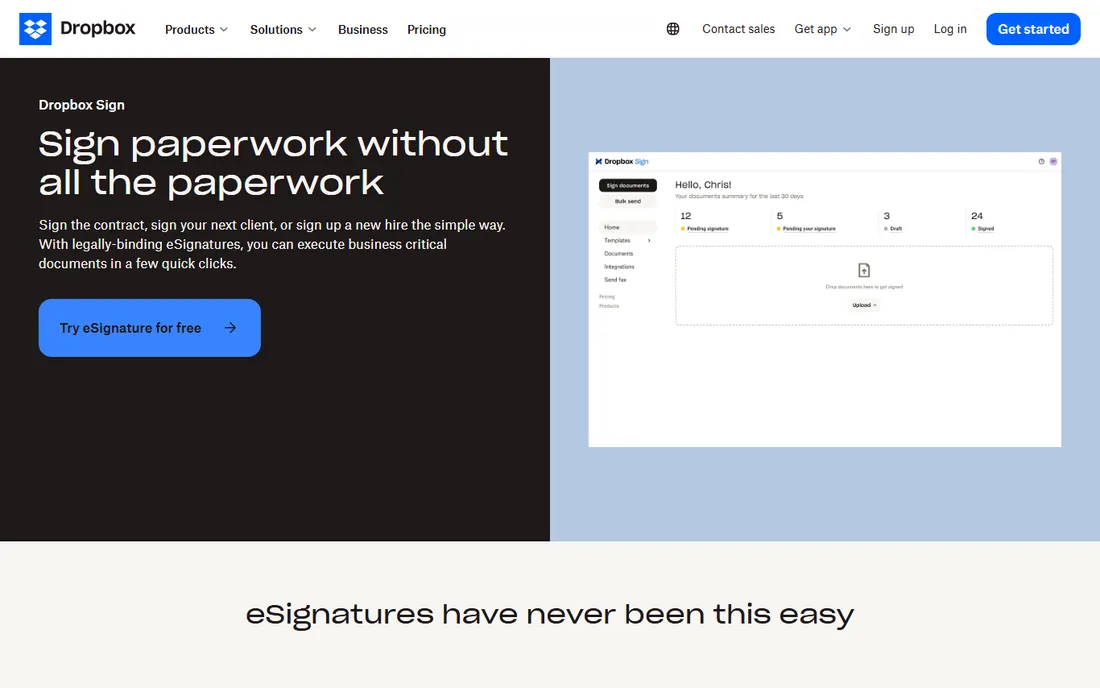
Dropbox Sign (formerly HelloSign) does one thing well: get a document signed with minimal friction. The interface is among the simplest in the category, and Dropbox users get natural file integration. Templates and reminders cover basic workflows.
Real estate structure is absent: no forms libraries, no transaction loops, no broker review. It works for independent agents handling straightforward signings who keep their forms elsewhere. Dropbox Sign fits simplicity-first users already living in Dropbox.
What we like- Clean, simple signing experience
- Natural fit for Dropbox users
- Developer-friendly API
- Formerly HelloSign, with the same ease of use
Watch out for- No real estate forms library
- Transaction management features are minimal
Starting priceSee website
Free planYes
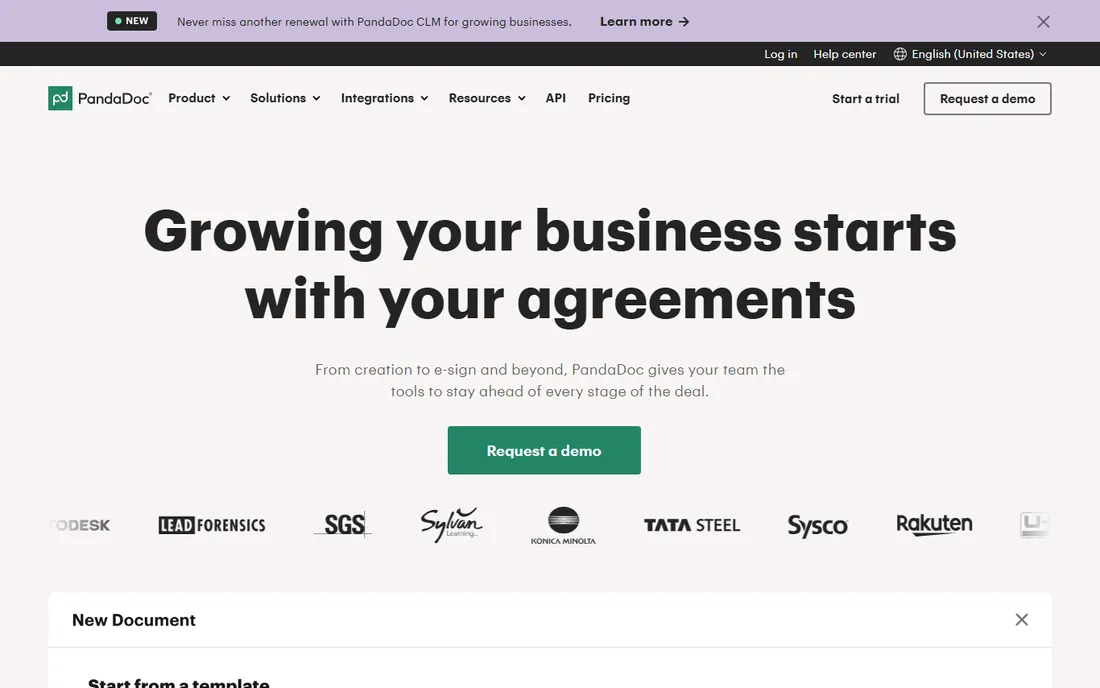
PandaDoc blends document building with signing: create polished proposals, listing presentations or buyer packets, then collect signatures in the same flow. Engagement analytics show when clients open and read documents. A free tier covers light signing needs.
The real estate gap is structural: no forms libraries, no deal checklists, no broker oversight. It suits agents who produce marketing-heavy documents and want signing attached, complementing rather than replacing a transaction platform.
What we like- Document creation and e-signature in one platform
- Analytics on document engagement
- Free e-sign tier for light use
Watch out for- Sales-document oriented, not real estate specific
- No transaction or compliance workflows
Starting priceSee website
Free planNo
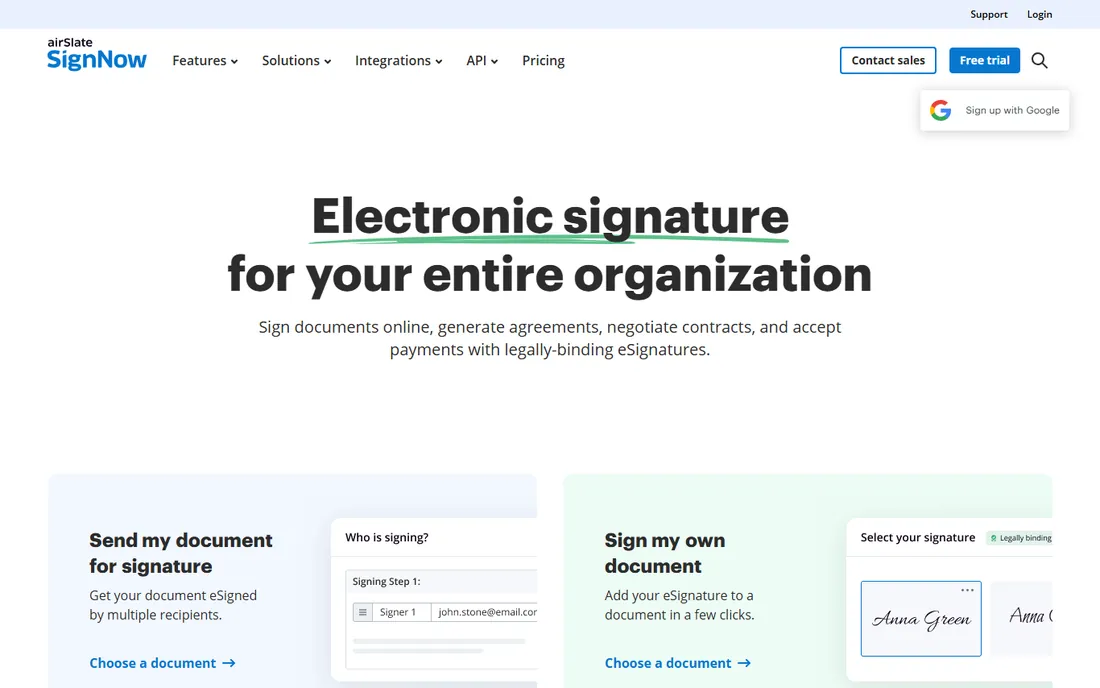
SignNow positions as the value alternative to DocuSign: full e-signature workflows, templates, in-person signing and API access at lower per-user pricing. High-volume teams feel the savings.
Clients may ask "what is SignNow" where they would not ask about DocuSign, a minor but real friction. Real estate-specific features are thin. SignNow fits cost-conscious teams and brokerages that sign in volume and do not need the premium brand.
What we like- Lower pricing than DocuSign for comparable signing
- Unlimited templates on paid plans
- Solid mobile apps for in-person signing
Watch out for- Brand recognition trails DocuSign
- Fewer real estate-specific integrations
Starting priceSee website
Free planNo
SkySlope's DigiSign lives inside a full transaction management platform: forms, document storage, broker file review, commission tracking and e-signature in one login. Agents move from paperwork to signed documents without switching systems, and brokers get audit-ready files.
Solo agents who only need signatures will find the suite heavier than necessary. The value compounds for teams and brokerages standardizing compliance. SkySlope fits brokerages that want signing embedded in the transaction workflow.
What we like- DigiSign e-signature built into the transaction platform
- Forms, file review and commission workflows included
- Strong broker compliance tools
Watch out for- The suite approach means buying more than just signing
- Best value shows at brokerage scale
#7
Lone Wolf Transactions
Best for: Forms library plus e-signature
Visit lwolf.com
Starting priceSee website
Free planNo

Lone Wolf Transactions, formerly known as zipForm Plus, is the forms backbone of North American residential real estate: the standard contracts and disclosures for nearly every market, with e-signature built in and transaction management around it. Many agents get it through association member benefits.
The ecosystem tie-in cuts both ways: deep integration for Lone Wolf brokerages, less flexibility outside it. Lone Wolf Transactions fits agents who want the authoritative forms library with signing attached, especially where it comes as a member benefit.
What we like- Near-total North American real estate forms coverage
- E-signature included
- Provided as a member benefit to over a million agents
- Back-office integration
Watch out for- Tied to the Lone Wolf ecosystem
- The interface reflects its long history
Starting priceSee website
Free planYes
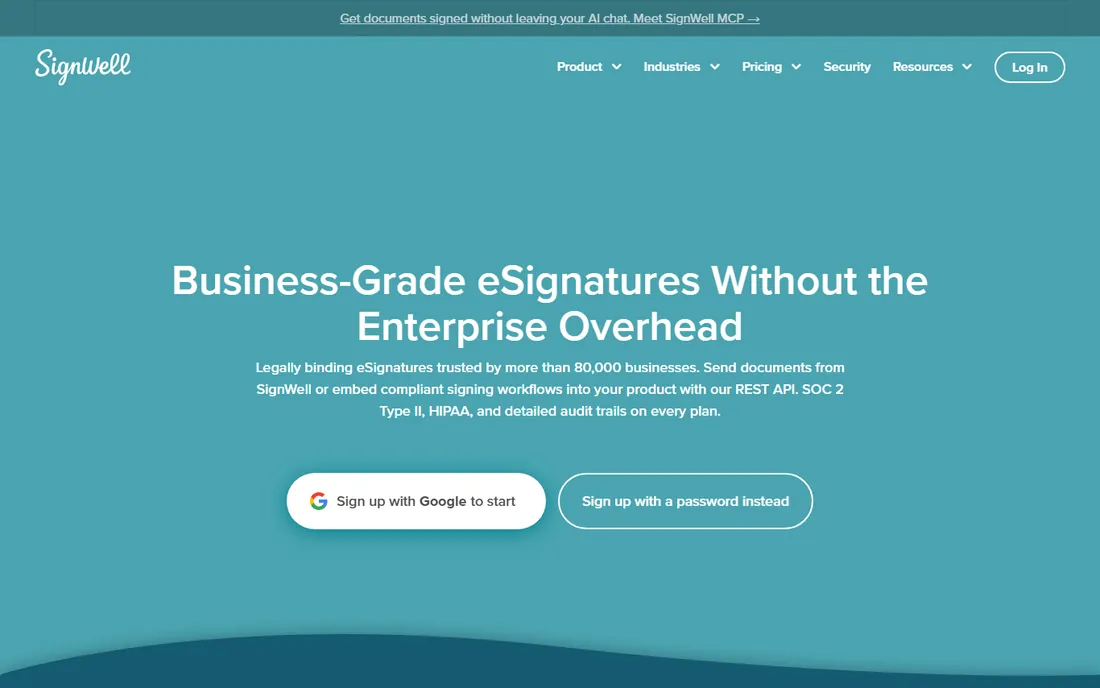
SignWell (formerly Docsketch) keeps e-signature simple and cheap: upload, place fields, send, sign. A free tier handles occasional documents, and paid plans stay affordable. Setup takes minutes.
There is no real estate specialization and fewer integrations than the leaders. It works for solo agents with light signing needs who find the big platforms overkill. SignWell fits minimalists who want signatures without a platform commitment.
What we like- Streamlined, affordable signing
- Free tier for occasional use
- Quick to set up with minimal learning curve
Watch out for- Smallest vendor here with the thinnest feature set
- No industry-specific tooling
What to check before you buy
Start with your brokerage's requirements. Many brokerages mandate a specific platform for compliance, which decides the question before you start. If you choose freely, decide whether you need real estate structure (forms, loops, broker review) or just signatures.
Test mobile signing thoroughly: a large share of real estate signatures happen on phones, often with clients who are not tech-savvy. Check the audit trail and authentication options against your state's requirements. Verify envelope or document limits against your annual transaction count, since per-envelope pricing punishes volume. Finally, confirm the forms library covers your state and association; national coverage claims always deserve a spot check for your market.
E-signature legal basics for real estate
Electronic signatures are legally valid for real estate transactions in all fifty states, but validity depends on getting a few things right. Agents do not need to be lawyers, but they need to know the boundaries.
The ESIGN Act and state UETAs establish the foundation: electronic signatures carry the same weight as wet ink, with a few exceptions (wills, certain court documents) that rarely touch residential transactions. What matters in practice is proving the signature happened: who signed, when, what version of the document, and that the signer intended to sign. A compliant platform captures all of this in an audit trail automatically.
Consent to do business electronically must be clear. The signer should agree to electronic transactions before signing, typically through a consent disclosure presented at the start. Most platforms handle this as part of the flow; make sure yours does and that you can produce the consent record later.
Notarization is the special case. Remote online notarization (RON) is now permitted in most states but the rules vary: some require specific technology, credential analysis and recording of the session. A standard e-signature is not a notarization. If your transaction needs a notary, use a platform with a proper RON workflow, not a workaround.
Document integrity after signing is non-negotiable. The signed document must be tamper-evident: any change after signing should be detectable. Reputable platforms seal documents cryptographically. Never edit a signed PDF and re-send it as if nothing happened; that destroys the evidentiary value.
Retention matters more than agents expect. Keep signed documents and audit trails for at least the statute of limitations in your state (often several years). Your brokerage likely has a policy; follow it, and make sure departing agents' transactions remain accessible.
When in doubt, your broker is your first call and a real estate attorney is your second. The software handles the mechanics; the judgment calls are still human.
How we chose
We selected e-signature tools with real adoption in real estate, from industry-specific transaction platforms to general signing tools agents actually use, using vendor sites, documentation and public reviews. Pricing in this category is largely quote-based for teams, so every starting price is listed as See website. We did not execute test transactions.
Frequently asked questions
Do I need real estate-specific e-signature software?
Not strictly, but it helps. General tools sign documents fine; real estate platforms add forms libraries, transaction checklists and broker compliance review. High-volume agents save meaningful time on the structure, not the signature.
Are electronic signatures legally valid for real estate?
Yes, in the US under the ESIGN Act and state laws, electronic signatures are generally valid for real estate contracts. Some documents (like certain notarized instruments) have exceptions, so confirm with your broker for edge cases.
What is the difference between dotloop and DocuSign?
DocuSign is a general e-signature platform with real estate features; dotloop is a real estate transaction platform with e-signature inside. Choose DocuSign for universal recognition, dotloop for deal-centric workflow.
How much does e-signature software cost for an agent?
Solo plans typically run from free to around $30 monthly; team and brokerage pricing is quote-based. Watch envelope limits on cheaper plans, since per-envelope overages add up for busy agents.
Can clients sign on their phones?
Yes, all eight tools support mobile signing. Test the experience yourself before committing, since client tech comfort varies and a confusing signing flow delays closings.
What happens to my documents if I switch platforms?
Export your completed documents with their audit trails before canceling. Most platforms allow bulk export; confirm the process during evaluation so years of transaction history are not trapped.
Sources we checked (8)
- https://www.docusign.com
- https://www.dotloop.com
- https://www.dropbox.com/sign
- https://www.pandadoc.com/
- https://www.signnow.com
- https://skyslope.com
- https://www.lwolf.com
- https://www.signwell.com/
Is your product missing or out of date?
We review this list regularly. Vendors can request a listing, send updated pricing or ask about featured placement.

Shihab Mia · Founder, Rankite
Shihab has 5+ years in B2B and SaaS SEO. He writes Rankite's software buying guides from pricing pages, documentation and public user reviews. More about Shihab.