How we make this list: we compare pricing pages, product documentation and public user reviews. Ratings come from G2, Capterra or Trustpilot, with the date we checked them.
Key takeaways
- OWASP ZAP is the right starting point for any team with no budget, while Burp Suite Professional remains the standard for hands-on penetration testing.
- StackHawk fits developer-led teams that want DAST inside CI pipelines with clear per-person pricing.
- Invicti and Acunetix lead on proof-based accuracy and low false positives for larger application portfolios.
- Qualys and Rapid7 suit teams that already use those vendors for vulnerability management and want one reporting view.
- No DAST tool validates business logic on its own, so authenticated scans and manual review still matter.
Quick comparison
Is your product missing or out of date?
We review this list regularly. Vendors can request a listing, send updated pricing or ask about featured placement.
Starting priceSee website
Free planNo
Burp Suite Professional is the tool most penetration testers reach for first. Its proxy, repeater, intruder, and scanner work together for hands-on testing of web applications and APIs, and the extension store adds capabilities for almost every niche workflow. For a security team that tests applications manually, or that needs to confirm scanner findings by hand, Burp remains the benchmark.
The trade-off is that Burp is practitioner software, not a fleet management platform. Running scheduled scans across hundreds of applications, with centralized reporting and ticketing, needs additional process or a separate enterprise product. A free Community edition exists for learning and basic proxy work, but it lacks the automated scanner, so budget for Professional licenses for testers who need scanning.
What we like- Best manual testing toolkit in the category
- Large extension ecosystem
- Strong community and research support
Watch out for- Automated scanning is an add-on to a manual-first tool
- Per-user licensing adds up for large teams

#2OWASP ZAP
Best for: Free open-source DAST4.7/5 on
G2 (14 reviews, checked Oct 2026)
Visit zaproxy.org
Starting price$0
Free planYes
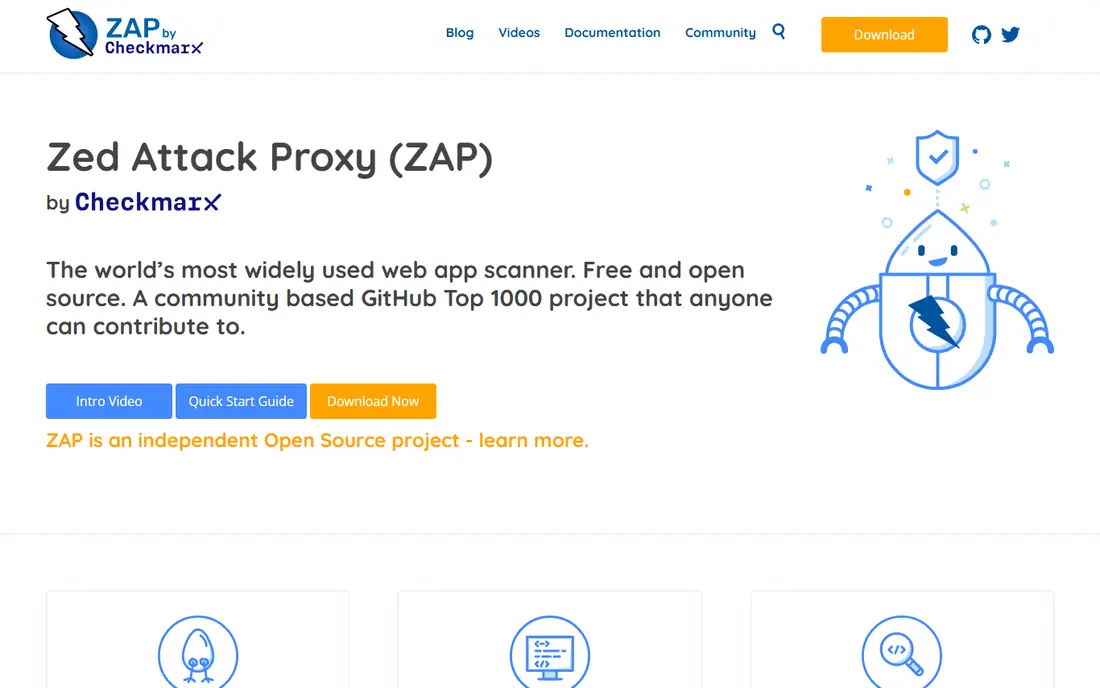
OWASP ZAP, the Zed Attack Proxy, is the open-source standard for dynamic testing. It spiders and scans web applications, finds common vulnerabilities, and plugs into CI pipelines through its API and automation framework. For a startup, a student, or a team proving the value of DAST before spending money, ZAP removes every cost barrier.
Commercial tools generally produce cleaner reports with fewer false positives and better support, and ZAP users should expect to spend time tuning scans and triaging results. That is a fair trade for a free tool, and many mature teams keep ZAP alongside a commercial scanner: ZAP for pipeline gates and quick checks, and the paid tool for scheduled enterprise scans and compliance reporting.
What we like- Completely free and open source
- Strong automation and API
- Large community and add-on marketplace
Watch out for- Results need more triage than commercial tools
- Enterprise reporting and support are limited

#3Invicti
Best for: Enterprise accuracy with proof-based scanning4.5/5 on
G2 (72 reviews, checked Oct 2026)
Visit invicti.com
Starting priceSee website
Free planFree trial
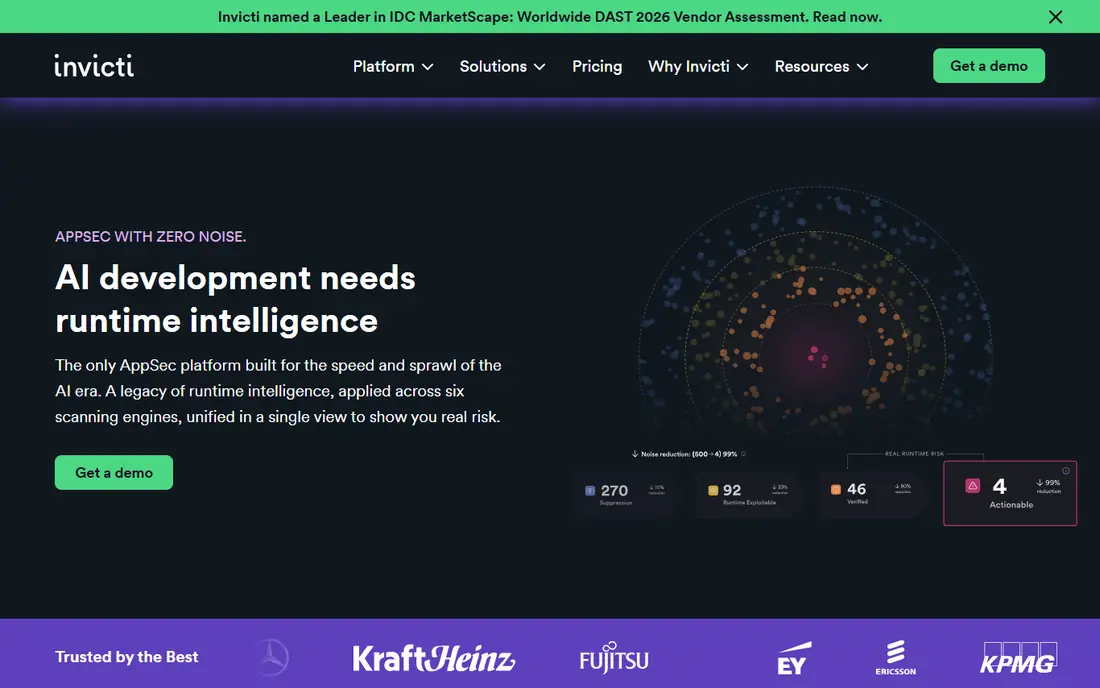
Invicti, formerly Netsparker, is built for organizations scanning many applications and needing results developers can trust. Its proof-based scanning attempts to confirm vulnerabilities safely, which cuts the false positives that waste developer time and erode confidence in security tooling. The platform supports on-premises and cloud deployment, scheduled scanning, and integration with issue trackers.
Pricing is quote-based and enterprise-grade, and implementation services have been reported as a significant extra cost for large programs. That makes Invicti a poor fit for a single small application, but a strong one for a portfolio where accuracy and scale matter more than entry price. Ask for a trial against your own applications, since accuracy claims are best judged on your stack.
What we like- Proof-based scanning reduces false positives
- Covers web apps and APIs at scale
- Strong enterprise reporting
Watch out for- Quote-only pricing
- Professional services can add significant cost

#4Acunetix
Best for: Mid-size teams with many web apps4.1/5 on
G2 (105 reviews, checked Oct 2026)
Visit acunetix.com
Starting priceSee website
Free planFree trial
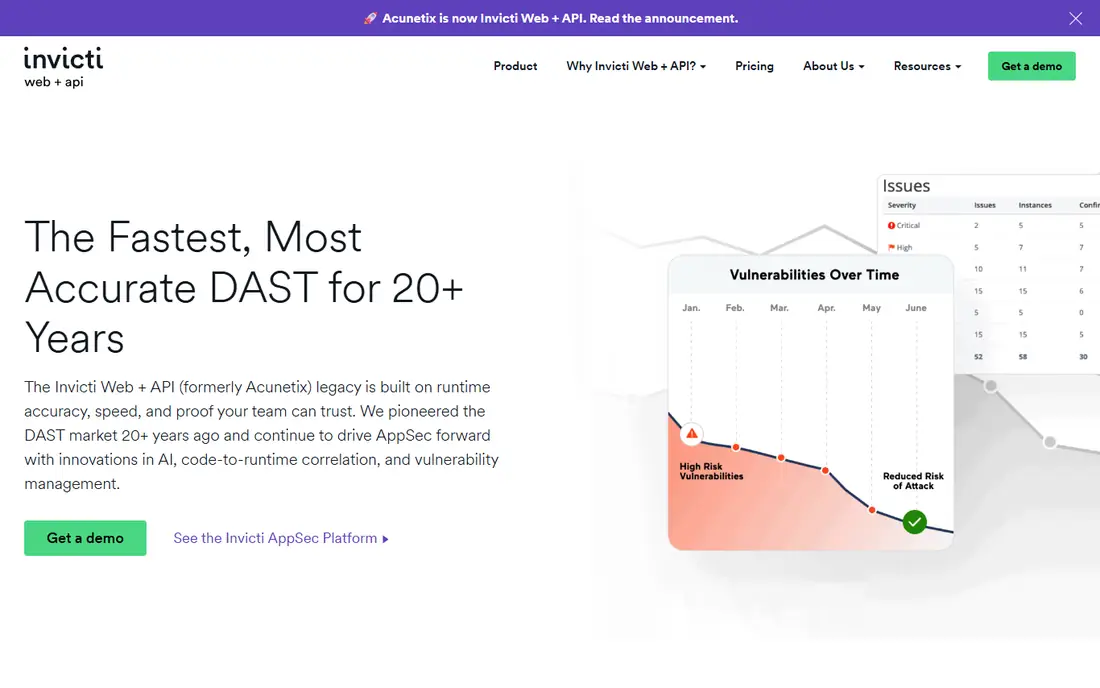
Acunetix by Invicti targets small to mid-size teams that need enterprise-grade DAST without an enterprise-sized security staff. Its crawler and scanner handle modern JavaScript applications, and its WordPress and CMS checks are a real advantage for agencies and publishers running many content sites. SmartScan aims to find most vulnerabilities early in a scan, which shortens the feedback loop.
The pricing model rewards careful target management, since costs scale with the number of scanned targets and tiers. Teams with a handful of applications will find it approachable, while teams with hundreds of microservices should compare per-target pricing against per-seat options such as StackHawk. A trial scan of your most complex application is the best test.
What we like- Fast scanning with SmartScan technology
- Strong CMS and WordPress coverage
- Runs on Windows, Linux, and macOS
Watch out for- Pricing tiers rise quickly with target count
- Interface is less modern than some rivals

#5
Qualys Web Application Scanning
Best for: Qualys platform customers
Visit qualys.com
Starting priceSee website
Free planFree trial
Qualys Web Application Scanning, or WAS, fits organizations that already run Qualys for infrastructure vulnerability management. Web findings appear alongside infrastructure findings, which gives security leaders one risk view and one remediation workflow. Cloud delivery means no scanner infrastructure to maintain, and scheduled scans plus API access support continuous programs.
Qualys WAS is less suited to testers who want Burp-style manual control, since it is a managed scanning service first. Pricing is also tied to the wider Qualys platform, so standalone buyers should get a scoped quote. For a Qualys shop, though, the integration advantage is large, and the compliance reporting helps regulated teams document their program.
What we like- Unified view with vulnerability management
- Cloud-based scanning at scale
- Compliance reporting built in
Watch out for- Less flexible for hands-on manual testing
- Pricing follows the Qualys platform

#6Rapid7 InsightAppSec
Best for: Teams on the Rapid7 platform3.9/5 on
G2 (10 reviews, checked Oct 2026)
Visit rapid7.com
Starting priceSee website
Free planFree trial
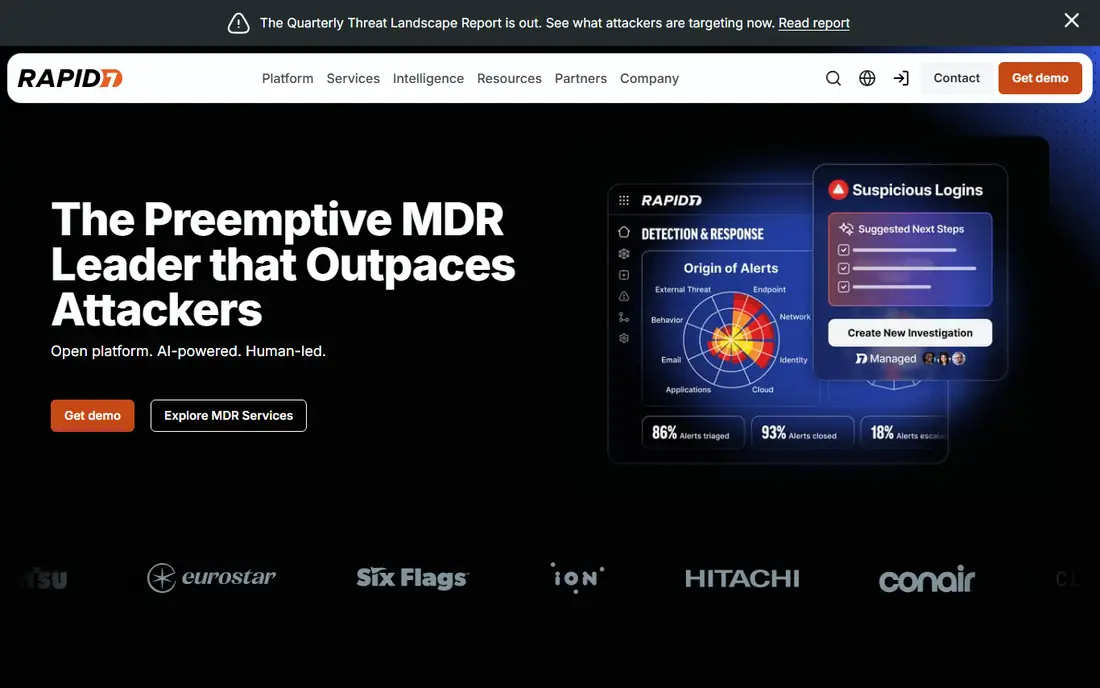
Rapid7 InsightAppSec scans web applications and APIs for vulnerabilities and pairs those findings with the wider Rapid7 view of an organization's exposure. Teams already using InsightVM for infrastructure scanning get a single workflow for triage, remediation tracking, and reporting. The product supports authenticated scans, API scanning, and CI integration, which covers most enterprise use cases.
Per-application pricing is the key watch item. A small portfolio is affordable, but a microservices estate with hundreds of targets can become expensive, so compare total cost against per-seat and flat-rate rivals. InsightAppSec suits mid-size to large teams that value platform integration over the lowest entry price.
What we like- Combines DAST with attack surface insight
- Integrates with InsightVM and ticketing
- Cloud and on-premises scan engines
Watch out for- Per-application pricing scales with portfolio size
- Learning curve for new users

#7StackHawk
Best for: Developer-led CI scanning4.6/5 on
G2 (68 reviews, checked Oct 2026)
Visit stackhawk.com
Starting price$10 per person per month
Free planFree trial
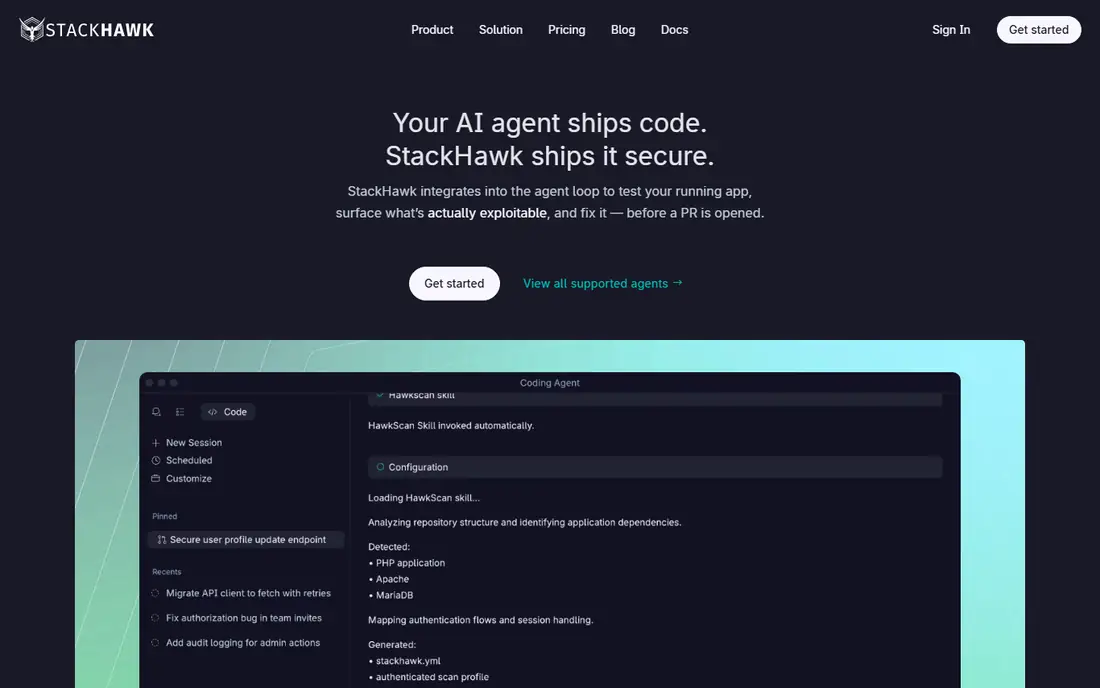
StackHawk is designed for teams that want security scanning to behave like any other CI check. Developers configure scans in code, run them on pull requests, and get findings in the tools they already use. Pricing per person with unlimited applications is a major advantage for microservices teams, where per-application models punish growth. API coverage, including GraphQL and gRPC, is also stronger than many traditional web scanners.
StackHawk is not a replacement for manual penetration testing, and its reporting is developer-focused rather than auditor-focused. Security teams that need compliance dashboards may pair it with a platform tool. For engineering-led organizations that want DAST in the pipeline without a per-app tax, it is one of the clearest choices on this list.
What we like- Clear per-person pricing with unlimited apps
- Fast CI setup
- Strong API, GraphQL, and gRPC coverage
Watch out for- Less suited to manual penetration testing
- Enterprise features sit on higher tiers
Starting priceSee website
Free planNo
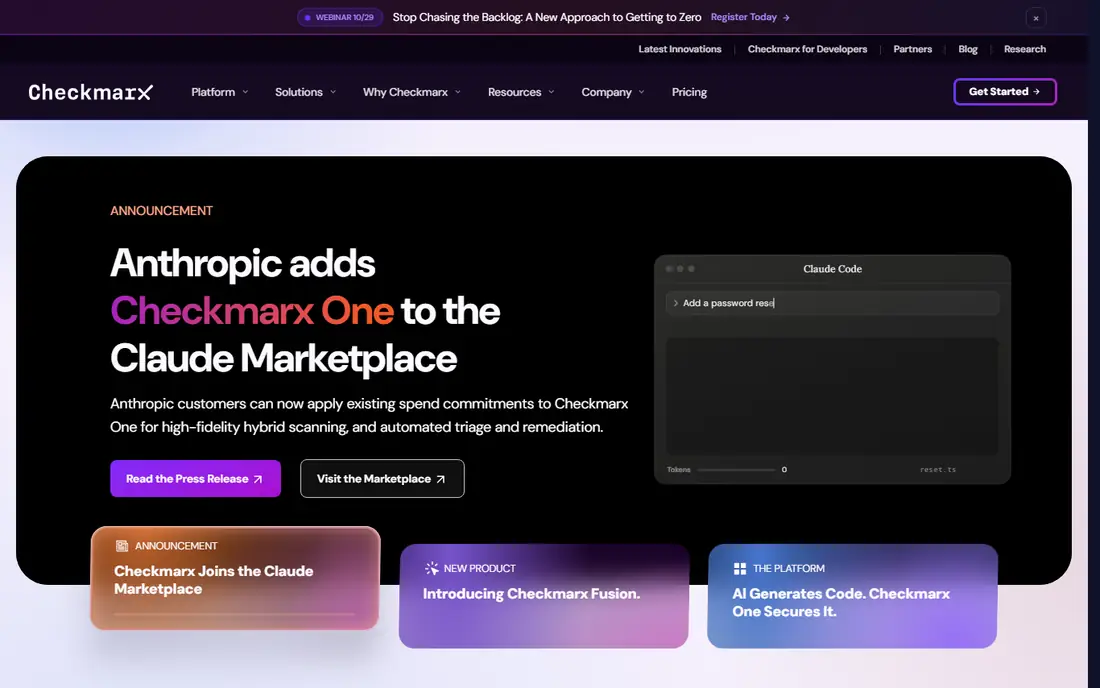
Checkmarx DAST suits enterprises that already use Checkmarx for static analysis and software composition analysis. Dynamic findings join static and open-source findings in one view, which helps AppSec teams prioritize by real exploitability rather than by tool. The platform supports large portfolios, custom policies, and governance reporting that auditors expect.
For a small team buying DAST alone, Checkmarx is likely more platform than needed, and pricing requires a sales process. Its strength shows in mature programs where correlation across testing types reduces duplicate tickets and gives leadership a single risk picture. Evaluate it as part of a platform decision, not as a standalone scanner purchase.
What we like- Unified SAST, DAST, and SCA reporting
- Enterprise scale and governance
- Strong CI integration
Watch out for- Quote-only pricing
- Platform complexity for small teams
Starting priceSee website
Free planFree trial
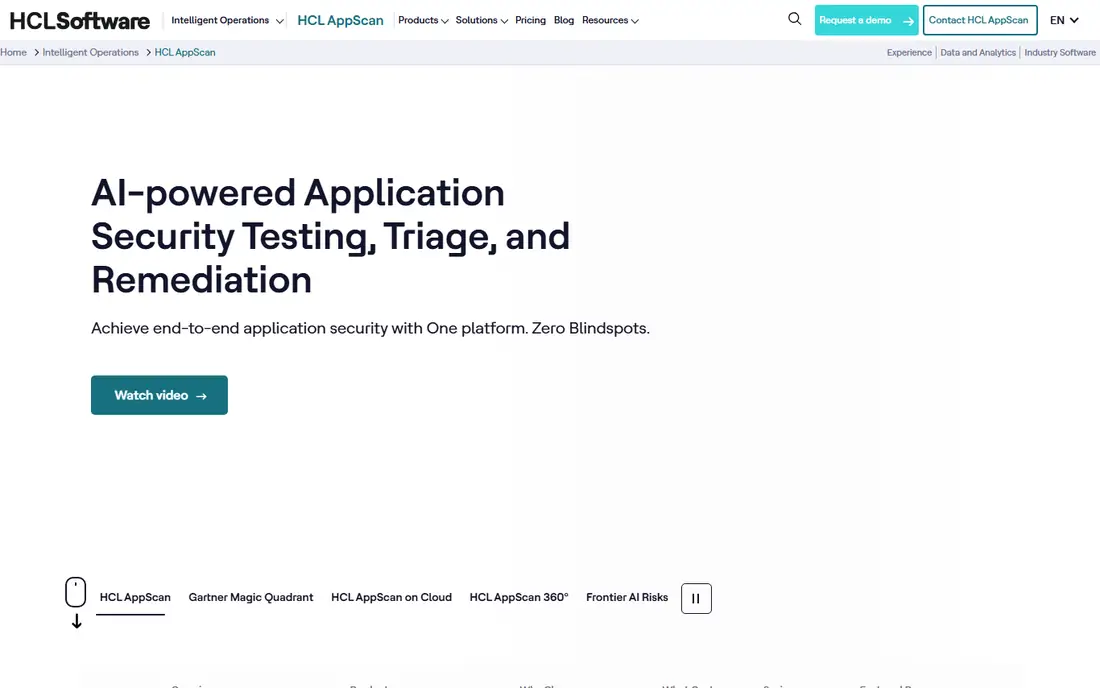
HCL AppScan serves enterprises with established application security programs, especially in regulated industries that value audit-grade reporting and long-term vendor stability. The family covers static, dynamic, interactive, and composition testing, with on-premises and cloud deployment options. Teams with decades of AppScan history can keep their processes and reports intact.
Newer buyers may find the experience less modern than StackHawk or Invicti, and pricing is quote-based. AppScan earns its place for continuity: if your auditors, policies, and training already assume AppScan, switching costs real time and risk. For a greenfield program, compare it head-to-head with Invicti and Acunetix on your own applications before deciding.
What we like- Long enterprise history
- SAST, DAST, IAST, and SCA in one family
- Compliance reporting for regulated industries
Watch out for- Product pace feels slower than newer rivals
- Quote-only pricing
How we chose
We compared vendor documentation, pricing pages, and public reviews on G2, Capterra, and practitioner forums, and we required each tool to perform genuine dynamic testing against a running application, not just static code review. Tools were judged on authenticated scanning, API coverage, CI integration, false positive handling, and reporting. Where pricing was not published, we wrote See website rather than treating a third-party report as a list price.
Getting useful results from DAST
The single biggest improvement to any DAST program is authenticated scanning. Unauthenticated scans only see public pages, which misses most real risk in logged-in applications. Provide test credentials, seed data, and API schemas, and confirm the scanner reaches the pages and workflows that matter before you trust a clean report.
Scanning modern applications
Single-page applications and APIs need special handling. Confirm the scanner renders JavaScript, follows API definitions such as OpenAPI, and handles GraphQL where relevant. Run a short scan against a staging environment first, compare findings against known issues, and tune crawl limits so scans finish in a useful time window for CI use.
Triage and remediation workflow
DAST only helps if findings reach developers with enough detail to fix them. Send results to the issue tracker with reproduction steps, severity, and affected URLs, and set service levels by severity. Track false positives openly: a scanner that developers distrust will be ignored, no matter how many findings it produces.
Frequently asked questions
What is dynamic application security testing?
Dynamic application security testing, or DAST, probes a running web application or API from the outside, like an attacker would, looking for vulnerabilities such as injection, cross-site scripting, and broken access controls. It differs from static testing, which reads source code without running the application. The two approaches find different problems and work best together.
Is OWASP ZAP good enough for a small team?
For many small teams, yes. ZAP finds common vulnerabilities, integrates with CI pipelines, and costs nothing. Commercial tools add accuracy, reporting, and support, which matter more as portfolio size and compliance needs grow. Start with ZAP, and upgrade when triage time or reporting needs justify the cost.
How much do DAST tools cost?
Prices range from free for ZAP to per-person plans such as StackHawk at $10 per person per month, up to quote-only enterprise platforms. Per-application pricing can grow quickly with microservices, so model total cost for your actual target count before choosing.
Can DAST replace penetration testing?
No. DAST finds known vulnerability patterns at scale, but it cannot validate business logic, test complex multi-step workflows, or judge context the way a human tester can. Use DAST for continuous coverage and penetration testing for depth, especially before major releases and for high-risk applications.
Should DAST run in CI or on a schedule?
Both. CI scans catch issues early on changed code, while scheduled full scans cover the whole application, including areas CI scans may miss. Keep CI scans fast and focused, and reserve deep scans for nightly or weekly schedules so they do not block developers.
What is the difference between DAST and SAST?
SAST analyzes source code for flaws without running the application, while DAST tests the running application through its interfaces. SAST finds issues early and in code that may not be deployed, while DAST finds runtime problems such as configuration errors and authentication flaws. Mature programs use both.
Sources we checked (9)
- https://portswigger.net/pricing
- https://www.zaproxy.org/pricing
- https://www.invicti.com/pricing
- https://www.acunetix.com/pricing
- https://www.qualys.com/pricing
- https://www.rapid7.com/pricing
- https://www.stackhawk.com/pricing
- https://checkmarx.com/pricing
- https://www.hcl-software.com/appscan/pricing
Is your product missing or out of date?
We review this list regularly. Vendors can request a listing, send updated pricing or ask about featured placement.

Shihab Mia · Founder, Rankite
Shihab has 5+ years in B2B and SaaS SEO. He writes Rankite's software buying guides from pricing pages, documentation and public user reviews. More about Shihab.
 Burp Suite Professional
 Checkmarx DAST
 HCL AppScan