How we make this list: we compare pricing pages, product documentation and public user reviews. Ratings come from G2, Capterra or Trustpilot, with the date we checked them.
Key takeaways
- Google Maps is the best all-round choice for most drivers, with traffic, business info, and transit in one app.
- Waze leads for real-time hazard and police reports from other drivers, especially on commutes.
- Apple Maps is the cleanest option for iPhone users who want CarPlay integration and privacy-focused routing.
- TomTom GO, Sygic, and CoPilot suit drivers who need offline maps or vehicle-specific routing.
- HERE WeGo and MapQuest remain useful free options, but they trail the leaders on traffic depth and updates.
Quick comparison
Is your product missing or out of date?
We review this list regularly. Vendors can request a listing, send updated pricing or ask about featured placement.
The best driving apps for commutes and road trips
Starting priceFree
Free planYes
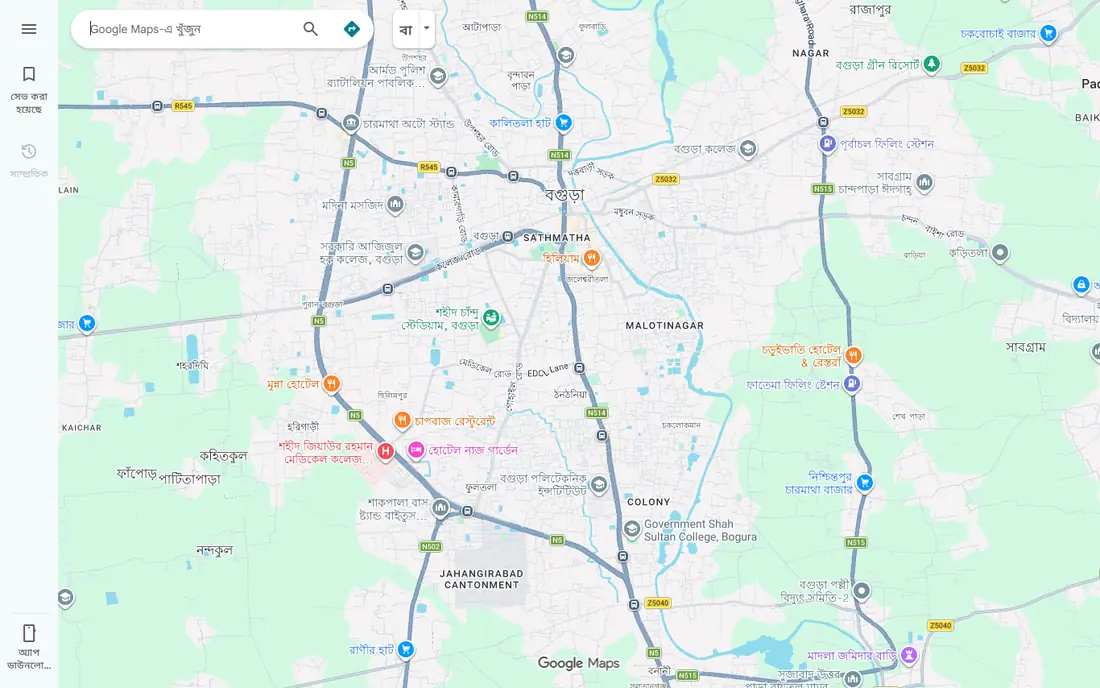
Google Maps is the default for a reason. It combines live traffic, road closures, speed limits, and business details in one place, and it can reroute around congestion without you asking. You can check a restaurant's hours, see recent reviews, and share your arrival time with someone waiting for you. For most daily driving, that combination is hard to beat.
Offline maps require a download before you leave coverage, and the app can drain battery on long drives if the screen stays bright. Google Maps also tends to favor main roads, which is efficient but less scenic on a road trip. Keep a charger in the car, download maps for rural areas in advance, and you will have a solid primary app.
What we like- Strong traffic data
- Business hours and reviews
- Offline maps for saved areas
Watch out for- Heavy battery and data use on long trips
- Route choices sometimes favor major roads

#2
Waze
Best for: Real-time driver reports and rerouting
Visit waze.com
Starting priceFree
Free planYes
Waze is built around drivers reporting what they see. A crash, a stalled car, a speed trap, or debris on the road appears quickly, often before official traffic feeds catch up. The app reroutes aggressively to save time, which commuters love and some road trip drivers find fussy. Voice guidance is clear, and the interface stays simple at highway speed.
The trade-off is depth. Waze has less business information, fewer transit options, and less detail about places than Google Maps. Ads appear when you are stopped, which some drivers find annoying. Use Waze when time matters most, and switch to Google Maps when you need to research stops along the way.
What we like- Fast hazard, police, and crash reports
- Aggressive rerouting around traffic
- Simple interface while driving
Watch out for- Fewer business details than Google Maps
- Ads can distract
- Battery use is high
Starting priceFree
Free planYes
Apple Maps has improved a lot in recent years, with detailed road markings, lane guidance, and 3D views in many US cities. It works smoothly with CarPlay, Siri, and Apple Watch, so iPhone users can start a route hands-free and glance at directions on their wrist. Privacy is a stated focus, with less personal data tied to routing.
Android users get little from Apple Maps, since the full app is built for Apple devices. Traffic coverage is strong in cities but can be thinner in rural areas compared with Google. If you drive an iPhone and value a clean interface, Apple Maps is a strong daily choice. If you switch phones often, a cross-platform app is safer.
What we like- Clean design
- Strong CarPlay integration
- Detailed city maps and lane guidance
Watch out for- Android support is limited
- Traffic depth varies outside major cities
Starting priceSee website
Free planFree trial
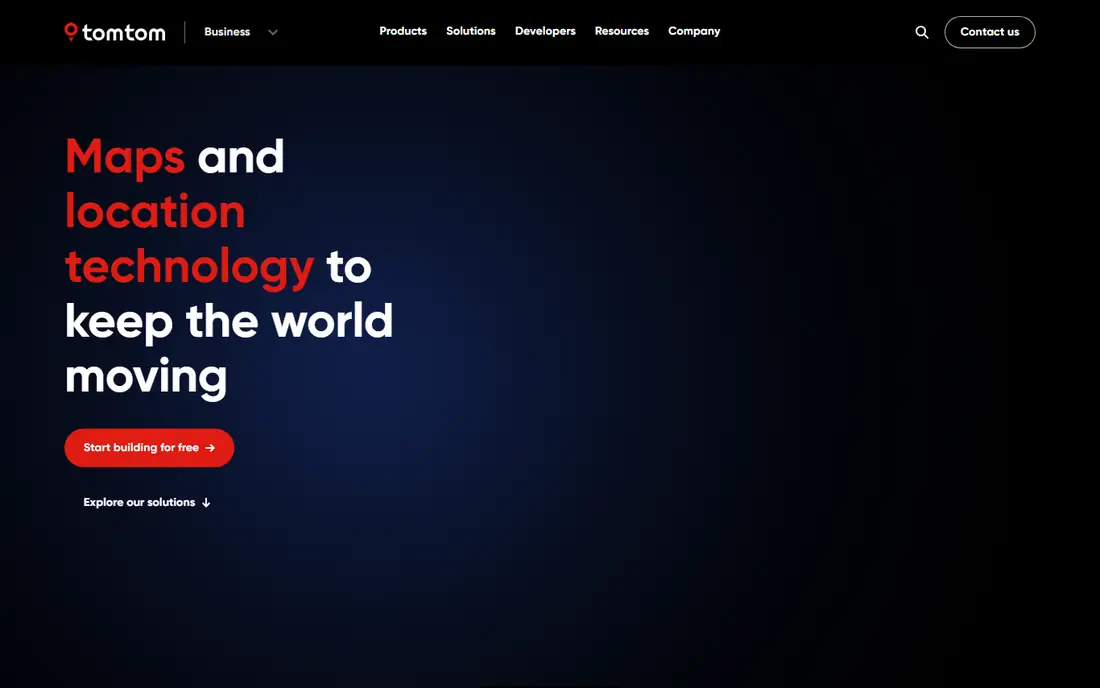
TomTom GO Navigation brings the company's long history in dedicated GPS devices to a phone app. Offline maps let you navigate without cell service, and speed camera alerts help on unfamiliar roads. Traffic data is solid, and some plans add routing for larger vehicles, which matters for vans and trucks.
The main drawback is price. Free apps cover most daily needs, so paying makes sense mainly if you need offline maps, camera alerts, or vehicle routing on a regular basis. Try the trial on a route you know, and check whether the traffic and rerouting feel better than your free app before subscribing.
What we like- Offline maps
- Speed camera alerts
- Truck and large vehicle options in some plans
Watch out for- Paid subscription for full features
- Interface feels dated next to free apps

#5
Sygic GPS Navigation
Best for: Offline maps with speed camera alerts
Visit sygic.com
Starting priceSee website
Free planYes
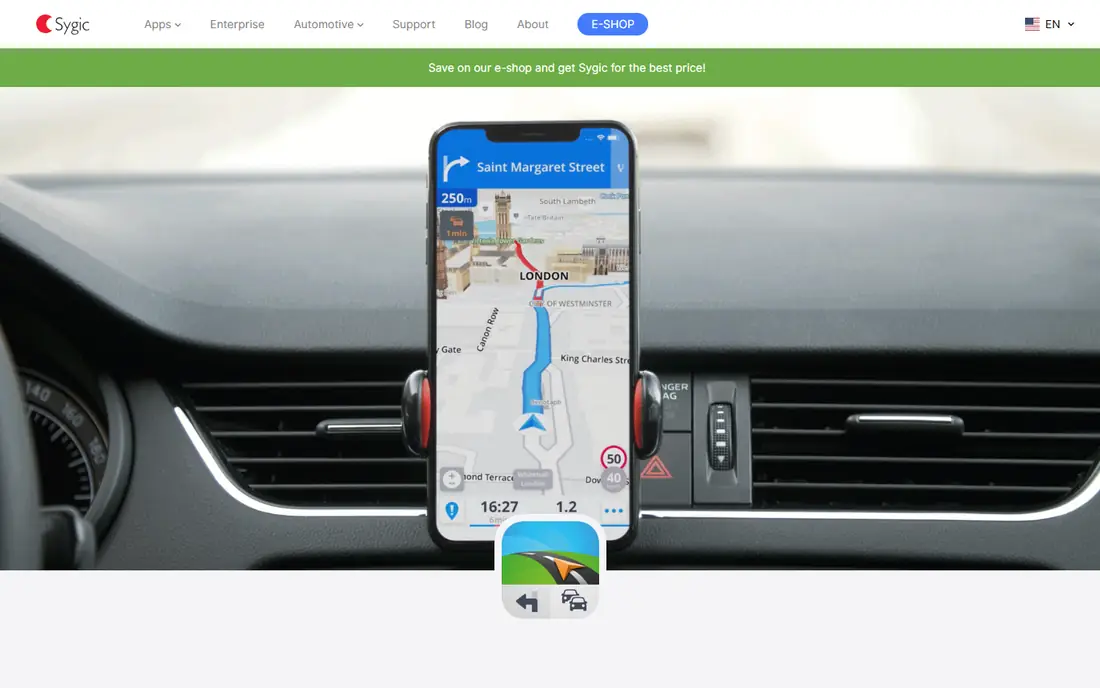
Sygic stores maps on your phone, so navigation keeps working in areas with weak signal. It offers speed limit warnings, speed camera alerts where legal, and a head-up display mode that projects directions onto your windshield at night. Fuel price and parking features help on road trips where stops need planning.
The free version covers basic navigation, but the features most buyers want sit behind a premium subscription. The interface packs in many options, which can feel busy at first. Sygic fits drivers who travel through rural areas, cross borders, or want offline reliability as a backup to a free app.
What we like- Offline TomTom-based maps
- Head-up display option
- Fuel prices and parking info
Watch out for- Premium features require subscription
- Interface has a learning curve
Starting priceFree
Free planYes
HERE WeGo is a straightforward free app with downloadable maps for offline use. It covers car, transit, walking, and cycling routes, which makes it useful in cities where you mix driving with other transport. The interface is clean, and offline maps are free rather than locked behind a subscription.
Real-time traffic and business details are thinner than the leaders, so HERE WeGo works best as a secondary app or for planned trips in areas with poor coverage. Download your region before you leave, and pair it with Waze for live hazard reports if you want both offline maps and crowd reports.
What we like- Free offline maps for many regions
- Public transit directions
- Simple interface
Watch out for- Traffic and business data trail Google and Waze
- Fewer real-time reports
Starting priceFree
Free planYes
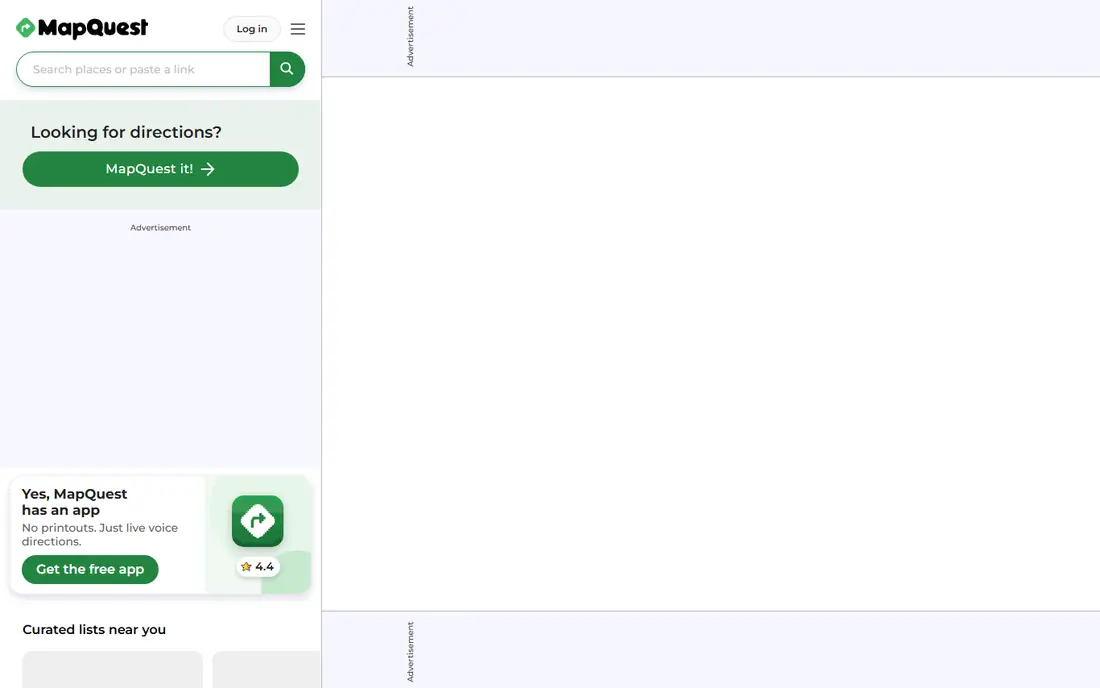
MapQuest is one of the oldest names in online directions, and it still does the basics well. You can plan a route with multiple stops, get turn-by-turn directions, and check a map in a browser without installing anything. That simplicity suits drivers who want a quick route without learning a new app.
Traffic, rerouting, and live reports are more basic than in Google Maps or Waze, and the mobile app feels less polished. MapQuest is a good choice for simple trips and multi-stop planning on a computer. For a daily commute with heavy traffic, a more active app will save more time.
What we like- Free and easy to use
- Route planner for multiple stops
- Works in a browser
Watch out for- Traffic features are basic
- Mobile app lags behind Google and Waze
Starting priceSee website
Free planFree trial
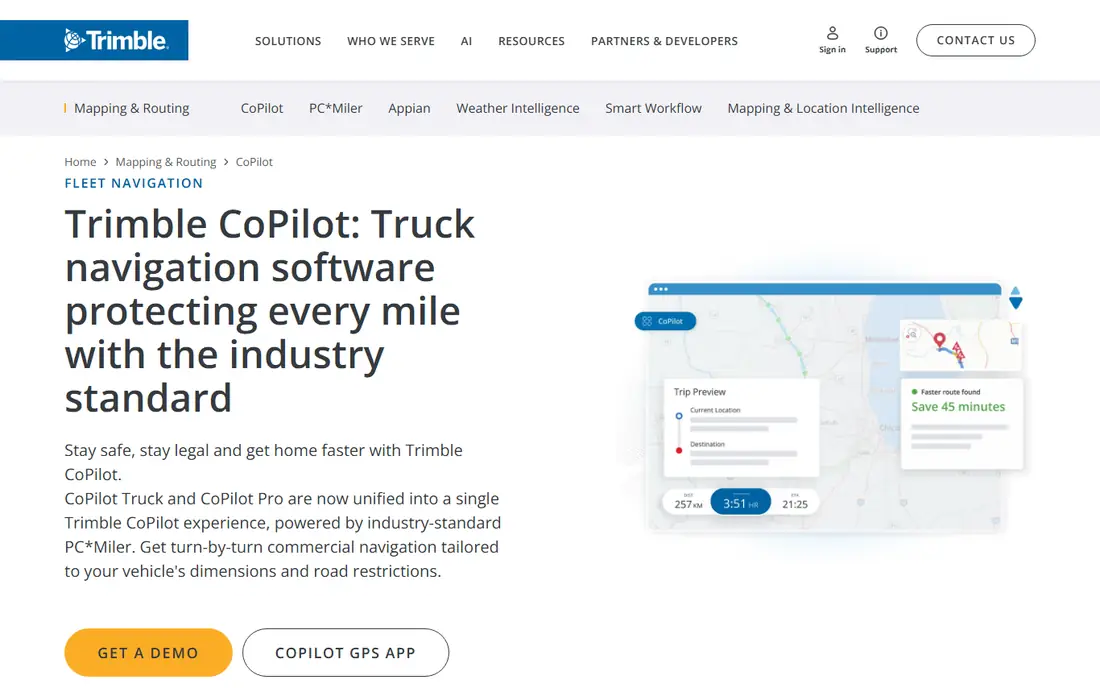
CoPilot GPS stands out for drivers whose vehicle cannot take every road. You enter height, weight, and length, and the app routes around low bridges and restricted roads. That feature matters for trucks, RVs, and caravans, where a wrong turn can be costly. Offline maps and CarPlay support round out a practical package for long hauls.
For a normal car, CoPilot adds less than free apps, and the paid plans are harder to justify. The trial lets you check routing on a familiar route before paying. If you drive a large vehicle, CoPilot belongs on your shortlist. If you drive a sedan, stick with Google Maps or Waze and save the subscription.
What we like- Vehicle size and weight routing
- Offline maps
- CarPlay support
Watch out for- Paid plans for full routing
- Car-only drivers gain less from it
How we chose
We compared apps on US map coverage, traffic quality, offline support, rerouting speed, vehicle routing, and price, using vendor homepages, app listings, and help pages. We favored apps with current US support and a clear advantage, such as crowd reports, offline maps, or truck routing. Prices are listed as Free where the core app is free, and as See website where a subscription price varies by plan and store.
Choosing an app for how you actually drive
Commuters should prioritize live traffic and rerouting. Waze often wins on a congested commute, while Google Maps wins when you also need business info and arrival sharing. Road trip drivers should prioritize offline maps and fuel stops. Download maps before rural stretches, and keep a second app ready in case one loses signal or misroutes.
Large vehicle drivers should not rely on a car app alone. Enter your real dimensions, check the first route against signs and local restrictions, and confirm low clearances before you commit to a road. For most drivers, the best setup is simple: one primary app for daily use, and one offline-capable backup for trips beyond reliable coverage.
Frequently asked questions
What is the best free navigation app?
Google Maps is the best free all-round app for most drivers. Waze is better for live hazard reports and aggressive rerouting on commutes. Both are free, so many drivers keep both and switch by trip type.
Do driving apps work without internet?
Google Maps, TomTom GO, Sygic, HERE WeGo, and CoPilot offer offline maps if you download them in advance. Live traffic, rerouting around new incidents, and business search still need a connection. Download maps before rural trips.
Is Waze better than Google Maps for traffic?
Waze often reports hazards faster because drivers submit them directly. Google Maps has broader traffic data and better business information. For pure commute time, Waze frequently wins. For a trip with stops and research, Google Maps wins.
Can a driving app route for trucks or RVs?
Yes, CoPilot GPS and some TomTom plans offer vehicle-specific routing based on size and weight. Standard car apps do not ask for vehicle dimensions, so they can route a large vehicle onto a restricted road. Check the route before driving.
Which app is best for CarPlay or Android Auto?
Apple Maps and Google Maps integrate most smoothly with CarPlay and Android Auto respectively. Waze also works on both systems. CoPilot supports CarPlay as well, which helps large vehicle drivers who use a car display.
Sources we checked (8)
- https://www.google.com/maps
- https://www.waze.com
- https://www.apple.com/maps
- https://www.tomtom.com
- https://www.sygic.com
- https://wego.here.com
- https://www.mapquest.com
- https://copilotgps.com
Is your product missing or out of date?
We review this list regularly. Vendors can request a listing, send updated pricing or ask about featured placement.

Shihab Mia · Founder, Rankite
Shihab has 5+ years in B2B and SaaS SEO. He writes Rankite's software buying guides from pricing pages, documentation and public user reviews. More about Shihab.
 Google Maps
 Apple Maps
 TomTom GO Navigation
 HERE WeGo
 MapQuest
 CoPilot GPS