How we make this list: we compare pricing pages, product documentation and public user reviews. Ratings come from G2, Capterra or Trustpilot, with the date we checked them.
Key takeaways
- Yodeck is the best all-around digital signage software for offices, with 800 or more templates, 147 or more apps and pricing from 8 dollars per screen per month.
- PosterBooking is the cheapest way to start, with your first 10 screens free for 3 months and setup in about 2 minutes.
- ScreenCloud and Rise Vision suit larger or multi-site offices with strong security, device management and support.
- NoviSign, OptiSigns, TelemetryTV and Xibo cover AI-built content, broad hardware choice, custom web apps and self-hosting.
Quick comparison
| Tool | Best for | Starting price | Free plan |
|---|
 Yodeck Yodeck | Offices that want an easy all-around signage platform | $8 per screen per month | Yes, single screen free |
 ScreenCloud ScreenCloud | Enterprise offices and multi-site networks | See website | No |
 Rise Vision Rise Vision | Offices that need signage, screen sharing and emergency alerts | See website | No |
 NoviSign NoviSign | Offices that want AI-built signage content fast | See website | 30-day trial |
 OptiSigns OptiSigns | Offices that want easy signage on any hardware | See website | 14-day trial, no credit card |
 TelemetryTV TelemetryTV | Offices that want custom web apps on their screens | See website | No |
 Xibo Xibo | Offices that want hosting freedom and no hardware lock-in | See website | Free trial |
 PosterBooking PosterBooking | Budget offices that want free screens fast | Free for 10 screens | Yes, 10 screens free for 3 months |
Is your product missing or out of date?
We review this list regularly. Vendors can request a listing, send updated pricing or ask about featured placement.
The best digital signage software for offices
#1Yodeck
Best for: Offices that want an easy all-around signage platform4.7/5 on
G2 (3,248 reviews, checked Oct 2026)
Visit yodeck.com
Starting price$8 per screen per month
Free planYes, single screen free
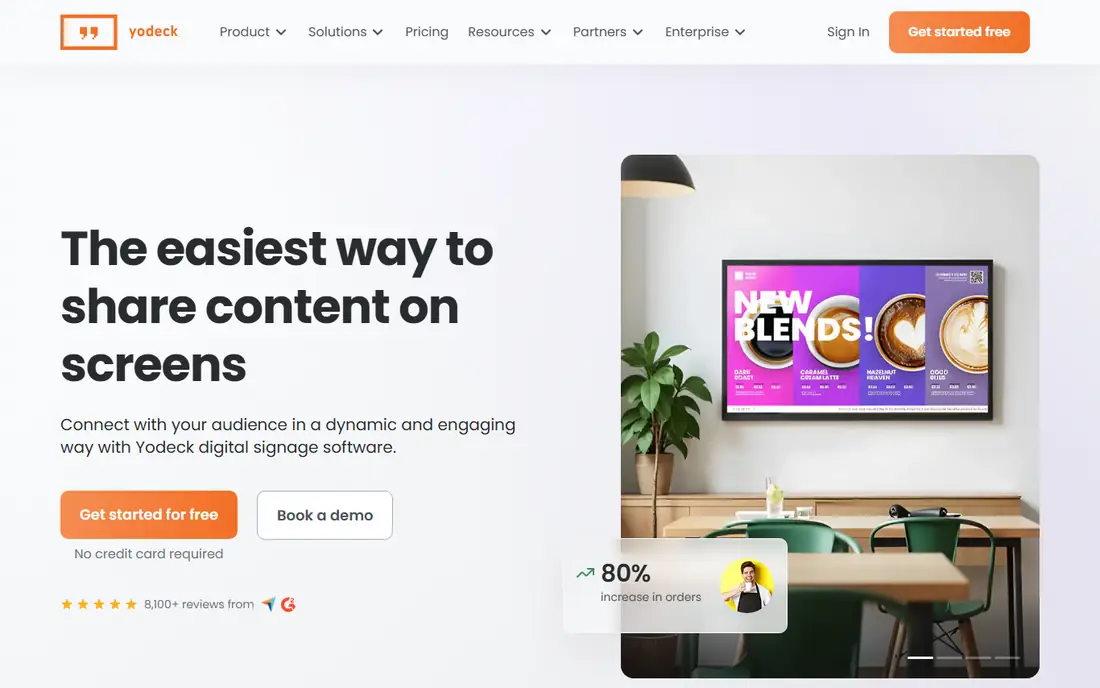
Yodeck is the easiest way to share content on screens, letting offices create, schedule and manage content in minutes. It serves 65,000 or more companies across 135 or more countries and runs 350,000 or more screens, with 8,100 or more reviews. Its office features include company news, real-time updates, team wins, promotions and training announcements across every location.
Pricing starts at 8 dollars per screen per month, with a free single screen and a free player with annual plans. With 800 or more free templates, 147 or more apps and integrations with Power BI, SharePoint, Google Drive, Canva and Microsoft Teams, Yodeck is the strongest all-around pick for offices.
What we like- 800 or more templates and 147 or more apps
- Trusted by 65,000 or more companies in 135 or more countries
- Free player with annual plans
Watch out for- Per-screen pricing adds up for large networks
- Advanced enterprise features sit on higher tiers
#2ScreenCloud
Best for: Enterprise offices and multi-site networks4.7/5 on
G2 (455 reviews, checked Oct 2026)
Visit screencloud.com
Starting priceSee website
Free planNo
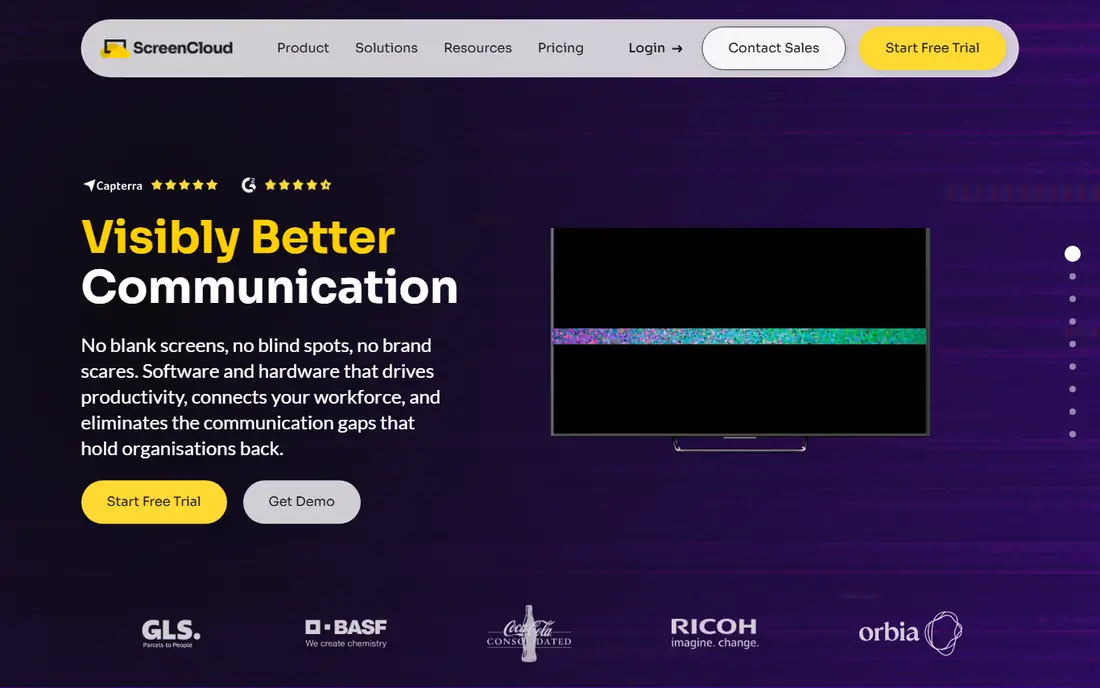
ScreenCloud is a full-stack digital signage company that provides hardware and software to run screens at scale, improving deployment, management and security. It promises mission-critical communication from headquarters to deskless and frontline teams, with 80 or more ready-to-go apps including Microsoft 365, Google Workspace, Canva, dashboards and emergency alerts.
Its own PIXI player costs 95 dollars per device and is built on Android for plug-and-play deployment. Support runs 24 hours a day, 5 days a week, with 6-hour response on Core and Pro plans and 1-hour response with phone support on Enterprise. For offices with security and compliance needs, ScreenCloud is a strong enterprise choice.
What we like- Full-stack software plus hardware built for signage
- Trusted by 10,000 or more organizations
- Enterprise security with SSO, encryption and SOC 2
Watch out for- Enterprise focus means higher cost than budget tools
- Pricing not shown on the homepage
#3Rise Vision
Best for: Offices that need signage, screen sharing and emergency alerts4.7/5 on
G2 (1,003 reviews, checked Oct 2026)
Visit risevision.com
Starting priceSee website
Free planNo
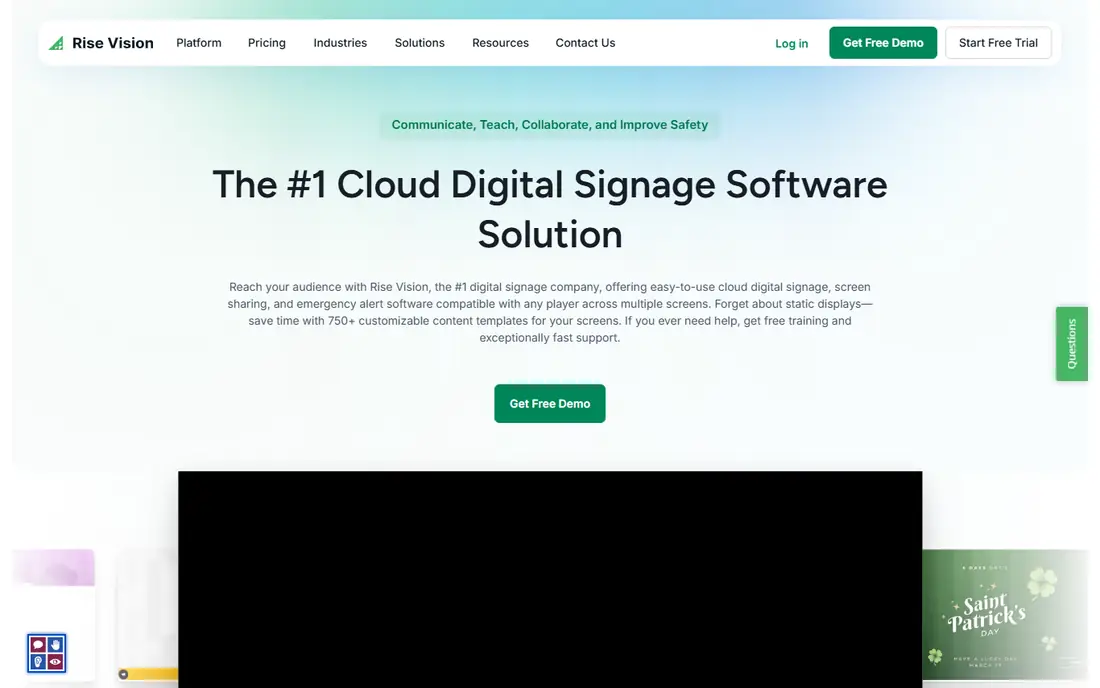
Rise Vision is a cloud digital signage, screen sharing and emergency alert platform compatible with any player across multiple screens. It offers 750 or more customizable templates, free training and support with a 99 percent customer satisfaction rating, and AI tools that turn a prompt into a branded, animated presentation.
Rise Vision claims an 80 percent reduction in signage update time, 50 percent faster lockdown response times with emergency alerts, 15-minute hardware installation and 1-hour support response. It integrates with Power BI, Microsoft 365, Google Workspace, Canva and social media. For offices that want alerts and meeting-room sharing alongside signage, Rise Vision stands out.
What we like- 750 or more templates and AI presentation design
- Emergency alerts via Common Alerting Protocol
- 12,300 or more organizations trust it
Watch out for- Pricing not shown on the homepage
- Education heritage means office features need checking against your needs
#4NoviSign
Best for: Offices that want AI-built signage content fast5.0/5 on
G2 (47 reviews, checked Oct 2026)
Visit novisign.com
Starting priceSee website
Free plan30-day trial
NoviSign is user-friendly, AI-powered digital signage software to create, schedule and manage content on any screen, trusted by 20,000 or more businesses since 2011. Its NoviSign Studio AI builds a screen from a description, while standard features include slideshows, company updates, live calendars, scrolling tickers, videos, weather reports and company bulletins.
The 30-day trial includes all widgets and capabilities with no credit card required, limited only by 80 MB cloud storage and 16 MB maximum uploads. NoviSign is SOC 2 certified, hosted on Amazon S3, and supports any TV, tablet, kiosk or screen. For offices short on design time, its AI generator is a real advantage.
What we like- AI generator builds signage from a description in seconds
- Trusted by 20,000 or more businesses since 2011
- Hardware-agnostic with free player install
Watch out for- Trial storage limited to 80 MB with 16 MB max uploads
- Pricing not shown on the homepage
#5OptiSigns
Best for: Offices that want easy signage on any hardware4.7/5 on
G2 (3,881 reviews, checked Oct 2026)
Visit optisigns.com
Starting priceSee website
Free plan14-day trial, no credit card
OptiSigns turns any screen or TV into captivating digital signage with a powerful, easy-to-use platform. It offers the largest variety of platform and hardware options, including its own devices, plus a web player for browsers when you have no dedicated hardware. Setup takes 3 steps: pair your device, add content and assign it to a display.
OptiSigns runs 230,000 or more online screens for 43,000 or more organizations in 163 countries, with a 4.8 Capterra rating from 4,000 or more reviews and a 4.7 G2 rating from 2,300 or more reviews. Its drag-and-drop CMS, stock images, customizable templates and US-based support make it one of the easiest office signage tools to run.
What we like- 140 or more apps including weather, Instagram, Power BI, YouTube and Google Slides
- 230,000 or more screens in 163 countries
- 4.8 Capterra rating from 4,000 or more reviews
Watch out for- Pricing not shown on the homepage
- Web player needed if you have no devices
#6TelemetryTV
Best for: Offices that want custom web apps on their screens4.8/5 on
G2 (102 reviews, checked Oct 2026)
Visit telemetrytv.com
Starting priceSee website
Free planNo
TelemetryTV provides digital signage software solutions with the most advanced hardware, including its own Android players and bring-your-own-device support for Intel, Raspberry Pi, Linux, Fire TV, Chrome, Android and Windows. Its 70 or more turnkey apps include YouTube, Canva Visual Editor and menu boards, with flexible scheduling and auto-expiring rules.
What sets TelemetryTV apart is custom web app development: build and deploy custom applications for employee or customer screens with native Git integration, SDK and enterprise-grade hosting, plus touch-screen kiosk tools and IPTV blending. Customers cited include Starbucks, BCG, Amazon, Stanford Medicine and Vancity Credit Union. For offices with developers or complex dashboards, TelemetryTV is the most flexible option.
What we like- 70 or more turnkey apps plus custom web app building with Git integration
- PCI-DSS and SOC 2 compliant
- 99.9 percent uptime
Watch out for- Developer-friendly features may exceed small office needs
- Pricing not shown on the homepage
#7Xibo
Best for: Offices that want hosting freedom and no hardware lock-in4.6/5 on
Capterra (239 reviews, checked Oct 2026)
Visit xibo.org.uk
Starting priceSee website
Free planFree trial
Xibo is the digital signage platform built to grow with your business, letting you automate messaging, update displays and manage your network from anywhere. It targets small and medium businesses with shift schedules, daily goals, announcements and waiting-area displays, claiming 400 percent more views than static displays based on Intel data.
Xibo offers hardware freedom with certified devices across all major operating systems, fully managed cloud hosting or self-hosting for total control, and 5-star 24/5 helpdesk support. For offices that want to avoid vendor lock-in and keep hosting choices open, Xibo is the most flexible pick.
What we like- No hardware lock-in across all major operating systems
- Managed cloud or self-hosting
- 5-star 24/5 helpdesk support
Watch out for- Pricing not shown on the homepage
- Open-foundation setup suits IT-led offices best
Starting priceFree for 10 screens
Free planYes, 10 screens free for 3 months
PosterBooking is free cloud digital signage software that turns any TV into a digital sign: install the free app on an Amazon Signage Stick, Fire TV Stick, Android box, Raspberry Pi or Windows PC, upload images and videos, and manage every screen from one browser dashboard. It serves 88,466 users in 150 or more countries with a 4.8 star rating from 800 or more reviews.
Your first 10 screens are free for 3 months, with no credit card required, and setup takes about 2 minutes. After the trial, free screens show a small watermark, while Home Basic removes it for 52 dollars a month for 10 screens. Content is cached on the player, so screens keep playing if the internet drops. For small offices on a tight budget, PosterBooking is the easiest free start.
What we like- 88,466 users in 150 or more countries
- Setup in about 2 minutes
- Offline caching and synced screens
Watch out for- Free screens show a small watermark after the 3-month trial
- Home Basic costs 52 dollars a month for 10 screens to remove it
How we chose
We opened each vendor homepage in October 2026 to confirm it loads and belongs to the product named. Raydiant was noted as rebranded to Displai during research, so PosterBooking was verified as the eighth tool instead. We weighed ease of use, template and app libraries, hardware freedom, security and pricing transparency for office use.
What to look for in digital signage software for offices
Start with your screens and content. A single lobby screen needs only a simple tool like PosterBooking or Yodeck, while multi-site offices need centralized management, user roles and remote monitoring from ScreenCloud, OptiSigns or TelemetryTV. Check whether your TVs are smart, need a media player, or can run a browser player.
Next, weigh content creation against your team size. Offices without designers benefit from Yodeck templates, Rise Vision AI presentations or NoviSign AI generation. Offices with dashboards should check Power BI, Google Slides and calendar integrations before buying.
Finally, confirm total cost, not just software price. Add media players, displays, installation and support to the per-screen subscription. Start with a free trial or free screens, test on one display for a week, and only then roll out to every office.
Frequently asked questions
What is the best digital signage software for offices?
Yodeck is the best all-around choice for offices, with 800 or more templates, 147 or more apps and pricing from 8 dollars per screen per month. PosterBooking is best for budgets, while ScreenCloud suits enterprise networks.
How much does digital signage software cost?
Yodeck starts at 8 dollars per screen per month, PosterBooking is free for 10 screens for 3 months, and most other vendors quote pricing on request. Add media players and displays to the software cost for a true total.
Do I need special hardware for office signage?
Not always. Most tools run on smart TVs, Android boxes, Raspberry Pi, Windows PCs or browser players. Dedicated players from Yodeck, ScreenCloud and TelemetryTV add reliability for always-on screens.
Can I update office screens remotely?
Yes. All tools in this list are cloud based, letting you publish and schedule content from any browser. Changes usually reach screens within minutes, and cached content keeps playing during internet outages.
What content works best on office screens?
Company news, team recognition, meeting schedules, safety updates, dashboards and visitor welcome messages work best. Rotate content often, keep messages short, and use templates to maintain a consistent brand look.
Sources we checked (8)
- https://www.yodeck.com
- https://screencloud.com
- https://www.risevision.com
- https://www.novisign.com
- https://optisigns.com
- https://www.telemetrytv.com
- https://xibo.org.uk
- https://posterbooking.com
Is your product missing or out of date?
We review this list regularly. Vendors can request a listing, send updated pricing or ask about featured placement.

Shihab Mia · Founder, Rankite
Shihab has 5+ years in B2B and SaaS SEO. He writes Rankite's software buying guides from pricing pages, documentation and public user reviews. More about Shihab.