How we make this list: we compare pricing pages, product documentation and public user reviews. Rankite is independent; if a vendor ever pays for a featured spot, that listing is clearly labeled Partner.
Key takeaways
- Cloudinary is the only option with a genuinely useful free tier plus public pricing, and it doubles as media delivery infrastructure.
- Pics.io and Dash give small businesses transparent pricing under $110 a month without a sales call.
- Bynder, Brandfolder, Canto, MediaValet, and Frontify are enterprise-grade, but none publishes pricing; budget for a quoted contract.
- The real cost driver is not the subscription, it is storage, users, and AI features billed as add-ons.
- If your team lives in Google Drive, pick the DAM with the smoothest migration path, because adoption fails more often than software does.
Quick comparison
| Tool | Best for | Starting price | Free plan |
|---|
 Bynder Bynder | brand governance at scale | See website (custom quote) | No |
 Brandfolder Brandfolder | retail and consumer brands | See website (custom quote) | No |
 Canto Canto | first real DAM for growing teams | See website (custom quote) | No |
 Cloudinary Cloudinary | media delivery plus DAM | $89 per month (Plus, billed annually) | Yes |
 Pics.io Pics.io | transparent pricing for small teams | $100 per month (Solo) | Free trial |
 MediaValet MediaValet | unlimited-user enterprise DAM | See website (custom quote) | Free trial (30 days) |
 Frontify Frontify | brand guidelines plus DAM | See website (custom quote) | No |
 Dash Dash | simple DAM for ecommerce teams | $109 per month | Free trial |
Is your product missing or out of date?
We review this list regularly. Vendors can request a listing, send updated pricing or ask about featured placement.
The best digital asset management software
Digital asset management has a pricing problem: the tools that publish their prices are the ones small businesses can afford, and the tools built for enterprises hide behind sales calls. If you cannot see a price, you are looking at a contract that starts in the thousands per month and gets negotiated. That is fine for a global brand. It is a waste of your time if you run a thirty-person company.
The blunt reality is that most teams do not need an enterprise DAM. They need to stop losing logos in Slack threads, stop emailing the wrong version of the product video, and stop paying a designer to resize the same image twelve times. A good DAM pays for itself in recovered hours, but only if people actually use it, and people only use software that is easy to search. Prioritize search quality and onboarding speed over the feature list.
This list covers both ends of the market. Enterprise platforms for brand governance sit alongside self-serve tools with public pricing, because the best digital asset management software for small business is rarely the one with the longest feature list. It is the one your team will open every day.
Starting priceSee website (custom quote)
Free planNo
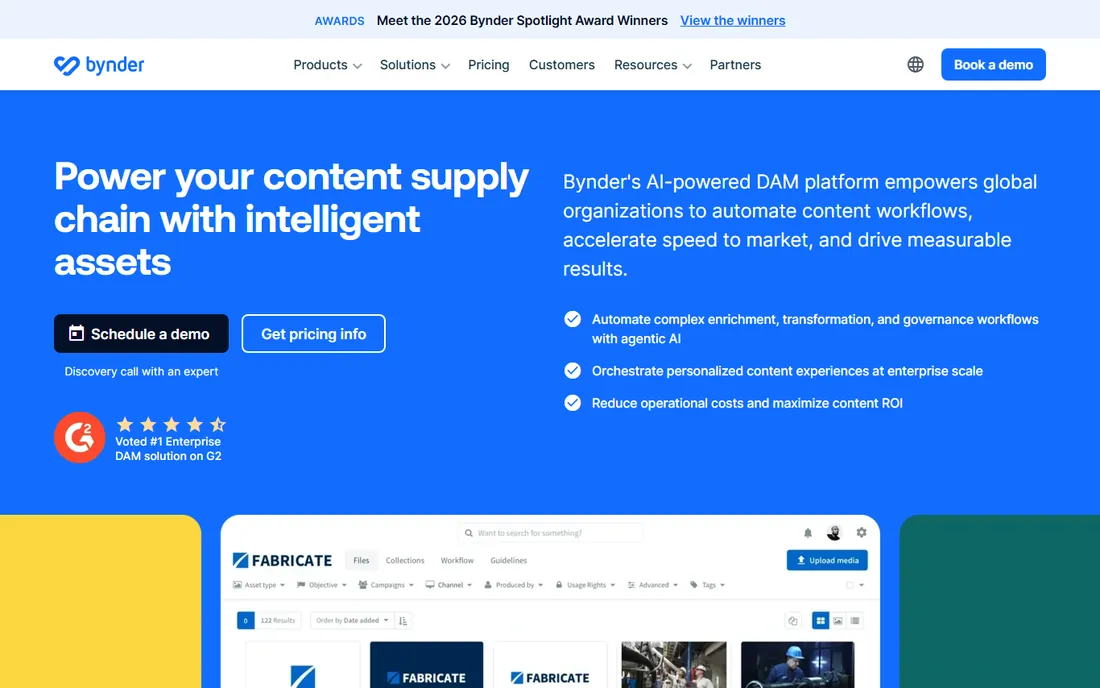
Bynder sits at the intersection of asset management and brand management, and that combination is its identity. Brand guidelines, creative templates, and approval workflows live in the same platform as the asset library, so regional teams and agencies pull approved assets instead of improvising. More than 4,000 global brands run on it, and the interface is clean enough that non-technical marketers adopt it without a fight.
The workflow depth is the selling point: briefs, proofing, approvals, and templated content creation run inside the platform, with detailed permissions and audit trails for regulated industries. Certifications include SOC 2 Type II and ISO 27001, which matters when legal gets involved in vendor review.
The honest catch is cost and complexity. Bynder publishes no pricing, and third-party research puts typical contracts in the $500 to $3,000 a month range before add-ons. Implementation takes weeks, and features like advanced AI search arrive as modules. Buy Bynder when brand consistency across markets is a business risk; for a single team, it is more platform than you need.
What we like- Brand guidelines and templates built into the platform
- Strong approval workflows
- 155-plus integrations
Watch out for- No public pricing
- Advanced modules cost extra
- Implementation takes weeks
Starting priceSee website (custom quote)
Free planNo
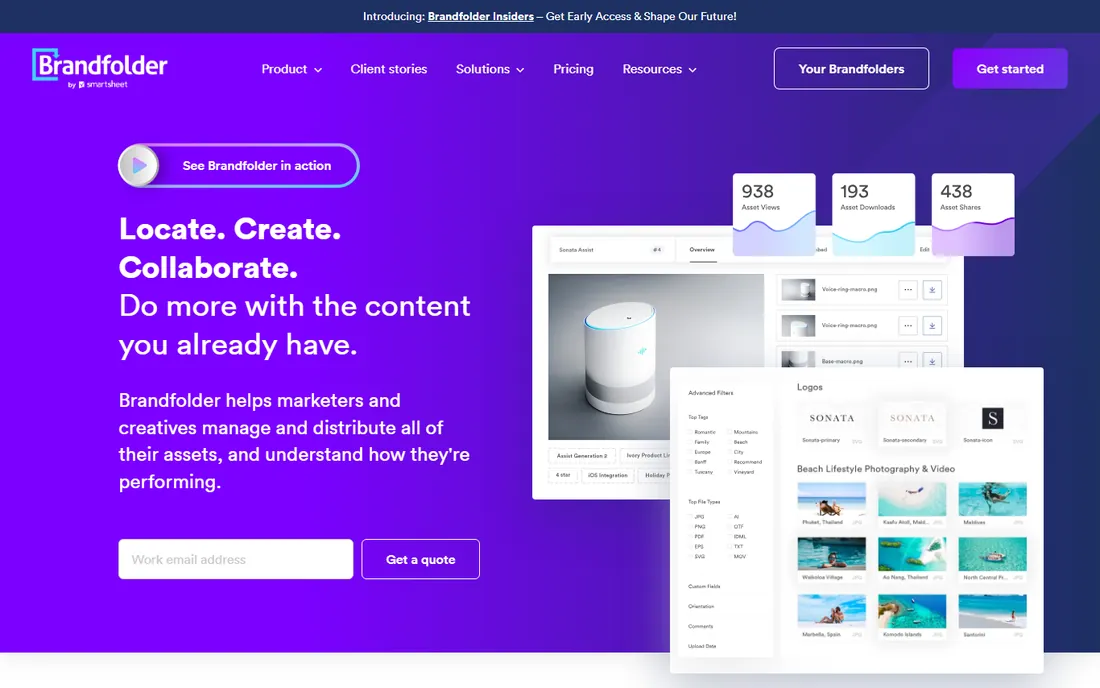
Brandfolder targets mid-to-large retail and consumer goods companies with huge visual libraries, and it is built for that workload. The interface earns consistently high user ratings, search handles large volumes of product imagery, and real-time analytics show which assets get used and which sit idle. Brand guidelines for colors, fonts, and usage rules sit alongside the assets.
For ecommerce and retail teams, the platform's handling of product imagery at scale is the draw: collections, versioning, and distribution to partners and marketplaces run through one system. Custom branding and granular permissions let you open portals to agencies and retailers without exposing the whole library.
The catch is the price tag and the sales process. Brandfolder publishes no pricing; third-party estimates range from $1,000 to $10,000 a month depending on storage and users, and storage overages run about $1,000 per TB per year. Setup often requires the vendor's team. This is software for companies with a dedicated person to run it, not for a marketing team of five.
What we like- Intuitive interface with high user ratings
- Strong analytics on asset usage
- Built for large visual libraries
Watch out for- No public pricing
- Storage overages add up
- Setup often needs vendor help
Starting priceSee website (custom quote)
Free planNo
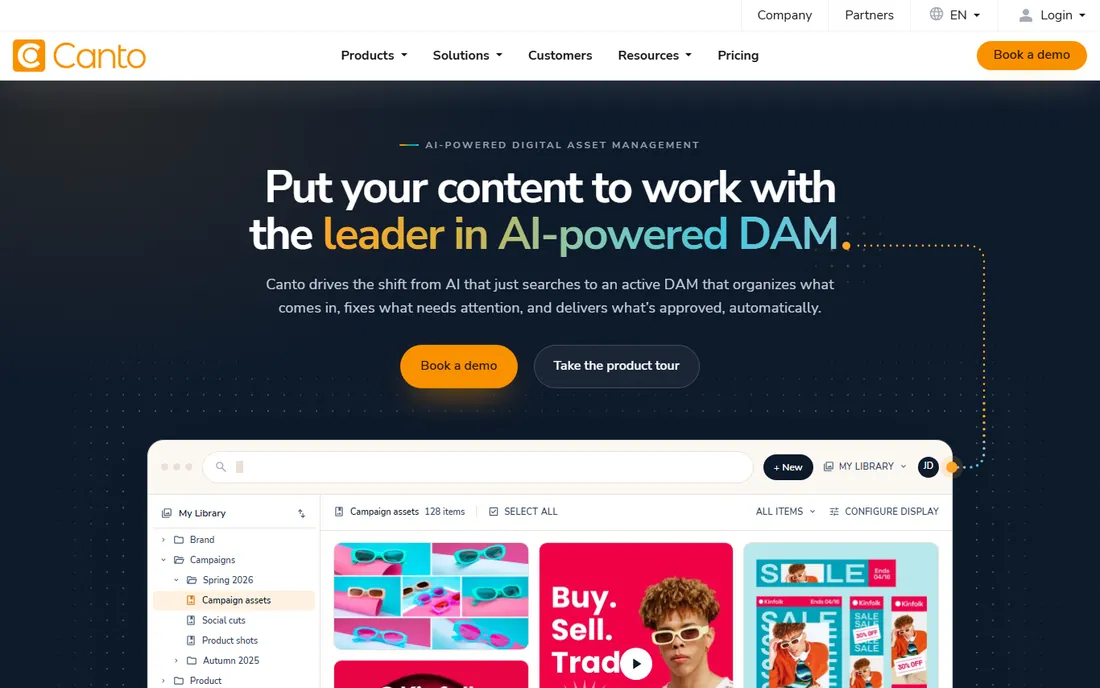
Canto wins the "first real DAM" contest for teams graduating from Dropbox or Google Drive. The interface is built for people who have never used a DAM: visual previews, smart search, and AI auto-tagging mean assets become findable without a metadata project. Onboarding is fast, support has a strong reputation, and the platform covers version control, rights management, and granular permissions in one place.
The four tiers (Core Essentials, Enhanced Collaboration, Omni Brand, Advanced) scale from secure storage and search up to AI tagging and enterprise integrations. Unlimited portals let you share branded collections with partners and clients, with analytics on engagement. For distributed creative teams that need to move fast, Canto's balance of usability and depth is hard to beat.
The honest catch: pricing is custom-quoted, with third-party research suggesting roughly $600 a month at the low end and much more for storage-heavy plans. One widely cited report had Canto quoting $23,000 for 1TB of storage. Get storage terms in writing before you sign, and confirm what AI tagging costs at your volume.
What we like- Easiest adoption in the enterprise tier
- Strong AI visual search and auto-tagging
- Unlimited sharing portals
Watch out for- No public pricing
- Storage costs can surprise
- Lighter governance than Bynder
Starting price$89 per month (Plus, billed annually)
Free planYes
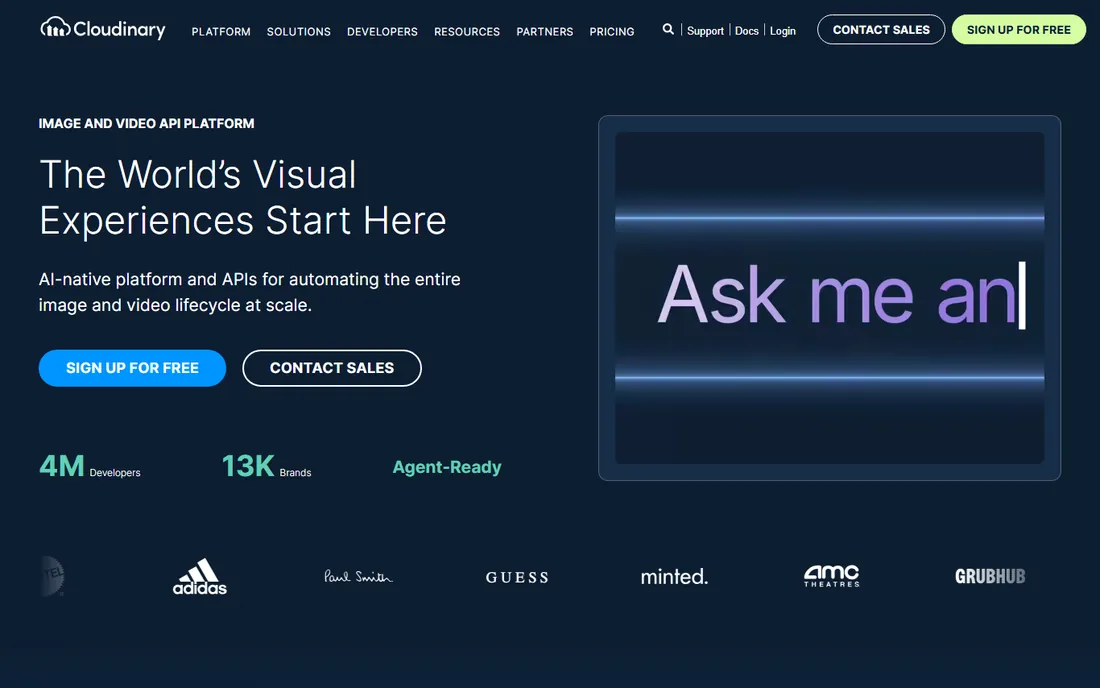
Cloudinary is the odd one out: an image and video API platform that also functions as a DAM, and the only tool here with both a real free tier and public pricing. The free plan includes 25GB of storage, auto-tagging, and video support with no credit card required. Plus at $89 a month billed annually adds 225 monthly credits, backup to your own S3 bucket, and expedited support. One credit covers 1,000 transformations, 1GB of storage, or 1GB of bandwidth.
The reason to pick Cloudinary is that stored assets are also delivered: automatic format conversion, responsive cropping, and adaptive bitrate video happen from a single original through the CDN. For ecommerce, marketplaces, and media sites where product images flow straight into websites and apps, no traditional DAM does this. The DAM layer, Cloudinary Assets, adds versioned storage, metadata tagging, and team collaboration.
The catch is the credit economy. Storage, transformations, and bandwidth all draw from the same credits, so a traffic spike can burn through a plan faster than expected. The full rich-media DAM experience is an Enterprise product with custom pricing. Cloudinary suits teams where engineering and marketing share the asset pipeline; pure marketing teams may prefer Canto's simpler model.
What we like- Generous free tier with 25GB storage
- Automatic image and video optimization
- Developer APIs and SDKs
Watch out for- Credit-based pricing needs forecasting
- Full DAM features target Enterprise
- Marketers may find it technical
#5
Pics.io
Best for: transparent pricing for small teams
Visit pics.io
Starting price$100 per month (Solo)
Free planFree trial
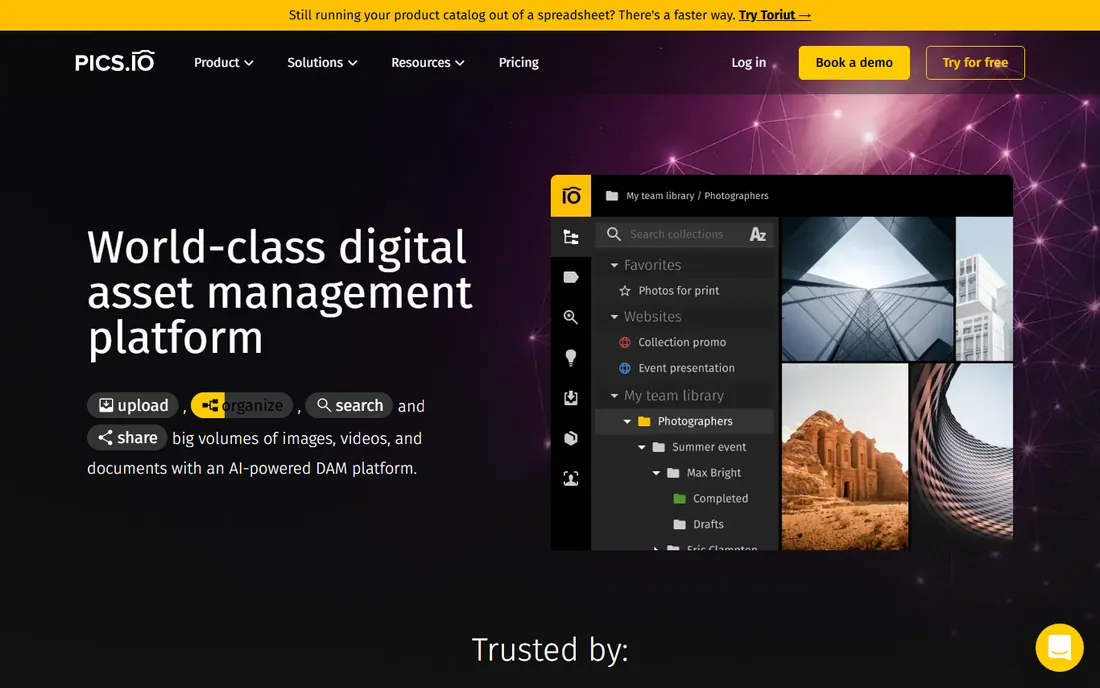
Pics.io is the transparent option for small businesses that want a real DAM without an enterprise contract. Pricing is published: Solo at $100 a month, Micro at $250 ($225 annual), Small at $800 ($680 annual), with Enterprise quoted. The Google Drive and Amazon S3 integrations are the killer feature for small teams: Pics.io layers DAM capabilities onto the storage you already use instead of forcing a migration.
Feature-wise it covers the essentials: metadata and keyword tagging, version control, visual and semantic image search, face recognition, online proofing, and integrations with Slack, WordPress, and Hootsuite. The interface is approachable, and the flat plans make budgeting simple.
The honest catch is the add-on structure. AI indexing, video intelligence, and CDN delivery are paid extras that can lift the real monthly cost well above the plan price; a one-time indexing fee applies to monthly plans. The Solo plan is oriented toward individual use, so small teams should price the Micro tier. Still, for a small business that wants predictable DAM pricing, Pics.io is one of the few honest options.
What we like- Public pricing with no sales call
- Integrates with Google Drive and Amazon S3
- Visual similarity search
Watch out for- AI features are paid add-ons
- Entry plan is single-user oriented
- Support is limited on lower tiers
Starting priceSee website (custom quote)
Free planFree trial (30 days)

MediaValet's pitch is simple: one custom subscription priced on storage, with unlimited users, unlimited support, and unlimited training. For large organizations where per-seat pricing would be ruinous, that model is genuinely attractive. Built on Microsoft Azure and available in 140 countries, it integrates naturally with Microsoft shops: Office, SharePoint workflows, and Azure AD all fit.
The platform covers the enterprise checklist: AI auto-tagging, advanced search, branded portals, granular permissions, and strict SOC 2 compliance. Integrations span Adobe Creative Cloud, Salesforce, Slack, WordPress, and monday.com. A 30-day free sandbox gives full platform access for evaluation, which is more generous than most enterprise vendors.
The catch is the quote. MediaValet publishes no pricing; third-party sources cite roughly $6,000 a year at the entry level and up from there. Configuration can feel complex, and the value proposition is weakest for small teams that would never hit per-seat limits anyway. This is a platform for organizations with hundreds of potential users and real compliance needs.
What we like- Unlimited users, support, and training
- Built on Microsoft Azure
- AI auto-tagging included
Watch out for- No public pricing
- Microsoft-centric shops benefit most
- Can feel complex to configure
Starting priceSee website (custom quote)
Free planNo
Frontify connects brand guidelines, digital asset management, and creative collaboration in a single platform used by thousands of brands. The guidelines are living documents with customizable content blocks, and the template system lets regional teams create on-brand materials without designer help. For global organizations, that combination of governance and self-service is the whole pitch.
The DAM side covers smart search, metadata, versioning, and asset transformation, with workflow and approval tools built in. Multi-brand support, SSO, and API access serve complex organizations, and integrations lean enterprise: Jira, Asana, Salesforce. G2 reviewers from enterprise companies report strong value from centralized asset management at global scale.
The honest catch is everything around the purchase. Frontify publishes no pricing, G2 data shows implementation averaging three months, and user reports put entry contracts at several thousand dollars a year minimum, scaling steeply. Small businesses and agencies consistently cite cost as a barrier. Buy Frontify when you manage multiple brands across regions; otherwise the overhead is not worth it.
What we like- Brand guidelines and DAM in one system
- Editable templates enforce consistency
- Strong multi-brand support
Watch out for- No public pricing
- Implementation commonly takes months
- Overkill for small teams
Starting price$109 per month
Free planFree trial
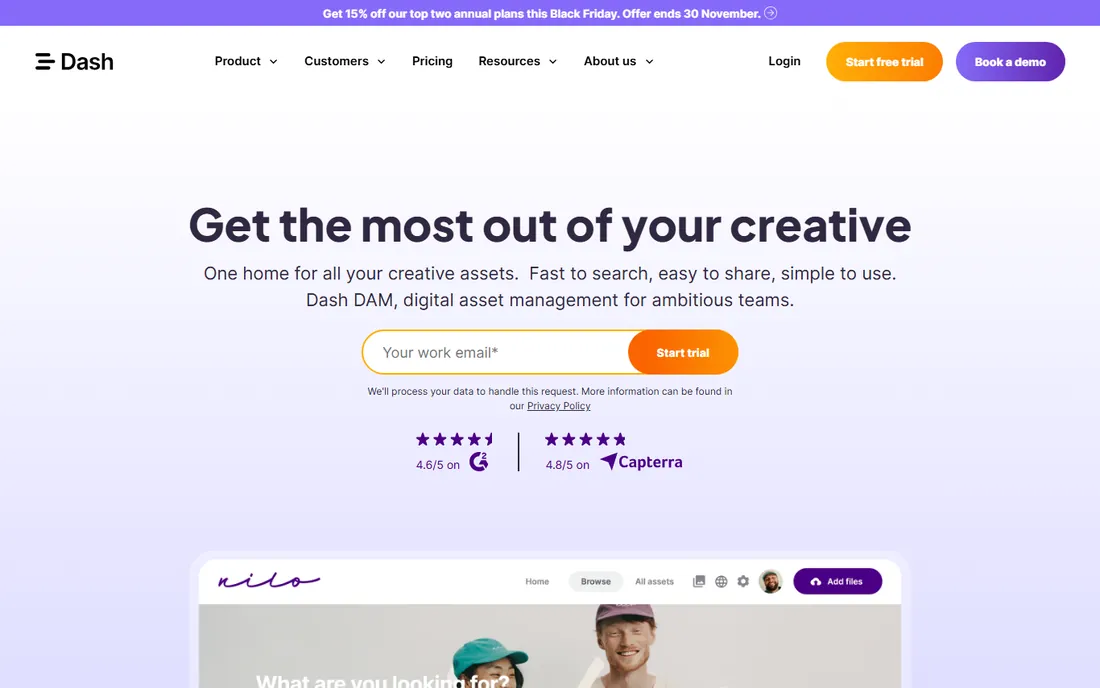
Dash is the anti-enterprise DAM: £79 or $109 a month gets every feature for unlimited users, with costs rising only when you add assets or monthly downloads. No demo call, no custom quote, no feature packages to decode. For growing ecommerce brands drowning in product photography, that simplicity is the product.
The feature set covers what small teams actually use: centralized asset library, portals for external collaborators, integrations with Dropbox and Hootsuite, and search that works without a taxonomy degree. The company is candid that it is not trying to be Bynder; it is trying to be the tool a ten-person brand opens daily.
The catch is depth. Approval workflows, advanced governance, and complex metadata models are thinner than the enterprise tier, and heavy asset volumes push you into higher usage bands. As a newer vendor, the integration ecosystem is smaller. For a small business that needs the best digital asset management software for small business budgets rather than an enterprise platform, Dash is the most honest fit on this list.
What we like- One simple price with unlimited users
- No sales call required
- Built for growing ecommerce brands
Watch out for- Less depth than enterprise platforms
- Asset and download limits gate the price
- Newer vendor
How this list was assembled
We started with the DAM platforms that still sell to US-based teams in 2026 and filtered for products with a live website, a verifiable pricing model (public plans or a documented quote process), and a review footprint on G2, Capterra, or published comparisons large enough to spot patterns. We checked each vendor's own pricing page first: where prices are published, we used them; where vendors quote custom, we said so instead of repeating third-party estimates as fact. We cross-referenced public reviews for the themes that repeat: search quality, onboarding effort, storage overages, and support responsiveness. We excluded generic cloud storage, pure CDN services, and products with no verifiable business presence. We did not run trial deployments ourselves; product claims come from vendor documentation and published user reviews.
Why most DAM vendors hide their pricing
Custom quotes exist because enterprise DAM contracts genuinely vary: user counts, storage volumes, modules, and support tiers change the number by an order of magnitude. But the opacity also serves the vendor. A buyer who has sat through three demo calls and a "discovery process" is psychologically committed before seeing a price, and the first quote is almost always negotiable. Third-party data suggests entry contracts for Bynder, Brandfolder, and Canto land between $500 and $3,000 a month, with storage overages and add-ons on top.
The practical move is to force comparability. Ask every vendor for the same scope in writing: named user count, storage in terabytes, which modules are included, AI features, support tier, and implementation cost. Ask what happens at 2x storage, because overage rates are where DAM contracts get expensive. And get the renewal terms: multi-year discounts of 25 to 40 percent are common when you negotiate early, which tells you the first quote had margin built in.
For small businesses, the lesson is simpler: if a vendor will not show you a price, their product is probably not priced for you. Cloudinary, Pics.io, and Dash publish real numbers because they sell to teams that buy without a procurement department. Start there.
What to check before you commit
Start with search, because it decides whether the DAM gets used. Upload a messy sample of your real assets during the trial and see if the search finds them: test filenames, visual similarity, text inside images, and face recognition if you manage people photography. A DAM with beautiful folders and bad search becomes an expensive archive nobody opens. AI auto-tagging quality varies enormously between vendors; verify it on your content, not the vendor's demo library.
Second, model the total cost at 2x your current state. DAM pricing expands along four axes: users, storage, AI features, and delivery bandwidth. A plan that fits today can double when you add video, and storage overages are the most common surprise bill. Ask for the overage rate per terabyte in writing, and check whether AI indexing is included or a paid add-on. Pics.io and Cloudinary both charge extra for AI features; factor that in from day one.
Third, check the migration path. Moving ten thousand assets with metadata is a project, and vendors vary in how much help they provide. Ask who does the migration, how metadata maps, and how long it takes. Pics.io's Google Drive layering avoids migration entirely for Drive-based teams, which is a genuine advantage. For everyone else, budget staff time for cleanup: no migration tool fixes a decade of "final_FINAL_v2" filenames.
Finally, confirm governance features match your risk. If external agencies and regional teams will access the library, you need granular permissions, expiring share links, and watermarking. If legal cares about compliance, confirm SOC 2 or ISO certifications and audit trails. Do not pay for enterprise governance you will never use, and do not skip it if your brand's reputation depends on it.
Frequently asked questions
What is digital asset management software?
Digital asset management software is a centralized library for storing, organizing, finding, and sharing digital files: images, videos, documents, brand guidelines, and templates. It adds metadata, search, version control, and permission controls on top of raw storage, so teams can find the right asset in seconds instead of digging through shared drives. Most platforms also handle sharing with external partners through branded portals.
How much does digital asset management software cost?
Self-serve tools cost $89 to $250 a month: Cloudinary Plus is $89, Dash is $109, and Pics.io Solo is $100. Mid-market and enterprise platforms are quote-based, with third-party research suggesting $500 to $3,000 a month at entry and much more for large storage volumes. The real cost drivers are storage overages, per-seat fees, and AI features sold as add-ons.
What is the best digital asset management software for small business?
For most small businesses, the answer is one of the three with public pricing: Cloudinary if you also need image and video delivery to websites and apps, Pics.io if your team lives in Google Drive, or Dash if you want the simplest flat price for an ecommerce brand. All three can be bought without a sales call. Enterprise platforms like Bynder or Brandfolder only make sense once brand governance becomes a dedicated job.
Do I need a DAM if I already use Google Drive or Dropbox?
Drive and Dropbox store files; a DAM makes them findable and governable. If your team wastes hours searching for assets, shares the wrong versions, or cannot control who downloads what, a DAM pays for itself. Pics.io layers directly onto Google Drive, so Drive-based teams can add DAM features without migrating. If your file volume is small and organized, shared drives remain fine.
What features matter most in a DAM?
Search quality matters most: visual search, AI auto-tagging, and metadata filtering decide whether people use the system. Next come version control, permission controls, and sharing portals for external partners. Brand guidelines and approval workflows matter for larger organizations. AI features, analytics, and integrations are differentiators, not foundations; get the basics right first.
How long does DAM implementation take?
Self-serve tools like Dash, Pics.io, and Cloudinary can be running in days. Mid-market platforms like Canto typically take one to four weeks including migration. Enterprise platforms like Bynder, Brandfolder, and Frontify commonly take one to three months with vendor-led onboarding. The migration of existing assets, not the software setup, is what consumes most of the timeline.
Sources we checked (18)
- https://pics.io/pricing
- https://cloudinary.com/guides/vs/bynder-vs-cloudinary
- https://cloudinary.com/guides/alternative/brandfolder-alternative
- https://cloudinary.com/guides/vs/bynder-vs-celum
- https://www.guideflow.com/blog/digital-asset-management-software
- https://costloop.app/blog/digital-asset-management-software-pricing/
- https://thedigitalprojectmanager.com/tools/cloudinary-pricing/
- https://www.itqlick.com/brandfolder/pricing
- https://www.itqlick.com/compare/brandfolder/bynder
- https://www.dash.app/blog/bynder-vs-brandfolder
- https://www.dash.app/blog/brandfolder-vs-canto
- https://www.tagbox.io/alternatives/best-brandfolder-alternatives-for-digital-asset-management
- https://www.tagbox.io/alternatives/best-canto-alternatives-for-digital-asset-management
- https://www.usewonderful.com/blog/best-digital-asset-management-software
- https://www.g2.com/products/frontify/pricing
- https://www.mediavalet.com/blog/predictable-dam-pricing
- https://www.brandlife.io/blog/best-alternatives-to-bynder-for-digital-asset-management
- https://www.brandlife.io/blog/top-frontify-alternatives-and-competitors
Is your product missing or out of date?
We review this list regularly. Vendors can request a listing, send updated pricing or ask about featured placement.

Shihab Mia · Founder, Rankite
Shihab has spent more than a decade helping SaaS and e-commerce brands grow through search. He writes Rankite's software buying guides from pricing pages, documentation and public user reviews. More about Shihab.