How we make this list: we compare pricing pages, product documentation and public user reviews. Ratings come from G2, Capterra or Trustpilot, with the date we checked them.
Key takeaways
- The best DevSecOps tools in 2026 put security findings where developers already work: in the pull request, not in a separate dashboard nobody opens.
- GitLab leads for all in one DevSecOps, while Snyk suits developer led fixing across code, dependencies, and containers.
- Free tiers are real for several tools, including GitLab, Snyk, SonarQube, and Trivy, so small teams can start scanning without a purchase.
- The metric that matters is fix rate: the deepest scanner ignored by developers loses to the shallower one teams actually use, so gate on new findings only.
Quick comparison
| Tool | Best for | Starting price | Free plan |
|---|
 GitLab GitLab | All in one DevSecOps | Free | Yes |
 Snyk Snyk | Developer led fixing | $25 per contributing developer per month | Yes |
 SonarQube SonarQube | Code quality and security | $34 per month | Yes |
 Checkmarx Checkmarx | Enterprise AppSec suite | See website | No |
 Aqua Security Aqua Security | Cloud native code to runtime | See website | Yes |
 GitHub Advanced Security GitHub Advanced Security | GitHub native security | Free | Yes |
 StackHawk StackHawk | API testing in CI | $42 per user per month | Free trial |
 Prisma Cloud Prisma Cloud | Code to cloud platform | See website | No |
Is your product missing or out of date?
We review this list regularly. Vendors can request a listing, send updated pricing or ask about featured placement.
Starting priceFree
Free planYes
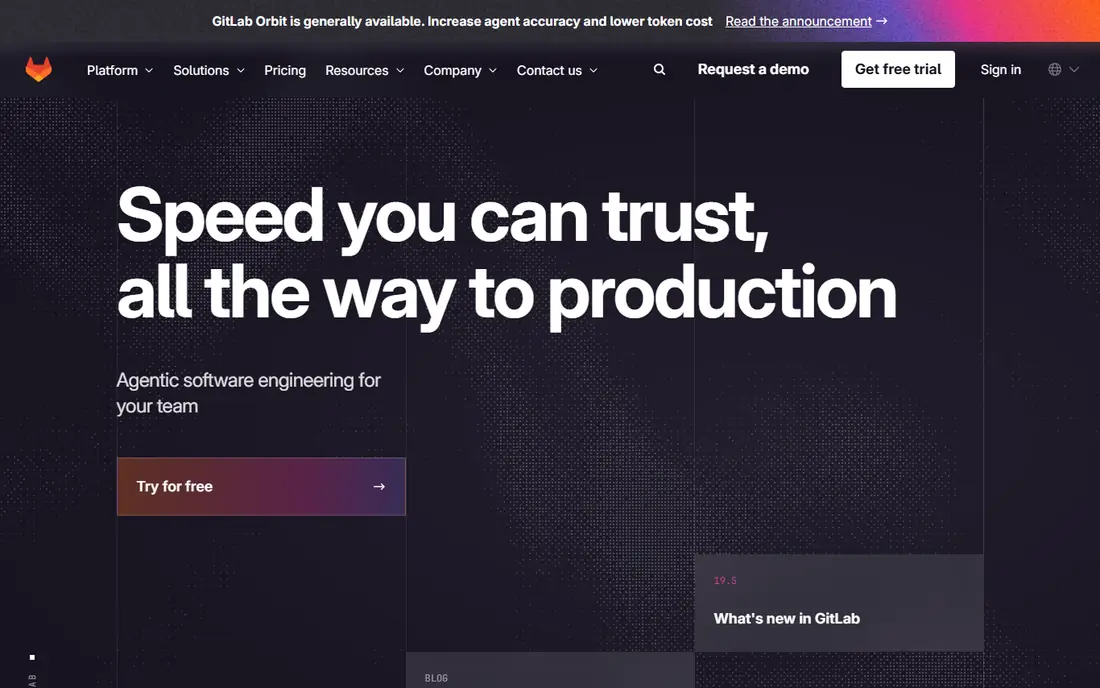
GitLab is the all in one DevSecOps pick because security ships inside the DevOps platform itself. Static scanning, secrets detection, dependency scanning, and container scanning run in CI with findings in merge requests, so developers fix issues in the same flow where they write code. That native fit is why teams already on GitLab rarely need a separate scanner first.
The free tier covers real scanning use, while paid tiers add advanced features such as deeper SAST rules, compliance dashboards, and vulnerability management. Security depth varies by tier, so check which scanners your tier includes. For teams that want one platform from code to release, GitLab leads.
What we like- Broad scanning built into the platform
- SAST, secrets, and container scanning native
- Free tier covers real use
Watch out for- Paid tiers needed for advanced security features
- Security depth varies by tier
- Large platform learning curve
Starting price$25 per contributing developer per month
Free planYes
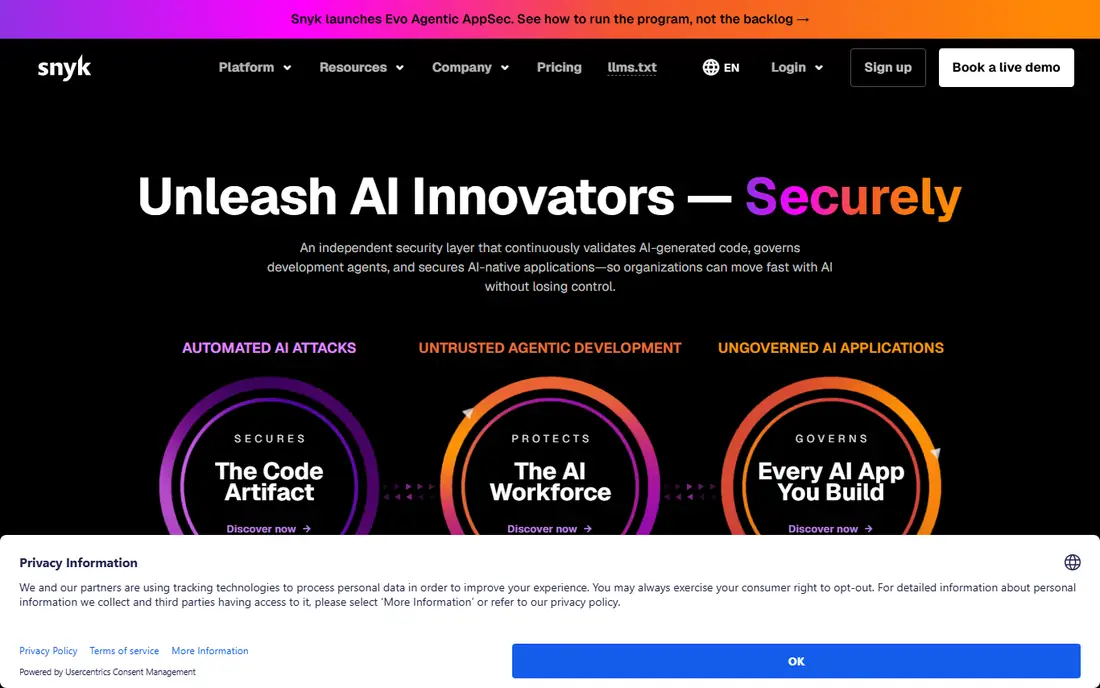
Snyk is the developer led fixing pick. It scans code, open source dependencies, containers, and infrastructure as code, then suggests fixes developers can apply in the pull request, including base image upgrades that cut CVE counts sharply. That fix focus is why Snyk scores highly with engineering teams rather than only with security teams.
Pricing runs per contributing developer per month from about 25 dollars, with a free tier for small projects. Runtime context is partial, so prioritization by exploitability in production needs another tool. For teams that want developers to fix security issues themselves, Snyk is the best pick.
What we like- Free tier for small projects
- Broad coverage across code, dependencies, containers, and IaC
- Base image fix advice that shrinks CVE counts
Watch out for- Per developer pricing adds up for large teams
- Runtime context is partial
- Some features need higher tiers
Starting price$34 per month
Free planYes
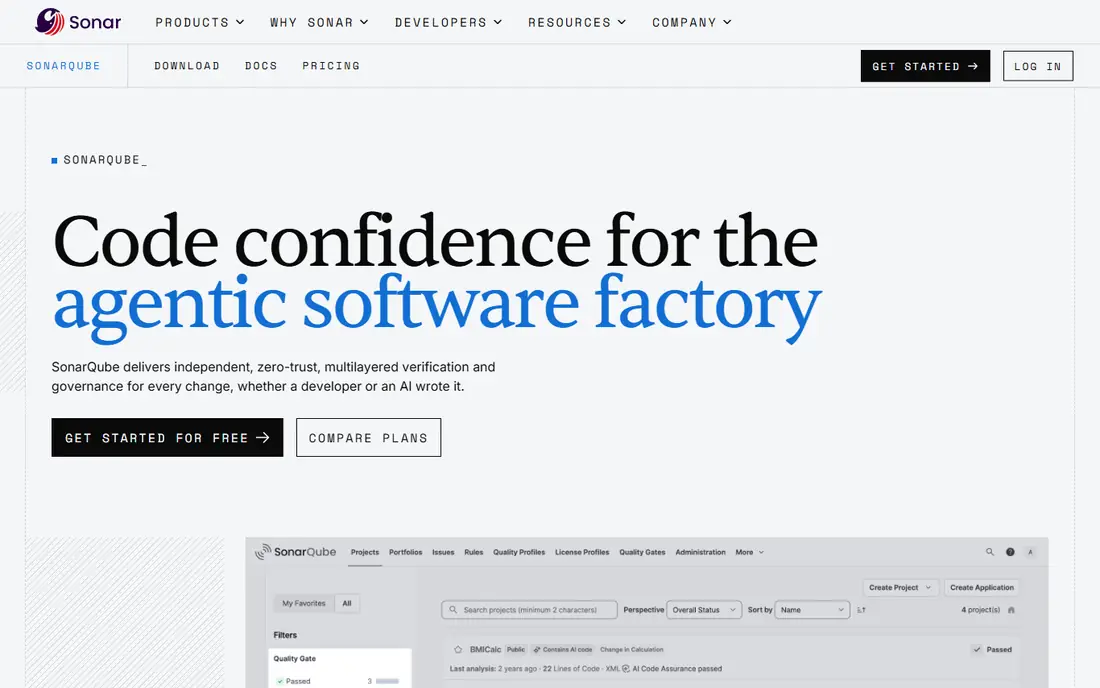
SonarQube pairs code quality with security in one static scan, which suits teams that want clean code and secure code from the same gate. It flags bugs, vulnerabilities, and code smells in pull requests, and its quality gate model blocks merges that fail defined thresholds. The free community tier covers real projects.
Paid plans from about 34 dollars per month add branch analysis, enterprise features, and deeper language support. Container scanning and dynamic testing are thinner than dedicated tools, so SonarQube pairs well with a container scanner. For teams building a static analysis habit, SonarQube is the best pick.
What we like- Free community tier
- Code quality and security in one scan
- Strong for static analysis habits
Watch out for- Paid tiers needed for branch analysis and enterprise features
- Container and DAST coverage is thinner
- Setup needs tuning for large codebases
#4Checkmarx
Best for: Enterprise AppSec suite4.2/5 on
G2 (49 reviews, checked Oct 2026)
Visit checkmarx.com
Starting priceSee website
Free planNo
Checkmarx is the enterprise AppSec suite pick, built around a deep static analysis engine with additional scanners for dependencies, APIs, and IaC. Regulated industries with strict audit needs value its reporting depth and policy controls, and its suite covers the full application security testing range in one vendor.
Pricing is quote based, with no free tier, and setup and tuning take longer than developer first tools. Small teams will find it oversized. For enterprises that need deep SAST with audit grade reporting, Checkmarx leads.
What we like- Deep SAST engine
- Broad enterprise AppSec suite
- Strong for regulated industries
Watch out for- Quote based pricing, no public rate
- No free tier
- Setup and tuning take longer than developer first tools
Starting priceSee website
Free planYes
Aqua Security closes the chain from code to runtime for cloud native teams. Its Trivy open source scanner is widely used for vulnerability scanning and SBOM generation, while the commercial platform adds pipeline security, registry policy, admission control, and runtime enforcement, so a build verdict follows the workload into the cluster.
The trade is assembly: the platform combines several pieces, and enterprise pricing is tiered and quote based. SAST coverage is partial versus dedicated engines such as Checkmarx. For container estates that want one chain from CI to cluster, Aqua is the best pick.
What we like- Trivy open source scanning free
- Code to runtime chain with admission and drift control
- Strong for container estates
Watch out for- Platform assembly takes effort
- Enterprise pricing is tiered and quote based
- Partial SAST coverage versus dedicated engines
Starting priceFree
Free planYes
GitHub Advanced Security suits teams already on GitHub. CodeQL scanning, secret scanning, and dependency alerts run natively in pull requests, with findings in the same interface developers use daily. Public repositories get advanced security free, which makes it the easiest starting point for open source teams.
Private repository advanced features need paid tiers, container scanning runs through Actions, and runtime context comes via partners rather than natively. For GitHub native teams, Advanced Security is the obvious first scanner to activate before buying anything else.
What we like- Native to GitHub workflows
- CodeQL scanning and secret scanning
- Free for public repos
Watch out for- Paid tiers needed for private repo advanced features
- Container scanning via Actions
- Runtime context via partners
Starting price$42 per user per month
Free planFree trial
StackHawk fills the dynamic testing gap most platforms lack. It tests APIs in CI on every merge, with findings in the pull request and config as code, so API first teams catch runtime issues that static scans miss. Published per user pricing from about 42 dollars per month makes budgeting clear.
The limit is scope: StackHawk covers the DAST lane, not SAST, dependencies, or containers, so it pairs with a broader scanner rather than replacing one. For API first teams closing the dynamic gap, StackHawk is the best pick.
What we like- API aware dynamic testing in CI
- Findings in the pull request
- Config as code
- Published per user pricing
Watch out for- One lane of many, not a full suite
- Dynamic testing needs a running app
- Smaller ecosystem than suite vendors
Starting priceSee website
Free planNo
Prisma Cloud, from Palo Alto Networks, covers code to cloud with a runtime tie: it scans code, dependencies, and images, then enforces policy through runtime, with cloud posture and compliance beside it. Trusted image enforcement and multi registry policy suit large cloud estates with strict governance needs.
Pricing is quote based with no free tier, and the platform breadth needs a dedicated rollout. Small teams will find it oversized. For large cloud estates that want code to runtime governance in one vendor, Prisma Cloud rounds out the list.
What we like- Code to cloud coverage with runtime tie
- Strong cloud posture and compliance
- Trusted image enforcement
Watch out for- Quote based pricing, no public rate
- No free tier
- Platform breadth needs dedicated rollout
How we chose
We ranked tools by scanning coverage, pipeline fit, developer experience, runtime context, and value at entry level pricing. We favored tools that surface findings where developers already work, since adoption decides whether security improves. We gave extra weight to runtime context, because a vulnerability exploitable in production outranks a severity label alone.
We also weighed free entry points. A free tier or open source scanner that covers real work scores higher than a demo that shows little, and we favored vendors whose free tier survives a real project rather than a short trial. Price conflicts across sources were handled by writing "See website" where published figures disagreed or pricing is quote based, so readers check the vendor pricing page rather than trusting a stale number.
Buying guide
Start with what your host already includes. GitLab tiers and GitHub Advanced Security reset every business case, so activate those first before buying a separate scanner. Then pick by what engineers will actually use: a deep scanner ignored by developers loses to a shallower one adopted daily.
Next, gate on new findings only. Blocking every legacy issue on day one stalls delivery, while blocking new issues in pull requests improves security steadily without blocking releases. Consolidate dashboards into the tracker developers already open, and measure fix rate monthly, since that is the metric that survives contact with reality.
Finally, close the gaps by lane. Add container scanning if you ship images, API testing if you ship APIs, and runtime context if you run in production. A suite that covers one lane well plus targeted tools for the rest usually beats a single vendor that covers every lane thinly.
Frequently asked questions
What is the best DevSecOps tool overall?
GitLab leads for all in one DevSecOps, while Snyk suits developer led fixing and SonarQube suits code quality plus security. Teams on GitHub should start with GitHub Advanced Security.
Can I start DevSecOps for free?
Yes. GitLab, Snyk, SonarQube, and Trivy all offer free tiers or open source scanning that cover real projects. Paid tiers add depth, scale, and enterprise features.
What is the difference between SAST and DAST?
SAST scans source code without running it, while DAST tests a running application, including APIs. Most teams need both, plus dependency and container scanning.
How do I get developers to fix security findings?
Put findings in pull requests, gate on new findings only, and suggest fixes rather than just flagging problems. Fix rate matters more than finding count.
Do I need runtime security as well as pipeline scanning?
Yes for production workloads. Pipeline scanning catches issues before release, while runtime context shows which vulnerabilities are actually exploitable in production, which should be fixed first.
Sources we checked (0)
Is your product missing or out of date?
We review this list regularly. Vendors can request a listing, send updated pricing or ask about featured placement.

Shihab Mia · Founder, Rankite
Shihab has 5+ years in B2B and SaaS SEO. He writes Rankite's software buying guides from pricing pages, documentation and public user reviews. More about Shihab.