How we make this list: we compare pricing pages, product documentation and public user reviews. Ratings come from G2, Capterra or Trustpilot, with the date we checked them.
Key takeaways
- GitHub Actions and GitLab CI are the most common automation foundations, with security scanning built into the pipeline.
- Snyk and SonarQube catch vulnerabilities and code quality issues before they reach production.
- Trivy and Checkov are free, open-source scanners that cover containers, dependencies and infrastructure as code.
- Harness suits teams that want policy-driven delivery with security gates at enterprise scale.
- Jenkins remains relevant for teams with complex, custom pipelines, though it needs more maintenance than hosted options.
Quick comparison
| Tool | Best for | Starting price | Free plan |
|---|
 GitHub Actions GitHub Actions | CI/CD for GitHub teams | Free | Yes |
 GitLab CI/CD GitLab CI/CD | All-in-one DevSecOps platform | Free | Yes |
 Jenkins Jenkins | Custom self-hosted pipelines | Free | Yes |
 Harness Harness | Policy-driven delivery | See website | Free trial |
 Snyk Snyk | Dependency and container security | Free | Yes |
 SonarQube SonarQube | Code quality and security | Free | Yes |
 Trivy Trivy | Container and IaC scanning | Free | Yes |
 Checkov Checkov | Infrastructure as code policy | Free | Yes |
Is your product missing or out of date?
We review this list regularly. Vendors can request a listing, send updated pricing or ask about featured placement.
Starting priceFree
Free planYes
GitHub Actions is the default automation choice for teams already on GitHub. Workflows defined in YAML run on every push and pull request, covering builds, tests, security scans and deployments, with a marketplace of thousands of reusable actions for common tasks. Security tools like CodeQL, Dependabot and secret scanning integrate directly, so vulnerabilities surface in the same pull request view developers already use.
The free tier is generous for public repositories, and private repos get a monthly minutes allowance. For DevSecOps, Actions makes it easy to add gates: fail a build on a critical vulnerability, require a security review before deploying to production, or scan containers before pushing them to a registry.
Costs scale with usage on private repos, and teams with strict compliance needs often run self-hosted runners, which adds maintenance. But for GitHub teams, Actions is the fastest path to automated, secure delivery.
What we like- Built into GitHub
- Huge marketplace of actions
- Easy security workflow setup
Watch out for- Costs scale with private repo usage
- Self-hosted runners need management
Starting priceFree
Free planYes
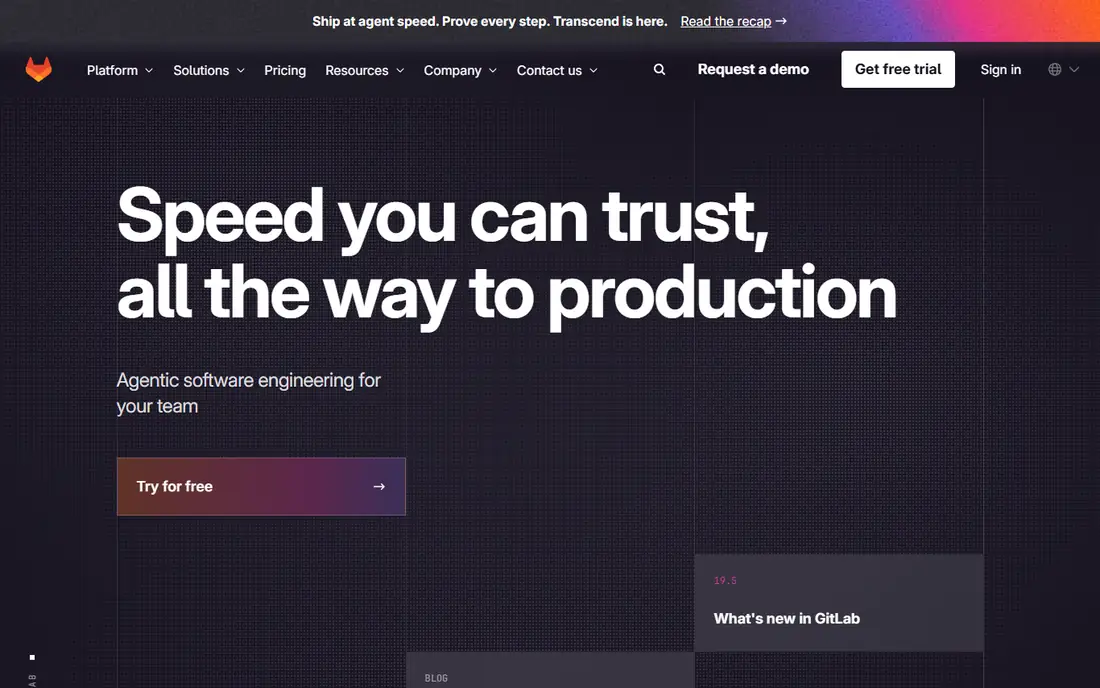
GitLab takes the all-in-one approach: source control, CI/CD, container registry, security scanning and compliance live in a single application. Its DevSecOps features include SAST, dependency scanning, container scanning, secret detection and license compliance, with results shown in merge requests so developers fix issues before merging.
Auto DevOps can generate a full pipeline automatically, which helps small teams get secure defaults without writing YAML from scratch. Self-hosting is a first-class option, which suits regulated industries that cannot use a cloud service. The free tier covers the basics, while Premium and Ultimate add advanced security, compliance and deployment features.
The breadth can feel overwhelming, and the interface packs a lot into every screen. But for teams that want one platform instead of stitching together five tools, GitLab's integrated DevSecOps story is the strongest available.
What we like- CI/CD, security scanning and compliance in one platform
- Auto DevOps
- Strong self-hosting option
Watch out for- Interface can feel dense
- Higher tiers needed for advanced security features
#3Jenkins
Best for: Custom self-hosted pipelines4.4/5 on
G2 (570 reviews, checked Oct 2026)
Visit jenkins.io
Starting priceFree
Free planYes
Jenkins is the veteran of CI/CD automation, and it remains widely used because it can do almost anything. Its plugin library covers every major tool, from Snyk and SonarQube to Kubernetes and cloud providers, and pipelines defined in code give teams total control over build, test, scan and deploy stages.
For DevSecOps, Jenkins lets you build exactly the gates you need: run a SAST scan, check container images with Trivy, enforce policy with Checkov, and block deployment on failure, all in one pipeline. Self-hosting keeps everything inside your network, which matters for regulated teams.
The cost is maintenance. Jenkins needs patching, plugin updates and care to stay secure, and a sprawling plugin setup can become fragile. Teams with platform engineering capacity still get great value from it, but smaller teams may prefer a hosted option like GitHub Actions or GitLab.
What we like- Free and open source
- Enormous plugin library
- Total control over pipelines
Watch out for- Needs maintenance and security patching
- Older interface
- Plugin sprawl
#4Harness
Best for: Policy-driven delivery4.6/5 on
G2 (336 reviews, checked Oct 2026)
Visit harness.io
Starting priceSee website
Free planFree trial
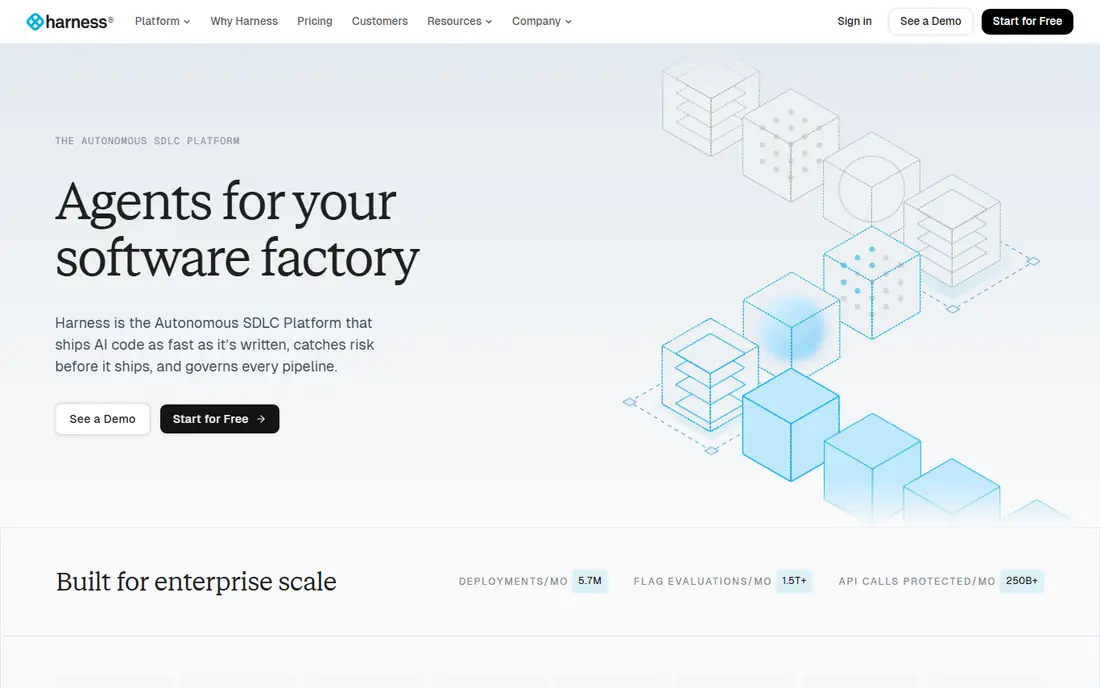
Harness is a delivery platform built around policy and governance, which fits DevSecOps well. Its pipelines cover CI, CD, feature flags, chaos engineering and security testing, with policy-as-code gates that enforce rules before code reaches production. Security Testing Orchestration runs scanners like Snyk, SonarQube and Checkov in one place and normalises the results.
For enterprises, Harness offers audit trails, role-based access and deployment strategies like canary and blue-green, which reduce the risk of a bad release. The platform scales to large, regulated organisations with many teams and services.
Pricing is custom, and the full platform takes time to learn. Harness suits organisations that need governance and scale more than a quick pipeline for a single repo, but for that audience it is one of the strongest DevSecOps platforms available.
What we like- Policy-as-code delivery gates
- Strong security testing modules
- Good enterprise governance
Watch out for- Custom pricing
- Learning curve for full platform
Starting priceFree
Free planYes
Snyk scans your code, open-source dependencies, container images and infrastructure as code for known vulnerabilities, and it goes further than reporting: it suggests fixes and can open pull requests that upgrade a vulnerable package automatically. That developer-friendly workflow is why it is popular: security findings arrive where developers work, with a clear path to fix them.
Integrations cover GitHub, GitLab, Bitbucket, Jenkins and major CI systems, plus IDE plugins that flag issues as you write code. The free tier covers personal projects and small teams, while paid plans add more tests, reporting and governance features.
Noise is the main complaint: not every flagged vulnerability is exploitable in your setup, so teams need triage rules. But for dependency and container security, Snyk remains the most developer-friendly tool in this list.
What we like- Finds vulnerabilities in code, dependencies, containers and IaC
- Fix suggestions and pull requests
- Good developer experience
Watch out for- Costs rise with usage
- Some findings need triage to avoid noise
Starting priceFree
Free planYes
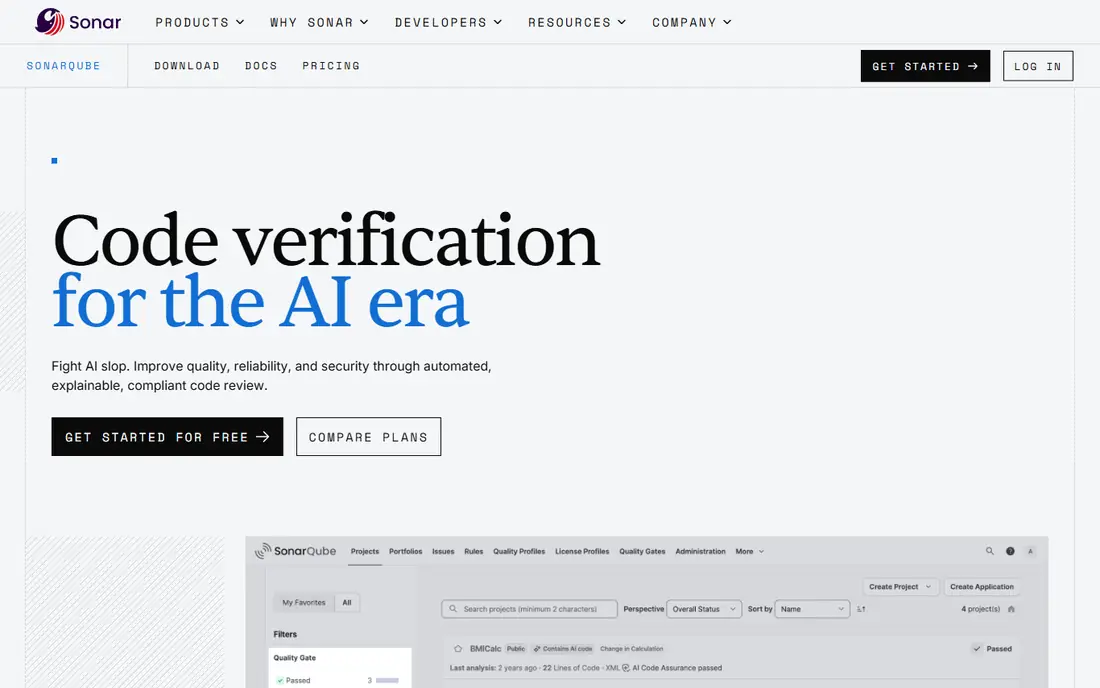
SonarQube analyses source code for bugs, security vulnerabilities and maintainability issues, across dozens of languages. Its quality gate concept is central to DevSecOps: a build fails if new code introduces critical issues or drops below a coverage threshold, which stops bad code from merging.
The Community edition is free and self-hosted, while paid editions add branch analysis, security reports, enterprise features and support. SonarCloud offers the same analysis as a hosted service for teams that prefer not to run a server. IDE integration through SonarLint catches issues before code is even committed.
Tuning takes time: default rules can feel noisy, and teams need to agree on which rules block a build. But once tuned, SonarQube gives a consistent, automated quality and security baseline that every team can rely on.
What we like- Deep static analysis for bugs, vulnerabilities and code smells
- Quality gates
- Self-hosted Community edition
Watch out for- Setup and tuning take time
- Some rules feel noisy at first
Starting priceFree
Free planYes
Trivy, from Aqua Security, is a free, open-source scanner that covers container images, filesystems, Git repositories, Kubernetes clusters and infrastructure as code. It detects known vulnerabilities, misconfigurations, secrets and license issues, and it runs as a single binary or in CI with minimal setup.
Speed is a strength: a container scan typically takes seconds, which makes Trivy easy to add to every pipeline without slowing builds. Output formats include tables, JSON and SARIF, so results feed into GitHub, GitLab and other dashboards. Because it is open source, there is no license cost at any scale.
Trivy reports findings but leaves prioritisation and fixing to you, so it works best alongside a tool like Snyk or a policy gate. For a free, fast scanner that covers most of what a pipeline needs, Trivy is the best starting point.
What we like- Free and open source
- Scans containers, filesystems, repos and Kubernetes
- Fast and easy to run
Watch out for- Output needs integration to become a gate
- Less guidance than commercial tools
Starting priceFree
Free planYes
Checkov, from Bridgecrew, now part of Palo Alto Networks, scans infrastructure as code for misconfigurations and policy violations. It covers Terraform, CloudFormation, Kubernetes manifests, Dockerfiles and other formats, checking hundreds of built-in policies, such as unencrypted storage, open security groups and missing logging.
Custom policies let teams encode their own rules in Python or YAML, and Checkov runs in CI, as a pre-commit hook or from the command line. Results include the file, line and suggested fix, which makes remediation straightforward. A commercial platform, Prisma Cloud, builds on Checkov for enterprises that want centralised reporting.
Checkov only covers infrastructure, not application code, so it pairs with Snyk or SonarQube rather than replacing them. For teams adopting infrastructure as code, adding Checkov to the pipeline is one of the highest-value, lowest-cost security steps available.
What we like- Free and open source
- Policy checks for Terraform, CloudFormation, Kubernetes and more
- Custom policies
Watch out for- Focused on IaC only
- Needs tuning to avoid false positives
How we chose
We compared tools on pipeline automation, security coverage, ease of integration, pricing and community support. Prices were checked against vendor sites, and where tools are free and open source we say so. We also read public documentation and user reviews to confirm strengths and limits, and we favoured tools that fit naturally into a CI pipeline, since DevSecOps only works when security checks run automatically on every change.
Building a DevSecOps pipeline that developers accept
The fastest way to kill a DevSecOps programme is to add slow, noisy gates that block every merge. Start with fast, high-value checks: dependency scanning with Snyk or Trivy, code quality with SonarQube, and IaC policy with Checkov. Run them on pull requests so developers see results in context, and tune out false positives before making any gate blocking.
Shift left, but keep it fast
"Shift left" means catching issues early, when they are cheapest to fix. That only works if the checks are fast: a scan that takes 30 minutes will be skipped or worked around. Keep pipeline security checks under a few minutes where possible, move slow scans to nightly jobs, and reserve blocking gates for critical, exploitable findings.
Frequently asked questions
What is DevSecOps?
DevSecOps means building security into every stage of software delivery, from writing code to deploying it, rather than checking security at the end. Automation tools run security scans in the CI pipeline so issues are found and fixed early.
Which tool should I start with for DevSecOps?
If you use GitHub, start with GitHub Actions plus Snyk or Trivy for scanning. If you use GitLab, its built-in security scanning covers much of the same ground. Add SonarQube for code quality and Checkov if you manage infrastructure as code.
Are free DevSecOps tools good enough?
Yes, for many teams. Jenkins, Trivy, Checkov and SonarQube Community are free and widely used in production. Commercial tools add reporting, governance and support, which matter more at enterprise scale than for a small team.
How do I avoid security scan noise?
Tune your tools: disable irrelevant rules, set severity thresholds for blocking gates, and use baseline files to ignore pre-existing issues while blocking new ones. Review findings regularly and adjust rules as your codebase changes.
What is the difference between SAST and dependency scanning?
SAST, like SonarQube, analyses your own code for bugs and vulnerabilities. Dependency scanning, like Snyk, checks the open-source libraries your code uses for known vulnerabilities. A good pipeline uses both.
Can DevSecOps tools slow down deployments?
They can if checks are slow or noisy, but well-tuned pipelines add only minutes. Keep fast checks on every pull request, run slow scans nightly, and only block deployments on critical findings.
Sources we checked (8)
- https://github.com/features/actions
- https://about.gitlab.com
- https://www.jenkins.io
- https://www.harness.io
- https://snyk.io
- https://www.sonarsource.com/products/sonarqube/
- https://trivy.dev
- https://www.checkov.io
Is your product missing or out of date?
We review this list regularly. Vendors can request a listing, send updated pricing or ask about featured placement.

Shihab Mia · Founder, Rankite
Shihab has 5+ years in B2B and SaaS SEO. He writes Rankite's software buying guides from pricing pages, documentation and public user reviews. More about Shihab.