How we make this list: we compare pricing pages, product documentation and public user reviews. Ratings come from G2, Capterra or Trustpilot, with the date we checked them.
What is device management software for schools
Device management software for schools enrols, configures, secures and supports the devices students and teachers use every day: iPads, Macs, Chromebooks, Windows laptops and shared carts. It pushes apps and policies to thousands of devices at once, locks lost devices, filters the web, manages classrooms and keeps student data safe. Schools choose it because a district with 5,000 devices cannot configure them one by one, and because student safety rules demand filtering, monitoring and audit trails that consumer tools do not provide. The trade off is cost and complexity: the cheapest tools manage one platform only, and the broadest tools price by quote.
Direct answer: Mosyle Manager is the top pick for Apple schools because it is free for the basic edition and Premium costs $5.50 per device per year, with classroom tools and Apple School Manager integration built in. Jamf School is the best pick for districts that want the deepest Apple management, with the Education Enhanced bundle at $9 per device per year. Lightspeed is the best pick for filtering and classroom management across platforms, though it prices by quote. Start with Mosyle Manager for Apple fleets, and with Google Admin console plus GoGuardian for Chromebook fleets.
Key takeaways
- Mosyle Manager is free for the basic edition, Premium costs $5.50 per device per year, and OneK12 costs $9.00 per device per year.
- Jamf School Education Enhanced costs $9 per device per year, and Education Ultimate costs $20 per device per year.
- Lightspeed, GoGuardian, ClassLink, FileWave, Securly and Absolute all price by quote, so budget planning needs a sales call.
- Mosyle Manager is used by more than 20,000 schools, according to the vendor, and is built only for Apple devices.
- Most school tools bundle filtering and classroom management with device management, so compare the bundle, not the MDM alone.
How we picked
We compared eight tools on five points: platforms covered, enrolment and deployment, classroom management, web filtering and student safety, and pricing transparency. A tool scored well when it was built for K-12 workflows rather than adapted from business MDM. Prices come from vendor pricing pages and vendor published comparisons, checked 21 November 2026. Where sources disagree on a price, both figures are printed and the conflict is flagged. Prices are search verified; vendor homepages were not individually opened in the browser for this guide. This guide is scoped to K-12 school device management, which is distinct from the live best mobile device management software page, which covers general business MDM for Jamf, Hexnode, Scalefusion, NinjaOne and others without school workflows.
Comparison table
| Tool | Best for | Starting price | Free plan |
| Mosyle Manager | Apple schools on a budget | Free; Premium $5.50 per device per year | Free edition, no device cap |
| Jamf School | Deepest Apple management | Education Enhanced $9 per device per year | Free trial |
| Lightspeed Systems | Filtering and classroom control | Quote only | Free trial |
| GoGuardian Admin | Chromebooks and filtering | Quote only | Free trial |
| ClassLink | Single sign-on and rostering | Quote only | Free trial |
| FileWave | Cross-platform school fleets | Quote only | Free trial |
| Securly | Student safety and filtering | Quote only | Free trial |
| Absolute | Device recovery and security | Quote only | Free trial |
Which device management software is best for a small school
A small school should start with Mosyle Manager if its fleet is Apple, and with Google Admin console if its fleet is Chromebooks. Mosyle Manager is free with no device cap for the basic edition, which covers enrolment through Apple School Manager, app deployment, parental controls, shared iPads and single sign-on. Premium at $5.50 per device per year adds classroom management tools, automated workflows and Mosyle Screen Sharing. For Chromebooks, Google Admin console is included with Google Workspace for Education at no extra charge, and it manages device policies, apps and users. A school with fewer than 30 devices can stay on the free tiers indefinitely, and the first paid step is small: 30 Mosyle Premium licences cost $165 a year.
Do you need a paid school device management plan
A paid plan earns its price when the fleet grows or when filtering and safety become requirements. Mosyle Manager Premium at $5.50 per device per year adds classroom management and automation, and OneK12 at $9.00 per device per year adds web filtering, endpoint security and Mosyle Auth 2. Jamf School Education Enhanced at $9 per device per year bundles Jamf School with Jamf Safe Internet and standard support, and Ultimate at $20 per device per year adds the full bundle. The quote only tools are the expensive ones: Lightspeed, GoGuardian, ClassLink, FileWave, Securly and Absolute all need a sales call before the school sees a number, and district pricing varies by size and term. Price per device per year, not per month: school budgets run annually, and a $1 a month tool costs $12 a device a year.
How to choose device management software for your school
Choose by platform first. Mosyle Manager and Jamf School manage Apple devices only, so a school with Chromebooks needs a second tool or a cross-platform one such as FileWave or Lightspeed. Next, check the classroom features: teachers need to lock screens, push apps and monitor student screens during class, and Mosyle, Jamf School and Lightspeed all ship teacher apps for that. Then check filtering and safety: GoGuardian and Securly are built for web filtering and student safety monitoring, while Mosyle and Jamf add filtering only on their higher tiers. Finally, check rostering: ClassLink connects the student information system to every app with single sign-on, which removes the password problem that eats IT time in every school.
Quick comparison
| Tool | Best for | Starting price | Free plan |
|---|
 Mosyle Manager | Apple schools that want the lowest price | Free; Premium $5.50 per device per year, OneK12 $9.00 per device per year | Free edition with no device cap, for iOS and iPadOS or macOS |
 Jamf School | Districts that want the deepest Apple management | Education Enhanced $9 per device per year; Education Ultimate $20 per device per year | Free trial |
 Lightspeed Systems | Schools that want filtering and classroom control in one platform | Quote only | Free trial |
 GoGuardian Admin | Chromebook schools that need filtering and classroom management | Quote only | Free trial |
 ClassLink | Schools that want single sign-on and rostering for every app | Quote only | Free trial |
 FileWave | Schools with mixed fleets of Mac, Windows, iOS and Android | Quote only | Free trial |
 Securly | Schools that need student safety monitoring and filtering | Quote only | Free trial |
 Absolute | Schools that need device recovery and firmware level security | Quote only | Free trial |
Is your product missing or out of date?
We review this list regularly. Vendors can request a listing, send updated pricing or ask about featured placement.
These eight tools cover the main ways schools manage student and teacher devices in 2026, from free Apple MDM to cross-platform fleets.
Starting priceFree; Premium $5.50 per device per year, OneK12 $9.00 per device per year
Free planFree edition with no device cap, for iOS and iPadOS or macOS
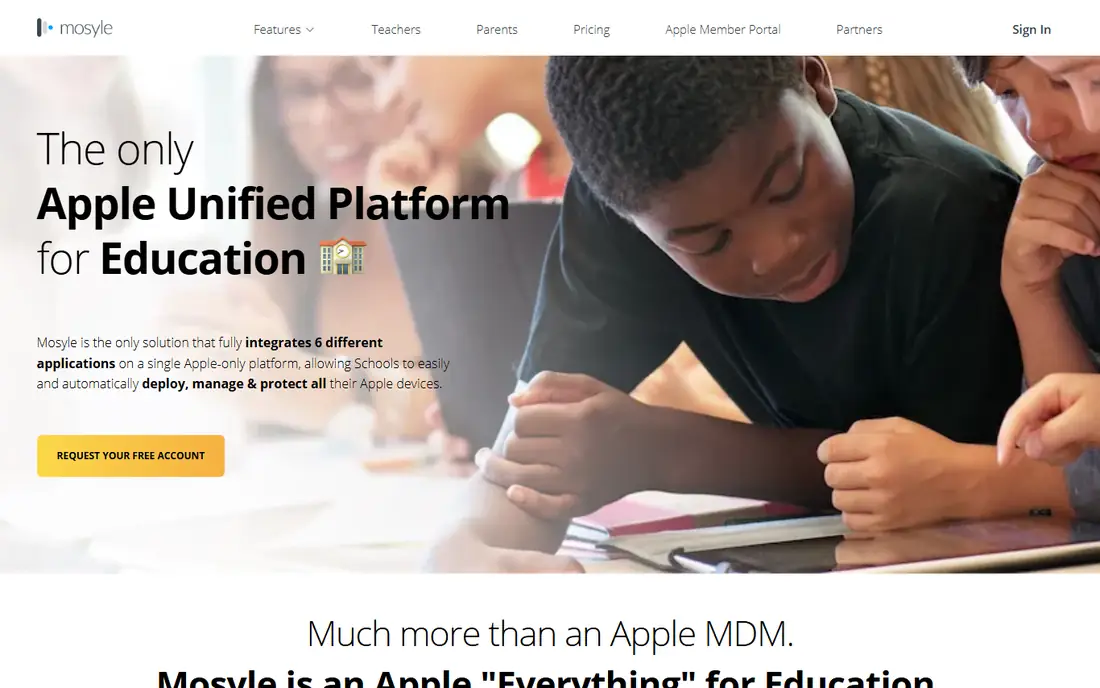
Mosyle Manager is the Apple MDM built only for schools, and it is used by more than 20,000 schools around the world, according to the vendor. Devices enrol through Apple School Manager, and teachers get App Lock, Safe Test Mode and classroom controls. The free edition costs nothing with no device cap, and covers one platform, either iOS and iPadOS or macOS, with the full MDM protocol, parental controls, shared iPads and single sign-on. Premium costs $5.50 per device per year with a 30 licence minimum, and adds classroom management tools, automated workflows, the macOS app catalogue and Mosyle Screen Sharing. OneK12 costs $9.00 per device per year and adds web filtering and security, Mosyle Auth 2, CDN hosting for apps and endpoint security.
What we like- Free edition with no device cap, lowest published school price, built for K-12 with classroom tools, used by more than 20,000 schools
Watch out for- Apple only, no Windows, Android or ChromeOS, free edition covers one platform only, data stored only in the US
#2
Jamf School
Best for: Districts that want the deepest Apple management
Visit jamf.com
Starting priceEducation Enhanced $9 per device per year; Education Ultimate $20 per device per year
Free planFree trial
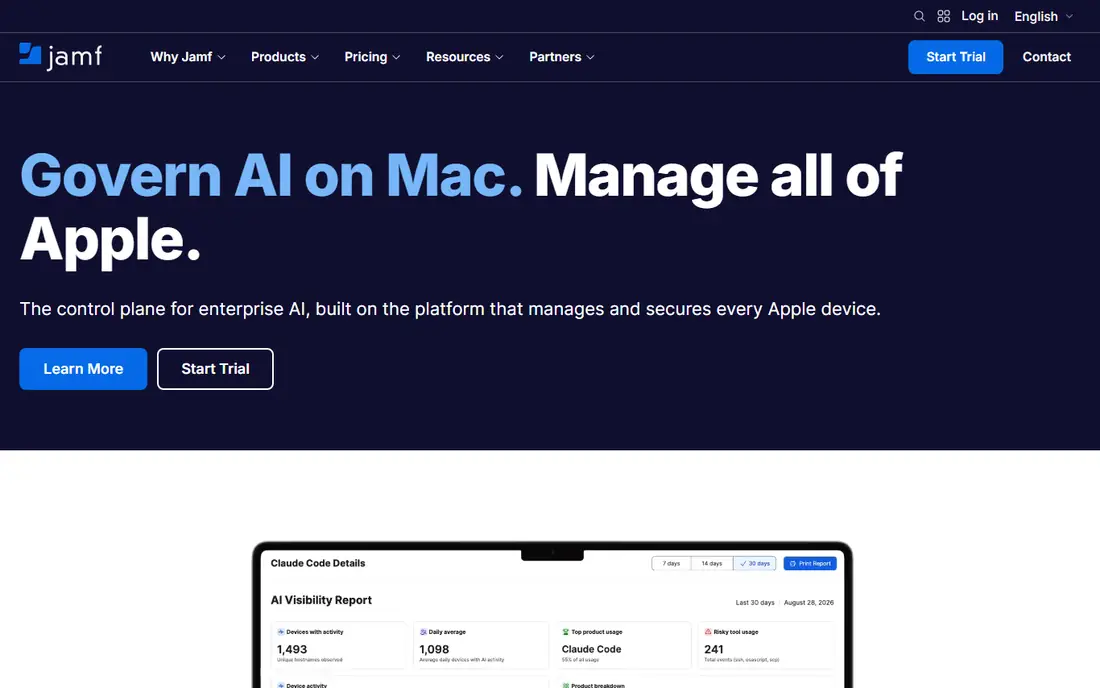
Jamf School is the education edition of Jamf, built for K-12 and higher education institutions to manage Mac, iPad, iPhone and Apple TV. Its web based interface gives teachers classroom controls, and it deploys, manages and secures Apple devices through Apple School Manager. Pricing is education specific: the Education Enhanced bundle costs $9 per device per year and includes Jamf School with Jamf Safe Internet and standard support, while Education Ultimate costs $20 per device per year. Third-party listings also report a Basic tier at $5.50 per device per year, but that figure is not on the vendor page and should be confirmed with Jamf. Higher education pricing is reported at around $12 per device per year.
What we like- Deepest Apple integration on the market, teacher app with classroom controls, education discounts of 50 to 88 percent below business pricing, large admin community
Watch out for- Apple only, no published standalone price on the vendor page, higher tiers cost more than Mosyle, setup takes longer than simpler tools
Starting priceQuote only
Free planFree trial
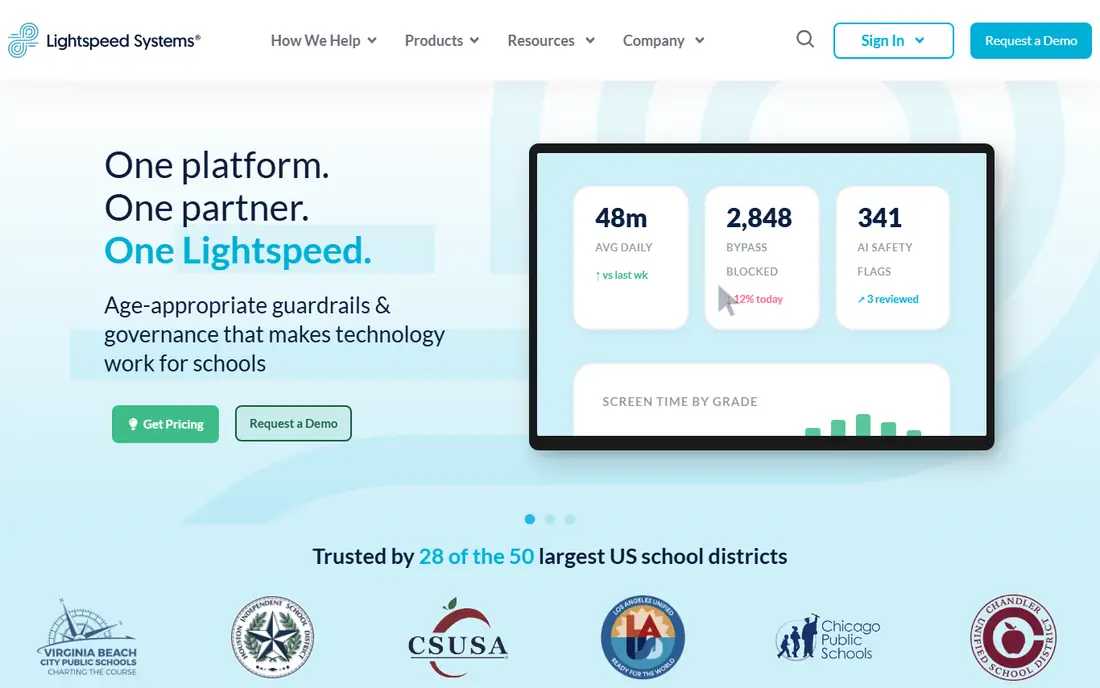
Lightspeed Systems is a school focused platform that combines web filtering, classroom management and device management. Its filtering blocks harmful content and monitors student activity, while its classroom tools let teachers see student screens, lock devices and share content. It covers Chromebooks, Windows, Mac and iOS, which makes it one of the few tools here that manages a mixed school fleet from one console. Pricing is quote only, with no published entry price and no free tier, so the school must talk to sales before it can budget.
What we like- Strong web filtering and student safety tools, classroom management with teacher controls, covers Chromebooks, Windows, Mac and iOS, purpose built for schools
Watch out for- Quote only pricing with no published entry price, sales call required before budgeting, reporting depth varies by tier
#4
GoGuardian Admin
Best for: Chromebook schools that need filtering and classroom management
Visit goguardian.com
Starting priceQuote only
Free planFree trial
GoGuardian Admin is the device management and filtering platform built for schools that run Chromebooks and Google Workspace. It manages devices, filters the web, monitors student safety and gives teachers classroom controls, all from a console designed for school IT teams rather than business administrators. It is widely used in US schools, and its filtering is the feature most districts buy it for. Pricing is quote only, with no published entry price, so the district must request a quote before budgeting.
What we like- Built for Chromebooks and Google Workspace, strong filtering and student safety monitoring, teacher classroom tools, widely used in US schools
Watch out for- Quote only pricing, Chromebook and Google focused, admin console takes learning, reporting needs the higher tiers
#5
ClassLink
Best for: Schools that want single sign-on and rostering for every app
Visit classlink.com
Starting priceQuote only
Free planFree trial
ClassLink is the identity and rostering platform that sits alongside device management in most school districts. It gives students and teachers single sign-on to thousands of apps, connects the student information system to every classroom tool through its Roster Server, and shows analytics on which apps are actually used. It works across platforms, so it suits a school with iPads, Chromebooks and Windows laptops together. Pricing is quote only, with no published entry price. ClassLink is not a full MDM on its own: it does not push device policies or lock lost devices, so it pairs with Mosyle, Jamf School, FileWave or Google Admin console rather than replacing them.
What we like- Single sign-on for thousands of apps, roster server connects the student information system, analytics show app usage, works across platforms
Watch out for- Quote only pricing, not a full MDM on its own, setup needs rostering work with the student information system
#6FileWave
Best for: Schools with mixed fleets of Mac, Windows, iOS and Android4.7/5 on
G2 (20 reviews, checked Oct 2026)
Visit filewave.com
Starting priceQuote only
Free planFree trial
FileWave is the cross-platform endpoint management tool that many schools use when the fleet mixes Mac, Windows, iOS, Android and ChromeOS. It handles imaging, app deployment, patching and device policies from one console, and it is built for education, with school specific workflows and pricing by quote. A self-hosted option is available for districts with data residency requirements. Pricing is quote only, with no published entry price, so the district must request a quote. The interface shows its age compared with Mosyle or Jamf School, and setup takes longer because the product surface is large.
What we like- True cross-platform management, strong in education, imaging and app deployment, self-hosted option available
Watch out for- Quote only pricing, interface feels dated, setup takes longer than cloud only rivals, smaller community than Jamf or Mosyle
#7
Securly
Best for: Schools that need student safety monitoring and filtering
Visit securly.com
Starting priceQuote only
Free planFree trial
Securly is the student safety and filtering platform that many US districts pair with their device management tool. It filters the web, monitors student activity for self-harm and bullying signals, alerts school staff, and gives parents and guardians visibility into their child's online activity. It covers Chromebooks and other platforms, and it works alongside Google Admin console, Mosyle or Jamf School rather than replacing them. Pricing is quote only, with no published entry price. The safety monitoring is powerful and sensitive: schools must handle the alerts and the privacy implications with care, and involve parents in the policy.
What we like- Strong student safety monitoring with alerts, web filtering built for schools, covers Chromebooks and other platforms, parent and guardian tools
Watch out for- Quote only pricing, safety monitoring raises privacy questions to handle with care, full feature set needs the higher tiers
#8
Absolute
Best for: Schools that need device recovery and firmware level security
Visit absolute.com
Starting priceQuote only
Free planFree trial
Absolute, formerly Absolute Software, provides endpoint security with firmware embedded persistence: the agent survives a wiped hard drive or a reimaged device, which makes it the strongest recovery tool in this guide. Schools use it to find stolen laptops, freeze lost devices and prove compliance, and it works across Windows, Mac, ChromeOS and Android. Pricing is quote only, with no published entry price and no free tier. It is security focused rather than classroom focused, so it has no teacher tools for locking screens or sharing content during class.
What we like- Firmware embedded persistence survives reimaging, device recovery and theft tracking, strong security and compliance features, works across platforms
Watch out for- Quote only pricing, security focused rather than classroom focused, no teacher classroom tools, enterprise priced
Frequently asked questions
How much does device management software cost for a school
The range is wide. Mosyle Manager is free for the basic edition, Premium costs $5.50 per device per year and OneK12 costs $9.00 per device per year. Jamf School Education Enhanced costs $9 per device per year and Ultimate costs $20 per device per year. Lightspeed, GoGuardian, ClassLink, FileWave, Securly and Absolute all price by quote, so the district must request pricing before it can budget. A school with 1,000 iPads on Mosyle Premium pays $5,500 a year, while the same fleet on Jamf School Enhanced pays $9,000 a year.
Can one tool manage iPads, Chromebooks and Windows laptops
A few can. FileWave manages Mac, Windows, iOS, Android and ChromeOS from one console, and Lightspeed covers Chromebooks, Windows, Mac and iOS. Most school tools are platform specific: Mosyle Manager and Jamf School manage Apple only, and GoGuardian is built around Chromebooks and Google Workspace. ClassLink works across platforms but is identity and rostering, not a full MDM. A mixed fleet usually needs one cross-platform tool or two platform tools together, and the budget should cover both.
What is the difference between MDM and classroom management
MDM configures and secures devices: it enrols them, pushes apps and policies, locks lost devices and enforces rules. Classroom management controls what happens during a lesson: the teacher locks screens, pushes a web page to every student, views student screens and shares content. Mosyle Manager, Jamf School and Lightspeed bundle both, which is why schools buy them. A business MDM such as Jamf Pro or Hexnode manages devices well but has no teacher classroom tools, so it is the wrong pick for a school even though it manages the same devices.
Do schools need web filtering software
Most do, because student safety rules and funding requirements demand it. Filtering blocks harmful content, and safety monitoring alerts staff to self-harm and bullying signals. GoGuardian, Securly and Lightspeed build filtering into their platforms, while Mosyle adds it only on OneK12 at $9.00 per device per year and Jamf adds it through Jamf Safe Internet in the Enhanced bundle. A school that buys MDM without filtering will buy filtering separately, so compare the bundle price, not the MDM price alone.
How do schools enrol thousands of devices
Through zero-touch enrolment. Apple devices enrol through Apple School Manager, Chromebooks through the Google Admin console, and Windows devices through Autopilot or the vendor console. The school buys devices through an authorised reseller, assigns them to its management account, and the device configures itself on first boot. Mosyle Manager, Jamf School and GoGuardian all support zero-touch enrolment, which is what makes a 5,000 device rollout possible with a small IT team. Without it, every device needs hands-on setup.
Sources we checked (9)
- https://school.mosyle.com
- https://www.jamf.com
- https://www.lightspeedsystems.com
- https://www.goguardian.com
- https://www.classlink.com
- https://www.filewave.com
- https://www.securly.com
- https://www.absolute.com
- https://rankite.com/blog/best-mobile-device-management-software
Is your product missing or out of date?
We review this list regularly. Vendors can request a listing, send updated pricing or ask about featured placement.

Shihab Mia · Founder, Rankite
Shihab has 5+ years in B2B and SaaS SEO. He writes Rankite's software buying guides from pricing pages, documentation and public user reviews. More about Shihab.