How we make this list: we compare pricing pages, product documentation and public user reviews. Rankite is independent; if a vendor ever pays for a featured spot, that listing is clearly labeled Partner.
Key takeaways
- The serious desktop shortlist: Sage 50 (from $132.17/month, Pro Accounting), QuickBooks Enterprise (annual subscription, no published prices) and AccountEdge Pro for Mac shops.
- Three capable options cost nothing: Manager (free desktop edition), GnuCash (free open source) and Express Accounts (free for businesses with fewer than 5 employees).
- QuickBooks Desktop Pro and Premier are no longer sold to new US buyers. QuickBooks Enterprise is now the only desktop QuickBooks you can buy.
- Desktop software still means your data lives on your hardware, but most vendors now charge subscriptions anyway: cancel Sage 50 and your data goes read-only.
Quick comparison
| Tool | Best for | Starting price | Free plan |
|---|
 Sage 50 Sage 50 | Small businesses with an in-house bookkeeper | $132.17/month (Pro Accounting; Desktop edition available) | No (weekly demo offered) |
 QuickBooks Enterprise QuickBooks Enterprise | Growing businesses that outgrew QuickBooks Pro or Premier | See website (annual subscription; no published prices) | No (60-day money-back guarantee, per Intuit) |
 AccountEdge Pro AccountEdge Pro | Mac-based small businesses that want local desktop accounting | See website | Free trial (30 days, per reviewers) |
 Manager Manager | Freelancers and small businesses that want capable free desktop accounting | Free (Desktop edition) | Yes (Desktop edition free, no time or feature limits) |
 GnuCash GnuCash | Owners who want free, private double-entry bookkeeping | Free (open source, GPL) | Yes |
 Moneydance Moneydance | Solopreneurs who want a one-time-license finance app | See website (one-time license model) | Free trial (first 100 transactions free, per reviewers) |
 Denali Denali | Small businesses and nonprofits that want on-premise accounting | See website (quote-based) | No (demo available) |
 Express Accounts Express Accounts | Very small businesses with fewer than 5 employees | See website | Yes (free version for businesses with fewer than 5 employees) |
Is your product missing or out of date?
We review this list regularly. Vendors can request a listing, send updated pricing or ask about featured placement.
The best desktop accounting software for small business
Month-end at a small distribution company. The bookkeeper opens the same company file she has used for nine years, posts the last invoices, reconciles the bank account and prints the P&L, all without touching a browser. The internet could go down for a week and the books would still close. That is the promise of desktop accounting software: your data on your computer, software that works offline, and no monthly login standing between you and your own numbers. These eight programs keep that promise in 2026, from full-featured paid systems to three options that cost nothing.
#1
Sage 50
Best for: Small businesses with an in-house bookkeeper
Visit sage.com
Starting price$132.17/month (Pro Accounting; Desktop edition available)
Free planNo (weekly demo offered)
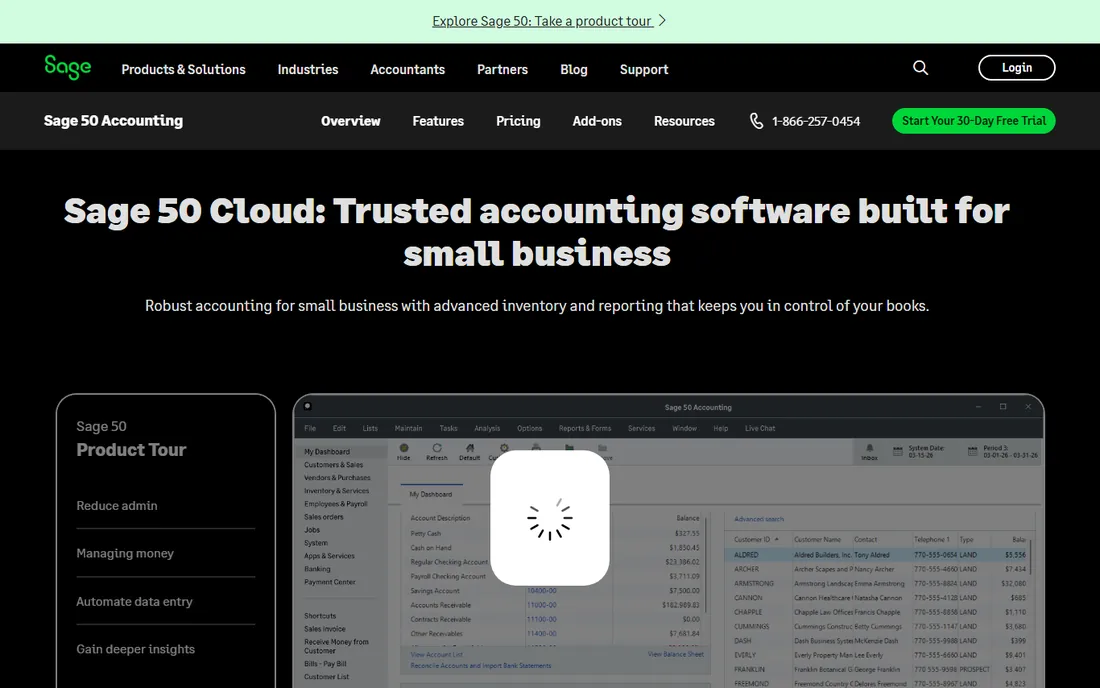
Sage 50 is the former Peachtree, and it still thinks like an accountant's tool. The desktop edition installs on your machines while the cloud-connected version adds access from any device, automatic backups and real-time collaboration. Invoicing, bill tracking, expense management, automated bank reconciliation, inventory and job management come standard, with advanced budgeting, multi-company consolidation and serialized inventory on the higher tiers. Sage publishes its prices openly: Pro at $132.17, Premium at $182.50 and Quantum at $271.17 per month, each requiring a one-year commitment.
The catch is the subscription model wearing desktop clothes. You lease the license, and if the subscription lapses, full functionality stops until you pay up. For a business with an in-house bookkeeper who wants depth and does not mind the monthly bill, Sage 50 remains the reference desktop choice. For everyone else, the price stings.
What we like- Desktop install with cloud access, automatic updates and backups
- Free data migration from most QuickBooks versions
- Inventory, job costing and an integrated payroll module
Watch out for- Subscription only, and cancelling drops your data to read-only
- Among the priciest per-month options on this list
Starting priceSee website (annual subscription; no published prices)
Free planNo (60-day money-back guarantee, per Intuit)
When Pro and Premier run out of room, Enterprise is where Intuit points you, and since Intuit stopped selling Pro and Premier to new US buyers, it is now the only desktop QuickBooks you can buy. The interface behaves like the QuickBooks Desktop your bookkeeper already knows, with up to 1 million list entries, advanced reporting, and room for up to 40 users. Industry editions add tailored charts of accounts and reports for contractors, wholesalers, field services and nonprofits.
The commercial reality is pure subscription. Third-party estimates put single-user plans around $1,700 to $2,700 per year depending on tier, but Intuit confirms nothing on its own pricing page, so get the quote directly. A 60-day money-back guarantee softens the risk. If your team already runs QuickBooks Desktop, the migration is close to painless; if you are starting fresh, compare the total against Sage 50 first.
What we like- The familiar QuickBooks Desktop interface with six times the capacity of Pro/Premier
- Industry-specific editions for construction, manufacturing, retail and nonprofits
- Advanced inventory, pricing and reporting
Watch out for- Intuit publishes no prices, so every figure online is an estimate
- It is a subscription now, and skipping renewal costs you updates, support and payroll
#3
AccountEdge Pro
Best for: Mac-based small businesses that want local desktop accounting
Visit accountedge.com
Starting priceSee website
Free planFree trial (30 days, per reviewers)
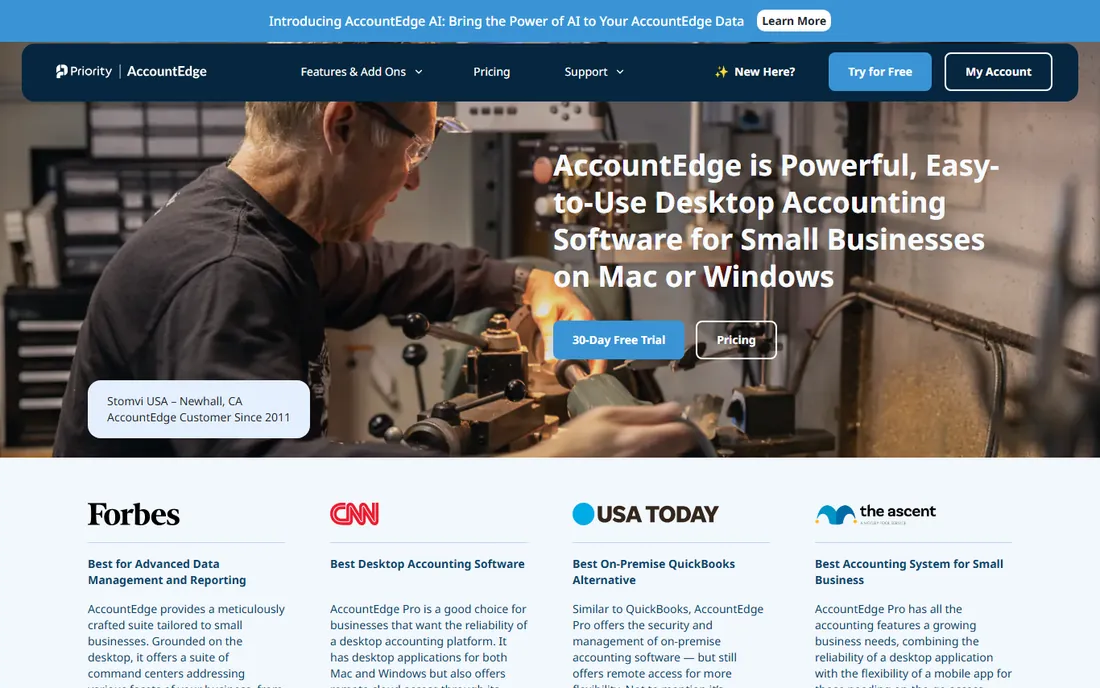
Mac users have lived with thin choices in desktop accounting, and AccountEdge Pro is the long-standing answer. It installs locally on Mac or Windows and covers the full small-business ledger: sales and invoicing, expenses, bank reconciliation, inventory, payroll processing, time billing and financial reporting. Priority Software, which acquired AccountEdge in 2018, sells it in Pro, Network Edition and Hosted tiers, with a 30-day free trial widely reported by reviewers.
The frustration is pricing opacity on the vendor's own site, which currently routes US visitors awkwardly. Reviewers consistently report around $20 per month for the single-user Pro plan with payroll, bank feeds and phone support as paid add-ons, but confirm the numbers with the vendor before budgeting. If your office is Mac-based and you want your data local, there is no closer fit.
What we like- A true Mac and Windows desktop application, rare in this category
- Integrated payroll, inventory, time billing and contact management
- Unlimited company files on one license
Watch out for- No published US pricing on the vendor site
- Add-ons like bank feeds and phone support cost extra, per reviewers
#4
Manager
Best for: Freelancers and small businesses that want capable free desktop accounting
Visit manager.io
Starting priceFree (Desktop edition)
Free planYes (Desktop edition free, no time or feature limits)
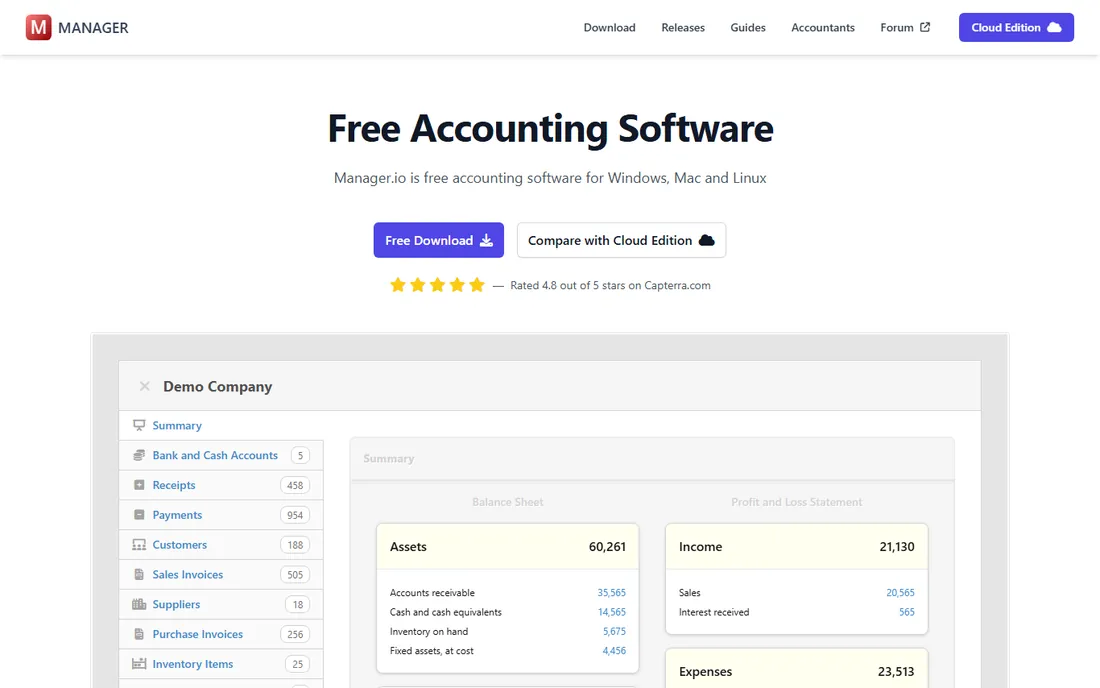
The free option that embarrasses paid software. Manager's desktop edition is free with no trial period, no ads and no registration, and it is not a lite version: invoicing and quotes, expense tracking, purchase orders, bank reconciliation, inventory, payroll, fixed assets and financial reports are all in there, across Windows, macOS and Linux. The same data format works across the desktop, server and cloud editions, so a growing business can move up without migrating.
The limits are honest ones. One user, one computer, no remote access on the free desktop edition; multi-user needs the paid cloud or self-hosted server edition. Payroll handles the basics but may fall short for complex tax situations. For a freelancer or small firm watching every dollar, Manager is the first thing to try, because the price of trying is zero.
What we like- Fully featured free desktop edition covering invoicing, inventory, payroll, bank reconciliation and multi-currency
- Runs on Windows, Mac and Linux
- Your data stays on hardware you control
Watch out for- Desktop edition is single-user only
- Support runs through community forums rather than a help desk
#5
GnuCash
Best for: Owners who want free, private double-entry bookkeeping
Visit gnucash.org
Starting priceFree (open source, GPL)
Free planYes
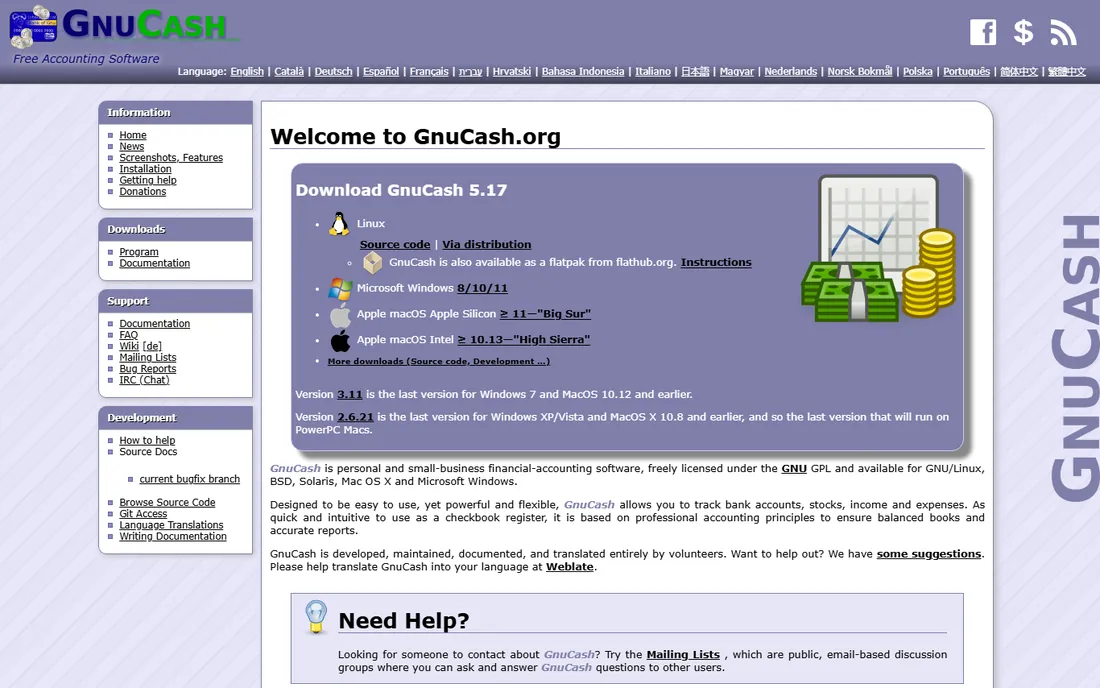
GnuCash has been free since 1998 and behaves like it has nothing to prove. It is a genuine double-entry system: every transaction touches two accounts, the books always balance, and the small-business features cover customers, vendors, invoices, accounts payable and receivable. Stock, bond and mutual fund tracking, scheduled transactions and customizable reports round it out, and because it is open source under the GPL, there are no tiers, no upsells and no one monetizing your data.
The price of free is polish. The interface looks its age, setup asks you to think in accounting terms, and importing from other software can need manual cleanup. There is no multi-user mode and few integrations. But for an owner who understands debits and credits and wants the books on a local machine with zero ongoing cost, GnuCash is the most principled choice on this list.
What we like- Professional double-entry accounting with scheduled transactions, investment tracking and QIF/OFX import
- Completely private with no accounts and no cloud
- Maintained since 1998 with thorough documentation
Watch out for- Dated interface with a real learning curve for non-accountants
- Single-user with limited third-party integrations
Starting priceSee website (one-time license model)
Free planFree trial (first 100 transactions free, per reviewers)
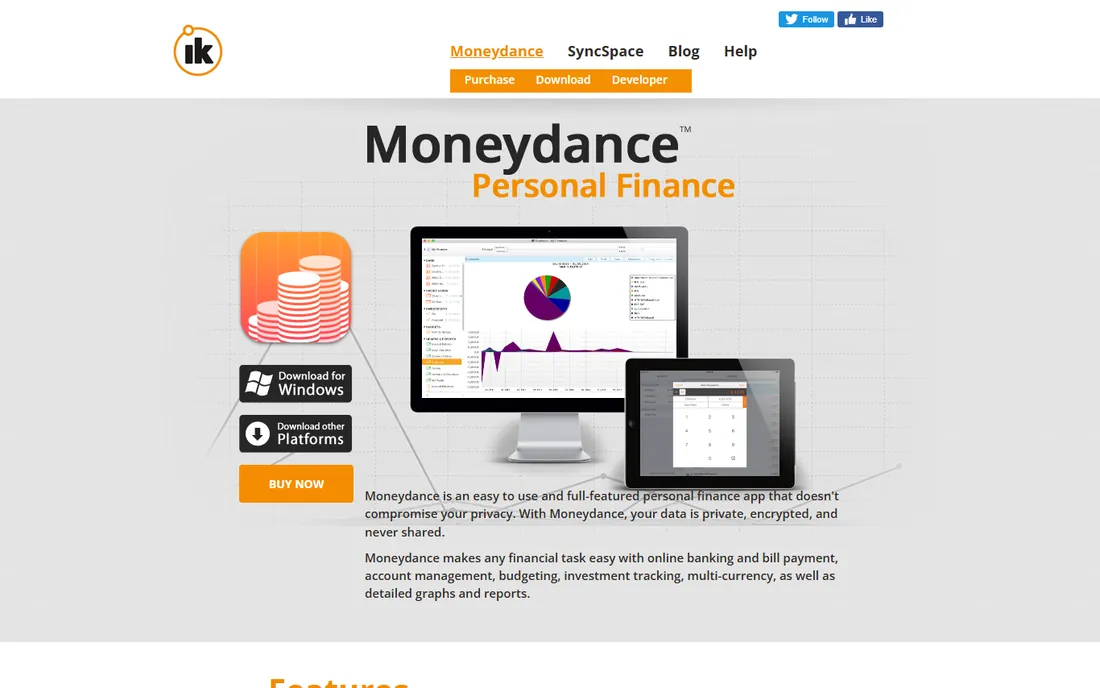
Not every small business needs full accounting. Moneydance is a desktop personal finance manager that many solopreneurs use as their books: bank and credit card syncing, bill payment, budgets, investment tracking with cost basis, multi-currency support and tax reports, all stored locally. The Infinite Kind sells it as a one-time license rather than a subscription, with an optional Moneydance+ subscription only for expanded bank connectivity.
Fit matters here. If you invoice clients, track inventory or run payroll, Moneydance is the wrong tool; GnuCash or Manager serve you better. If you are a consultant or freelancer who needs clean records, bank reconciliation and investment tracking without a monthly fee, the trial (free for the first 100 transactions, per reviewers) is worth running.
What we like- Local storage with a privacy-first design and no marketer access to your data
- Online banking, bill pay, budgeting and investment tracking
- Runs on Mac, Windows and Linux
Watch out for- Built for personal finance, so business accounting depth is thin and there is no payroll
- Reviewers report slow email-only support with no phone option
#7
Denali
Best for: Small businesses and nonprofits that want on-premise accounting
Visit cougarmtn.com
Starting priceSee website (quote-based)
Free planNo (demo available)
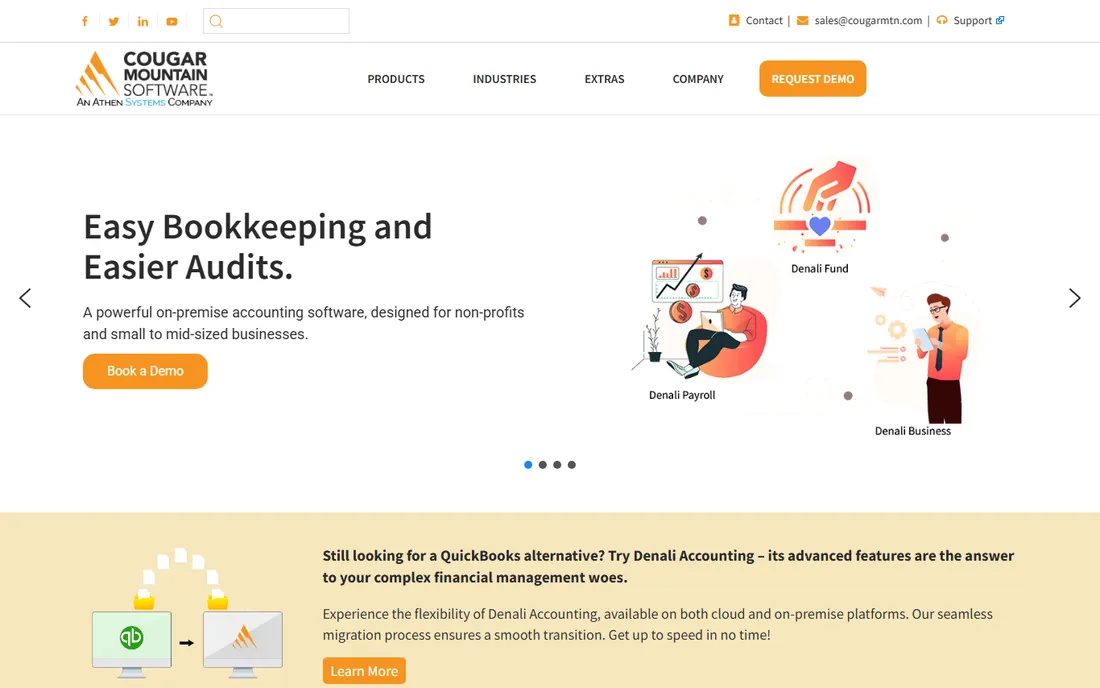
Cougar Mountain has sold on-premise accounting from Boise, Idaho since 1982, and Denali is its flagship. The suite splits into Denali Business for standard small-business accounting, Denali Fund for nonprofit fund accounting with unlimited funds and automatic fund balancing, and Denali Payroll with tax tables for all 50 states. Modules snap on as needed: inventory, job costing, order entry, bank reconciliation and more, with Crystal Reports built in for custom reporting.
This is the pick for organizations that want to own their system outright and talk to a human in Idaho when something breaks. The trade is modernity: Denali is unapologetically a Windows desktop product, pricing is quote-only, and younger staff may find the interface old-fashioned. Nonprofits in particular should shortlist it against Sage 50 before deciding.
What we like- Modular on-premise system with Business, Fund and Payroll editions
- Genuine fund accounting for nonprofits and municipalities
- US-based support with a strong reputation among long-time users
Watch out for- No published pricing
- The interface and deployment model feel dated next to modern rivals
Starting priceSee website
Free planYes (free version for businesses with fewer than 5 employees)
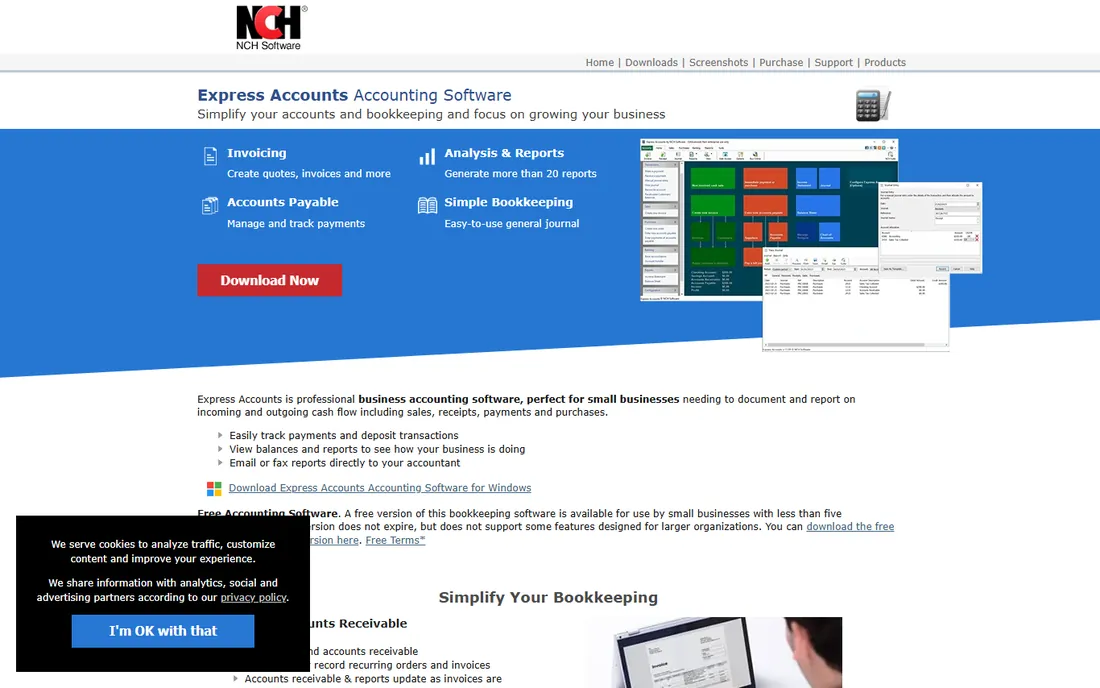
The smallest businesses on this list get the simplest deal. NCH Software's Express Accounts offers a free version for businesses with fewer than five employees that does not expire, covering the essentials: quotes, orders, invoices, payments, sales tax reports, inventory and customer statements, with reports you can email or fax straight to your accountant. Paid Basic and Plus editions add features for larger teams.
Expectations should stay modest. This is bookkeeping, not a full accounting suite: no payroll, limited automation, and an interface from another era. Paid pricing is not published on NCH's product page, so contact them for numbers. For a micro-business that needs to send invoices and track who paid, the free tier does the job at the right price.
What we like- The free version does not expire for businesses under 5 employees
- Simple invoicing, quotes, orders and sales tax reports
- Runs on Windows and Mac with web access for phones
Watch out for- Paid pricing is not published on the product page
- The feature set is basic with no payroll module
- Dated design
What to check before you buy desktop accounting software
Start with the deployment question, because "desktop" means different things now. True local installs (Manager, GnuCash, Moneydance, Denali, AccountEdge) keep your data on your machine and work fully offline. Hybrid products (Sage 50, QuickBooks Enterprise) install locally but tie updates, support and sometimes payroll to a subscription. Decide which failure mode you can live with: no internet, or no subscription.
Count users and machines, not just the sticker price. Per-user subscriptions like Sage 50 get expensive with a bookkeeper plus two managers, while one-time or free options (Manager, GnuCash, Express Accounts) cost the same whether one person or five touches the books. Multi-user access on a local network needs the Network editions (AccountEdge) or server setups (Manager Server), so ask how simultaneous access works before you buy.
Check three practical items on every shortlist candidate. First, payroll: only Sage 50, QuickBooks Enterprise, AccountEdge and Denali handle it in-house; the free tools expect you to run payroll elsewhere. Second, your accountant: ask which file formats they accept, because a desktop file your CPA cannot open is a liability at tax time. Third, the exit: confirm you can export your full history to CSV or Excel, so a future move does not strand a decade of books.
How we chose
We started with the searches buyers actually run: desktop accounting software, small business accounting software, QuickBooks Desktop alternative and free accounting software. For each candidate we opened the vendor's own homepage, checked the vendor's pricing page for published prices, and compared features, payroll support, inventory depth and company-size fit against public reviews on G2, Capterra and TrustRadius plus practitioner discussion on Reddit. Where a vendor published no price, we wrote "See website" instead of repeating third-party estimates. Discontinued products, including QuickBooks Desktop Pro and Premier for new US buyers, were left off.
Subscription vs one-time license: the real cost math
Desktop software used to mean buying once. In 2026 it mostly means subscribing, and the math deserves a cold look. Sage 50 Pro at $132.17 per month costs about $1,586 per year, every year, and cancelling leaves your data read-only. Over five years that is roughly $7,900 for one user. QuickBooks Enterprise runs on the same annual-subscription logic with unpublished prices.
The one-time and free options invert that math completely. Manager and GnuCash cost $0 forever, Express Accounts is free under five employees, and Moneydance charges once per license. The honest trade is features and support: the free tools cover bookkeeping well but leave payroll, advanced inventory and phone support to the paid tier. A sensible rule: if your accounting needs fit in invoicing, expenses, bank reconciliation and basic reports, start free and only pay when a specific missing feature costs you real time.
Frequently asked questions
Is desktop accounting software still worth it in 2026?
Yes, for the right buyer. If you want your financial data on your own hardware, need to work offline, or have an in-house bookkeeper trained on desktop workflows, Sage 50, QuickBooks Enterprise, AccountEdge and Denali remain strong. If you are always online and want the lowest cost, the free desktop options or a cloud tool may serve you better.
Can I still buy QuickBooks Desktop Pro or Premier?
Not as a new buyer in the US. Intuit discontinued new sales of QuickBooks Desktop Pro and Premier, and now sells QuickBooks Enterprise as its only desktop product, on an annual subscription. Existing Pro and Premier users can keep running what they have, but without a subscription they lose updates, support and payroll.
What is the best free desktop accounting software?
Manager and GnuCash lead. Manager's desktop edition is free with full features including invoicing, inventory and payroll basics, while GnuCash offers professional double-entry accounting as open source. Express Accounts is free for businesses with fewer than five employees. All three keep your data local.
Does desktop accounting software include payroll?
Some does. Sage 50, QuickBooks Enterprise, AccountEdge Pro and Denali all offer payroll, either built in or as a module. Manager includes basic payroll, while GnuCash, Moneydance and Express Accounts do not handle payroll at all, so budget for a separate payroll service if you have employees.
Can my accountant work with desktop accounting files?
Usually yes, but ask first. Accountants widely accept QuickBooks and Sage 50 files, and AccountEdge offers a free accountant copy. With Manager, GnuCash or Express Accounts, confirm your CPA can open the export formats before tax season, not during it.
How do I move from QuickBooks Desktop to another program?
Sage 50 advertises free data migration from most QuickBooks versions with help from its support team. For other moves, export your lists (customers, vendors, items) and trial balance to CSV or Excel from QuickBooks first, then import them into the new system. Run both systems in parallel for one full month to catch anything the import missed.
Sources we checked (10)
- https://www.sage.com/en-us/products/sage-50/
- https://quickbooks.intuit.com/desktop/enterprise/
- https://quickbooks.intuit.com/ca/enterprise/faq/
- https://accountedge.com/
- https://www.manager.io
- https://github.com/manager-io/manager/blob/HEAD/README.md
- https://gnucash.org/
- https://moneydance.com/
- https://www.cougarmtn.com
- https://nchsoftware.com/accounting/
Is your product missing or out of date?
We review this list regularly. Vendors can request a listing, send updated pricing or ask about featured placement.

Shihab Mia · Founder, Rankite
Shihab has spent more than a decade helping SaaS and e-commerce brands grow through search. He writes Rankite's software buying guides from pricing pages, documentation and public user reviews. More about Shihab.