How we make this list: we compare pricing pages, product documentation and public user reviews. Ratings come from G2, Capterra or Trustpilot, with the date we checked them.
Key takeaways
- There is no single best DAW, only the best fit for how you work. Clip launching, pattern beats, live recording, and film scoring reward different tools.
- FL Studio and REAPER offer the lowest long-term cost, with lifetime updates and a $60 discounted license respectively, while Pro Tools charges yearly.
- Logic Pro gives Mac owners the most bundled instruments and effects for one $199.99 payment, but it does not run on Windows at all.
- Pro Tools remains the safe choice when you trade sessions with commercial studios, even though its subscription costs more over time.
- Try the trial version with your own audio interface and plugins before buying, since workflow feel matters more than any feature list.
Quick comparison
| Tool | Best for | Starting price | Free plan |
|---|
 Ableton Live Ableton Live | Electronic music and live performance | $99 one-time | Free trial |
 FL Studio FL Studio | Beatmakers and pattern producers | $99 one-time | Free trial |
 Logic Pro Logic Pro | Mac producers wanting full value | $199.99 one-time | Free trial |
 Pro Tools Pro Tools | Commercial studios and engineers | Free | Yes |
 Cubase Cubase | Composers and MIDI-heavy producers | $99.99 one-time | Free trial |
 Fender Studio Pro Fender Studio Pro | Songwriters and bands | $199.99 one-time | No |
 Bitwig Studio Bitwig Studio | Sound designers and hardware users | $99 one-time | Free trial |
 Reason Reason | Rack-style producers | $299 one-time | Yes |
 REAPER REAPER | Budget producers wanting control | $60 one-time | Free trial |
Is your product missing or out of date?
We review this list regularly. Vendors can request a listing, send updated pricing or ask about featured placement.
The best DAW software
#1Ableton Live
Best for: Electronic music and live performance4.7/5 on
G2 (159 reviews, checked Oct 2026)
Visit ableton.com
Starting price$99 one-time
Free planFree trial
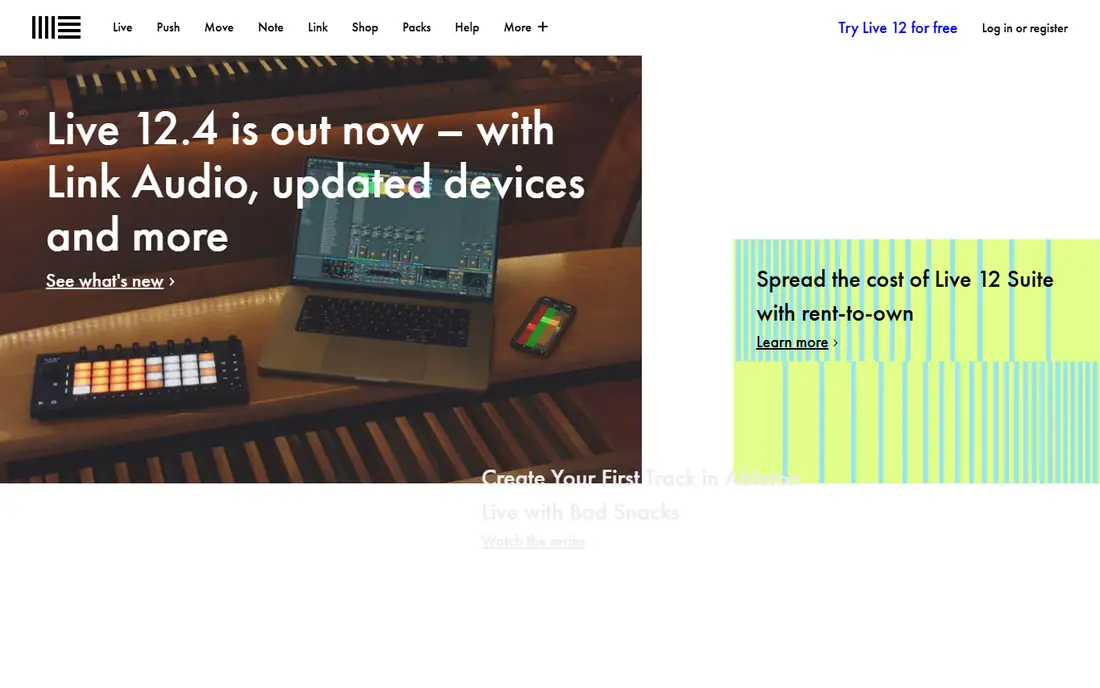
Ableton Live is built around two views that serve two kinds of work. Session View lets you launch clips and loops in any order, which is why electronic producers and live performers rely on it. Arrangement View works like a traditional timeline for finishing songs. Moving ideas between the two is fast, and that loop-to-song path is the reason Live stays popular for dance, hip-hop, and experimental music.
Live 12 adds MIDI transformation tools, the Meld synthesizer, and stem separation in Suite, which splits a clip into vocals, drums, bass, and other parts. The device library is deep, and Push hardware integration gives hands-on control for producers who want to step away from the mouse. Live runs on Mac and Windows, with native Apple silicon support.
The pricing tiers matter. Intro at $99 caps you at 16 tracks and two sends, which is tight for a full song. Standard at $349 in some pricing checks, $439 in others, opens more tracks and devices, while Suite at $749 holds the full library.
What we like- Session View clip launching is unmatched for performance
- Strong MIDI tools and devices
- Suite adds stem separation
- Stable on Mac and Windows
Watch out for- Intro caps at 16 tracks
- Best features are Suite-only at $749
- Weaker for notation and large audio tracking sessions
#2FL Studio
Best for: Beatmakers and pattern producers4.6/5 on
G2 (103 reviews, checked Oct 2026)
Visit image-line.com
Starting price$99 one-time
Free planFree trial
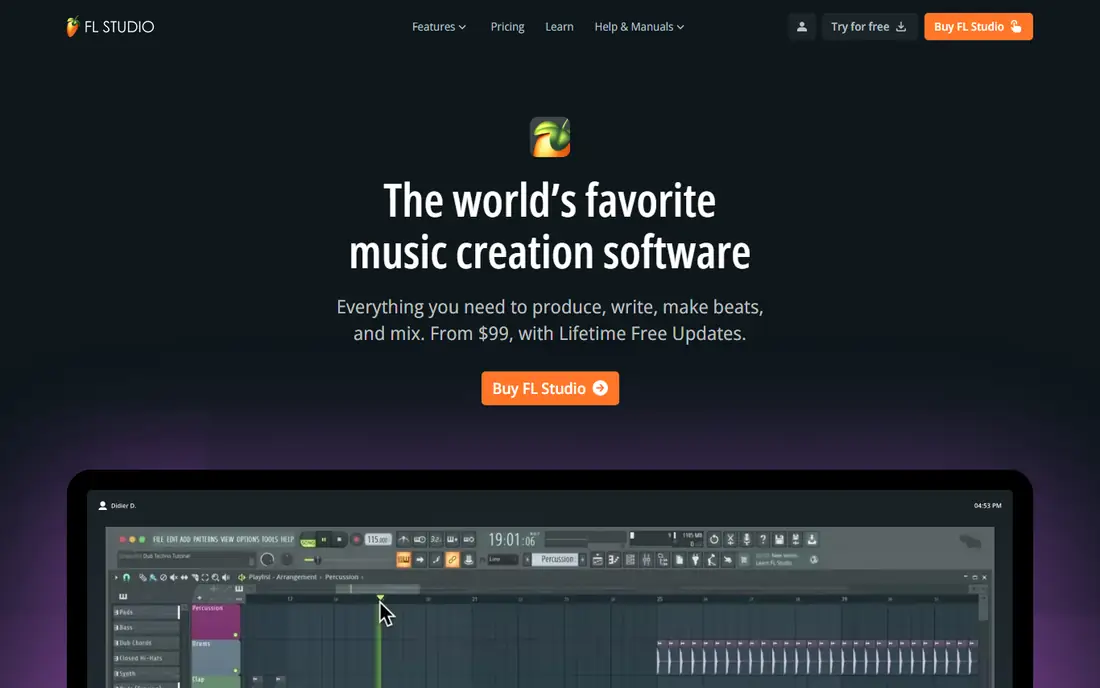
FL Studio is the beatmaker favorite, and its pricing model is the main reason. You pay once for an edition and get every future update free for life, including the 2026 release with a rebuilt FLEX browser, cloud project backup, and an AI assistant called Gopher.
The workflow centers on the Channel Rack and patterns. You build short loops, arrange them in the Playlist, and shape sounds with more than 100 instruments and effects. That pattern approach suits hip-hop, trap, and EDM, where songs grow from loops rather than from long recorded takes. FL Cloud adds a large library of royalty-free samples inside the app.
Fruity Edition at $99 cannot record audio, so singers and bands should start at Producer at $179, which adds audio recording and the full Playlist. The free trial has no time limit but blocks saving and reopening projects, so it works for learning, not for finishing songs. FL Studio runs on Windows and Mac.
What we like- Lifetime free updates for the edition you buy
- Pattern workflow is fast for beats
- Trial has no time limit
- Large sound library
Watch out for- Fruity Edition cannot record audio
- Audio tracking is weaker than Pro Tools
- Interface can feel busy on large projects
#3Logic Pro
Best for: Mac producers wanting full value4.6/5 on
G2 (177 reviews, checked Oct 2026)
Visit apple.com
Starting price$199.99 one-time
Free planFree trial
Logic Pro is the value pick for anyone who already owns a Mac. One $199.99 payment buys a full DAW with an enormous sound library, studio-quality instruments, and effects that other DAWs sell as paid extras. Session Players can generate keyboard, bass, and drum parts that follow your chords, and the Stem Splitter, Mastering Assistant, and Chord Track help finish songs without extra software.
Projects move between Mac and iPad, and GarageBand projects open directly in Logic Pro, which gives beginners a clear upgrade path. Logic Pro also works as a subscription through Apple Creator Studio at $12.99 a month, with a 30-day trial, but the standalone purchase is the better deal for most buyers since Apple has a long record of free major updates.
The limits are platform-based and absolute. Logic Pro does not run on Windows, requires a Mac with Apple silicon, and loads Audio Units plugins only. If your plugin collection is VST-only, or you collaborate with Windows users, those limits matter more than the price advantage.
What we like- Huge bundled instruments, effects, and loops for one price
- Session Players generate realistic parts
- Strong mixing and mastering tools
- Mac and iPad versions
Watch out for- Mac and iPad only
- Requires Apple silicon
- Loads Audio Units plugins only, not VST
#4Pro Tools
Best for: Commercial studios and engineers4.3/5 on
G2 (122 reviews, checked Oct 2026)
Visit avid.com
Starting priceFree
Free planYes
Pro Tools is the DAW behind most commercial studio sessions, and that compatibility is its main selling point. If you record, mix, or deliver sessions to studios, post houses, or labels, they will almost certainly ask for Pro Tools sessions. Its audio editing, playlist comping, and automation are still the benchmark for engineers who work with many recorded takes.
Pro Tools Intro is free forever for casual creators, with limited track counts. Paid tiers run Artist at $9.99 a month or $99 a year, Studio at $34.99 a month or $299 a year, and Ultimate at $99 a month or $599 a year. Perpetual licenses exist for Studio and Ultimate, but the subscription is the default path Avid promotes, and stopping payment ends access to new versions.
The trade-offs are real. Pro Tools loads AAX plugins only, so VST and Audio Units collections will not work without wrappers. MIDI and virtual instruments lag behind Ableton and Cubase for composition.
What we like- Industry standard for studios and post-production
- Best audio editing and comping
- Dolby Atmos mixing
- Free Intro version
Watch out for- Subscription-first pricing
- AAX plugins only
- Artist caps at 32 audio tracks
- Higher long-term cost
#5Cubase
Best for: Composers and MIDI-heavy producers4.3/5 on
G2 (65 reviews, checked Oct 2026)
Visit steinberg.net
Starting price$99.99 one-time
Free planFree trial
Cubase is the composer choice. Its MIDI editing, score editor, chord tools, and expression maps handle orchestral templates, film cues, and dense arrangements better than any other DAW on this list. You can write for large instrument sets, manage articulations per note, and move from sketch to full score without leaving the app. Audio recording and mixing are strong too, so Cubase works as a single tool from composition to final mix.
Pricing runs Elements at $99.99, Artist at $329.99, and Pro at $579.99, all as one-time purchases with paid updates for new major versions. AI stem separation is Pro-only, which is worth knowing before buying a lower tier for remix work.
Cubase loads VST plugins but not Audio Units, so Mac users with AU-only plugins should check compatibility first. Composers and MIDI-heavy producers will find that depth worth learning. Beatmakers and songwriters may prefer a simpler tool.
What we like- Deepest MIDI editing and scoring tools here
- Strong audio and mixing features
- Chord and expression tools for orchestral work
- Stable on Mac and Windows
Watch out for- Pro tier costs $579.99
- No Audio Units support
- Steeper learning curve than FL Studio or Fender Studio Pro
Starting price$199.99 one-time
Free planNo
Fender Studio Pro, formerly PreSonus Studio One, is built for songwriters and bands who want to track and mix without fighting the software. The single-window layout keeps recording, editing, and mixing in one place, and drag-and-drop handling makes routing, effects, and arrangement changes quick. Guitarists get strong amp and tone tools, which fits the Fender brand, and the built-in Project Page handles mastering in the same app.
Pricing is $199.99 for a perpetual license, with one year of updates included, or Pro+ at $19.99 a month or $179.99 a year for ongoing updates and extras. That split is worth reading carefully.
The main weakness is the lack of a free desktop edition, though a free mobile companion app exists. Fender Studio Pro also has a smaller third-party ecosystem than Cubase or Pro Tools, and some advanced features sit behind the Pro+ tier. For a songwriter or band that records real instruments and wants speed, it is one of the easiest full DAWs to learn.
What we like- Fast drag-and-drop workflow
- Strong guitar and amp tools
- Single-window layout
- Good for tracking bands quickly
Watch out for- No free desktop edition
- Pro+ subscription adds ongoing cost for full features
- Smaller plugin ecosystem than older rivals
#7Bitwig Studio
Best for: Sound designers and hardware users4.5/5 on
Capterra (6 reviews, checked Oct 2026)
Visit bitwig.com
Starting price$99 one-time
Free planFree trial
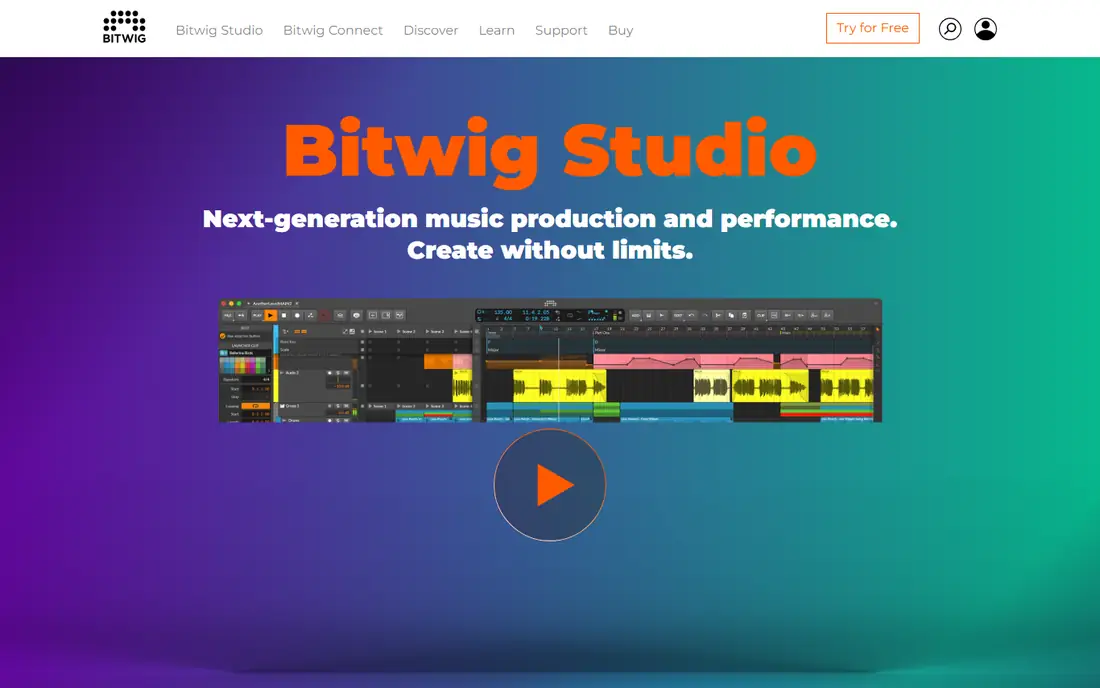
Bitwig Studio is the sound designer DAW. Its Grid environment lets you build instruments and effects from modules, and its modulation system lets you connect nearly any control to nearly any parameter. That flexibility suits producers who design their own sounds, perform with hardware synths, or build evolving textures that change over a whole track. Bitwig also handles clip launching and timeline arrangement in one app, similar to Ableton Live.
Hardware integration is a strong point. Bitwig works with MIDI, CV, and modern controllers, and its sandboxed plugins mean one crashing plugin does not take down the whole session.
Pricing starts at $99 for Essentials, $199 for Producer, and $399 for full Studio, with 12 months of updates included and an upgrade plan to stay current after that. The sound library is smaller than Logic or Cubase, and scoring tools are thinner. Bitwig fits experimental producers and hardware users best, rather than composers writing orchestral scores.
What we like- Modular Grid for building your own devices
- Universal modulation on nearly anything
- Clip launcher plus timeline
- Runs on Windows, Mac, and Linux
Watch out for- Smaller sound library than Logic or Cubase
- Upgrade plan renewals needed to stay current
- Fewer scoring tools
Starting price$299 one-time
Free planYes
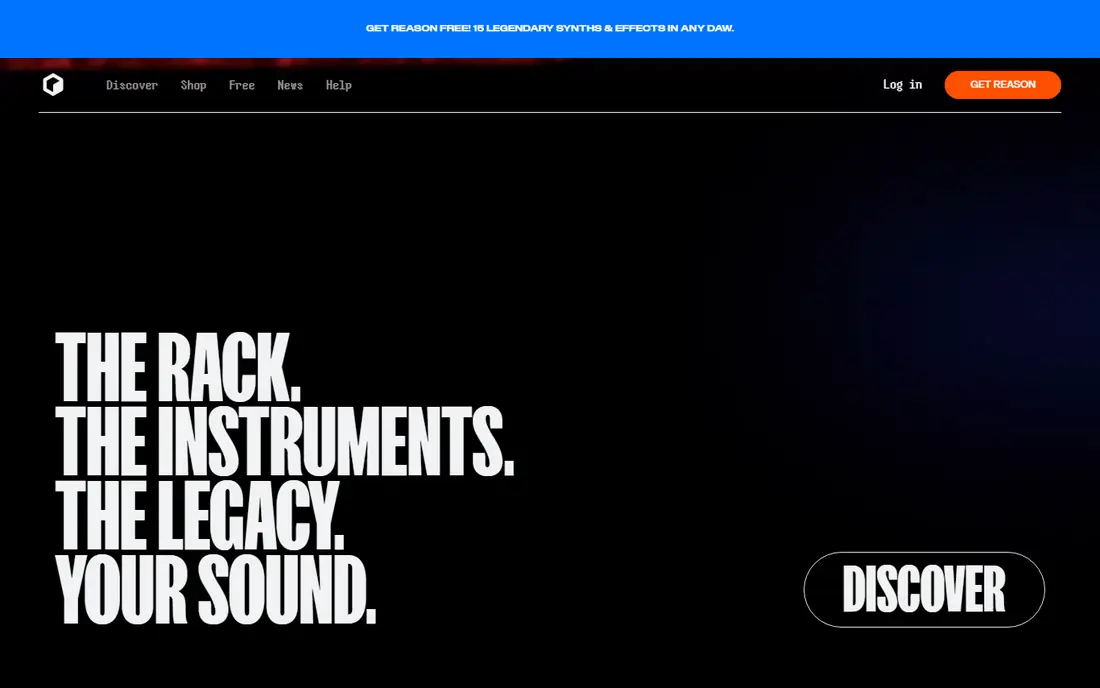
Reason takes a different approach from every other DAW here. Instead of menus and tracks alone, you get a virtual rack of instruments and effects that you wire together with patch cables, just like hardware. That visual, hands-on style makes sound design feel playful, and built-in synths such as Europa, Thor, and Grain are strong enough to carry full productions without extra purchases.
Reason 14 brings a track-centered workflow and sequencer improvements, plus a large bundled sound library. You can use Reason as a full DAW or as the Rack Plugin inside another DAW, which is a useful path for producers who love Reason instruments but prefer Ableton or Logic for arrangement.
Pricing is $299 for Reason 14 as a one-time purchase, or Reason+ at $169 a year for the subscription bundle. The rack interface can feel dense on large projects, and audio editing is less fluid than Pro Tools or Cubase. Reason fits producers who think in hardware and enjoy patching, and it works well as a second tool even if it is not your main DAW.
What we like- Virtual rack with patch cables is fun and visual
- Strong built-in synths
- Rack Plugin works inside other DAWs
- Reason Free exists
Watch out for- Workflow can feel slow for large audio sessions
- Rack interface looks dated to some users
- Subscription push toward Reason+
#9REAPER
Best for: Budget producers wanting control4.5/5 on
G2 (28 reviews, checked Oct 2026)
Visit reaper.fm
Starting price$60 one-time
Free planFree trial
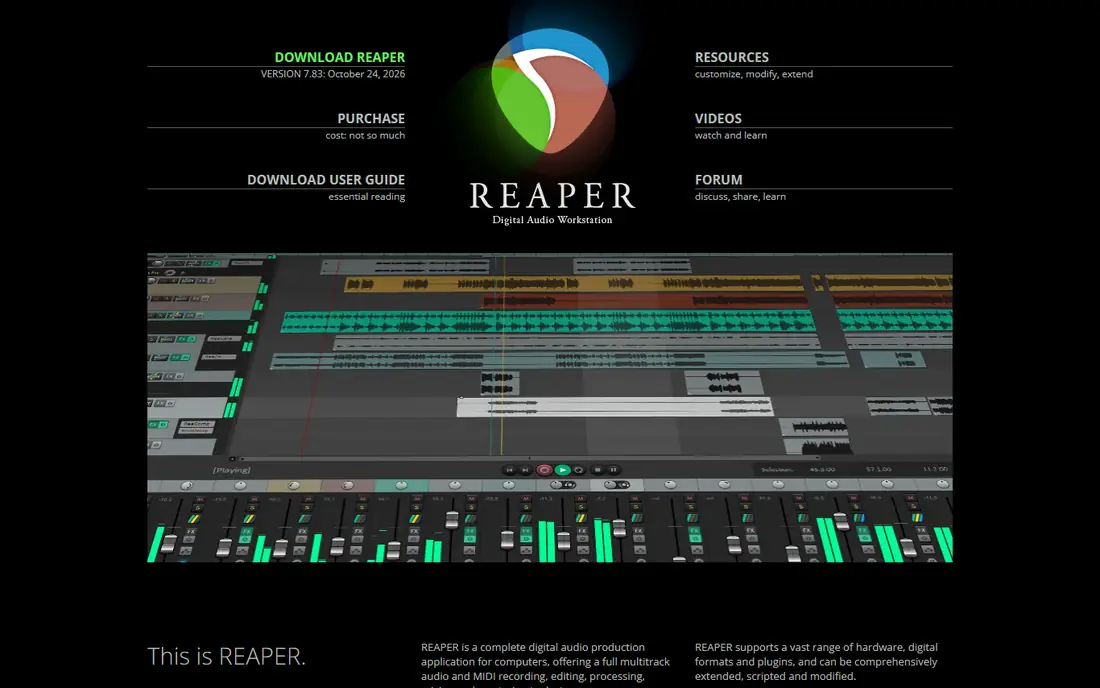
REAPER is the budget pick that professionals also use. A discounted license costs $60 for individuals and small businesses under $20,000 annual revenue, with a $225 commercial license for larger users, and both include free updates through version 8.99. The 60-day evaluation is fully functional with no feature limits, so you can finish real projects before paying.
What you get is a fast, light, deeply customizable DAW. Routing is nearly unlimited, with up to 128 channels per track, and you can reshape the interface, shortcuts, and menus to match your habits. REAPER runs well on older computers, supports VST, VST3, AU, LV2, and CLAP plugins, and handles audio, MIDI, and video in one app.
What you do not get is a polished starter kit. The interface is plain, bundled instruments are minimal, and there is no large sound library. If you are willing to learn it and add your own plugins and samples, REAPER does nearly everything the $500-plus DAWs do for a fraction of the price.
What we like- $60 discounted license with updates through version 8.99
- Tiny CPU footprint
- Deep routing and customization
- Runs on Windows, Mac, and Linux
Watch out for- Plain interface and few bundled instruments
- Setup takes time
- No built-in sound library to match Logic or FL Studio
How we chose
We compared DAWs that are actively sold and supported in 2026, using vendor homepages and pricing pages, plus public reviews on G2, Capterra, and Reddit and pricing checks from October 2026. We favored tools with clear pricing, real trials or free tiers, and distinct workflows, rather than listing near-identical products. We included both one-time purchases and subscriptions so readers can compare long-term cost, not just the first payment.
We did not claim hands-on testing. Our findings rest on published specs, pricing pages, and reviewer reports about workflow, limits, and update models. Where prices conflicted, we used the most commonly reported figure and noted the range in the text.
What to check before you buy a DAW
Match the DAW to your main job
List what you do most: beats, live performance, recording bands, composing, or mixing. A DAW that excels at beats may frustrate a composer, and a studio DAW may slow down a beatmaker.
Count the full cost over three years
A $99 subscription costs $297 over three years, while a $199 one-time purchase with free updates costs $199. FL Studio and REAPER win on long-term cost, while Pro Tools and Bitwig upgrade plans add ongoing fees. Check whether major version upgrades are free, paid, or subscription-only before you commit.
Check your computer and plugins
Confirm the DAW runs on your operating system and supports your plugin format. Logic Pro needs Apple silicon and Audio Units only. Cubase skips Audio Units. Pro Tools needs AAX. Test your audio interface driver and your most-used plugins during the trial, since driver problems only show up on real sessions.
Plan for collaboration
If you trade sessions with studios or other producers, ask what they use. Pro Tools sessions open in most studios, while other DAWs need stems or converted files. Stem export works everywhere, but it loses edit history. For solo producers, this matters less than workflow feel.
Frequently asked questions
What is the best DAW for beginners?
FL Studio and Fender Studio Pro are the easiest full DAWs to learn, thanks to visual workflows and gentle learning curves. Start with a trial, make three full tracks, and pick the one whose workflow feels natural.
Is REAPER really good enough for professional work?
Yes. REAPER is used by professional engineers, sound designers, and composers, and its routing, editing, and plugin support match costlier DAWs. Its limits are bundled sounds and setup time, not audio quality or capability. If you bring your own plugins and samples, REAPER covers professional work at $60.
Should I buy a subscription DAW or a one-time license?
A one-time license usually costs less over three years and keeps working if you stop paying for updates. A subscription makes sense for short projects, studio compatibility, or when you need the newest version constantly. Compare the three-year total, not the monthly price, before deciding.
Can I switch DAWs later without losing my music?
You can export finished audio as stems or WAV files from any DAW, and those files open anywhere. You cannot usually open one DAW project file in another DAW with all edits intact. Keep exported stems and MIDI files for finished work, so a future switch does not strand your songs.
Do I need to pay for plugins on top of a DAW?
Not at first. Logic Pro, FL Studio, and Cubase include large instrument and effect libraries that cover most genres. REAPER and Bitwig Essentials include fewer sounds, so budget for third-party plugins or sample packs if you choose them. Start with stock tools and buy extras only when a specific sound is missing.
Which DAW is best for recording a band?
Pro Tools and Fender Studio Pro are strong for band recording, with playlist comping, fast tracking, and mixing tools built for live instruments. Cubase also handles band sessions well, especially when MIDI and scoring join the mix. Test your interface with each trial and check track counts at your sample rate before buying.
Sources we checked (9)
- https://www.ableton.com
- https://www.image-line.com
- https://www.apple.com/logic-pro/
- https://www.avid.com/pro-tools
- https://www.steinberg.net/cubase/
- https://www.fender.com/pages/fender-studio
- https://www.bitwig.com
- https://www.reasonstudios.com
- https://www.reaper.fm
Is your product missing or out of date?
We review this list regularly. Vendors can request a listing, send updated pricing or ask about featured placement.

Shihab Mia · Founder, Rankite
Shihab has 5+ years in B2B and SaaS SEO. He writes Rankite's software buying guides from pricing pages, documentation and public user reviews. More about Shihab.