How we make this list: we compare pricing pages, product documentation and public user reviews. Ratings come from G2, Capterra or Trustpilot, with the date we checked them.
Key takeaways
- DrawSQL is the fastest route to a clean, shareable schema diagram for a web application, especially when the team works from SQL or Laravel migrations.
- SqlDBM and Hackolade suit larger data teams, with version control, governance and support for many database targets in one model.
- Luna Modeler is the best offline option for relational databases, with a one-time licence instead of a subscription.
- DbSchema and MySQL Workbench suit teams that want design, querying and documentation in one desktop tool.
- Lucidchart is best when the database diagram is only part of a wider architecture picture that also needs flowcharts and system diagrams.
Quick comparison
| Tool | Best for | Starting price | Free plan |
|---|
 DrawSQL DrawSQL | Fast, presentable schema diagrams for app teams | See website | Yes |
 SqlDBM SqlDBM | Cloud data modeling with team governance | See website | Free trial |
 Lucidchart Lucidchart | Database diagrams inside wider architecture docs | See website | Yes |
 Luna Modeler Luna Modeler | Offline relational modeling with a one-time licence | $99 one-time (Basic edition) | Free trial |
 Hackolade Hackolade | Modeling across relational, NoSQL, cloud and API targets | See website | Yes |
 MySQL Workbench MySQL Workbench | MySQL design, querying and administration in one free tool | Free | Yes |
 DbSchema DbSchema | Visual design with Git review and HTML documentation | See website | Yes |
Is your product missing or out of date?
We review this list regularly. Vendors can request a listing, send updated pricing or ask about featured placement.
#1
DrawSQL
Best for: Fast, presentable schema diagrams for app teams
Visit drawsql.app
Starting priceSee website
Free planYes
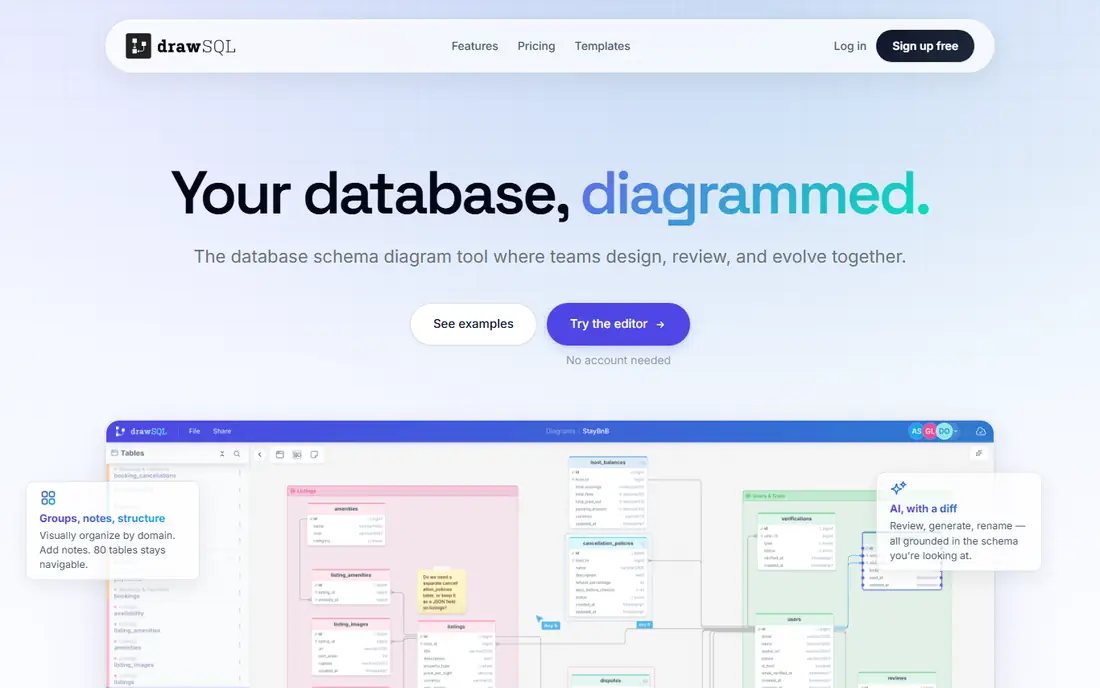
DrawSQL starts from the code a team already has. Paste CREATE TABLE statements, or import a schema, and the diagram appears with tables, columns and relationships laid out cleanly. That matters because most schema diagrams go stale when they are drawn by hand and never updated; a tool that regenerates from SQL stays closer to reality. Templates for SaaS, e-commerce and CRM patterns also give a new project a sensible starting point instead of a blank canvas.
Collaboration is built around the diagram itself, with comments tied to tables and version history for comparing earlier states. The limit is scope: DrawSQL is excellent for designing and communicating a relational schema, but a data team that needs semantic layers, lineage and governance across dozens of systems will need SqlDBM or Hackolade. For a product team that needs a diagram everyone can read, DrawSQL is the quickest win here.
What we like- Import SQL and get a diagram without manual drawing
- Templates for common app patterns
- Embeddable diagrams for docs and onboarding
Watch out for- Pricing details are not prominent on the homepage, so a pricing page check is needed
- Advanced governance features are lighter than enterprise tools
- Best for relational schemas rather than NoSQL design
#2SqlDBM
Best for: Cloud data modeling with team governance4.6/5 on
G2 (18 reviews, checked Oct 2026)
Visit sqldbm.com
Starting priceSee website
Free planFree trial
SqlDBM is built for data teams that treat models as shared assets, not as one-off pictures. A model can move from a conceptual sketch to a logical design to a physical schema, with naming standards, templates and approval workflows applied along the way. Reverse engineering pulls an existing database into the model, forward engineering generates the SQL to build it, and Git integration lets changes be reviewed like code.
That depth comes with a learning curve and a price that is not spelled out on the homepage, so small teams should trial it against a real project before committing. For a team managing Snowflake, Databricks or several cloud databases, the combination of lineage, impact analysis and semantic modeling is the reason to choose SqlDBM over a simpler diagram tool. For a single app database, DrawSQL or DbSchema will be faster.
What we like- Conceptual, logical and physical modeling in one platform
- Reverse and forward engineering with version control
- Native Git and dbt integrations
Watch out for- Pricing requires a quote or pricing page check for team plans
- Depth can overwhelm a solo developer
- Enterprise features need setup and training
Starting priceSee website
Free planYes
Lucidchart earns its place when the database is one part of a larger picture. An architecture review might need an entity diagram, a data flow diagram, a process map and an org chart in the same document set, and Lucidchart handles all of them in one workspace. ERD markup, layers and conditional formatting help keep complex diagrams readable, and real-time collaboration lets a team sketch together during a design session.
Buyers should be clear about the limit: Lucidchart draws and documents a schema well, but it does not replace a modeler that generates and synchronizes DDL, compares a model to a live database, or enforces naming rules. Teams that only need a diagram for a presentation or a wiki will be happy. Teams that need the diagram to become the database should pair Lucidchart with a migration tool, or choose a dedicated modeler from this list.
What we like- ERD shapes and templates alongside flowcharts, UML and system diagrams
- Real-time collaboration and data linking
- Large template library
Watch out for- Not a dedicated database modeler, so SQL generation is limited
- Pricing sits behind a pricing page
- Free plan limits diagram count and features
#4
Luna Modeler
Best for: Offline relational modeling with a one-time licence
Visit datensen.com
Starting price$99 one-time (Basic edition)
Free planFree trial
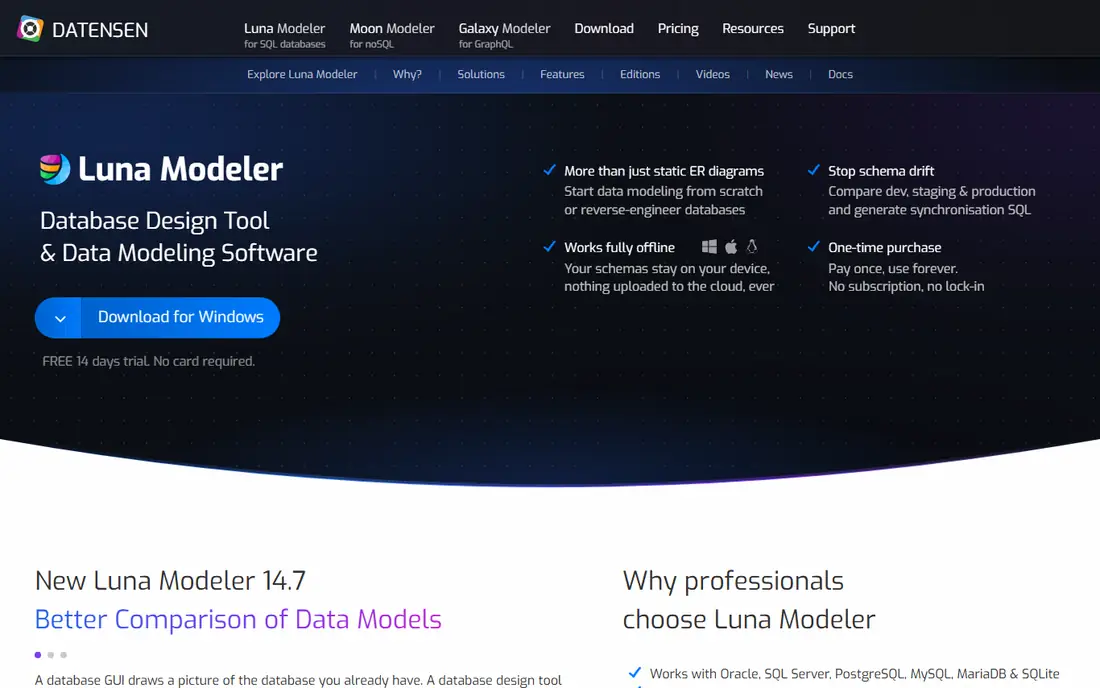
Luna Modeler, from Datensen, is the tool for a database professional who wants the model to stay on their own machine. It designs schemas from scratch or reverse engineers an existing database, compares models against live environments to catch drift, and generates deployment-ready SQL in the dialect of the target database, including PostgreSQL, MySQL, Oracle, SQL Server, MariaDB and SQLite. A 14-day free trial needs no card or account.
The one-time pricing is a genuine difference in this category: Basic at $99, Professional at $189 and Ultimate at $349, each paid once for that version. The trade-off is collaboration, since there is no browser workspace for live co-editing, though the Ultimate edition uses a folder format that works with Git. For regulated work, client work under NDA, or a solo architect who dislikes subscriptions, Luna Modeler is a strong pick.
What we like- Works fully offline with no cloud upload
- Forward and reverse engineering for major relational databases
- One-time purchase with optional update renewals
Watch out for- Desktop only, so browser-based collaboration is limited
- MongoDB and GraphQL need separate Datensen tools
- Interface is practical rather than flashy
#5
Hackolade
Best for: Modeling across relational, NoSQL, cloud and API targets
Visit hackolade.com
Starting priceSee website
Free planYes
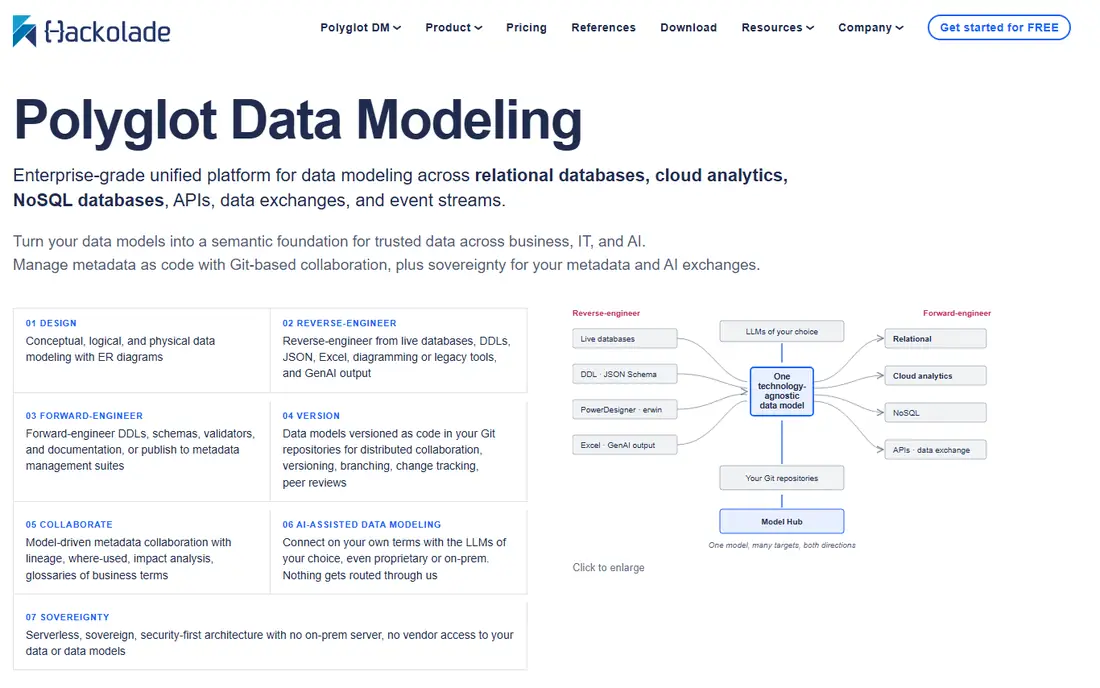
Hackolade started with NoSQL modeling and now covers a wide span: relational databases, cloud analytics platforms, NoSQL stores, APIs and event formats, all from one technology-neutral model. A team can define meaning once, then derive a physical schema for MongoDB, Snowflake, PostgreSQL or an OpenAPI contract, instead of maintaining separate diagrams for each target. Models live as open files in Git, so branching, peer review and drift detection follow the same workflow as application code.
That breadth is overkill for a team with one PostgreSQL database, and the team features are priced beyond the free starting tier. For a polyglot stack, or a data team that needs a shared semantic layer for analysts and AI tools, Hackolade is the most capable option here. The browser studio, which runs without an install and keeps models local or in Git, makes it easy to trial before buying.
What we like- One logical model derived into more than 45 physical targets
- Models stored as code in Git
- Browser version needs no install and keeps models local
Watch out for- Pricing for team and enterprise use requires a pricing page check
- Breadth can feel heavy for a single-database project
- Model Hub is a separate collaboration layer
#6MySQL Workbench
Best for: MySQL design, querying and administration in one free tool4.5/5 on
G2 (49 reviews, checked Oct 2026)
Visit mysql.com
Starting priceFree
Free planYes
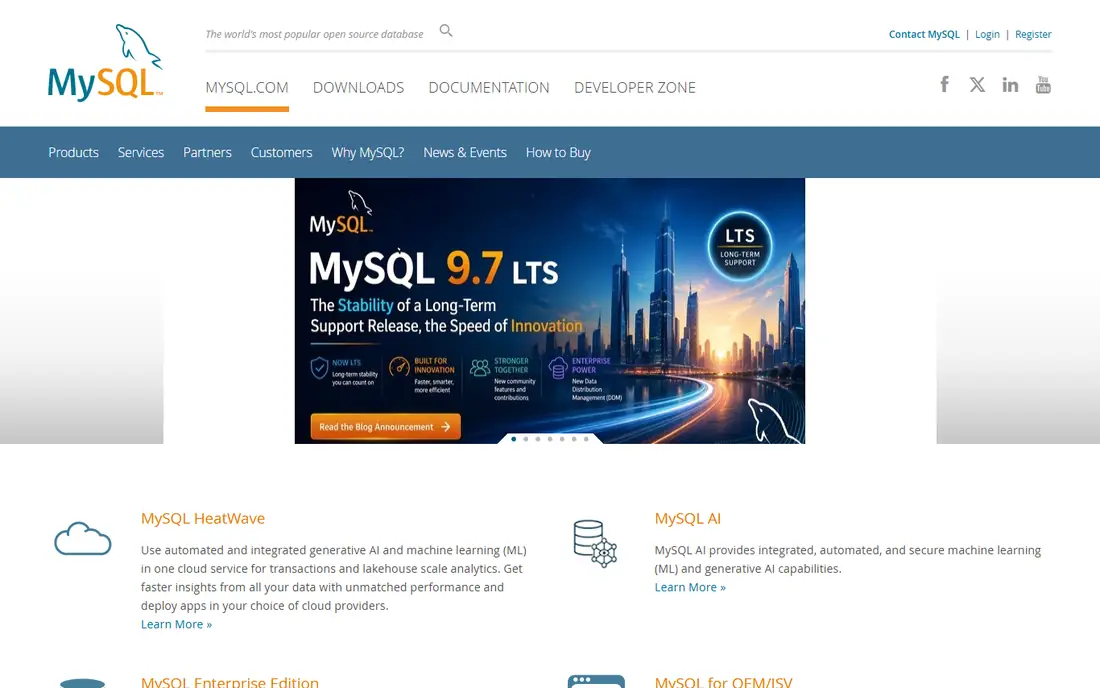
MySQL Workbench is the practical choice when the database is MySQL and the budget is zero. Its visual designer lets a developer draw tables and relationships, then forward engineer the model into DDL or reverse engineer an existing database into a diagram. The same application also holds a SQL editor, performance dashboards and user administration, so a developer can move from design to query to server check without switching tools.
The obvious limit is scope: Workbench does not design for PostgreSQL, SQL Server or MongoDB, and it has no cloud collaboration layer. For a MySQL-only project, especially a small team or a student project, that does not matter. For a mixed stack, Workbench can still serve as the MySQL piece while another tool on this list handles the wider model.
What we like- Visual schema design with forward and reverse engineering for MySQL
- SQL editor and server administration in the same tool
- Free to download and use
Watch out for- MySQL only, so other databases need another tool
- Interface feels dated next to web tools
- Team collaboration features are limited
#7DbSchema
Best for: Visual design with Git review and HTML documentation4.5/5 on
G2 (2 reviews, checked Oct 2026)
Visit dbschema.com
Starting priceSee website
Free planYes
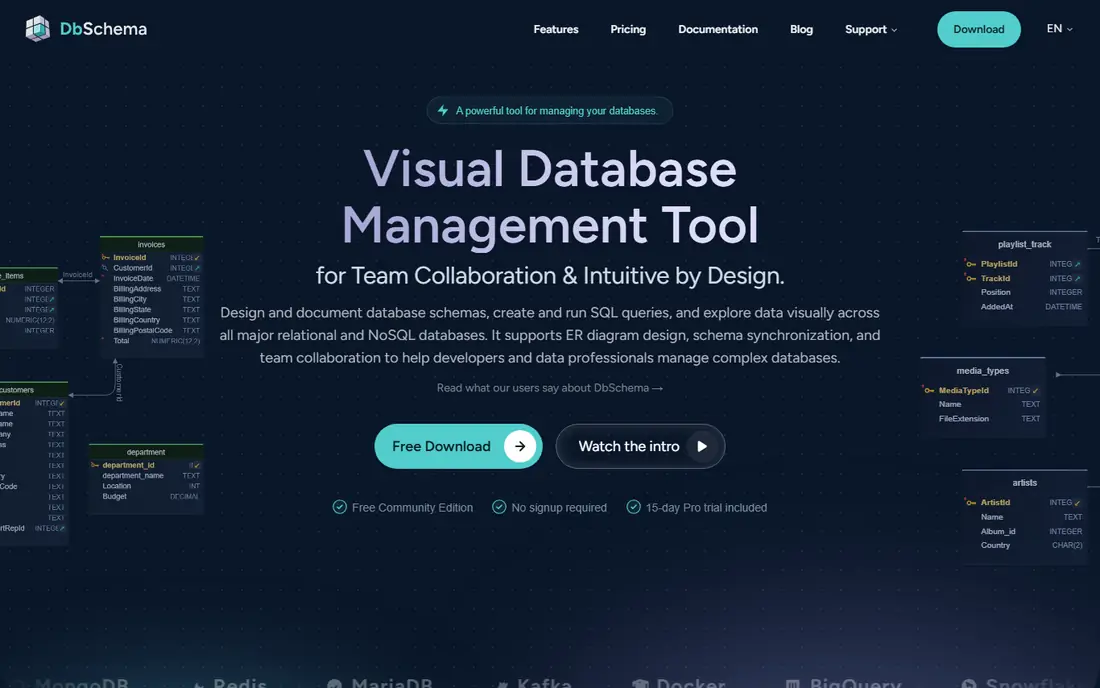
DbSchema combines design, querying and documentation in a desktop tool that treats the schema like code. A team can sketch entities before choosing a database, generate tables for the chosen engine, compare the design with a live database, and review the exact SQL before anything runs. Model files are plain text and work with Git, so schema changes can be branched, diffed and merged in a pull request, which is a workflow developers already trust.
A free Community edition covers non-commercial use, with a 15-day Pro trial included, while paid plans add team collaboration and versioned history. The homepage does not display a clear paid price, so buyers should check the pricing page before budgeting. For a development team that wants schema review to feel like code review, DbSchema is a natural fit.
What we like- Design without a database connection
- Model files work with Git for branching and review
- Publishes interactive HTML documentation
- Free Community edition
Watch out for- Paid pricing is not shown clearly on the homepage
- Desktop focus rather than browser collaboration
- Some advanced features sit on paid plans
How we chose
We compared vendor homepages and feature documentation, and we weighed each tool by design-specific tests: can it design without a live connection, does it generate SQL for the target dialect, can it reverse engineer an existing database, can it compare a model to production, and can the model be reviewed and documented. Pure diagram editors without SQL generation, and database clients that only draw what already exists, were left out. Where pricing was not shown on the homepage, we list See website rather than guessing a rate.
Choosing by database and team shape
Start with the database, not the diagram style. A relational-only team should shortlist Luna Modeler, DbSchema, DrawSQL or MySQL Workbench, depending on budget and whether offline work matters. A team with MongoDB, cloud warehouses and APIs should look at Hackolade first, then SqlDBM if governance and semantic modeling are the priority. A team that mainly needs a diagram for a review or a wiki can use Lucidchart or DrawSQL and spend the saved budget elsewhere.
Keep the model and the database in sync
Whichever tool you choose, agree on a sync rule on day one: the model is updated before the migration is written, the generated SQL is reviewed before it runs, and drift checks run on a schedule. A diagram that is updated after the fact will always lag behind production. A model that generates the migration, or that is compared against production before release, stays trustworthy, and that trust is what makes the diagram useful months later.
Frequently asked questions
What is the best database design tool for beginners?
DrawSQL and MySQL Workbench are the easiest starting points. DrawSQL gives a clean diagram from SQL with little setup, while MySQL Workbench is free and covers design, querying and administration for MySQL. Beginners should start with one real schema rather than a tutorial example.
Can a database design tool generate SQL?
Yes, most dedicated tools here generate DDL for their supported databases, and several generate ALTER scripts for changes. Lucidchart is the exception in this list, since it is primarily a diagram tool, so check SQL generation before choosing it for a build project.
What is reverse engineering in database design?
Reverse engineering reads an existing database and builds a visual model from its tables, columns, keys and relationships. It is useful when inheriting a legacy system, documenting a database nobody fully understands, or checking whether production still matches the approved design.
Should database models live in Git?
For development teams, yes. Storing models in Git gives version history, branching, peer review and a clear record of who changed what. SqlDBM, Hackolade and DbSchema all support Git workflows, while Luna Modeler uses a folder format on its Ultimate edition for the same purpose.
Do I need a paid database design tool?
Not always. MySQL Workbench is free, DrawSQL and Lucidchart have free tiers, and DbSchema has a free Community edition. Paid tools earn their cost when a team needs governance, multi-database support, drift detection or collaboration at scale.
How is a database design tool different from a diagram tool?
A design tool holds a model independently of any database, generates SQL, compares models to live databases and enforces rules. A diagram tool draws shapes and lines. Both can produce a nice picture, but only a design tool can turn that picture into a database and keep it in sync.
Sources we checked (7)
- https://drawsql.app/pricing
- https://sqldbm.com/pricing
- https://lucidchart.com/pricing
- https://www.datensen.com/pricing
- https://hackolade.com/pricing
- https://www.mysql.com/products/workbench
- https://dbschema.com/pricing
Is your product missing or out of date?
We review this list regularly. Vendors can request a listing, send updated pricing or ask about featured placement.

Shihab Mia · Founder, Rankite
Shihab has 5+ years in B2B and SaaS SEO. He writes Rankite's software buying guides from pricing pages, documentation and public user reviews. More about Shihab.