How we make this list: we compare pricing pages, product documentation and public user reviews. Rankite is independent; if a vendor ever pays for a featured spot, that listing is clearly labeled Partner.
Key takeaways
- The best data analytics tools balance self-service exploration for business users with governed data models that keep metrics consistent.
- Tableau and Microsoft Power BI remain the default choices: Tableau for visual exploration depth, Power BI for Microsoft-centric teams and aggressive pricing.
- Looker and ThoughtSpot lead the governed, AI-driven wave with semantic layers that ground natural-language questions in trusted definitions.
- Metabase is the best free starting point, with a genuinely usable open-source edition, while Qlik, Sisense and Domo cover embedded and associative analytics.
Quick comparison
| Tool | Best for | Starting price | Free plan |
|---|
 Tableau Tableau | visual exploration and dashboards | Free (Desktop); paid Cloud and Server plans | Yes |
 Microsoft Power BI Microsoft Power BI | Microsoft-centric BI at low cost | See website | Yes (Desktop free; service free tier) |
 Looker Looker | governed metrics on Google Cloud | See website (platform + user pricing, annual) | No |
 Qlik Qlik | associative exploration and data integration | See website | Free trial |
 Sisense Sisense | embedded analytics for products | See website | Free trial |
 Domo Domo | cloud-native data apps and AI agents | See website | Free trial |
 ThoughtSpot ThoughtSpot | search-driven, agentic analytics | See website | Free trial |
 Metabase Metabase | free open-source BI for teams | Free (open source); paid Cloud plans | Yes |
Is your product missing or out of date?
We review this list regularly. Vendors can request a listing, send updated pricing or ask about featured placement.
Starting priceFree (Desktop); paid Cloud and Server plans
Free planYes
A marketing analyst who lives in dashboards wants drag-and-drop speed. A data team lead wants governed metrics everyone trusts. Tableau has spent twenty years serving the first buyer, and its 2026 push into agentic analytics finally addresses the second.
Tableau Desktop, now free to download, connects to almost any database for visual exploration with the drag-and-drop interface that defined the category. Tableau Cloud offers a fully hosted option, Tableau Server covers self-hosted regulated environments, and Tableau Next brings agentic analytics into Salesforce and Slack. The new Tableau Knowledge engine grounds AI answers in trusted definitions, and natural-language questions work without building dashboards first.
The catch remains licensing complexity: Creator, Explorer and Viewer tiers with different capabilities, and costs that add up fast across large organizations. Tableau is also strongest when analysts drive it; companies wanting fully governed, model-first BI may prefer Looker. For visual analytics depth and community support, though, nothing matches it.
What we like- Unmatched visual exploration
- Huge community and learning resources
- Now with free Desktop
Watch out for- Licensing across Creator, Explorer and Viewer gets complex
- Premium pricing at scale
Starting priceSee website
Free planYes (Desktop free; service free tier)
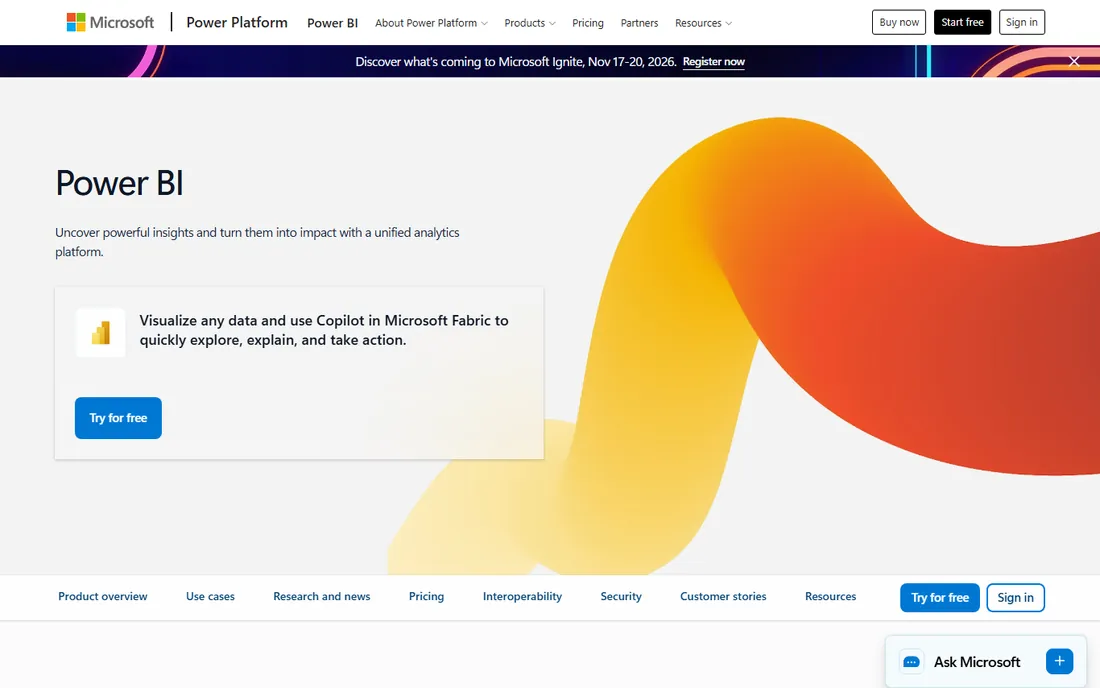
Power BI is the reason many mid-market companies never buy another BI tool. If your company runs on Microsoft 365, Power BI Pro slots into existing licenses, Power BI Desktop is free, and reports live in Teams where people already work. The data modeling engine, DAX calculations and Power Query transformations handle serious analytical work, not just pretty charts.
Microsoft Fabric extends the platform into a full analytics suite: data lakes, data engineering, data science and real-time analytics behind one capacity model. Power BI Embedded lets developers put interactive reports into their own apps on a pay-as-you-go basis starting around $1 per hour. Free training through Microsoft Learn lowers the adoption barrier.
The trade-offs: the smoothest experience assumes a Microsoft tenant, and the licensing maze of Free, Pro, Premium per user and Fabric capacity catches even experienced buyers. Non-Microsoft shops often prefer Tableau or Looker. But for Microsoft-centric teams, the price-to-power ratio is the best in the industry.
What we like- Unbeatable value inside Microsoft 365
- Deep Excel and Teams integration
- Huge connector library
Watch out for- Best experience requires the Microsoft stack
- Licensing tiers confuse buyers
Starting priceSee website (platform + user pricing, annual)
Free planNo
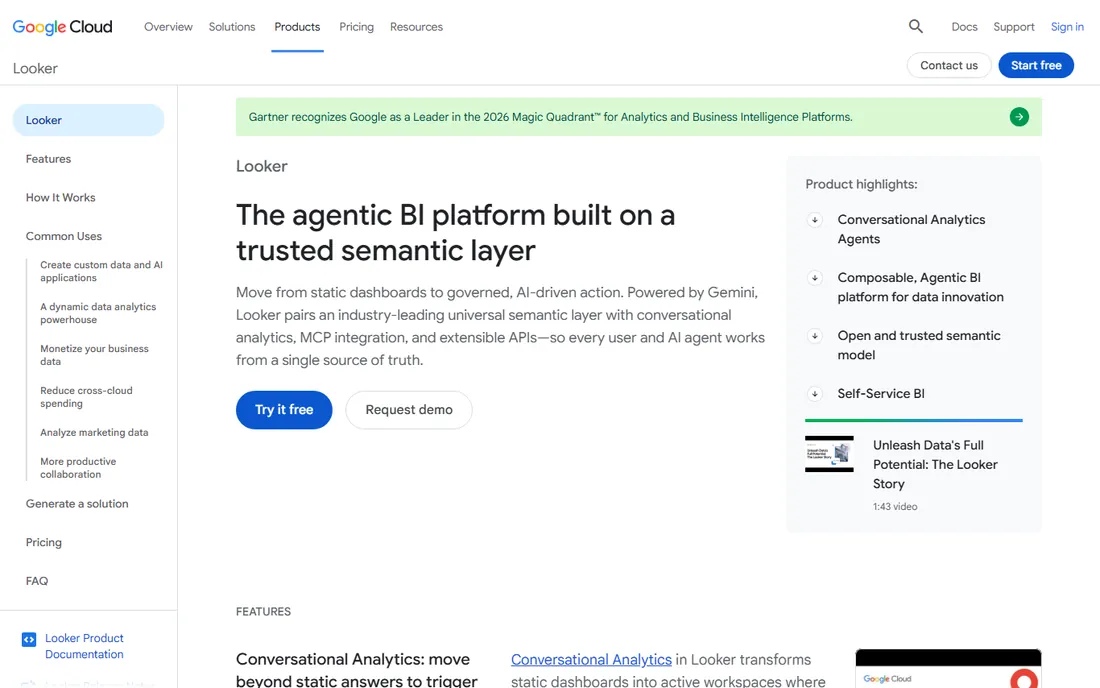
Looker takes the opposite approach from drag-and-drop BI: define business logic once in LookML, then let everyone, humans and AI agents alike, work from that single governed source of truth. The semantic layer translates complex SQL into approved metrics, which eliminates the "whose number is right" debates that plague self-service BI.
In 2026 Looker leans into agentic BI: conversational analytics powered by Gemini, dashboard agents that summarize and deep-dive inside BI canvases, and Model Context Protocol integration so external AI tools query governed data. Looker on Google Cloud adds managed instances with single sign-on, private networking and unified billing. Pricing splits into platform and user components with Standard, Enterprise and Embed editions.
The honest catch is the learning curve. LookML modeling requires real data expertise, and teams without it will move slower than on Tableau or Power BI. Pricing is entirely quote-based. But for organizations where metric consistency is non-negotiable, Looker's governed foundation is the strongest in the business.
What we like- LookML semantic layer keeps metrics consistent
- Strong BigQuery integration
- Conversational analytics with Gemini
Watch out for- Requires LookML modeling expertise
- Pricing is quote-based
#4
Qlik
Best for: associative exploration and data integration
Visit qlik.com
Starting priceSee website
Free planFree trial
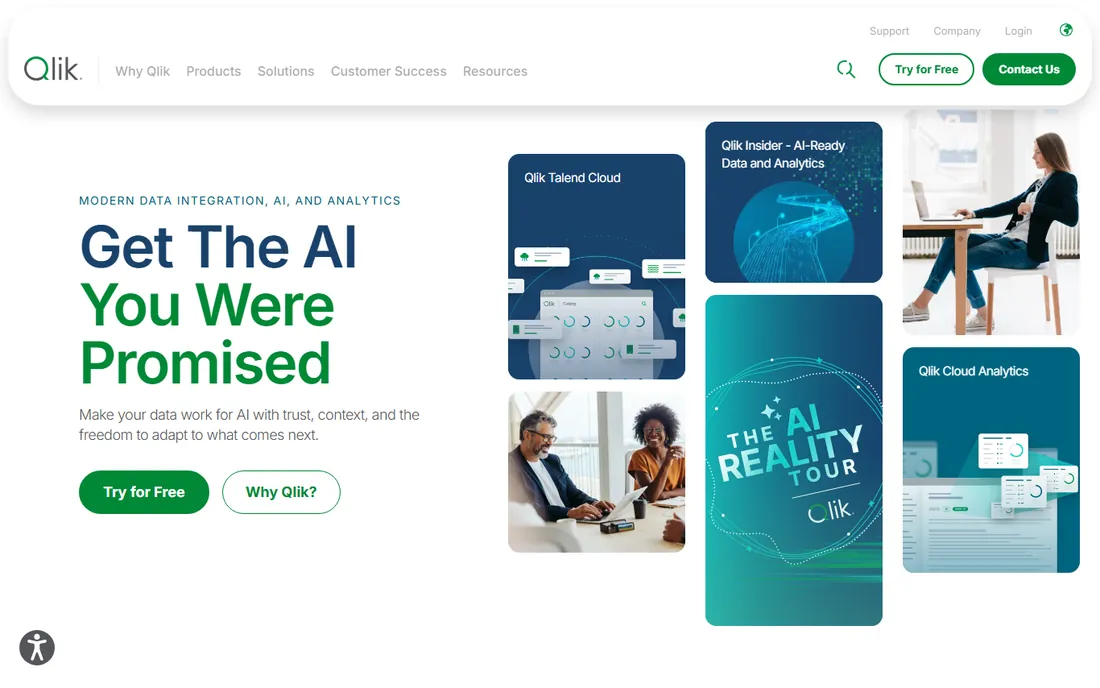
Qlik's associative engine is still its superpower. Where most BI tools require predefined queries and joins, Qlik lets users click through data freely, with the engine highlighting associated and non-associated values in real time. That free-form exploration surfaces relationships that query-based tools miss, which is why analysts who learn Qlik tend to stay loyal.
The platform now spans data integration, data quality and analytics in one stack, closing the gap between raw data and insight. AI features generate insights and natural-language explanations, and the cloud and client-managed deployment options suit regulated enterprises. Qlik claims usage across a large share of the Fortune 500.
The interface has not kept pace visually with Tableau or ThoughtSpot, and pricing requires a sales conversation. Companies that want modern self-service with minimal training may prefer elsewhere. But for associative exploration and serious data integration in one platform, Qlik remains a heavyweight.
What we like- Associative engine finds hidden connections
- End-to-end data integration
- Strong enterprise footprint
Watch out for- Interface feels dated next to newer rivals
- Pricing not transparent
Starting priceSee website
Free planFree trial
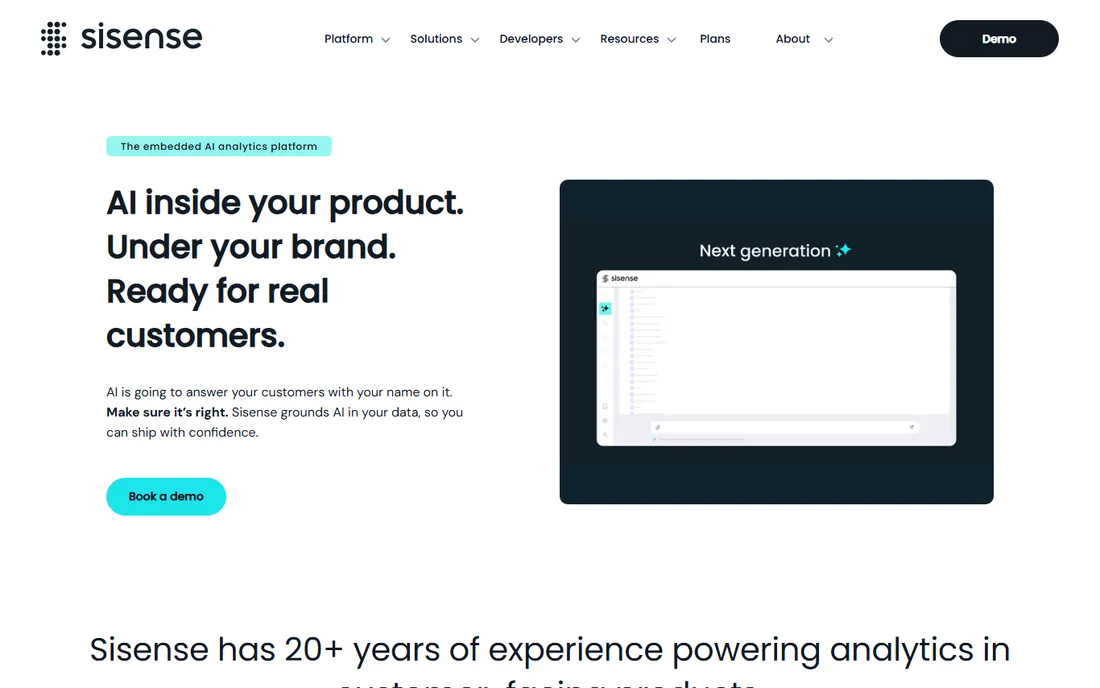
Sisense is the analytics platform you buy when your product needs analytics, not your analysts. Its embedded-first design lets SaaS companies put governed dashboards, natural-language search and AI assistants inside their own applications under their own brand, with tenant-safe access and row-level security keeping each customer's data separate.
The 2026 positioning centers on governed AI: semantic layers and shared formulas keep people and AI agents working from the same approved definitions, while Compose SDK, APIs and multi-tenant architecture give developers control over the experience. With 20-plus years in the space and a large base of product companies, Sisense has the deepest embedded analytics track record on this list.
As a general-purpose internal BI tool it is less compelling than Tableau or Power BI. Pricing is quote-based and the sales process is enterprise-grade. But if you are a product team monetizing data through your application, Sisense is purpose-built for exactly that job.
What we like- Built for embedding in customer products
- Governed AI grounded in your metrics
- Strong developer tooling
Watch out for- Less suited as a standalone internal BI tool
- Enterprise sales process
Starting priceSee website
Free planFree trial
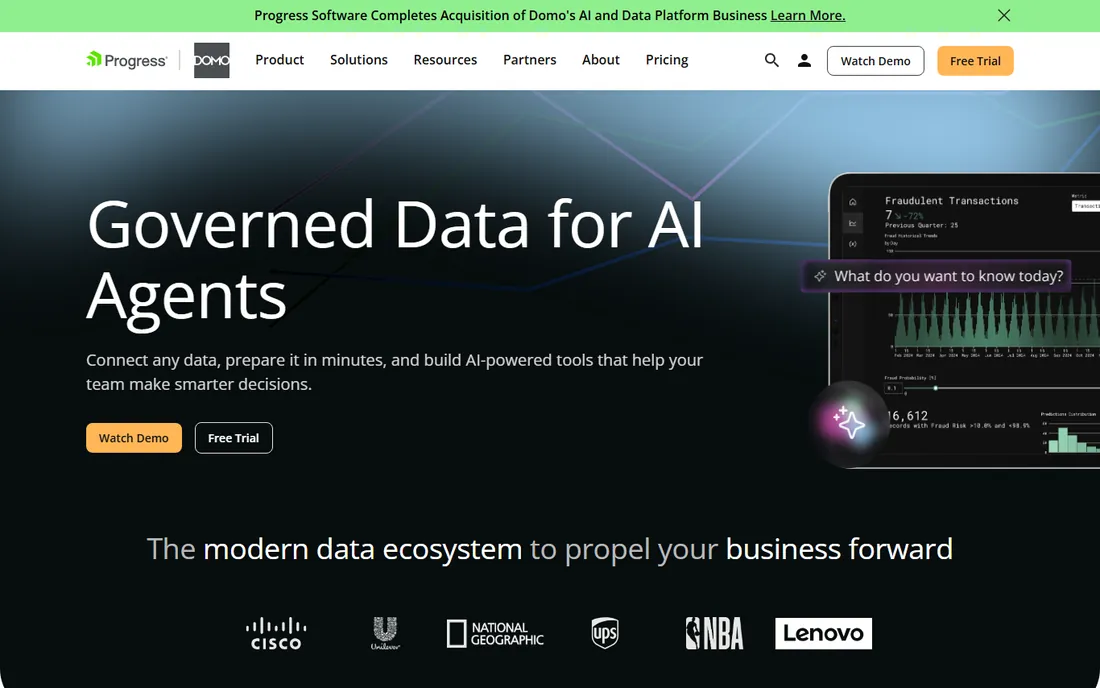
Domo goes beyond dashboards: its cloud-native platform combines data integration, BI and low-code app building so teams can create data apps that drive action where work happens. With over a thousand built-in connectors, bidirectional data flow back to source systems, and 150-plus chart types, it covers the full pipeline from ingestion to decision.
Domo.AI adds AI-powered agents for real business tasks: HR benefits assistants, competitive research, retail associate support, insurance claims extraction. App Studio and Workflows extend the platform into automation and embedded use cases. The all-features-included pricing approach simplifies the buying decision compared with tiered competitors.
Costs can climb with data volume and users, so growing companies should model total cost carefully. Some users find the breadth of features takes time to master. But for organizations that want one cloud platform for integration, analytics, apps and AI agents, Domo's completeness is hard to match.
What we like- All-in-one cloud platform with 1,000+ connectors
- Low-code data apps
- Domo.AI agents
Watch out for- Can get expensive as usage grows
- Some users report a learning curve
Starting priceSee website
Free planFree trial
ThoughtSpot pioneered the idea that analytics should work like search: type a question in plain English, get a trusted answer with a chart. In 2026 the platform has evolved into agentic analytics, with Spotter, an AI analyst that answers questions, surfaces anomalies and drivers, and learns context from your Liveboards and conversations over time.
Every experience, AI answers, Liveboards, embedded apps, runs on the same governed foundation, with business logic, joins and security defined before anyone asks a question. ThoughtSpot Embedded gives developers a low-code path to put AI-powered analytics into their products. Analyst recognition includes leadership positions in major 2026 reports.
The catch is data readiness: ThoughtSpot shines on well-modeled, governed data and frustrates on messy sources. Pricing is quote-based and aimed at mid-market and enterprise. But for business users who will never learn a BI tool's interface, search-driven analytics remains the most accessible path to self-service.
What we like- Natural-language search anyone can use
- Spotter AI analyst
- Strong embedded offering
Watch out for- Needs well-modeled data to shine
- Premium pricing
Starting priceFree (open source); paid Cloud plans
Free planYes
Metabase is the BI tool startups reach for first, and for good reason. The open-source edition is free to self-host with a single Docker command, connects to 20-plus data sources, and lets non-technical users ask questions through a visual query builder or in plain English with Metabot AI. Dashboards, subscriptions, alerts and a SQL escape hatch for power users round out a package that covers most teams' needs.
The 2026 positioning emphasizes open-source AI analytics you can verify: answers guided by a semantic layer, with the query behind every answer inspectable. Paid Cloud and Pro tiers add hosting, SSO, granular permissions, multi-tenant embedding and white-labeling. Over 100,000 teams use it.
It is not a governance-heavy enterprise platform; companies with strict compliance needs will want Looker or Power BI. Embedded analytics sits behind paid tiers. But as a free starting point that grows with you, Metabase delivers more value per dollar than anything else on this list.
What we like- Genuinely free self-hosted edition
- Dead-simple setup
- AI features on all plans
Watch out for- Lighter governance than enterprise tools
- Embedded analytics needs paid tiers
How we chose
We reviewed vendor product pages, documentation, analyst evaluations and public customer reviews on G2 and Capterra to compare visualization depth, governance models, AI capabilities, deployment options and pricing. We weighed fit for different buyers, from startups needing free BI to enterprises needing governed semantic layers. We did not run hands-on trials, and most enterprise pricing is quote-based, so figures are noted only where vendors publish them.
Self-service vs governed analytics: pick your model
Data analytics tools fall into two philosophies. Self-service tools like Tableau, Power BI and Metabase prioritize analyst freedom: connect data, drag, drop, explore. Governed tools like Looker and ThoughtSpot prioritize consistency: model metrics once, then let everyone consume trusted definitions. Neither is universally better; the right choice depends on your organization's data maturity.
Small teams with one analyst usually thrive on self-service. The analyst knows the data, builds the dashboards, and answers questions directly. Governance overhead would slow them down. Metabase or Power BI gets them running in days.
Larger organizations with many data consumers need governance. When fifty people define "revenue" fifty ways, decisions suffer. That is the problem Looker's LookML layer and ThoughtSpot's governed models solve. The upfront modeling investment pays off in trustworthy, consistent metrics.
Many companies end up with both: a governed semantic layer feeding self-service exploration. Modern platforms increasingly support this hybrid, with Tableau's knowledge engine and Metabase's Data Studio adding governance to traditionally self-service tools.
The AI shift in analytics
Every vendor on this list now ships AI features, but they differ in kind. First-generation AI wrote SQL from natural language, useful but prone to hallucinating metrics. The 2026 wave grounds AI in semantic layers: Looker's Gemini-powered conversational analytics, ThoughtSpot's Spotter, Tableau's knowledge engine and Metabase's verifiable answers all constrain AI to approved definitions.
This matters because wrong numbers delivered confidently are worse than no numbers at all. When evaluating AI analytics, ask two questions: what governs the AI's answers, and can you inspect the query behind them? Tools that answer both well, Looker, ThoughtSpot, Metabase, deserve extra credit.
Embedded AI is the other front. Sisense, Domo, ThoughtSpot and Metabase all let product teams put governed analytics and AI assistants inside customer-facing applications. If data is part of your product, evaluate the embedding story as carefully as the dashboarding one.
Frequently asked questions
What is the best data analytics tool for beginners?
Metabase and Microsoft Power BI are the friendliest starting points. Metabase is free to self-host with a visual query builder that needs no SQL. Power BI Desktop is free and integrates naturally for teams already using Excel and Microsoft 365. Both have large communities and free learning resources.
What is the difference between BI tools and data analytics tools?
The terms overlap heavily. Business intelligence traditionally meant dashboards and reporting on historical data, while data analytics includes deeper exploration, statistical analysis and prediction. Modern platforms like Tableau, Power BI and Looker do both, so the distinction matters less than each tool's strengths.
Which data analytics tool is best for large enterprises?
Tableau, Power BI with Microsoft Fabric, Looker and Qlik dominate enterprise deployments. Choose Tableau for visual exploration depth, Power BI for Microsoft shops, Looker for governed metrics on Google Cloud, and Qlik for associative exploration with built-in data integration.
Are there free data analytics tools?
Yes. Metabase's open-source edition is free to self-host with no user limits. Tableau Desktop and Power BI Desktop are free. Looker Studio (Google's free dashboarding tool) covers basic reporting. Free tiers usually lack SSO, advanced governance and support, which paid plans add.
What is a semantic layer and why does it matter?
A semantic layer defines business metrics once, in one place, so every dashboard, report and AI answer uses the same definitions. It prevents the common problem of different teams reporting different numbers for the same metric. Looker's LookML is the classic example; Tableau, ThoughtSpot and Metabase now offer their own versions.
How do I choose between Tableau and Power BI?
Choose Power BI if your company runs on Microsoft 365, budget matters, and Excel integration is important. Choose Tableau if visual exploration depth, community resources and platform flexibility matter more, and you can handle the higher cost. Many analysts learn both since the concepts transfer.
Sources we checked (8)
- https://www.tableau.com
- https://powerbi.microsoft.com
- https://cloud.google.com/looker
- https://qlik.com/
- https://sisense.com/
- https://domo.com/
- https://thoughtspot.com/
- https://metabase.com/
Is your product missing or out of date?
We review this list regularly. Vendors can request a listing, send updated pricing or ask about featured placement.

Shihab Mia · Founder, Rankite
Shihab has spent more than a decade helping SaaS and e-commerce brands grow through search. He writes Rankite's software buying guides from pricing pages, documentation and public user reviews. More about Shihab.