How we make this list: we compare pricing pages, product documentation and public user reviews. Ratings come from G2, Capterra or Trustpilot, with the date we checked them.
Key takeaways
- Day One is the most complete all-round journal, with encrypted sync, media-rich entries and a long track record across Apple, Android and web.
- Journey is the best choice if you write on many different devices, including Windows, Mac, Android, iOS and the web.
- Diarium suits people who dislike subscriptions, since Pro is a one-time purchase per platform and sync runs through your own cloud storage.
- Daylio is the lowest-effort daily habit here, because a full entry can be two taps: a mood and a few activities.
- Rosebud and Reflectly add guided prompts and AI reflection, which help on days when a blank page feels hard to start.
Quick comparison
| Tool | Best for | Starting price | Free plan |
|---|
 Day One Day One | Complete all-round journaling | $49.99 per year (Silver) | Yes |
 Journey Journey | Writing across every device | See website | Yes |
 Diarium Diarium | Subscription-free journaling | See website | Yes |
 Penzu Penzu | Private web-based diary writing | $29.99 per year (Pro) | Yes |
 Daylio Daylio | Mood tracking without long writing | See website | Yes |
 Rosebud Rosebud | Guided AI reflection | $12.99 per month | Yes |
 Reflectly Reflectly | Short guided daily entries | See website | Yes |
Is your product missing or out of date?
We review this list regularly. Vendors can request a listing, send updated pricing or ask about featured placement.
The best daily journal apps
Starting price$49.99 per year (Silver)
Free planYes
Day One has been the reference point for journaling apps for years, and the current version earns that position. The free Basic tier covers unlimited entries and journals, while Silver at $49.99 per year adds sync across all devices, 30 media attachments per entry, audio and video, and integrations. Gold at $74.99 per year adds AI features such as summaries and daily chat. End-to-end encryption and a printed book option round out a package aimed at people who plan to keep a journal for years, not weeks.
The honest catch is the Apple tilt and the annual-only billing. Day One shines brightest on iPhone and Mac, and Android support, while real, feels secondary. There is no monthly plan to try the paid tiers briefly, so the jump from free to Silver is a yearly commitment. For a committed journaler who wants the deepest app and is comfortable paying once a year, Silver is fairly priced for what it includes.
What we like- Encrypted sync across devices
- Rich media entries with photos, audio and video
- On This Day memories
Watch out for- Best features sit behind annual plans
- Android experience trails the Apple apps
Starting priceSee website
Free planYes
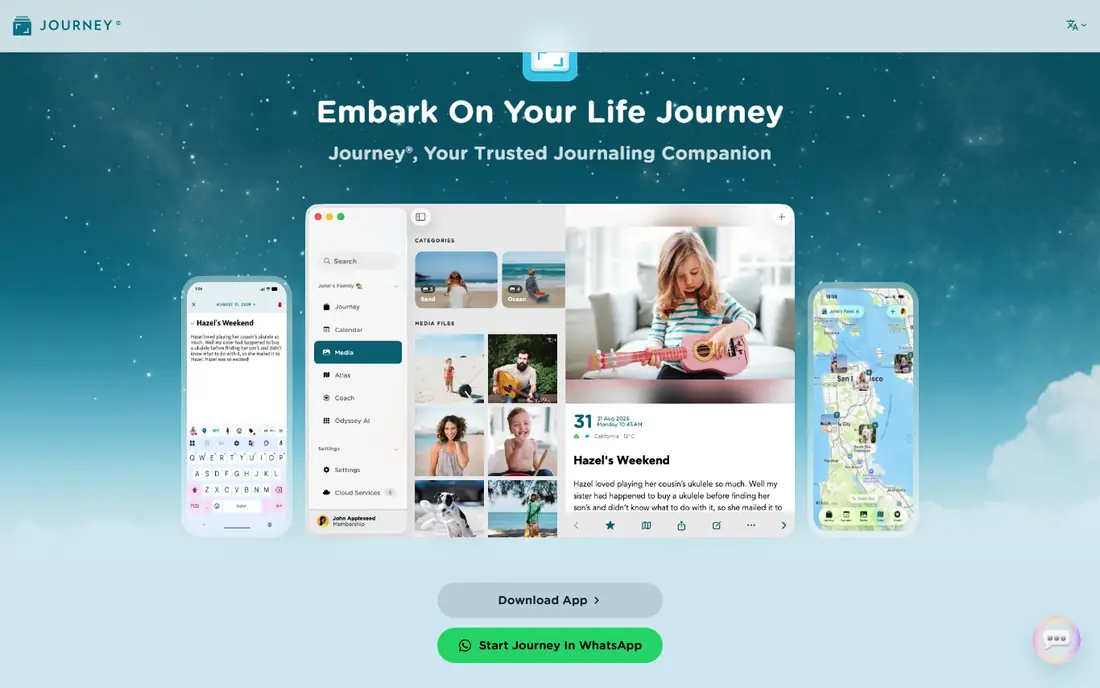
Journey's case is simple: it goes everywhere you do. Few journal apps cover Android, iOS, Mac, Windows, web and Chrome OS with the same account, and Journey does that while adding a map view of where entries were written, a calendar view and mood tracking. Shared journals let a couple or a family keep one journal together, and you can even send an entry by email or chat with your journal over WhatsApp and save the conversation as an entry.
The trade is that the free tier is a starting point, not the full app. Membership adds cloud sync, export to DOCX and ePUB, and fuller formatting, so a serious writer should budget for it. Privacy is handled with end-to-end encryption for synced entries and passcode or biometric locks on devices. If your devices span Apple and Windows, or you switch phones often, Journey's breadth is hard to beat.
What we like- Runs on Android, iOS, Mac, Windows, web and Chrome OS
- Shared journals with family
- Email-to-journal entries
Watch out for- Cloud sync, export and formatting sit behind membership
- Free tier feels limited for heavy writers
Starting priceSee website
Free planYes
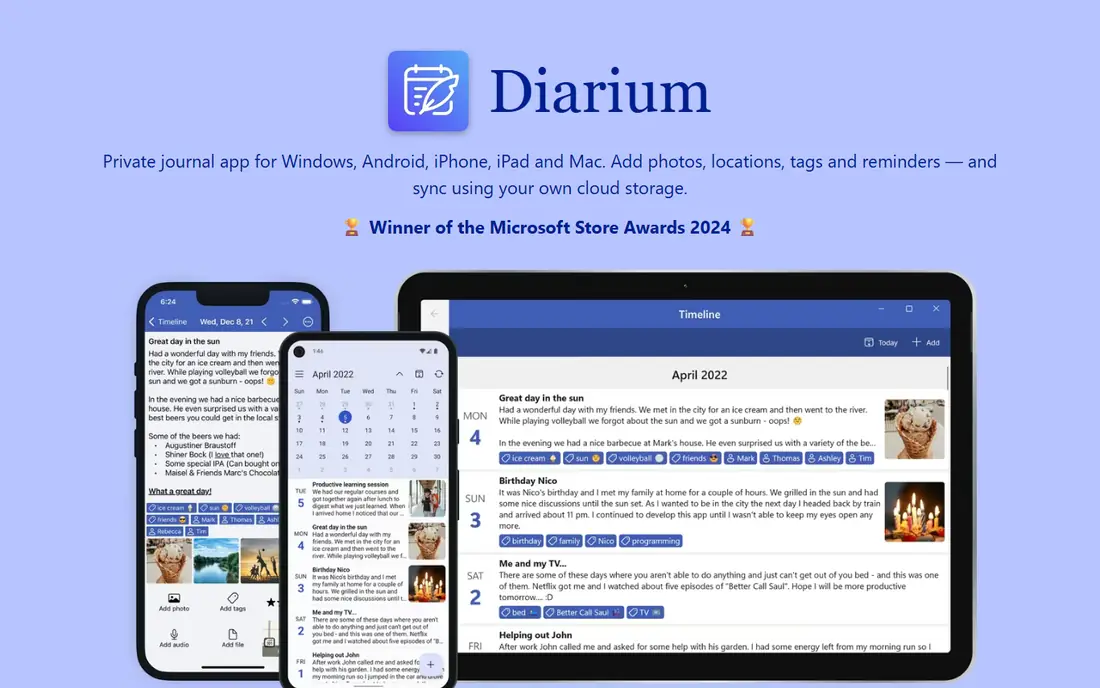
Diarium takes a different approach to privacy and pricing, and both choices will appeal to the same kind of user. You can start writing without creating an account, and your entries can stay on your device. Optional sync uses your own OneDrive, Google Drive, Dropbox, iCloud or WebDAV storage, so no Diarium server holds your journal. Pro is a one-time purchase per platform rather than a subscription, which keeps long-term costs low if you stay on the same devices.
That independence has a cost in convenience. There is no vendor cloud to recover from if you lose access to your own storage, and the Windows app is paid while the mobile apps are free with optional Pro. Feature-wise Diarium is strong, with rich text, unlimited attachments, tags, a map view, calendar and timeline views, and export to Word, plain text, web page or JSON. If you dislike subscriptions and prefer to own your data outright, this is the most convincing option on the list.
What we like- No account required to start
- One-time Pro purchase per platform
- Sync through your own cloud storage
Watch out for- Windows version is paid rather than free
- No vendor cloud service to fall back on
Starting price$29.99 per year (Pro)
Free planYes
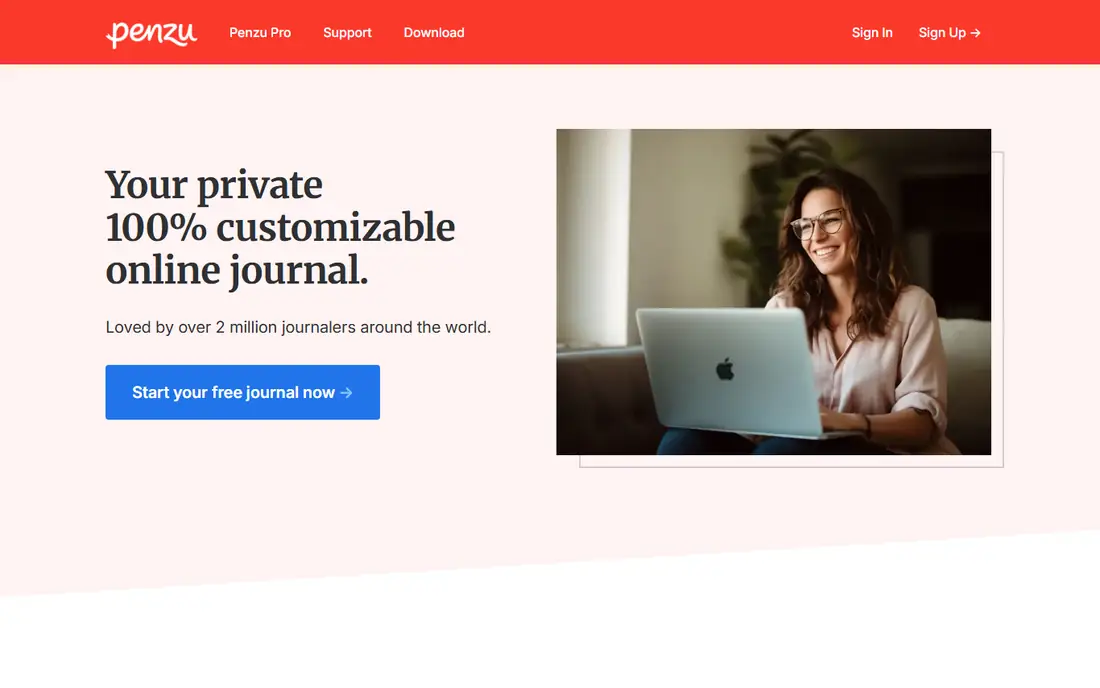
Penzu has been running since 2008, and its pitch has barely changed: a private online diary that works anywhere you have a browser. The free Basic plan already includes unlimited entries, mobile apps, basic covers and fonts, and writing reminders, which is more generous than many rivals at the free tier. Pro at $29.99 per year adds encryption locking, custom covers and fonts, entry tagging, PDF export, writing prompts and write-by-email. Pro+ at $49.99 per year adds handwritten fonts, fullscreen zen mode, versions and entry recovery, and military grade encryption locking.
Penzu's weakness is polish. The writing experience is solid but plainer than Day One or Journey, and the app feels more like a classic web diary than a modern mobile product. What it offers instead is longevity and simplicity. If you mainly write on a computer, want a private diary without fuss, and like the idea of a service that has outlasted many competitors, Penzu is a safe, low-cost home for a daily habit.
What we like- Unlimited free entries
- Works in any browser plus iOS and Android
- Strong privacy locks and encryption
Watch out for- Design feels dated next to Day One
- Best customization and export need Pro or Pro+
Starting priceSee website
Free planYes
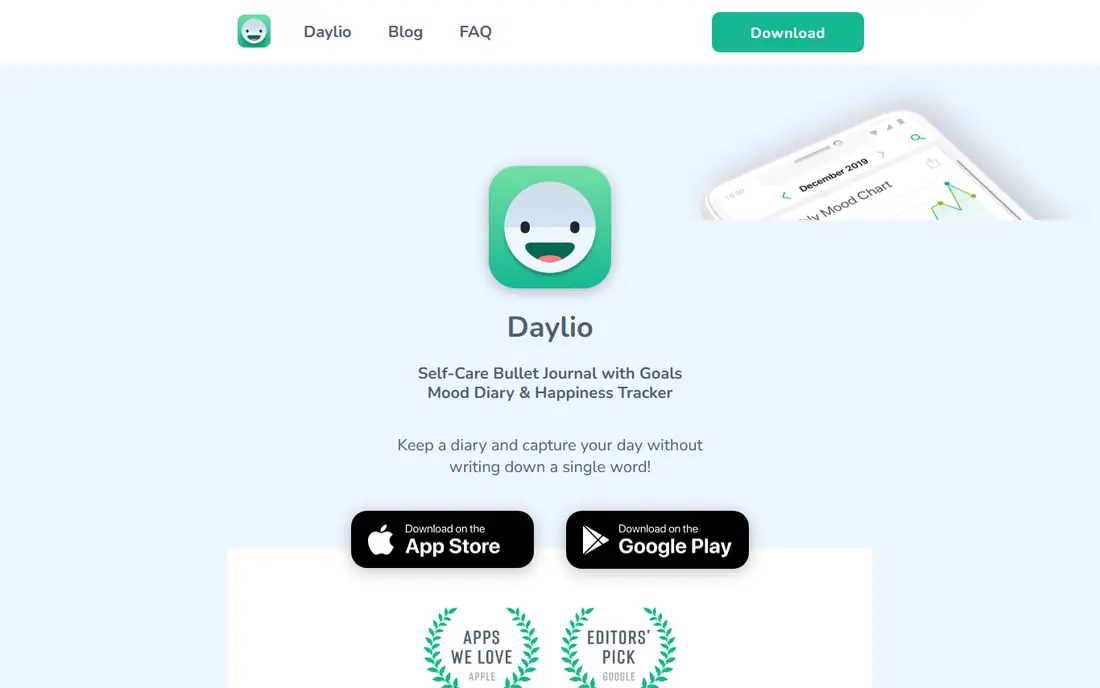
Daylio answers the most common reason people quit journaling: they do not want to write paragraphs every day. A Daylio entry can be two taps, one for your mood and one for the activities you did, and the app turns those taps into charts, correlations and a Year in Pixels view. Over weeks, patterns show up on their own. You might notice that days with exercise or time outdoors score higher, without ever writing a sentence about it.
Notes, photos and voice memos are available when you do want to add detail, and goals, reminders and PIN lock round out the package. Privacy is a genuine strength, since entries are stored on your device and backups go to your own Google Drive or iCloud, not to Daylio servers. The catch is that Daylio is a mood tracker with journal features, not a writing app with mood features. If long-form reflection matters to you, pair it with another app or pick Day One instead.
What we like- Two-tap daily entries
- Charts that link moods to activities
- Data stays on your device
Watch out for- Long-form writing is secondary
- Premium features are sold through app stores with varying prices
Starting price$12.99 per month
Free planYes
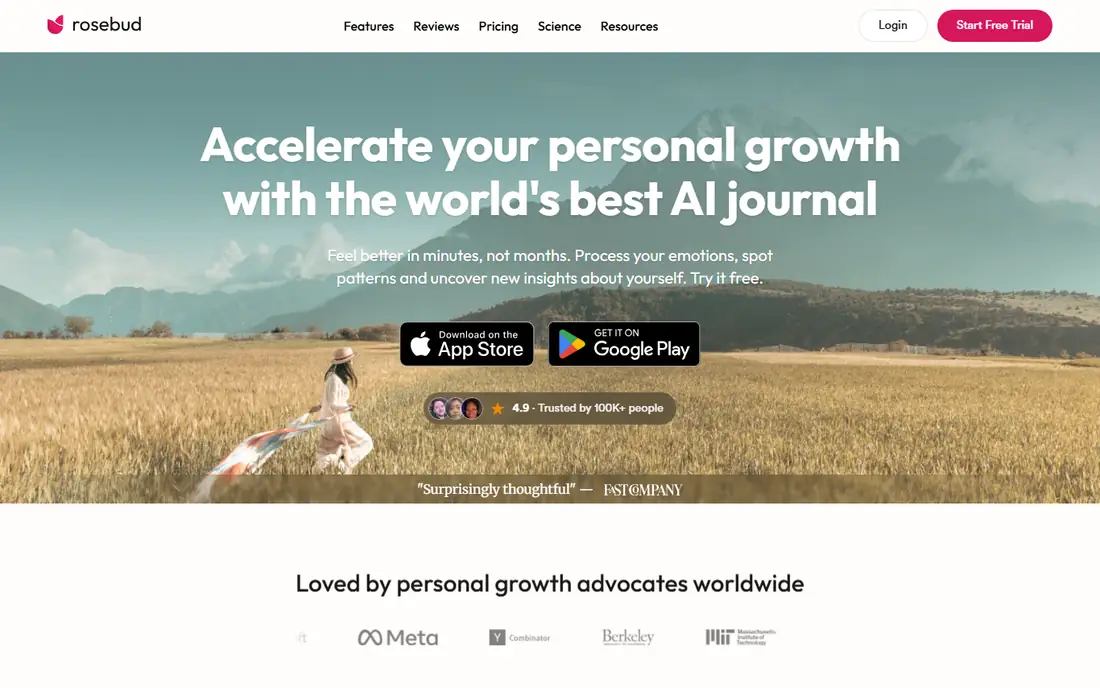
Rosebud is built for people who open a journal app and freeze at the blank page. Instead of leaving you alone with a cursor, it asks follow-up questions, reflects your own words back to you and spots patterns across entries over time. The free tier gives you a real taste of that loop, while Bloom at $12.99 per month, or $8.99 per month billed annually at $107.99 per year, opens the full experience. Voice entry is included, so you can talk through a day on a walk and let the app turn it into a written entry.
The trade-offs are worth stating plainly. Rosebud does not claim end-to-end encryption, which matters if you write about sensitive topics and compare it with Day One or Journey. It also lacks photo attachments, so it is a poor archive for a visual diary. But for reflection as a practice, the guided conversation is the most distinctive experience on this list, and the free tier is enough to judge whether that style suits you.
What we like- AI follow-up questions that go deeper than prompts
- Pattern spotting across past entries
- Voice entry
Watch out for- Most valuable features need the Bloom subscription
- No photo attachments on entries
Starting priceSee website
Free planYes
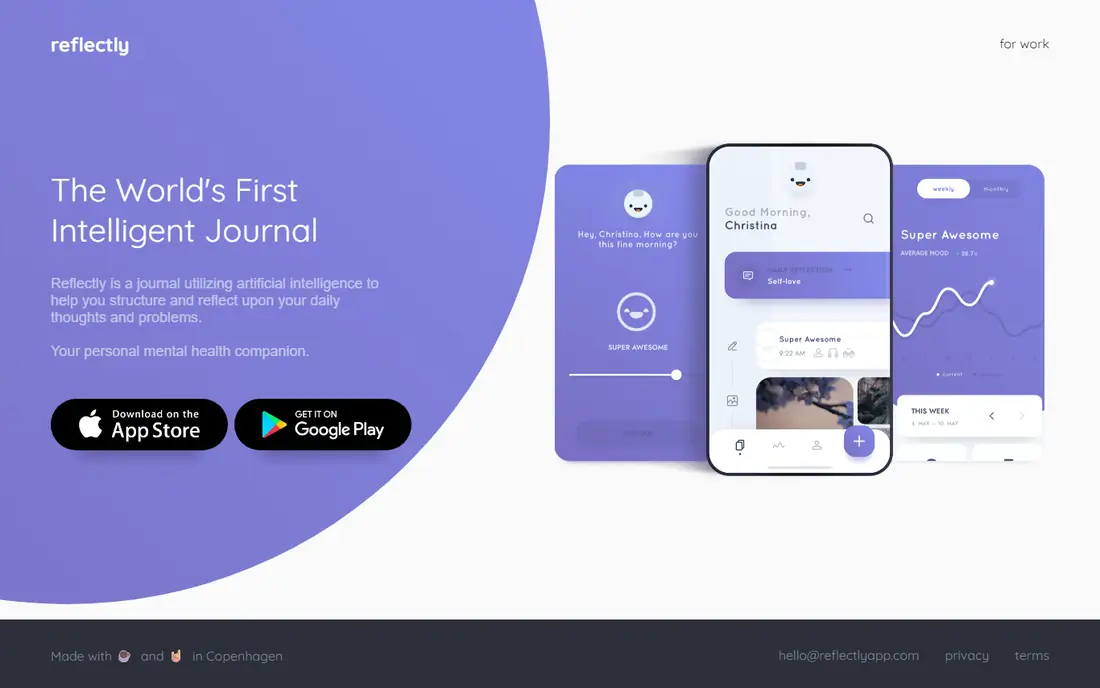
Reflectly positions itself as a journal for happiness, using AI to structure daily thoughts and problems into short, guided entries. The design is calm and minimal, and the daily flow is built around answering a few questions rather than facing an empty page. That makes it a good fit for beginners, or for anyone who wants a five-minute evening habit rather than a long writing session.
The limits show up when you want more. Reflectly is not the app for long essays, media-heavy archives or detailed export, and its pricing is presented through app store listings, so check the current plan and price in your store before subscribing. If you already journal and want depth, Day One or Diarium will serve you better. If you are starting from zero and need the smallest possible first step, Reflectly's guided format is a friendly way in.
What we like- Guided questions make starting easy
- Clean design that suits short daily use
- AI structure for entries
Watch out for- Pricing and plan details are shown in app stores rather than on a full pricing page
- Depth is limited for long writers
How we chose
We compared these apps on platforms covered, pricing and free tiers from each vendor's own pricing page or app store listing, privacy and encryption claims, export options, and how each one handles the daily habit itself, including prompts, reminders and friction. We read public reviews on G2, Capterra and app stores as a check on real-world use, and we favored apps that are actively maintained and available today. We did not claim hands-on testing of every app, and we avoided ranking on advertised user counts, since those are not comparable across vendors.
Choosing a journal you will still use in six months
The best journal app is the one you open tomorrow, and that decision has less to do with features than with friction. Before you commit, try the free tier of your top two choices for a week each. Pay attention to how long it takes to make an entry, whether reminders arrive at a time you actually write, and whether reading back an old entry feels pleasant or like work. An app that takes thirty seconds to open and start will beat a powerful app you avoid.
Match the app to your writing style
Long-form writers should favor Day One, Journey or Penzu, which treat text as the main event. Mood trackers and minimalists should start with Daylio or Reflectly. People who want conversation and guidance should try Rosebud. If you hate subscriptions, Diarium's one-time purchase changes the math entirely, since the cost stops growing after year one.
Check privacy and export before you invest years
A journal accumulates sensitive material, so read the privacy page before you write anything personal. Check whether sync is end-to-end encrypted, whether the vendor can read your entries, and whether you can export everything in a usable format such as PDF, DOCX or plain text. An app that locks your archive inside its own format is a risk, however good its editor feels today.
Keep the habit small
Set a daily reminder at a fixed time, such as after breakfast or before bed, and aim for a few lines rather than a page. Streaks help some people and pressure others, so turn them off if they make a missed day feel like failure. A journal that survives a bad week is worth more than one that only works when life is calm.
Frequently asked questions
What is the best free daily journal app?
Day One's free Basic tier and Penzu's free plan both offer unlimited entries, which makes them strong free starting points. Daylio's free version is also generous for mood tracking. The right free app depends on whether you want long writing, mood taps or guided prompts.
Is my journal private in these apps?
Privacy varies. Day One and Journey offer end-to-end encryption for synced entries, and Diarium keeps entries on your device or in your own cloud storage. Always read the vendor's privacy page, since some apps, including AI journal apps, process entries on their servers to generate reflections.
Can I move my journal to another app later?
Most of these apps offer export in some form, such as PDF, DOCX, plain text or JSON, though full-featured export sometimes needs a paid plan. Check export options before you build a multi-year archive, and test an export early so you know what the output looks like.
Do I need to pay for a good journal app?
No. The free tiers of Day One, Penzu, Journey, Daylio and Rosebud all support a real daily habit. Paid plans mainly add sync across devices, media limits, AI features and export. Pay only when a specific limit in the free tier starts to bother you.
Which daily journal app works on both iPhone and Android?
Day One, Journey, Diarium, Penzu, Daylio and Rosebud all run on both iOS and Android. Journey adds the widest desktop coverage on top of that, with Mac, Windows, web and Chrome OS apps, which matters if you also write on a computer.
Sources we checked (7)
- https://dayoneapp.com
- https://journey.cloud
- https://diariumapp.com/
- https://penzu.com
- https://daylio.net/
- https://www.rosebud.app
- https://reflectly.app/
Is your product missing or out of date?
We review this list regularly. Vendors can request a listing, send updated pricing or ask about featured placement.

Shihab Mia · Founder, Rankite
Shihab has 5+ years in B2B and SaaS SEO. He writes Rankite's software buying guides from pricing pages, documentation and public user reviews. More about Shihab.