How we make this list: we compare pricing pages, product documentation and public user reviews. Rankite is independent; if a vendor ever pays for a featured spot, that listing is clearly labeled Partner.
Key takeaways
- Zendesk and Freshdesk remain the default helpdesk-with-portal picks; Zendesk for depth at scale, Freshdesk for faster setup at a lower seat price.
- HubSpot Service Hub is the pick when the portal must live on your CRM data; the free tier covers two users, but Professional's $1,500 onboarding fee is real.
- Zoho Desk and LiveAgent are the value plays: real free tiers and paid plans well under the big names, with fewer AI extras.
- Salesforce Experience Cloud is the only true portal builder on Salesforce data, but per-login licensing means the bill grows with every adopted user.
- Intercom and Help Scout sit at opposite ends of the conversational spectrum: Intercom for AI-led messaging, Help Scout for human, email-first support.
Quick comparison
| Tool | Best for | Starting price | Free plan |
|---|
 Zendesk Zendesk | Omnichannel support at scale | $55 per agent/month (billed annually) | Free trial (14 days) |
 Freshdesk Freshdesk | Fast setup on a budget | $19 per agent/month (billed annually) | Free trial |
 HubSpot Service Hub HubSpot Service Hub | Portal tied to your CRM | $20 per seat/month | Yes |
 Zoho Desk Zoho Desk | Value for small and mid-size teams | $7 per agent/month (billed annually) | Yes (3 agents) |
 Intercom Intercom | Conversational support with AI | $29 per seat/month (billed annually) | Free trial (14 days) |
 Help Scout Help Scout | Email-first human support | $25 per user/month (billed annually) | Yes (5 users) |
 Salesforce Experience Cloud Salesforce Experience Cloud | Portals on Salesforce data | $2 per login/month | No |
 Jira Service Management Jira Service Management | IT-flavored internal and customer portals | $20 per agent/month | Yes (3 agents) |
 LiveAgent LiveAgent | All-in-one helpdesk on a budget | $15 per agent/month (billed annually) | Yes |
 ServiceNow CSM ServiceNow CSM | Enterprise service portals at scale | See website | No |
Is your product missing or out of date?
We review this list regularly. Vendors can request a listing, send updated pricing or ask about featured placement.
The best customer portal software
The cost of the wrong portal is not the subscription. It is the portal nobody uses. Your team spends months configuring knowledge bases, branding pages and ticket forms, and customers keep emailing support anyway because the search is broken or the login is a hassle. Every deflected ticket was supposed to save $15 to $20; instead you are paying for the software and the tickets.
The second cost is lock-in. Portal content, user accounts and ticket history embed deeply, and migrating them later is a project nobody budgets for. Zendesk exports do not import cleanly elsewhere, and Salesforce portals are wired into your CRM. The first choice tends to be a five-year choice, so it deserves scrutiny beyond the demo.
This list covers ten customer and client portal platforms that exist today, from helpdesks with portal modules to true portal builders. The best client portal software is the one your customers will actually log into, which usually means the simplest one that covers their top three tasks.
Starting price$55 per agent/month (billed annually)
Free planFree trial (14 days)
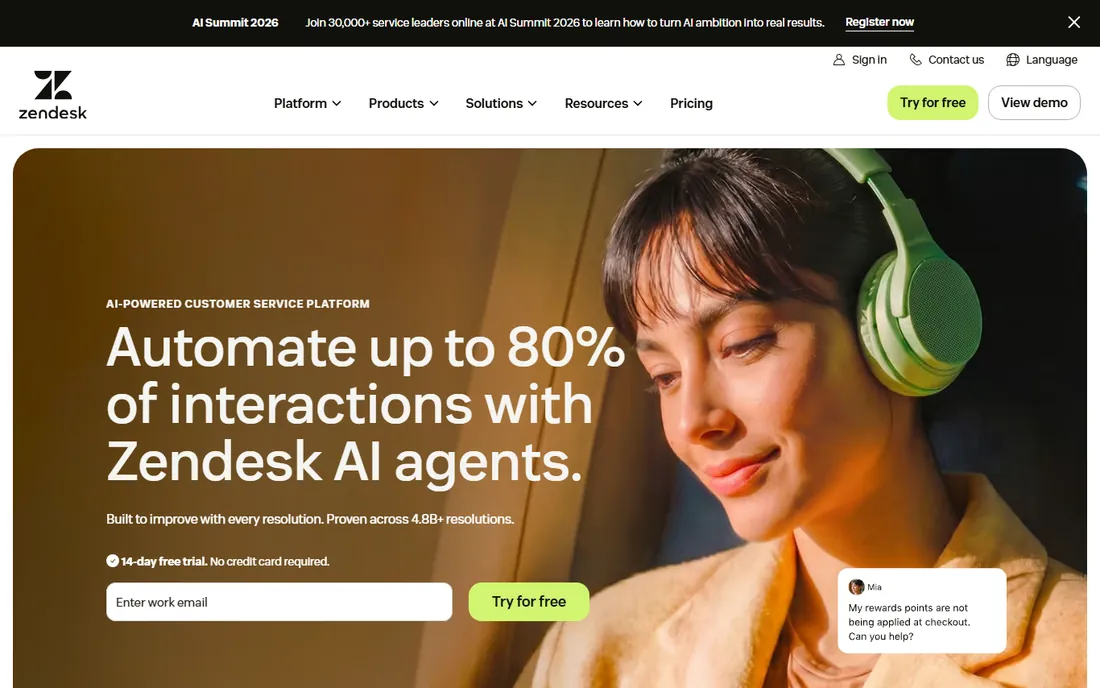
Zendesk is the reference point the whole category is measured against. The Guide help center plus the customer portal give you branded self-service, ticket submission and tracking, community forums and knowledge management, all wired into ticketing across email, chat, voice and social. Suite Team at $55 an agent a month billed annually is the real entry point; the $19 Support Team plan is email ticketing only.
The pricing structure has grown teeth. AI agents bill per automated resolution ($1.50 committed, $2.00 pay-as-you-go) on top of seats, and add-ons like Copilot at $50 an agent a month stack fast. A 10-agent team can easily pay double the headline seat price. Buy Zendesk when you need proven scale and depth; the bill rewards careful scoping of which add-ons you actually switch on.
What we like- Mature help center and customer portal
- Strong multichannel ticket routing
- Huge integration marketplace
Watch out for- Real portal features start at Suite Team $55, not the $19 Support plan
- AI billed per resolution on top of seats
- No permanent free plan
Starting price$19 per agent/month (billed annually)
Free planFree trial
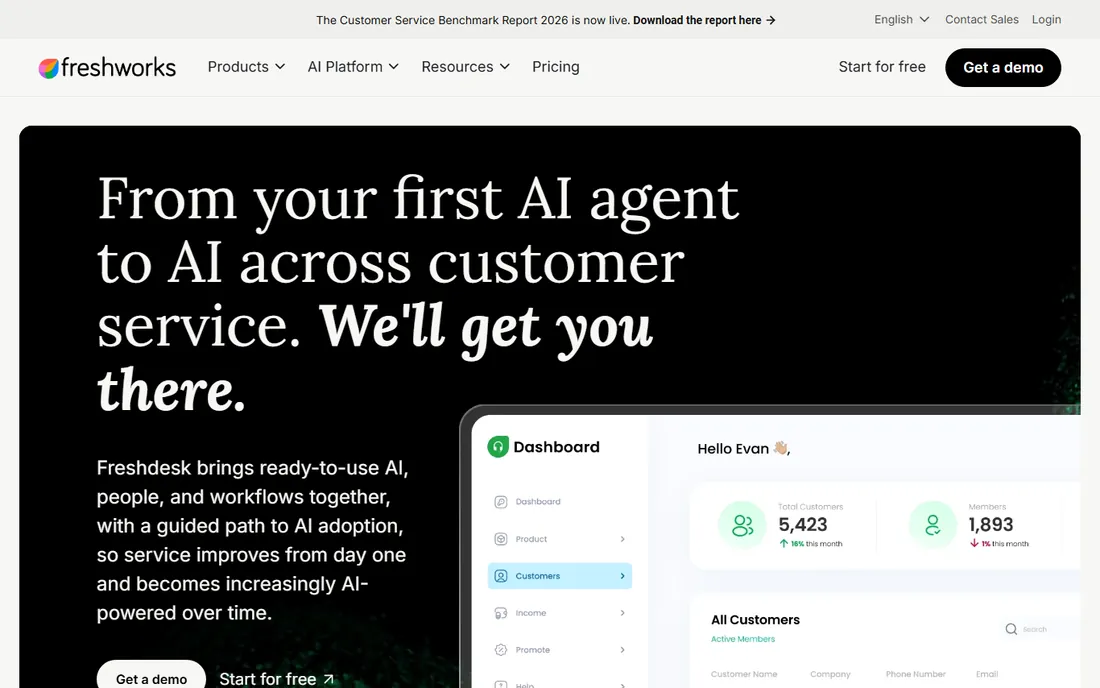
Freshdesk is the pragmatic alternative: multichannel ticketing with a customer portal and knowledge base from the $19 Growth plan, set up in an afternoon rather than a quarter. For small and mid-market teams that value speed over maximum depth, it hits the sweet spot. The 14-day trial opens on Enterprise so you can see the ceiling before you buy.
Watch the two meters. Freddy AI Copilot costs $29 an agent a month on Pro and Enterprise, and AI Agent sessions bill per session after a one-time 500-session allowance. Teams that pilot the AI and then scale get a surprise invoice the month the allowance runs dry. Price the AI the way you price the seats, or skip it and run an excellent human helpdesk for less.
What we like- Portal and knowledge base on the entry plan
- Fast to deploy
- Cheaper seats than Zendesk
Watch out for- No permanent free plan anymore
- AI costs stack (Copilot $29/agent, sessions metered)
- Reporting is shallow on lower tiers
Starting price$20 per seat/month
Free planYes
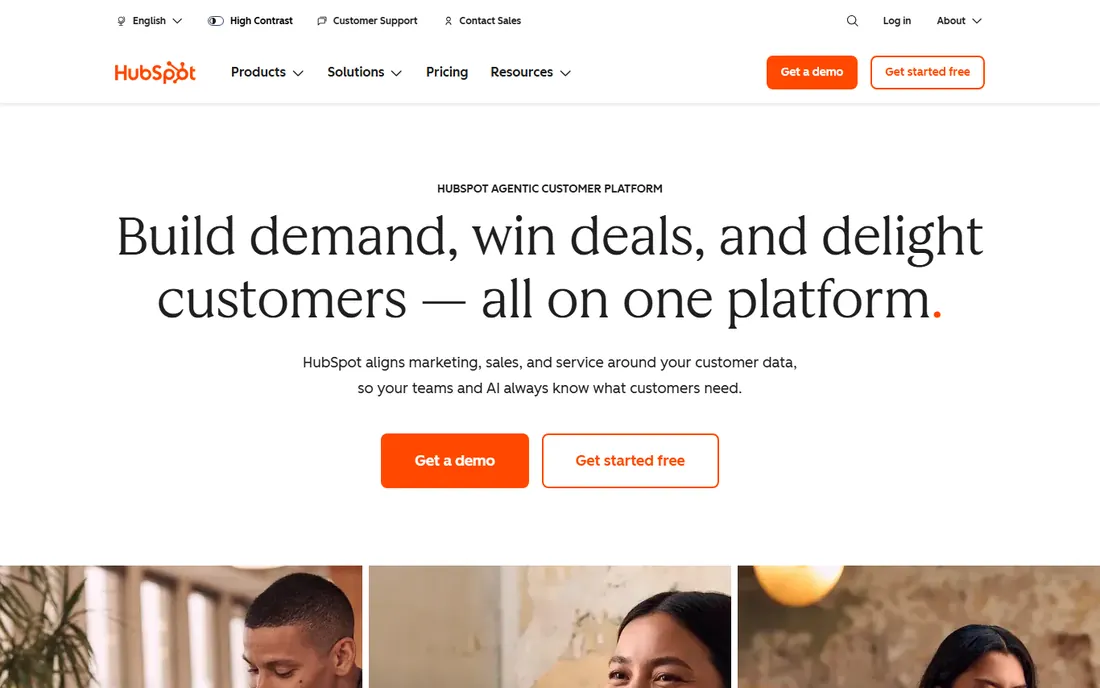
Service Hub's advantage is architectural: the portal, tickets, knowledge base and customer records live in the same HubSpot CRM, so agents see full history without integrations. The free tier covers two users with basic ticketing and live chat; Starter at $20 a seat a month adds automation and branding. For companies already on HubSpot, the portal inherits your contact data on day one.
The costs beyond the seat price deserve attention. Professional at $90 to $100 a seat requires a $1,500 one-time onboarding fee, and the Breeze Customer Agent consumes credits, roughly 60 resolutions a month included on Pro before overages at about $0.45 each. Model your ticket volume against the credit allowance before committing to the AI story.
What we like- Portal and tickets share one CRM record
- Free tools cover two users
- Knowledge base and live chat included
Watch out for- Professional carries a $1,500 mandatory onboarding fee
- AI Customer Agent runs on credits that deplete fast
- Per-seat costs climb with team growth
#4
Zoho Desk
Best for: Value for small and mid-size teams
Visit zoho.com
Starting price$7 per agent/month (billed annually)
Free planYes (3 agents)
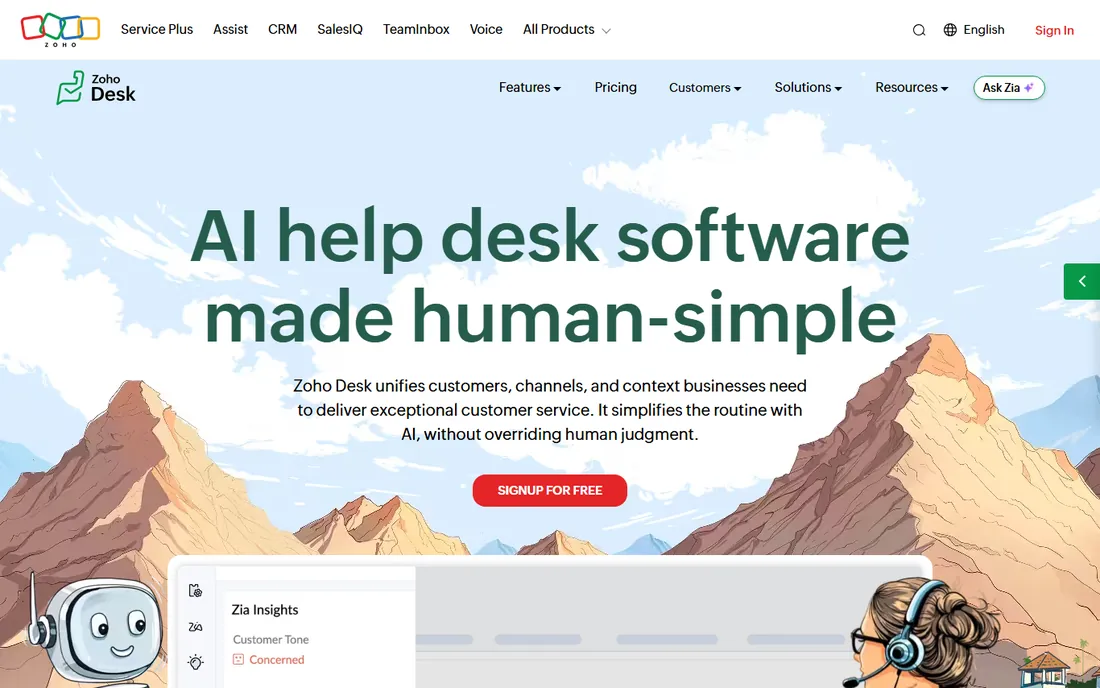
Zoho Desk wins the price-to-feature comparison for SMB and mid-market teams. The free tier covers 3 agents with email ticketing, help center and knowledge base; Express at $7 an agent a month billed annually adds workflows; Standard at $14 adds automation and live chat. Unlike its rivals, Zoho does not charge separately for its Zia generative AI on paid plans, which keeps the add-on bill near zero.
The five-tier ladder means reading the feature map carefully: agent limits, AI access and automation gates sit at different rungs. Light agents for internal collaborators cost $6 a month on lower tiers. If you run other Zoho products, the native CRM, Books and Analytics integrations are the real value driver. For cost-led buyers, it is the strongest value on this list.
What we like- Genuine free tier for 3 agents
- Paid plans far cheaper than Zendesk
- Zia AI included on paid plans without a separate meter
Watch out for- Five-tier ladder complicates choosing
- Light agents cost extra on lower tiers
- Ecosystem best if you already use Zoho
Starting price$29 per seat/month (billed annually)
Free planFree trial (14 days)
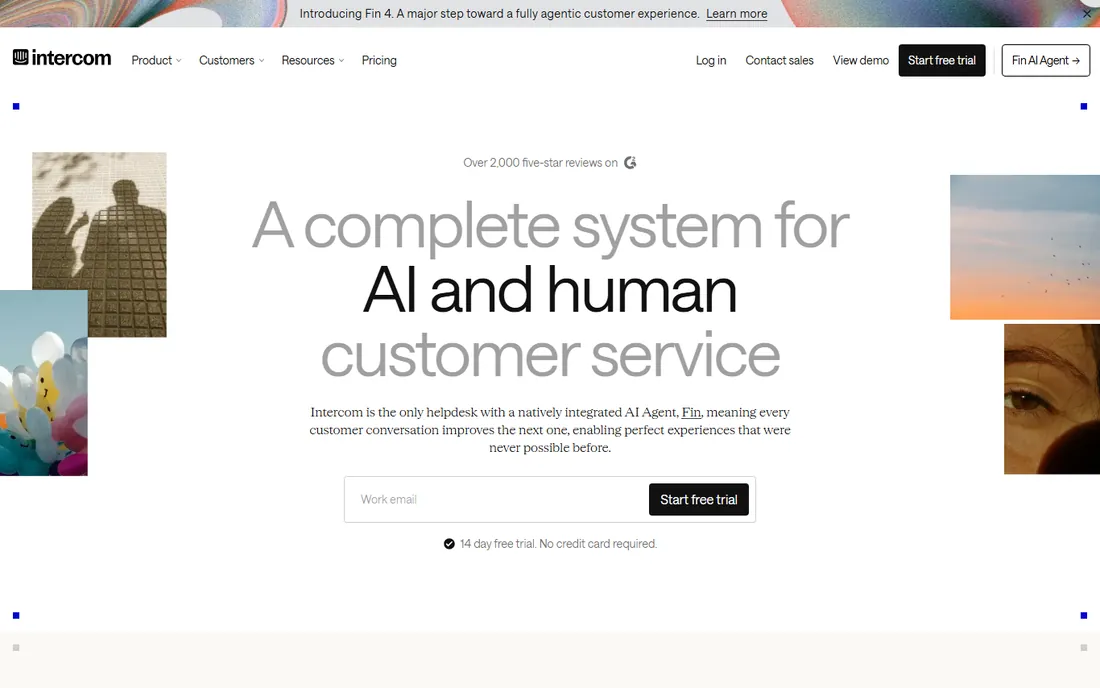
Intercom rebuilt support around conversation: the Messenger, shared inbox, ticketing and help center in one flow, with the Fin AI agent resolving queries inside the chat. Essential at $29 a seat a month billed annually covers the core desk; Advanced at $85 adds workflows, round-robin and a ticket portal. For SaaS companies where support happens inside the product, the experience is unmatched.
The bill has two parts and both move. Fin costs $0.99 per outcome on top of seats, and Copilot for human agents is another $29 a seat. A 10-seat Advanced team with moderate AI usage can pay four times the headline seat price. Intercom is worth it when conversational support is your differentiator; it is an expensive way to run a plain ticket queue.
What we like- Best-in-class Messenger and conversational UI
- Fin AI agent is genuinely capable
- Public help center on the entry plan
Watch out for- No free plan
- Fin bills $0.99 per outcome on top of seats
- Total cost is hard to forecast
Starting price$25 per user/month (billed annually)
Free planYes (5 users)
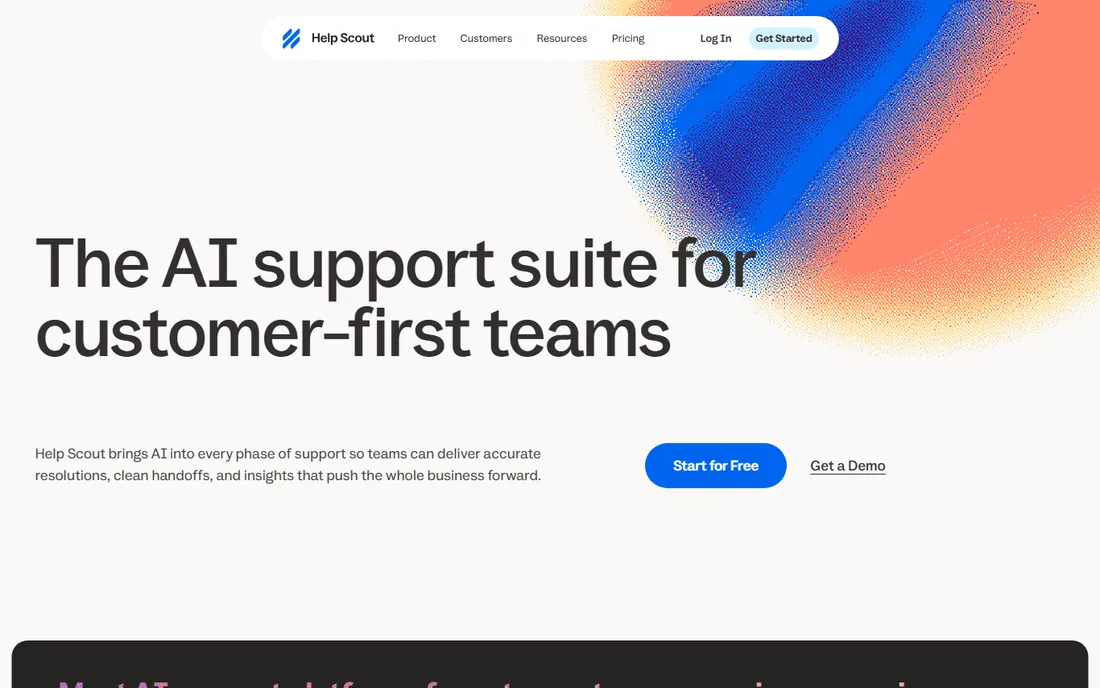
Help Scout is the anti-enterprise helpdesk: a shared inbox that feels like email, a Docs knowledge base, and live chat, priced per user with no quote required. The free plan covers 5 users with 100 contacts a month, which is enough to run real support while you evaluate. Standard at $25 a user a month billed annually suits teams up to 25 users; Plus at $45 adds AI assists and advanced reporting.
The pricing cliffs are the thing to model. Standard caps at 25 users and Plus at 50, so growing past a cap reprices every seat, not just the new ones. Pro at $75 needs a 10-seat minimum, which prices out small teams that need SSO or HIPAA. AI Answers costs $0.75 per resolution on top of all paid plans. For human, email-first support, though, few tools are this pleasant to run.
What we like- Generous free plan for 5 users
- Simple per-user pricing with no seat math games
- Docs knowledge base included
Watch out for- AI Answers billed per resolution on top
- Pro requires a 10-seat minimum
- User caps force tier jumps
Starting price$2 per login/month
Free planNo
Experience Cloud is the only option here that is a true portal on your CRM rather than a helpdesk with a portal tab. Customers check orders, log cases, pay invoices and read knowledge articles against live Salesforce data. Customer Community licenses start at $2 per login a month ($5 per member), with Community Plus at $6 per login for role hierarchies and custom objects. Login-based pricing favors infrequent users; member-based favors daily ones.
The total cost is the licenses plus your Salesforce base plus implementation, which typically runs into weeks or months of services. At 1,000 active portal users on Community Plus member pricing, licenses alone approach six figures a year. Buy it when the portal must show live CRM data and you already run Salesforce; otherwise the economics favor the helpdesks above.
What we like- Portal reads live Salesforce data
- Login-based pricing suits occasional users
- Deep customization with Lightning components
Watch out for- Bill grows with every login or member
- Needs Enterprise edition plus implementation
- Overkill without a Salesforce org
#8
Jira Service Management
Best for: IT-flavored internal and customer portals
Visit atlassian.com
Starting price$20 per agent/month
Free planYes (3 agents)
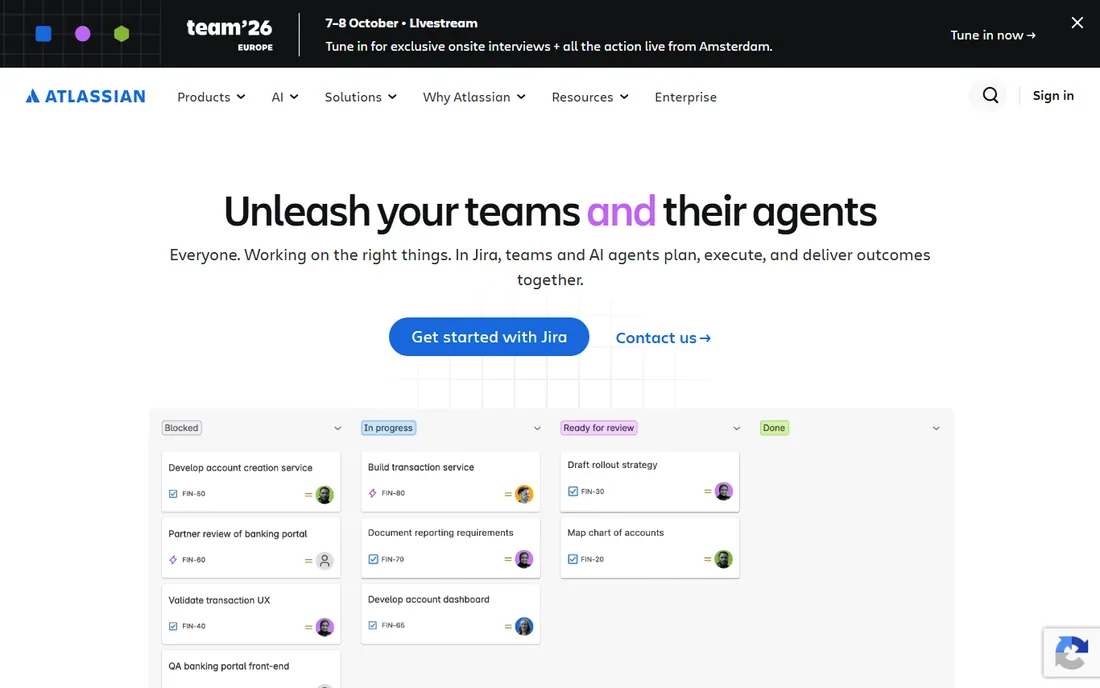
Jira Service Management is IT service management with a customer portal attached: request types, a self-service portal, knowledge base and SLA tracking, with incident and change management underneath. The free tier covers 3 agents, Standard runs $20 an agent a month, and customers who only file requests are never billed. For internal IT, HR and facilities portals, it is the natural Atlassian choice.
As a customer-facing support portal it is competent rather than delightful; the conversational polish of Intercom or the simplicity of Help Scout is not here. The Standard-to-Premium jump to $51.42 an agent is steep if you need advanced change management or the virtual service agent. Pick it when the portal serves employees or technical users; pick a CX helpdesk when the reply itself is the product.
What we like- Free for 3 agents with a real portal
- Customers never consume licenses
- Strong for IT and internal service desks
Watch out for- Customer-service polish lags Zendesk
- Premium at $51.42 is a big jump
- AI features gated behind higher tiers
Starting price$15 per agent/month (billed annually)
Free planYes
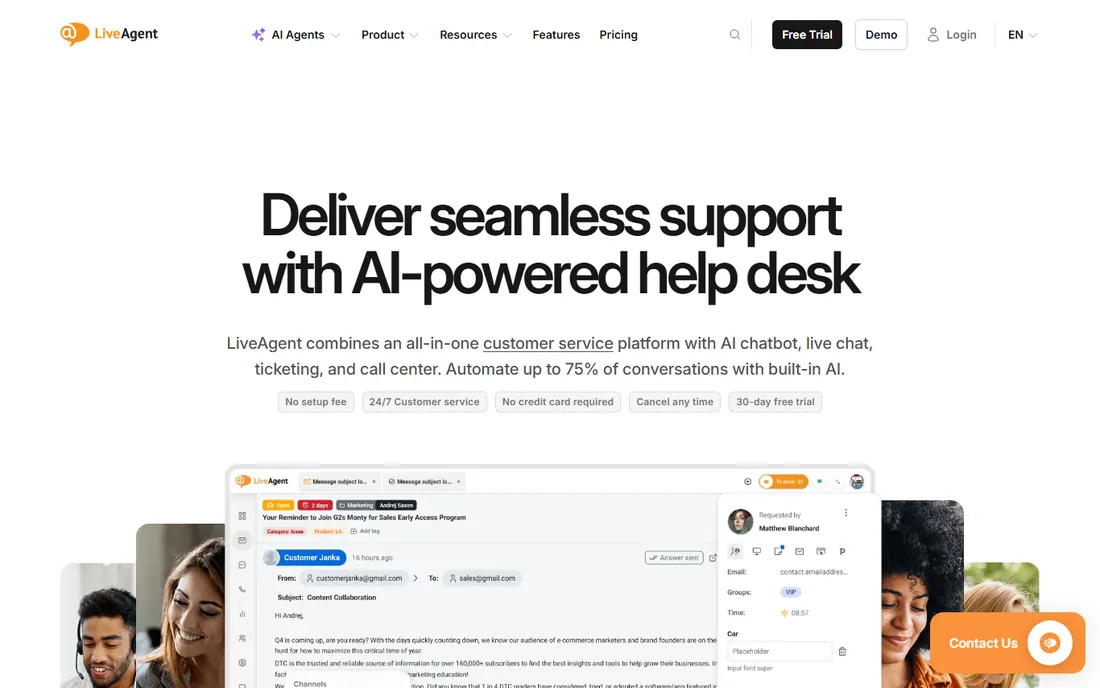
LiveAgent packs an unusual amount into $15 an agent a month: ticketing, live chat, a built-in call center, knowledge base and customer portal on the Small plan, with 200-plus integrations. There is a free tier for the smallest teams and a 30-day trial that needs no credit card. For budget buyers who refuse to pay per-channel, the all-in-one pricing is the appeal.
The trade-offs are polish and packaging. The interface feels older than its rivals, and features like advanced SLAs, departments and audit logs sit on the $29 to $69 tiers. AI agents run on a credit system rather than a flat fee, so model that separately. If your priority is maximum channel coverage per dollar, LiveAgent is hard to beat.
What we like- Ticketing, chat, call center and knowledge base in one price
- Free tier available
- 30-day trial with no credit card
Watch out for- Interface shows its age
- Advanced features spread across four tiers
- AI is credit-based on top
Starting priceSee website
Free planNo
ServiceNow Customer Service Management is the enterprise end of this list: customer portals that unify cases, knowledge, field service and IoT data on one platform, with the governance, audit trails and compliance controls regulated industries require. Pricing is quote-based and implementations are measured in months with partner services, not self-serve signup.
Nothing else here matches it for complex enterprise service operations, and nothing else here costs as much to buy and run. Small and mid-size companies should treat it as a future consideration, not a current option. If your RFP mentions ITIL alignment, multi-brand portals and custom workflows at scale, ServiceNow belongs on the shortlist.
What we like- Purpose-built for enterprise customer service workflows
- Portals unify cases, knowledge and field service
- Strong governance and compliance
Watch out for- Quote-only pricing
- Implementation is a major services engagement
- Far too heavy for small teams
How this list was put together
This list was built from vendor pricing pages, feature documentation and public reviews, checked in October 2026, with attention to how small and mid-size US companies buy support software. Only products available today with genuine customer portal capability were included. Prices come from current vendor-published figures; quote-only products are marked as such. No hands-on testing was performed and no vendor paid for placement.
What to check before you buy portal software
Start with the customer's top three tasks and work backward. Most portal projects fail because they launch with everything: forums, ideas boards, forty article categories. The portals that get used do three things well, usually track a ticket, find an answer and check an order status. Confirm the tool makes those three effortless before you admire the rest of the feature list.
Next, price the whole deployment, not the seat. Add the AI meters (per-resolution or per-session charges), the onboarding fees (HubSpot's $1,500 is mandatory on Professional), the light-agent and collaborator licenses, and the implementation services for the enterprise options. A $25 seat with a $0.75-per-resolution AI bot can cost more than a $55 seat with resolutions included, depending on your volume.
Authentication and adoption
The number one portal killer is login friction. If customers must create yet another account with yet another password, most will email support instead. Check SSO options, magic-link or social login support, and whether the portal works for logged-out users browsing the knowledge base. Every barrier between the customer and the answer is a ticket you will still have to handle.
Content and ownership
A portal is a publishing operation. Someone must write, update and retire knowledge base articles, or the search results go stale and trust collapses. Before you buy, assign the owner and the review cadence. Tools with AI that drafts articles from resolved tickets reduce the burden, but they do not remove it. Budget the labor alongside the license.
Why most customer portals fail
The most common failure is launching to crickets. The portal goes live, the announcement email goes out, and ticket volume does not move because nobody told customers at the moment of need. Successful portals intercept the customer: links in order confirmation emails, in the product itself, in support auto-replies. Distribution beats design.
The second failure is stale content. A knowledge base that answered 2024's questions actively misleads 2026's customers, and nothing destroys portal trust faster than a wrong answer. Set a quarterly review cycle and track article-level deflection: which articles actually prevent tickets, and which ones customers open before submitting anyway. Kill or fix the second group.
Frequently asked questions
What is customer portal software?
Software that gives your customers a branded website to help themselves: search a knowledge base, submit and track support tickets, check order status, download invoices and manage their account. It sits in front of your helpdesk or CRM so routine requests never become tickets.
How much does customer portal software cost?
From free (Zoho Desk, Help Scout and HubSpot free tiers) to roughly $15 to $55 per agent a month for mainstream helpdesks, up to quote-based enterprise platforms. The seat price is only part of it: AI usage meters, onboarding fees and implementation services can double the total. Always model a year of realistic usage.
Should the portal be part of my helpdesk or standalone?
For most small and mid-size companies, part of the helpdesk. A standalone portal means integrating ticket data, user accounts and knowledge content across two systems, which is where projects stall. Standalone portal builders like Salesforce Experience Cloud make sense when the portal must show live data from another system of record.
How do I get customers to actually use the portal?
Put it where they already are: links in order emails, in your product's help menu, in support auto-replies and on invoices. Keep the top tasks to three clicks, allow knowledge base browsing without login, and make login painless with SSO or magic links. Measure deflection per article and promote what works.
What is the difference between a customer portal and a client portal?
The terms overlap heavily. Customer portal usually means support self-service for many customers (tickets, knowledge base, order status). Client portal often means a smaller set of clients sharing documents, projects or invoices with you. Most tools on this list serve the first meaning; agencies needing document-sharing portals should evaluate client-portal specialists instead.
Do I need AI in my customer portal?
Not on day one. A good knowledge base with working search deflects a meaningful share of tickets without any AI. AI agents help at volume, when the same questions arrive hundreds of times a month, but they add per-resolution costs and need training on your content. Start with content quality, add AI when the ticket data justifies it.
Sources we checked (18)
- https://www.getmacha.com/blog/zendesk-pricing-explained
- https://www.eesel.ai/blog/zendesk-review
- https://hiverhq.com/blog/freshdesk-pricing
- https://www.getmacha.com/blog/freshdesk-review
- https://www.clarify.ai/blog/hubspot-crm-pricing
- https://www.mo.agency/blog/hubspot-pricing
- https://www.desk365.io/blog/zoho-desk-pricing/
- https://www.helpdesk.com/blog/zoho-desk-pricing/
- https://www.intercom.com/learning-center/intercom-pricing
- https://www.getmacha.com/blog/intercom-pricing-explained
- https://www.dragapp.com/blog/help-scout-pricing/
- https://www.gleap.ai/blog/help-scout-pricing
- https://noltic.com/stories/what-is-salesforce-experience-cloud
- https://www.crmjetty.com/blog/salesforce-customer-portal-alternatives/
- https://unthread.io/blog/jira-service-management-pricing-2026/
- https://www.motadata.com/blog/jira-service-management-pricing
- https://chatway.app/blog/liveagent-vs-livechat-comparison-features-functionality-pricing
- https://www.g2.com/products/liveagent/pricing
Is your product missing or out of date?
We review this list regularly. Vendors can request a listing, send updated pricing or ask about featured placement.

Shihab Mia · Founder, Rankite
Shihab has spent more than a decade helping SaaS and e-commerce brands grow through search. He writes Rankite's software buying guides from pricing pages, documentation and public user reviews. More about Shihab.