How we make this list: we compare pricing pages, product documentation and public user reviews. Rankite is independent; if a vendor ever pays for a featured spot, that listing is clearly labeled Partner.
Key takeaways
- HubSpot stays the expert favorite for growing teams because its free plan is genuinely usable, though paid tiers get expensive quickly.
- Salesforce owns the enterprise end with unmatched customization, while Zoho CRM wins on pure value per dollar.
- Call-heavy outbound teams do better with Close, and Google Workspace shops do better with Copper, than with any general CRM here.
- Per-seat pricing rules this category, so multiply the sticker price by your headcount before you compare.
Quick comparison
| Tool | Best for | Starting price | Free plan |
|---|
 HubSpot HubSpot | Growing teams that want a free start | $20 per seat/month (Starter, billed annually) | Yes |
 Salesforce Salesforce | Companies that need deep customization | $25 per user/month (Starter Suite, billed annually) | Free trial |
 Pipedrive Pipedrive | Sales teams that live in the pipeline | $14 per seat/month (Lite, billed annually) | Free trial (14 days) |
 Zoho CRM Zoho CRM | Budget teams that want full features | $14 per user/month (Standard, billed annually) | Yes (up to 3 users) |
 Freshsales Freshsales | Teams that want built-in calling and email | $9 per user/month (Growth, billed annually) | Free trial (21 days) |
 Monday Sales CRM Monday Sales CRM | Visual teams moving off spreadsheets | $12 per seat/month (Basic, billed annually) | Free trial (14 days) |
 Close Close | Outbound teams that call all day | $9 per user/month (Solo, billed annually) | Free trial (14 days) |
 Keap Keap | Small businesses needing marketing automation | $299/month ($249/month billed annually) | Free trial (14 days) |
 Copper Copper | Teams that live in Google Workspace | $23 per seat/month (Basic, billed annually) | Free trial (14 days) |
 Less Annoying CRM Less Annoying CRM | Tiny teams that want flat simple pricing | $15 per user/month (flat, no tiers) | Free trial (30 days) |
Is your product missing or out of date?
We review this list regularly. Vendors can request a listing, send updated pricing or ask about featured placement.
The best CRM software
Starting price$20 per seat/month (Starter, billed annually)
Free planYes
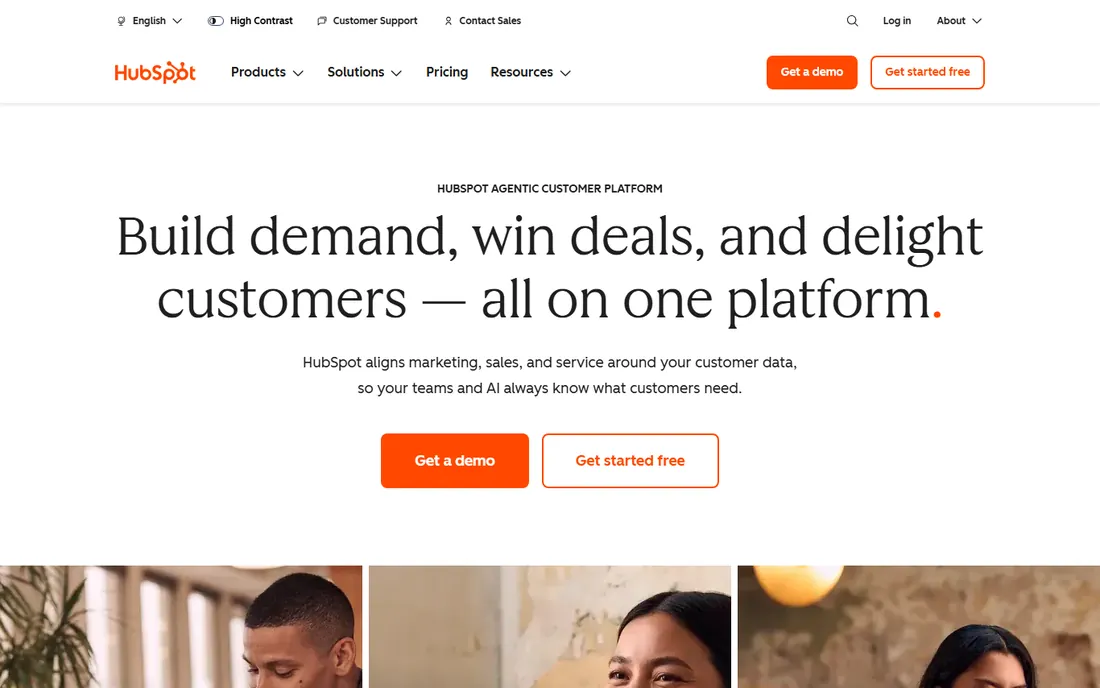
Most expert roundups put HubSpot first for small and mid-size businesses, and the reason is the free tier. Two users get contact management, deal pipelines, email tracking and live chat without a credit card, which is enough to run a real sales process. When you outgrow it, Starter costs $20 per seat per month billed annually, and the jump to Professional is $90 per seat.
That jump is the catch. HubSpot is priced to grow with you, and the growth gets expensive. Teams that need custom reporting, complex workflows or AI features should price the Professional tier before committing, because Starter starts to feel limited within a year. Setup is fast, support is solid, and data export works, so you are never trapped.
What we like- Free plan covers contacts, deals and email for up to 2 users
- Largest integration marketplace in the category
- Training material everywhere
Watch out for- Price jumps hard from Starter to Professional ($90/seat)
- Advanced automation and reporting are paywalled
Starting price$25 per user/month (Starter Suite, billed annually)
Free planFree trial
Salesforce is the default answer in enterprise buying guides, and the Starter Suite at $25 per user per month gives smaller teams a real entry point. It bundles sales, service and marketing tools, which is more than most starter tiers offer. Above it sit Pro Suite at $100, Core at $195 and higher tiers for complex organizations.
The tradeoff is complexity. Salesforce rewards companies that invest in setup and punishes those that wing it. Expect to spend weeks on configuration, and budget for either an in-house admin or a consultant once you pass a dozen users. If your processes are standard and your team is small, a simpler tool on this list will get you selling faster.
What we like- Deepest customization and the AppExchange ecosystem
- Strong reporting at every tier
- Proven at enterprise scale
Watch out for- Steep learning curve without an admin
- Implementations often need a consultant
- Add-ons inflate the real cost
Starting price$14 per seat/month (Lite, billed annually)
Free planFree trial (14 days)
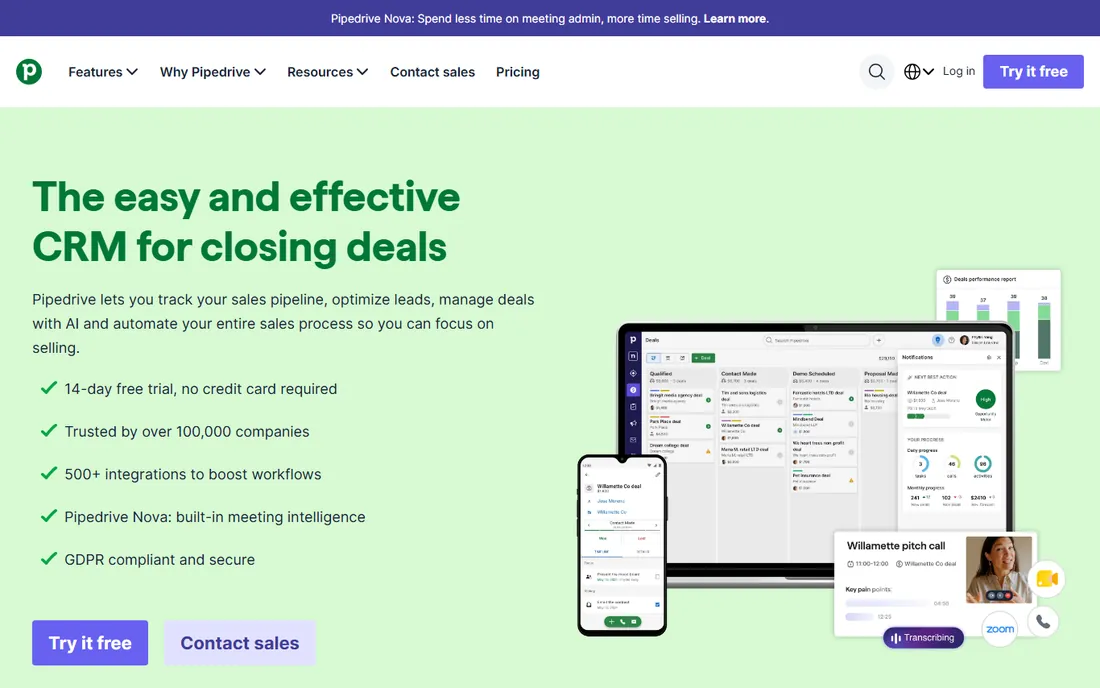
Pipedrive was built by salespeople who hated bloated CRMs, and it still shows. The pipeline view is the product: drag deals between stages, see exactly what needs attention, and get back to selling. More than 100,000 companies use it, and onboarding takes days rather than weeks. Pricing runs $14, $39, $59 and $79 per seat per month billed annually across Lite, Growth, Premium and Ultimate.
The limitation is breadth. Pipedrive is a sales tool first and everything else second, so marketing teams will miss native campaign features. Automation and AI assistance concentrate in the upper tiers, which pushes the real cost above the Lite sticker price. For a pure sales motion, though, few tools keep reps in the system this well.
What we like- Visual pipeline salespeople actually enjoy using
- Fast setup with minimal training
- Solid email integration
Watch out for- Marketing automation is thin
- Automation rules are limited on lower plans
- Four tiers make the lineup confusing
#4
Zoho CRM
Best for: Budget teams that want full features
Visit zoho.com
Starting price$14 per user/month (Standard, billed annually)
Free planYes (up to 3 users)
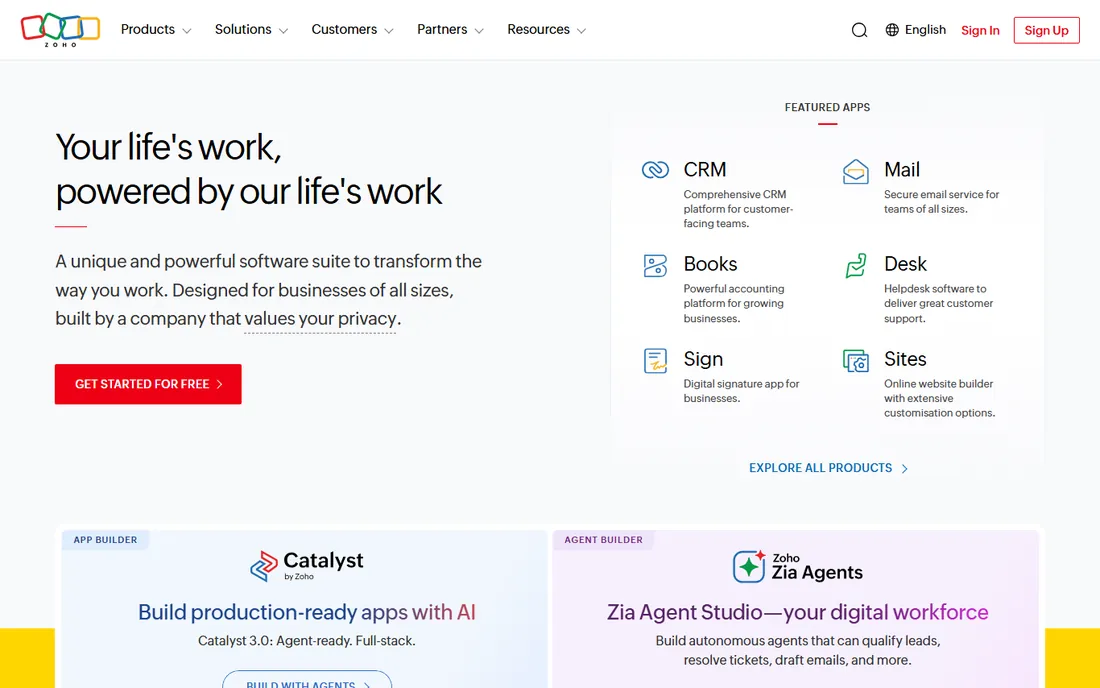
No expert list skips Zoho CRM, because the math is hard to beat. The free edition covers three users with leads, contacts and deals, and paid plans start at $14 per user per month for Standard, rising through $23 Professional and $40 Enterprise to $52 Ultimate. You get workflow automation, analytics and even AI assistance far below what competitors charge.
The compromise is polish. The interface carries years of added features without a full redesign, and support experiences vary. Data export and integrations are fine, and the Zoho ecosystem of books, mail and desk apps makes it sticky if you adopt more of the suite. For cost-conscious teams that want depth without enterprise bills, it is the value pick.
What we like- Free edition for up to 3 users
- Wide feature set for the price
- Connects to 40+ other Zoho apps
Watch out for- Interface feels dated in places
- Support quality is inconsistent
- The best AI features cost extra
Starting price$9 per user/month (Growth, billed annually)
Free planFree trial (21 days)
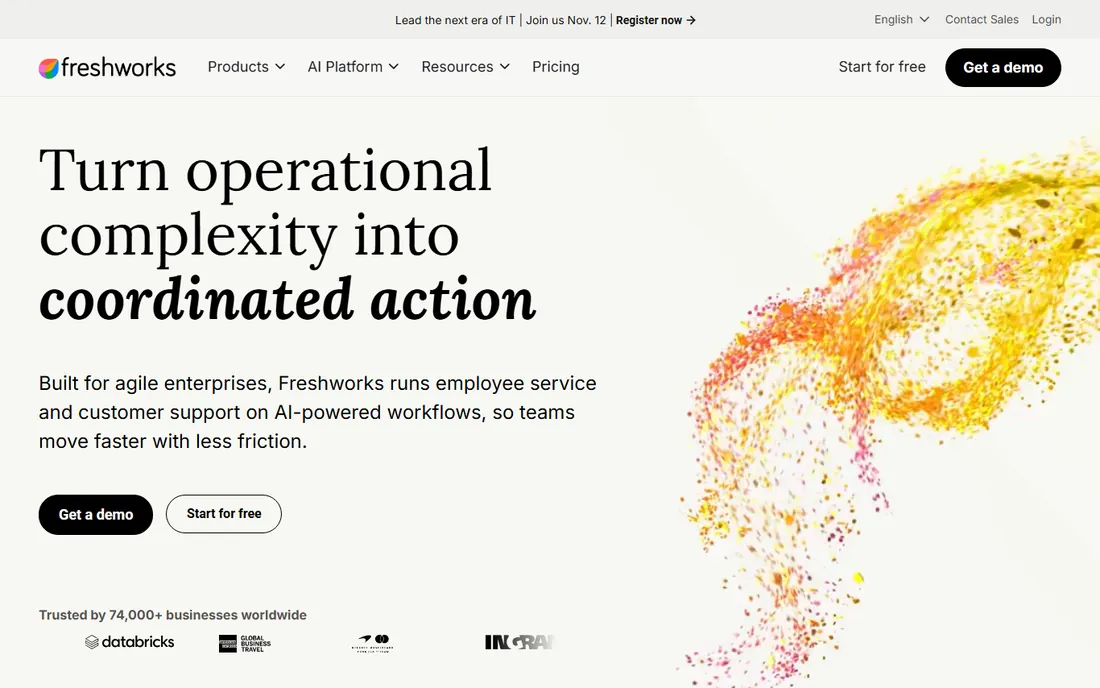
Freshsales, from Freshworks, targets teams that want communication tools inside the CRM instead of bolted on. The Growth plan at $9 per user per month billed annually includes a built-in phone with call recording, email and website chat, which covers most small sales teams. Pro at $39 and Enterprise at $59 add Freddy AI, advanced workflows and deeper customization, and trials run 21 days.
The ecosystem is the weak spot. You will find fewer third-party integrations than with HubSpot or Salesforce, and some advanced features only appear at the top tier. But the price is honest, the interface is clean, and setup takes hours. Teams that sell mostly by phone and email get a lot for $9.
What we like- Phone, email and chat built in
- Freddy AI on higher plans
- Simple three-tier pricing
Watch out for- Smaller integration library than HubSpot
- Growth reporting is basic
- Serious automation needs Enterprise
#6
Monday Sales CRM
Best for: Visual teams moving off spreadsheets
Visit monday.com
Starting price$12 per seat/month (Basic, billed annually)
Free planFree trial (14 days)
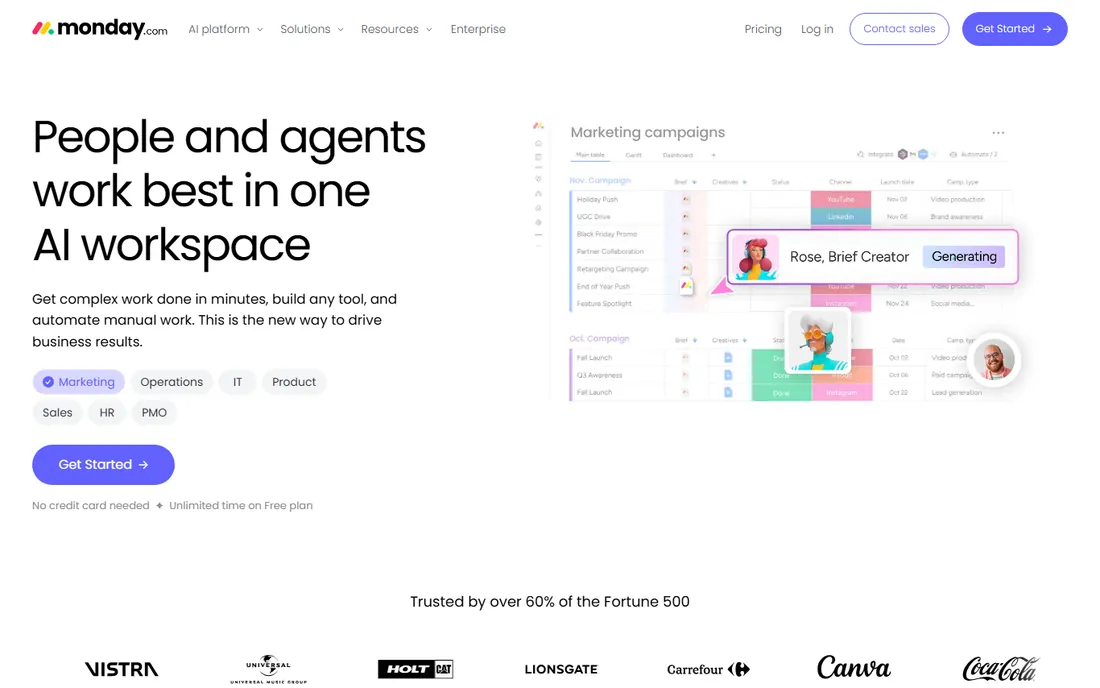
Monday Sales CRM appeals to teams that think in boards and colors rather than database rows. If your pipeline currently lives in a spreadsheet, the transition feels natural: columns become stages, rows become deals, and automations handle follow-ups. Pricing is $12 Basic, $17 Standard and $28 per seat per month billed annually, with a 14-day trial and an 18 percent annual discount.
Two details matter for buyers. First, paid plans start at three seats, so a solo founder pays for three. Second, this is the monday.com work OS with a CRM layer, which is great for flexibility but means some CRM features feel less native than in a purpose-built tool. Refunds are prorated within 30 days, which lowers the risk of trying it.
What we like- Highly visual boards with endless customization
- Strong automations
- Templates for almost any workflow
Watch out for- Paid plans require a 3-seat minimum
- Per-seat costs add up fast
- It is a work platform with CRM on top
Starting price$9 per user/month (Solo, billed annually)
Free planFree trial (14 days)
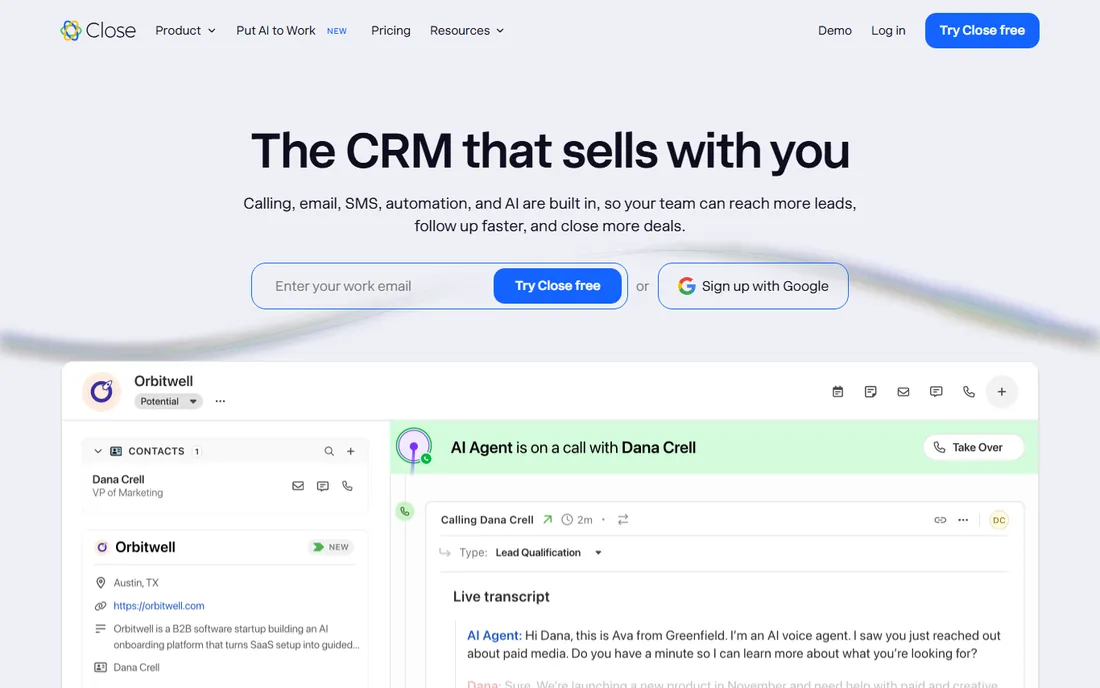
Close is the specialist pick for teams whose day is mostly calls. The built-in dialer, SMS and email sequences mean reps never leave the app, and the interface is optimized for speed over decoration. More than 11,500 businesses use it, and it holds a 4.7 rating on G2. Plans run $9 Solo, $35 Essentials, $99 Growth and $139 Scale per user per month billed annually, with a 14-day trial.
The narrow focus is both the strength and the limit. There is no real marketing automation, and the integration list is shorter than the big platforms. If your team runs outbound with high call volume, nothing on this list keeps pace better. If you need marketing, look at Keap or HubSpot instead.
What we like- Built-in power dialer, SMS and email
- Fast keyboard-driven interface
- Trial needs no credit card
Watch out for- Marketing features are minimal
- Fewer native integrations
- Solo plan covers one user only
#8
Keap
Best for: Small businesses needing marketing automation
Visit keap.com
Starting price$299/month ($249/month billed annually)
Free planFree trial (14 days)
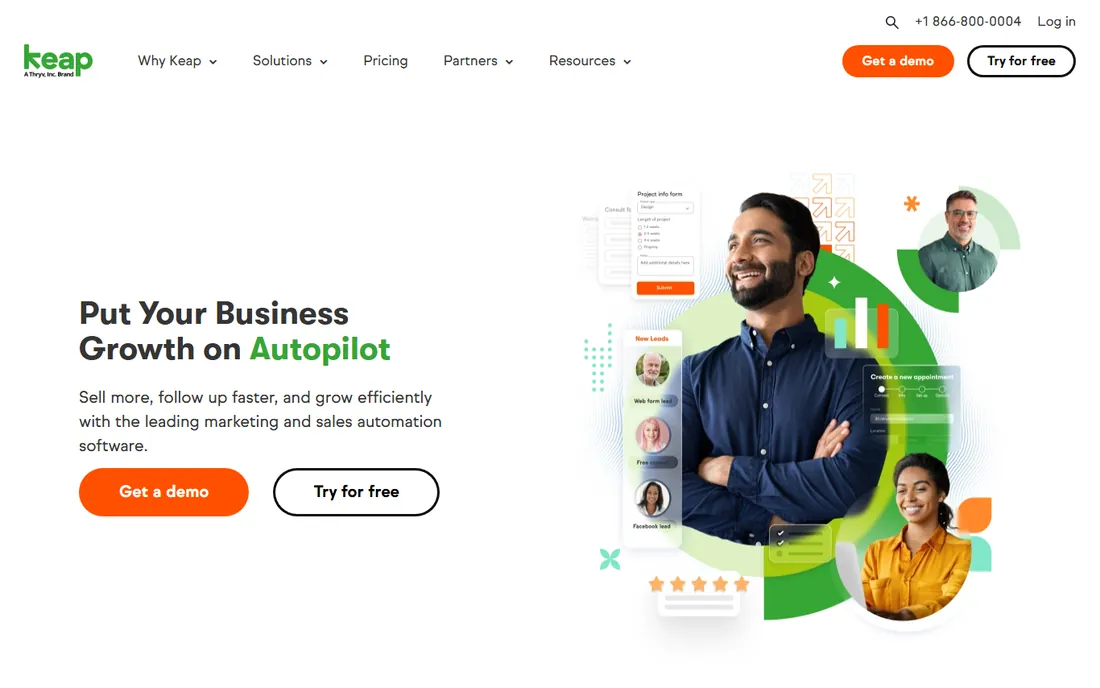
Keap, formerly Infusionsoft and now part of Thryv, serves small businesses that want sales and marketing automation without stitching tools together. Email campaigns, pipelines, landing pages and even payment collection live in one system. Pricing starts at $299 per month, or $249 billed annually, for 1,500 contacts and two users, with extra users at $39 each.
That entry price is the hurdle. At nearly $3,000 a year before you add users, Keap costs more than several tools on this list combined. What you get is a mature automation builder that small service businesses run their entire follow-up on. If your budget is tight, start with HubSpot or Zoho; if you want one system for marketing and sales, Keap earns its keep.
What we like- Email automation, pipelines and payments in one place
- Landing pages included
- Decades of small-business focus
Watch out for- High starting price
- Interface shows its age
- Contact and user limits on the entry plan
Starting price$23 per seat/month (Basic, billed annually)
Free planFree trial (14 days)
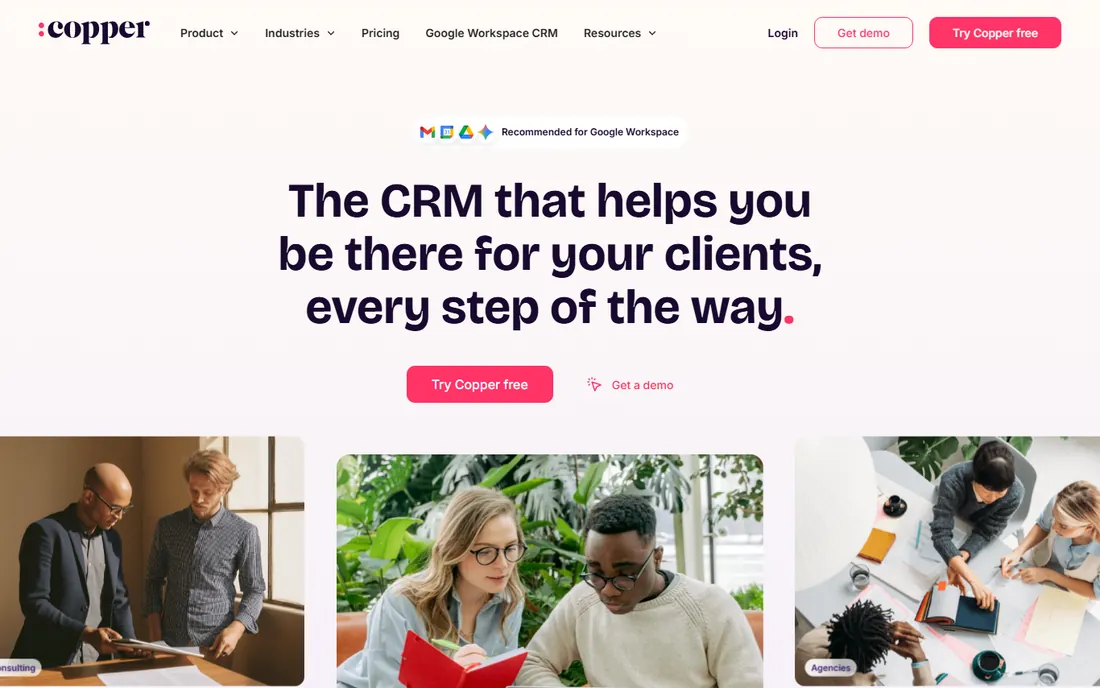
Copper is the CRM for companies that run on Google. It lives inside Gmail, pulls contacts and activity automatically, and keeps everything synced with Calendar and Drive. More than 30,000 companies use it. Pricing is $23 Basic, $59 Professional and $99 Business per seat per month billed annually, with contact limits of 2,500, 15,000 and unlimited respectively.
The specialization cuts both ways. If your team lives in Outlook or another ecosystem, Copper loses its main advantage. Reporting and automation are solid but not class-leading. For a Google Workspace team that wants a CRM with near-zero data entry, though, the fit is immediate, and the 14-day trial makes it easy to confirm.
What we like- Native Gmail, Calendar and Drive integration
- Automatic contact and activity capture
- Trial needs no credit card
Watch out for- Only compelling for Google shops
- Fewer advanced features
- Contact caps on lower tiers
Starting price$15 per user/month (flat, no tiers)
Free planFree trial (30 days)
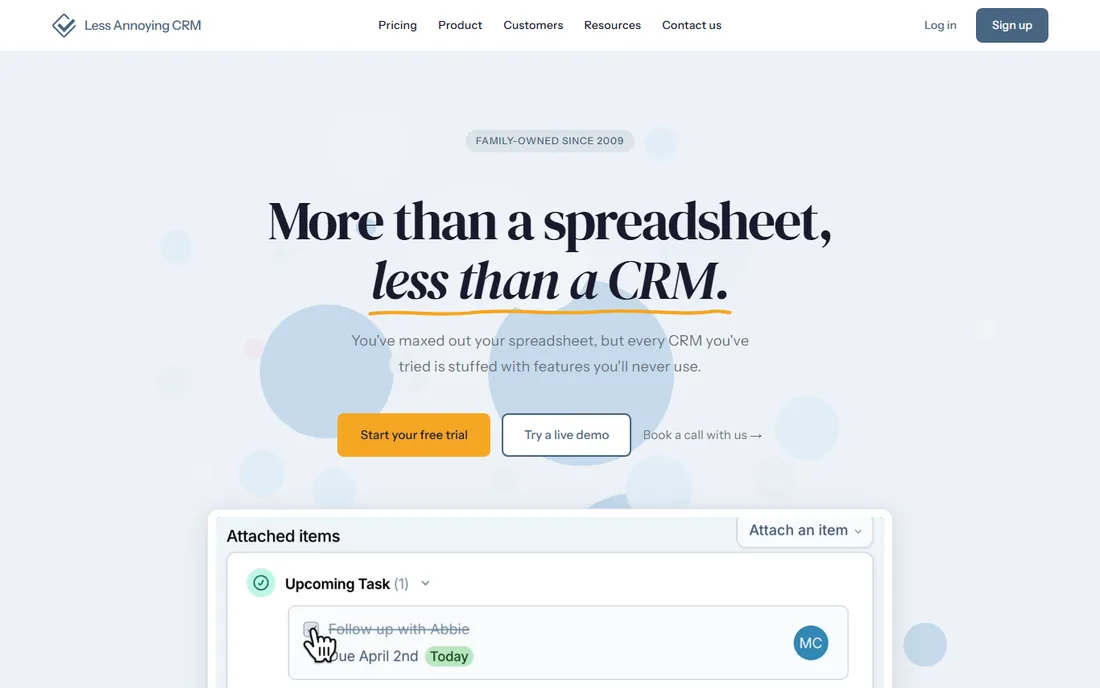
Less Annoying CRM does exactly what the name promises. One plan, $15 per user per month, no tiers, no contracts, no upsells. The company is family-owned, operating since 2009, and serves more than 10,000 small businesses. Support comes from real humans at no extra charge, and the 30-day trial asks for no credit card.
The simplicity is the ceiling. You get contacts, pipelines, tasks and a calendar, done well, and not much beyond that. Teams that need marketing automation, deep reporting or 50 seats will outgrow it. For a freelancer or a five-person team that wants a CRM without a learning curve or pricing puzzles, it is the calmest choice here.
What we like- One flat price with no tiers or contracts
- Free human support
- 30-day trial with no credit card
Watch out for- Feature set is deliberately basic
- No marketing automation
- Not designed for large teams
How we chose
I started from expert consensus: analyst reports, G2 and Capterra category leaders, and the CRMs that working sales teams mention on Reddit. Then I checked each vendor's own pricing page for current plans, free tiers and trial terms, and read documentation and feature lists to confirm what each plan actually includes. Tools that were discontinued, acquired or renamed were replaced with current products. No vendor paid for placement, and nothing here is based on hands-on testing.
What to check before you pay for a CRM
Price is only the first filter. These are the details that decide whether a CRM still fits in year two.
Per-seat pricing multiplies fast
Almost every CRM on this list charges per user per month. A $20 sticker price becomes $400 a month for 20 people, or $4,800 a year before add-ons. Less Annoying CRM is the exception with flat pricing, and Keap charges per account instead of per seat. Always run the math for your actual headcount, including the part-time users you forgot about.
Contracts, setup time and support
Most vendors sell annual plans with a monthly-billing option at a premium. Trials run 14 to 30 days, and none of the paid tools here lock you in beyond the billing term you choose. Setup ranges from hours (Less Annoying CRM, Freshsales) to weeks (Salesforce). Check whether onboarding help is included or billed separately, because enterprise tools often quote implementation on top of the license.
Integrations and getting your data out
A CRM should connect to your email, calendar, accounting and marketing tools without custom code. HubSpot and Salesforce lead on integration count; smaller tools cover the basics through Zapier. Before you commit, confirm you can export contacts, deals and activity history in a standard format. Every tool listed here allows exports, but the ease of a full migration varies.
How CRM pricing actually works
Vendors slice pricing three ways: by user, by feature tier and by contact volume. Most tools on this list charge per user with feature tiers stacked on top, so growing teams pay twice over as they add people and need more features. HubSpot and Keap add a third axis, with higher tiers gating automation and reporting. Free plans from HubSpot and Zoho are real products, not demos, but they cap users and features to push upgrades. The practical move is to price the tier you will need in 12 months, not the one that fits today, and to ask what happens to your price at renewal.
Frequently asked questions
What is the best CRM software according to experts?
Expert consensus points to HubSpot for small and mid-size businesses, Salesforce for enterprises with complex needs, and Pipedrive for pure sales teams. Analyst firms and review sites rank these three at the top of nearly every 2026 roundup. The best choice still depends on team size, budget and how you sell.
Is there a truly free CRM?
Yes. HubSpot offers a free plan for up to two users with contacts, deals and email tools, and Zoho CRM is free for up to three users. Both are usable products rather than time-limited trials. Free plans cap features and users, so growing teams eventually upgrade.
How much does a CRM cost per user per month?
Entry prices on this list run from $9 to $25 per user per month billed annually, with most tools landing between $14 and $23. Advanced tiers cost $40 to $150 per user. Always multiply by your headcount and check what the next tier up costs before you decide.
What is the easiest CRM to set up?
Less Annoying CRM and Freshsales get teams running in hours with minimal configuration. Pipedrive and HubSpot take a few days for a standard setup. Salesforce is the outlier: expect weeks of configuration and possibly a consultant for larger teams.
Do I need Salesforce, or is a smaller CRM enough?
Most teams under 50 people do fine with a smaller CRM. Salesforce earns its keep when you need deep customization, complex approval chains or hundreds of users. If your process fits a standard pipeline, HubSpot, Pipedrive or Zoho CRM will get you selling faster for less money.
Sources we checked (10)
- https://hubspot.com/pricing/sales
- https://salesforce.com/sales/pricing/
- https://www.pipedrive.com
- https://www.zoho.com/crm/pricing.html
- https://www.freshworks.com/crm/pricing/
- https://monday.com/crm/pricing
- https://close.com/pricing
- https://keap.com/pricing
- https://www.copper.com/pricing
- https://lessannoyingcrm.com/pricing
Is your product missing or out of date?
We review this list regularly. Vendors can request a listing, send updated pricing or ask about featured placement.

Shihab Mia · Founder, Rankite
Shihab has spent more than a decade helping SaaS and e-commerce brands grow through search. He writes Rankite's software buying guides from pricing pages, documentation and public user reviews. More about Shihab.