How we make this list: we compare pricing pages, product documentation and public user reviews. Ratings come from G2, Capterra or Trustpilot, with the date we checked them.
Key takeaways
- Square is the easiest start for accepting cards, with a free point-of-sale app and no monthly fee on its basic plan.
- PayPal suits online and invoice-based selling, while Stripe fits businesses that need custom checkout and subscription billing.
- Helcim and Stax use interchange-plus or subscription pricing, which can cost less than flat-rate apps at higher volumes.
- Transaction fees, hardware costs, and monthly fees together decide the real cost, so compare all three before choosing.
Quick comparison
| Tool | Best for | Starting price | Free plan |
|---|
 Square Square | All-round card acceptance for small businesses | Free app; transaction fees apply | Yes |
 PayPal PayPal | Online payments, invoicing, and international customers | Free account; transaction fees apply | Yes |
 Stripe Stripe | Custom checkout, subscriptions, and app-based payments | See website | Free trial |
 Shopify POS Shopify POS | Stores selling online and in person from one inventory | From $39/month | Free trial |
 Clover Clover | Custom hardware and counter setups | From $14.95/month | No |
 Helcim Helcim | Transparent interchange-plus pricing without a monthly fee | Free account; transaction fees apply | Yes |
 SumUp SumUp | Simple low-cost card acceptance for solo sellers | Free app; transaction fees apply | Yes |
 Stax Stax | High-volume businesses on subscription pricing | From $99/month | No |
Is your product missing or out of date?
We review this list regularly. Vendors can request a listing, send updated pricing or ask about featured placement.
The best credit card payment apps
#1Square
Best for: All-round card acceptance for small businesses4.6/5 on
G2 (1,208 reviews, checked Oct 2026)
Visit squareup.com
Starting priceFree app; transaction fees apply
Free planYes
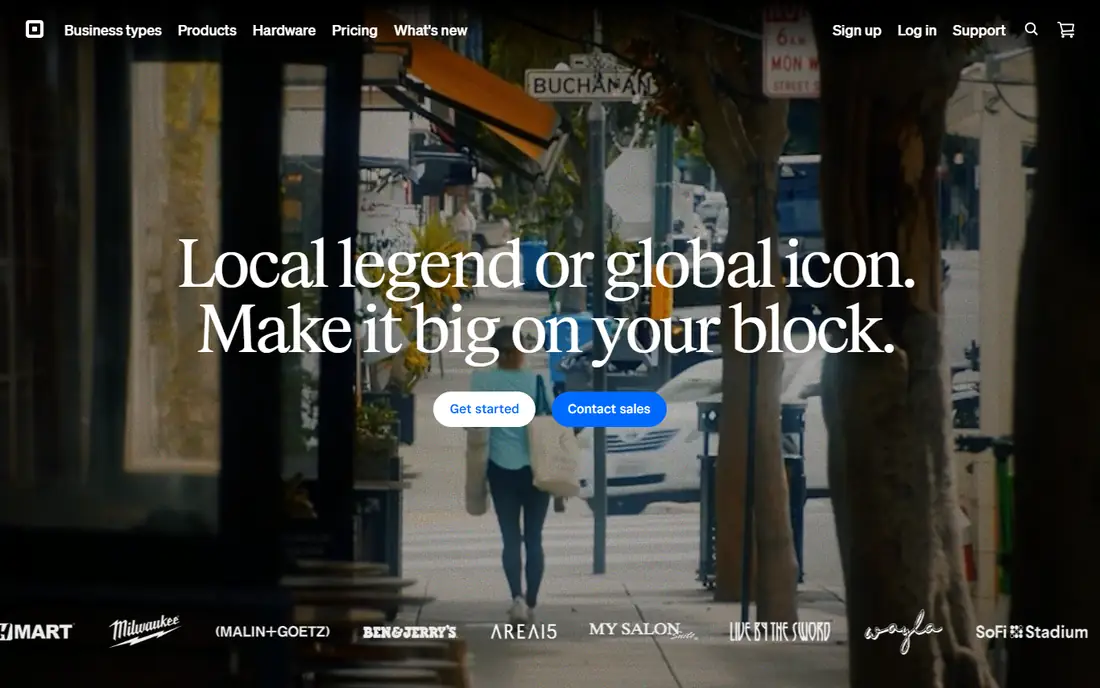
Square is the default first card app for a reason. The point-of-sale app is free, setup takes minutes, and a small business can take chip, tap, and swipe payments with a low-cost reader and no monthly fee. Inventory, invoicing, and basic reporting come in the same app, so a market stall or cafe can run on one tool.
Flat-rate pricing is the catch as volume grows. A percentage plus a per-transaction fee on every sale beats a monthly fee at low volume but costs more than interchange-plus pricing once sales climb. Square also reviews accounts for risk, and holds during a review can disrupt cash flow. For starting out, though, no app is simpler.
What we like- Free point-of-sale app
- Free magstripe reader option
- No monthly fee on the basic plan
Watch out for- Flat-rate fees cost more at high volume
- Account holds can freeze funds during reviews
#2PayPal
Best for: Online payments, invoicing, and international customers4.4/5 on
G2 (2,751 reviews, checked Oct 2026)
Visit paypal.com
Starting priceFree account; transaction fees apply
Free planYes
PayPal fits sellers who work online. Customers already trust the name, checkout needs no card reader, and invoicing plus payment links let freelancers get paid without a website. International support covers many currencies, which helps sellers with overseas buyers.
Fees are the weakness. Online card payments cost more per transaction than in-person sales through Square or Clover, and PayPal's dispute process can feel buyer-friendly to sellers. For online-first selling and invoicing, the reach outweighs the fee; for a counter business, an in-person app wins.
What we like- Huge buyer recognition
- Invoicing and payment links included
- Supports many currencies
Watch out for- Online transaction fees run higher than in-person rates
- Dispute handling can favor buyers
#3Stripe
Best for: Custom checkout, subscriptions, and app-based payments4.2/5 on
G2 (462 reviews, checked Oct 2026)
Visit stripe.com
Starting priceSee website
Free planFree trial
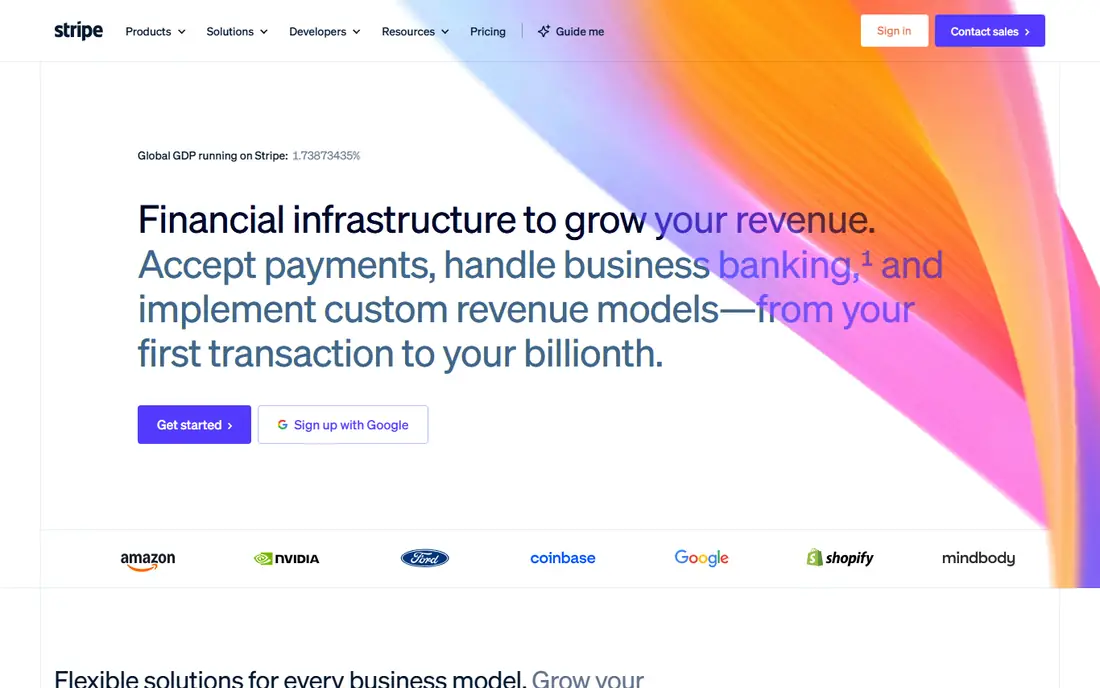
Stripe is the payment app for businesses that sell through software. Checkout pages, payment links, subscriptions, customer portals, and marketplace payouts all come from one platform, and developers can shape the payment flow to match a product exactly. International payments and many currencies are standard.
Simplicity is not Stripe's strength. A shop that just wants a card reader will find Square or SumUp faster to start, and custom setups need developer time. Stripe earns its place when payments are part of a larger online system, not a standalone till.
What we like- Flexible checkout and payment links
- Subscriptions and marketplace tools
- Wide developer ecosystem
Watch out for- Needs technical setup for custom flows
- Not the simplest mobile point-of-sale app
#4Shopify POS
Best for: Stores selling online and in person from one inventory4.4/5 on
G2 (368 reviews, checked Oct 2026)
Visit shopify.com
Starting priceFrom $39/month
Free planFree trial
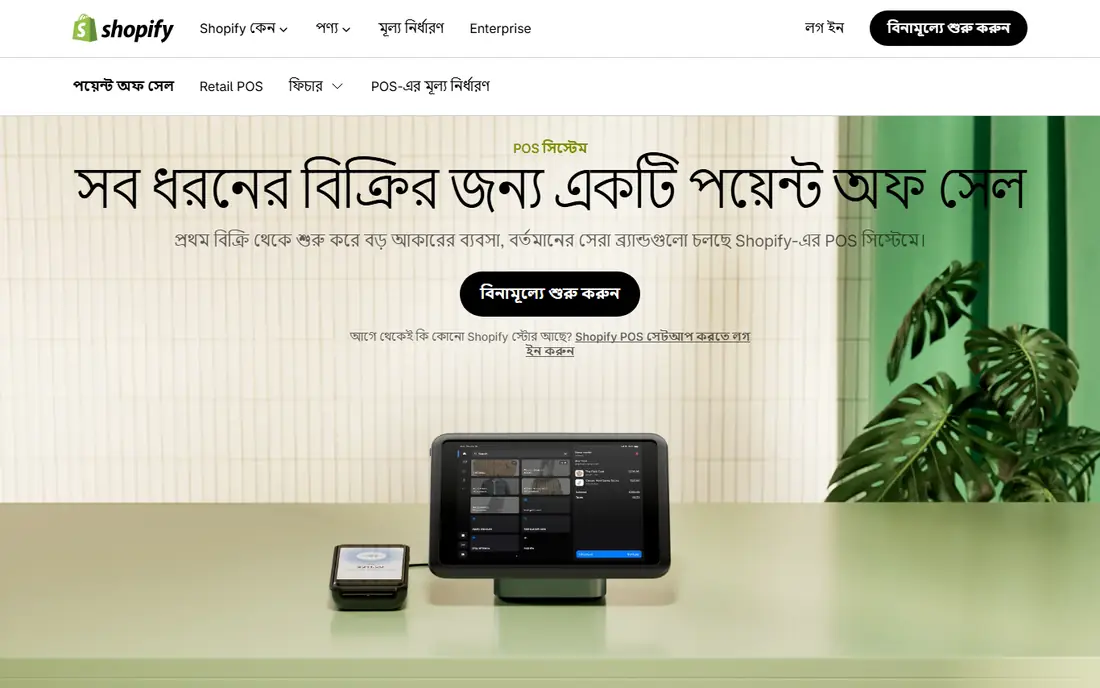
Shopify POS suits retailers who already sell online, or plan to. Inventory, orders, and customer records sync between the website and the shop counter, so a sale in either place updates stock everywhere. Hardware ranges from a phone with a tap reader to a full counter setup.
The monthly plan is the entry cost, starting at $39, and in-person card rates vary by plan tier. A business that only sells in person will find cheaper standalone apps. For omnichannel retail, the unified inventory is worth the subscription.
What we like- One inventory across online and retail
- Strong hardware options
- Deep ecommerce integrations
Watch out for- Monthly plan required
- Card rates depend on the Shopify plan tier
#5Clover
Best for: Custom hardware and counter setups3.8/5 on
G2 (108 reviews, checked Oct 2026)
Visit clover.com
Starting priceFrom $14.95/month
Free planNo
Clover is the hardware-first option. Handheld devices, mini terminals, and full counter stations cover everything from a food truck to a busy restaurant, and an app marketplace adds loyalty, inventory, and employee tools. Counter-service businesses get a polished, purpose-built setup.
Cost is the trade-off. Hardware ranges from modest to over a thousand dollars for full stations, and monthly software fees sit on top of transaction fees. Clover suits established businesses that want a tailored counter; new sellers should start with Square's free app and upgrade later.
What we like- Wide hardware range from handheld to full station
- App marketplace for add-ons
- Strong for counter service
Watch out for- Hardware costs add up
- Monthly fees on top of transaction fees
#6Helcim
Best for: Transparent interchange-plus pricing without a monthly fee3.9/5 on
G2 (19 reviews, checked Oct 2026)
Visit helcim.com
Starting priceFree account; transaction fees apply
Free planYes
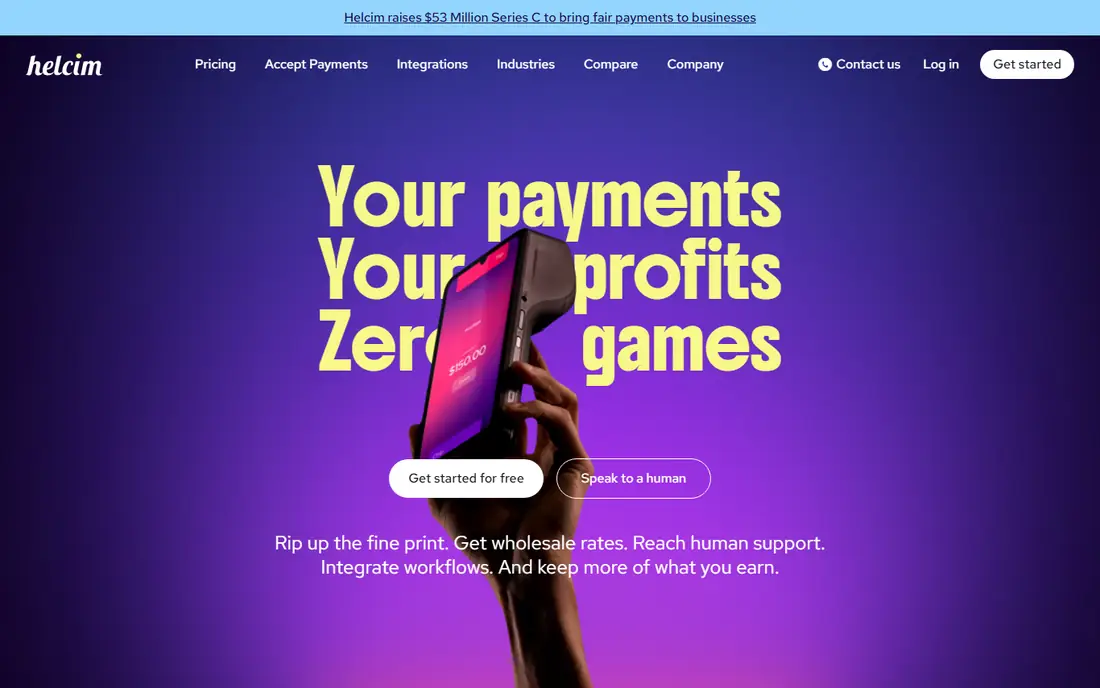
Helcim appeals to sellers who want to see what they actually pay. Interchange-plus pricing passes the card networks' cost through and adds a small, published markup, which usually beats flat-rate pricing as volume grows. There is no monthly fee, and rates drop automatically at higher volumes.
The brand is less known than Square or PayPal, and card readers cost extra. Businesses that process steady volume and care about fee transparency will save money here; occasional sellers may prefer the simplicity of a flat rate.
What we like- Interchange-plus pricing with a small markup
- No monthly fee
- Volume discounts built in
Watch out for- Hardware costs extra
- Smaller brand recognition than Square or PayPal
#7SumUp
Best for: Simple low-cost card acceptance for solo sellers4.6/5 on
G2 (24 reviews, checked Oct 2026)
Visit sumup.com
Starting priceFree app; transaction fees apply
Free planYes
SumUp is the lightest option in this list. A small, affordable reader pairs with a free phone app, and a solo seller can accept cards within a day of ordering. There is no monthly fee, which suits part-time sellers, market traders, and freelancers who take cards occasionally.
Depth is limited. Inventory, invoicing, and reporting are thinner than Square's, and growing businesses may outgrow it. For simple card acceptance at the lowest starting cost, SumUp is hard to beat.
What we like- Low-cost card readers
- No monthly fee
- Fast setup for individuals and small shops
Watch out for- Fewer advanced features than Square
- Limited invoicing and inventory depth
#8Stax
Best for: High-volume businesses on subscription pricing4.9/5 on
G2 (12 reviews, checked Oct 2026)
Visit staxpayments.com
Starting priceFrom $99/month
Free planNo
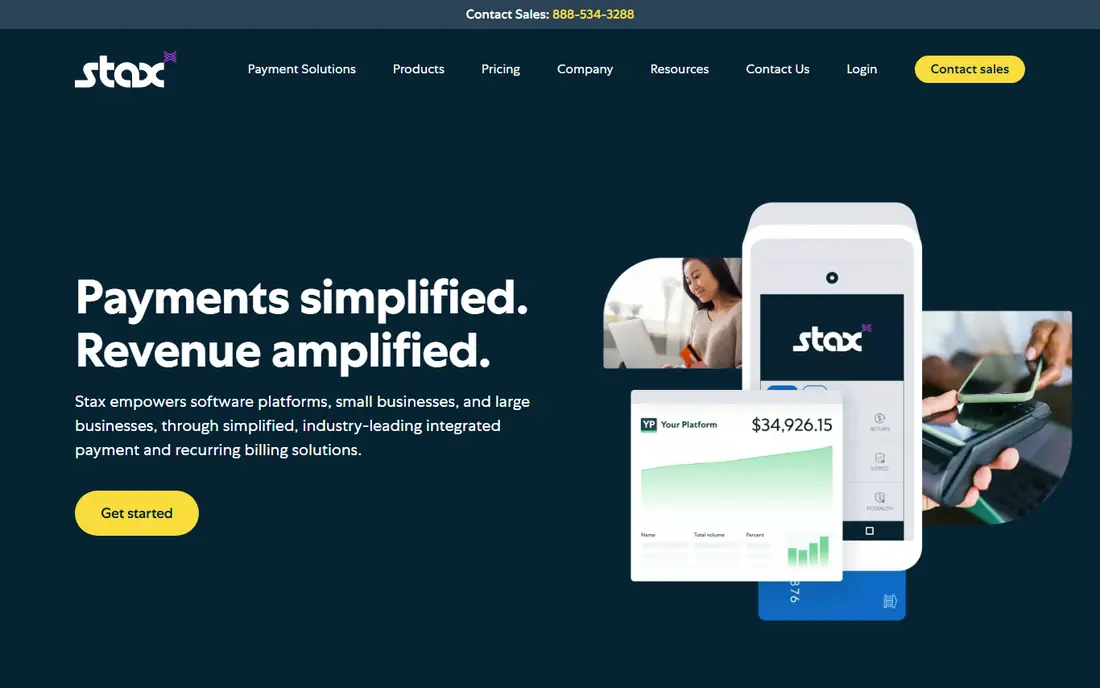
Stax replaces percentage markups with a monthly subscription. Businesses pay from $99 a month plus the underlying interchange cost, with no added percentage, which saves real money once monthly card sales pass a certain point. Analytics and reporting are stronger than most flat-rate apps.
The subscription makes no sense at low volume. A seller processing a few thousand dollars a month would pay more than with Square's free app. Stax is a scale play: if card sales are already large, the subscription model pays for itself quickly.
What we like- Interchange-plus pricing with no percentage markup
- Predictable monthly cost at volume
- Strong analytics
Watch out for- Monthly fee too high for small sellers
- Setup suits established businesses
How we chose
We compared apps that let a US small business accept credit card payments in 2026, using vendor pricing pages and documentation plus public reviews to check fees, hardware costs, and account practices. Apps that only work as consumer wallets, or that require enterprise contracts, were left out. Where transaction rates vary by plan or card type, we say so rather than quoting a single number that would mislead.
Choosing the right payment app
Three costs decide the bill: the monthly fee, the transaction fee, and the hardware. Weigh them against your actual sales, not the marketing page.
Estimate your real monthly cost
Multiply your expected card sales by the transaction rate, add the per-transaction fee times the number of sales, then add any monthly fee. A flat-rate app with no monthly fee wins under a few thousand dollars a month, while interchange-plus or subscription pricing wins above that.
Match the app to where you sell
Counter businesses need readers and a point-of-sale app, online sellers need checkout and invoicing, and omnichannel stores need one inventory across both. Buying the wrong shape means paying for features you never use while missing the one you need.
Check what happens when a payment is disputed
Chargebacks are part of accepting cards, and providers handle them differently. Some hold the disputed amount while the case is reviewed, some charge a dispute fee, and response deadlines vary. Before you rely on one app, read its dispute process and fee schedule, and keep delivery proof, receipts, and customer messages for larger sales. A provider with a clear, fair dispute flow is worth more than a slightly lower rate from one that freezes funds at the first complaint.
Read the account terms before you rely on it
Payment apps can hold funds during risk reviews, and payout timing varies. Keep a backup way to accept payments, avoid running all revenue through one new account in its first weeks, and check the reserve and hold policy in the vendor's terms. This is general information, not financial advice.
Frequently asked questions
What is the cheapest credit card payment app?
Square and SumUp cost the least to start, with free apps and no monthly fee, charging only per transaction. At higher volumes, Helcim's interchange-plus pricing or Stax's subscription model usually costs less overall.
Do I need a monthly subscription to accept credit cards?
No. Square, PayPal, Helcim, and SumUp all work without a monthly fee, charging per transaction instead. Monthly plans buy lower rates, more features, or bundled hardware, and only pay off once volume justifies them.
What fees do card payment apps charge?
Most charge a percentage of each sale plus a small per-transaction fee, and in-person rates are usually lower than online rates. Interchange-plus apps pass through the card networks' cost plus a markup, while subscription apps charge a monthly fee instead of a percentage markup.
Can I accept credit cards with just my phone?
Yes. Square, SumUp, and PayPal all support tap-to-pay on compatible phones, and most offer a small reader for chip cards. A phone-only setup suits market sellers and mobile services, though a dedicated reader is faster at a busy counter.
How fast do I receive my money?
Payout timing varies by provider and account history, commonly one to two business days for established accounts. New accounts may see slower first payouts while the provider completes risk checks, so plan cash flow around that.
Can customers pay without creating an account?
Yes, in most cases. Square, Stripe, PayPal guest checkout, and Shopify all let buyers pay by card without creating an account with the payment provider. Guest checkout matters, because forcing account creation at payment is one of the most common reasons buyers abandon a purchase.
Sources we checked (8)
- https://squareup.com
- https://www.paypal.com
- https://stripe.com/pricing
- https://www.shopify.com/pos
- https://www.clover.com
- https://www.helcim.com/pricing
- https://www.sumup.com
- https://staxpayments.com/pricing
Is your product missing or out of date?
We review this list regularly. Vendors can request a listing, send updated pricing or ask about featured placement.

Shihab Mia · Founder, Rankite
Shihab has 5+ years in B2B and SaaS SEO. He writes Rankite's software buying guides from pricing pages, documentation and public user reviews. More about Shihab.