How we make this list: we compare pricing pages, product documentation and public user reviews. Ratings come from G2, Capterra or Trustpilot, with the date we checked them.
Key takeaways
- The best credit card app depends on your job: issuer apps manage one bank cards, while multi-card apps optimize rewards and track benefits across all your cards.
- Chase Mobile, Capital One, and Amex apps are free with your cards and cover balances, payments, rewards, and card controls.
- Apple Wallet suits iPhone users for Apple Pay and Apple Card tracking, while CardPointers and MaxRewards suit multi-card holders chasing rewards.
- CardPointers auto-activates issuer offers and tracks statement credits, while MaxRewards auto-activates rotating categories and Discover deals.
- Money disclaimer: this article is not financial advice. Interest rates, fees, and rewards vary by card and issuer, and carrying a balance can cost far more than rewards earn.
Quick comparison
Is your product missing or out of date?
We review this list regularly. Vendors can request a listing, send updated pricing or ask about featured placement.
The best credit card apps
Starting priceFree
Free planYes
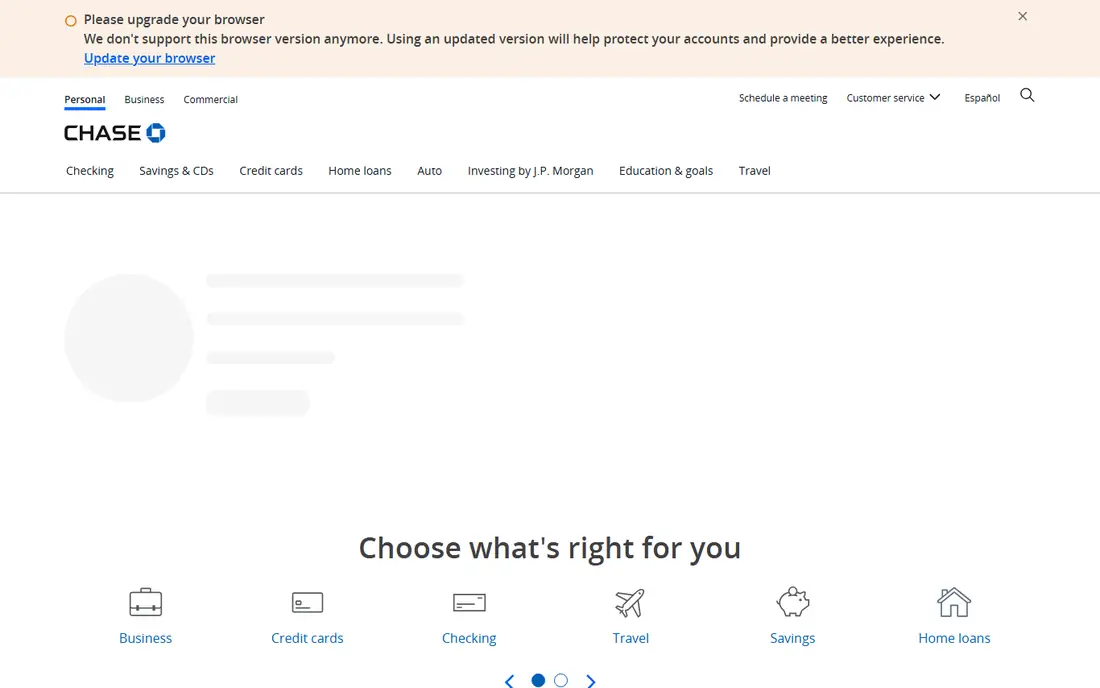
Chase Mobile fits readers who want one bank for almost everything, covering checking, savings, credit cards, deposits, and payments, with branch visits still possible when a problem needs a person. Mobile check deposit, Zelle transfers, and card controls are easy to find, alerts help catch odd charges early, and Chase Ultimate Rewards tracking sits inside the same app as your cards. Live chat and credit score tools add value for cardholders managing rewards and credit health together.
Some Chase checking accounts charge a monthly fee, although direct deposit or a minimum balance can waive it on many accounts, and savings interest is modest next to online banks. Terms also differ by product and state, so read the fee schedule for your exact account. For Chase cardholders who want full-service banking plus card management in one app, Chase Mobile is the best issuer pick.
What we like- One bank for checking, savings, and cards
- Mobile check deposit
- Zelle
- Card controls and alerts
Watch out for- Some checking accounts carry fees unless waived
- Savings rates modest
- Features vary by product and state
Starting priceFree
Free planYes
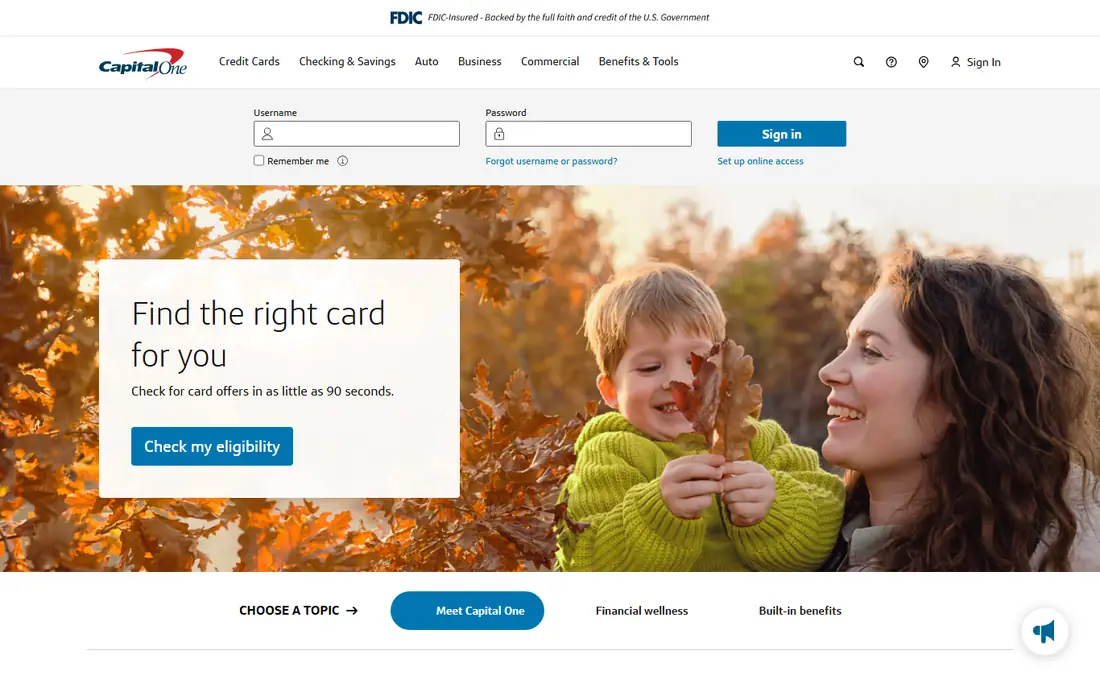
Capital One works well for readers who want a modern app from a large bank, grouping accounts, cards, and spending views in a clear layout, with alerts and card lock tools quick to use. Many checking and savings accounts carry no monthly fee, the ATM network is wide enough for most daily needs, and credit monitoring tools add value for readers who already hold a Capital One card. The app covers balances, payments, rewards, and card controls without clutter.
Branch access is the main limit, since Capital One runs cafes and a smaller branch footprint in some cities, so readers who visit branches often should check local coverage first. Rates also differ across savings products, so compare the exact account rather than the brand name. For phone-first banking with a large bank behind it, Capital One remains a safe shortlist pick for card management.
What we like- Clear layout for accounts, cards, and spending
- Alerts and card lock quick to use
- Many accounts with no monthly fee
Watch out for- Smaller branch footprint in some cities
- Rates differ across savings products
- Cafe model suits some users less
Starting priceFree
Free planYes
The Amex app lets cardholders access account information, track spending and rewards, review balances, pay bills, and find offers, with Touch ID or Face ID secure login and card management including new card activation. Its 4.9-star rating across over 4.4 million iOS ratings reflects a polished experience, and its offers section surfaces Amex Offers that cardholders can add to cards for statement credits at participating merchants. Rewards tracking covers Membership Rewards points and cash back depending on the card.
The app covers Amex cards only, so multi-card holders need a separate multi-card app for other issuers, and Amex acceptance varies by merchant, particularly small businesses. Annual fees on many Amex cards are also high, so rewards value must exceed fees to justify the card. For Amex cardholders who want rewards, offers, and account management in one polished app, Amex is the best issuer pick.
What we like- Track spending, balances, and rewards
- Find offers
- Biometric login
- Card activation and management
Watch out for- Amex cards only
- Acceptance varies by merchant
- Annual fees on many Amex cards are high
Starting priceFree
Free planYes
Apple Wallet is built into every iPhone, offering Apple Pay integration and Apple Card tracking without installing an extra app. Users add cards from many issuers for tap-to-pay, view Apple Card balances, spending, and Daily Cash, and manage cards, transactions, and settings from one place. Its native integration means payments work from the lock screen and in apps without opening a separate banking app, and security uses Face ID or Touch ID plus device-specific card numbers.
Apple Wallet is iPhone only, so Android users cannot use it, and its multi-card rewards optimization is limited compared with CardPointers or MaxRewards, which tell you which card earns most at each merchant. Apple Card features are also tied to the Apple ecosystem. For iPhone users who want simple, secure card payments and Apple Card tracking built in, Apple Wallet is the best native pick, and it pairs well with a rewards optimizer for multi-card holders.
What we like- Built into iPhone
- Apple Pay integration
- Apple Card tracking
- No extra app to install
Watch out for- IPhone only
- Limited multi-card rewards optimization
- Apple Card features tied to Apple ecosystem
Starting price$99.99 per year
Free planYes
CardPointers is a highly rated tool, with 4.7 stars across roughly 10,300 iOS ratings, that tells you which card to use and auto-activates Amex, Chase, and other issuer offers, while tracking recurring statement credits. Core features work without a bank login, which suits users uncomfortable sharing bank credentials, and its browser extension shows your highest-earning card at online checkout. That offer automation matters, since issuer offers expire unused when cardholders forget to activate them manually.
Most real value sits behind CardPointers Plus at $99.99 per year as of October 2026, often discounted, with a lifetime option, though older guides cite $29.99 per year for Pro, so verify current pricing. CardPointers also does not track 0 percent intro-APR windows or utilization, so deadline-focused users should compare StackEasy. For multi-card holders whose main goal is rewards-offer automation, CardPointers is the best pick, provided the Plus price fits your rewards volume.
What we like- Auto-activates Amex, Chase, and other issuer offers
- Tracks recurring statement credits
- Tells you which card to use
Watch out for- Most value behind CardPointers Plus
- Does not track 0 percent intro-APR windows or utilization
- Price conflicts across guides
Starting price$60 per year
Free planYes
MaxRewards suits multi-card holders who want automated activation of rotating categories and offers, including Discover Deals, with iOS and Android apps that track which card earns most in each category. Its Gold tier at $60 per year adds full features, while a free tier covers basic tracking, and its flow suits users who prefer MaxRewards app design over CardPointers. Rotating category automation is its core strength: cards with quarterly rotating categories lose value when holders forget to activate, and MaxRewards removes that risk.
Full value needs bank linking for some features, which users uncomfortable sharing credentials should weigh, and its interface is less polished than CardPointers in some comparisons. For Discover cardholders and rotating-category users who want offer automation at $60 per year, MaxRewards is the best pick, and its Discover Deals support is a specific advantage over CardPointers.
What we like- Auto-activates rotating categories and offers
- Discover Deals support
- IOS and Android apps
- Good for offer automation
Watch out for- Gold at $60 per year for full features
- Needs bank linking for full value
- Interface less polished than CardPointers
Starting priceSee website
Free planYes
AwardWallet tracks loyalty program balances across airlines, hotels, and banks in one place, making it the best pick for frequent travelers juggling points and miles alongside credit card rewards. Its web and mobile apps show balances, expiration dates, and program changes, helping travelers use points before they expire and plan redemptions across programs. That breadth suits travelers whose rewards live in airline and hotel programs as much as in credit card points.
Credit card rewards optimization depth trails CardPointers and MaxRewards, since AwardWallet focuses on balances rather than which card to use at checkout, and pricing varies by plan, which is why this article lists the price as See website. Setup also takes time when linking many programs. For travelers who want one view of all loyalty balances, AwardWallet is the best pick, and it pairs well with a checkout optimizer for earning decisions.
What we like- Tracks loyalty balances across airlines, hotels, and banks
- Web plus mobile
- Good for frequent travelers
Watch out for- Pricing varies by plan
- Credit card rewards depth less than CardPointers
- Setup takes time for many programs

#8Kudos
Best for: Checkout recommendations4.8/5 on
G2 (3,135 reviews, checked Oct 2026)
Visit joinkudos.com
Starting priceFree
Free planYes
Kudos is the best browser-based option for best-card recommendations at online checkout, with a Chrome extension that suggests which card earns most at the merchant you are shopping with. Its free tier covers core recommendations, making it accessible without subscription, and its checkout focus suits online shoppers who want earning guidance at the moment of purchase rather than in a separate app. Safari and Chrome extensions extend that guidance across browsers.
Browser focus means mobile depth trails dedicated apps such as CardPointers and MaxRewards, and rewards tracking is limited compared with full multi-card managers. For online shoppers who want free, browser-based best-card recommendations at checkout, Kudos is the best pick, and it pairs well with an issuer app for account management.
What we like- Best browser-based option
- Best-card recommendations at online checkout
- Chrome extension
- Free tier
Watch out for- Browser-focused, less mobile depth
- Rewards tracking limited compared with CardPointers
- Newer brand
How we chose
We compared apps on card management depth, rewards optimization, offer automation, security, free-tier availability, and price transparency, weighting whether the app manages one issuer cards or many cards together. We favored apps with published pricing where available, and we marked AwardWallet as See website where pricing varies by plan rather than guessing a figure. Prices come from vendor pages and current guides, and CardPointers pricing conflicts across guides, so verify current Plus pricing before subscribing. We did not test any app hands-on, and we did not list Mint, which shut down in 2024, as a current option.
Buying guide
Start from your card count. If you hold one or two cards from the same issuer, use that issuer free app, Chase Mobile, Capital One, or Amex, and skip paid optimizers unless rewards volume justifies them. If you hold three or more cards across issuers, add a multi-card app: CardPointers for offer automation, MaxRewards for rotating categories and Discover deals, Kudos for free checkout recommendations, or AwardWallet for loyalty balances. If you are not comfortable giving an app your bank credentials, choose tools whose core features work without a bank login, such as CardPointers core features, and skip credential-linking features.
Before subscribing to a paid optimizer, check three things: whether annual rewards earned exceed the subscription price, since a $99.99 Plus plan needs at least that much in extra rewards to pay for itself, whether offer activation covers your issuers, and whether the app tracks the deadlines you care about, such as rotating categories, statement credits, or intro-APR windows. Finally, remember the money rule that matters most: paying interest on a carried balance wipes out rewards, so pay in full each month, keep utilization low, and treat rewards as a bonus, not a reason to spend more.
Frequently asked questions
What is the best credit card app overall?
Chase Mobile is the best issuer app for Chase customers, while CardPointers is the best multi-card optimizer for offer automation. The best app depends on whether you hold one issuer cards or many cards across issuers.
Are credit card apps free?
Issuer apps from Chase, Capital One, Amex, and Apple Wallet are free, and multi-card apps such as Kudos offer free tiers. Paid optimizers such as CardPointers Plus at $99.99 per year and MaxRewards Gold at $60 per year charge for full offer automation.
Should I give a credit card app my bank login?
It depends on comfort: some apps work without a bank login for core features, while others need linking for full automation. If you are not comfortable sharing credentials, choose no-login tools and skip credential-linking features, since that removes half the options but simplifies the choice.
Do rewards apps save money?
They can, if rewards earned exceed subscription costs and you pay balances in full. A $99.99 optimizer needs at least that much in extra rewards or statement credits to pay for itself, and carrying a balance at high interest wipes out rewards quickly.
What is the difference between an issuer app and a rewards optimizer?
Issuer apps manage your cards with one bank, covering balances, payments, and rewards for that issuer. Rewards optimizers track cards across issuers, tell you which card to use at each merchant, and auto-activate offers and rotating categories.
Is Mint still available as a credit card app?
No. Mint shut down in 2024, so it is not listed as a current option. Former Mint users should compare issuer apps and multi-card optimizers above, or budgeting apps, for replacement features.
Sources we checked (0)
Is your product missing or out of date?
We review this list regularly. Vendors can request a listing, send updated pricing or ask about featured placement.

Shihab Mia · Founder, Rankite
Shihab has 5+ years in B2B and SaaS SEO. He writes Rankite's software buying guides from pricing pages, documentation and public user reviews. More about Shihab.
 Chase Mobile
 Capital One
 Amex
Amex Apple Wallet
 CardPointers
 MaxRewards
 AwardWallet