How we make this list: we compare pricing pages, product documentation and public user reviews. Rankite is independent; if a vendor ever pays for a featured spot, that listing is clearly labeled Partner.
Key takeaways
- CPA software splits into two jobs: running the firm (workflow, client portal, billing) and preparing returns (tax engines, e-filing, diagnostics). Most firms need one of each.
- Published pricing is rare but exists: Karbon starts at $59 per user per month on annual billing, and Financial Cents starts at $49 per user per month, with a $19 per month Solo plan.
- Intuit will convert your prior-year data from a competitor for free when you switch to Lacerte, ProSeries or ProConnect, which removes the biggest migration fear.
- Per-return pricing suits low-volume firms; per-user or unlimited-return packages win once volume grows. Watch contract length: some platforms lock you into 12-month agreements.
Quick comparison
| Tool | Best for | Starting price | Free plan |
|---|
 Karbon Karbon | Firms that live in workflow, email and client work and want one system for all three | $59 per user per month (Team plan, paid annually); $79 per user per month billed monthly | No |
 TaxDome TaxDome | Growing firms that want the whole firm on one platform, clients included | See website (per-user pricing, published plans) | No (demo available) |
 Canopy Canopy | Firms that want to buy modules instead of a fixed bundle | See website (module-based pricing) | No |
 Financial Cents Financial Cents | Small firms that want practice management without enterprise pricing or complexity | $49 per user per month (Team plan, billed annually); Solo plan $19 per month billed annually | 14-day trial (no credit card required) |
 Jetpack Workflow Jetpack Workflow | Firms that only need workflow and deadline management, nothing else | See website (per-user pricing) | No |
 Drake Tax Drake Tax | Tax-first firms that want one flat price for unlimited returns | See website (per-EIN pricing, unlimited returns) | No (demo available) |
 UltraTax CS UltraTax CS | Firms already running the Thomson Reuters CS Professional Suite | See website (custom pricing based on users, returns, and states) | No |
 ProConnect Tax ProConnect Tax | Firms that want cloud-native tax prep with per-return pricing flexibility | See website (pay-per-return or package pricing) | No |
 Lacerte Lacerte | High-volume firms handling complex, multi-entity returns | See website (pay-per-return or package pricing) | No |
 SafeSend SafeSend | Firms automating the whole tax workflow from intake to delivery | See website (custom pricing) | No |
Is your product missing or out of date?
We review this list regularly. Vendors can request a listing, send updated pricing or ask about featured placement.
The best CPA software
Your last tax season ended with a spreadsheet that barely survived, a shared inbox full of unanswered client questions, and at least one deadline that got closer than it should have. The firm is growing, but the system holding it together is not. The ten platforms below cover the two jobs a CPA firm actually buys software for: running the practice, and preparing the returns.
#1
Karbon
Best for: Firms that live in workflow, email and client work and want one system for all three
Visit karbonhq.com
Starting price$59 per user per month (Team plan, paid annually); $79 per user per month billed monthly
Free planNo

Karbon is the practice management platform that treats email as work, not noise. Shared triage, assignments and comments happen inside the same system as the workflow, so a client email becomes a task with an owner instead of a thread everyone hopes someone answers. Plans scale from Team to Business to Enterprise, with automation and integrations opening up at the Business tier.
The honest catch is the math. Per-user pricing is transparent, but it adds up fast for larger teams, and monthly billing requires a team of four or more. For firms that want one platform running the entire practice, including billing and payments, Karbon is the premium pick. For smaller firms, check Financial Cents before committing.
What we like- Per-user pricing published on the site, rare in this category
- Email triage, workflow, billing and payments in one platform
- Onboarding and migration support included
Watch out for- At $59 to $89 per user per month, a 15-person firm pays over $10,000 a year
- E-signature costs extra via credit bundles
#2
TaxDome
Best for: Growing firms that want the whole firm on one platform, clients included
Visit taxdome.com
Starting priceSee website (per-user pricing, published plans)
Free planNo (demo available)
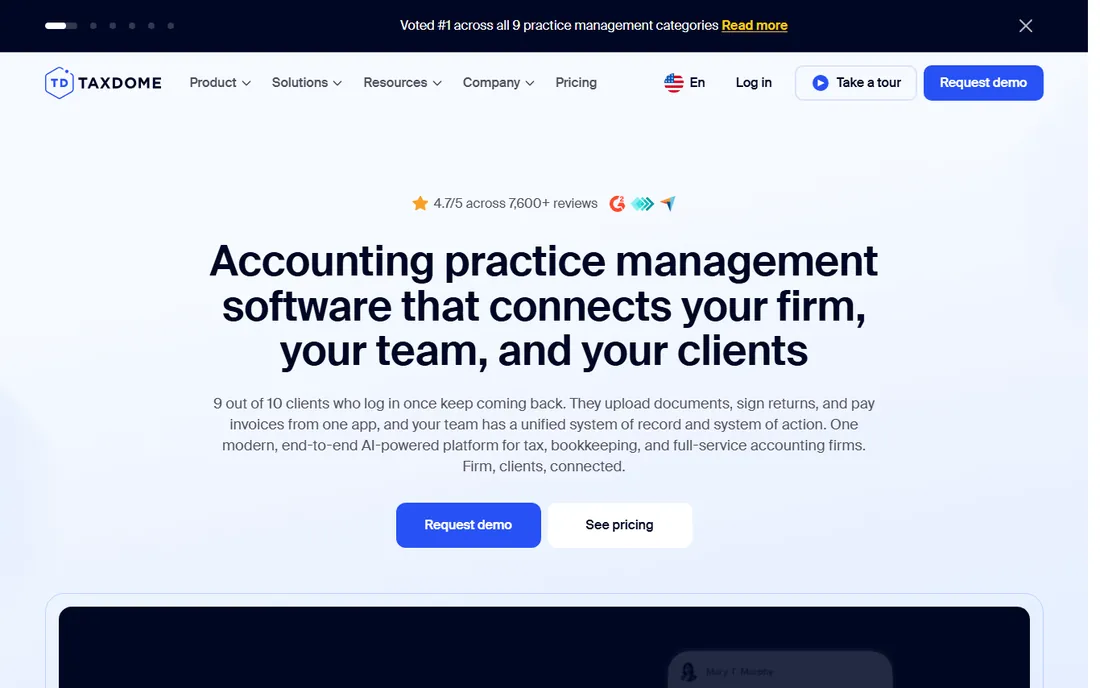
TaxDome positions itself as the firm operating system. Clients get a portal and mobile app where they upload documents, sign returns and pay invoices; staff get pipelines, automations, AI document handling and reporting. The vendor reports over 15,000 firms on the platform and a 6 to 8 week average onboarding window.
The catch is commitment. This is a platform you move the firm onto, not a tool you try for a week. Onboarding is structured and hands-on, which is good, but expect six weeks of parallel running before you trust it in season. For firms between five and fifty staff that want one login, it is the leading alternative to Karbon.
What we like- Genuinely all-in-one: CRM, portal, workflows, billing and unlimited document storage in one login
- Strong client mobile app that keeps clients engaged
- 6-8 week guided onboarding with a dedicated manager
Watch out for- Per-user pricing is published but you have to book a demo to see it in context
- The breadth of features means setup takes real effort
#3
Canopy
Best for: Firms that want to buy modules instead of a fixed bundle
Visit getcanopy.com
Starting priceSee website (module-based pricing)
Free planNo
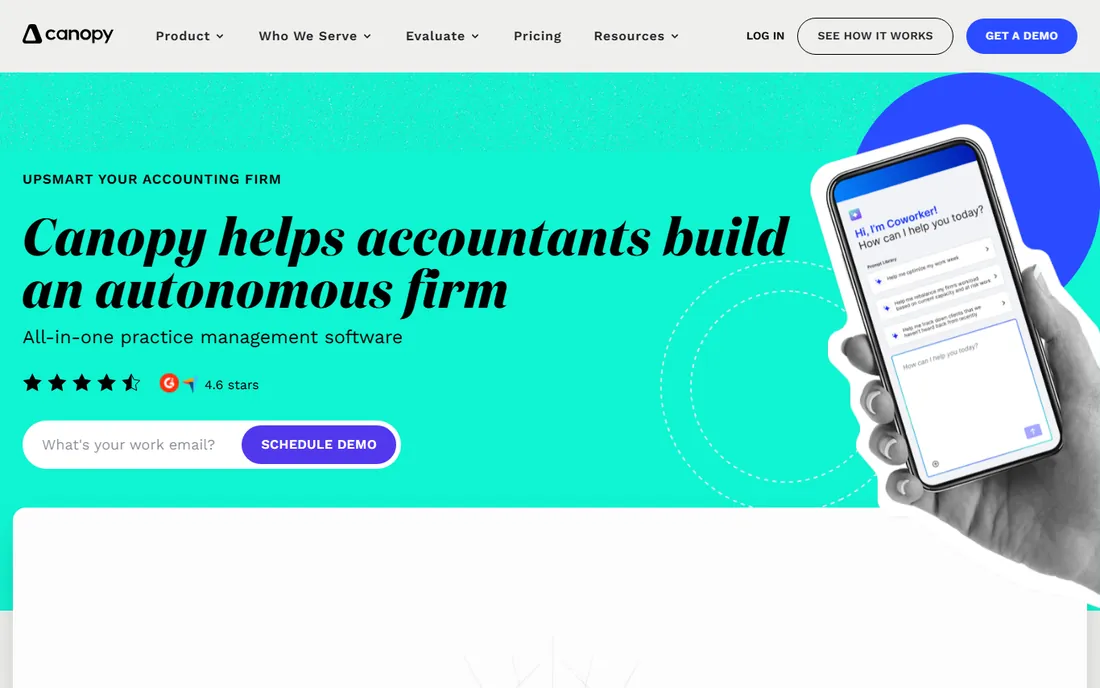
Canopy's pitch is modularity. Instead of a fixed plan, you pick from AI-enhanced modules for workflow, CRM, portal, billing and documents, and the vendor's "Everywhere AI" handles busywork like renaming uploads and matching IRS notices to client records. Firms migrating from Practice CS or CCH Axcess get assisted data migration.
The realistic read: modularity helps if you only need three modules, but most firms end up needing most of them, and the quote complexity is real. Canopy consistently ranks well on review sites for the category, and the AI features are genuinely useful rather than decorative. Get a full quote for your module set before comparing it to a fixed-plan competitor.
What we like- Modular pricing means you pay for what you use
- AI features like document organization and IRS notice matching are built in
- Assisted data migration from Thomson Reuters and CCH products
Watch out for- Module pricing makes quotes complicated and total cost hard to predict
- No published starting price
#4
Financial Cents
Best for: Small firms that want practice management without enterprise pricing or complexity
Visit financial-cents.com
Starting price$49 per user per month (Team plan, billed annually); Solo plan $19 per month billed annually
Free plan14-day trial (no credit card required)
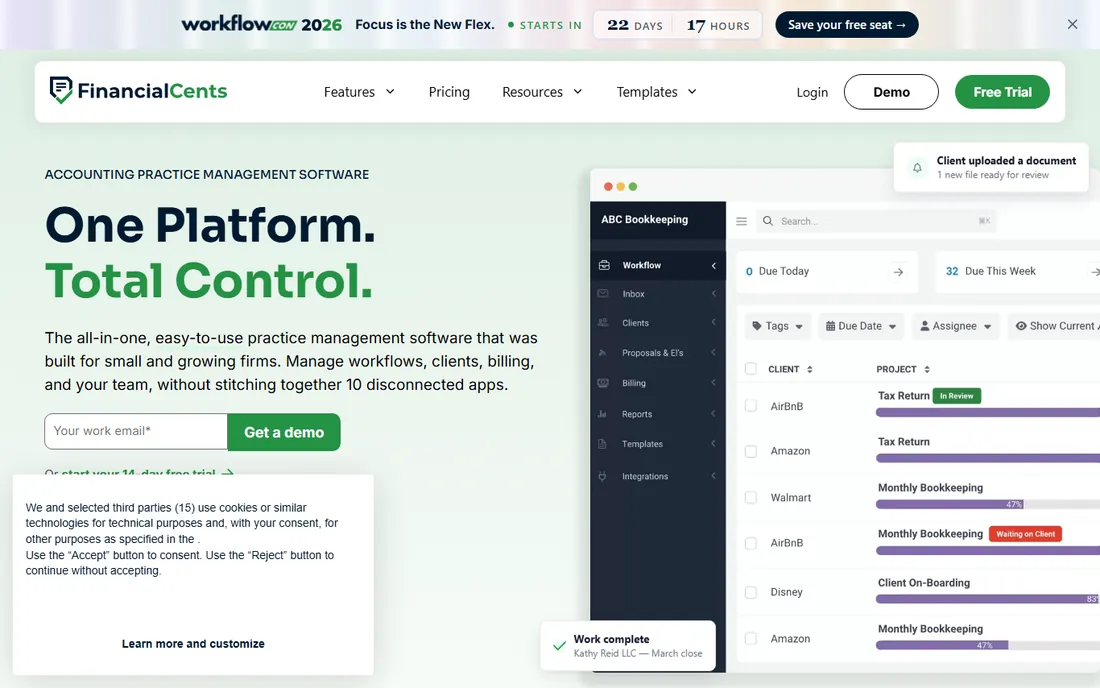
Financial Cents is built for the small firm and says so on every page. The dashboard shows every job, deadline and team workload at a glance, and the workflow templates mean a four-person firm gets recurring engagements running on autopilot in days, not months. A $19 Solo plan makes it the cheapest real practice management option on this list.
The catch is the contract. All plans run on 12-month agreements, so you are committing a year before you know the fit. And the tax software integrations sit on the Scale tier at $69 per user per month, so price the tier you will actually buy. For small firms that want simplicity first, it is hard to beat.
What we like- Publishes real pricing with a Solo tier for single-user firms
- 250+ pre-built workflow templates for bookkeeping, tax and payroll
- Tax integrations with Drake, UltraTax, Lacerte, ProConnect, ProSeries and CCH Axcess on the Scale plan
Watch out for- 12-month agreements on all plans
- Tax integrations only on the $69 Scale tier, which is the one most CPA firms actually need
Starting priceSee website (per-user pricing)
Free planNo
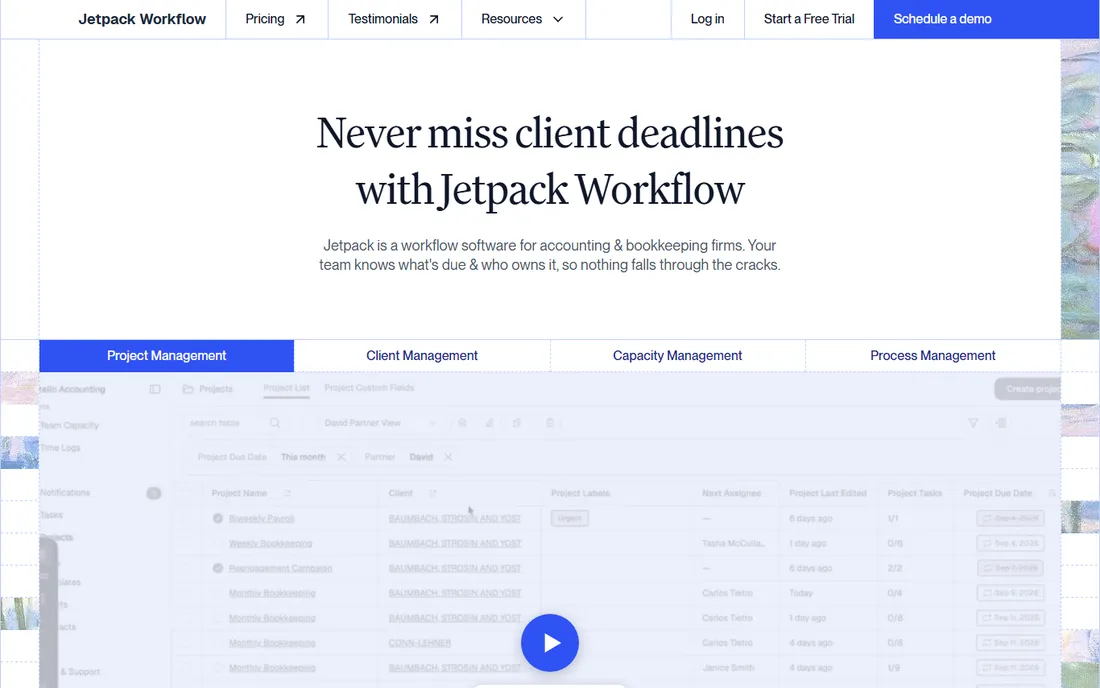
Jetpack Workflow is the honest narrow tool. It tracks who owns what, when it is due, and what is overdue, with recurring schedules for monthly closes and tax returns, bulk change management, and time tracking. Setup is fast because there is simply less to set up.
The catch is that narrowness cuts both ways. You will still need billing, a client portal and document management from somewhere else, which can mean three vendors instead of one. But for firms that already have billing sorted and just need deadlines to stop slipping, Jetpack is the focused pick at a per-user price.
What we like- Does one thing well: recurring client work, deadlines and templates
- Change management pushes updates across all projects at once
- Fast to set up with no bloated suite to learn
Watch out for- It is a workflow tool, not a suite: no billing, no invoicing, no client portal
- You will still need those elsewhere
Starting priceSee website (per-EIN pricing, unlimited returns)
Free planNo (demo available)
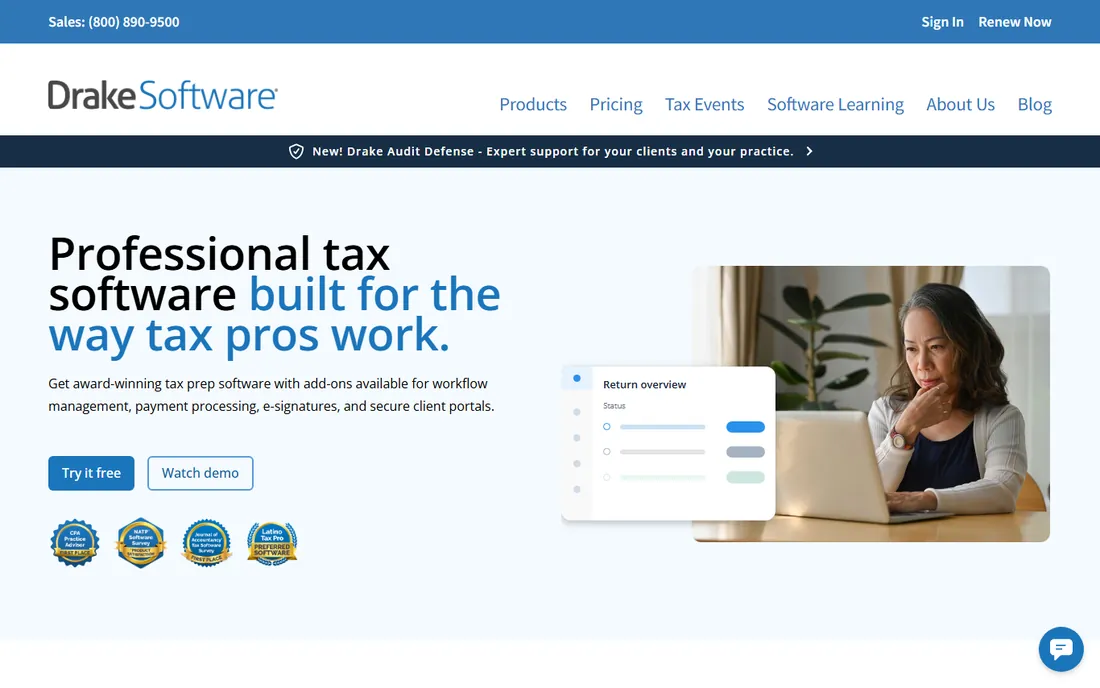
Drake Tax is the value play in professional tax prep. The pricing model is per-EIN rather than per-return, so a firm that files thousands of returns pays the same as one that files hundreds, and unlimited e-filing is included. The vendor's suite now includes portals, e-sign, workflow tracking and AI data extraction from source documents.
The honest catch is the interface, which loyal users love and everyone else finds retro. If your team learned on Drake, switching costs real money in retraining. For new tax firms optimizing for cost per return, nothing on this list beats the flat-price math.
What we like- One price per EIN with unlimited returns and e-filing, which is a relief after per-return billing
- Cloud (Tax Online) and desktop versions
- Strong reputation for responsive phone support
Watch out for- Interface feels dated compared to cloud-native competitors
- The ecosystem of add-ons (portals, e-sign, payments) is separate products with separate pricing
Starting priceSee website (custom pricing based on users, returns, and states)
Free planNo
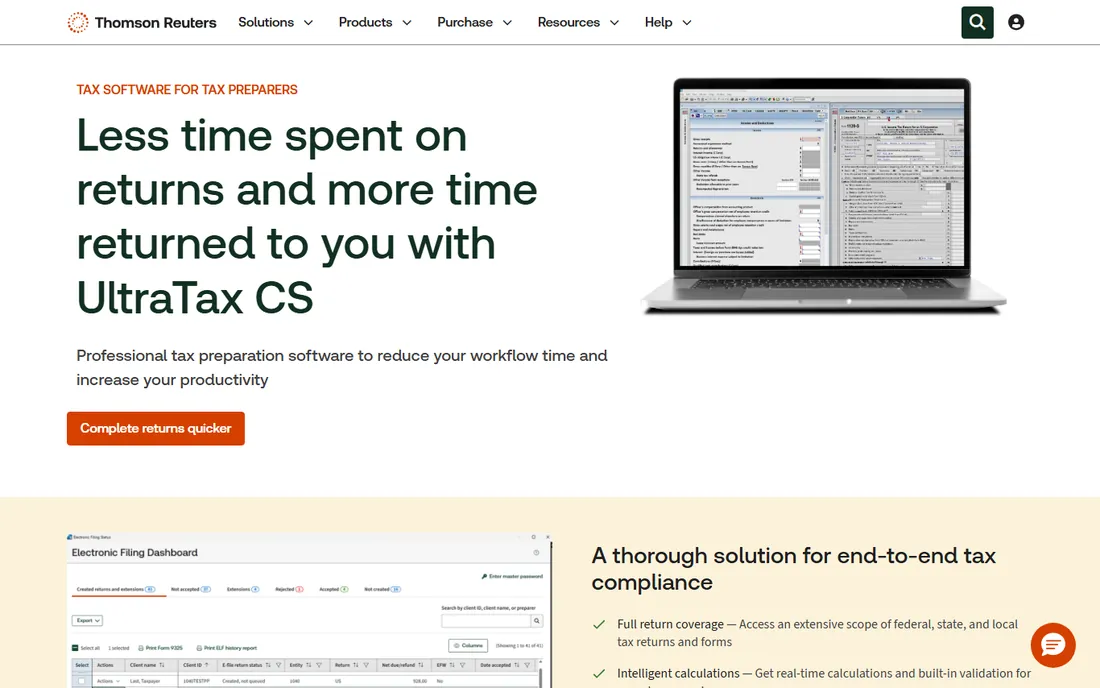
UltraTax CS is the tax engine at the center of the Thomson Reuters ecosystem. Firms on the full CS Professional Suite get single-entry data sharing across tax, accounting and practice management, which is where the reported time savings come from. The calculation engine handles complex and multistate scenarios, and diagnostics run before filing.
The catch is the ecosystem lock-in. UltraTax on its own is just expensive tax software; the value compounds when paired with Practice CS and the other suite products. If you are already a TR shop, it is the natural center. If you are not, price the suite, not just the tax module.
What we like- Deep form coverage: 1040, 1120, 1065, 1041, 990, 5500 and over 371 state and local returns
- Data entered once populates across related returns
- Deep integration with Practice CS, Accounting CS and the rest of the suite
Watch out for- Custom pricing with no public starting point
- Best value only appears when you buy into the full suite
Starting priceSee website (pay-per-return or package pricing)
Free planNo
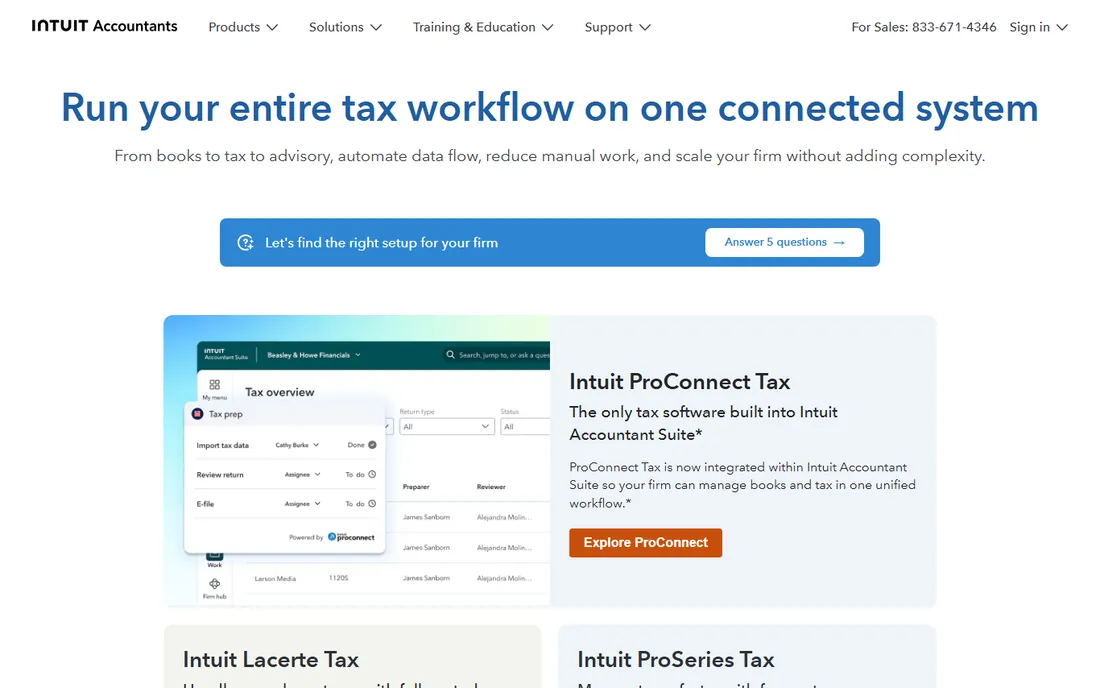
ProConnect Tax is Intuit's cloud answer to professional tax prep. Because it runs in the browser, remote staff and multi-office firms avoid the hosted-desktop complexity of Lacerte, and the pay-per-return option keeps costs low for firms filing a few hundred returns. Intuit Sign is built into the workflow for e-signatures.
The realistic read: ProConnect is the on-ramp to Intuit's tax world, and growing firms often graduate to Lacerte for complex returns. If your returns are mostly individual and small-business with straightforward facts, ProConnect's speed and price are hard to argue with. If you handle heavy 1120 and 1065 work, look at Lacerte instead.
What we like- Fully cloud-based: no installs, access from anywhere
- Pay-per-return option lets low-volume firms start cheap
- Connects with QuickBooks Online Accountant and Intuit Link portal
Watch out for- Per-return costs add up at volume, pushing firms toward packages
- Cloud-only means you trust Intuit with your uptime during April
Starting priceSee website (pay-per-return or package pricing)
Free planNo
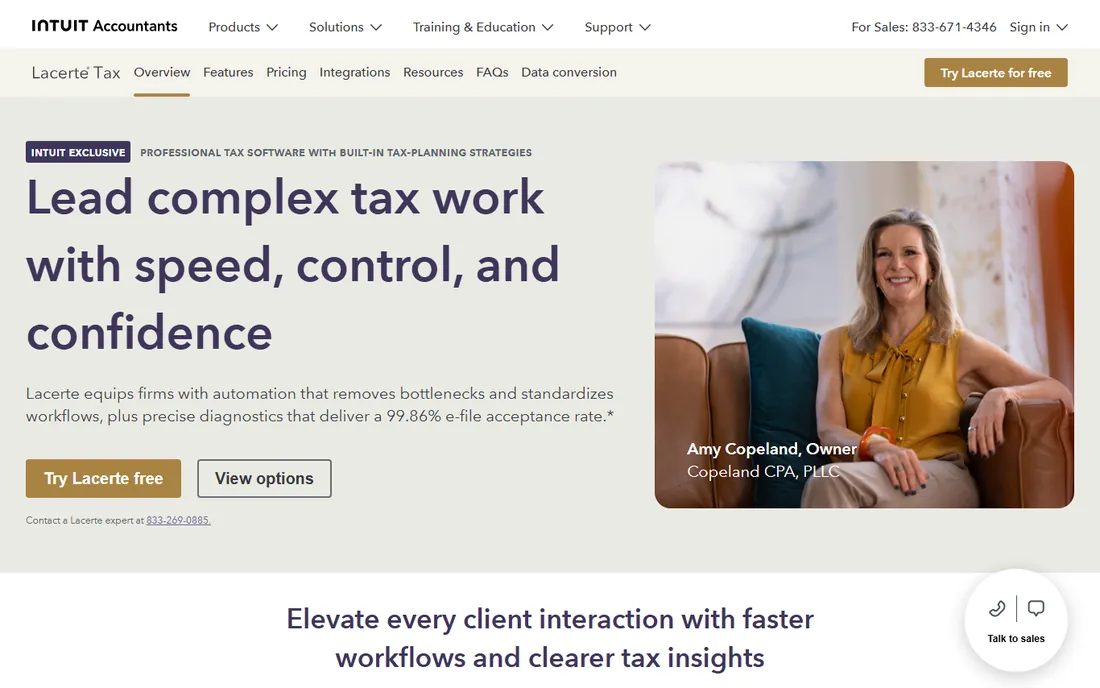
Lacerte is the workhorse of complex firm tax prep. The vendor publishes a 99.86% e-file acceptance rate, and the diagnostics catch the errors that cheaper tools let through. Data conversion from competitors is included free, which matters because switching tax software is the thing firms fear most.
The catch is the price curve. Pay-per-return works for low volume, but high-volume firms buy packages, and the total is firmly enterprise. The hosted version adds remote access cost on top. For firms doing hundreds of complex returns a year, Lacerte is the safe standard. For simple-return shops, ProConnect costs less.
What we like- The calculation engine firms trust for complex returns, with 7,200+ forms and 25,000+ automated diagnostics
- Intuit converts your competitor data for free
- Hosted option gives remote teams cloud access
Watch out for- Desktop roots show in the interface
- Pricing is quote-based and the packages are priced for volume
#10
SafeSend
Best for: Firms automating the whole tax workflow from intake to delivery
Visit safesend.com
Starting priceSee website (custom pricing)
Free planNo
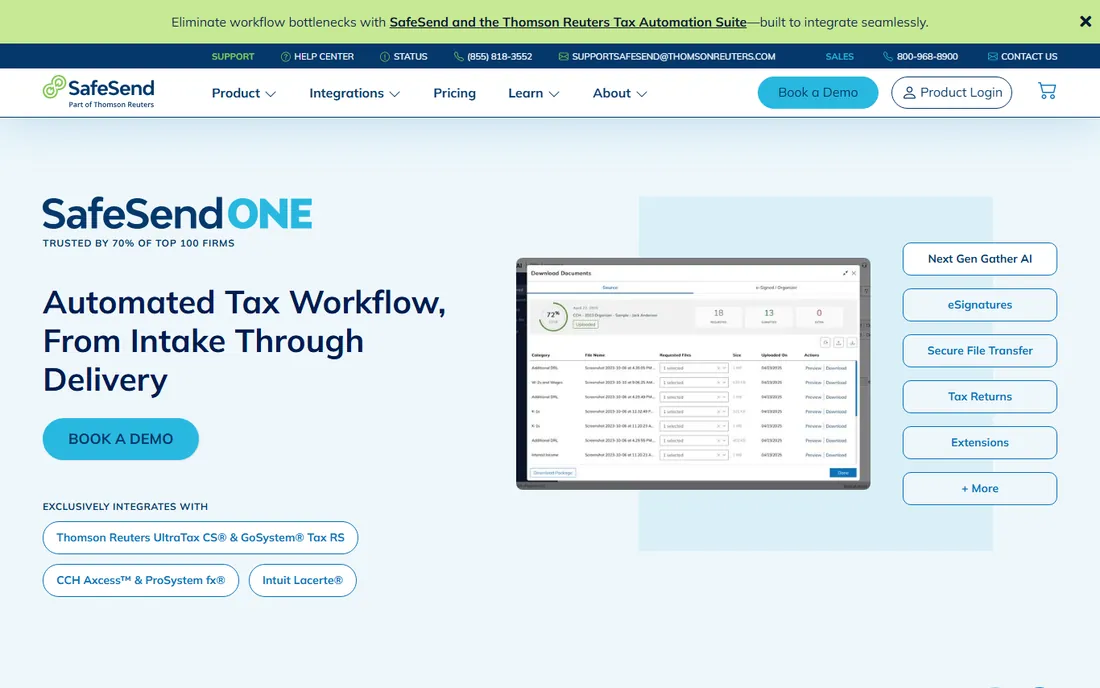
SafeSend automates the parts of tax season that eat staff time: organizers and engagement letters go out with e-signatures, questionnaires collect data, returns assemble and deliver to clients in minutes, and extensions process automatically. Implementation averages 3 to 4 hours, which is unusually fast for this category.
The catch is that SafeSend is a workflow layer on top of your tax engine, not a replacement for it, and pricing is custom. Note that Thomson Reuters now owns it, which explains the integration depth with UltraTax and GoSystem. For firms drowning in manual assembly and delivery, the time savings are the selling point.
What we like- End-to-end tax workflow: organizers, e-signatures, return assembly and delivery in 3-4 minutes
- Integrates with UltraTax CS, CCH Axcess, Lacerte and ProSystem fx
- Average implementation is 3-4 hours
Watch out for- Custom pricing with no public numbers
- Now part of Thomson Reuters, so expect TR-style enterprise sales
Practice management vs. tax software: buy them separately
The most common buying mistake is assuming one product does both jobs. Practice management software (Karbon, TaxDome, Canopy, Financial Cents, Jetpack Workflow) runs the firm: workflow, deadlines, client portal, documents, time and billing. Tax software (Drake Tax, UltraTax CS, ProConnect Tax, Lacerte) prepares and e-files returns. SafeSend sits between them, automating the tax workflow around your tax engine.
Most firms end up with one from each column, and the integration between them is what matters. Check that your practice management tool integrates with your tax engine before you buy: Financial Cents lists Drake, UltraTax, Lacerte, ProConnect, ProSeries and CCH Axcess on its Scale tier, while SafeSend's value is exactly that integration with the big four tax engines. Buying the two without confirming the connection is how firms end up re-entering data by hand.
The per-user model dominates practice management, while tax software splits between per-return and flat per-EIN pricing. A small firm can pair Financial Cents ($49 per user per month) with Drake Tax (flat per-EIN, unlimited returns) for predictable total cost. A large firm may pair Karbon with Lacerte, paying premium prices for premium capability. Match the pair to your return volume, not just your headcount.
Switching tax software without losing a season
The fear that keeps firms on old tax software is migration: thousands of prior-year returns, client data, and templates. The good news is that vendors have industrialized the switch. Intuit includes data conversion from competing tax programs at no extra cost for ProConnect, Lacerte and ProSeries. Canopy offers assisted migration from Thomson Reuters Practice CS and CCH Axcess. SafeSend implements in 3 to 4 hours because it sits alongside your existing engine.
Plan the switch for the off-season, not January. Run the new system in parallel for one cycle on a subset of clients, and keep the old system licensed through one full filing season as a fallback. Ask every vendor three questions before you sign: what exactly converts from my current system, what does not convert, and who does the work. The vendors that answer precisely are the ones that have done it before.
How we chose
We started with the searches buyers use: CPA software, accounting practice management software, and tax preparation software for firms. For each candidate we opened the vendor's own homepage and pricing pages, read public reviews on G2, Capterra and GetApp, and looked at practitioner discussion on Reddit. Where a price could be verified on the vendor's own pricing page we printed it; everywhere else we wrote "See website". We skipped the generic "Thomson Reuters" entry in favor of its actual products, UltraTax CS and SafeSend, which is what buyers actually evaluate.
Frequently asked questions
What is the difference between CPA practice management software and tax software?
Practice management software runs the firm: workflow, deadlines, client communication, documents and billing. Tax software prepares and e-files returns. Most firms need both, plus an integration between them. SafeSend bridges the two by automating tax workflow around your tax engine.
How much does CPA software cost?
Practice management runs $19 to $89 per user per month on the tools that publish pricing (Financial Cents and Karbon). Tax software is usually per-return or per-EIN: Drake Tax charges one flat price per EIN with unlimited returns, while Intuit offers pay-per-return or packages for Lacerte and ProConnect. Enterprise tax suites like UltraTax CS are custom-quoted.
How hard is it to switch tax software?
Less hard than firms fear. Intuit converts competitor data for free, and several vendors offer assisted migration. Run the new system in parallel during the off-season and keep the old one licensed through one filing season as a fallback. Never switch in January.
Do I need a client portal?
If you still collect tax documents by email, yes. Every practice management platform on this list includes one, and firms report far fewer lost documents and faster responses. Client portals with e-signature also handle the 8879 e-file authorization workflow, which is mandatory for e-filing.
What integrations should I look for?
Your practice management tool should connect to your tax engine, your bookkeeping software (QuickBooks Online is the standard), and your payment processor. Financial Cents and SafeSend both list the major tax engines. If you run QuickBooks, Intuit's tax products connect most naturally.
Are there contract lock-ins?
Some. Financial Cents runs on 12-month agreements for all plans, and enterprise tax suites are typically annual. Per-return pricing (ProConnect, Lacerte pay-per-return) is the most flexible because you pay for what you file. Ask about renewal terms and price increases before you sign.
Sources we checked (14)
- https://karbonhq.com/
- https://karbonhq.com/pricing/
- https://taxdome.com/
- https://getcanopy.com/
- https://financial-cents.com/
- https://financial-cents.com/pricing/
- https://jetpackworkflow.com/
- https://www.drakesoftware.com/
- https://tax.thomsonreuters.com/en/products/ultratax-cs
- https://proconnect.intuit.com/
- https://accountants.intuit.com/tax-software/lacerte/
- https://www.safesend.com/
- https://www.g2.com/categories/accounting-practice-management
- https://www.capterra.com/practice-management-software/
Is your product missing or out of date?
We review this list regularly. Vendors can request a listing, send updated pricing or ask about featured placement.

Shihab Mia · Founder, Rankite
Shihab has spent more than a decade helping SaaS and e-commerce brands grow through search. He writes Rankite's software buying guides from pricing pages, documentation and public user reviews. More about Shihab.