How we make this list: we compare pricing pages, product documentation and public user reviews. Rankite is independent; if a vendor ever pays for a featured spot, that listing is clearly labeled Partner.
Key takeaways
- Karbon is the workflow leader for firms that want deep email integration and team collaboration.
- TaxDome and Canopy bundle practice management with client portals, e-signatures and billing in one subscription.
- Financial Cents and Jetpack Workflow suit firms that want structured checklists and recurring task automation without complexity.
- Aero Workflow, OfficeTools, Senta and Pixie cover smaller firms and solo practitioners at lower price points.
- The deciding factor is rarely features: it is whether the whole team will actually work inside the system during tax season.
Quick comparison
| Tool | Best for | Starting price | Free plan |
|---|
 Karbon Karbon | Workflow and team collaboration for growing firms | See website | Free trial |
 Canopy Canopy | All-in-one practice suite with client portal | See website | Free trial |
 TaxDome TaxDome | Portal, CRM, billing and e-signatures in one | See website | Free trial |
 Financial Cents Financial Cents | Checklist-driven workflow automation | See website | Free trial |
 Jetpack Workflow Jetpack Workflow | Recurring tax and accounting checklists | See website | Free trial |
 Aero Workflow Aero Workflow | Simple practice management for small firms | See website | Free trial |
 OfficeTools OfficeTools | Established desktop-rooted practice suite | See website | No |
 Senta Senta | Client onboarding and workflow for UK and US firms | See website | Free trial |
 Pixie Pixie | Lightweight practice management for small practices | See website | Free trial |
Is your product missing or out of date?
We review this list regularly. Vendors can request a listing, send updated pricing or ask about featured placement.
The best CPA practice management software
Starting priceSee website
Free planFree trial

Karbon's defining idea is that client emails are work, so it pulls them into the workflow instead of leaving them in inboxes. An email from a client can become a task, get assigned, and carry its full thread with it, which ends the tax-season archaeology of searching inboxes for that one attachment. For firms where partners and staff collaborate on the same jobs, the commenting, @mentions and shared timelines keep everyone aligned without status meetings.
That power comes with a learning curve and a higher price than checklist tools. Solo practitioners often find Karbon more system than they need, and the value only appears when the whole team works inside it. Firms that commit usually point to the same payoff: work stops living in email, deadlines stop slipping, and the capacity planning view shows who is overloaded before April does.
What we like- Email triages directly into work items
- Strong team collaboration and commenting
- Deep integrations with the accounting stack
Watch out for- Pricing sits above simpler checklist tools
- Can feel complex for very small firms
- Onboarding needs real time investment
Starting priceSee website
Free planFree trial
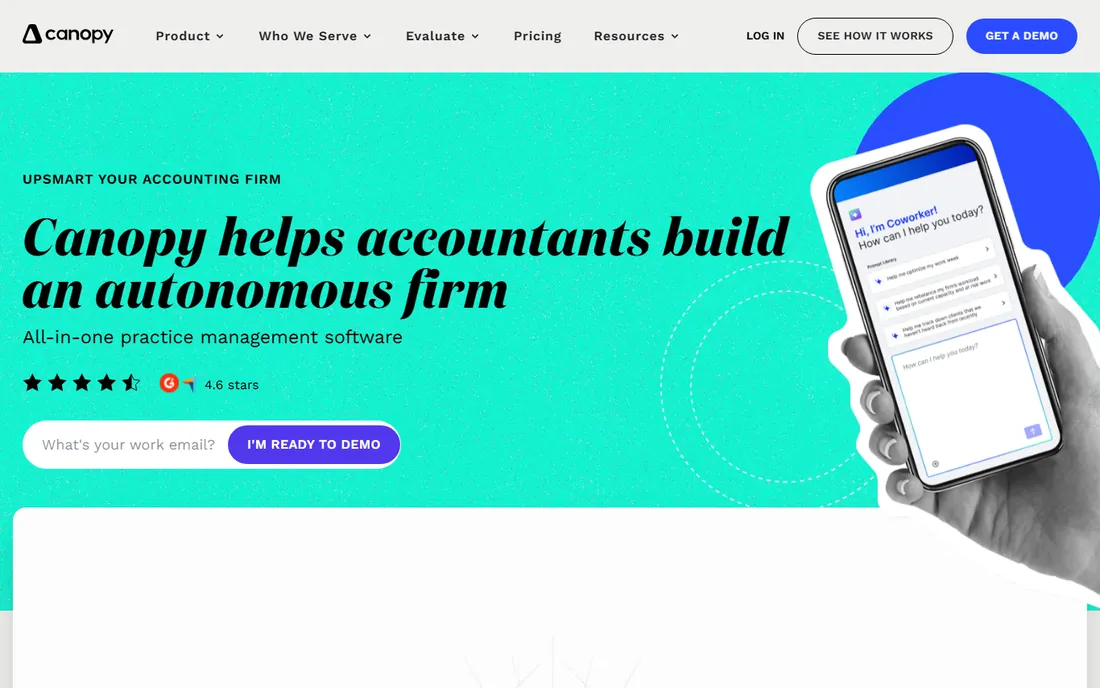
Canopy, formerly known as CanopyTax, rebuilt itself as a modular practice management platform: document management, workflow, client portal, e-signatures, billing and payments as separate modules on one account. That modularity is the appeal. A firm can start with the portal and add workflow later, instead of buying everything on day one. The interface is modern and staff tend to pick it up faster than the older desktop-rooted suites.
The module model cuts both ways. The headline price looks friendly, but the real cost emerges as you switch modules on, so price the full configuration you will actually run. Workflow depth is good but not Karbon-level for complex team collaboration. For firms that want one vendor for the client-facing side, portal, signatures, payments, plus solid internal workflow, Canopy is one of the most complete options.
What we like- Client portal, e-signatures and billing in one subscription
- Modern interface staff learn quickly
- Modular pricing lets firms start small
Watch out for- Modules add up as you enable more
- Some advanced workflow features trail Karbon
- Migration from legacy tools needs planning
Starting priceSee website
Free planFree trial

TaxDome tries to be the entire back office: CRM, workflow, client portal, organizers, e-signatures, billing, time tracking and a mobile app, all in one subscription. For firms that currently pay for four separate tools, the consolidation math is compelling. The organizers, structured questionnaires that collect client data, are genuinely good and cut down the back-and-forth that eats tax season.
The catch is complexity. There is a lot of product here, and new users routinely report feeling overwhelmed during setup. The interface rewards investment but punishes casual use. Firms that dedicate someone to the implementation tend to love it; firms that sign up and wing it tend to churn. If you want maximum functionality per dollar and have the appetite to configure it, TaxDome is hard to beat.
What we like- Enormous feature set for the price
- Client portal with organizers and e-signatures included
- Active development with frequent releases
Watch out for- Feature breadth can overwhelm new users
- Interface has a learning curve
- Support quality varies by plan
Starting priceSee website
Free planFree trial
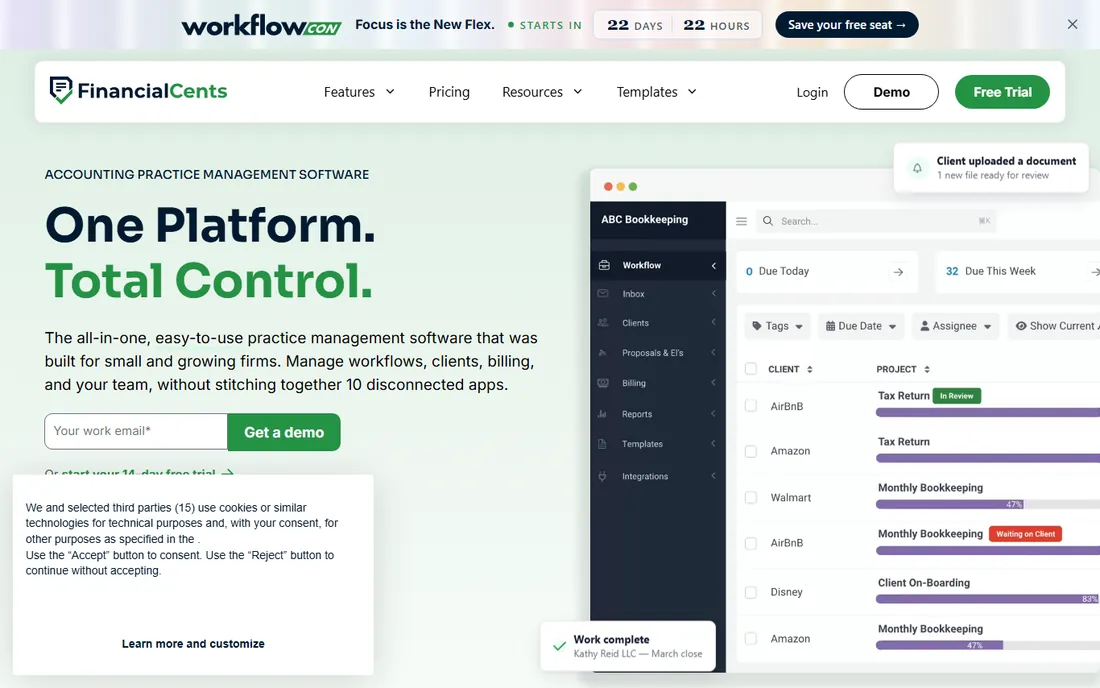
Financial Cents takes the opposite approach from the all-in-one suites: do workflow, and do it simply. Work is organized as checklists and recurring tasks, so monthly closes, payroll runs and annual tax jobs repeat automatically with assignments and due dates. Firms that tried complex platforms and bounced off them often land here and stay.
The simplicity is deliberate but limiting at scale. The client portal is functional rather than impressive, integrations are fewer, and large firms with complex routing will outgrow it. For small to mid-size firms that want their recurring work to run itself without a six-week implementation, Financial Cents hits a sweet spot of capability and ease.
What we like- Clean, simple workflow built around checklists
- Recurring work automates easily
- Affordable for small firms
Watch out for- Less depth for large multi-office firms
- Client portal is basic
- Fewer integrations than Karbon or Canopy
Starting priceSee website
Free planFree trial
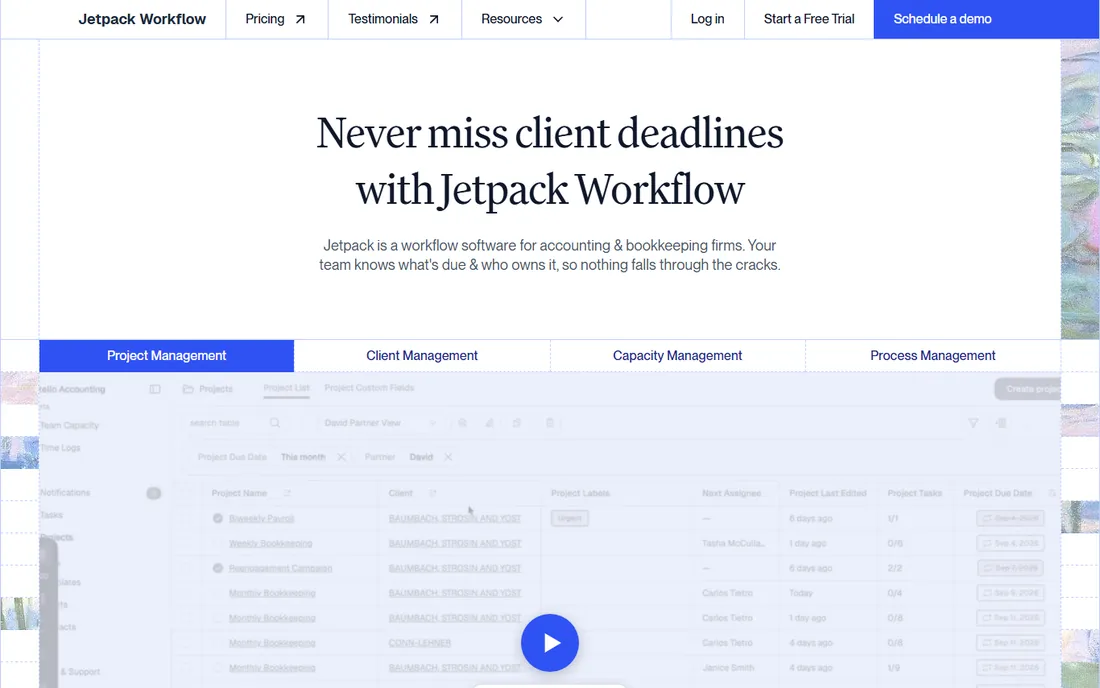
Jetpack Workflow is a focused tool for one job: making sure recurring firm work happens on time, every time. Tax returns, bookkeeping closes, payroll filings and extensions become templated checklists with owners and deadlines, and the dashboard shows exactly what is late. Setup takes days, not months, and the pricing is straightforward per-user.
It does not try to be a CRM, a billing system or a client portal, so most firms pair it with other tools for those jobs. That focus is the point: firms that want workflow without adopting a whole platform get exactly what they pay for. It suits small firms and solo CPAs who live in checklists and want tax season to run on rails.
What we like- Built specifically around recurring accounting work
- Simple per-user pricing
- Quick to set up
Watch out for- Narrower feature set than full practice suites
- No built-in billing or portal depth
- Best paired with other tools
Starting priceSee website
Free planFree trial

Aero Workflow was built by a practicing accountant, and it shows in the sensible defaults: the workflow reflects how accounting work actually flows rather than generic project management. It is deliberately un-bloated, which small firms appreciate after demoing platforms that try to do everything. Pricing is friendly to small practices.
The tradeoffs are a smaller development team, a narrower feature set and an interface that shows its age in places. Integrations are limited compared with the bigger names. For a small firm that wants practice management shaped by real accounting workflows rather than software conventions, Aero is worth a look. Larger firms will likely need more.
What we like- Designed by an accountant for accountants
- Straightforward workflow without bloat
- Affordable pricing
Watch out for- Smaller vendor with a narrower feature set
- Interface feels dated in places
- Limited third-party integrations
Starting priceSee website
Free planNo
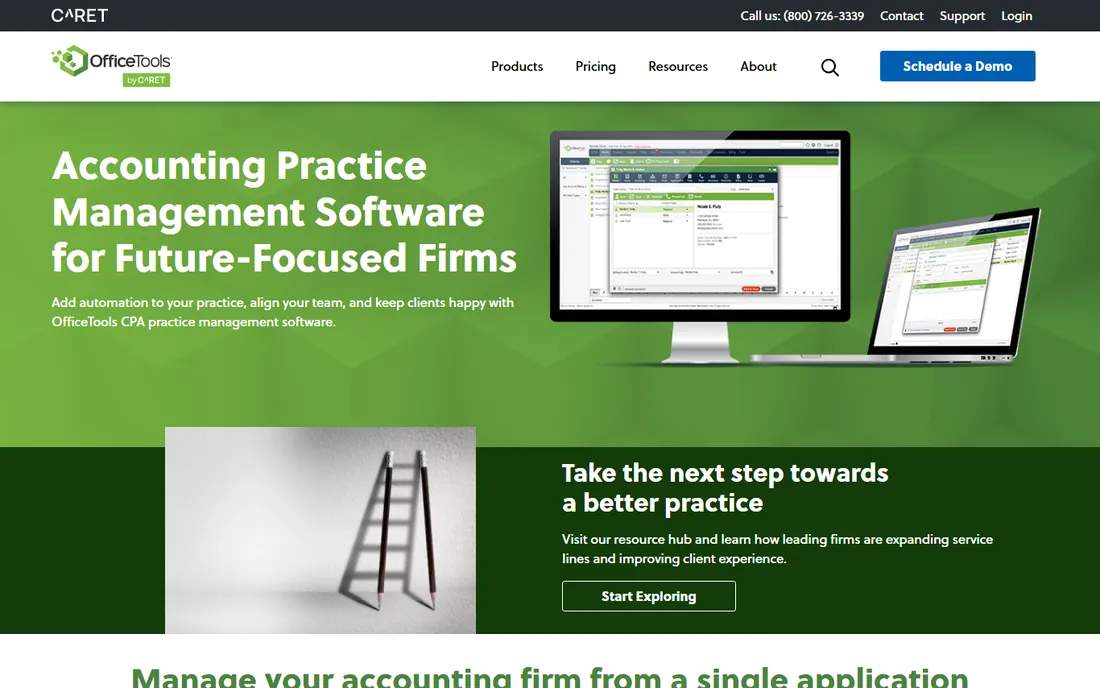
OfficeTools, from AbacusNext, has served accounting firms for years with a deep feature set covering practice management, time tracking, billing and workflow. Firms that have run on it for a decade often stay because the depth is real and the data migration away would be painful. The time and billing tools are particularly well developed.
The honest knock is modernity. The interface carries its desktop roots, the cloud experience lags the cloud-native competitors, and pricing is quote-based rather than transparent. Firms already on OfficeTools with working processes have little reason to move. Firms choosing fresh in 2026 should compare it directly against Karbon and Canopy on usability, because staff adoption decides whether any of these systems work.
What we like- Long track record with accounting firms
- Deep practice management feature set
- Strong time and billing tools
Watch out for- Desktop heritage shows in the interface
- Cloud story is weaker than cloud-native rivals
- Pricing is quote-based
#8
Senta
Best for: Client onboarding and workflow for UK and US firms
Visit senta.co
Starting priceSee website
Free planFree trial
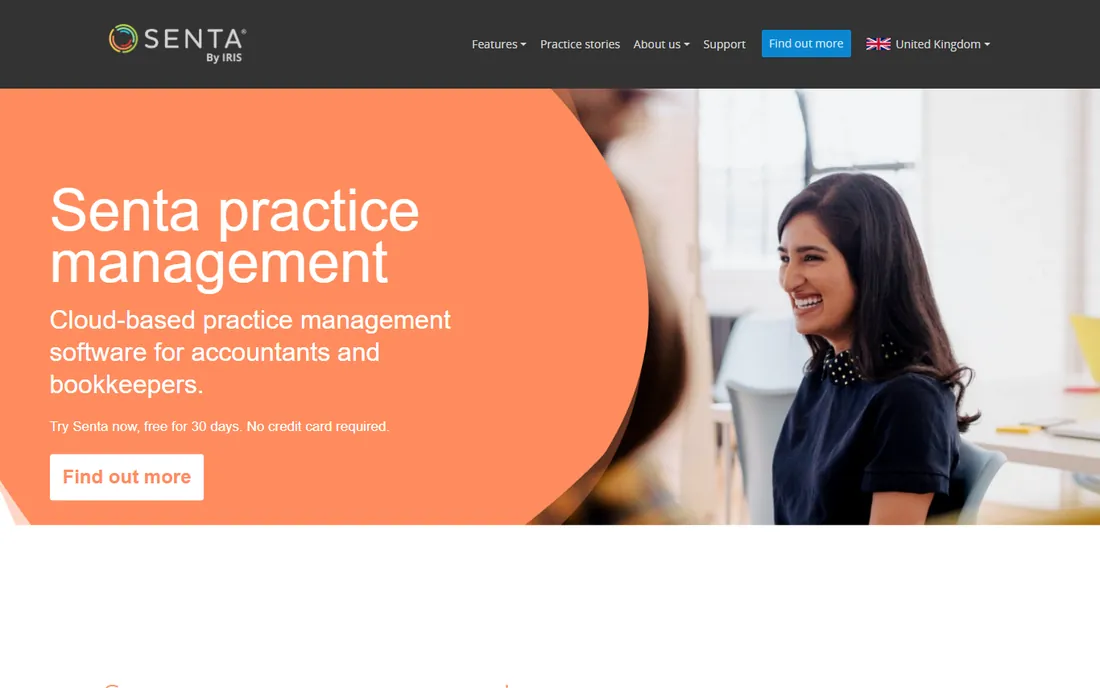
Senta, now part of the IRIS Software Group, shines at the front door of the client relationship: onboarding, engagement letters, fact-finds and the structured data collection that makes the rest of the work possible. Its workflow automation then carries jobs through the practice. Firms that struggle with inconsistent onboarding find Senta transforms that specific pain.
It is better known in the UK than the US, though it serves both, and the feature set is narrower than the all-in-one suites. Firms wanting billing, deep CRM and marketing in the same tool will need companions. For practices standardizing how clients enter and move through the firm, Senta's onboarding-first design is distinctive.
What we like- Excellent client onboarding and engagement letters
- Clean workflow automation
- Strong for firms standardizing processes
Watch out for- Smaller US presence than competitors
- Feature set is narrower than all-in-ones
- Pricing in local currency varies by region
#9
Pixie
Best for: Lightweight practice management for small practices
Visit pixie.co
Starting priceSee website
Free planFree trial
Pixie is a lightweight practice management tool aimed at small accounting practices that want workflow, a client portal and task management without enterprise weight. Setup is quick, the interface is clean, and the price fits small-firm budgets. It covers the essentials: jobs, deadlines, client communication and document sharing.
Complex firms will find the ceiling quickly. Workflow customization is limited, integrations are few, and the roadmap is narrower than the bigger vendors'. That is fine for the target buyer: a small practice that wants to stop managing work in spreadsheets and email this month, not after a quarter of implementation. Pixie gets you organized fast and stays out of the way.
What we like- Simple and quick to adopt
- Good client portal basics
- Priced for small practices
Watch out for- Limited depth for complex workflows
- Fewer integrations
- Small vendor with a narrower roadmap
What to look for before you buy
Match the tool to your firm's actual shape. A solo CPA needs client intake, organizers and e-signatures more than team collaboration. A ten-person firm needs workload visibility, standardized checklists and permissions. A fifty-person firm needs all of that plus multi-office support and serious reporting. Buying a fifty-person system for a solo practice wastes money; buying a solo tool for a growing firm wastes the migration you will do in eighteen months.
Test the client-facing side as a client. Create a test client account and go through the portal: uploading documents, signing an engagement letter, paying an invoice. If that experience is clunky, your clients will email you documents instead, and the portal investment dies. The internal workflow matters, but client adoption is what removes work from your team.
Finally, price the whole configuration, not the headline tier. Modular tools like Canopy look cheap until you enable five modules. All-in-ones like TaxDome look expensive until you cancel four other subscriptions. Add up what you pay today across portal, signatures, billing and workflow tools, then compare honestly. And ask every vendor about tax-season support hours, because a system outage in the second week of April is the only review that matters.
How we chose
We built this list from vendor pricing pages and documentation, public reviews on G2, Capterra and accounting community forums, and practitioner discussions about tax-season reliability. Every tool here serves CPA and accounting firms as a core customer base and is actively developed. We included both all-in-one suites and focused workflow tools because firms genuinely split on which approach fits them. We noted where pricing is quote-based rather than published.
The best time to migrate is May, right after busy season, when the team has breathing room and the pain is fresh. Start by mapping your recurring work: every tax return type, monthly close, payroll run and extension becomes a template before you touch client data. Firms that skip this step end up recreating spreadsheet chaos inside expensive software.
Migrate clients in waves, not all at once. Move your simplest clients first, learn the portal onboarding flow, then bring over the complex ones. Keep the old system read-only for one full cycle so nothing gets lost. Expect the first tax season on a new system to feel slower; the payoff comes in year two, when templates, automations and client familiarity compound. Budget staff training time explicitly, because the firms that struggle are almost always the ones that bought software but never trained the team.
Frequently asked questions
What is CPA practice management software?
It is software that runs the operations of an accounting or CPA firm: tracking client work and deadlines, managing documents, communicating through client portals, collecting e-signatures, and handling billing. It replaces the spreadsheets, shared drives and inbox archaeology that firms outgrow.
How much does practice management software cost?
Most cloud tools charge per user per month, typically from around $30 to over $100 per user depending on the feature set, with annual billing common. All-in-one suites can replace several subscriptions, so compare against your total current spend. Expect quote-based pricing from the larger enterprise-oriented vendors.
Do I need practice management software as a solo CPA?
If you handle more than a handful of recurring clients, yes. The client portal, organizers and e-signatures alone save hours per client per year. Solo-friendly options like Pixie, Jetpack Workflow and Financial Cents are priced and sized for one-person firms.
Karbon vs TaxDome: which is better?
They solve different problems. Karbon is stronger for internal team workflow and collaboration, especially around email-driven work. TaxDome is stronger as an all-in-one that includes the client portal, billing and e-signatures. Firms that already have a portal often pick Karbon; firms consolidating vendors often pick TaxDome.
Can I migrate mid tax season?
You can, but you should not. Migrate after busy season when the team can learn the system without deadline pressure. A mid-season migration combines learning a new tool with the highest workload of the year, which is how firms end up hating software that would have worked fine.
What happened to CanopyTax?
CanopyTax rebranded to Canopy and moved to getcanopy.com as it expanded from tax resolution software into a full practice management platform. Existing customers were migrated to the new branding.
Sources we checked (9)
- https://karbonhq.com/
- https://www.getcanopy.com/
- https://taxdome.com/
- https://financial-cents.com/
- https://jetpackworkflow.com/
- https://www.aeroworkflow.com/
- https://officetools.com/
- https://www.senta.co/gb/
- https://pixie.co/
Is your product missing or out of date?
We review this list regularly. Vendors can request a listing, send updated pricing or ask about featured placement.

Shihab Mia · Founder, Rankite
Shihab has spent more than a decade helping SaaS and e-commerce brands grow through search. He writes Rankite's software buying guides from pricing pages, documentation and public user reviews. More about Shihab.