How we make this list: we compare pricing pages, product documentation and public user reviews. Ratings come from G2, Capterra or Trustpilot, with the date we checked them.
Key takeaways
- Big Day is the best overall countdown app for iPhone users, with beautiful widgets and easy sharing.
- Days suits users who want a simple, reliable countdown with count-up tracking for past events too.
- Day Grid suits users who want a year-at-a-glance view of every upcoming event on one widget.
- Left suits users who want countdowns plus time-left views, habits and streaks in one iPhone app.
- Countdown Star suits users on both iPhone and Android who want countdowns and count-ups with custom photos.
- Most users check their countdown on a widget, not inside the app, so widget quality should decide the pick.
A countdown app counts the days, hours and minutes until an event: a wedding, a holiday, an exam, a product launch or a baby's due date. The best apps pair an accurate countdown with home screen widgets, custom backgrounds and reminders, so the event stays visible without opening the app. The seven below cover iPhone, Android and the web, and they all focus on counting down to events that matter to you.
Most countdown apps are free with optional paid upgrades for extra themes, widgets or unlimited events. Prices below are marked "See website" or "Free" where the app's model is clear. A countdown app is a small purchase decision, so pick the one whose widgets and design you enjoy looking at every day, since that is where you will see it.
Quick comparison
Is your product missing or out of date?
We review this list regularly. Vendors can request a listing, send updated pricing or ask about featured placement.
The best countdown apps
Starting priceSee website
Free planYes
Big Day is the most polished countdown app for iPhone, with widgets that show days remaining in large, readable type on the home screen and lock screen. Events take seconds to create, with a photo background, a custom title and a choice of counting styles, including days only or days, hours and minutes. Sharing sends a countdown card to messages or social apps, which suits weddings, trips and launches.
The app is iOS only, so Android users need another pick, and some premium themes need a paid upgrade. For an iPhone user who wants a beautiful, reliable countdown with great widgets, Big Day is the best choice.
What we like- Beautiful widgets in many sizes
- Easy event creation with photos
- Sharing to social and messages
Watch out for- IOS only
- Advanced themes need a paid upgrade
Starting priceSee website
Free planYes
Days keeps countdowns simple and reliable, with a clean list of upcoming events, count-up tracking for past events, and widgets that show days remaining at a glance. Events display as full-screen photos you swipe through, recurring events cover birthdays and anniversaries automatically, and lock screen widgets show the next countdown without opening the phone. Reminders fire before each event so nothing slips.
The app is iOS only, and theme options are fewer than Big Day's. For a user who wants a dependable countdown list that just works, Days is the most straightforward option.
What we like- Simple and reliable
- Counts up from past events as well as down to future ones
- Lock screen widgets
Watch out for- IOS only
- Fewer theme options than Big Day
Starting priceSee website
Free planYes
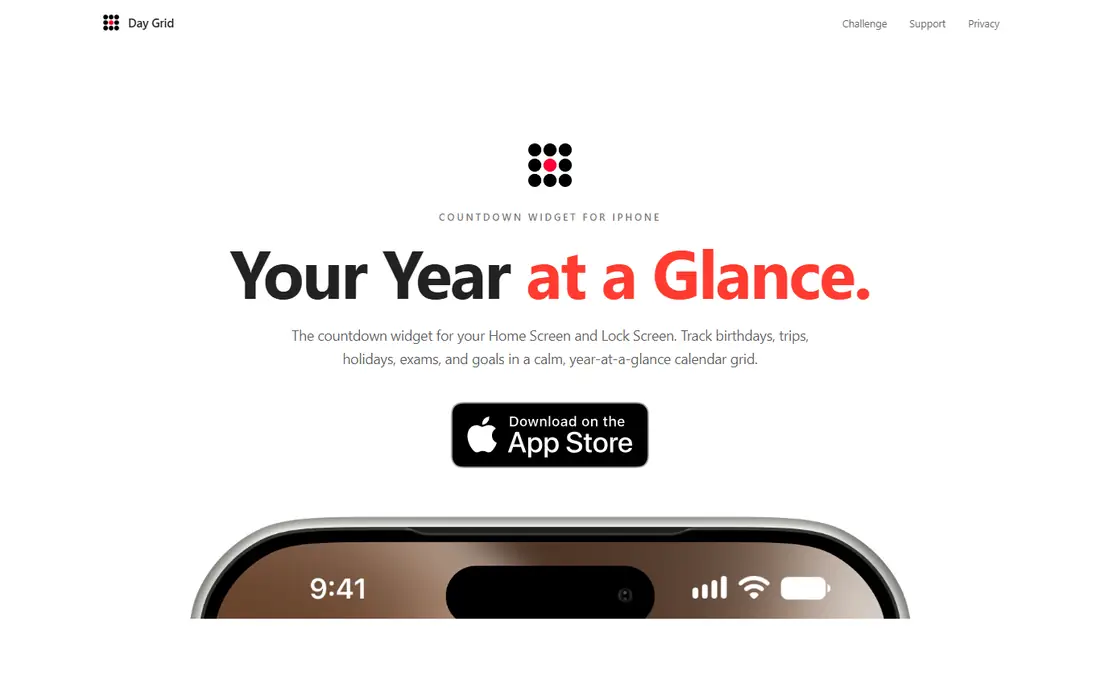
Day Grid shows every upcoming event on a year-at-a-glance calendar grid, so birthdays, trips, holidays, exams and goals sit in one view instead of a list. Home screen and lock screen widgets keep the next event visible, and once an event is less than 24 hours away the widget switches to a live countdown timer. Recurring events repeat yearly without re-entry, and no account is needed.
The app is iOS only, and the grid view suits planners more than users who want a single minimal number. For an iPhone user who plans by the year and wants every date visible at once, Day Grid is the most distinctive countdown app here.
What we like- Year-at-a-glance calendar grid
- Home screen and lock screen widgets
- Live countdown under 24 hours
Watch out for- IOS only
- Grid view suits planners more than minimalists
Starting priceSee website
Free planYes
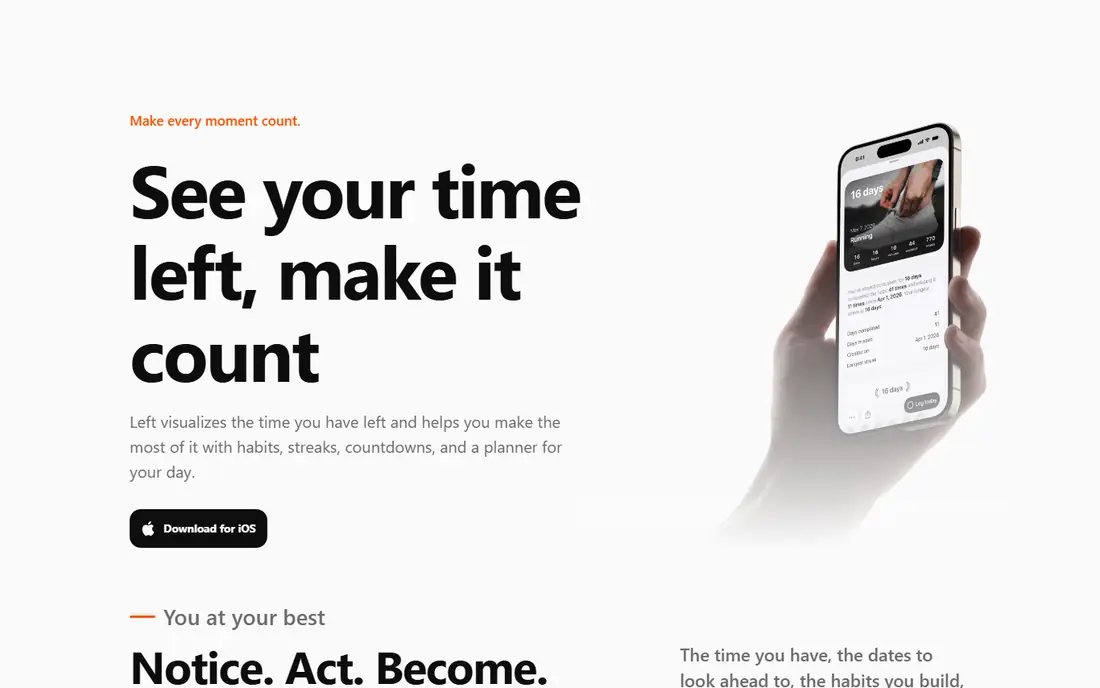
Left combines countdowns with time-left views, habits, streaks and a daily planner in one iPhone app. Ahead dates count down to trips, birthdays and deadlines, while time-left grids show the year, month and week as symbols that dim as time passes. Widgets cover home screen, lock screen and StandBy, friends can share countdowns, and a free Left account syncs across iPhones.
The scope is broader than a pure countdown app, which may overwhelm users who want only a date counter, and the app is iOS only. For an iPhone user who wants countdowns inside a wider time-management app, Left is the richest option.
What we like- Countdowns plus time-left grids, habits and streaks
- 20+ widgets
- Sharing with friends
Watch out for- IOS only
- Broader scope than a pure countdown app
Starting priceSee website
Free planYes
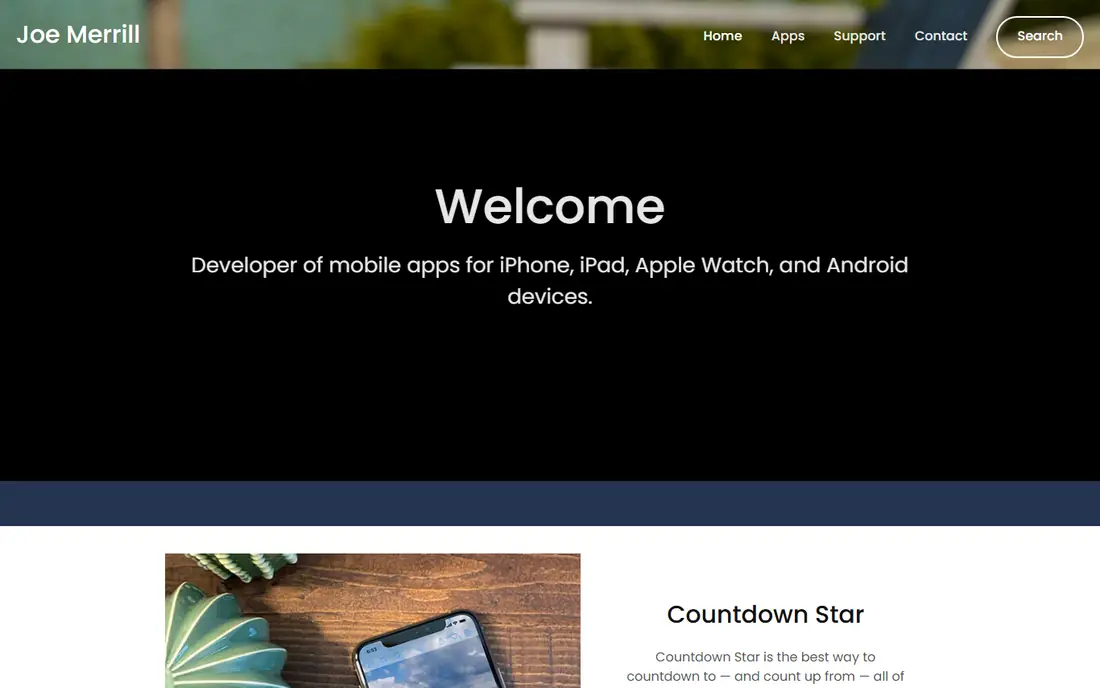
Countdown Star, from developer Joseph Merrill, counts down to and up from favourite events on iPhone, Android, Apple Watch and Mac. Events use custom photos or built-in wallpapers, the time display adjusts from years to seconds with a slider, and sharing sends the selected event's time to friends by message or email. Repeating events advance each year, widgets show events on the home screen, and celebration animations mark a countdown reaching zero.
Events display one per page in some views, and the free tier shows ads, with a paid version removing them. For a user who wants one countdown app across iPhone and Android with count-up support, Countdown Star is the best cross-platform choice.
What we like- Works on iPhone, Android, Apple Watch and Mac
- Counts up as well as down
- Custom photos and wallpapers
Watch out for- Events display one per page in some views
- Ads on the free tier
Starting priceSee website
Free planYes
Minimalistic Countdown Timer, from Countdown Kings, is a different kind of countdown app: a large, highly visible timer for speeches, presentations, meetings and events. Numbers stay readable from across a room, countdown and count-up modes cover talks and practice sessions, and a clear time's-up screen plus timeout sound keep speakers on track. The Pro upgrade adds remote control, timing up to 99 hours, dynamic colour alerts and custom timeout messages.
It times sessions rather than counting days to a date, so it does not replace an event countdown app. For a speaker, teacher or event host who needs a timer the whole room can read, Minimalistic Countdown Timer is the best tool here.
What we like- Huge, highly visible numbers
- Count-up and countdown modes
- Remote control and colour alerts in Pro
Watch out for- Built for timers, not date countdowns
- No widget-based event list
Starting priceFree
Free planYes
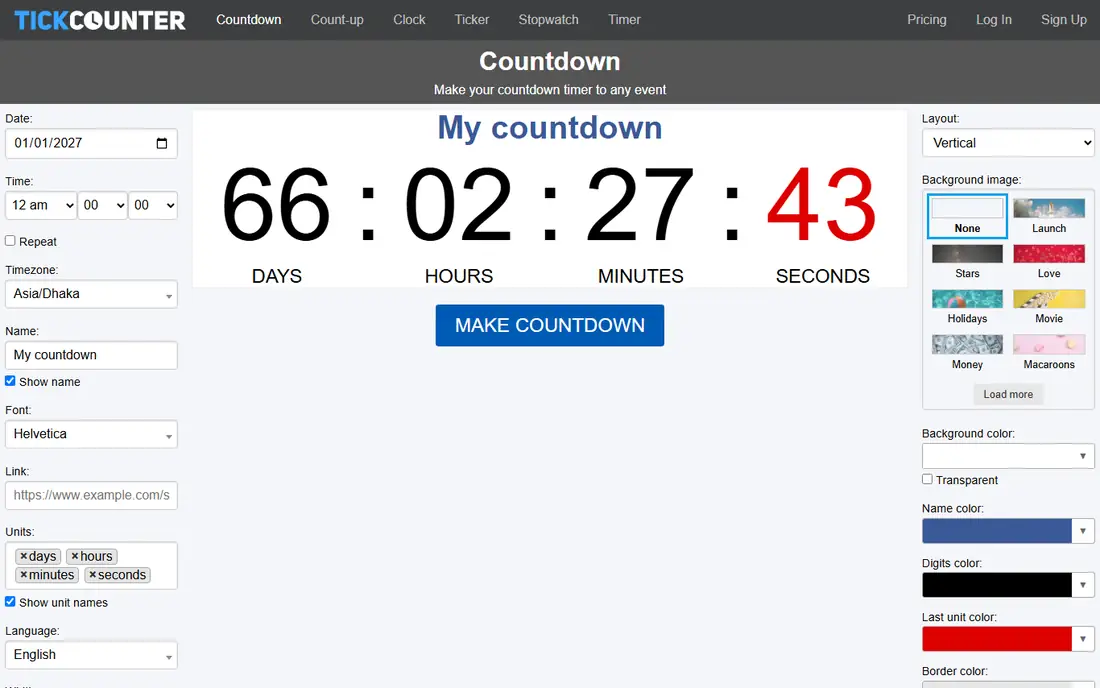
TickCounter makes a customised countdown timer to any date in a few clicks, for free, and embeds it on websites built with WordPress, Shopify, Squarespace and other platforms. The tool suits product launches, sales, weddings and events pages where visitors should see time remaining, and no coding skill is needed to place the timer. Millions of sites use its countdowns, which speaks to reliability.
It is a web tool, not a phone app, so there are no home screen widgets or push reminders. For a website owner who wants a countdown on a page rather than in an app, TickCounter is the easiest free option.
What we like- Free web countdowns in a few clicks
- Embeddable on WordPress, Shopify and Squarespace
- No coding needed
Watch out for- Web tool, not a phone app with widgets
- Design options are simpler than app rivals
How we chose
We compared apps on their published countdown features, widget quality, pricing pages and public reviews from users. We favoured apps with home screen widgets, reminders, custom backgrounds and a usable free tier, covering iPhone, Android and the web. Prices were marked "See website" or "Free" where the model is clear. We did not claim hands-on testing.
Most users see their countdown on a widget, not inside the app, so widget quality should decide the pick. Check the widget sizes on your phone, since a small widget that truncates the event name frustrates daily use, while a large widget with a photo background makes the countdown a pleasure. iPhone users should check lock screen widget support too, since a lock screen countdown is visible without opening the phone at all.
Also consider repeating events. Birthdays, anniversaries and annual holidays need a countdown that resets automatically, or you will re-enter them every year. Apps with repeating events, like Days, Day Grid and Countdown Star, save that chore. For one-time events such as a wedding or exam, any app here works, so pick by widget design and price.
Getting more from a countdown
A countdown works best when it is visible and shared. Put the widget on your main home screen, not a secondary page, so the count becomes part of your daily glance. For shared events like a wedding or a team launch, share the countdown card with the people involved, since a visible shared count builds excitement and keeps everyone aligned on the date.
Use reminders wisely. A reminder a week before a trip prompts packing, while a reminder on the day itself is too late for preparation. Set two reminders for important events: one a week ahead for preparation, and one on the day for celebration. A countdown app earns its place when it moves an event from forgotten to anticipated, and these small habits make that happen.
Frequently asked questions
What is the best countdown app?
Big Day is the best overall countdown app for iPhone users, with beautiful widgets and easy sharing. Days suits users who want simplicity, Day Grid suits year planners, Left suits users who want countdowns plus habits, and Countdown Star suits users on both iPhone and Android. The best app depends on your phone and whether widget design or simplicity matters more.
Are countdown apps free?
Most countdown apps offer a free tier covering core countdowns and widgets, with paid upgrades for extra themes, unlimited events or ad removal. Big Day, Days, Day Grid, Left, Countdown Star and Minimalistic Countdown Timer all offer free use, and TickCounter is free on the web. Check each app's current free tier before paying.
Do countdown apps work on both iPhone and Android?
Some do, some do not. Countdown Star covers both platforms, TickCounter works on the web everywhere, while Big Day, Days, Day Grid and Left are iOS only and Minimalistic Countdown Timer covers iOS and Android. Check platform coverage before choosing, especially if you switch phones often.
Can countdown apps count up from past events?
Yes, several do. Days and Countdown Star track past events as well as future ones, showing days since a wedding, a launch or a milestone. Left also shows time passed through its time-left grids. This suits anniversaries and milestones you want to remember, not just anticipate.
Do countdown widgets drain battery?
No, countdown widgets use very little battery, since they update on a schedule rather than continuously. A widget showing days remaining updates daily, while one showing hours and minutes updates more often but still lightly. Battery impact is negligible compared with social or navigation apps.
Can I share a countdown with others?
Yes. Big Day, Days, Left and Countdown Star support sharing countdowns to messages or social apps, which suits weddings, trips and team launches. Left also lets friends share countdowns inside the app. Shared countdowns keep everyone aligned on the date and build excitement as the number falls.
Sources we checked (7)
- https://bigdayapp.com
- https://daysapp.co
- https://daygridapp.com
- https://getleft.app
- https://www.joemerrill.com
- https://www.countdownkings.com/countdown-timer-app/
- https://www.tickcounter.com
Is your product missing or out of date?
We review this list regularly. Vendors can request a listing, send updated pricing or ask about featured placement.

Shihab Mia · Founder, Rankite
Shihab has 5+ years in B2B and SaaS SEO. He writes Rankite's software buying guides from pricing pages, documentation and public user reviews. More about Shihab.
 Big Day
 Days
Days Day Grid
 Left
Left Countdown Star
 Minimalistic Countdown Timer
 TickCounter