How we make this list: we compare pricing pages, product documentation and public user reviews. Ratings come from G2, Capterra or Trustpilot, with the date we checked them.
Direct answer
Ironclad is the top pick for law firms that handle high contract volume and need intake, approvals, redlining, and a searchable repository in one system. Concord suits a smaller firm that wants a published price, starting at $499 per month for 5 users paid annually.
Key takeaways
- Large firms should shortlist Ironclad first, because its vendor page describes AI search across contracts, obligations, and renewals in 1 system.
- Firms that need a fixed budget line can price Concord at $499 per month for Essentials with 5 users included, paid annually.
- Firms that want unlimited users can price ContractSafe from $450 per month on Organize, prepaid annually, with price set by contract volume.
- Small firms that mainly send and sign agreements can start with PandaDoc Starter at $19 per seat per month billed annually, or $35 billed monthly.
- Firms with complex approval chains should compare Agiloft and Icertis, 2 vendors that require a quote instead of a published plan price.
Quick comparison
| Tool | Best for | Starting price | Free plan |
|---|
 Ironclad | High volume firm contracts | See website | None found on vendor page |
 Icertis | Enterprise scale contract operations | See website | None found on vendor page |
 Agiloft | Complex approval chains | See website | None found on vendor page |
 Docusign CLM | Firms already using Docusign | See website | None found on vendor page |
 Juro | Routine contracts with many users | See website | None found on vendor page |
 SpotDraft | Fast growing legal teams | See website | None found on vendor page |
 LinkSquares | Searchable contract repository | See website | None found on vendor page |
 Concord | Small firms wanting published pricing | $499 per month, Essentials, paid annually, includes 5 users | None found on vendor page |
 ContractSafe | Unlimited users by contract volume | $450 per month, Organize, prepaid annually | Free trial stated on vendor pricing page |
 PandaDoc | Small firms sending simple agreements | $19 per seat per month, Starter, billed annually | Free plan at $0 for up to 5 documents a month |
Is your product missing or out of date?
We review this list regularly. Vendors can request a listing, send updated pricing or ask about featured placement.
The best contract lifecycle management software for law firms
Law firms use contract lifecycle management software to control intake, drafting, review, approval, signature, storage, renewal, and obligation tracking across client and firm contracts. The right choice depends on contract volume, who drafts the paper, how often partners approve nonstandard terms, and whether the firm needs a searchable record after signature. This list ranks tools by fit for law firm work, vendor stated features, pricing clarity, and limits that affect daily use. Published prices help budget planning, while quote only tools can fit when workflow depth matters more.
Starting priceSee website
Free planNone found on vendor page
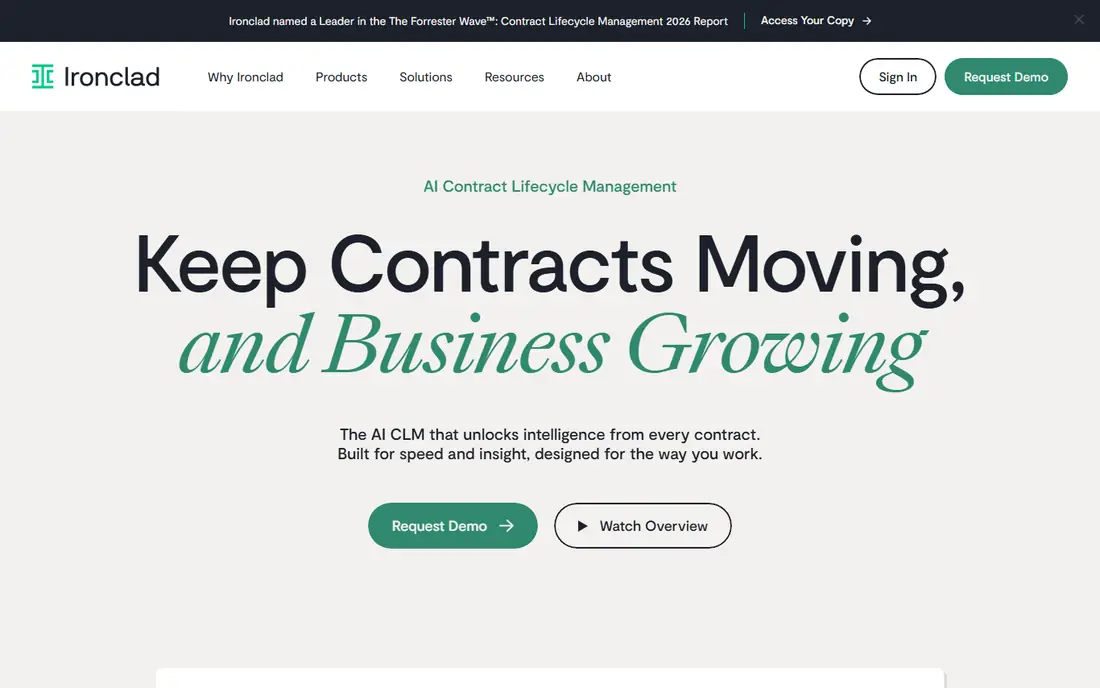
Ironclad is a contract lifecycle management platform for legal teams that process many agreements and need control at each stage. The vendor page describes natural language search across contracts and workflows, clause and metadata extraction, risk analysis against approved positions, and playbook based review. For a law firm, those features matter when partners need to find prior positions, compare a draft with firm standards, and track renewals or obligations after signature. The platform also links contracts, workflows, and permissions, so a matter team can see status without searching email threads.
The catch is price and scope. The vendor page checked publishes no plan price, so a firm must request a quote before it can budget. Pick Ironclad if contract volume is high and the firm will assign an owner to build workflows and playbooks. Look elsewhere if the firm handles few contracts each month or needs a published monthly price before a sales call.
What we like- AI search across contracts and workflows
- Playbook based review and redlining support
- Intake, approval, signature, and renewal stages in one system
Watch out for- No published plan price on the vendor page checked
- Setup scope can be large for a small firm
Starting priceSee website
Free planNone found on vendor page
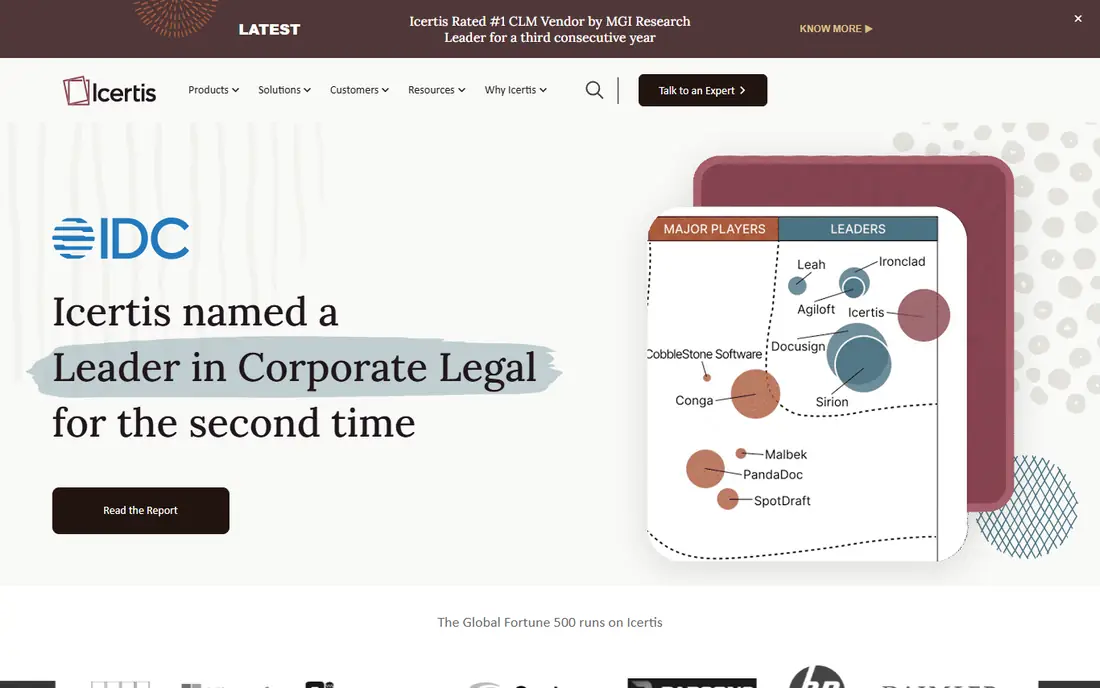
Icertis Contract Management is built for large organizations that need one record for contracts across many teams and systems. The vendor page describes ingestion of legacy and third party contracts, structured searchable data, role based controls, approved templates, clause libraries, and redlining in Microsoft Word. A large law firm can use that model for client contracts, vendor contracts, leases, and engagement related agreements that sit in different systems. The page also states that teams can manage contracts inside SAP, Microsoft, Salesforce, and Workday. That helps keep contract data in step with client systems.
The catch is scale. Icertis targets enterprise contract operations, and the page checked gives no plan price for buyers. Pick Icertis if the firm has many offices, strict governance needs, and staff who can run a large rollout. Look elsewhere if the firm needs a small team tool, a fast start, or a price it can approve without a quote process.
What we like- Central repository for legacy and third party contracts
- Word based redlining from approved templates
- Work inside SAP, Microsoft, Salesforce, and Workday
Watch out for- No published plan price on the vendor page checked
- Enterprise scope can exceed a midsize firm need
Starting priceSee website
Free planNone found on vendor page
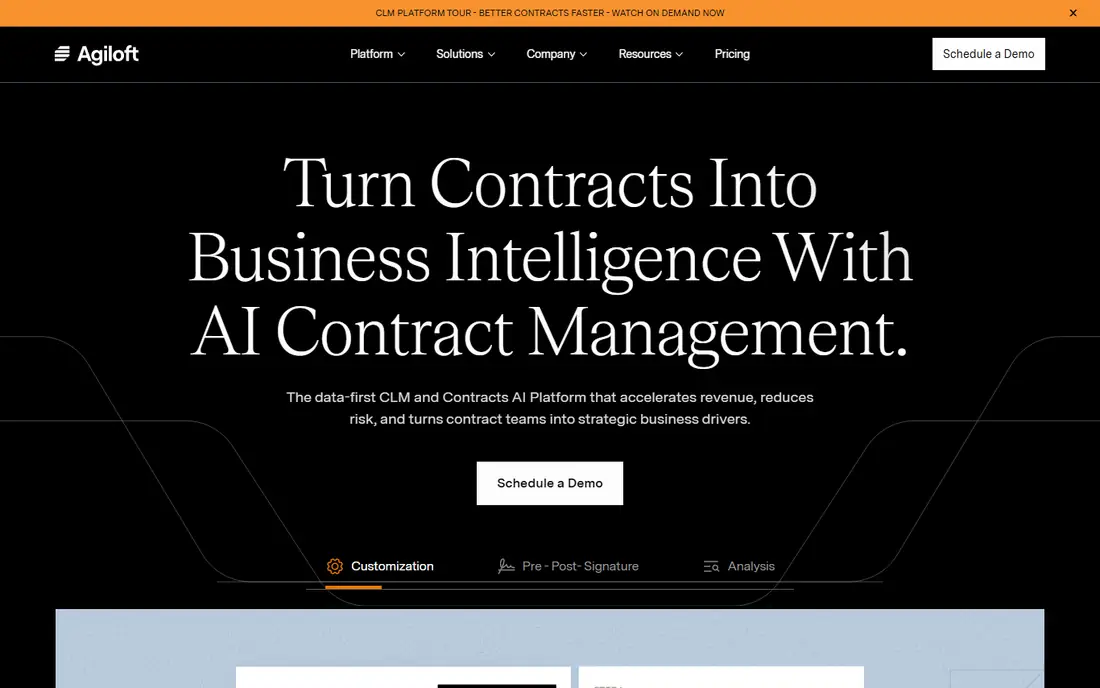
Agiloft is an enterprise contract lifecycle management platform for teams with contract processes that do not fit a simple template. The vendor page describes no code workflow customization, AI powered contract analysis, obligation tracking, dashboards, and data sharing across legal, finance, procurement, sales, and IT. For a law firm, that helps when approval depends on practice area, client type, or partner review. The page also states e-signature readiness with Docusign and Adobe Sign. A firm can model intake forms, approval steps, and renewal alerts around its own matter and client rules.
The catch is configuration work. A flexible system still needs an owner who defines fields, roles, and approval logic. The vendor page checked does not publish a plan price. Pick Agiloft if approval chains are complex and the firm can fund setup time. Look elsewhere if the firm wants fixed templates, a published price, and little admin work each week.
What we like- No code workflow customization stated by vendor
- AI extraction and risk analysis in the platform
- Works with Salesforce, SAP, Oracle, and other systems
Watch out for- No published plan price on the vendor page checked
- Custom setup needs admin time and clear rules
Starting priceSee website
Free planNone found on vendor page
Docusign CLM is the contract lifecycle product in the Docusign IAM platform. The vendor page describes dynamic templates, a clause library, conditional rules for nonstandard terms, automated routing, version control, and an AI powered repository. It also states more than 100 pre configured workflow steps and more than 100 pretrained AI models for extraction and reporting. A law firm already using Docusign for signature can keep generation, review, approval, signature, and storage in one vendor stack. That can reduce handoffs between a signature tool and a separate contract record for client work.
The catch is that Docusign CLM is a separate purchase from basic eSignature plans, and the product page checked does not list a CLM price. Pick Docusign CLM if the firm already standardizes on Docusign and needs workflow depth beyond sending documents. Look elsewhere if the firm only needs eSignature, wants a published CLM price, or does not want an enterprise sales process.
What we like- Dynamic templates and clause library
- 100 plus pre configured workflow steps stated by vendor
- AI repository with obligation and renewal tracking
Watch out for- CLM price is not listed on the product page checked
- Full CLM scope can exceed a signature only need
Starting priceSee website
Free planNone found on vendor page
Juro is a contract platform for teams that create, approve, sign, and manage routine contracts in one workspace. The vendor page lists Essentials, Growth, and Enterprise plans, each with unlimited users, unlimited workflows, and unlimited templates, and each plan asks the buyer to get a quote. It describes AI drafting, review against a playbook, redline sync, and AI extraction for reports. For a law firm, unlimited users help when partners, associates, and paralegals need access to contracts. It fits repeat documents such as NDAs, engagement letters, and standard vendor terms.
The catch is quote based pricing and fit for complex paper. A firm cannot set a budget from the page checked, and deeper integrations can change the quote. Pick Juro if many people need seats and the work is mostly repeat contracts with clear guardrails. Look elsewhere if most work is bespoke negotiation in Word or if finance needs a published price first.
What we like- Unlimited users, workflows, and templates on listed plans
- AI drafting, review, and data extraction
- Integrations for work inside business tools
Watch out for- Listed plans say get a quote, with no published price
- Routine contract focus may not fit heavy bespoke drafting
Starting priceSee website
Free planNone found on vendor page
SpotDraft is contract lifecycle management software for legal teams that want templates, approval workflows, a central repository, reports, and native eSignature in one system. The vendor page describes standardized templates, predefined approval and signing workflows, custom reports, bulk send for repeat agreements, and integrations with Salesforce, HubSpot, and eSignature platforms. For a law firm, bulk send and templates help with repeat client documents, and the repository holds executed contracts. The page states implementation of 4 to 6 weeks. That claim should be checked against the firm template count and data migration scope.
The catch is pricing clarity. The vendor page checked does not publish a plan price, so the firm must ask how users, contract volume, AI features, and implementation affect the quote. Pick SpotDraft if the firm wants a mid size CLM with templates and reports and can run a sales process. Look elsewhere if the firm needs a public price or has very low contract volume.
What we like- Templates, approvals, repository, and eSignature in one platform
- Bulk send for repeat agreements
- Vendor states implementation of 4 to 6 weeks
Watch out for- No published plan price on the vendor page checked
- Vendor speed claims need a firm specific pilot to confirm
Starting priceSee website
Free planNone found on vendor page
LinkSquares is an AI contract management platform built around a searchable repository, drafting, review, eSignature, and reporting. The vendor pages state that LinkSquares extracts 120 plus data points from agreements, including dates, payment terms, renewal windows, obligations, liability clauses, and counterparty information. For a law firm, that helps when partners need fast answers across client contracts, vendor contracts, and prior negotiated positions. The homepage also describes an AI Legal Assistant for drafting, review, and analysis in context, plus Salesforce workflows for business teams. That fit is strongest when search drives the purchase.
The catch is that repository quality depends on the contracts loaded at the start. Poor scans or missing amendments can limit search results. The vendor page checked does not publish a plan price. Pick LinkSquares if the firm has a large signed contract set and needs answers across it. Look elsewhere if the main need is low cost document sending.
What we like- AI extraction of 120 plus data points stated by vendor
- Draft and redline support with a Word add in
- Renewal and obligation search across the repository
Watch out for- No published plan price on the vendor page checked
- Repository value depends on clean contract ingestion
Starting price$499 per month, Essentials, paid annually, includes 5 users
Free planNone found on vendor page
Concord is contract management software with drafting, negotiation, e-signature, a repository, deadline reminders, and amendment management. The vendor pricing page lists Essentials at $499 per month paid annually with 5 users included and additional users at $49 per month. Essentials includes AI Copilot and extraction, unlimited e-signatures, unlimited documents, unlimited free viewers and guests, collaboration tools, deadline reminders, and amendment management. Business costs $899 per month paid annually and adds intake forms, approval workflows, and integrations for teams. For a small law firm, published pricing makes budget approval simpler for partners and staff.
The catch is the 5 user base and annual billing. A firm with 20 paid users would pay $499 plus 15 times $49 each month. Intake and approval workflow needs can also push the firm to Business. Pick Concord if the firm wants a clear price and can work within the plan limits. Look elsewhere if many paid users need access or if a quote based enterprise workflow is required.
What we like- Published plan prices on the vendor pricing page
- Unlimited e-signatures and documents on Essentials
- AI Copilot and extraction on Essentials
Watch out for- Essentials includes 5 users and extra users cost $49 per month
- Intake forms and approval workflows start on Business at $899 per month
Starting price$450 per month, Organize, prepaid annually
Free planFree trial stated on vendor pricing page
ContractSafe is contract management software that prices by features and active contract volume, with unlimited users on every plan. The vendor pricing page lists Organize, Finalize, and Maximize, and states that all plans include a free trial, onboarding and training support, data and document migration, unlimited archive and attachments, and a dedicated customer success manager. Organize covers secure storage, search, reminders, tagging, AI data extraction, contract chat, custom fields, dashboards, roles, and audit trails. Finalize adds redlining, approvals, e-signature, and Word integration. Maximize adds templates, intake forms, lifecycle tracking, and AI contract review.
The catch is plan scope. A firm that needs intake, templates, and AI contract review must price Maximize, not Organize. Contract volume also changes the monthly price, so the firm should count active contracts before it budgets. Pick ContractSafe if many staff need access and the firm wants price tied to contract count. Look elsewhere if the firm needs deep bespoke workflow design on day one.
What we like- Unlimited users on every plan stated by vendor
- Price set by features and contract volume
- Migration, onboarding, and training support included
Watch out for- Organize does not include the full lifecycle feature set
- Templates, intake forms, and AI contract review sit on Maximize
Starting price$19 per seat per month, Starter, billed annually
Free planFree plan at $0 for up to 5 documents a month
PandaDoc is document workflow software for creating, sending, tracking, and signing agreements. The vendor pricing page lists a Free plan at $0 for up to 5 documents a month, Starter at $19 per seat per month billed annually or $35 billed monthly, Business at $49 per seat per month billed annually or $65 billed monthly, and Enterprise by quote. Starter includes unlimited document uploads and e-signatures. Business adds custom quotes, CRM integrations, content library, deal rooms, approval workflows, web forms, and bulk send. For a small law firm, PandaDoc can cover engagement letters and simple client agreements.
The catch is scope and usage credits. PandaDoc is not a full CLM for complex intake, clause governance, and obligation tracking. The pricing page states that API, forms, bulk send, Zapier, Make, and automations can use credits, with overage rules after credits run out. Pick PandaDoc if the firm mainly sends and signs simple agreements. Look elsewhere if partners need playbook review, obligation management, and a contract record across many matters.
What we like- Free plan and 14 day trial stated by vendor
- Starter includes unlimited uploads and e-signatures
- Business adds approval workflows and CRM integrations
Watch out for- Document workflow focus is lighter than full CLM tools
- API, forms, bulk send, and automations can need usage credits
What should a law firm buy first, a repository or full workflow?
A law firm should buy the repository and renewal record first if signed contracts sit in email, shared drives, and matter folders with no single search point. In that case, the first win is finding the executed version, the notice date, the renewal term, and the owner without asking three people. ContractSafe, LinkSquares, and Concord can support that start at different price points. A firm should buy full workflow first if drafts stall in approval, partners repeat the same comments, or staff send old templates. In that case, intake, templates, clause rules, and approval routing matter more than archive search. Ironclad, Agiloft, and Docusign CLM fit that deeper workflow need, but each needs a quote. A practical test is to count 50 recent contracts. If staff cannot find 10 executed copies fast, fix the repository. If 10 drafts waited on approval for more than 5 business days, fix the workflow first.
How much should a law firm budget for CLM in the first year?
A small firm can budget from published prices first. PandaDoc Starter costs $19 per seat per month billed annually, so 10 seats cost $2,280 per year before taxes and credits. Concord Essentials costs $499 per month paid annually, or $5,988 per year for 5 users, plus $49 per month for each extra user. ContractSafe Organize starts at $450 per month prepaid annually, or $5,400 per year at the starting volume. Quote only tools need a written first year total that separates subscription, implementation, migration, integrations, AI add-ons, support, and renewal uplift. A firm should not compare a published seat price with a quote that hides setup fees.
Do law firms need AI review in a CLM?
AI review helps when lawyers review repeat third party paper against firm positions, such as NDAs, vendor terms, and standard client contracts. It is less useful when each document is bespoke and partner judgment drives most edits. Ironclad, LinkSquares, Docusign CLM, Juro, and SpotDraft describe AI review, extraction, or redline support on vendor pages. The firm should test AI output on its own past contracts before it relies on it. Check whether the tool cites the source clause, flags the right deviation, and leaves a clear audit trail. Also ask whether client data trains vendor models, how long data is retained, and which users can see AI output.
Can a small law firm use CLM without a legal operations team?
Yes, if the firm keeps the first rollout narrow. Start with one contract type, one intake path, one approval rule, and one owner for templates and fields. A small firm can use Concord or PandaDoc for published pricing and simple setup, then add workflow steps after staff use the system. The risk is buying enterprise scope before the firm has clean templates and naming rules. Assign one partner sponsor and one staff owner. Set a 30 day target for template cleanup, a 60 day target for intake use, and a 90 day review of cycle time, missed dates, and search success.
Frequently asked questions
What is the best CLM for a small law firm?
Concord is a strong small firm pick for published pricing and core contract control. Essentials costs $499 per month paid annually for 5 users, with extra users at $49 per month. PandaDoc costs less per seat, at $19 per seat per month billed annually, but it fits simple sending and signing better than full CLM work.
Which CLM tools publish prices?
Concord, ContractSafe, and PandaDoc publish prices on vendor pages checked for this guide. Concord Essentials is $499 per month paid annually. ContractSafe Organize starts at $450 per month prepaid annually. PandaDoc Starter is $19 per seat per month billed annually. Ironclad, Icertis, Agiloft, Docusign CLM, Juro, SpotDraft, and LinkSquares require a quote on the pages checked.
Does a law firm need CLM if it already uses Word and email?
Word and email can work for low volume drafting, but they give no single record for approvals, executed copies, and renewals. A CLM adds intake, templates, version control, signature status, search, and date alerts. If staff often ask who has the latest draft or which version was signed, the firm has a CLM problem even at low volume.
How long does CLM setup take for a law firm?
Setup time depends on templates, migration, integrations, and approval rules. SpotDraft states implementation of 4 to 6 weeks on its vendor page. A small firm with 5 templates and clean files can move faster than a firm with 50 templates, many legacy contracts, and custom integrations. Ask each vendor for a written timeline tied to your scope.
What contract data should a law firm track after signature?
Track counterparty, client link, effective date, renewal date, notice window, owner, payment terms, liability cap, and key obligations. LinkSquares states extraction of 120 plus data points, but the firm should still define its own required fields. Start with dates and owners, then add risk fields that partners actually review.
What to look for before you buy
First, count active contracts, monthly new contracts, paid users, viewers, templates, and integrations before you ask for quotes. Second, test intake, drafting, redlining, approval, signature, and renewal alerts with your own contract types. Third, require a written price that separates subscription, implementation, migration, AI features, integrations, support, and renewal uplift. Fourth, check data controls, role permissions, audit trails, retention, export, and whether client data trains vendor models. Fifth, assign a firm owner for templates, fields, playbooks, and user training, and set a review date after launch.
How we chose
We opened vendor pages for real contract lifecycle management tools and kept tools with a live official site and a clear law firm use case. We used vendor pricing pages for published prices. Prices and facts were checked on vendor pages and documentation on 2026-11-29. We ranked tools by workflow fit, repository control, pricing clarity, user model, and adoption limits. We did not claim hands on testing.
Sources we checked (10)
- https://ironcladapp.com/product/ironclad-ai
- https://www.icertis.com/products/operate/contract-lifecycle-management/
- https://www.agiloft.com/
- https://www.docusign.com/products/clm
- https://juro.com/lp-contract-automation-platform-ai-v5
- https://www.spotdraft.com/solutions/contract-lifecycle-management-software
- https://linksquares.com/
- https://www.concord.app/pricing/
- https://www.contractsafe.com/pricing
- https://www.pandadoc.com/lp/pricing/
Is your product missing or out of date?
We review this list regularly. Vendors can request a listing, send updated pricing or ask about featured placement.

Shihab Mia · Founder, Rankite
Shihab has 5+ years in B2B and SaaS SEO. He writes Rankite's software buying guides from pricing pages, documentation and public user reviews. More about Shihab.