How we make this list: we compare pricing pages, product documentation and public user reviews. Ratings come from G2, Capterra or Trustpilot, with the date we checked them.
Key takeaways
- NetDocuments and iManage are the enterprise standards for law firm document management, with deep security and matter-centric organisation.
- MyCase, Smokeball and Filevine combine document management with practice management, which suits smaller firms that want one system.
- LexWorkplace is a modern, simpler alternative built specifically for law firms that find the big platforms too heavy.
- Security and compliance matter more than price in legal DMS: look for encryption, audit trails and ethical wall controls.
- Always test how a system handles your existing folders, since a painful migration can wipe out the productivity gain.
Quick comparison
| Tool | Best for | Starting price | Free plan |
|---|
 NetDocuments NetDocuments | Enterprise law firm DMS | See website | No |
 iManage Work iManage Work | Large firm document and email management | See website | No |
 LexWorkplace LexWorkplace | Modern, simpler law firm DMS | See website | No |
 MyCase MyCase | Small firm practice plus documents | See website | No |
 Smokeball Smokeball | Small firm productivity | See website | No |
 Filevine Filevine | Case-centric document management | See website | No |
 Clio Manage Clio Manage | Practice management with documents | See website | No |
 PracticePanther PracticePanther | All-in-one small firm platform | See website | No |
 CosmoLex CosmoLex | Documents plus accounting | See website | No |
Is your product missing or out of date?
We review this list regularly. Vendors can request a listing, send updated pricing or ask about featured placement.
The best document management software for law firms
Starting priceSee website
Free planNo
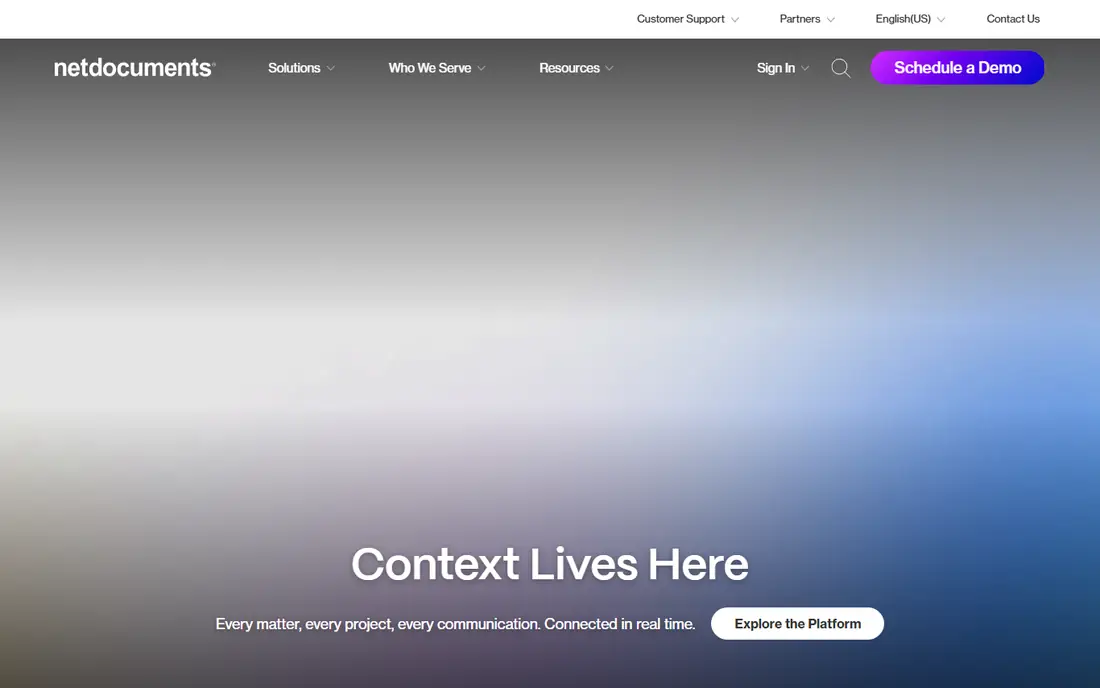
NetDocuments is the most widely used cloud document management system in large law firms, and its design shows why. Documents live in matter workspaces, so everything for a case, emails, pleadings, discovery and correspondence, sits in one place with consistent permissions. Versioning, check-in and check-out, and audit trails are built in, which matters when several lawyers work on the same document.
Security is a core selling point: encryption, data loss prevention, ethical walls and compliance certifications are aimed squarely at law firm requirements. Search is powerful, covering content inside documents, and integrations with Microsoft Office, Outlook and practice management tools keep lawyers working in familiar apps.
Pricing is enterprise-level and quoted by size, and implementation needs planning, especially for firms migrating from shared drives. But for a mid-size or large firm that needs a serious, scalable DMS, NetDocuments is the benchmark.
What we like- Matter-centric organisation
- Strong security and compliance
- Excellent search and versioning
Watch out for- Enterprise pricing
- Implementation takes time and planning
#2iManage Work
Best for: Large firm document and email management4.4/5 on
G2 (359 reviews, checked Oct 2026)
Visit imanage.com
Starting priceSee website
Free planNo
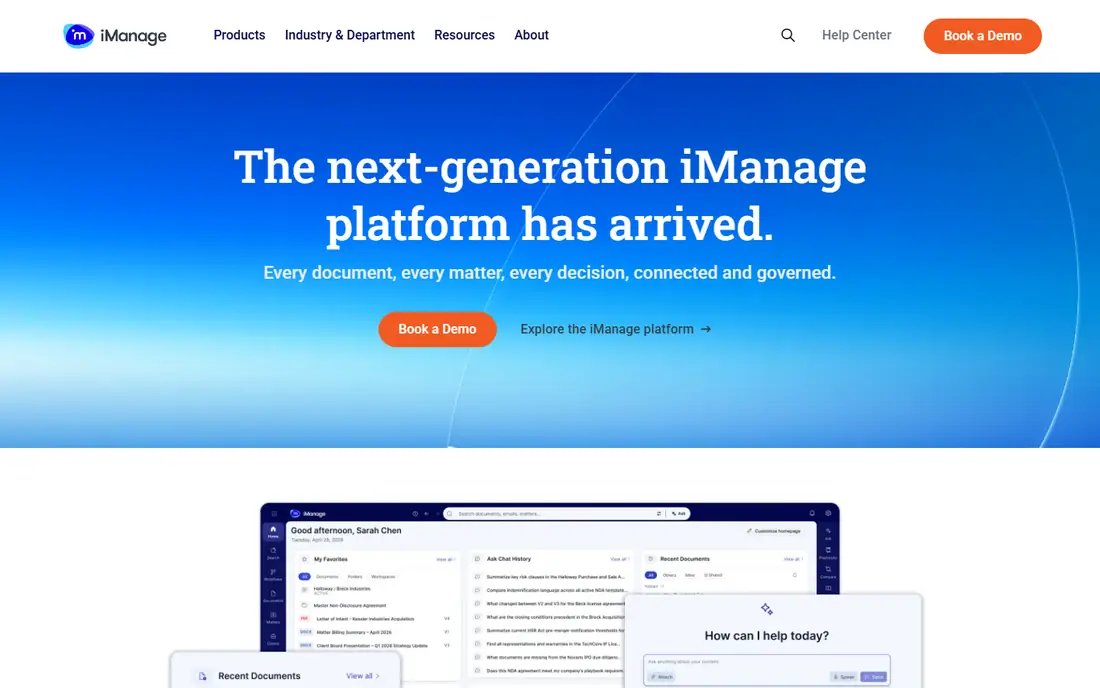
iManage Work is the other enterprise standard, used by many of the world's largest firms. It manages documents and emails together, which is important because much of a firm's knowledge lives in inboxes. Matter workspaces, version control, security policies and workflow tools are all mature, and the platform's governance features, including ethical walls and need-to-know security, are among the best available.
AI features now help with search, summarisation and document classification, and integrations cover Office, Outlook, document comparison and e-signature tools. The system scales to tens of thousands of users, which is why the biggest firms trust it.
The trade-off is complexity and cost. iManage needs skilled administration, implementation is a project, and pricing reflects the enterprise market. Smaller firms will find NetDocuments or LexWorkplace easier to adopt, but for a large firm with demanding governance needs, iManage is a top-tier choice.
What we like- Deep document and email management
- Strong security and governance
- Widely adopted by large firms
Watch out for- Complex and expensive
- Needs experienced administration
Starting priceSee website
Free planNo
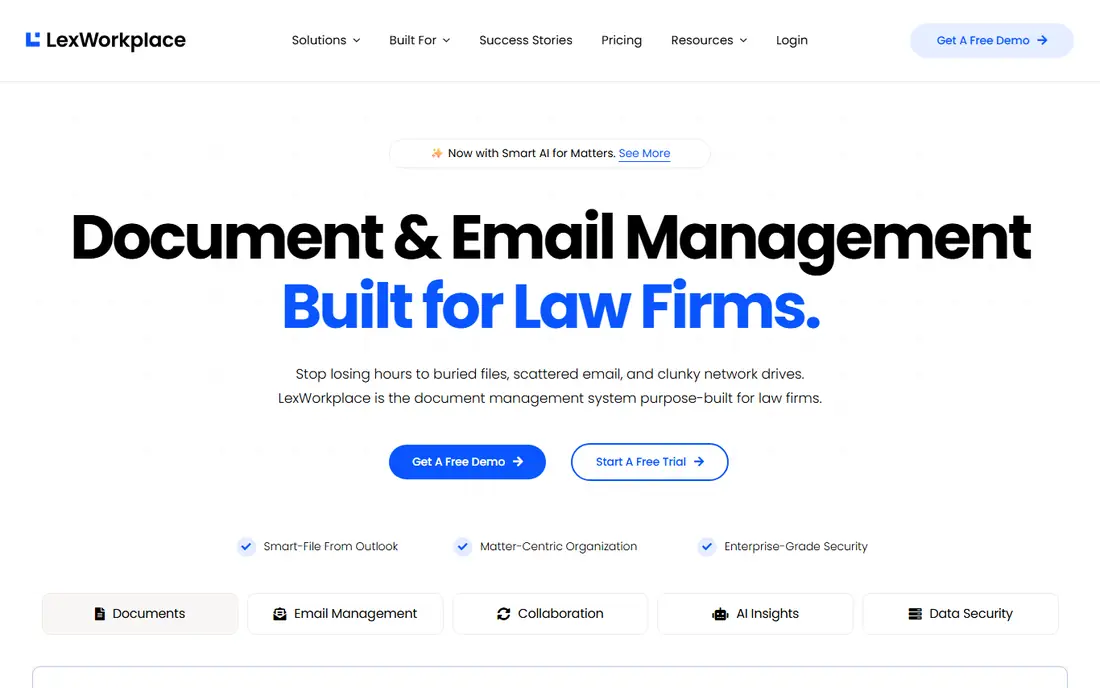
LexWorkplace is a newer, cloud-based DMS built specifically for law firms that find the enterprise platforms too heavy or too expensive. It organises documents by matter, manages emails alongside files, and offers a clean, modern interface that lawyers actually enjoy using. Search, versioning and permissions cover the daily needs of a small or mid-size firm without a thick manual.
Because it is purpose-built for law, features like client and matter structures, document templates and Outlook integration feel natural rather than bolted on. Pricing is more accessible than the enterprise platforms, and setup is faster, which matters for firms without an IT department.
The ecosystem is smaller, with fewer third-party integrations and less advanced governance than iManage. But for a firm that wants a proper legal DMS without an enterprise project, LexWorkplace is the most appealing modern option.
What we like- Built for law firms with a clean interface
- Matter-centric folders
- Email management included
Watch out for- Smaller ecosystem than NetDocuments or iManage
- Fewer advanced governance features
#4MyCase
Best for: Small firm practice plus documents4.4/5 on
G2 (390 reviews, checked Oct 2026)
Visit mycase.com
Starting priceSee website
Free planNo
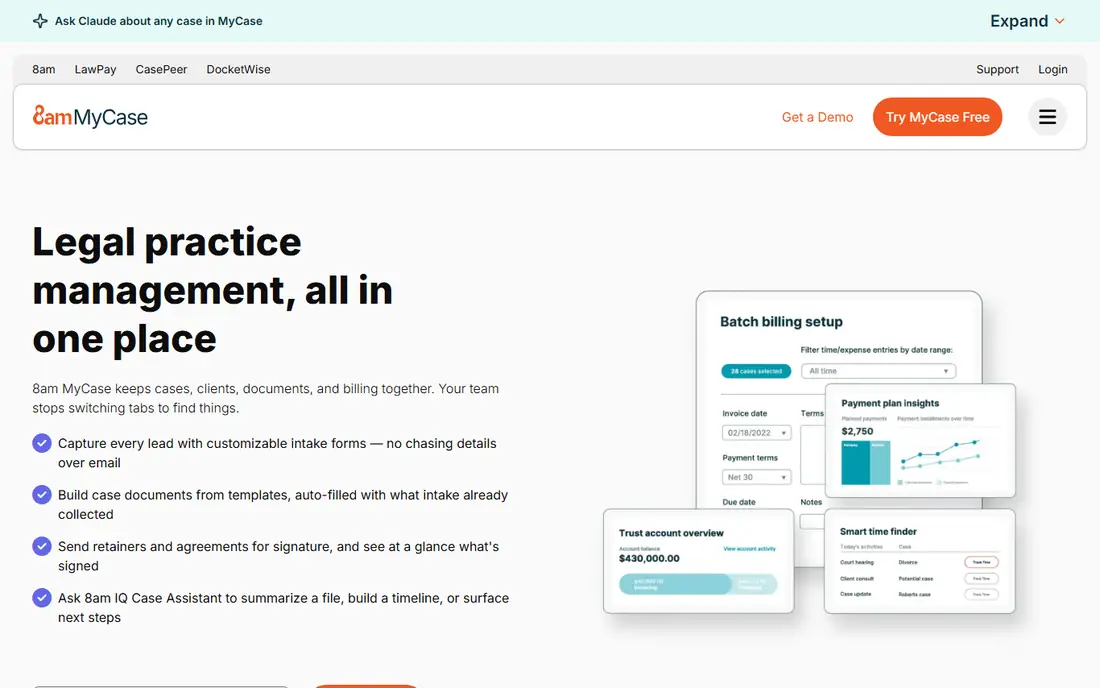
MyCase combines practice management with document management, which suits small firms that want one subscription instead of two. Cases, contacts, calendars, billing and documents live together, and a client portal lets clients view documents, pay bills and message the firm securely.
Document features cover storage, organisation by case, versioning and sharing, plus integrations with Office and e-signature tools. For a small firm moving off shared drives, that is a big step up, and the interface is friendly enough that staff adopt it quickly.
A dedicated DMS like NetDocuments goes deeper on security, governance and search, so a growing firm may eventually outgrow MyCase's document features. But for a small firm that needs documents plus billing, calendaring and client communication in one place, MyCase is excellent value.
What we like- Practice management and documents in one system
- Client portal
- Easy to learn
Watch out for- Document management is less deep than a dedicated DMS
- Reporting is basic
#5Smokeball
Best for: Small firm productivity4.7/5 on
G2 (388 reviews, checked Oct 2026)
Visit smokeball.com
Starting priceSee website
Free planNo

Smokeball is a practice management platform with strong document features, built for small law firms. Its standout is automatic time and activity tracking: work on a document, email or matter is captured as you go, which makes billing more accurate and less of a chore. Document automation, with templates and precedent libraries, speeds up routine drafting.
Documents are organised by matter, with versioning, sharing and e-signature support, and the platform integrates with Office and common legal tools. The interface is modern and the onboarding is hands-on, which helps small firms get running quickly.
Smokeball's availability is strongest in the United States and Australia, so firms elsewhere should check coverage. And because documents live inside the wider platform, firms that later want a standalone DMS may need to migrate. For a small firm that wants productivity and documents together, Smokeball is a strong pick.
What we like- Automatic time tracking from document activity
- Strong document automation
- Good for small firms
Watch out for- Available in limited regions
- Document management tied to the wider platform
#6Filevine
Best for: Case-centric document management4.6/5 on
G2 (295 reviews, checked Oct 2026)
Visit filevine.com
Starting priceSee website
Free planNo
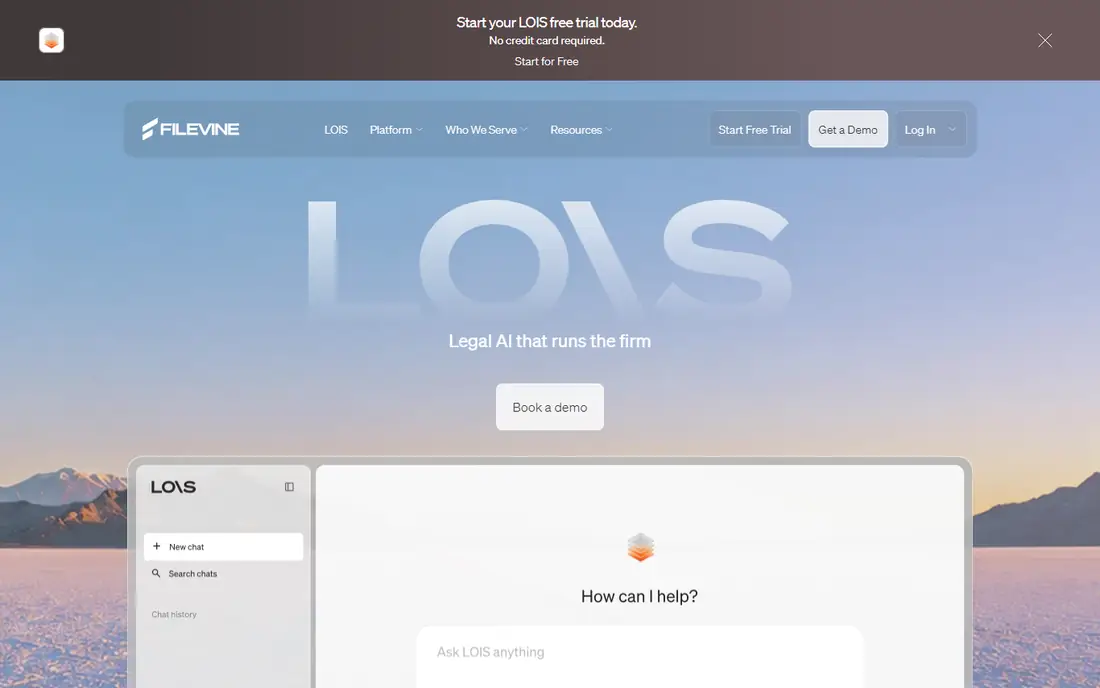
Filevine organises everything around the case, with documents, tasks, deadlines, messages and notes in one timeline. That case-centric design suits personal injury, mass tort and other high-volume practices, where a file's documents, medical records and correspondence need to be visible together and easy to find.
Customisation is deep: firms can build their own workflows, document templates, task sequences and reports, and the platform supports e-signatures, texting and client portals. Integrations cover Office, accounting and medical record tools, which matter for injury practices.
That flexibility comes with setup effort, and pricing is quoted rather than published, so budget conversations happen after a demo. But for firms that want documents embedded in a case workflow rather than sitting in a separate library, Filevine is one of the best options.
What we like- Highly customisable case workflows
- Documents tied to case activity
- Good collaboration tools
Watch out for- Customisation takes effort
- Pricing is quote-based
#7Clio Manage
Best for: Practice management with documents4.6/5 on
G2 (997 reviews, checked Oct 2026)
Visit clio.com
Starting priceSee website
Free planNo

Clio Manage is the most widely used practice management platform for law firms, and its document features are a solid part of the package. Documents attach to matters and contacts, with versioning, sharing, e-signatures and a client portal, plus deep Office and Google Workspace integrations. The wider platform covers time tracking, billing, calendaring and trust accounting.
Clio's ecosystem is its advantage: hundreds of integrations let firms connect document tools, accounting, intake and research apps, and the Clio app directory makes it easy to extend the system. For a small or mid-size firm that wants one hub, Clio is the safest choice.
Document management alone does not match NetDocuments or iManage for governance and scale, and costs rise as you add features. But as an all-in-one platform with good documents, Clio is hard to beat.
What we like- Largest legal practice management ecosystem
- Documents plus billing and calendaring
- Huge integration library
Watch out for- Document features are good but not enterprise-DMS deep
- Costs rise with add-ons
Starting priceSee website
Free planNo

PracticePanther is an all-in-one platform for small and mid-size firms, combining document management with billing, calendaring, CRM and a client portal. Documents attach to matters, with sharing, e-signatures and integrations with Office, Google Drive and popular legal tools.
Ease of use is the main draw: the interface is clean, setup is quick, and staff need little training. For a firm moving from shared drives and spreadsheets, PracticePanther brings order without a steep learning curve, and its client portal improves communication.
Depth is the limit. Firms with complex governance, ethical wall or large-scale search needs will outgrow it, and some advanced features sit on higher tiers. But for a small firm that wants documents plus practice management in one friendly system, PracticePanther is a strong contender.
What we like- Easy to use
- Documents, billing and CRM in one place
- Good client portal
Watch out for- Less depth than dedicated DMS tools
- Advanced features need higher tiers
#9CosmoLex
Best for: Documents plus accounting4.2/5 on
G2 (331 reviews, checked Oct 2026)
Visit cosmolex.com
Starting priceSee website
Free planNo
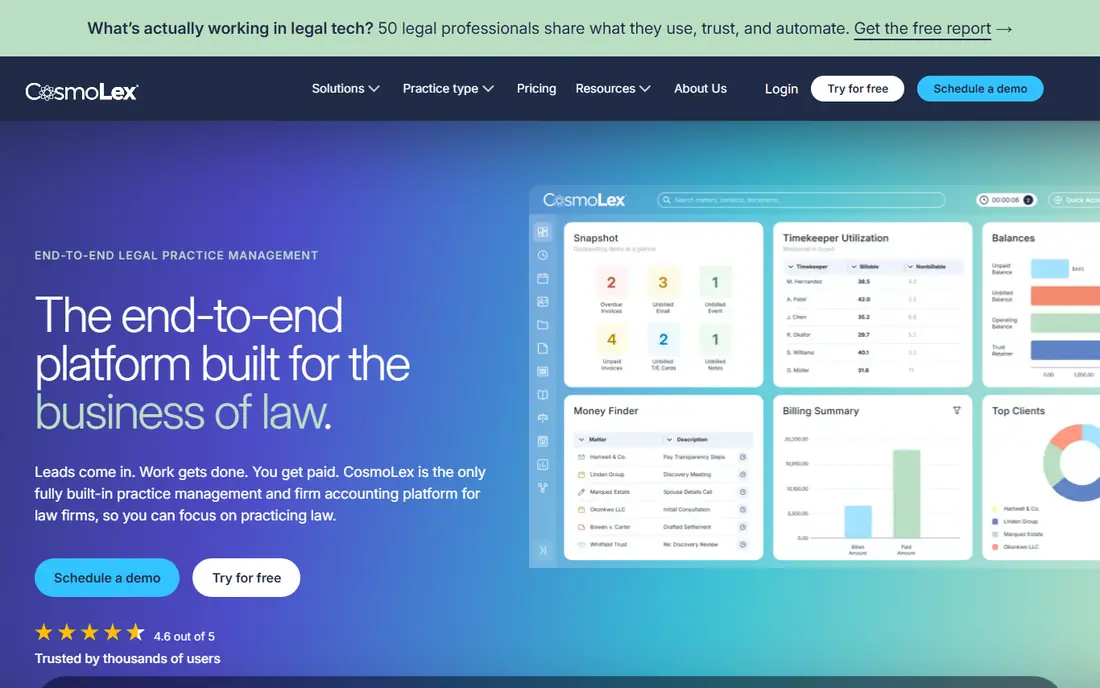
CosmoLex combines practice management, document management and legal accounting in one system, which is unusual and valuable. Most firms run separate accounting software, but CosmoLex includes billing, trust accounting and business accounting alongside matter documents, so financial and case data stay together.
Documents attach to matters with versioning and sharing, and the system integrates with Office and common tools. For small firms that want to avoid juggling two or three subscriptions, that combination saves money and reduces double entry.
The interface feels dated next to MyCase or Clio, and document management is less advanced than a dedicated DMS. But for a small firm that values integrated accounting as much as documents, CosmoLex offers a combination no other tool here matches.
What we like- Built-in legal accounting with documents
- Trust accounting included
- Matter-centric organisation
Watch out for- Interface feels dated
- Document features less advanced than dedicated DMS
How we chose
We compared tools on matter-centric organisation, security and compliance, search, email management, integrations and ease of adoption. Prices in legal DMS are almost always quoted, so we list them as "See website" and recommend demos with your own matter structure. We also read public user reviews and vendor documentation to confirm strengths and limits, and we weighted security and migration ease heavily, since a DMS holds a firm's most sensitive asset.
Migrating without losing your files
A DMS migration fails more often on process than on software. Before choosing, audit your current folders: how many documents, how they are named, and which ones are duplicates or dead. Clean up before migrating, not after, and run a pilot with one practice group before moving the whole firm. Check that permissions, ethical walls and version history survive the move, and train staff on the new structure before go-live day.
Security questions to ask every vendor
Ask about encryption in transit and at rest, data residency, audit logs, ethical wall controls, and what happens to your data if you leave. Confirm compliance certifications relevant to your jurisdiction, and test the client portal and mobile access, since lawyers increasingly work outside the office. A vendor that cannot answer these questions clearly is not ready for a law firm.
Frequently asked questions
What is the best document management software for a small law firm?
MyCase, Clio Manage and PracticePanther are the best all-in-one options for small firms, combining documents with billing and calendaring. LexWorkplace is best if you want a dedicated DMS with a modern interface, while Smokeball suits firms that value automatic time tracking.
Do law firms need a dedicated DMS or is practice management software enough?
It depends on size and complexity. Small firms usually manage fine with documents inside a practice management platform. Larger firms, or those with strict governance and ethical wall needs, benefit from a dedicated DMS like NetDocuments or iManage.
How much does law firm DMS cost?
Most vendors quote by user numbers and features, so prices vary widely. Enterprise platforms cost significantly more than small-firm tools, and implementation, training and migration add to the total. Get quotes from at least three vendors for your firm size.
Can a DMS handle emails as well as documents?
Yes, the best legal DMS tools manage emails alongside documents, filing them to matters automatically or with one click. NetDocuments, iManage and LexWorkplace all include email management, which is essential since much firm knowledge lives in inboxes.
Is cloud DMS secure enough for client files?
Reputable cloud DMS vendors offer encryption, access controls, audit trails and compliance certifications that exceed what most firms achieve with on-premises servers. Ask vendors about their security measures and data residency before deciding.
How long does it take to switch to a new DMS?
A small firm can migrate in weeks, while a large firm may need months, including cleanup, pilot testing, training and phased rollout. Plan for data cleanup and staff training as part of the timeline, not as an afterthought.
Sources we checked (9)
- https://www.netdocuments.com
- https://imanage.com
- https://www.lexworkplace.com
- https://www.mycase.com
- https://www.smokeball.com
- https://www.filevine.com
- https://www.clio.com
- https://www.practicepanther.com
- https://www.cosmolex.com
Is your product missing or out of date?
We review this list regularly. Vendors can request a listing, send updated pricing or ask about featured placement.

Shihab Mia · Founder, Rankite
Shihab has 5+ years in B2B and SaaS SEO. He writes Rankite's software buying guides from pricing pages, documentation and public user reviews. More about Shihab.