How we make this list: we compare pricing pages, product documentation and public user reviews. Ratings come from G2, Capterra or Trustpilot, with the date we checked them.
Key takeaways
- Content operations software runs the workflow from brief to approval. A CMS publishes the finished page. The two solve different problems.
- Four tools here are purpose-built for content operations. The other four are flexible work tools that teams adapt to the job.
- Prices run from $9 per seat per month to quote-only enterprise contracts.
- Two familiar names changed hands. GatherContent is now Bynder Content Workflow, and DivvyHQ is now Lytho Planner.
- Every price was checked against the vendor pricing page on 21 Nov 2026. Where a vendor publishes no price, the starting price is listed as quote.
What is content operations software?
Content operations software is the workflow layer for a content team. It holds the editorial calendar, brief templates, assignments, review stages and approval record. A writer takes a brief, drafts the piece, and sends it for review until a manager or legal reviewer signs it off. The tool tracks each step.
It is not a CMS or a website builder. A CMS stores and publishes finished pages, while content operations software manages the work before publication. Many teams use both: the operations tool plans and approves the piece, then hands it to the CMS. That is why this guide does not list WordPress, Webflow or Wix, which are publishing platforms in a different category.
The tools below fall into two groups. Optimizely, Bynder, Aprimo and Lytho were built for this job. Airtable, Asana, monday.com and Notion are general work tools that teams adapt with calendars, databases and approval steps. Both groups can work. The right pick depends on how strict your approvals are.
How should a content team choose a content operations tool?
Start with the approval chain. If legal, compliance or brand reviewers must sign off every piece, you need named approval stages, comments tied to the content, and a record of who approved what and when. Purpose-built tools do this out of the box, while general work tools mimic it with status fields and a weaker audit trail.
Next, look at briefs and templates. A good tool lets you build a brief template once, with fields for audience, keywords, word count, deadline and channel, and reuse it for every assignment. Structured templates matter most for teams that produce many similar pages. Check the calendar view too, so two writers never cover the same topic.
Also weigh integrations. The tool should connect to your CMS, asset library, chat tool and analytics. If it cannot send finished content to your publishing platform, your team will copy and paste, and errors creep in.
Finally, test the price model. Some tools charge per user, some per seat with a minimum, and some only by quote. Add up the real cost for your whole team, including reviewers who only approve. Use the free plan or trial to run one real piece through the workflow before you buy.
Which content operations tool is best for a small team?
A small team should start with Airtable or Notion. Both have free plans, published prices, and enough structure for briefs, calendars and basic approvals. Airtable fits teams that like databases, with each content type as a table. Notion fits teams that live in documents, because briefs, wikis and task boards sit in one workspace.
Asana and monday.com also work for small teams that already manage projects in those tools. Asana Starter costs $10.99 per user per month on annual billing, and monday.com Basic costs $9 per seat per month. Both are cheap at small scale, but approval features sit on higher tiers, so check what the entry plan includes.
Skip the enterprise tools until approval volume forces the move. Optimizely, Bynder, Aprimo and Lytho all price by quote, and their sales process alone can take weeks. Buy the simple tool now, and move to a dedicated platform when your content volume outgrows it.
Do content operations tools replace a CMS?
No. A content operations tool and a CMS do different jobs, and most teams need both. The operations tool plans the work, holds the brief, routes the review and records the approval, while the CMS publishes it.
Some tools blur the line. Optimizely CMP can preview and publish content to its own CMS, and Bynder Content Workflow connects to a DAM and to publishing channels. Even so, the operations layer is about people and process, while the CMS is about storage and delivery.
The practical setup is a handoff. Writers and reviewers work in the operations tool, and once a piece is approved it moves to the CMS for publishing. If the two integrate, that handoff is a click. If not, someone copies the text across, and that manual step is where formatting breaks and old drafts get published by mistake. Pick a tool that connects to the CMS you already use.
Quick comparison
| Tool | Best for | Starting price | Free plan |
|---|
 Optimizely Content Marketing Platform | Enterprise marketing teams that run campaigns across channels and need planning, creation and approvals in one place | quote | No free plan. Trial availability varies, so confirm with sales. |
 Bynder Content Workflow | Teams that produce structured website and editorial content and need strict templates and approval stages | quote | No free plan. A trial is available through sales. |
 Aprimo | Large, regulated marketing teams that need planning, DAM, approvals and spend tracking under one governance model | quote | No free plan. Demo on request. |
 Lytho Planner | Marketing and creative teams in regulated industries that need intake, proofing and audit trails | quote | No free plan. Demo on request. |
 Airtable | Small to mid-size content teams that want a flexible calendar, brief and approval system they can shape themselves | $20 per user per month billed annually (Team plan) | Yes, free plan with 1,000 records per base |
 Asana | Content teams that already manage projects in Asana and want briefs, approvals and calendars in the same workspace | $10.99 per user per month billed annually (Starter plan) | Yes, Personal plan for up to 2 users |
 monday.com | Visual teams that want boards, timelines and automations for content production | $9 per seat per month billed annually (Basic plan) | Yes, free plan for up to 2 seats |
 Notion | Small teams that want briefs, wikis, calendars and task tracking in one flexible workspace | $10 per member per month billed annually (Plus plan) | Yes, free plan for individuals and small teams |
Is your product missing or out of date?
We review this list regularly. Vendors can request a listing, send updated pricing or ask about featured placement.
What are the best content operations tools in 2026?
The eight tools below cover dedicated content operations platforms and flexible work tools. Prices were checked on 21 Nov 2026. Quote means the vendor publishes no starting price. Two entries carry new names: GatherContent became Bynder Content Workflow after Bynder acquired it in 2022, and DivvyHQ became Lytho Planner after Lytho acquired it in early 2024.
| Tool |
Best for |
Starting price |
Free plan |
Approval workflow |
| Optimizely Content Marketing Platform |
Enterprise marketing teams |
Quote |
No |
Built-in multi-stage approvals |
| Bynder Content Workflow |
Structured website and editorial content |
Quote |
No |
Template-based approval stages |
| Aprimo |
Large regulated marketing teams |
Quote |
No |
Governed review and rights checks |
| Lytho Planner |
Regulated creative and marketing teams |
Quote |
No |
Proofing with full audit trail |
| Airtable |
Small to mid-size content teams |
$20 per user per month |
Yes |
Status-based approvals |
| Asana |
Teams already running projects in Asana |
$10.99 per user per month |
Yes |
Approvals on Advanced plan |
| monday.com |
Visual teams running content production |
$9 per seat per month |
Yes |
Status-based approvals |
| Notion |
Small teams that live in documents |
$10 per member per month |
Yes |
Lightweight, no audit trail |
#1
Optimizely Content Marketing Platform
Best for: Enterprise marketing teams that run campaigns across channels and need planning, creation and approvals in one place
Visit optimizely.com
Starting pricequote
Free planNo free plan. Trial availability varies, so confirm with sales.

Optimizely CMP is the most complete dedicated tool on this list. It covers the full content lifecycle in modules called Plan, Create, Library and Analytics. Teams plan campaigns on shared calendars, take in requests through smart forms, write with AI help from Opal, and route work through approval workflows. Optimizely was named a Leader in the 2025 Gartner Magic Quadrant for Content Marketing Platforms, its eighth year in that position, per Optimizely. A directory listing that cites a 2022 vendor page shows a Manage tier at $79 per user per month, but Optimizely no longer publishes a price.
What we like- Purpose-built for content marketing
- AI planning and briefs with Opal
- Strong calendar and request intake
- Built-in asset library
Watch out for- Quote-only pricing means budgeting takes a sales call, and the platform is sized for larger teams, so a small team may pay for scope it never uses
#2
Bynder Content Workflow
Best for: Teams that produce structured website and editorial content and need strict templates and approval stages
Visit bynder.com
Starting pricequote
Free planNo free plan. A trial is available through sales.
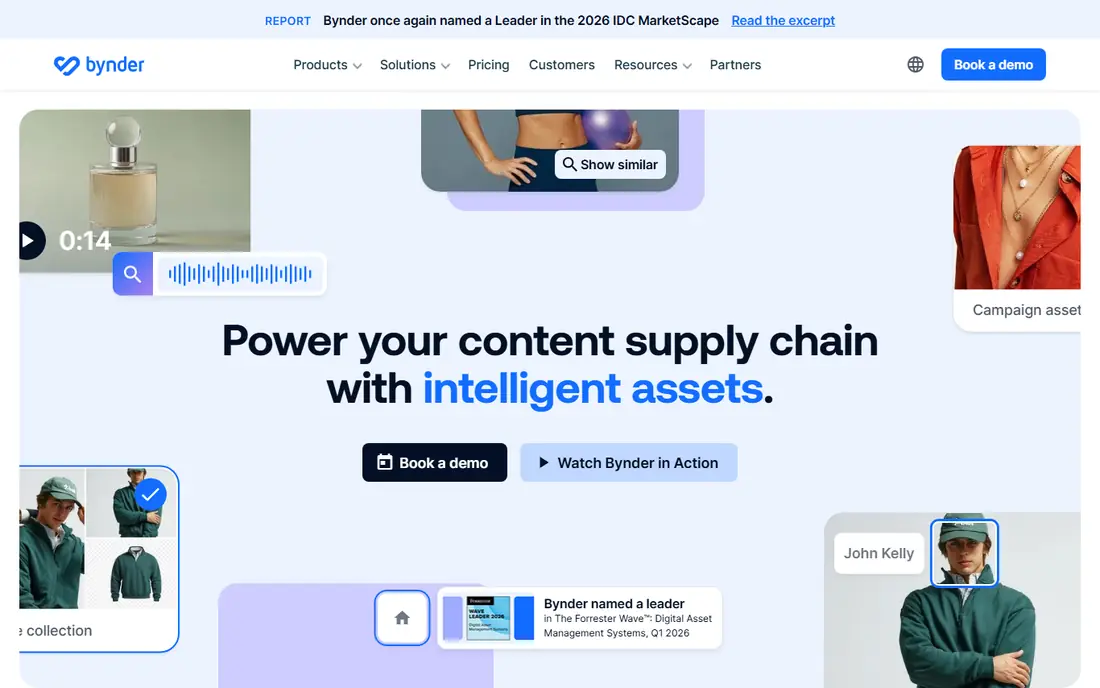
Bynder Content Workflow is the current name for GatherContent. Bynder acquired GatherContent in March 2022 and renamed it Content Workflow by Bynder in November 2023, and retired the GatherContent brand. Bynder still sells it on its own. Its strength is structure: teams build templates with set fields for each content type, so every page follows the same shape, and writers, editors and approvers work through defined stages with inline comments. That suits teams that publish high volumes of similar pages. GatherContent once published prices from $99 a month, but Bynder now prices by custom quote only.
What we like- Structured templates keep every page consistent
- Clear approval stages with comments
- Integrates with Bynder DAM
Watch out for- No published price, so you cannot budget without a sales call, and buyers who only need the workflow may still be steered toward the wider Bynder platform
#3Aprimo
Best for: Large, regulated marketing teams that need planning, DAM, approvals and spend tracking under one governance model4.3/5 on
G2 (332 reviews, checked Oct 2026)
Visit aprimo.com
Starting pricequote
Free planNo free plan. Demo on request.
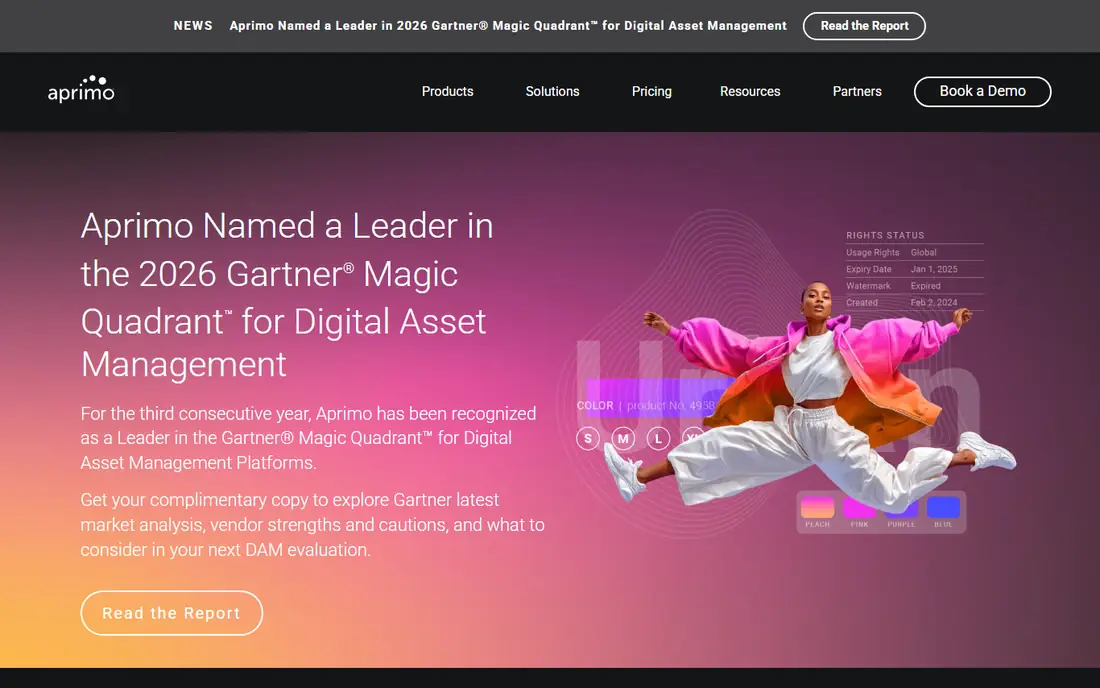
Aprimo is the broadest suite on this list. It combines digital asset management, marketing planning, workflow, approvals and spend tracking in one system. A global calendar shows plans, programs and campaigns together, while review workflows handle markup, annotations and side-by-side comparison. Rights management tracks usage rules on assets, which matters for finance and pharma teams. Aprimo publishes no rate card, and every contract is a custom quote with a 12-month minimum. Third-party guides put entry DAM near $20,000 a year, but that figure is not on the vendor page, so confirm it with sales.
What we like- Combines planning, DAM, workflow and spend
- Strong rights and compliance controls
- Global marketing calendar
Watch out for- Quote-only enterprise pricing with a 12-month minimum contract, and implementation takes longer than a self-serve tool, so small teams will find it heavy
#4
Lytho Planner
Best for: Marketing and creative teams in regulated industries that need intake, proofing and audit trails
Visit lytho.com
Starting pricequote
Free planNo free plan. Demo on request.
Lytho Planner is the current name for DivvyHQ. Lytho acquired DivvyHQ in early 2024 and folded it into Lytho Planner. The DivvyHQ pricing page now redirects to Lytho, and the standalone product is no longer sold. It is built around a master editorial calendar, with intake forms, task assignment, deadlines and structured approvals. Its standout feature is proofing: reviewers comment in the browser, approvals route in order, and every decision is logged, which creates an audit trail for regulated teams. Lytho prices by custom quote, with tiers split by 10, 25 and 100 core users.
What we like- Structured intake forms
- Proofing and approvals with a full audit trail
- Calendar planning across campaigns
Watch out for- Pricing is custom and tiered by core users, so small teams cannot self-serve, and the focus has shifted toward compliance review rather than pure editorial planning
#5Airtable
Best for: Small to mid-size content teams that want a flexible calendar, brief and approval system they can shape themselves4.6/5 on
G2 (3,300 reviews, checked Oct 2026)
Visit airtable.com
Starting price$20 per user per month billed annually (Team plan)
Free planYes, free plan with 1,000 records per base
Airtable is a database that content teams shape into an operations system. Each content type becomes a table with fields for brief, owner, deadline, status and channel, and views turn the same data into a calendar, a kanban board or a gallery. Automations move a piece from draft to review to approved, and forms collect new content requests. Team costs $20 per user per month on annual billing, or $24 month to month, with 50,000 records per base. Business costs $45, or $54 monthly. On Team, commenters are billable, while Business does not charge for commenters.
What we like- Flexible bases fit any content model
- Calendar, kanban and gallery views
- Automations move work between stages
Watch out for- Commenters count as paid seats on Team, so the bill grows with reviewers, and record limits force an upgrade once content volume grows
#6Asana
Best for: Content teams that already manage projects in Asana and want briefs, approvals and calendars in the same workspace4.4/5 on
G2 (13,930 reviews, checked Oct 2026)
Visit asana.com
Starting price$10.99 per user per month billed annually (Starter plan)
Free planYes, Personal plan for up to 2 users
Asana is a work management platform that many content teams already use, and it adapts well to content operations. Teams build a content pipeline as a project, with sections for briefs, drafts, review and published work. Forms collect requests, rules route tasks, and timeline and Gantt views show deadlines. Starter costs $10.99 per user per month on annual billing, or $13.49 month to month. Advanced costs $24.99, or $30.49 monthly, and adds portfolios, goals, workload views, time tracking and approvals and proofing. Enterprise is quote only.
What we like- Timeline and Gantt views
- Approvals and proofing on Advanced
- Unlimited automations on paid plans
Watch out for- Proofing and approvals need the Advanced plan at $24.99 per user per month, and paid plans carry a 2-seat minimum, so the real starting bill is higher than the per-seat figure
#7monday.com
Best for: Visual teams that want boards, timelines and automations for content production4.7/5 on
G2 (17,182 reviews, checked Oct 2026)
Visit monday.com
Starting price$9 per seat per month billed annually (Basic plan)
Free planYes, free plan for up to 2 seats
monday.com is a visual work platform for content production boards. Each piece of content is an item on a board, with columns for owner, status, deadline and channel, and table, kanban, timeline and calendar views. Docs hold the brief next to the task, and automations chase approvals. Basic costs $9 per seat per month on annual billing, or $12 month to month, with no automations. Standard costs $12, or $14 monthly, and adds timeline views, 250 automation actions a month and guest access. Pro costs $19, or $24 monthly, and adds private boards, time tracking and 25,000 automation actions.
What we like- Visual boards and timeline views
- 250 automation actions a month on Standard
- Guest access on Standard
Watch out for- Basic has no automations, so most content teams need Standard at $12 or Pro at $19 per seat per month, and paid plans start at 3 seats
#8Notion
Best for: Small teams that want briefs, wikis, calendars and task tracking in one flexible workspace4.6/5 on
G2 (13,834 reviews, checked Oct 2026)
Visit notion.com
Starting price$10 per member per month billed annually (Plus plan)
Free planYes, free plan for individuals and small teams
Notion is the most document-centred tool on this list. Teams write briefs as pages, link them to a content database, and view the same work as a calendar, a board or a table. Wikis hold brand guidelines next to the work. Guests are free on every plan and never count as members. Plus costs $10 per member per month on annual billing, or $12 month to month, and adds unlimited blocks and file uploads and a 30-day page history. Business costs $20, or $24 monthly, and adds Notion AI, SAML SSO and private teamspaces. Enterprise is quote only.
What we like- Databases link briefs, calendars and tasks
- Guests are free on every plan
- Business adds AI and SSO
Watch out for- No built-in approval workflow with audit trails, so regulated teams need workarounds, and AI credits beyond the allowance are billed separately on Business
Frequently asked questions
What is the difference between content operations software and a CMS?
Content operations software manages the work around content, such as briefs, assignments, reviews and approvals, while a CMS stores and publishes finished pages. Most teams need both. The operations tool runs the process from idea to sign-off, then hands the approved piece to the CMS. Pick a tool that integrates with the CMS you already use.
How much does content operations software cost?
Prices in this guide run from $9 per seat per month for monday.com Basic to quote-only enterprise contracts for Optimizely, Bynder, Aprimo and Lytho. Mid-range options include Asana Starter at $10.99, Notion Plus at $10 and Airtable Team at $20 per user per month, all on annual billing. Third-party guides put Aprimo entry DAM near $20,000 a year, though Aprimo publishes no price. Always confirm the quote before budgeting.
Which tool is best for managing content approvals?
Optimizely, Bynder Content Workflow and Lytho Planner are the strongest for approvals, because each was built with named review stages, comments tied to content, and a record of decisions. Aprimo adds rights and compliance checks for regulated teams. Asana Advanced also offers approvals and proofing. Airtable, monday.com and Notion handle approvals through status fields, which works for simple sign-offs but leaves a weaker audit trail.
Can a small team use Asana or monday.com instead of a dedicated content operations platform?
Yes, and many small teams do. Asana Starter at $10.99 per user per month and monday.com Basic at $9 per seat per month cover tasks, calendars and deadlines at low cost, and both have free plans. The trade-off is structure: brief templates, approval stages and governance need manual setup, and proofing features sit on higher tiers. Move to a dedicated platform when approval volume or compliance needs outgrow the work tool.
What happened to GatherContent and DivvyHQ?
GatherContent was acquired by Bynder in March 2022 and renamed Content Workflow by Bynder in November 2023, with the GatherContent brand retired. The product continues as part of Bynder, and it is still sold on its own. DivvyHQ was acquired by Lytho in early 2024 and folded into Lytho Planner, and its pricing page now redirects to Lytho. Both tools appear here under their current names, with quote-only pricing.
Sources we checked (8)
- https://docs.optimizely.com/content-marketing-platform/docs/cmp-overview
- https://www.bynder.com/en/blog/gathercontent-is-now-content-workflow-by-bynder/
- https://www.aprimo.com/pricing
- https://www.lytho.com
- https://www.airtable.com/pricing
- https://asana.com/pricing
- https://www.monday.com/pricing
- https://www.notion.com/pricing
Is your product missing or out of date?
We review this list regularly. Vendors can request a listing, send updated pricing or ask about featured placement.

Shihab Mia · Founder, Rankite
Shihab has 5+ years in B2B and SaaS SEO. He writes Rankite's software buying guides from pricing pages, documentation and public user reviews. More about Shihab.