How we make this list: we compare pricing pages, product documentation and public user reviews. Rankite is independent; if a vendor ever pays for a featured spot, that listing is clearly labeled Partner.
Key takeaways
- Foundation Software, Jonas Premier and ComputerEase are the purpose-built tier: real job costing, retainage, and union payroll, all quote-only.
- Acumatica Construction Edition and Trimble Viewpoint Vista serve growing and large firms that need cloud ERP depth; CMiC targets the largest contractors.
- QuickBooks Enterprise (Contractor edition) and Xero ($27/month Early) cover small contractors and specialty trades that do not need full job-cost ERP.
- Almost nobody publishes prices in this category: budget demos with at least three vendors and get implementation quotes in writing.
Quick comparison
| Tool | Best for | Starting price | Free plan |
|---|
 Foundation Software Foundation Software | Contractors where complex payroll and deep job costing drive the decision | See website | No |
 Jonas Premier Jonas Premier | General contractors and developers wanting cloud accounting with strong dashboards | See website | No |
 ComputerEase ComputerEase | Contractors wanting accounting and project management in one package | See website | No |
 Acumatica Construction Edition Acumatica Construction Edition | Growing construction firms wanting true cloud ERP | See website | No |
 Sage 100 Contractor Sage 100 Contractor | Small to mid-size contractors already in the Sage ecosystem | See website | No |
 Trimble Viewpoint Vista Trimble Viewpoint Vista | Larger contractors needing full construction ERP | See website | No |
 CMiC CMiC | Large construction firms wanting a single unified ERP | See website | No |
 QuickBooks Enterprise Contractor QuickBooks Enterprise Contractor | Small contractors who want to stay in the QuickBooks ecosystem | See website | No |
 Xero Xero | Small contractors and specialty trades with straightforward needs | $27/month (Early plan) | Free trial (one month free offered on the pricing page) |
Is your product missing or out of date?
We review this list regularly. Vendors can request a listing, send updated pricing or ask about featured placement.
The best construction accounting software
Construction breaks generic accounting software in predictable ways: QuickBooks does not understand retainage, AIA billing, job costing by cost code, or prevailing-wage payroll, and workarounds collapse the first time an auditor asks for a job cost report. Construction accounting software is built around the job: every dollar coded to a project, a cost code, and a phase, with billing, payroll and reporting to match. These nine tools cover the real market, from trade-specific ERP to small-contractor accounting.
#1
Foundation Software
Best for: Contractors where complex payroll and deep job costing drive the decision
Visit foundationsoft.com
Starting priceSee website
Free planNo
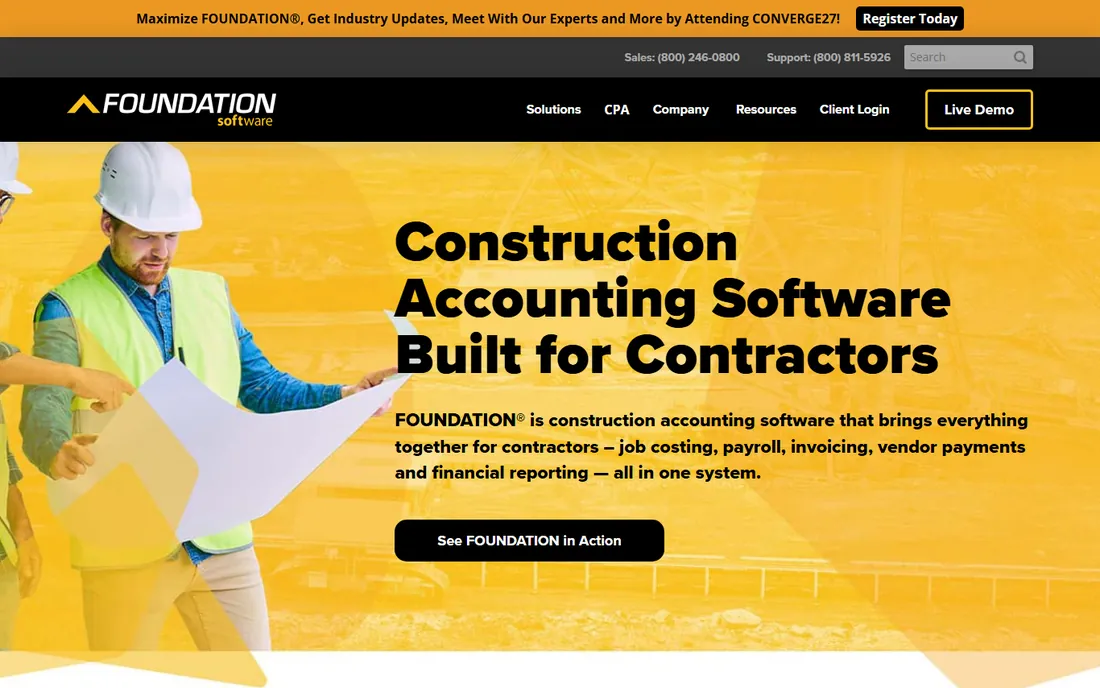
Foundation is the accountant's construction software: built around job costing depth first, with project management secondary. You get hundreds of prebuilt job cost reports, executive dashboards, scheduling, and payroll that handles multi-state, multi-trade and multi-union work with certified payroll and prevailing wage. The SQL Server backend keeps reporting fast as data grows.
The trade-offs are classic construction ERP: a steep learning curve before users feel productive, a dated interface in places, and mobile coverage that reviewers say lags the field-first competitors. Pricing is quote-only; third-party data puts entry around $500 per month. Pick Foundation when payroll complexity and job cost reporting top the list, not when field mobility does.
What we like- Hundreds of automatic job costing reports with executive dashboards
- Multi-state, multi-trade and multi-union payroll with rate tables
- Microsoft SQL Server reporting backend
Watch out for- Quote-only pricing with a steep learning curve
- Several modules do not run well on phones, per user reviews
#2
Jonas Premier
Best for: General contractors and developers wanting cloud accounting with strong dashboards
Visit jonaspremier.com
Starting priceSee website
Free planNo
Jonas Premier is the cloud-native sibling in the Jonas family, aimed at general contractors, home builders and land developers rather than specialty trades. Job costing comes with drill-down views and forecast models, and the dashboards keep retainage, AP aging, compliance documents and approvals visible in one place. Subcontractors can sign documents electronically, and change orders move from the field.
Reviewers like the accessible interface but flag reporting as the weak spot, with some feeling pushed toward add-on modules, and large datasets can slow the system. Pricing is per user per month on quote; third-party data cites $249 per user per month. Choose Premier for cloud access and dashboards; choose its on-premise sibling Jonas Construction for deeper trade-specific modules.
What we like- Cloud-based with job dashboards covering retainage, AP, compliance and approvals
- E-signatures for subcontractors
- Change orders approvable from a phone
Watch out for- Quote-only per-user pricing
- Reviewers cite reporting limits and occasional performance issues
#3
ComputerEase
Best for: Contractors wanting accounting and project management in one package
Visit computerease.com
Starting priceSee website
Free planNo
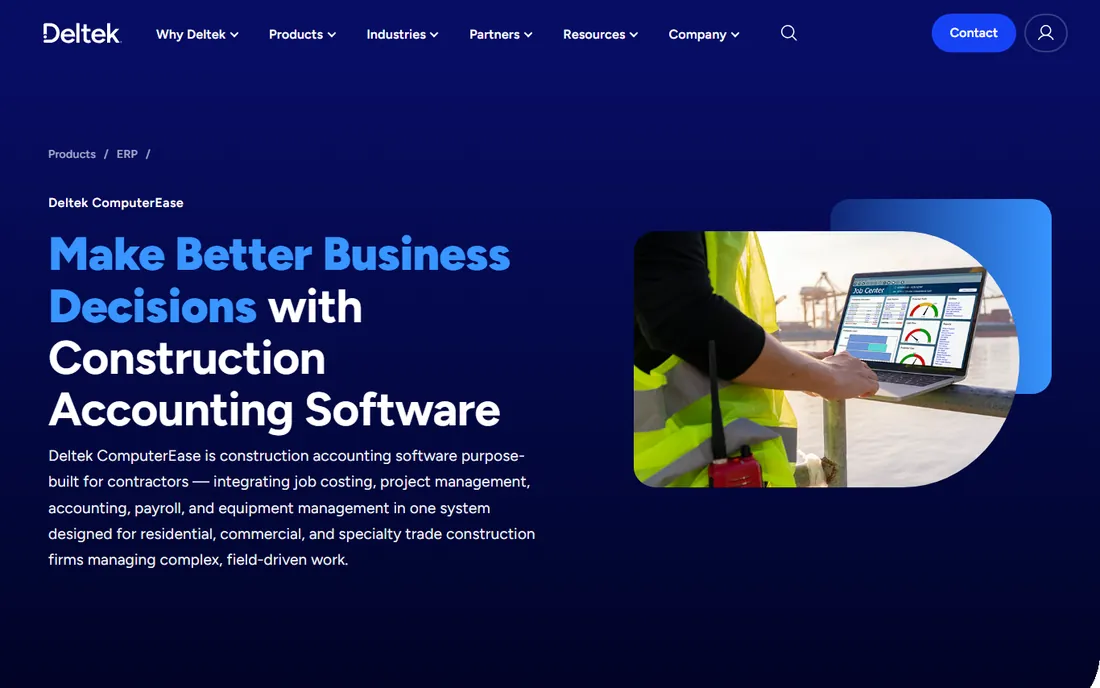
ComputerEase bundles what Foundation keeps separate: accounting plus project management, dispatch, and field tools in one system. The Job Center tracks costs, Red Flag checks catch expired subcontractor insurance before payments go out, and the FieldEase mobile app keeps crews connected. For contractors who want one vendor for office and field, the integration is the pitch.
The commercial model is old-school: a one-time license (third-party data cites $5,000 to start) rather than pure SaaS, so compare total cost over your planned years, not headline figures. Reporting is more basic than Foundation's, and users describe a learning curve and a dated interface. It fits contractors who value the bundle over best-in-class reporting.
What we like- Job Center with Red Flag subcontractor insurance checks
- Dispatch boards and FieldEase mobile app for field-to-office work
- Strong subcontractor compliance controls
Watch out for- One-time license model ($5,000 cited by third parties) plus maintenance changes the cost math
- Reporting is basic and creating reports feels awkward
#4
Acumatica Construction Edition
Best for: Growing construction firms wanting true cloud ERP
Visit acumatica.com
Starting priceSee website
Free planNo
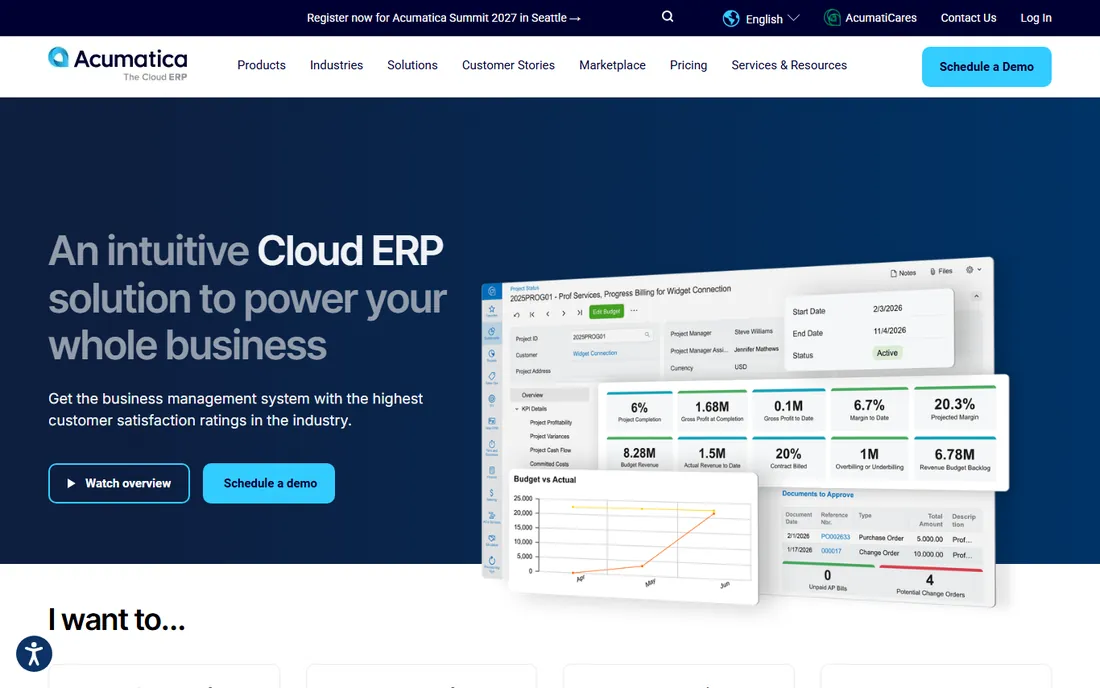
Acumatica Construction Edition is for firms outgrowing contractor-grade tools but not ready for Viewpoint or CMiC: a true cloud ERP with construction modules for job costing, project management, payroll and service management. Because it is real ERP, it scales: multi-entity, multi-currency and deep reporting come along as the company grows, without the replatforming that contractor tools eventually force.
Expect ERP buying dynamics: quote-based annual pricing, partner-led implementation, and a learning curve that half of commenting users mention. Third-party data puts entry near $10,000 per year. The payoff is a system the company will not outgrow. Choose Acumatica when the five-year plan includes real growth; choose a contractor tool when the company will stay its current size.
What we like- True cloud ERP with construction-specific job costing, project management and payroll
- Scales from mid-size to large without replatforming
- Strong integration ecosystem
Watch out for- Quote-based annual pricing (third-party data cites $10,000/year entry)
- Steep learning curve noted by users
#5
Sage 100 Contractor
Best for: Small to mid-size contractors already in the Sage ecosystem
Visit sage.com
Starting priceSee website
Free planNo
Sage 100 Contractor, formerly Master Builder, is the veteran of this list: decades of contractor-specific development in job costing, AIA billing, payroll and project management. Small to mid-size contractors across the US run their businesses on it, and the feature set reflects every edge case the industry has produced. If your accountant knows construction, they know Sage 100 Contractor.
The age shows. The interface is dated, the architecture is on-premise at heart, and Sage's cloud strategy for this product has been slow. Pricing is quote-based through partners. It remains a solid pick for contractors who want proven depth and do not care about modern UX. Firms prioritizing cloud and mobile should look at Jonas Premier or Acumatica instead.
What we like- Purpose-built job costing, payroll and project management for contractors
- Deep construction feature set refined over decades
- Strong US contractor user base
Watch out for- Dated interface and on-premise roots
- Quote-based pricing with partner-led sales
#6
Trimble Viewpoint Vista
Best for: Larger contractors needing full construction ERP
Visit viewpoint.com
Starting priceSee website
Free planNo
Viewpoint Vista is Trimble's ERP answer for contractors that have outgrown mid-market tools: full accounting, project management, HR and payroll, equipment management and service, with the job costing depth large projects demand. Integration with Trimble's field hardware and technology stack is a genuine differentiator for heavy civil and large commercial contractors.
Everything scales with the ambition: enterprise pricing, partner implementations, and a feature set that would drown a 20-person shop. This is software for contractors running tens of millions in annual revenue with dedicated IT. Smaller firms get 90 percent of the value from Foundation or Jonas at a fraction of the cost and effort.
What we like- Comprehensive ERP: accounting, project management, HR, equipment and service management
- Deep job costing with strong reporting
- Trimble ecosystem integrations (hardware, field tech)
Watch out for- Enterprise pricing and implementation scope
- Complexity that small contractors will never use
Starting priceSee website
Free planNo
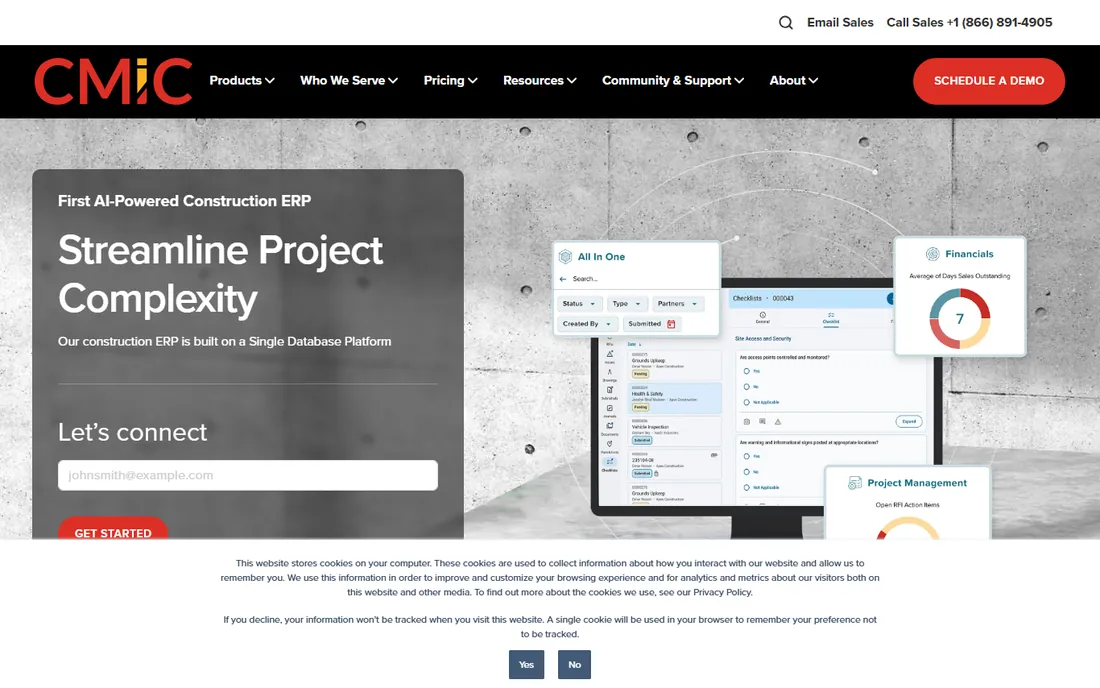
CMiC's distinction is architectural: one database for the entire construction enterprise, so financials, project controls, HR and payroll never need reconciling between systems. Large general contractors and developers use it to run billion-dollar project portfolios with consistent controls. The construction specificity runs deep, from advanced job costing to enterprise project management.
The buyer profile is narrow: large firms with the IT staff and budget for a real ERP implementation. Pricing is quote-only and implementations are measured in quarters. Mid-market contractors should not evaluate CMiC; the platform assumes an organization big enough to have a CIO. When you are that company, the unified database is worth the journey.
What we like- Single-database ERP purpose-built for construction: financials, project management, HR and payroll on one platform
- Strong enterprise feature depth
Watch out for- Quote-only enterprise pricing
- Long implementations suited to large organizations only
#8
QuickBooks Enterprise Contractor
Best for: Small contractors who want to stay in the QuickBooks ecosystem
Visit quickbooks.intuit.com
Starting priceSee website
Free planNo
QuickBooks Enterprise with the Contractor edition is the pragmatic middle ground: real job costing, progress invoicing, AIA billing documents and 200-plus report templates, inside the QuickBooks world every bookkeeper already knows. For small contractors graduating from QuickBooks Online or Desktop Pro, it is the lowest-friction upgrade that adds genuine construction features.
The ceiling is real. Per-user annual pricing adds up with a team, advanced inventory and payroll cost extra, and the job costing, while real, does not match Foundation or Jonas depth. Multi-entity contractors outgrow it. It fits the 5-to-50-person contractor that wants better construction accounting without retraining the office. Beyond that, buy purpose-built.
What we like- Contractor edition with job costing, AIA billing and advanced reporting
- Every US construction accountant knows it
- Huge add-on ecosystem
Watch out for- Still QuickBooks underneath: multi-user and advanced needs get expensive
- Job costing is shallower than purpose-built tools
#9
Xero
Best for: Small contractors and specialty trades with straightforward needs
Visit xero.com
Starting price$27/month (Early plan)
Free planFree trial (one month free offered on the pricing page)

Xero is the honest answer for the smallest contractors: a specialty trade doing straightforward work does not need construction ERP, it needs clean books. Early at $27 per month (after an 80-percent-off three-month intro) covers 20 invoices and 5 bills monthly with unlimited users, and Growing at $59 removes the caps. The interface is the friendliest here, and the app store fills gaps with tools like Fergus for trade job management.
The limit is construction specificity. There is no native job costing, AIA billing or retainage tracking; those come from add-ons, which adds cost and complexity. A two-person electrical shop is fine. A general contractor running multi-phase projects with retainage is not, and should be looking at Foundation or Jonas instead. Buy Xero for simplicity, not for construction depth.
What we like- Published pricing starting at $27/month with unlimited users on every plan
- Clean interface non-accountants can use
- 1,000-plus app integrations including construction add-ons
Watch out for- No native construction features: job costing depends on add-ons like WorkflowMax or Fergus
- Early plan caps at 20 invoices and 5 bills per month
How we chose
We started with the searches contractors actually run: best construction accounting software, best accounting software for construction business, and contractor job costing software. For each candidate we checked the vendor's own pricing page first, then cross-checked plan structures against independent reviews and practitioner discussion, and compared job costing depth, payroll capability, deployment model and company-size fit. Almost no vendor in this category publishes prices, so nearly every starting price is "See website" rather than a repeated estimate. The shortlist spans trade ERP to small-business accounting because a 200-person general contractor and a two-person electrician are not buying the same thing.
Frequently asked questions
What is the difference between construction accounting and regular accounting?
Job costing. Construction accounting tracks every cost against a specific job, cost code and phase, and handles industry mechanics: progress billing, AIA documents, retainage, change orders, certified payroll and prevailing wage. Regular accounting tracks the company as a whole. A contractor on generic software ends up managing jobs in spreadsheets.
How much does construction accounting software cost?
Small contractors: Xero from $27/month or QuickBooks within its published tiers. Mid-market purpose-built tools (Foundation, Jonas, ComputerEase) are quote-only, with third-party data suggesting roughly $500/month to $249/user/month entry points. ERP tier (Acumatica, Viewpoint, CMiC) starts around $10,000/year and climbs with users and modules. Always get implementation quoted separately.
Can QuickBooks handle construction accounting?
QuickBooks Online handles it poorly; QuickBooks Enterprise with the Contractor edition handles it adequately for small contractors, with job costing, AIA billing and progress invoicing. Past 50 employees or multi-entity operations, purpose-built tools (Foundation, Jonas, Viewpoint) do the job properly. Most construction accountants will tell you the same.
What is job costing and why does it matter?
Job costing assigns every labor hour, material purchase and subcontractor invoice to a specific job and cost code, so you know each project's true margin while it is running, not after it closes. It is the difference between discovering a job lost money in April versus discovering it in October when nothing can be done.
Do I need ERP or is contractor software enough?
Contractor software (Foundation, Jonas, ComputerEase, Sage 100) covers accounting, job costing, payroll and project management for most firms up to a few hundred employees. ERP (Acumatica, Viewpoint, CMiC) adds multi-entity consolidation, advanced HR, equipment fleets and enterprise controls. If you run one to three entities, contractor software is enough. Past that, evaluate ERP.
What to demo before you buy
Construction software demos all look good, so script yours around your pain. Bring a real job: ask the rep to set up its cost codes, enter a change order, run an AIA billing, and withhold retainage, live. Bring your payroll complexity: a union job with prevailing wage and certified payroll separates the serious tools from the pretenders in ten minutes. Bring your worst report: the job cost summary your owner actually reads, and ask for it built from your data, not sample data.
Then price the whole thing. License fees are the smallest line: implementation, data migration, training and year-one support commonly exceed the first-year subscription on ERP-tier products. Get each in writing from at least three vendors. And call two reference customers in your trade and size band; construction is tribal, and a roofer's experience with a tool tells an excavator almost nothing.
Sources we checked (11)
- https://www.selecthub.com/construction-accounting-software/foundation-software-vs-computerease/
- https://selecthub.com/construction-management-software/jonas-construction-vs-jonas-premier/
- https://www.selecthub.com/construction-management-software/jonas-construction-vs-acumatica-construction-edition/
- https://www.selecthub.com/construction-management-software/buildertrend-vs-jonas-premier/
- https://www.selecthub.com/accounting-software/xero-vs-quickbooks-enterprise/
- https://www.basis365.com/blog/switch-from-quickbooks-to-xero-2026
- https://theconvergencehub.com/xero-vs-quickbooks
- https://ifeeltech.com/blog/xero-accounting-software-review
- https://www.xero.com/us/accounting-software/
- https://www.g2.com/categories/construction-accounting
- https://www.capterra.com/construction-accounting-software/
Is your product missing or out of date?
We review this list regularly. Vendors can request a listing, send updated pricing or ask about featured placement.

Shihab Mia · Founder, Rankite
Shihab has spent more than a decade helping SaaS and e-commerce brands grow through search. He writes Rankite's software buying guides from pricing pages, documentation and public user reviews. More about Shihab.